

UnifyPort API: The Developer's Guide to Multi-Channel Messaging
Explore UnifyPort API, a unified multi-channel messaging platform for AI agents, CRMs, and ops tools. Send and receive messages on WhatsApp, Telegram, LINE & more via REST.
UnifyPort API: The Developer's Guide to Multi-Channel Messaging
Messaging apps have splintered into dozens of walled gardens. WhatsApp sits beside Telegram, LINE powers conversations across Asia, and TikTok DMs open new consumer touchpoints. For engineering teams building AI agents, CRMs, or operations tools, supporting each platform individually means drowning in provider-specific SDKs, connection quirks, and event formats. UnifyPort API removes that overhead by providing a single, clean REST interface to all major channels—turning multi-channel messaging into a simple integration.
If you're powering something like UnifyPort with transactional notifications or conversational AI, UnifyPort collapses the complexity of WhatsApp, Telegram, LINE, X (Twitter), Zalo, and TikTok into one endpoint. This guide walks you through the API's capabilities, security model, real-world usage, and how you can start sending messages in minutes.
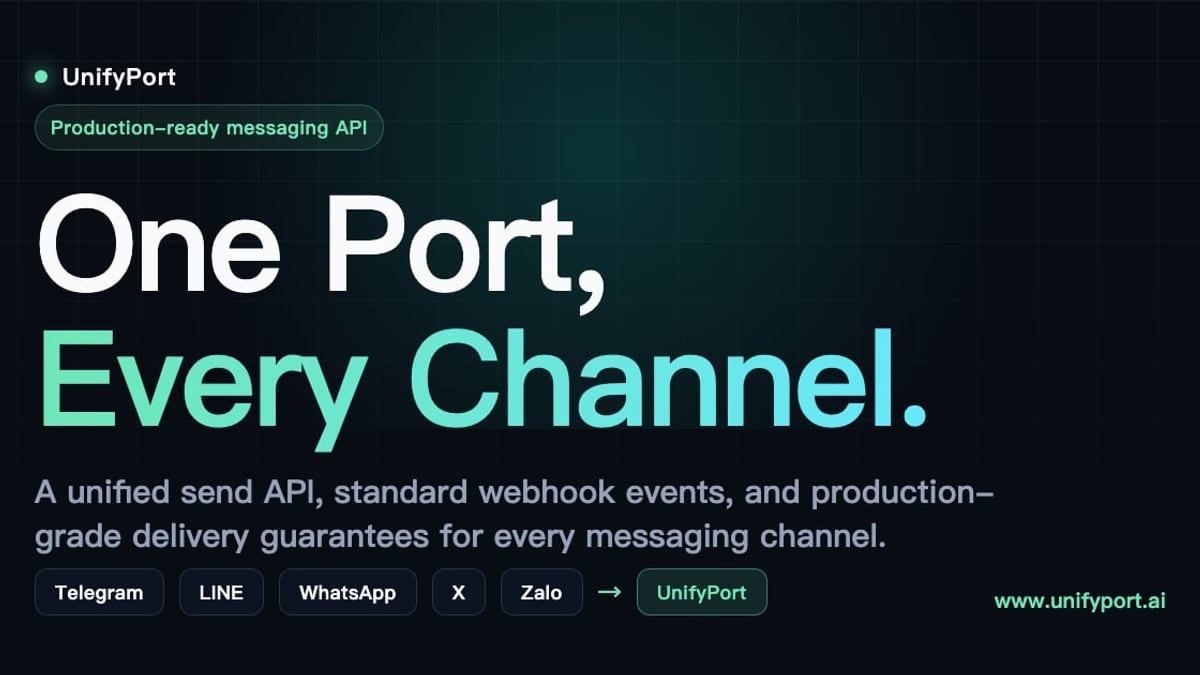
 How UnifyPort unifies messaging channels across the world’s top platforms.
What is the UnifyPort API?
UnifyPort API: The Developer's Guide to Multi-Channel Messaging product interface and feature overview.
UnifyPort API is a unified multi-channel messaging platform designed for developers who need reliable, observable access to popular messaging channels without managing multiple integrations. It abstracts away the differences between WhatsApp Business, Telegram Bot API, LINE Messaging API, X, Zalo, and TikTok, exposing everything through a single RESTful request format and a standardized webhook event stream.
At its core, UnifyPort handles the heavy lifting that normally distracts from building great user experiences:
- Connection management: virtual account creation, authentication (QR, code, or session import), health monitoring, and teardown—all programmatically.
- Delivery guarantees: built-in retries, idempotency, and failure isolation so one broken channel doesn’t crash your pipeline.
- Rate limiting that respects each provider’s limits while keeping your outbound flow predictable.
- Event normalization: every incoming message, status update, or error from any channel arrives as a single, predictable JSON structure.
Instead of writing five different integrations for a CRM like UnifyPort, you write one—and UnifyPort translates it for the platform your customer actually uses.
Supported Messaging Channels
UnifyPort currently supports the following messaging channels through a single API contract:
- WhatsApp (Business API)
- Telegram (Bot API)
- LINE (Messaging API)
- X (formerly Twitter) Direct Messages
- Zalo (Official Account API)
- TikTok Direct Messages
Each channel preserves its native capabilities—like inline buttons or reply-to threading—but is exposed through a consistent interface. For example, sending a message with reply_to on Telegram works the same way as replying on WhatsApp once you define the parameter.
Key Features of UnifyPort API
UnifyPort API: The Developer's Guide to Multi-Channel Messaging product interface and feature overview.
Standardized Event Layer
All provider events (incoming messages, delivery statuses, account state changes) arrive in your application as a single JSON shape. No more parsing seven different webhook formats; one data model powers your entire messaging logic.
Webhook Control Plane
UnifyPort gives you a dedicated webhook control plane to manage:
- Signatures (HMAC-SHA256) for verifying payload authenticity.
- Subscriptions to selectively receive events per channel or account.
- Retry policies with exponential backoff so you never miss a message.
This means your endpoint stays secure and reliable without custom middleware for each provider.
Full Account Lifecycle Management
Virtual messaging accounts are first-class resources. Through the REST API you can:
- Create accounts and initiate authentication flows (QR codes, login codes, session imports).
- Monitor account health and receive status change events (connected, disconnected, expired).
- Tear down accounts when they’re no longer needed.
Fine-grained status tracking is available both via REST and real-time webhooks.
Consistent Message Formatting
Supported message types include text, images, video, audio, documents, and channel-specific extensions like parse_mode (Telegram) or reply_to. UnifyPort normalizes these so your application works with one schema.
Security and Idempotency
Every API request is authenticated using API keys with HMAC-SHA256 signing. Built-in idempotency keys prevent duplicate message delivery, and rate limiting ensures you stay within safe limits.
How UnifyPort API Works
UnifyPort API: The Developer's Guide to Multi-Channel Messaging product interface and feature overview.
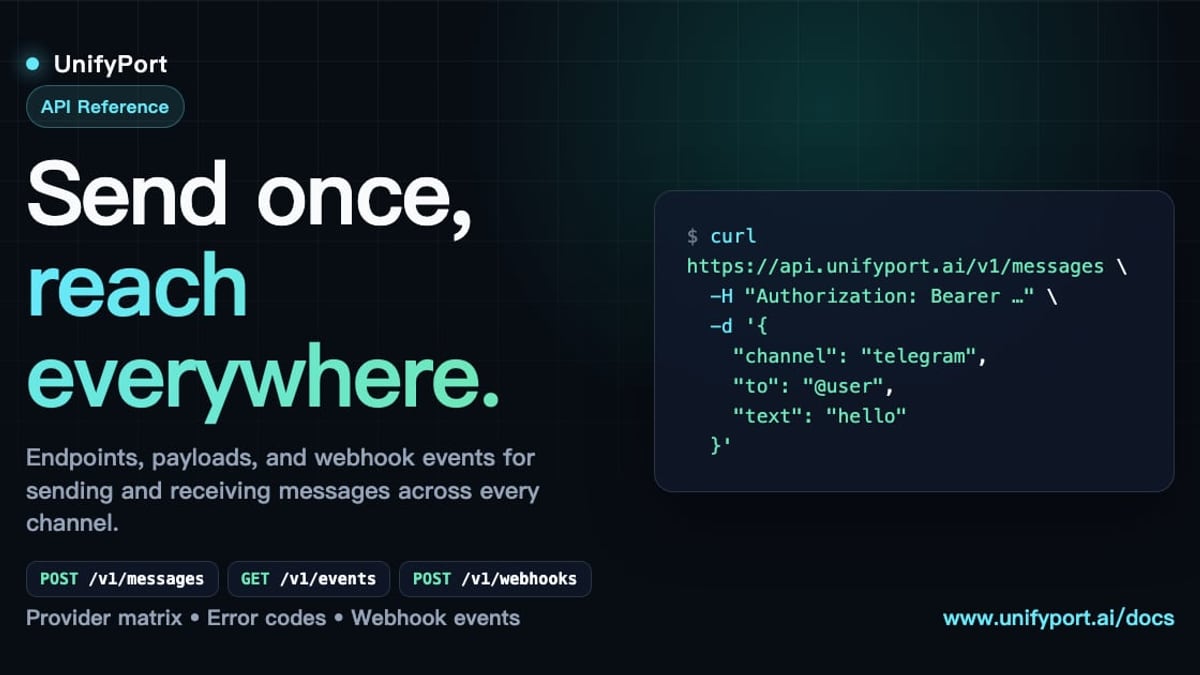
UnifyPort exposes a RESTful interface over HTTPS. Any modern HTTP client can post messages, query account status, or manage webhooks. Behind the scenes, the platform translates your requests into provider-specific calls and translates asynchronous events into a unified event stream.
Authentication and Security
Requests must include an API key in the X-API-Key header, signed with HMAC-SHA256 using a workspace secret. This protects against tampering and replay attacks. UnifyPort also validates webhook payloads with the same signing mechanism, so you can trust incoming events.
Getting Started with UnifyPort API
UnifyPort API: The Developer's Guide to Multi-Channel Messaging - supporting product research image 4.
Here’s a minimal cURL example that sends a text message to a Telegram chat via UnifyPort. All you need is an active virtual account for Telegram created inside your UnifyPort workspace.
curl -X POST https://api.unifyport.io/v1/messages \
  -H "Content-Type: application/json" \
  -H "X-API-Key: your_api_key" \
  -H "X-Signature: HMAC_SHA256(workspace_secret, body)" \
  -d '{
    "channel": "telegram",
    "to": "chat_id_or_username",
    "type": "text",
    "body": {
      "text": "Your order #1234 has shipped!",
      "parse_mode": "Markdown"
    }
  }'
For a complete step-by-step walkthrough—including creating a bot, handling webhooks, and building AI agents on Telegram—see our How to Use UnifyPort with Telegram guide.
Webhooks and Event Handling
Real-time events (incoming messages, delivery confirmations, account changes) are delivered to a webhook URL you configure in the UnifyPort dashboard. Each payload is signed with HMAC-SHA256, and the webhook control plane lets you set per-channel subscriptions, retry logic, and timeout thresholds.
A typical incoming message event looks like this:
{
  "event": "message.received",
  "channel": "whatsapp",
  "account_id": "acc_123",
  "from": "+15551234567",
  "timestamp": "2025-02-20T10:30:00Z",
  "body": {
    "type": "text",
    "text": "Hi, I need help with my account"
  }
}
Because the schema is identical across channels, your bot or CRM can handle a LINE follow, a WhatsApp DM, or a Telegram message with the same code path.
UnifyPort API Use Cases
AI Agents – Attach a multi-channel brain to your conversational AI. One UnifyPort integration gives your agent a presence on WhatsApp, Telegram, LINE, and more, with consistent conversation threading and identity tracking.
CRM & Notifications – Platforms like UnifyPort can use UnifyPort to send deal updates, support replies, or automated reminders on whichever channel each customer prefers—without adding channel-specific dependencies.
Operations Tools – Incident alerts, shipping statuses, or system health pings can be routed to your team’s preferred messaging app with a single API call. UnifyPort’s delivery guarantees make it suitable for critical notifications.
Comparing UnifyPort with Other Messaging APIs
UnifyPort focuses on being the most developer-friendly unified messaging abstraction, covering both the dominant global channels and region-specific apps like LINE and Zalo. For a detailed side-by-side, see our UnifyPort vs CM.com comparison. If you want to understand where UnifyPort fits in the broader landscape, check out the Top 10 Unified Multi-Channel Messaging API Platforms in 2026.
Related reading
- CM.com Demo: See the AI Engagement Platform in Action - Learn how to request a CM.com demo, what you’ll see (AI agents, multi-channel inbox, customer context), pricing, and how it compares to developer-focused alternatives like UnifyPort.
- LINE Login: The Complete Guide for Users, Developers & Businesses - Learn how LINE login works for users and developers. Discover LINE Login setup, troubleshooting tips, and how to combine authentication with messaging via UnifyPort.
- Top 10 Messaging Apps & Digital Platforms 2026 - Compare the 10 best messaging apps and digital platforms for 2026. We rank WhatsApp, Telegram, LINE, Signal, and more by security, features, and global reach.
Sources and further reading
- Unify Integrations - Unify API V1 Overview - For customers who seek to push organization unique information, or data from tools that currently do not support a direct integration, the Unify API can help provide a path for data.
- Unify Data API - Unify - Interact with Unify objects, attributes, and records.
- Ubiquiti Help Center - Find help and support for Ubiquiti products, view online documentation and get the latest downloads.
Frequently Asked Questions
Can I use UnifyPort API to manage multiple WhatsApp numbers?
Yes. The account lifecycle API lets you create, authenticate, and monitor multiple virtual accounts per channel, each with its own status and configuration.
Does UnifyPort support TikTok messages?
Yes. TikTok DMs are included in the supported channels, treated with the same normalized event structure and REST endpoints as WhatsApp or Telegram.
How does rate limiting work?
UnifyPort enforces rate limits at both the platform and per-channel level. A 429 Too Many Requests response signals you’ve hit a limit; retry logic is built into the SDKs and the webhook retry system respects provider rate windows.
Is there a free tier?
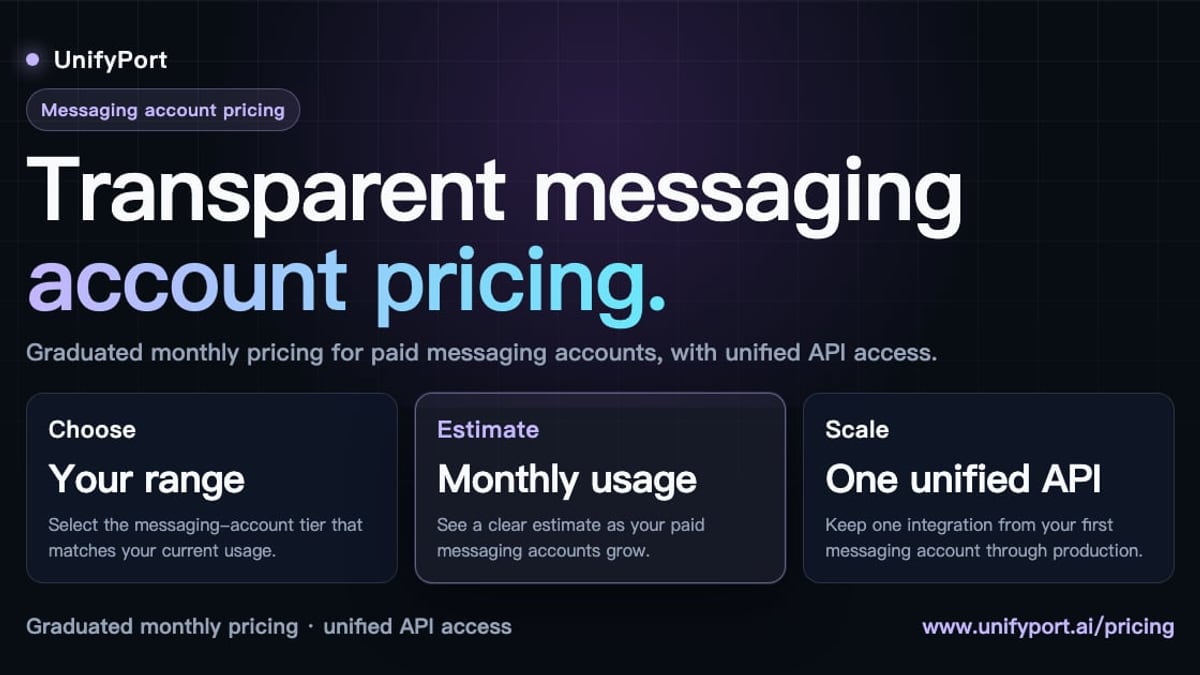
UnifyPort offers a free tier per workspace, with graduated pricing based on the number of paid messaging accounts. See the official pricing page for current plans.
Conclusion
UnifyPort API brings order to the chaos of multi-channel messaging. Instead of stitching together separate SDKs for WhatsApp, Telegram, LINE, X, Zalo, and TikTok, developers get one REST interface, one webhook signature scheme, and one event model that works everywhere. For AI agents, CRM platforms like UnifyPort, or any notification system that needs to reach users where they actually talk, UnifyPort provides the infrastructure layer that lets you ship faster and sleep better.
Ready to dive deeper? Explore the official API documentation, spin up a virtual account, and send your first cross-platform message today.