
CM.com Demo: See the AI Engagement Platform in Action
Learn how to request a CM.com demo, what you’ll see (AI agents, multi-channel inbox, customer context), pricing, and how it compares to developer-focused alternatives like UnifyPort.
CM.com Demo: Your Guide to Exploring the AI-Powered Customer Engagement Platform
A CM.com demo is the fastest way to see how the platform connects messaging, marketing, service, and payments under one customer context. Instead of reading spec sheets, you watch live AI agents handle conversations, smart routing drop requests into the right inbox, and customer predictions turn data into action. This guide covers how to request a demo, what you’ll see, key questions to ask, pricing, and how CM.com stacks up against developer-first alternatives like UnifyPort.
What Is CM.com?
CM.com Demo: See the AI Engagement Platform in Action product interface and feature overview.
CM.com is a conversational commerce platform that ties together customer messaging, AI automation, and transactional payments. It runs on four suites—Connectivity, Mobile Service Cloud, Mobile Marketing Cloud, and Conversational AI Cloud—all fed by a shared Customer Context Platform. That context layer stores every interaction, enriches profiles, and even forecasts what a customer is likely to do next. The central AI engine, HALO, can autonomously resolve inquiries across WhatsApp, SMS, voice, and web chat, and hand off to human agents only when needed.
Because the whole platform operates from one customer view, a marketing message, a support ticket, and a payment prompt never lose sight of each other. Over 10,000 businesses, including Domino’s, DHL, and BMW, use CM.com to reduce repetition and make every conversation build on the last.
How to Request a CM.com Demo
CM.com Demo: See the AI Engagement Platform in Action - supporting product research image 4.
You can request a demo directly through CM.com’s official website. Look for the “Talk to an expert” or “Request a demo” button on the homepage or any product page (like the Mobile Service Cloud page). Fill out a short form with your business email, company size, and a brief note about what you want to see. A sales specialist then schedules a personalized walkthrough, typically within a few business days.
Third-party platforms like Softwarefinder also mention a demo video and the option to contact CM.com’s support team directly at (661) 384‑7070, though the official route guarantees a tailored session.
What You’ll See in a CM.com Demo
A typical CM.com demo is built around your use case—retail, logistics, banking, or travel—but you can expect the following core building blocks to appear.
The Four Suites, One View
- Connectivity Suite: The messaging backbone that powers SMS, WhatsApp, Apple Messages for Business, Google Business Messages, and voice. The demo shows delivery reports, failover routing, and global compliance (GDPR, ISO 27001).
- Mobile Service Cloud: An AI-powered agent inbox that merges all conversations into a single queue. Smart routing, canned responses, internal collaboration, and a unified knowledge center are demonstrated live.
- Mobile Marketing Cloud: Omnichannel campaign builders, audience segmentation, and journey automation. You’ll see how triggered messages (e.g., abandoned cart) draw on the same customer context.
- Conversational AI Cloud: Where HALO agents are designed, trained, and deployed. The demo often includes a complete bot flow that answers FAQs, escalates to a human, and updates back‑end systems.
HALO AI Agents in Action
HALO is the cross-platform AI agent that CM.com positions as more than a chatbot. In a demo, you’ll watch it pick up a WhatsApp message, pull the customer’s full history from the Customer Context Platform, reply with a personalized answer, and—if needed—create a ticket in your CRM. The agent can toggle between channels without losing context, and it can even process payments natively.
Customer Context Platform & Predictions
The demo emphasizes how the context platform unifies every interaction—web visits, past purchases, support tickets—into a single profile. The standout moment is usually CXP Predictions: the platform forecasts a customer’s next likely action (e.g., churn risk, high purchase intent) so agents and AI can act proactively.
Who Should Get a CM.com Demo?
A demo is most valuable if you:
- Run a customer‑facing team handling high volumes across multiple messaging channels.
- Need AI‑driven automation that goes beyond simple chatbots and integrates with payments or shipping systems.
- Operate in regulated industries like finance or healthcare, where data residency and compliance matter.
- Are a marketer who wants to unify campaigns, service interactions, and loyalty programs on one platform.
Typical industries include retail & e‑commerce, logistics, travel & hospitality, banking, and insurance.
CM.com Demo: Questions to Ask
- How does the Customer Context Platform ingest data from my existing CRM and CDP? Ask to see a live integration, not just slides.
- What channels does HALO truly unify, and what happens when a channel goes down? Probe for fallback, rate limits, and failover behavior.
- Can I run a proof of concept with my own use case? Many demos end with a paid pilot; clarify scope and cost upfront.
- How is pricing calculated when AI agents handle messages vs. human agents? Understand the difference between seat‑based and conversation‑based pricing.
- What does the developer experience look like? Request a tour of the APIs, webhooks, and documentation if your team builds custom integrations.
Alternatives to Consider
CM.com Demo: See the AI Engagement Platform in Action product interface and feature overview.
CM.com is a comprehensive engagement suite, but it’s not the only path to multi‑channel messaging. If your team is developer‑heavy and needs a lightweight, API‑first approach that doesn’t require adopting an entire suite, UnifyPort offers a focused alternative.
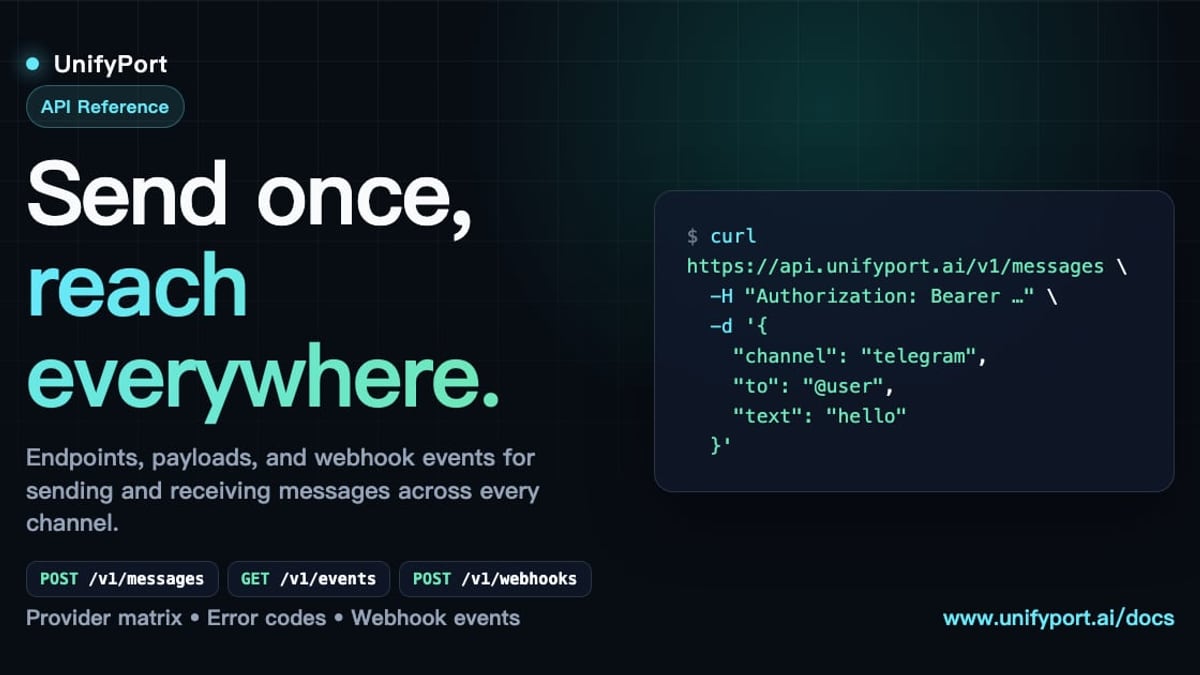
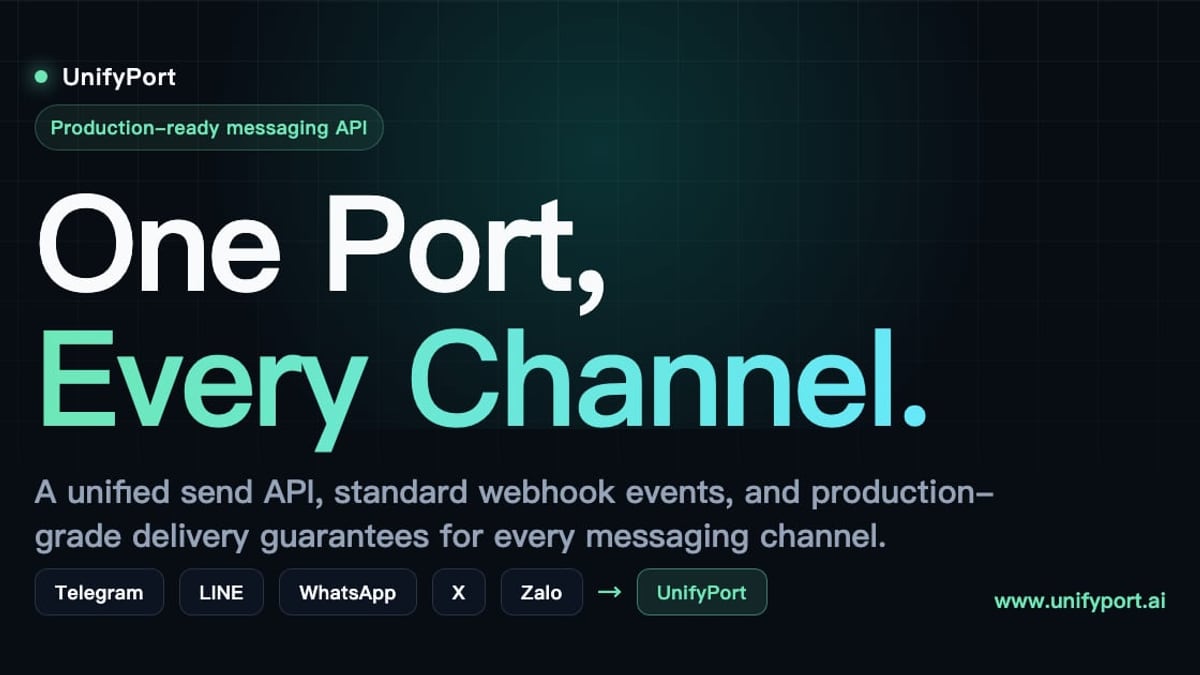
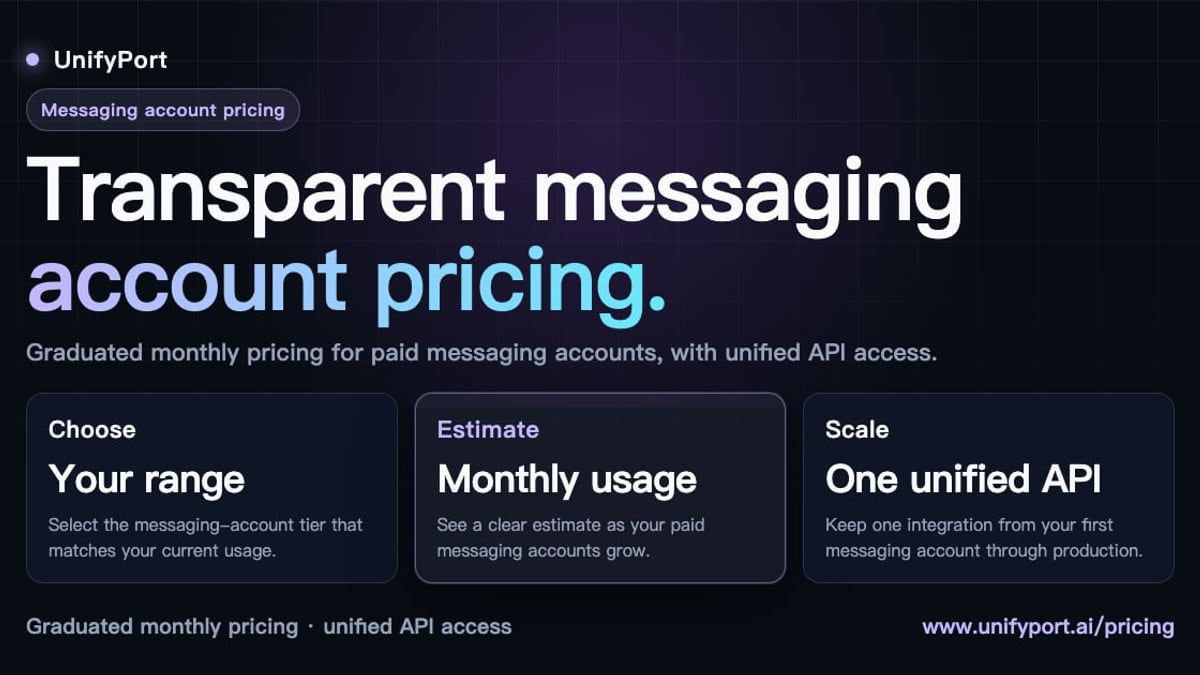
UnifyPort is a unified multi‑channel messaging API that normalizes WhatsApp, Telegram, LINE, TikTok, Zalo, and X (Twitter) behind a single REST endpoint. It provides a standard event layer, webhook control plane, built‑in retries, and idempotency, making it ideal for AI agents, CRMs, and notification systems that need production‑grade delivery without managing multiple provider SDKs. Unlike CM.com, UnifyPort doesn’t add marketing clouds or customer service inboxes—it’s pure messaging infrastructure with transparent, graduated pricing and a free tier per workspace.
For a detailed side‑by‑side breakdown, read our UnifyPort vs CM.com: Multi‑Channel Messaging API Comparison. You can also browse the broader landscape in our Top 10 Unified Multi‑Channel Messaging API Platforms in 2026.
CM.com Pricing at a Glance
CM.com publishes four subscription plans for its Connectivity Platform (data from Softwarefinder):
- Go – Free plan for essentials
- Basic – € 129/month
- Advanced – € 399/month
- Pro – Custom pricing
Keep in mind that additional costs may apply for high‑volume messaging, dedicated numbers, and AI agent usage. Always request a tailored quote during or after the demo.
Related reading
- LINE Login: The Complete Guide for Users, Developers & Businesses - Learn how LINE login works for users and developers. Discover LINE Login setup, troubleshooting tips, and how to combine authentication with messaging via UnifyPort.
- Top 10 Messaging Apps & Digital Platforms 2026 - Compare the 10 best messaging apps and digital platforms for 2026. We rank WhatsApp, Telegram, LINE, Signal, and more by security, features, and global reach.
Frequently Asked Questions
How long does a CM.com demo last? Most sessions run 30–60 minutes, depending on the complexity of your use case.
Is there a free trial after the demo? CM.com offers a free Go plan, but a full trial of premium features usually requires a conversation with sales. Ask about a paid pilot or proof of concept.
Can I see a pre‑recorded demo before talking to sales? While the official site favors live demos, third‑party review platforms occasionally host short video walkthroughs. Check the CM.com review page for updated video content.
Does the demo cover payments? Yes, if you request it. CM.com can showcase how HALO agents process payments directly in a messaging thread.
How does CM.com compare to Twilio or Sinch? Twilio and Sinch are more API‑centric communication platforms, whereas CM.com bundles AI agents, marketing, and service into one suite. Our CM.com review 2025 dives deeper into these trade‑offs.
Book Your Demo and Explore Further
CM.com Demo: See the AI Engagement Platform in Action product interface and feature overview.
A personalized CM.com demo is the surest way to understand how the platform’s AI context layer can reshape your customer conversations. After the session, you’ll have the clarity to decide if an all‑in‑one engagement suite fits your roadmap.
If you’re still weighing options—or simply need a developer‑first messaging API without the full suite overhead—UnifyPort has detailed comparisons, reviews, and setup guides. Explore our UnifyPort vs CM.com comparison and see which approach aligns with your team’s needs.