
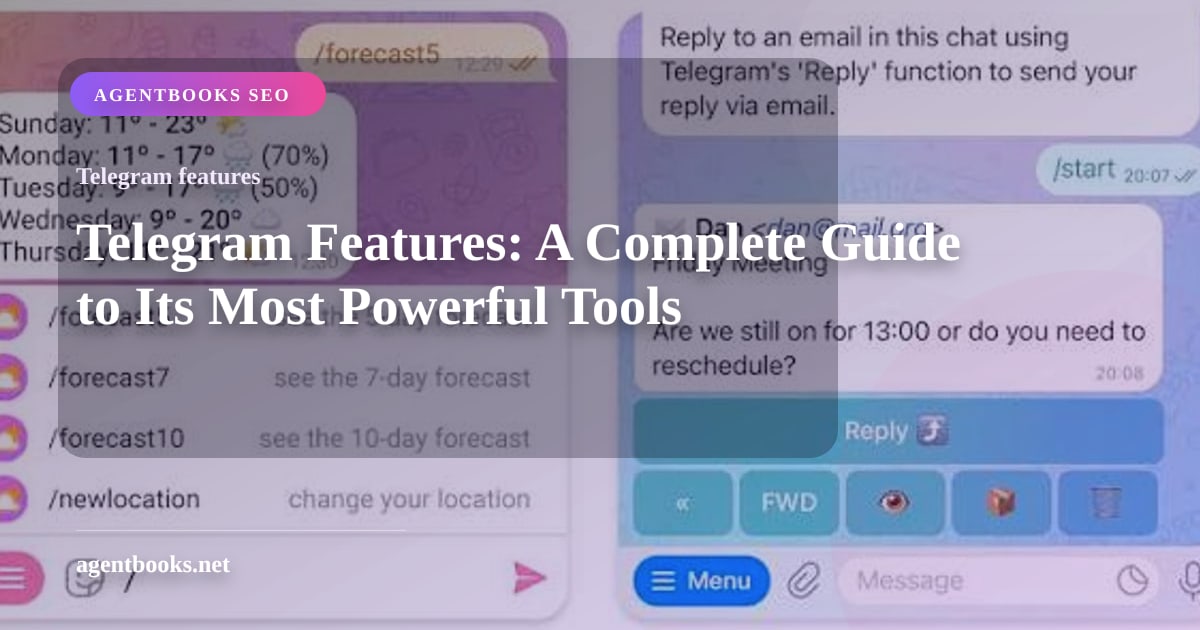
Telegram Features: A Complete Guide to Its Most Powerful Tools
Explore Telegram's top features, from secret chats and 2GB file sharing to bots, channels, and cloud sync. Learn why it's a favorite for personal and business messaging.
Telegram Features: A Complete Guide to Its Most Powerful Tools
Telegram has evolved far beyond a simple chat app. With over 1 billion users, it now offers cloud sync across all your devices, file sharing up to 2 GB, groups with 200,000 members, and a thriving ecosystem of bots and mini apps. Whether you’re texting friends, building a community, running a business, or automating workflows, Telegram packs a surprising depth of tools under one hood.
At UnifyPort, we’ve covered Telegram in detail—from a beginner tutorial to its desktop experience and business messaging potential. In this guide, we’ll walk through the features that make Telegram stand out, with practical examples and pointers on how to take full advantage of them.
1. Core Messaging and Cross‑Device Sync
Telegram Features: A Complete Guide to Its Most Powerful Tools product interface and feature overview.
Telegram’s messaging is cloud‑based, so your chats stay in sync instantly on every device you own—phone, tablet, desktop, and the web. You can start a conversation on your phone and continue it on your Mac or Windows PC without missing a beat. For a deep dive into the desktop experience, see our Telegram Desktop guide.
Smart sending options add convenience you won’t find everywhere. Long‑press the send button to:
- Schedule a message for a specific date and time.
- Send without sound so you don’t disturb the recipient at odd hours.
- Send when online—perfect for time‑zone differences.
You can also edit any sent message, delete it for everyone, and pin important messages to the top of a chat. Reactions, replies, mentions, and hashtags make conversations organized even in crowded groups.
2. File Sharing Without Limits
Telegram Features: A Complete Guide to Its Most Powerful Tools - supporting product research image 4.
Telegram treats files seriously. You can send any file type—documents, PDFs, ZIP archives, MP3s, and more—up to 2 GB per file (4 GB with Telegram Premium). Photos and videos can be sent uncompressed, or you can accept a mild compression that still preserves quality far better than many competing apps.
Built‑in tools like an animated GIF search, a state‑of‑the‑art photo editor, and an open sticker platform let you express yourself creatively. Media you send and receive stays in the cloud, so you can clear your device cache anytime without losing anything. That’s a lifesaver if you’re constantly sharing high‑resolution files.
3. Groups and Channels: Community at Scale
Telegram’s groups and channels are among its most powerful assets, whether you’re organizing a small team or broadcasting to millions.
Groups can hold up to 200,000 members and come with a rich set of admin controls:
- Slow mode to cap how often members can post.
- Topics to create threaded discussions inside a single group.
- Detailed permissions, invite links with expiry, and join requests.
- Ability to appoint multiple admins with granular privileges.
Channels are for one‑to‑many broadcasting. You can have unlimited subscribers, and posts support reactions, views statistics, and rich media. Public channels can be found via search, while private channels require an invite link. Telegram’s official FAQ explains how channels differ from groups and how to set them up.
If you’re managing a brand or a community, these tools replace the need for a separate newsletter or forum in many scenarios.
4. Privacy and Security: Your Choice of Encryption
Telegram gives you a choice between two levels of encryption, and many users consider this flexibility a strength rather than a weakness.
- Cloud chats: Messages are encrypted on the server and synced across your devices. This is what enables seamless multi‑device access and powerful cloud features, and it’s comparable to what other mainstream messengers offer when cloud backups are enabled.
- Secret Chats: End‑to‑end encrypted, device‑specific, and never stored on Telegram’s servers. They support self‑destructing messages, screenshot alerts, and an encryption key that you can verify with the recipient.
- Calls: All voice and video calls are end‑to‑end encrypted, regardless of whether you’re in a regular or secret chat.
Security‑conscious users appreciate that they can toggle between convenience and maximum privacy. As noted in a detailed breakdown by Havn, this layered approach makes it easier to bring less tech‑savvy friends onto the platform while still offering E2EE when needed.
Further protections include two‑step verification, passcode locks, the ability to hide your last seen or online status, and session‑management tools that let you see and terminate active sessions remotely.
5. Voice, Video, and Live Communication
Beyond text, Telegram handles:
- One‑to‑one and group video/voice calls (up to 200 participants in a group call).
- Voice chats in groups—persistent, open audio rooms that members can join or leave anytime, perfect for live discussions or team stand‑ups.
- Video messages you can record and send directly by tapping the mic icon and swiping up.
- Real‑time audio transcription (Telegram Premium) that converts voice messages into text.
Screen sharing, noise suppression, and an intuitive call interface make Telegram a reliable companion for remote work and casual hangouts alike.
6. Bots, Mini Apps, and the Open API

Telegram Features: A Complete Guide to Its Most Powerful Tools product interface and feature overview.
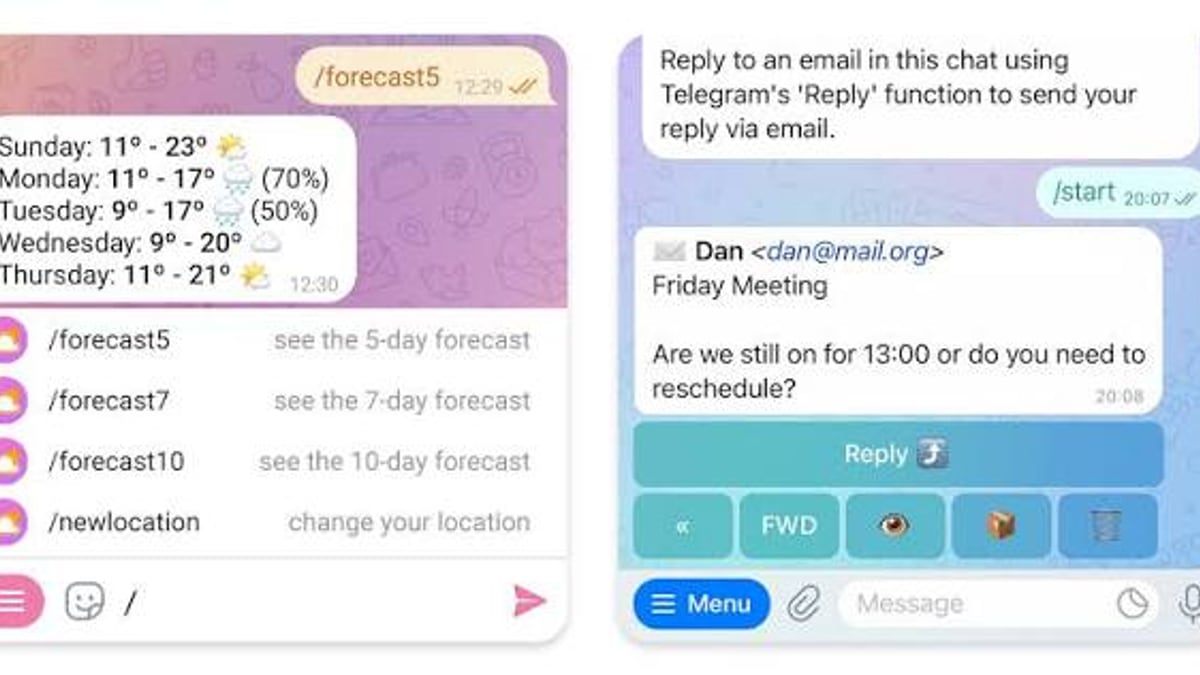
Telegram’s developer ecosystem turns the app into a platform. With the Bot API, you can create automated assistants that handle anything from customer support to payments. Inline bots let you trigger actions from any chat by typing “@bot_name”, and the Bot Platform is free and open to everyone.
Mini apps take this further. They are HTML5/JavaScript web apps that run inside Telegram, allowing services like quizzes, ordering systems, and full‑fledged tools to live right inside the chat interface. No separate install required.
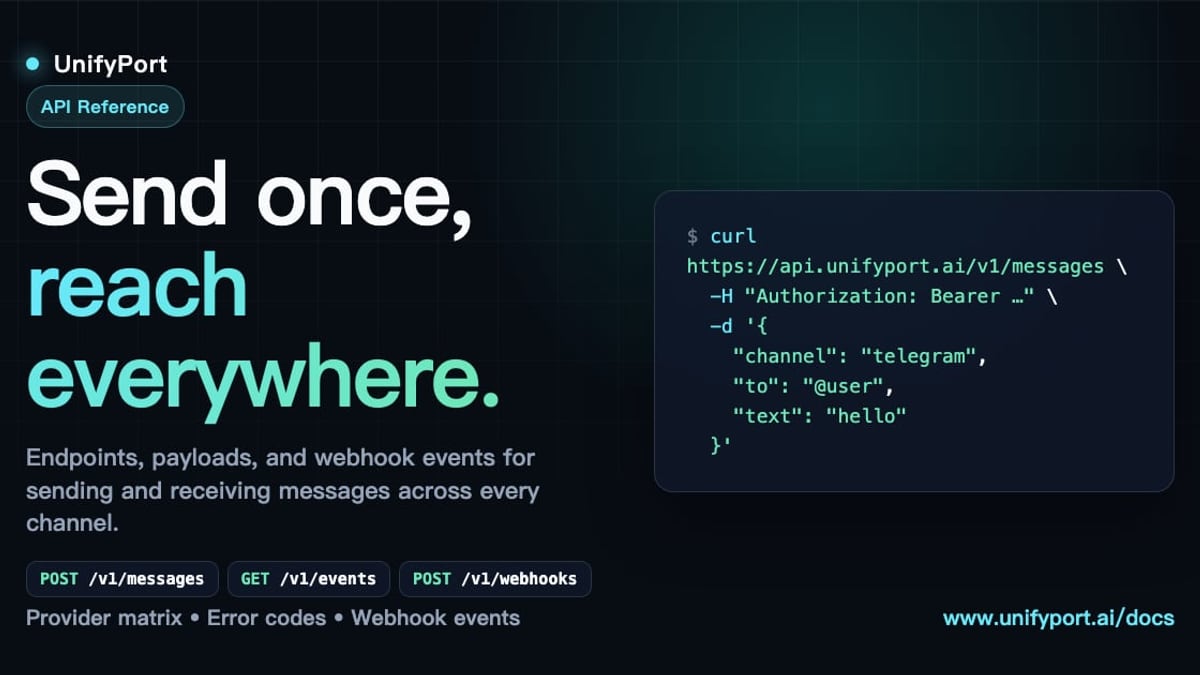
For businesses that want to integrate Telegram messaging into their own systems—CRMs, AI agents, or operations dashboards—the API is the gateway. However, juggling separate integrations for Telegram, WhatsApp, LINE, and other channels quickly becomes a maintenance headache. That’s where a unified messaging layer like UnifyPort shines. It provides a single REST API and standardized webhook stream across Telegram, WhatsApp, LINE, X (Twitter), Zalo, and TikTok, so your backend only needs to speak one language.
To explore how businesses stitch these channels together, check out our Business Messaging guide.
7. Telegram Premium: Extra Power for Power Users
Telegram Premium is an optional subscription that funds the free tier and adds advanced capabilities:
- File upload size increases from 2 GB to 4 GB.
- Faster download speeds and unlimited cloud storage.
- Real‑time voice‑to‑text transcription and message translation.
- Exclusive stickers, animated emoji, and profile‑customization options.
- The ability to view last‑seen and read times without sharing your own.
- No ads in public channels.
Premium is entirely optional—even free users enjoy a feature set that surpasses most competitors—but it’s a cost‑effective way to support the platform and unlock a few extra conveniences.
8. Stickers, GIFs, and Creative Expression
The open sticker platform is one of Telegram’s most fun features. Anyone can upload sticker packs, and the catalogue is massive. You’ll find everything from meme stickers to artistic animations. Animated stickers, GIF search, custom themes, and chat backgrounds let you personalize the app down to every pixel.
9. Telegram for Business: Automation and Integration

Telegram Features: A Complete Guide to Its Most Powerful Tools product interface and feature overview.
Telegram isn’t just for personal chats. Its channels serve as content distribution platforms, groups double as customer communities, and bots automate support, bookings, and notifications. You can even accept payments through bots using 20+ integrated payment providers.
When a business operates across multiple chat apps, managing all those connections can fragment the tech stack. Instead of maintaining separate bots and webhook handlers for WhatsApp, Telegram, LINE, and others, a unified API like UnifyPort consolidates everything into one REST interface. It handles rate limiting, retries, idempotency, and message formatting differences, so your CRM or AI agent sees the same clean event shape regardless of channel.
If you’re scaling customer messaging, our Business Messaging guide helps you choose the right approach and platforms.
Related reading
- What Is a Customer Data Platform? The Ultimate CDP Guide - Learn what a customer data platform is, how it unifies data, key features, and how to choose the right CDP. Explore real-world benefits and activation strategies.
Sources and further reading
- [Q&A] (Serious) What features does Telegram have that ... - [Q&A] (Serious) What features does Telegram have that ...Reddit · r/Telegram20+ comments · 2 years agoReddit · r/Telegram20+ comments · 2 years agoSchedule, send without sound, and send when online are all great features. Also topics in groups is a great feature. I have a private group ...Read moreW
Frequently Asked Questions
Is Telegram really free?
Yes. There are no ads in your private chats or groups, and no subscription fees. Sponsored messages appear only in large public channels and are privacy‑friendly (not tracking‑based). Telegram Premium is an optional way to support the app and unlock extras.
Can I use Telegram on multiple devices at the same time?
Absolutely. All your cloud chats sync instantly across smartphones, tablets, desktops, and the web. Just log in with your phone number on each device.
How secure are Telegram Secret Chats?
Secret Chats use end‑to‑end encryption, are device‑specific, and never hit Telegram’s servers. They also support self‑destruct timers and screenshot alerts, making them ideal for sensitive conversations.
What’s the difference between a group and a channel?
Groups are for many‑to‑many conversations (up to 200,000 members) with replies, mentions, and threaded topics. Channels are for one‑to‑many broadcasting, with unlimited subscribers and posts that feel like a micro‑blog.
Can businesses really use Telegram for customer support?
Yes. Bots can handle FAQs, route queries, and even process payments. Channels can broadcast updates, and groups build communities. With a unified API like UnifyPort, you can manage Telegram alongside WhatsApp and other platforms from a single integration.
Does Telegram have video calls?
Yes, one‑to‑one and group video calls with up to 200 participants, along with screen sharing, voice chats, and video messages.
Conclusion
Telegram’s feature set—cloud sync, massive file sharing, community tools, flexible privacy, and a developer‑friendly API—makes it more than a messenger. It’s a platform that adapts to how you communicate, whether casually, professionally, or at scale. From scheduling a silent late‑night message to running a fully automated customer‑service bot, Telegram offers a tool for nearly every use case.
To go deeper, follow our Telegram tutorial for step‑by‑step guidance, or explore how a unified messaging layer can future‑proof your business communications with UnifyPort. The more you explore, the more you’ll find Telegram capable of.