
UnifyPort: Unified Messaging API for WhatsApp, Telegram & More
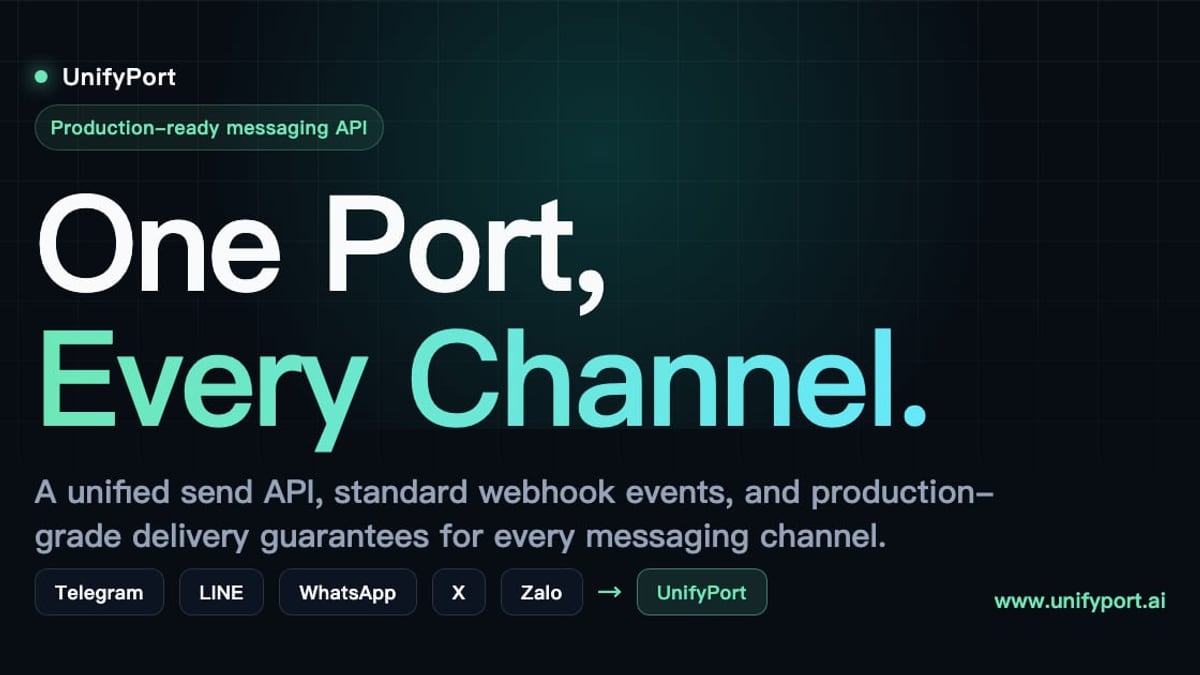
UnifyPort connects AI agents, CRMs and ops tools to WhatsApp, Telegram, LINE, X, Zalo, and TikTok via a single REST API with built-in delivery guarantees.
UnifyPort: Unified Messaging API for WhatsApp, Telegram & More
As businesses scale customer communication across multiple messaging platforms, juggling separate APIs for WhatsApp, Telegram, LINE, X (Twitter), Zalo, and TikTok becomes a maintenance nightmare. UnifyPort solves this with a single, unified REST API and standardized webhook events—enabling developers to send and receive messages across all these channels without ever leaving one integration. This guide explores how UnifyPort works, its core architecture, supported channels, practical setup, and how it stacks up against alternatives.
What is UnifyPort?
UnifyPort: Unified Messaging API for WhatsApp, Telegram & More product interface and feature overview.
UnifyPort is a unified multi-channel messaging API platform purpose‑built for AI agents, CRM systems, notification services, and operation tools. Instead of plumbing each provider’s unique SDKs, authentication flows, and error handling, developers use one endpoint (POST /v1/messages) for outbound messaging and a single, stable event schema for all inbound events. Behind the scenes, UnifyPort abstracts away the grunt work: provider‑specific rate limits, automatic retries, idempotency, and failure isolation so your logic stays the same whether you are talking to a Telegram bot or a WhatsApp Business profile.
Supported Messaging Channels
UnifyPort currently routes messages through six major platforms, all accessible via the same REST API:
- WhatsApp – Business API connectivity via phone number pairing
- Telegram – Both bot and user‑mode accounts. For a detailed walkthrough on setting up a Telegram account to work with UnifyPort, see our Telegram Desktop guide.
- LINE – Official Account messaging for Japan and Asia‑based audiences
- X (Twitter) – Direct Messages for customer support and automation
- Zalo – Official Account and personal messaging in Vietnam
- TikTok – Business Direct Messaging for social‑age engagement
All six channels send and receive through the same unified flow, identified by a simple channel parameter in each API call.
How UnifyPort Works: Core Architecture
UnifyPort: Unified Messaging API for WhatsApp, Telegram & More product interface and feature overview.
Standard Event Layer
Every message, delivery receipt, and account‑status change from any provider is transformed into a single JSON shape. Your backend only needs to understand one normalized format—radically simplifying logging, analytics, and downstream automations.
Webhook Control Plane
Manage webhook signatures, subscriptions, retry behaviour, and failure tracking from one dashboard. HMAC‑SHA256 signatures validate every incoming call, giving you chain of trust right out of the box.
Reliable Delivery Queue
Built‑in rate limiting, automatic retries, and idempotency keys prevent duplicate messages and cushion the impact of provider outages. Failures on one channel never cascade into others.
Secure API Key Management
Workspace‑scoped API keys, paired with HMAC‑SHA256 request signing, let you create, rotate, and revoke credentials without ever exposing raw provider tokens.
Getting Started with UnifyPort
UnifyPort: Unified Messaging API for WhatsApp, Telegram & More product interface and feature overview.
- Create a free workspace – Sign up on the official UnifyPort platform and generate your first API key.
- Connect provider accounts – Attach a Telegram bot, WhatsApp profile, or any supported account via QR code, authentication code, or session import.
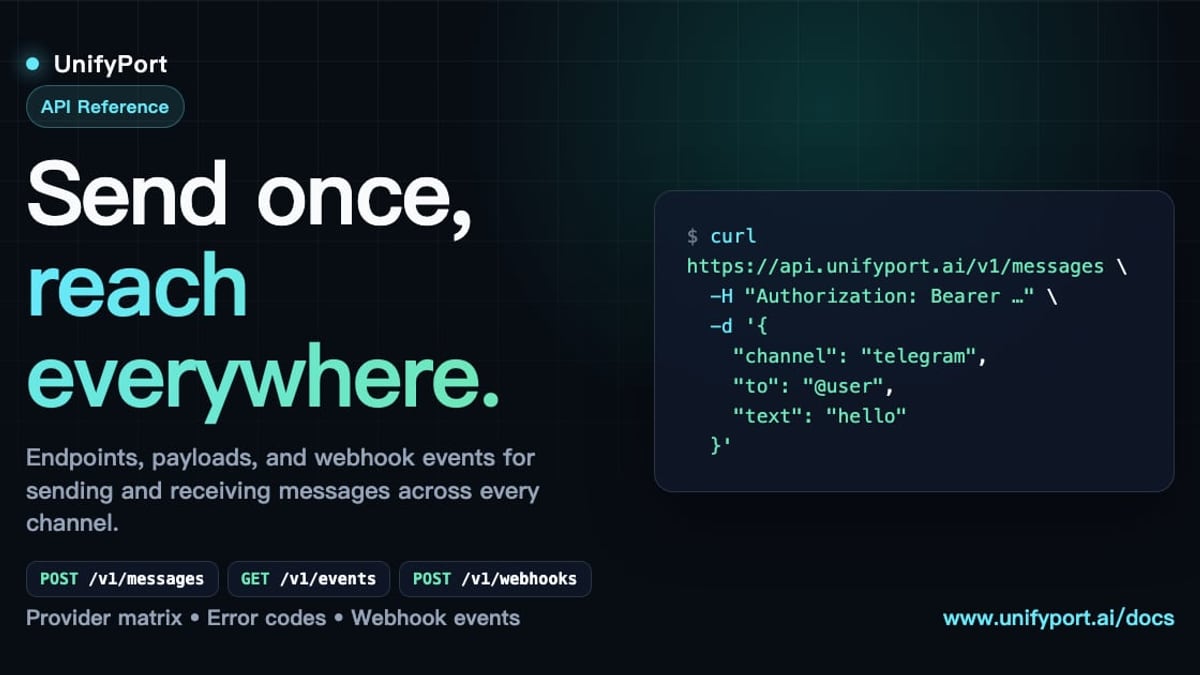
- Send your first message – Use the unified endpoint:
POST /v1/messages { "channel": "telegram", "recipient_id": "123456789", "message_type": "text", "content": "Hello from UnifyPort!" } - Ingest events – Point your webhook to receive standardized JSON like
message.receivedoraccount.status_changed, and build real‑time logic without per‑channel parsing.
For a complete walkthrough of authentication, message payloads, and error recovery, read our in‑depth UnifyPort API guide.
Use Case: AI Agents and Automation
Because every channel speaks the same JSON dialect, an AI agent powered by UnifyPort can converse with users on WhatsApp, Telegram, or LINE without rewriting a single line of conversational logic. The standard event layer also makes logging and analytics trivial, turning the platform into a smart pipeline for customer support bots, notification orchestrators, and cross‑channel marketing flows.
UnifyPort vs. Alternatives: When to Choose a Unified API
| Scenario | Direct Integration | UnifyPort |
|---|---|---|
| Time to market | Weeks to implement each channel | Hours to add a channel |
| Maintenance overhead | Constant per‑provider fixes | One platform absorbs all changes |
| Observability | Must build custom dashboards | Built‑in event tracking and failure isolation |
| Resilience | Manual retry logic | Automated retries and idempotency |
| Cost structure | Hidden complexity costs | Transparent, graduated per‑account pricing |
For teams that want a developer‑focused, infrastructure‑grade messaging layer, UnifyPort fits perfectly. If you prefer a pre‑built AI engagement suite with a visual inbox, solutions like CM.com are worth evaluating in parallel.
Pricing
UnifyPort offers transparent, graduated pricing based on the number of paid messaging accounts active per month. Every workspace includes a free tier, so small projects and pilots can start without cost. As you add more Telegram bots, WhatsApp lines, or other provider accounts, pricing scales predictably—without per‑message fees or hidden provider markups.
Related reading
- What Is a Customer Data Platform? The Ultimate CDP Guide - Learn what a customer data platform is, how it unifies data, key features, and how to choose the right CDP. Explore real-world benefits and activation strategies.
- Telegram Tutorial: Complete Beginner to Pro Guide & Tips - Master Telegram with our step-by-step tutorial covering installation, privacy, groups, bots, and API integration. Learn everything from basics to advanced features.
- What Is Linen? The Complete Guide to the Flax Fabric - Linen is a natural textile made from flax. Learn about its history, properties, types, uses, sustainability, and how it compares to cotton. Your ultimate guide to linen.
Sources and further reading
- UnifyPort — DEV Community Profile - 💎 DEV Diamond Sponsors
FAQ
What exactly does UnifyPort unify?
It unifies the sending and receiving of messages across multiple chat platforms into a single REST API and a single webhook event schema, abstracting away provider‑specific SDKs and protocols.
Does UnifyPort support file attachments?
Yes. You can send images, video, audio, documents, and provider‑specific extensions (like reply_to or parse_mode) through the same endpoint with consistent formatting.
How secure is my messaging pipeline?
Every API request is authenticated with HMAC‑SHA256 signatures, and incoming webhooks are verified with provider‑specific signatures managed by the platform. API keys are scoped to your workspace and never exposed to third‑party providers.
Can I plug UnifyPort into an existing chatbot or CRM?
Absolutely. Its standardized event schema lets you feed messages into any AI framework, customer data platform, or notification service with zero per‑channel parsing.
Where can I find SDKs and code examples?
Head over to the UnifyPort GitHub organization for reference implementations, issue tracking, and community‑driven libraries.
Conclusion
UnifyPort turns multi‑channel messaging from a fragmented integration headache into a clean, observable, and scalable developer pipeline. By normalizing the chaos of WhatsApp, Telegram, LINE, X, Zalo, and TikTok into one API, it lets you focus on building great user experiences instead of duct‑taping provider SDKs. Whether you are instrumenting an AI agent, a CRM, or a global notification system, a single reachable messaging layer is now within reach. At UnifyPort, we spotlight tools like UnifyPort that simplify modern messaging architecture—helping you ship faster and sleep better.