
Business Messaging: SMS, Chat Apps & API Platform Guide
Learn what business messaging is, explore SMS, WhatsApp, Telegram and other channels, compare AT&T, Twilio, and unified APIs like UnifyPort, and choose the right platform for your needs.
Business Messaging: The Complete Guide to Channels, APIs, and Choosing the Right Platform
Business messaging has moved far beyond simple SMS. Today it spans WhatsApp, Telegram, LINE, RCS, in-app chat, and social DMs—all while needing to work reliably with CRMs, AI agents, and backend systems. This guide breaks down what business messaging really means, the channels available, the must-have features, and how to pick between carrier solutions, CPaaS providers, and developer-first unified APIs.
What Is Business Messaging?
Business messaging is any text or media communication between a company and its customers, employees, or systems that is initiated through a dedicated business platform rather than a personal phone. It can be promotional (marketing blasts, offers), transactional (order confirmations, delivery updates), or conversational (one-to-one support, AI-chatbot interactions). Unlike consumer SMS, business messaging comes with delivery guarantees, compliance hooks, and bulk sending capabilities that consumer apps simply don’t offer.
At its core, a business messaging solution should help you:
- Send and receive messages at scale without getting blocked by carriers
- Automate workflows via APIs so your own tools can talk to any messaging channel
- Track deliverability, read receipts, and user replies in a single place
Why Business Messaging Matters
Customers overwhelmingly prefer messaging over phone calls for support and notifications. Open rates for SMS are around 98%, and chat-app messages on WhatsApp or Telegram often see even higher engagement. For operations teams, reliable alerts and two-way messaging directly inside field-service apps or monitoring systems mean faster response times.
A well-architected messaging layer can:
- Reduce no-shows with appointment reminders
- Speed up fraud alerts via real-time push to a user’s preferred channel
- Let AI agents converse naturally across multiple platforms without per-channel code
- Keep you compliant with security standards like HIPAA or FINRA when handling sensitive data
Types of Business Messaging Channels

Business Messaging: SMS, Chat Apps & API Platform Guide product interface and feature overview.
SMS and MMS
Traditional text messaging remains a universal fallback. Services like AT&T Business Messaging provide group notifications to up to 20,000 recipients, media attachments up to 5 MB, and read/delivery receipts. It works with any device that can receive texts and is often used for alerts, dispatch, and workforce management.
Rich Communication Services (RCS)
RCS upgrades legacy SMS with high-res images, suggested replies, and interactive buttons—all inside the native messaging app. Carriers and platforms like Twilio support RCS as a way to modernize business messages without requiring a separate app.
Chat Apps (WhatsApp, Telegram, LINE, Facebook Messenger, Zalo, TikTok Messaging)
These OTT apps are where billions of daily conversations happen. They support rich media, file sharing, and more natural two-way dialogues. For businesses, the challenge is that each platform has its own API, authentication method, and event format. A developer who wants to let an AI agent talk on WhatsApp, Telegram, and LINE must either stitch together three different SDKs or use a unified layer like UnifyPort.
In-App Messaging
Mobile apps often embed chat for logged-in users. While powerful for a branded experience, it requires users to install your app and opt in. It’s best combined with other channels for a complete customer journey.
Key Features to Look for in a Business Messaging Solution
Whether you’re an enterprise IT buyer or a developer evaluating APIs, these capabilities separate serious platforms from simple SMS gateways:
- Multi-channel orchestration – One interface to manage SMS, RCS, WhatsApp, Telegram, and more without separate dashboards or codebases.
- Developer-friendly API – Clean REST endpoints, consistent JSON schemas, and thorough documentation. Solutions like Twilio’s messaging API are widely adopted, but they still require you to handle provider-specific logic for each channel.
- Delivery guarantees – Built-in retries with exponential backoff, idempotency keys to prevent duplicate sends, and rate limiting so you don’t trip carrier restrictions.
- Webhook management – The ability to receive, validate, and replay inbound message events. A proper webhook control plane handles signature verification, retries on failure, and subscription filtering.
- Security & compliance – Encryption at rest and in transit, role-based access, and support for regulated industries (e.g., HIPAA, FINRA). AT&T’s Secure Messaging add-on, for instance, provides PIN-locked apps and remote wipe.
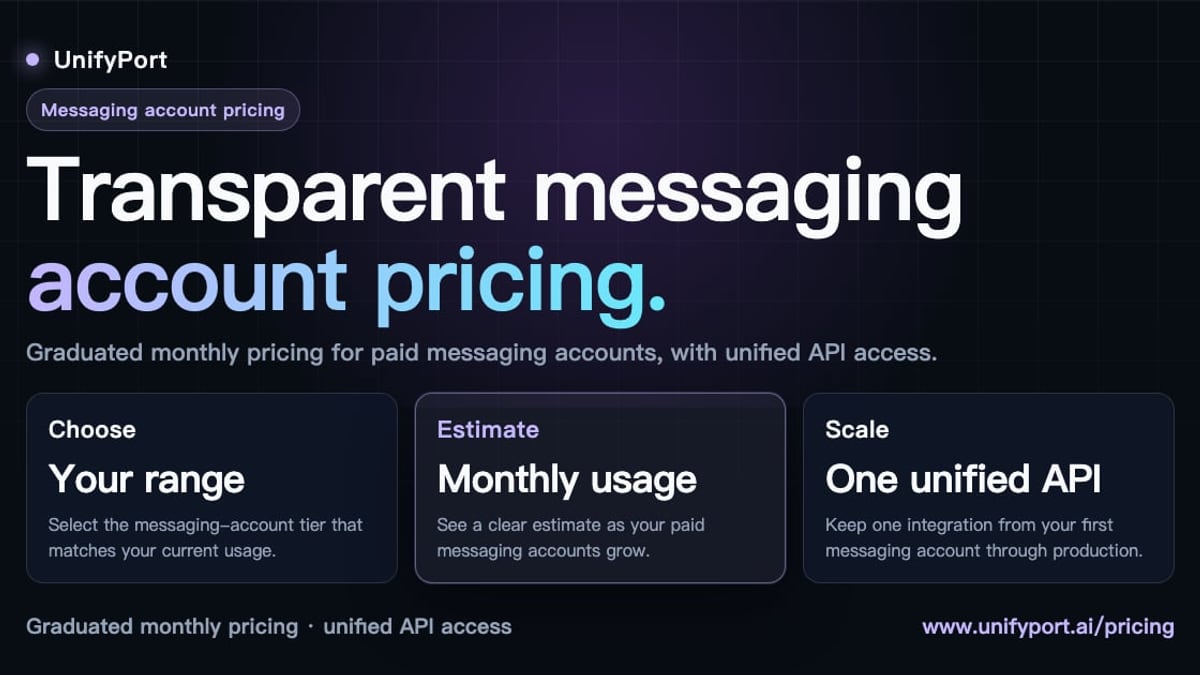
- Transparent pricing – Pay-as-you-go or graduated tiers with clear thresholds. Avoid providers that charge for conversational threads in unpredictable ways.
How to Choose a Business Messaging Provider
Business Messaging: SMS, Chat Apps & API Platform Guide product interface and feature overview.
The right provider depends entirely on your use case, technical skill set, and channel requirements. Below is a side-by-side look at three common types.
| Platform | Best For | Channels | Developer Model | Pricing Example |
|---|---|---|---|---|
| AT&T Business Messaging | US-based enterprises needing secure SMS/MMS at scale | SMS, MMS | Group notification via SNPP, WCTP, SMTP, REST | Plans from $3/month per line + add-ons |
| Twilio Messaging | Global CPaaS; teams building custom SMS/WhatsApp/RCS applications | SMS, MMS, WhatsApp, RCS, Facebook Messenger | REST API, per-channel configuration | Pay-per-message; separate pricing per channel |
| UnifyPort | Developers integrating AI agents, CRMs, ops tools with multiple chat apps | WhatsApp, Telegram, LINE, X, Zalo, TikTok | Unified REST API + normalized webhooks; HMAC-SHA256 security | Graduated monthly pricing per messaging account; free tier available |
AT&T wins for pure-play US enterprise SMS with rigid security requirements. Twilio offers breadth and a massive ecosystem for custom application building. UnifyPort shines when you need one API to rule multiple chat-app providers—abstracting away separate SDKs, connection management, and event schemas so that your AI agent or CRM can talk to WhatsApp, Telegram, and LINE as if they were the same channel.
Integrating Business Messaging into Your Workflow
Business Messaging: SMS, Chat Apps & API Platform Guide product interface and feature overview.
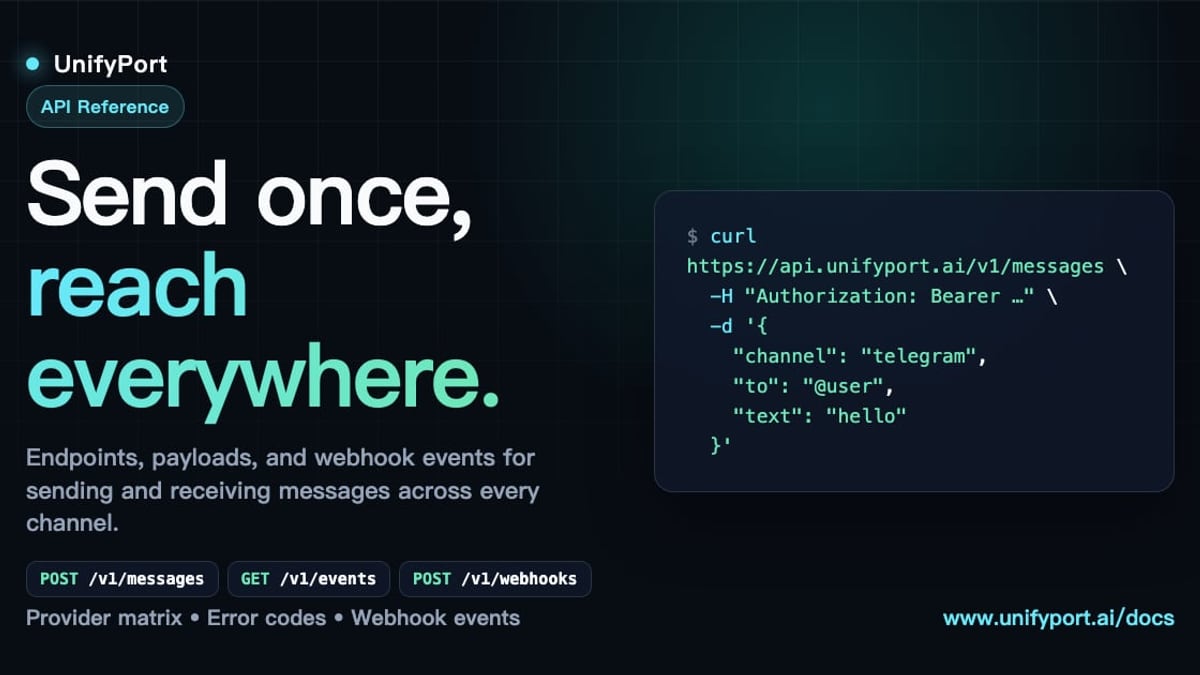
Using REST APIs and Webhooks
For most modern business applications, messaging isn’t just a send button inside a web interface; it’s an automated action triggered by orders, downtime alerts, or AI conversations. An API-first platform gives you:
- Programmatic account lifecycle management: Virtual messaging accounts can be created, authenticated (via QR, code, or session import), monitored, and torn down through calls.
- Normalized event streams: When a user replies on Telegram, likes a message on X, or reacts on WhatsApp, you want a single JSON shape in your webhook. UnifyPort, for example, standardizes all provider events so your backend logic stays clean.
- Failure isolation: If one channel experiences a temporary outage or rate limit, your other channels should continue unaffected.
No-Code vs. Developer-Centric Platforms
Some businesses need a ready-made dashboard where support agents can chat manually. Others need a raw API that plugs into existing software. The best approach is to have an API that’s robust enough to drive both—a dashboard for supervisors and webhooks for automated workflows.
Real-World Use Cases for Business Messaging

Business Messaging: SMS, Chat Apps & API Platform Guide - supporting product research image 4.
- Customer support & conversational AI: An e-commerce business routes after-hours questions through an AI agent that replies on WhatsApp and Telegram using a unified API like UnifyPort, keeping the conversation coherent across channels.
- Field service alerts: A telecom company uses AT&T Business Messaging to dispatch technicians via SMS with map links and receive short confirmation codes.
- Transaction notifications: A fintech app triggers SMS via Twilio for login codes, then pushes richer RCS messages for account summaries.
- IT monitoring & escalation: Server alerts go to an on-call Telegram group and a backup SMS to the team lead—all from the same API call.
- Marketing campaigns: A retail brand sends promotional images on Messenger, follow-up coupons on SMS, and cart-abandonment reminders on WhatsApp, orchestrated from a single marketing automation platform.
Related reading
- UnifyPort: Unified Messaging API for WhatsApp, Telegram & More - UnifyPort connects AI agents, CRMs and ops tools to WhatsApp, Telegram, LINE, X, Zalo, and TikTok via a single REST API with built-in delivery guarantees.
- What Is a Customer Data Platform? The Ultimate CDP Guide - Learn what a customer data platform is, how it unifies data, key features, and how to choose the right CDP. Explore real-world benefits and activation strategies.
- Telegram Tutorial: Complete Beginner to Pro Guide & Tips - Master Telegram with our step-by-step tutorial covering installation, privacy, groups, bots, and API integration. Learn everything from basics to advanced features.
Sources and further reading
- Facebook - Explore the things you love.
FAQ
What’s the difference between business messaging and regular texting?
Business messaging platforms offer features that consumer SMS apps do not: group sending to thousands of recipients, delivery confirmations, API access for automation, administrative controls, and often enhanced security for compliance.
Can I use WhatsApp for business messaging without a separate platform?
The official WhatsApp Business App is for small businesses managing chats manually. For automated or API-driven messaging (sending from your CRM, integrating with a bot), you need the WhatsApp Business API, which a provider like Twilio or UnifyPort can host for you.
Is RCS replacing SMS?
RCS is gaining traction because it behaves like a chat app but works inside the default SMS client. However, it still requires carrier support on both ends. SMS remains the fallback for universal reach.
How do I handle multiple chat apps in my application without writing separate code for each?
A unified messaging API (like UnifyPort) lets you send and receive messages across WhatsApp, Telegram, LINE, and others through a single REST endpoint and receives normalized webhook events. You manage one integration instead of many.
What does it mean to have “delivery guarantees”?
It means the platform automatically retries failed messages, ensures you don’t send duplicates (idempotency), and respects rate limits so messages aren’t dropped by the recipient’s carrier or chat platform.
Is business messaging secure enough for healthcare or finance?
Yes, many providers offer HIPAA-eligible encryption, message expiration, and administrator remote wipe. Always look for signed webhooks (e.g., HMAC-SHA256) and at-rest encryption when compliance is mandatory.
Conclusion
Business messaging is no longer just about SMS blasts. It’s a strategic layer that connects your applications—CRMs, AI agents, monitoring tools—to the communication channels your customers actually use. While carrier services like AT&T excel at secure enterprise SMS, and CPaaS leaders like Twilio provide a broad messaging toolkit, a unified multi-channel API like UnifyPort fills the gap for developer teams that need to manage WhatsApp, Telegram, LINE, X, Zalo, and TikTok from a single, reliable interface.
Whichever path you choose, prioritize delivery reliability, developer experience, and transparent pricing. For more deep-dives and platform comparisons, explore the resource hub at UnifyPort—we help you find the messaging infrastructure that matches your business.