
How to Use UnifyPort with Kommo: Unified Messaging + CRM
Connect UnifyPort's unified messaging API to Kommo CRM. Learn the workflow, setup steps, webhook mapping, and the problems this pairing solves.
How to Use UnifyPort with Kommo: Unified Messaging + CRM
UnifyPort gives you one REST API and one webhook stream for WhatsApp, Telegram, LINE, TikTok, Zalo, and X. Kommo is an AI-powered CRM built for messenger-based sales. Put them together and every inbound message can become a tracked lead, and every pipeline stage change can trigger an outbound reply — without writing six separate channel integrations.
This article explains how the two products fit together, the exact setup steps, a working workflow, and the problems the combination removes.
Why pair a unified messaging API with a messenger CRM
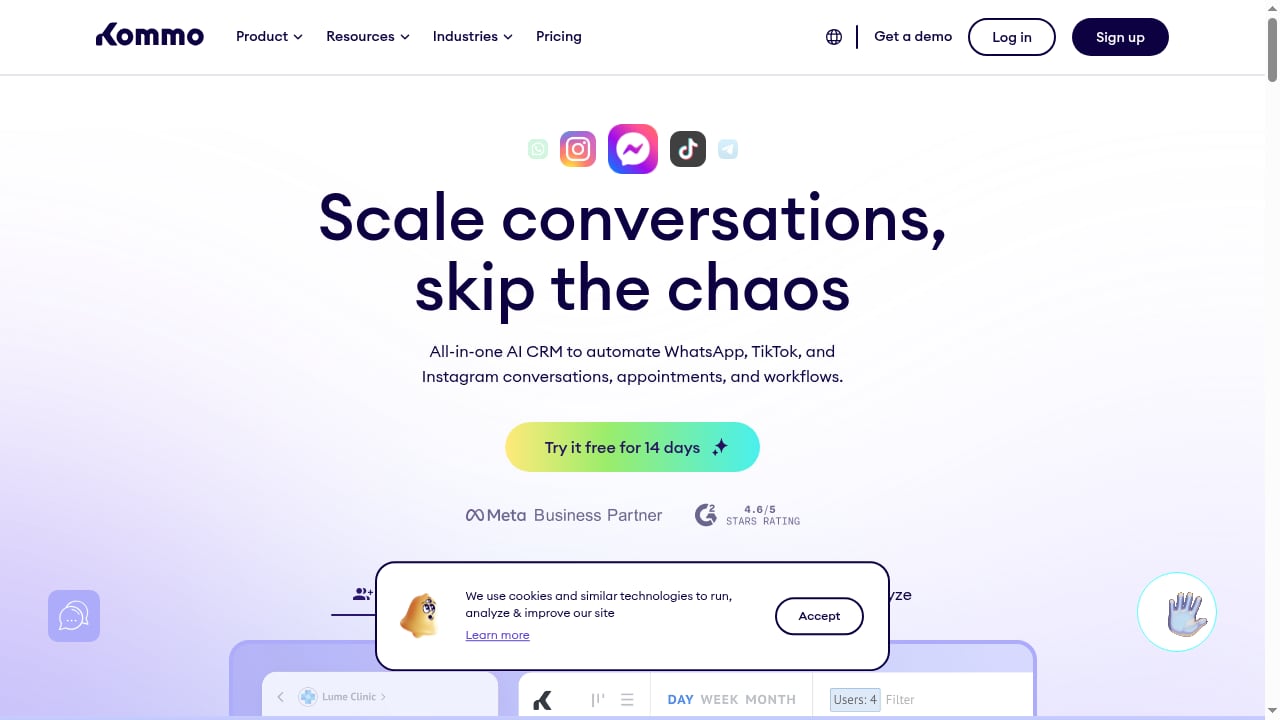
First viewport screenshot of Kommo CRM: The #1 AI CRM for messenger-based sales.
Kommo already handles WhatsApp, Instagram, TikTok, and other channels natively through its own integrations marketplace. So why add UnifyPort?
The gap appears when you need channels Kommo does not cover natively, or when you want your own product to send and receive messages programmatically across many providers at once. UnifyPort normalizes provider messages, status updates, and account events into a stable JSON shape. That means your code talks to one API instead of maintaining separate clients for each provider.
Kommo, meanwhile, owns the sales side: pipelines, lead statuses, tasks, notes, and AI conversation automation. The pairing splits responsibility cleanly:
- UnifyPort is the transport and event layer. It handles channel connections, account authorization, signatures, retries, rate limits, and idempotency.
- Kommo is the system of record for people and deals. It handles lead ownership, pipeline stages, and follow-up automation.
If you are still choosing your messaging layer, our UnifyPort vs Infobip vs Messaging API Gateway comparison covers channels, SDKs, and webhooks side by side.
How the two systems connect
There is no single official "UnifyPort for Kommo" button. The integration is a middleware pattern you build once, and it has three moving parts.
1. UnifyPort as the inbound event source
UnifyPort delivers inbound messages and account events to your endpoint as webhooks. You control signatures, subscriptions, retry behavior, and failure tracking from the webhook control plane. Every event arrives in the same JSON shape regardless of whether it originated on WhatsApp or Telegram.
2. Your middleware as the translator
A small service receives UnifyPort webhooks, extracts the sender identity and message body, and calls the Kommo API to create or update records. Kommo supports two authentication types for integrations: OAuth2 and a long-lived token. For a server-to-server middleware service, the long-lived token is usually the simpler starting point — you generate it in Kommo under Settings, Integrations, Create Integration, then the Key and Scopes section.
3. Kommo as the outbound trigger
When a lead status changes or a task is created, Kommo fires its own webhook. Your middleware receives that event, calls the UnifyPort send endpoint, and the reply goes out on whichever channel the contact originally used.
That loop — channel in, CRM update, CRM event out, channel reply — is the entire architecture.
Setup steps
First viewport screenshot of Estimate your WhatsApp Business API costs.
Step 1: Create your Kommo integration and collect credentials
In Kommo, go to Settings → Integrations → Create Integration. Define the access scopes your middleware needs. At minimum you will want access to account data plus the actions for creating and updating contacts, leads, and notes.
Save the integration, then open the Key and Scopes section. You will find:
- Client ID (labeled as the Integration ID)
- Client Secret
- A generated long-lived token, if you chose token-based authentication
Store these as environment variables. They grant access to your Kommo account, so treat them like production secrets.
Step 2: Connect your messaging accounts in UnifyPort
Authorize each channel account through UnifyPort's account authorization flows. Depending on the provider, this is a QR code scan, a code, a password, a Passkey, or a session import. UnifyPort handles the account lifecycle from there, including reconnection and account events.
Note that messaging accounts are priced on a graduated scale, and free messaging accounts are available in every workspace — useful for testing the full loop before you commit.
Step 3: Register your webhook endpoint
Point UnifyPort at your middleware URL and subscribe to the event types you care about: inbound messages, message status updates, and account events. Enable HMAC-SHA256 signature verification so you can reject spoofed payloads, and configure retry behavior for the events that matter most.
If webhook reliability is a concern at scale, our guide on using UnifyPort with Hookdeck walks through filtering, retries, and observability in front of the same event stream.
Step 4: Map UnifyPort events to Kommo entities
This is the part most tutorials skip. Decide your mapping before you write code:
| UnifyPort event | Kommo action |
|---|---|
| First inbound message from a new sender | Create contact + create lead with contact |
| Subsequent inbound message | Find contact by ID, create note on the linked lead |
| Message status update (delivered, read, failed) | Update note or custom field for delivery tracking |
| Account event (disconnected, reconnected) | Create task for the responsible user |
Kommo's API exposes matching actions for each of these: create company, create contact, create lead, create lead with contact, create note, create task, find contact, find lead, find linked data, link entities, and update variants for each. Triggers on the Kommo side include contact created, lead created, lead status updated, lead responsible user updated, and task created.
Step 5: Build the outbound path
Subscribe to Kommo's lead status updated and task created triggers. When they fire, resolve the contact's channel identity from a stored mapping, then call UnifyPort's send endpoint. Use idempotency keys so a retried Kommo webhook does not produce a duplicate message.
Step 6: Test the full loop
Send a message from a real device to your connected channel. Confirm the contact and lead appear in Kommo, confirm the note is attached, then move the lead to a new stage and confirm the outbound reply arrives on the original channel.
A practical example: fitness studio bookings
First viewport screenshot of How King Invest Solutions achieved 50% annual revenue growth.
Consider a fitness center running promotions on WhatsApp and Telegram.
- A prospect messages the studio's Telegram account asking about class times.
- UnifyPort delivers the inbound message webhook to your middleware.
- Your middleware creates a Kommo contact and a lead, then attaches a note with the message text.
- Kommo's AI conversation automation picks up the lead and asks which class the prospect wants.
- The prospect replies. The message flows back through UnifyPort, and your middleware appends a note to the existing lead.
- The prospect books. A sales rep moves the lead to a "Booked" stage.
- The lead status updated trigger fires. Your middleware sends a confirmation message through UnifyPort on Telegram — the same channel the prospect used.
The same pattern works for beauty salons, healthcare providers, wellness businesses, and financial consulting firms. Kommo reports that King Invest Solutions, a financial consulting firm, achieved 50% annual revenue growth using the platform; the messaging layer is what feeds those pipelines.
Problems this combination solves
First viewport screenshot of WhatsApp CRM for beauty salons.
Channel sprawl. Without a unified layer, adding Telegram or LINE means a new client, new auth model, and new webhook format. UnifyPort collapses that into one integration surface.
Duplicate leads. Idempotency on the UnifyPort side and find-before-create logic on the Kommo side prevent the same sender from generating multiple leads after a webhook retry.
Silent failures. UnifyPort's failure tracking and retry queue surface delivery problems that would otherwise disappear into a provider dashboard nobody checks.
Disconnected conversations. Notes attached to leads keep the full message history inside the CRM, so reps are not switching between a chat app and a pipeline view.
Fragile auth. Signature verification on inbound webhooks and scoped tokens on the Kommo side reduce the blast radius of a leaked credential.
When this pairing is the right choice
Choose UnifyPort plus Kommo when you need channels Kommo does not natively support, when your own product must send messages programmatically, or when you want full control over retry and failure behavior.
Stay with Kommo's native integrations alone when you only use WhatsApp, Instagram, and TikTok, and you do not need custom programmatic sending. Stay with UnifyPort alone when you have no sales pipeline to manage and just need reliable multi-channel transport.
For a broader view of how unified messaging platforms compare on API model and pricing, see our 2026 ranking of CPaaS and unified communications developer platforms.
Related reading
- UnifyPort vs UIB: Unified Messaging API or Omnichannel AI? - UnifyPort vs UIB compared: unified messaging API and webhook control plane versus an AI-powered omnichannel platform. Channels, SDKs, pricing, and fit.
- Sendbird Review 2026: AI CX, APIs, Pricing & Limits - Evidence-based Sendbird review for 2026: chat, voice/video and AI concierge strengths, setup, pricing signals, limitations and who should buy.
- Automation Rules for Messaging APIs: A Developer Guide - Learn how to design automation rules for multi-channel messaging APIs: triggers, conditions, actions, webhooks, retries, and platform policy limits.
Sources and further reading
- Kommo - Connect your app with Kommo to streamline CRM workflows, automate sales processes, and enhance customer engagement
- Integrations - Kommo - Unified.to documentation
- All Integrations - A list of all Kommo integrations which will help you customize your account and add new features
FAQ
Does UnifyPort have an official Kommo integration?
No. The connection is built as middleware: UnifyPort delivers normalized webhooks, your service translates them into Kommo API calls, and Kommo webhooks drive outbound sends back through UnifyPort.
Which Kommo authentication type should I use?
For server-to-server middleware, a long-lived token is the fastest path. Use OAuth2 if your integration acts on behalf of multiple Kommo accounts or needs user-level consent flows.
Can I send messages to a channel the contact did not originally use?
Yes, if you have that channel account connected in UnifyPort and you have stored the contact's identity for it. Most teams reply on the original channel because reply rates are higher.
How do I avoid duplicate leads from webhook retries?
Send an idempotency key with each UnifyPort request, and in your middleware always search Kommo for an existing contact before creating a new one. Kommo's find contact and find lead actions support this.
What happens if a channel account disconnects?
UnifyPort emits account events. Subscribe to them and create a Kommo task for the responsible user so someone reconnects the account before messages are lost.
Conclusion
UnifyPort and Kommo solve different halves of the same problem. UnifyPort makes multi-channel messaging programmable and observable; Kommo turns those conversations into tracked, automated sales. The integration is a middleware layer you build once, and once it is running, adding a new messaging channel costs you a configuration change rather than a new integration project.
Start by connecting one channel and one Kommo pipeline. Prove the loop end to end, then expand.