
UnifyPort vs UIB: Unified Messaging API or Omnichannel AI?
UnifyPort vs UIB compared: unified messaging API and webhook control plane versus an AI-powered omnichannel platform. Channels, SDKs, pricing, and fit.
UnifyPort vs UIB: Unified Messaging API or Omnichannel AI?
Choosing a messaging stack often comes down to a single question: do you need a normalized API and event stream, or an AI-powered customer engagement suite? UnifyPort and UIB both promise to simplify multi-channel messaging, but they solve different problems. This comparison breaks down what each platform actually does, where each one is strong, and how to decide.
What UnifyPort is
UnifyPort is a unified messaging API platform. It exposes one REST API and one standard webhook event stream for connecting to WhatsApp, Telegram, LINE, TikTok, Zalo, and X (formerly Twitter). Instead of building and maintaining a separate integration for every provider, developers send and receive messages through a single normalized interface.
Key characteristics from the product context:
- One REST API for outbound messages across supported channels.
- One standard webhook event stream that normalizes provider messages, status updates, and account events into a stable JSON shape.
- Webhook control plane for managing signatures, subscriptions, retry behavior, and failure tracking.
- Authentication via API keys and HMAC-SHA256 signatures.
- Reliable delivery queue with rate limits, retries, idempotency, and failure isolation.
- Official SDKs for Node.js, PHP, Go, and Python.
- Account lifecycle support, including authorization flows such as QR code, code, password, Passkey, and session import.
- Transparent graduated pricing for messaging accounts, with free messaging accounts available in every workspace.
UnifyPort positions itself as "One API. Every Channel." Its public comparison content focuses on concrete integration decisions: how to verify webhook signatures, when to use a unified inbound webhook versus a provider-native path, and how platform pricing changes affect inbound-heavy teams.
What UIB is
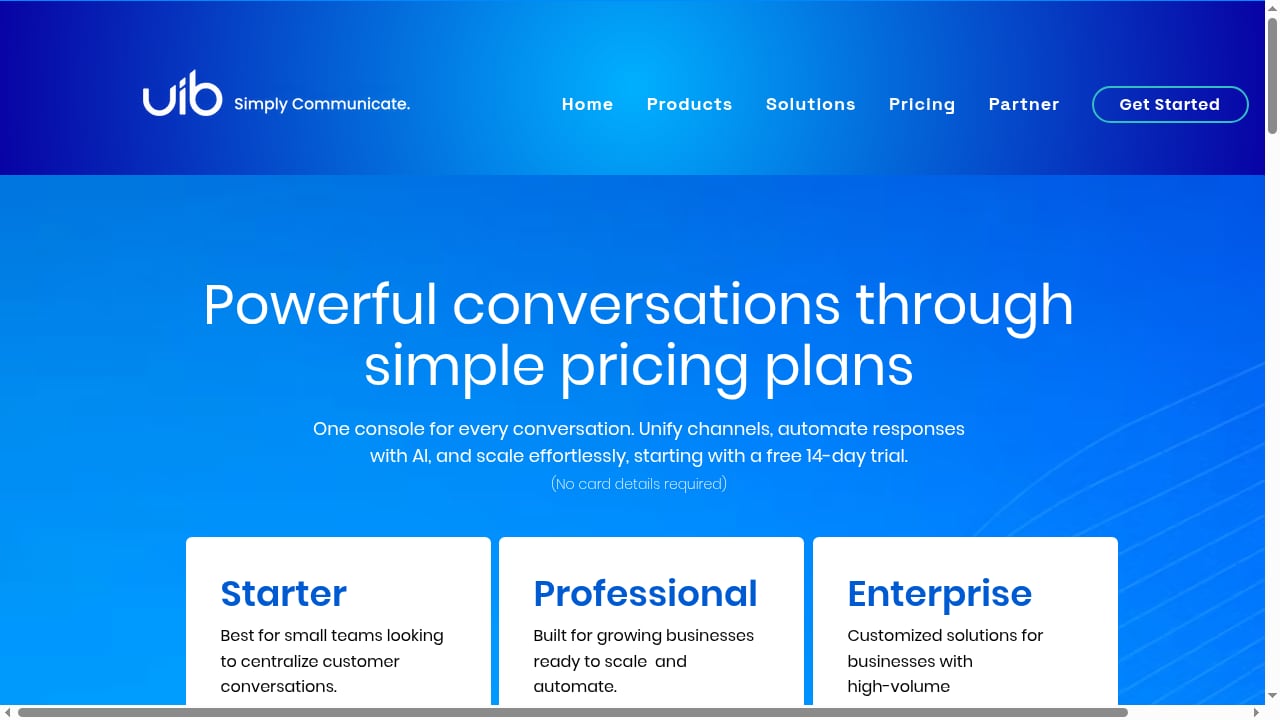
First viewport screenshot of UIB Pricing | Power your conversations with UIB.
UIB is an AI-powered omnichannel communication platform. It lets businesses connect with customers across channels including WhatsApp, SMS, Facebook Messenger, Instagram DMs, LINE, email, voice, and video through a unified dashboard and developer-friendly APIs.
The platform combines communication APIs with AI-driven automation, chatbots, and conversational AI agents. Its stated use cases include contact center automation, conversational commerce, lead capture, personalized notifications, and transactional messaging. Key features include a single API for communication needs, multi-channel support, AI-powered chatbots and voice assistants, real-time analytics, CRM and helpdesk integrations, and enterprise-grade security and compliance.
UIB offers a 14-day free trial with no credit card required, and pricing plans starting at $79/month for small teams. It positions itself as a platform that turns conversations into conversions.
Head-to-head comparison
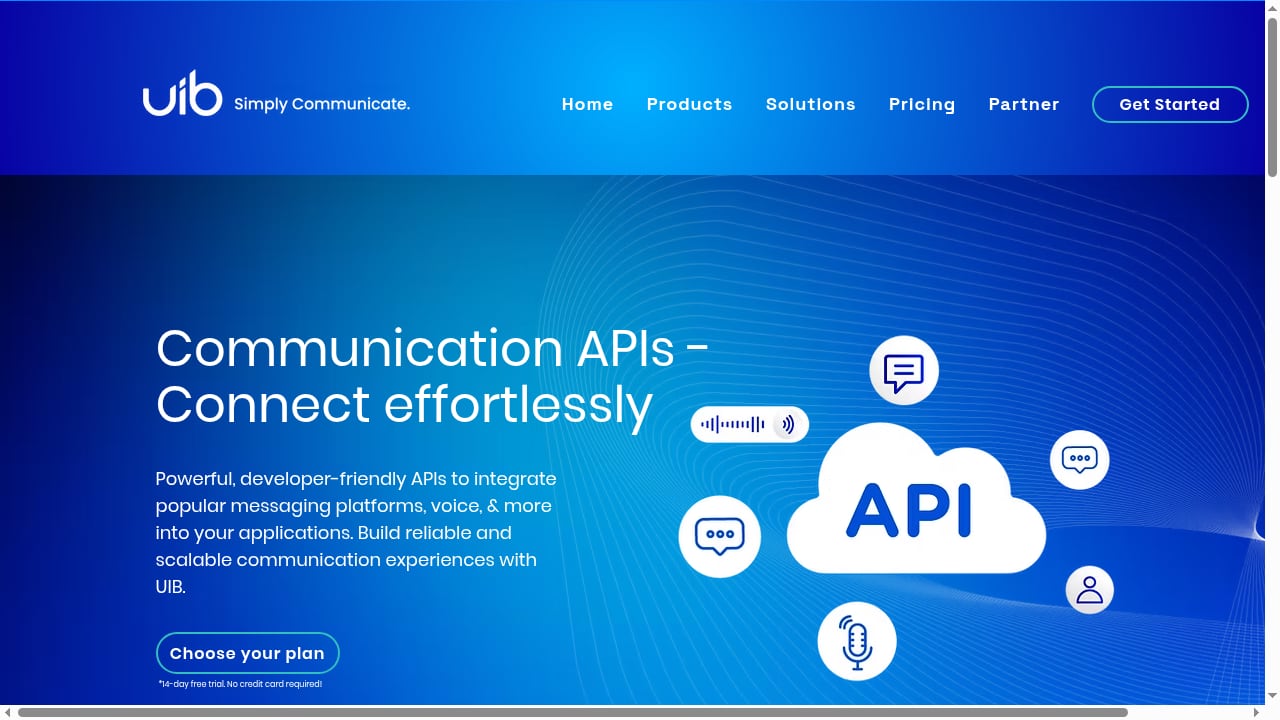
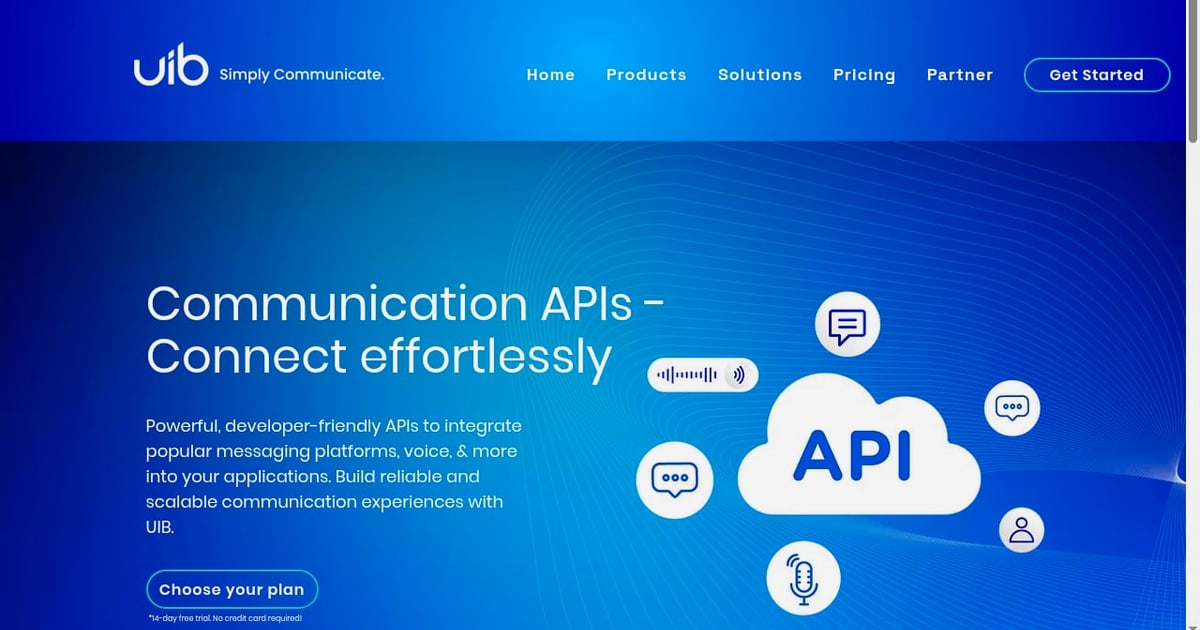
First viewport screenshot of Communication APIs | Messaging, Voice, Video & More.
| Dimension | UnifyPort | UIB |
|---|---|---|
| Primary model | Unified messaging API and standard event stream | AI-powered omnichannel communication platform |
| Core interface | REST API plus webhook control plane | Unified dashboard plus developer APIs |
| Channel focus | WhatsApp, Telegram, LINE, TikTok, Zalo, X | WhatsApp, SMS, Facebook Messenger, Instagram DMs, LINE, email, voice, video |
| Event handling | Normalized JSON events, HMAC-SHA256 signatures, retries, idempotency | Real-time analytics and platform-managed automation |
| AI capabilities | Not part of the core product positioning | Chatbots, conversational AI agents, voice assistants |
| SDKs | Node.js, PHP, Go, Python | Developer-friendly APIs; SDK specifics not detailed in the cited source |
| Pricing signal | Graduated pricing for messaging accounts; free messaging accounts in every workspace | 14-day free trial; plans from $79/month for small teams |
| Best fit | Engineering teams building messaging features into their own products | Support, sales, and CX teams wanting an AI-assisted engagement suite |
Where UnifyPort is strong
One integration instead of many
The core advantage is consolidation. A team that needs WhatsApp, Telegram, LINE, TikTok, Zalo, and X would otherwise maintain six separate provider integrations, each with its own authentication model, payload shape, and failure behavior. UnifyPort replaces that with one API and one event stream. The UnifyPort homepage frames this as production infrastructure: maintainable, observable, and ready to ship.
Webhook reliability as a first-class feature
Many messaging integrations treat webhooks as an afterthought. UnifyPort treats them as a control plane: signatures, subscriptions, retry behavior, and failure tracking are managed explicitly. For teams that have been burned by missed events or silent delivery failures, this matters. If you want to go deeper on delivery reliability, see our guide on how to use UnifyPort with Hookdeck for filtering, retries, and observability.
Stable JSON across providers
Provider payloads differ wildly. Normalizing messages, status updates, and account events into a stable JSON shape reduces the amount of provider-specific parsing logic in your codebase. That is a maintenance win that compounds over time.
Account lifecycle coverage
Authorization flows are often the messiest part of messaging integration. UnifyPort supports QR code, code, password, Passkey, and session import flows, plus account lifecycle management. That breadth is useful for teams managing multiple messaging accounts across channels.
SDK coverage
Official SDKs for Node.js, PHP, Go, and Python mean most backend teams can start without writing raw HTTP clients. The UnifyPort comparison blog regularly publishes decision guides on provider-specific trade-offs, which is a useful signal that the team documents edge cases rather than hiding them.
Where UIB is strong
First viewport screenshot of Contact us for support | UIB.
AI and automation out of the box
UIB's clearest differentiator is built-in AI: chatbots, conversational AI agents, and voice assistants. Teams that want automation without building their own AI pipeline may find this attractive. UnifyPort does not position itself as an AI platform, so if AI-driven engagement is the primary requirement, UIB is the more direct fit.
Broader channel mix including voice and email
UIB lists SMS, email, voice, and video alongside messaging channels. For contact centers that need voice and email in the same platform as chat, that breadth is a real advantage. UnifyPort's channel set is focused on messaging platforms rather than voice or email.
Dashboard for non-technical teams
UIB's unified dashboard is designed for support and sales teams, not just developers. If the primary users are agents rather than engineers, a dashboard-first product may reduce training overhead.
Clear entry pricing
A 14-day free trial with no credit card and plans starting at $79/month for small teams gives UIB a low-friction entry point. UnifyPort's graduated pricing is transparent, and free messaging accounts are available in every workspace, but the two pricing models serve different buying patterns.
Where each platform has trade-offs
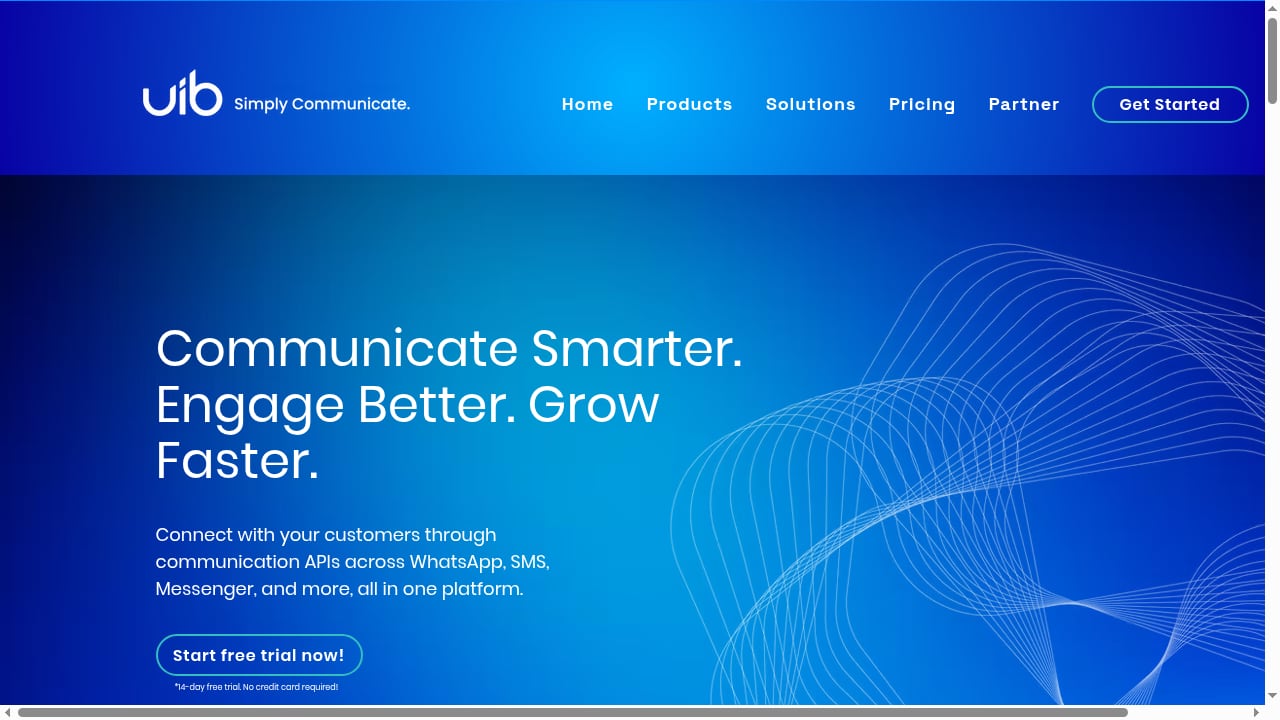
First viewport screenshot of AI Communications Platform - UIB.
UnifyPort trade-offs
- No built-in AI layer. Teams that want chatbots or conversational AI must build or integrate that themselves. UnifyPort provides the messaging and event infrastructure, not the intelligence layer.
- Messaging-focused channel set. Voice, email, and video are not part of the stated channel list. Teams needing those channels in one platform should evaluate whether a messaging-only API fits.
- Developer-centric. The product assumes engineering involvement. Non-technical teams may need a different tool or an additional layer on top.
UIB trade-offs
- Less detail on webhook mechanics. The cited source describes real-time analytics and developer-friendly APIs but does not detail signature verification, retry semantics, or idempotency controls the way UnifyPort's webhook control plane does. Teams with strict delivery guarantees should ask for specifics.
- SDK specifics unclear. The cited source does not list official SDK languages. If your stack depends on a specific language, confirm support before committing.
- AI-first positioning may be more than you need. If your requirement is simply to send and receive messages reliably across channels, an AI-powered suite may add complexity and cost you do not need.
- Pricing scales with seats and features. Starting at $79/month for small teams is a clear entry point, but enterprise pricing and channel-specific costs are not detailed in the cited source.
How to choose
Use this decision logic:
Choose UnifyPort if:
- You are building messaging features into your own product and want one API plus one event stream.
- Webhook reliability, signatures, retries, and idempotency are non-negotiable.
- You need WhatsApp, Telegram, LINE, TikTok, Zalo, and X under one integration.
- Your team works in Node.js, PHP, Go, or Python and wants official SDKs.
- You want transparent graduated pricing with free messaging accounts to start.
Choose UIB if:
- AI chatbots, conversational agents, or voice assistants are core requirements.
- You need voice, email, and video alongside messaging channels.
- Your primary users are support or sales agents working in a dashboard.
- You want a low-friction trial and a per-month entry plan.
Consider both if:
- You need AI-driven engagement on top of reliable messaging infrastructure. Some teams use a unified messaging API for delivery and events, then layer their own AI or a separate AI platform on top.
For a broader view of how UnifyPort compares with other developer platforms, see our UnifyPort vs Unipile vs 8x8 Developer Portal guide. If you are evaluating the wider market, our Top 10 CPaaS and UC developer platforms roundup covers evaluation criteria and pricing signals.
Practical example: inbound support flow
Imagine a support team handling messages from WhatsApp, Telegram, and LINE.
With UnifyPort:
- Connect each account to a workspace using the supported authorization flow.
- Receive all inbound messages as normalized JSON events on one webhook endpoint.
- Verify HMAC-SHA256 signatures at the edge.
- Route events into your ticketing system, applying idempotency keys to avoid duplicates.
- Send replies through the unified
/v1/messagesendpoint.
With UIB:
- Connect channels through the unified dashboard.
- Configure AI chatbots or agents to handle routine queries.
- Route complex conversations to human agents.
- Use real-time analytics to monitor performance.
Both flows work. The difference is where the logic lives: in your codebase (UnifyPort) or in the platform (UIB).
Related reading
- Sendbird Review 2026: AI CX, APIs, Pricing & Limits - Evidence-based Sendbird review for 2026: chat, voice/video and AI concierge strengths, setup, pricing signals, limitations and who should buy.
- Automation Rules for Messaging APIs: A Developer Guide - Learn how to design automation rules for multi-channel messaging APIs: triggers, conditions, actions, webhooks, retries, and platform policy limits.
- Top 10 CPaaS & UC Developer Platforms 2026 - Ranked 2026 guide to the 10 best CPaaS and unified communications developer platforms, with evaluation criteria, evidence, pricing signals, and buying advice.
Sources and further reading
- UIB | Real Estate Investment Manager - Discover UIB, a leading Pan-Asian logistics real estate platform. We source and manage high-quality logistics, industrial, and data center assets in Japan, Singapore and China.
FAQ
Is UnifyPort an alternative to UIB?
They overlap on multi-channel messaging but differ in scope. UnifyPort is a unified messaging API and event layer for developers. UIB is an AI-powered omnichannel platform with a dashboard and built-in automation. UnifyPort is a substitute for UIB when your priority is API-first messaging infrastructure rather than an AI engagement suite.
Does UnifyPort support AI chatbots?
UnifyPort's stated product scope is messaging APIs, webhooks, authentication, and delivery reliability. AI chatbots are not part of its core positioning. Teams needing AI can build it on top of UnifyPort's event stream.
Does UIB support WhatsApp, Telegram, and LINE?
UIB lists WhatsApp and LINE among its channels, along with SMS, Facebook Messenger, Instagram DMs, email, voice, and video. Telegram is not listed in the cited source. If Telegram is required, verify support directly.
Which platform has better webhook reliability features?
Based on the cited sources, UnifyPort documents a webhook control plane with signatures, subscriptions, retry behavior, and failure tracking, plus a delivery queue with rate limits, retries, idempotency, and failure isolation. UIB's cited source does not detail equivalent webhook mechanics.
Which is cheaper?
UnifyPort offers graduated pricing for messaging accounts with free messaging accounts in every workspace. UIB offers a 14-day free trial and plans starting at $79/month for small teams. Total cost depends on channel mix, message volume, and whether you need AI features.
Can I use both together?
Yes. A common pattern is to use a unified messaging API for channel connectivity and event normalization, then apply AI or automation separately. This keeps delivery reliability and intelligence concerns decoupled.
Conclusion
UnifyPort and UIB are not direct equivalents. UnifyPort is infrastructure for developers: one API, one standard event stream, a webhook control plane, and SDKs across four languages. UIB is an engagement platform: AI agents, a dashboard, and a broader channel mix including voice and email.
If your requirement is reliable, normalized messaging across WhatsApp, Telegram, LINE, TikTok, Zalo, and X, with control over signatures, retries, and idempotency, UnifyPort is the more focused fit. If your requirement is AI-driven customer engagement with a dashboard-first experience, UIB is the more direct choice. Evaluate both against your actual delivery guarantees, channel list, and team structure before committing.
For more on handling inbound messages reliably, see our guide on incoming conversation replies.