
Sendbird Review 2026: AI CX, APIs, Pricing & Limits
Evidence-based Sendbird review for 2026: chat, voice/video and AI concierge strengths, setup, pricing signals, limitations and who should buy.
Sendbird Review 2026: AI CX, APIs, Pricing and Real Limits
Sendbird is one of the few vendors that sits in two markets at once: developer-first communications infrastructure and enterprise AI customer experience. This review examines what that combination actually delivers, where it falls short, and how to decide whether it belongs in your stack.
What Sendbird actually is
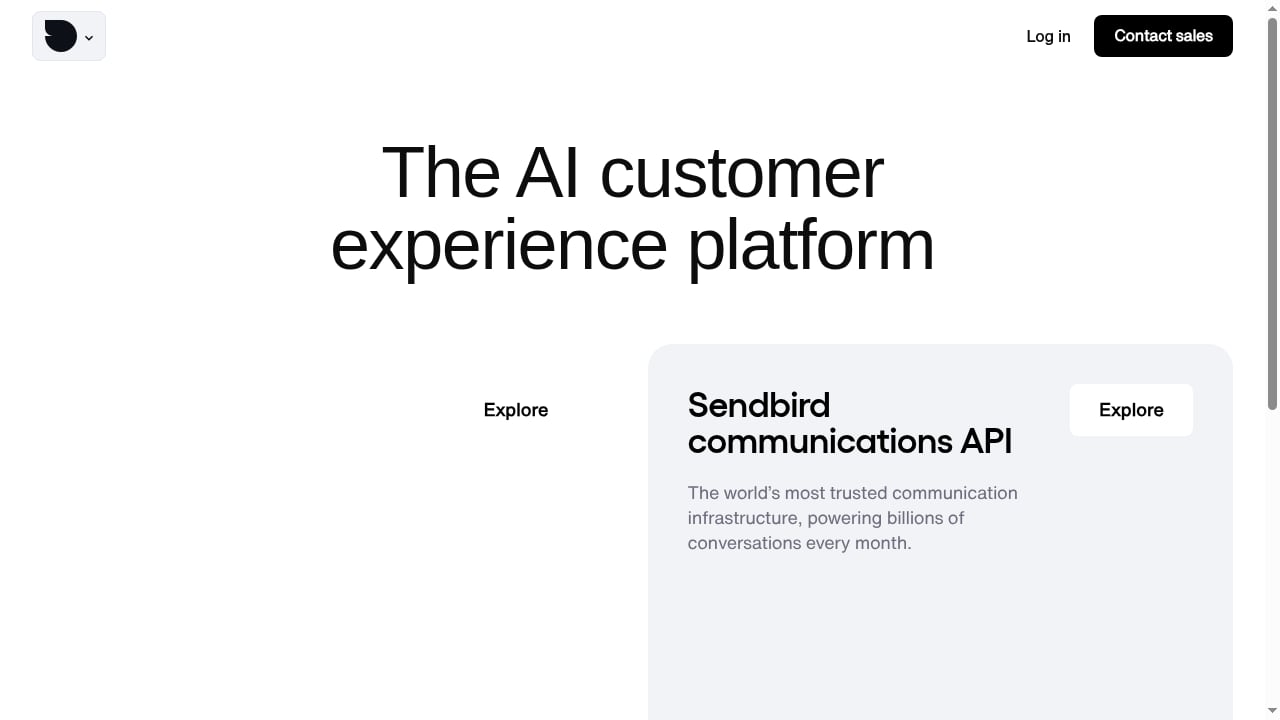
First viewport screenshot of The AI customer experience platform for enterprise.
Sendbird is an AI customer experience and communications API platform. It has two layers:
- Communications infrastructure — chat, business messaging, and voice/video APIs that developers embed into web and mobile applications.
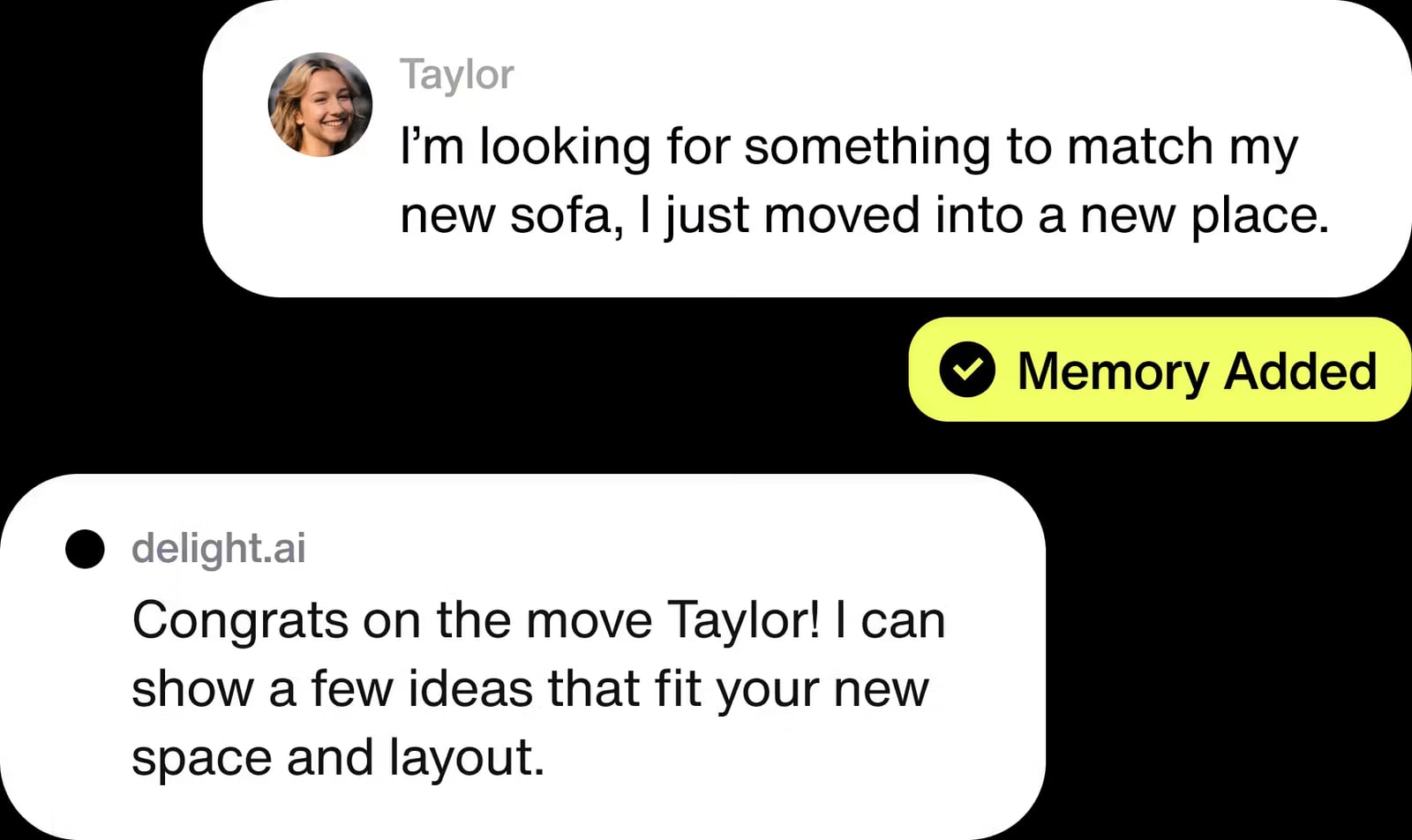
- AI concierge — a product called delight.ai that layers automated assistance on top of those conversations.
The company reports powering billions of conversations per month and serving enterprise customers across financial services, healthcare, marketplaces, on-demand services, live streaming, and marketing.
If you need a short version: Sendbird is strongest when you want a single vendor for in-app messaging, multi-channel business messaging, and AI-assisted support — and you have engineering resources to integrate it properly.
Who Sendbird is built for
Fork messages1.
Sendbird is not a plug-and-play helpdesk widget. It is infrastructure plus an AI layer, which shapes the ideal buyer.
Strong fit
- Product and platform teams at marketplaces, on-demand apps, and live streaming services that need buyer-seller or viewer-to-viewer chat inside their own UI.
- Enterprise support organizations that want to deflect tickets with automation while keeping a human handoff path.
- Regulated industries — financial services and healthcare — where GDPR, HIPAA, SOC 2, and ISO 27001 compliance claims matter during procurement.
- Teams replacing SMS-heavy workflows with in-app or over-the-top messaging to cut per-message costs.
Weak fit
- Small teams that want a no-code live chat tool for a marketing website.
- Companies without mobile or backend developers, since the core value is delivered through SDKs and APIs.
- Organizations that need only one channel and no AI layer — a narrower point solution will usually be cheaper.
Core use cases with practical examples
Sendbird's own customer evidence points to a consistent pattern: high-volume, repetitive conversations that benefit from automation.
| Use case | What it looks like in practice |
|---|---|
| Customer support chat | In-app support with AI answering routine questions before escalation |
| Live stream engagement | High-concurrency group chat during broadcasts |
| Marketplace conversations | Buyer-seller messaging with moderation and blocking |
| On-demand issue resolution | Order problems handled in-app instead of by phone or SMS |
| Virtual care | Compliant patient-provider messaging |
| Mobile marketing campaigns | Push and messaging-driven re-engagement |
Reported proof points include a 56% reduction in support case cost, 70% of queries answered automatically, and 96% CSAT. These are vendor-published figures, so treat them as directional rather than guaranteed outcomes for your workload.
Key features worth evaluating
Messaging and channels
Real-time messaging, push notifications, and omnichannel support spanning in-app, SMS, WhatsApp, and KakaoTalk. That channel spread matters most for companies operating in Asia-Pacific, where KakaoTalk is a baseline expectation rather than a nice-to-have.
Moderation and safety
Moderation tooling includes profanity filtering with pattern matching, domain and URL filtering, and spam controls that cap message frequency or duplicate messages per channel or across channels. For marketplaces and live streaming, this is often the deciding feature set.
Developer experience details
Publicly discussed capabilities include built-in local caching so apps behave correctly when connectivity drops and returns, automatic thumbnail generation at multiple sizes to reduce bandwidth, user-to-user blocking, do-not-disturb schedules with mention-only overrides, and engagement analytics covering active channels, senders, and messages per user.
Integrations and compliance
CRM and support integrations include Salesforce, Zendesk, and Microsoft Dynamics 365. Compliance coverage includes GDPR, HIPAA, SOC 2, and ISO 27001.
Setup and integration reality
Expect a developer-led implementation. The typical path looks like this:
- Provision an application in the Sendbird dashboard and collect your app credentials.
- Install the SDK for your target platforms — web and mobile — and initialize it in your app lifecycle.
- Model your conversation types: one-to-one, group, or large open channels, depending on whether you are building support, marketplace, or broadcast chat.
- Wire events into your backend. This is where most teams spend real effort: webhooks, message persistence, moderation hooks, and notification routing.
- Add the AI layer if you are using delight.ai, and define which intents get automated versus escalated.
- Test under load, especially if you run live events with unpredictable concurrency spikes.
If you are building webhook-driven conversation flows, the patterns in Incoming Conversation Reply: A Developer's Guide to Handling Inbound Messages apply directly — retries, signatures, and idempotency are the same problems regardless of vendor. Teams that need to design trigger-and-action logic on top of messaging APIs should also read Automation Rules for Messaging APIs: A Developer Guide.
Pricing signals
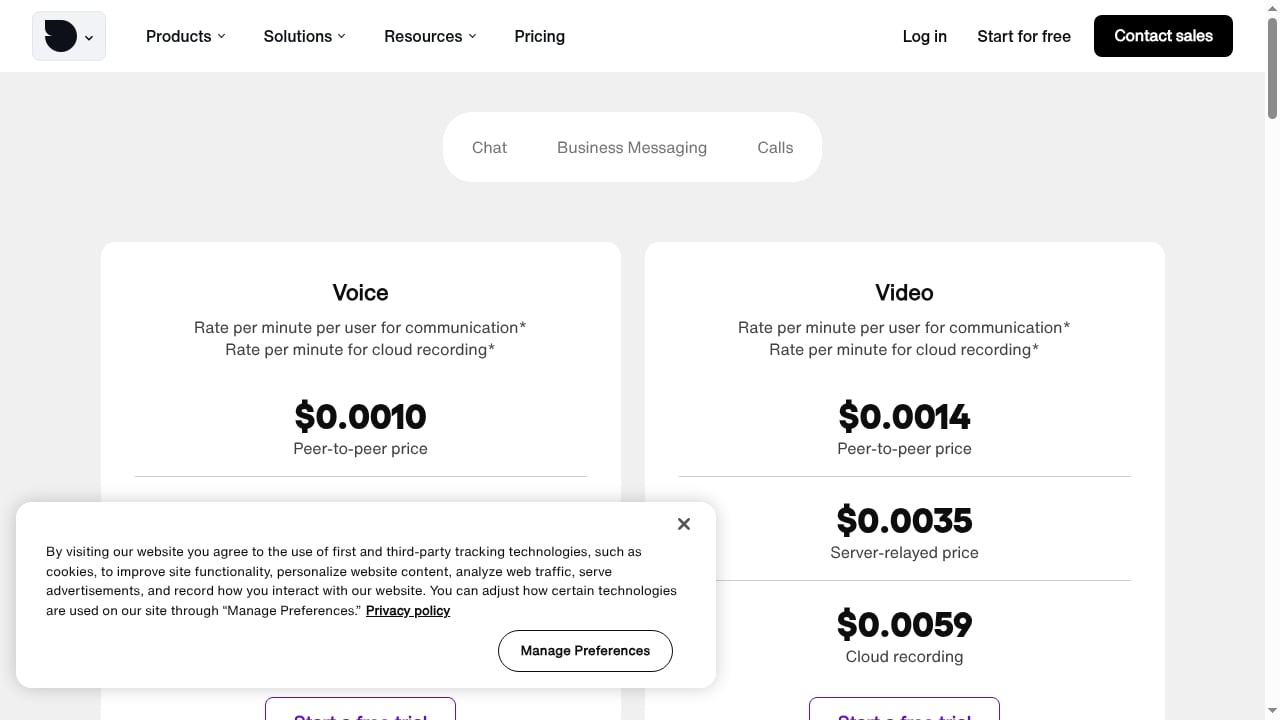
First viewport screenshot of Voice & video API pricing plans (try Calls free).
Sendbird publishes free trials and tiered plans — Starter, Pro, and Enterprise — with usage-based pricing for calls. Beyond that, public pricing detail is limited, which is typical for enterprise communications platforms.
What this means practically:
- Starter and Pro are the entry points for smaller deployments, but feature and volume ceilings apply.
- Enterprise is negotiated, usually tied to contracted peak connections and message volume.
- Voice and video are metered separately, so a chat-first budget can underestimate total cost once calling is added.
- AI concierge pricing is not transparent in public sources; ask explicitly how automated resolutions are billed.
One competitive data point worth knowing: Sendbird has publicly described a soft cap of roughly 3x contracted peak connections, which is more forgiving than vendors that enforce a hard cap. If your traffic is spiky — live events, flash sales — that flexibility has real value.
Strengths
- Two capabilities in one vendor. Messaging infrastructure plus an AI concierge reduces integration surface area compared to stitching together a chat API and a separate automation tool.
- Enterprise-grade compliance posture. HIPAA, SOC 2, ISO 27001, and GDPR coverage shortens security review in regulated sectors.
- Broad channel coverage. In-app, SMS, WhatsApp, and KakaoTalk in one platform.
- Serious moderation tooling. Profanity, domain, and spam filtering are built in rather than bolted on.
- Developer conveniences. Local caching, auto-thumbnails, and analytics reduce custom work.
- Demonstrated scale. Billions of monthly conversations and named enterprise references.
Limitations and risks
- Opaque pricing. Without public rate cards, budgeting requires a sales conversation and careful volume modeling.
- Developer dependency. This is not a tool a marketing team can deploy alone.
- AI accuracy is workload-dependent. The 70% auto-answer figure depends heavily on how repetitive your inbound queries are. Complex, regulated, or emotionally sensitive conversations will automate less.
- Vendor-published metrics. Cost reduction and CSAT claims come from Sendbird's own case studies, not independent audits.
- Review landscape is mixed. Developer community threads are useful but include vendor participation, and employer-review sites measure something entirely different from product quality. Weigh sources accordingly.
- Migration cost. Once conversations and user data live in a platform, switching means re-integrating SDKs and migrating history.
Sendbird vs alternatives: decision criteria
First viewport screenshot of Omnichannel business messaging pricing plans.
When comparing Sendbird against other chat and messaging platforms, score each option on these axes:
- Channel requirements — do you need KakaoTalk, WhatsApp, or SMS, or is in-app enough?
- Concurrency profile — what is your realistic peak, and does the vendor cap it?
- Moderation depth — can you filter profanity, URLs, and spam without building it yourself?
- AI scope — is automation included, or a separate purchase?
- Compliance — which certifications does your industry actually require?
- Total cost at scale — model messages, peak connections, and voice minutes together.
- Exit path — how exportable are your conversation histories?
For a broader market view before you shortlist, see Top 10 CPaaS & UC Developer Platforms 2026, which lays out evaluation criteria and pricing signals across the category.
Related reading
- How to Use UnifyPort with Hookdeck: Reliable Messaging Webhooks - Connect UnifyPort's unified messaging API to Hookdeck for reliable webhook delivery, filtering, retries, and observability across WhatsApp, Telegram, and more.
- UnifyPort vs Unipile vs 8x8 Developer Portal: 2026 Guide - Compare UnifyPort, Unipile, and the 8x8 Developer Portal on API model, channels, webhooks, SDKs, and pricing to pick the right messaging stack.
Sources and further reading
- Sendbird Reviews 2026: Details, Pricing, & Features - G2 - What do users say? ... Users consistently praise Sendbird for its ease of integration and reliable performance, making it a preferred choice for businesses ...
- SendBird Reviews (92): Pros & Cons of Working At ... - Glassdoor - Ratings by category ... SendBird has an employee rating of 3.7 out of 5 stars, based on 92 company reviews on Glassdoor which indicates that most employees have a ...
- Experience with SendBird or Stream? : r/AskProgramming - Hi. u/Pretty_Dance2452 I've been refraining from commenting as much as possible because I work for Sendbird. However, what's more, important than explicit objectivity is that our potential customers and developers have access to the right service faster, so I break my hesitation and reply as follows.
FAQ
Is Sendbird good for startups?
It can be, if you have developers and expect messaging to be a core product feature rather than a support add-on. Startups wanting a simple website chat widget will find it heavier than necessary.
Does Sendbird support HIPAA-compliant messaging?
Sendbird states compliance with HIPAA alongside GDPR, SOC 2, and ISO 27001. Confirm the specific configuration and business associate agreement terms during procurement.
How much does Sendbird cost?
Public information shows free trials, Starter, Pro, and Enterprise tiers, plus usage-based pricing for calls. Exact rates require a quote, so model your message volume and peak connections before negotiating.
Can Sendbird handle large group chats?
Yes. Its Supergroups feature is designed for large-scale group chat and is used by high-traffic consumer applications. Verify peak concurrency limits against your own event traffic.
What is delight.ai?
It is Sendbird's AI concierge product, layered on top of the communications platform to automate customer conversations and route complex cases to human agents.
Conclusion
Sendbird earns its place in enterprise stacks when you need in-app messaging, multi-channel business messaging, and AI-assisted support from one vendor — and you have the engineering team to integrate it. The compliance coverage, moderation depth, and channel breadth are genuine advantages, and the soft connection cap is friendlier than hard-capped competitors.
The trade-offs are real: pricing requires negotiation, the AI layer's value depends on how repetitive your conversations are, and the headline metrics come from vendor case studies. Go in with a clear concurrency model, a defined automation scope, and a total-cost estimate that includes voice minutes. If those line up, Sendbird is a defensible choice. If you only need a single channel and no AI, a narrower tool will likely serve you better and cost less.