
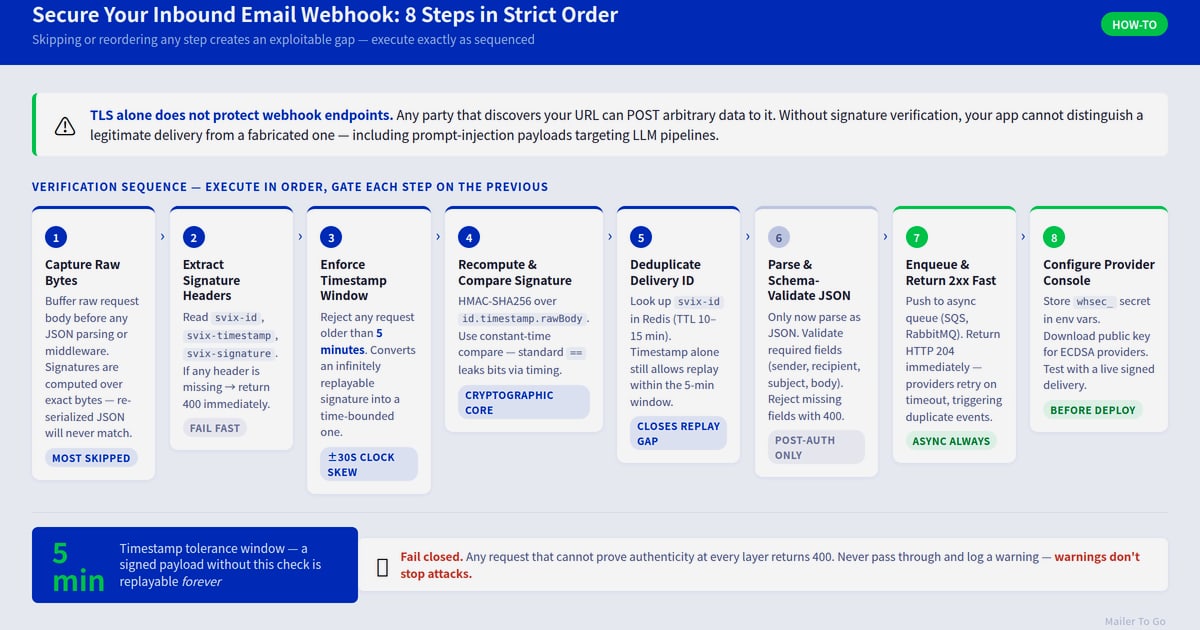
Incoming Conversation Reply: A Developer's Guide to Handling Inbound Messages
Learn how to handle incoming conversation replies across messaging channels. Build reliable webhook-driven reply systems with retries, signatures, and idempotency.
Incoming Conversation Reply: A Developer's Guide to Handling Inbound Messages
When a user sends you a message on WhatsApp, Telegram, LINE, or any other channel, your system needs to receive that incoming conversation reply and respond appropriately. For developers, this is not just about displaying a message in a UI — it is about building a reliable pipeline that catches the event, verifies it, processes it, and sends a response without duplicates or lost messages.
This guide covers the architecture behind handling incoming conversation replies programmatically, from webhook setup to idempotency and retries. Whether you are building a customer support tool, a chatbot, or a notification system, these patterns will help you avoid common pitfalls.
What Is an Incoming Conversation Reply?
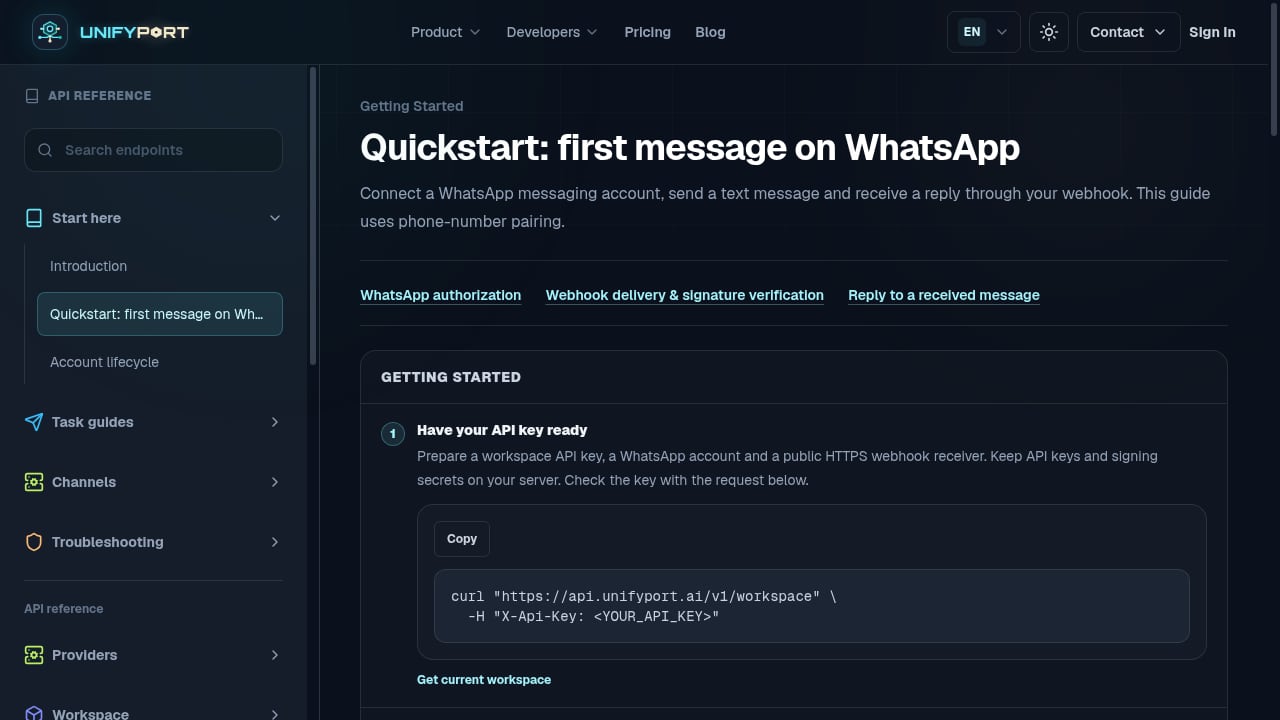
First viewport screenshot of Quickstart: first message on WhatsApp — API Reference — UnifyPort.
An incoming conversation reply is any message a user sends into your system through a messaging channel. It could be a WhatsApp text, a Telegram command, a LINE sticker, or a reply to a previous outbound message. From a developer's perspective, these arrive as events — typically via webhooks — and must be normalized, validated, and routed to the right handler.
The challenge is that each messaging platform has its own payload format, authentication method, and delivery guarantees. WhatsApp sends JSON with nested metadata. Telegram uses a different structure with update IDs. LINE has its own event types. Without a unified layer, you end up writing and maintaining separate parsers for each channel.
A unified messaging API like UnifyPort solves this by normalizing incoming events into a stable JSON shape. Instead of handling five different webhook formats, you receive one standard event stream for all channels. This reduces code complexity and lets you focus on the reply logic itself.
How Incoming Replies Arrive: Webhooks vs Polling
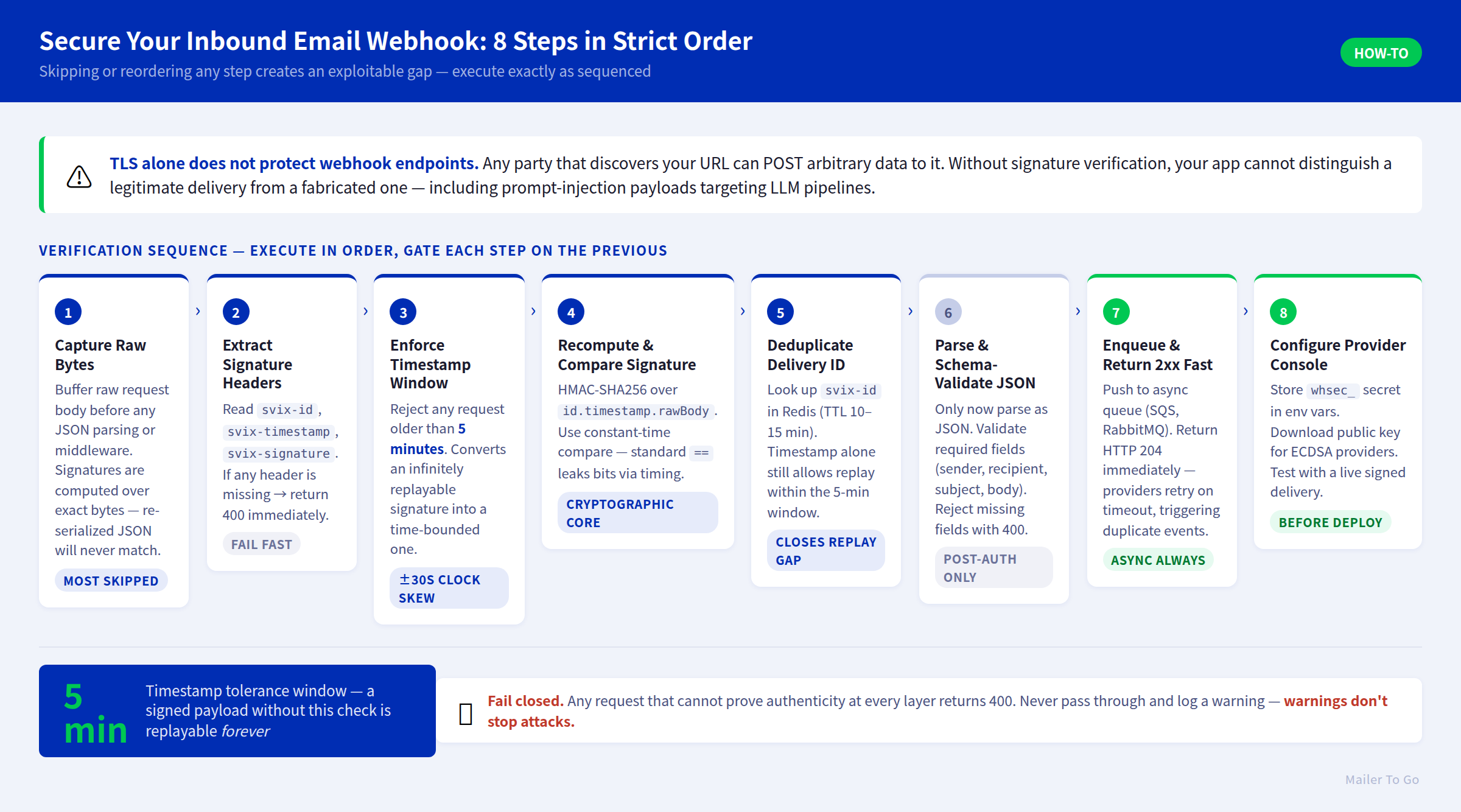
Incoming Conversation Reply: A Developer's Guide to Handling Inbound Messages - Building a Reliable Incoming Reply Handler.
Most messaging platforms push incoming messages to your server via webhooks. When a user sends a message, the platform makes an HTTP POST request to a URL you configure. Your server processes the payload and responds with a 200 OK to acknowledge receipt.
Polling is the alternative: your server periodically asks the platform for new messages. Polling is simpler to set up but introduces latency and wastes resources when there are no new messages. For real-time conversation replies, webhooks are the standard choice.
However, webhooks alone are not enough for a robust system. You need to handle:
- Signature verification — Ensure the request actually came from the messaging platform, not an attacker.
- Idempotency — Platforms may retry webhook deliveries. Your handler must not process the same message twice.
- Retries and failure isolation — If your server is down, you need a way to recover missed messages.
- Rate limits — Sending replies too quickly can trigger platform throttling.
A webhook control plane, such as the one offered by UnifyPort, manages signatures, subscriptions, retry behavior, and failure tracking so you do not have to build these from scratch. For a deeper dive into webhook architecture, see Real-Time Sync Webhooks: A Developer's Architecture Guide.
Building a Reliable Incoming Reply Handler
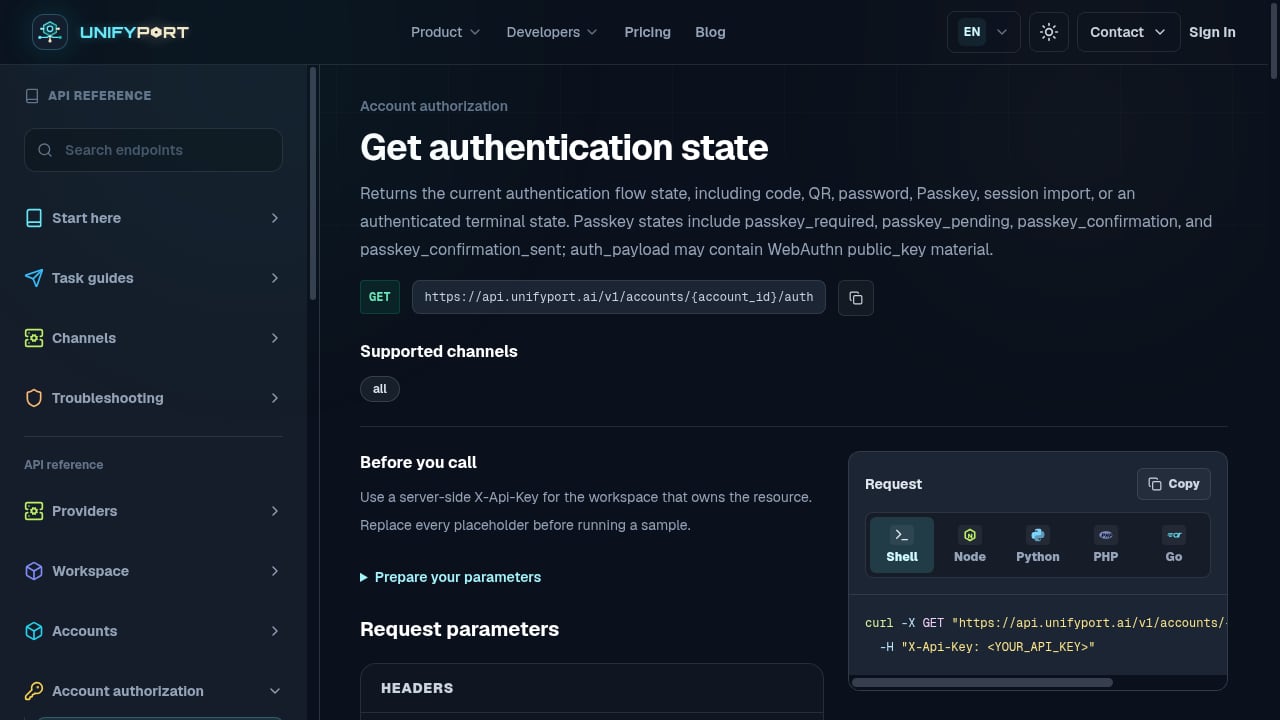
First viewport screenshot of Get authentication state — API Reference — UnifyPort.
Here is a practical approach to processing incoming conversation replies in a multi-channel environment.
Step 1: Receive and Verify the Webhook
Your endpoint should first verify the request signature. Most platforms use HMAC-SHA256 with a shared secret. UnifyPort includes API key and HMAC-SHA256 signature authentication out of the box, so you can validate incoming events before parsing them.
import hmac
import hashlib

def verify_signature(payload, signature, secret):
    expected = hmac.new(secret.encode(), payload, hashlib.sha256).hexdigest()
    return hmac.compare_digest(expected, signature)
If the signature does not match, reject the request with a 401. Never process unverified payloads.
Step 2: Normalize the Event
Once verified, extract the relevant fields: sender ID, channel, message text, timestamp, and any attachments. With a unified API, this step is consistent across channels. Without one, you would need to write channel-specific parsers.
Step 3: Check for Duplicates
Use the message ID or event ID to check if you have already processed this reply. Store processed IDs in a database or cache with a TTL. This is idempotency in practice — it prevents double replies when a platform retries delivery.
Step 4: Route to the Right Handler
Based on the channel, message content, or user context, route the reply to the appropriate logic. This could be a chatbot, a human agent inbox, or an automated workflow. If you are integrating with a helpdesk, tools like UnifyPort with Zendesk show how incoming messages become tickets.
Step 5: Send the Response
Compose your reply and send it back through the same channel. Use a delivery queue with rate limits and retries to handle transient failures. UnifyPort provides a reliable delivery queue with idempotency and failure isolation, which is critical when sending replies at scale.
Common Pitfalls and How to Avoid Them

Incoming Conversation Reply: A Developer's Guide to Handling Inbound Messages - Common Pitfalls and How to Avoid Them.
Even experienced developers run into issues when handling incoming conversation replies. Here are the most common ones.
Ignoring Webhook Retries
Platforms retry webhook deliveries when they do not receive a timely 200 response. If your handler is not idempotent, you may send duplicate replies. Always acknowledge receipt quickly and process asynchronously.
Skipping Signature Verification
Without signature verification, anyone can send fake webhook requests to your endpoint. This can lead to spam, data corruption, or security breaches. Always verify signatures before processing.
Hardcoding Channel Logic
If you write separate code paths for each channel, adding a new channel becomes a major project. A unified API abstracts this away. UnifyPort supports WhatsApp, Telegram, LINE, TikTok, Zalo, and X (formerly Twitter) through one REST API and one event stream.
Not Handling Rate Limits
Messaging platforms enforce rate limits. If you send replies too quickly, you may get throttled or blocked. Use a queue with backoff and respect the platform's limits. UnifyPort's delivery queue handles this automatically.
Choosing the Right Approach for Your Team
If you are building a simple bot for one channel, a direct integration may be sufficient. But if you need to support multiple channels, handle high volume, or integrate with existing tools, a unified messaging API saves significant development time.
Consider these factors:
- Number of channels — More channels mean more complexity. A unified API reduces this.
- Volume of incoming replies — High volume requires robust retry and idempotency handling.
- Team size — Smaller teams benefit more from managed infrastructure.
- Integration needs — If you are connecting to a CRM or helpdesk, a unified API simplifies the data flow.
For a comparison of unified messaging platforms, see Top 10 Unified Social Media API Platforms 2026. If you are evaluating CPaaS options, Top 10 CPaaS Products 2026 provides a ranked review.
Related reading
- How to Use UnifyPort with Trengo: Unified Messaging Guide - Connect UnifyPort's unified messaging API to Trengo so WhatsApp, Telegram, LINE, and more land in one team inbox. Setup, webhook flow, and examples.
- UnifyPort vs Syniverse CPaaS vs Infobip: 2026 Comparison - Compare UnifyPort, Syniverse CPaaS Omni-Channel Messaging, and Infobip on API model, channels, webhooks, SDKs, and pricing to pick the right messaging stack.
- UnifyPort vs Esendex: Unified Messaging API or SMS Platform? - Compare UnifyPort and Esendex on API model, channels, webhooks, SDKs, and pricing to choose the right messaging stack for your product.
Sources and further reading
- How to answer an incoming chat - Learn how to respond to incoming chats using both the tawk.to dashboard and mobile app. From setting up notifications to jumping into live conversations, we’...
- Answer or decline incoming calls on iPhone - In Phone on iPhone, you can answer, silence, or decline an incoming call; send a call to voicemail; or respond with a text.
- Use suggested replies to respond to messages without typing in Microsoft Teams - Instead of typing a response to a message, tap one of the suggested replies buttons above the box where you type to send it immediately.
FAQ
What is an incoming conversation reply?
An incoming conversation reply is a message sent by a user into your system through a messaging channel. It arrives as an event, usually via webhook, and must be processed and responded to.
How do I handle incoming replies from multiple channels?
Use a unified messaging API that normalizes events from different platforms into a single format. This avoids writing separate parsers for each channel.
Why is idempotency important for incoming replies?
Platforms may retry webhook deliveries. Without idempotency, you might process the same reply twice and send duplicate responses. Always check message IDs before processing.
What is the best way to verify incoming webhooks?
Use HMAC-SHA256 signature verification with a shared secret. Reject any request that does not have a valid signature.
Can I use UnifyPort to handle incoming conversation replies?
Yes. UnifyPort provides a unified webhook event stream for multiple channels, with signature verification, retry handling, and a reliable delivery queue for sending replies.
Conclusion
Handling incoming conversation replies reliably requires more than just receiving a webhook. You need signature verification, idempotency, retry handling, and a way to send responses without hitting rate limits. A unified messaging API like UnifyPort simplifies this by providing one REST API and one event stream for multiple channels, so you can focus on building your product instead of maintaining integrations.
Start by mapping your channels and volume, then choose an approach that scales with your needs. Whether you build directly or use a unified platform, the patterns in this guide will help you avoid common mistakes and keep your conversations flowing.