
Unipile LinkedIn API: Integration Guide & Alternatives
Learn how Unipile's LinkedIn API works, what it can and cannot do, pricing, setup steps, compliance risks, and how UnifyPort compares as an alternative.
Unipile LinkedIn API: What It Actually Does, Pricing, and Smarter Alternatives
Unipile markets itself as a shortcut for adding LinkedIn messaging to software products without waiting months for LinkedIn's official partner approval. The pitch is attractive: connect authenticated LinkedIn accounts, sync conversations, send messages, and manage outreach workflows through one API. But before you build on it, you need to understand exactly what you are getting, where the compliance boundaries sit, and whether a broader unified messaging platform would serve you better.
This guide breaks down how Unipile's LinkedIn integration works, what it can and cannot access, realistic pricing, setup steps, and how it compares with alternatives such as UnifyPort for teams that need LinkedIn plus other messaging channels.
What Is Unipile's LinkedIn API?
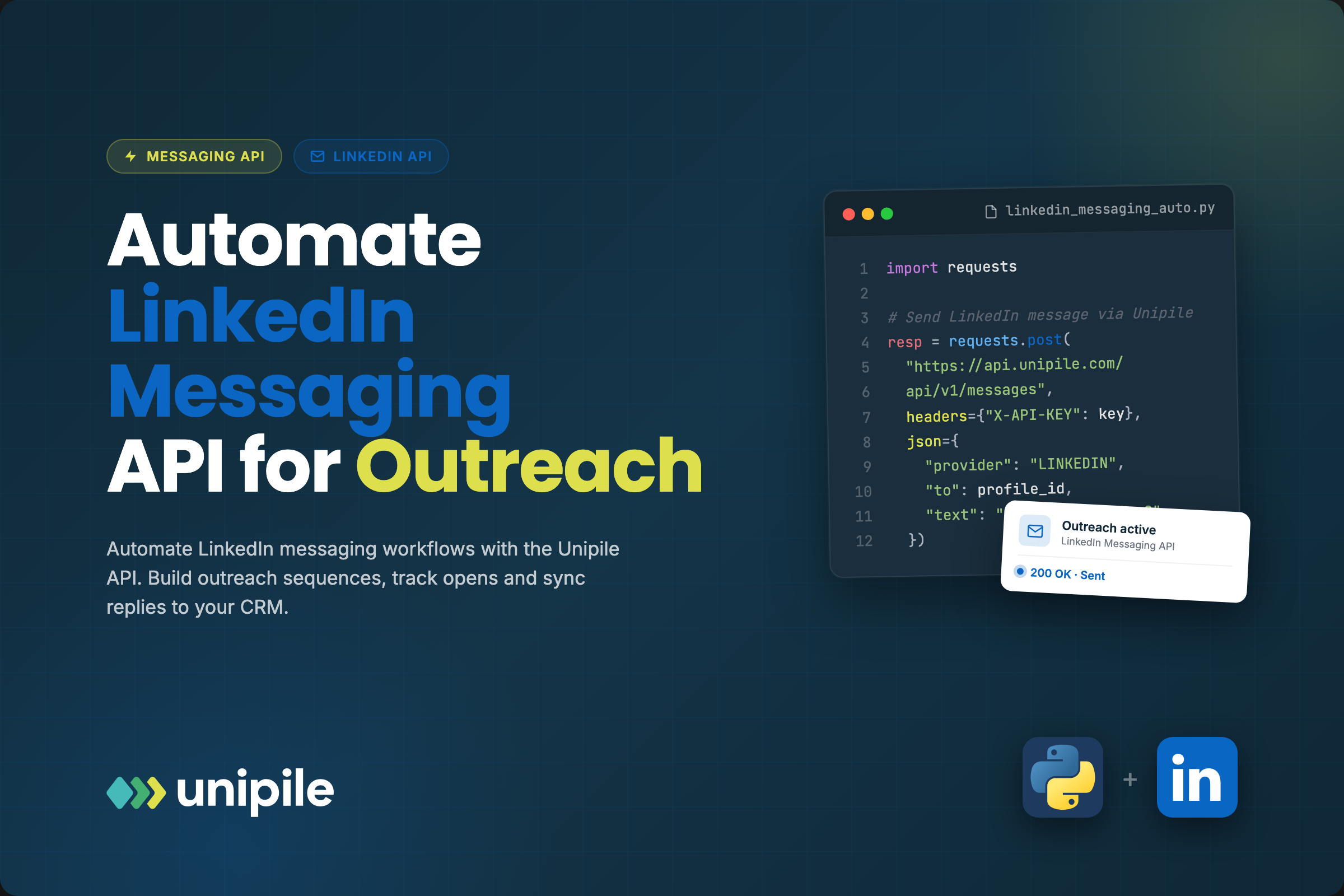
Unipile LinkedIn API: Integration Guide & Alternatives - What Is Unipile's LinkedIn API?.
Unipile is an independent technical intermediary that lets software publishers connect authenticated LinkedIn accounts to their applications. It is not affiliated with, endorsed by, or sponsored by LinkedIn. The platform acts as a gateway: a user authorizes their LinkedIn account through your app, and Unipile handles the underlying session, synchronization, and messaging workflows on that user's behalf.
The core value proposition is speed. LinkedIn's official API access typically requires a partner application process that can take three to six months and is generally reserved for enterprise-scale products. Unipile's approach lets a developer start integrating within days, using standard REST endpoints and SDKs.
Supported LinkedIn Account Types
Unipile supports LinkedIn integrations across several account tiers, depending on what the connected user has access to:
- LinkedIn Classic — standard free accounts
- LinkedIn Premium — paid individual subscription features
- LinkedIn Recruiter — recruiting workflows and candidate management
- Sales Navigator — sales prospecting and account-based outreach
The key limitation is that Unipile only exposes what the authenticated user could already see in their own LinkedIn session. There is no privileged backend access, no cross-account enrichment, and no data beyond the user's own authorized scope.
What Can You Build With It?
Unipile LinkedIn API: Integration Guide & Alternatives - What Can You Build With It?.
The most common use cases for Unipile's LinkedIn integration fall into three categories:
Recruiting and ATS Workflows
Recruiting platforms use the API to sync candidate conversations, manage outreach to potential hires, and keep applicant tracking systems aligned with LinkedIn activity. A recruiter connects their LinkedIn account, and the ATS can then reflect message threads, connection requests, and profile information inside its own interface.
CRM Synchronization
Sales teams often live in LinkedIn but track deals in a CRM. Unipile's integration lets a CRM pull conversation history and contact context from a connected LinkedIn account, reducing manual copy-paste and improving visibility across the team.
Outreach and Relationship Management
Agencies and sales platforms can support multi-account management, where several team members connect their LinkedIn accounts to a single application. This is useful for firms that coordinate outreach across multiple relationship owners.
Real-Time Conversation Sync
Unipile supports real-time synchronization, meaning message activity from a connected LinkedIn account can be reflected in your application as it happens. This keeps conversations current in your own software and supports timely follow-up.
How the Integration Works
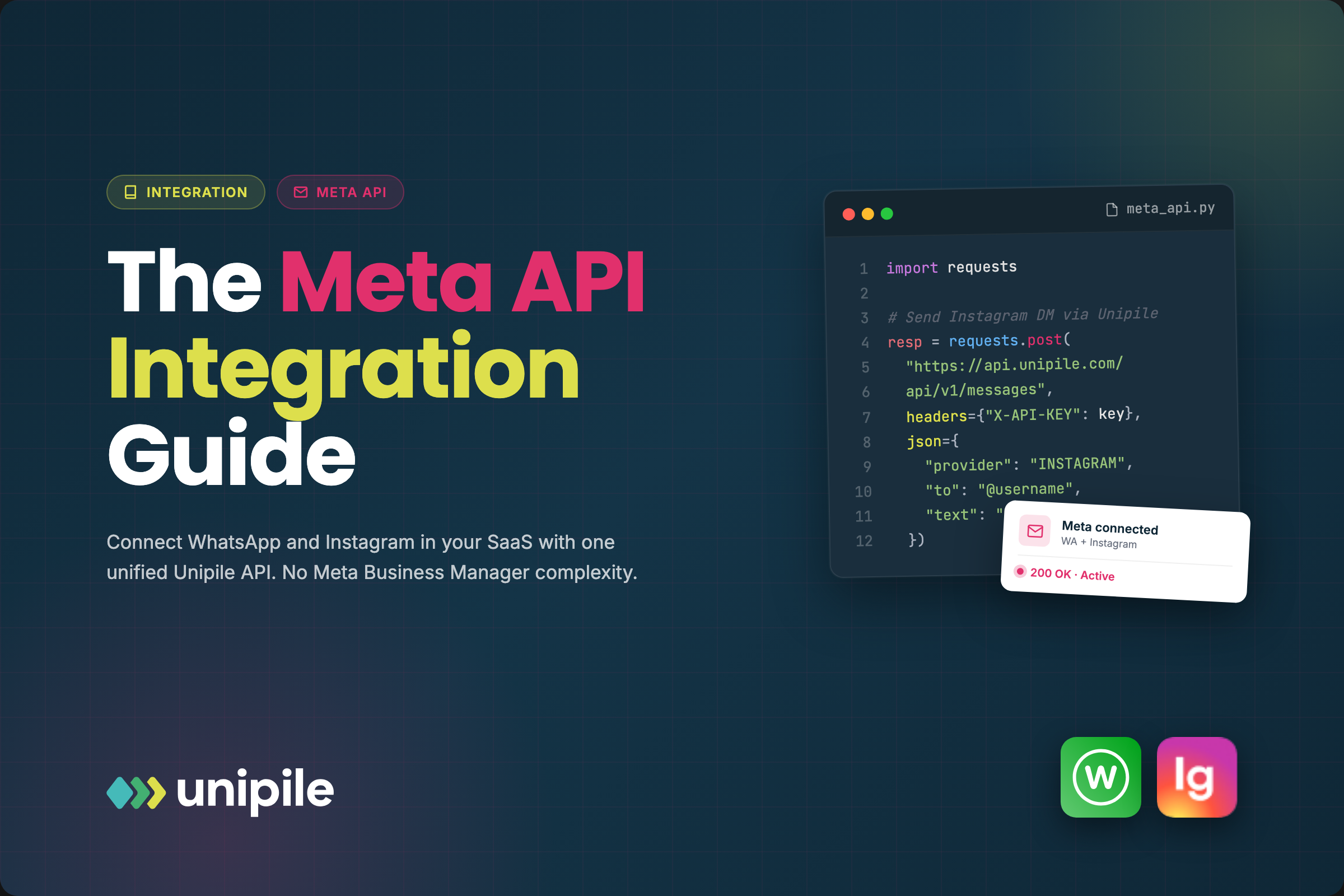
Unipile LinkedIn API: Integration Guide & Alternatives - How the Integration Works.
Unipile's LinkedIn integration follows a straightforward pattern:
- Generate an authorization link through the Unipile dashboard or API.
- User connects their LinkedIn account by authenticating through that link.
- Unipile manages the session and exposes messaging, profile, and synchronization endpoints.
- Your app calls the API using an access token and your DSN endpoint.
A basic request looks like this:
const response = await fetch('https://api.unipile.com/v1/profiles', {
  headers: {
    'Authorization': 'Bearer your-api-token',
    'X-DSN': 'your-dsn-endpoint'
  }
});
Unipile offers SDKs and API endpoints for connecting accounts, managing synchronization, and supporting user-controlled workflows. For a deeper walkthrough of the documentation, DSN setup, and key endpoints, see the Unipile docs guide.
Compliance and Risk: What You Need to Know
This is the most important section for anyone evaluating Unipile's LinkedIn API. The platform operates in a gray area that requires careful usage discipline.
Unipile Is Not a LinkedIn Partner
Unipile explicitly states that it is not affiliated with or endorsed by LinkedIn. It acts as an independent technical intermediary. This means:
- LinkedIn's terms and conditions still apply to every connected account.
- Third-party platform rules and availability can change at any time.
- Customers are responsible for configuring their use case in a compliant way.
Recommended Usage Guardrails
Unipile itself recommends conservative usage rules:
- Implement message pacing and account-level controls.
- Avoid aggressive or excessive activity patterns.
- Keep users in control of every action performed from their accounts.
- Review provider limits and restrictions documentation before going live.
Data Handling
Unipile states that it does not build or maintain an independent database of LinkedIn profile data. Information is processed only at the request of the authenticated user and only to the extent technically necessary for the requested workflow. Once a workflow completes, Unipile does not retain or repurpose the data outside of what the user initiated.
This is a meaningful distinction from scrapers or data brokers, but it does not eliminate compliance risk. If your application triggers actions that LinkedIn considers abusive, the connected accounts can still face restrictions or bans.
Unipile LinkedIn API Pricing
Unipile offers a single pricing plan that grants access to all LinkedIn features under one rate. Key details:
- Free trial: includes up to 10 accounts for testing
- Paid plans: start at roughly $49 per month, with transparent tiered pricing
- All LinkedIn features are included at a single rate rather than being split across add-ons
By comparison, LinkedIn's official API is free for approved partners but requires an expensive partnership program that most small and mid-sized companies cannot access. DIY solutions have no licensing cost but carry high hidden costs in development time, maintenance, and legal risk.
For a full breakdown of Unipile's positioning and pricing, see the Unipile overview guide.
Unipile vs. UnifyPort: Which One Fits Your Stack?
Unipile and UnifyPort solve related but distinct problems. Understanding the difference will save you from building on the wrong foundation.
Unipile's Focus
Unipile is primarily a LinkedIn-centric gateway that also wraps a few other channels. Its core strength is getting LinkedIn messaging, recruiting, and sales workflows into your product quickly without official partner approval. The trade-off is that you are operating outside LinkedIn's official API ecosystem, which carries ongoing compliance and account-stability risk.
UnifyPort's Focus
UnifyPort is a unified messaging API platform built for production-grade multi-channel delivery. It connects Telegram, WhatsApp, LINE, X (Twitter), Zalo, and TikTok through a single REST API and standardized webhook events. Instead of wrapping unofficial access to one platform, UnifyPort abstracts away provider-specific SDKs across many officially supported channels.
Key architectural differences:
| Capability | Unipile | UnifyPort |
|---|---|---|
| Primary channel focus | LinkedIn messaging | Multi-channel messaging (Telegram, WhatsApp, LINE, X, Zalo, TikTok) |
| Access model | Authenticated user sessions | Official provider integrations with workspaces and virtual accounts |
| Event handling | Conversation synchronization | Standardized JSON event layer with webhook control plane |
| Reliability features | Rate limiting guidance | Built-in retries, idempotency, failure isolation |
| Security | API tokens and DSN | API keys with HMAC-SHA256 signatures |
| SDKs | Multiple language support | Node.js, PHP, Go |
When to Choose Each
Choose Unipile if your product is fundamentally a LinkedIn tool: recruiting software, LinkedIn-focused CRM, or sales outreach built around Sales Navigator. The entire value proposition is LinkedIn access, and you have accepted the compliance trade-offs.
Choose UnifyPort if you need a messaging layer that spans multiple channels with production reliability guarantees. UnifyPort is designed for AI agents, CRMs, notification systems, and operations tools that must deliver messages across Telegram, WhatsApp, LINE, X, Zalo, and TikTok without building separate integrations for each. It does not provide unofficial LinkedIn access, but it offers a cleaner long-term architecture for multi-channel messaging.
For teams that need both LinkedIn workflows and reliable multi-channel messaging, the two tools can coexist: Unipile for LinkedIn-specific features and UnifyPort for everything else.
Common Pitfalls When Integrating LinkedIn via Third-Party APIs
1. Assuming Official API Parity
A third-party gateway does not give you the same guarantees as LinkedIn's official partner API. Endpoints, rate limits, and available data can shift without notice. Build your application so that LinkedIn features degrade gracefully rather than breaking core workflows.
2. Aggressive Automation
Automated connection requests, bulk messaging, and high-frequency profile views are the fastest way to get connected accounts restricted. Respect LinkedIn's natural usage patterns and implement conservative pacing from day one.
3. Ignoring Data Minimization
Only request and store the LinkedIn data your workflow actually needs. Unipile processes data on behalf of the authenticated user, but your application is responsible for its own retention and deletion policies under GDPR and other regulations.
4. Building Without a Fallback
If LinkedIn changes its terms or Unipile's access model shifts, your product should not collapse. Design your integration so that LinkedIn is one channel among several, not the only channel. This is where a multi-channel communication API architecture pays off.
Related reading
- Linen Pants Guide: Styles, Fabrics, Fit & Care Tips - Find the best linen pants for every occasion. Compare drawstring vs. flat front, 100% linen vs. blends, fit advice, and care tips for lasting wear.
- What Is a Voice API? A Developer's Guide to Programmable Voice - Learn what a voice API is, how programmable voice works, key features to compare, real use cases, and best practices for integrating calling into your app.
Sources and further reading
- LinkedIn API: Advancing Sales & Recruiting - Unipile - Elevate Your Hiring Game: Enhance your recruitment strategy and connect with top talent using the LinkedIn Messaging API.
- LinkedIn API Guide 2026: Complete Integration Tutorial & Best Practices - LinkedIn API in 2026 for developers: Connect without partner approval. Full guide: auth, endpoints, code examples.
- LinkedIn's Official API is a Trap. Here's How I Bypass It with Unipile + ... - Nov 27, 2025 ... Unipile is a "Universal API" that wraps LinkedIn (and WhatsApp/Instagram) into a clean, developer-friendly interface. It handles the cookies, ...
Frequently Asked Questions
Is Unipile's LinkedIn API free?
No. Unipile offers a free trial with up to 10 accounts, but production use requires a paid plan starting at approximately $49 per month. LinkedIn's official API is free for approved partners, but the partner approval process is lengthy and generally limited to enterprise products.
Is Unipile affiliated with LinkedIn?
No. Unipile is an independent technical intermediary and is not affiliated with, endorsed by, or sponsored by LinkedIn. It connects authenticated user accounts to third-party applications but does not have any privileged relationship with LinkedIn.
Can Unipile access LinkedIn data that the user cannot see?
No. Unipile exposes only the information that the authenticated user could view from their own LinkedIn session. This includes profiles in their network, their messages, and their Sales Navigator or Recruiter data when those seats are attached to the account. There is no cross-account enrichment or backend access.
What LinkedIn account types does Unipile support?
Unipile supports LinkedIn Classic, Premium, Recruiter, and Sales Navigator accounts, depending on the connected account and its available capabilities.
Does Unipile store LinkedIn profile data?
According to Unipile's stated policies, it does not build or maintain an independent database of LinkedIn profile data. Information is processed only at the request of the authenticated user and only to the extent technically necessary for the requested workflow.
Can I use Unipile's LinkedIn API with Python?
Yes. Unipile's API works with any programming language that supports HTTP requests, including Python, JavaScript/Node.js, PHP, Java, C#/.NET, and Ruby.
What are the risks of using a third-party LinkedIn API?
The primary risks are account restrictions or bans if usage patterns violate LinkedIn's terms, sudden changes to platform access, and the absence of official API guarantees. Mitigate these by implementing conservative usage rules, keeping users in control of actions, and designing your application to tolerate LinkedIn feature changes.
How does UnifyPort compare to Unipile?
UnifyPort is a unified messaging API platform for Telegram, WhatsApp, LINE, X (Twitter), Zalo, and TikTok, with standardized webhook events, built-in retries, and failure isolation. It does not offer LinkedIn access. Unipile is primarily a LinkedIn integration gateway. The two solve different problems: Unipile for LinkedIn-specific workflows, UnifyPort for production-grade multi-channel messaging.
Conclusion
Unipile's LinkedIn API is a pragmatic shortcut for software teams that need LinkedIn messaging, recruiting, or sales workflows without waiting for official partner approval. It works, it is reasonably priced, and it handles the messy session management behind a clean API. But it is not a risk-free replacement for LinkedIn's official API, and it should not be treated as one.
Before committing, ask yourself three questions:
- Is LinkedIn the core of my product, or just one channel? If it is the core, Unipile is a reasonable fit. If it is one channel among many, a broader messaging architecture may serve you better.
- Can I enforce conservative usage patterns? If your use case depends on high-volume automation, neither Unipile nor any third-party gateway will keep your accounts safe.
- What happens if LinkedIn access changes? Build with fallbacks and treat LinkedIn as a feature, not a foundation.
For teams that need reliable multi-channel messaging beyond LinkedIn, UnifyPort's unified messaging API offers a production-grade alternative with standardized events, retries, and failure isolation across Telegram, WhatsApp, LINE, X, Zalo, and TikTok. For LinkedIn-specific workflows, Unipile remains one of the fastest paths to integration—provided you respect the platform's boundaries.