
Unipile: What It Is, Pricing, API & Alternatives Explained
Learn what Unipile is, how its unified messaging API works, supported channels, pricing, setup steps, and how it compares to alternatives like UnifyPort.
Unipile: What It Is, How the Messaging API Works, and Whether It Fits Your Stack
Unipile is a unified messaging API that lets software teams add WhatsApp, LinkedIn, Instagram, Telegram, and email connectivity to their applications without building separate integrations for each provider. Instead of wrestling with provider-specific SDKs, webhooks, and authentication flows, developers connect accounts once and then send, receive, and sync messages through a single normalized interface.
This guide breaks down what Unipile actually does, which channels it supports, how its pricing works, how to get started, and how it compares to alternatives such as UnifyPort when you need a production-grade multi-channel messaging layer.
What Is Unipile?
Unipile: What It Is, Pricing, API & Alternatives Explained - What Is Unipile?.
Unipile is a developer-focused API platform for multi-channel messaging and email. The core promise is simple: connect a provider account once, then manage conversations, send messages, and receive real-time events through one REST API instead of learning the quirks of every platform.
The platform positions itself as an independent technical intermediary rather than an official partner of the messaging networks it connects to. That distinction matters for compliance: Unipile does not claim endorsement by Meta, LinkedIn, or other providers, and it expects customers to follow each platform's terms of service.
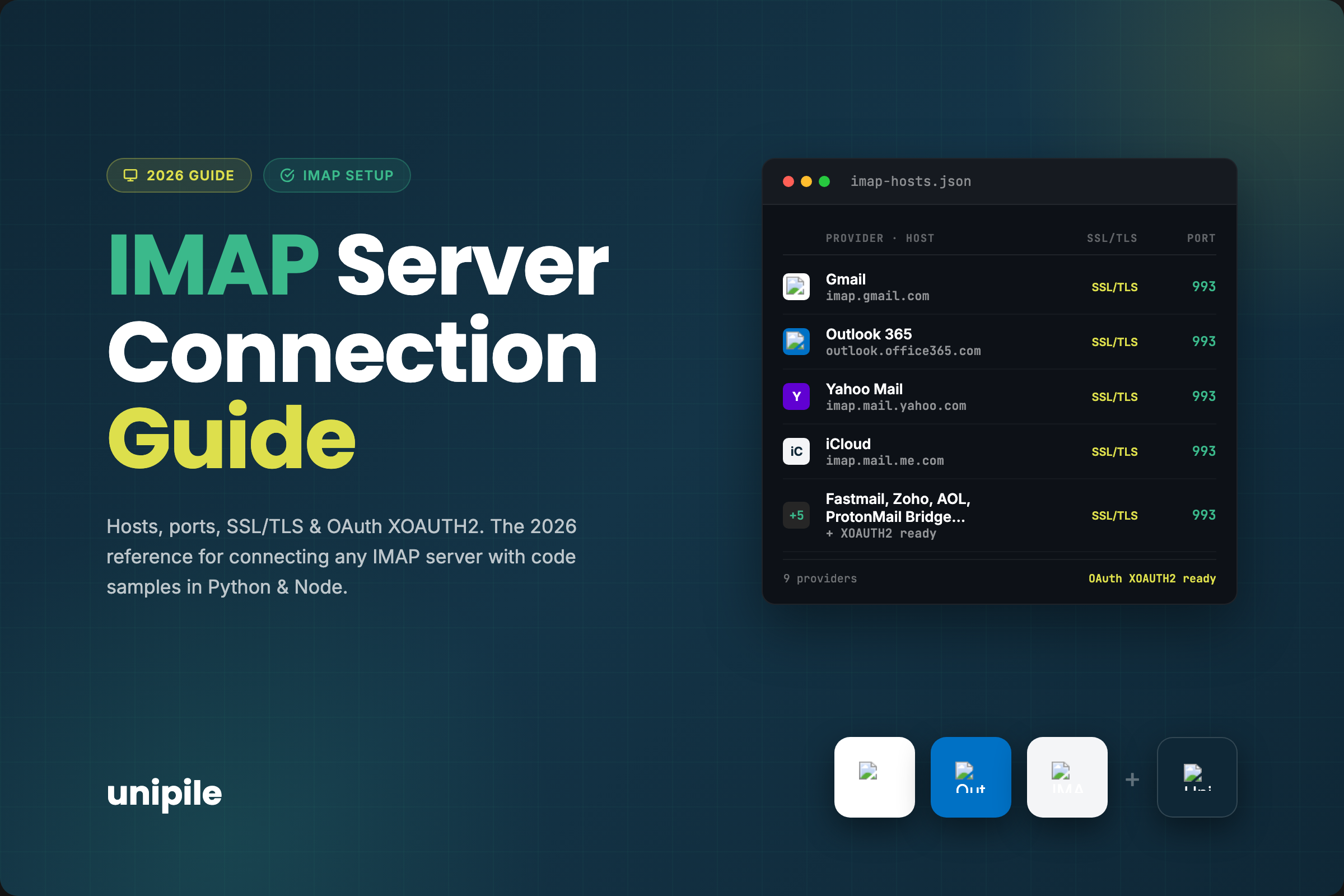
Key capabilities include:
- Centralizing conversation history from multiple providers into one contact view
- Receiving new messages and emails in real time through webhooks
- Sending messages and initiating one-to-one chats from your application
- Inviting contacts and building outreach sequences
- Retrieving profile information, connection status, and posts for authenticated accounts
For engineering teams, the main value is time. Unipile's own documentation says most teams go live in about two days, which is dramatically faster than building and maintaining native integrations for each channel.
Supported Channels and Integrations
Unipile: What It Is, Pricing, API & Alternatives Explained - Supported Channels and Integrations.
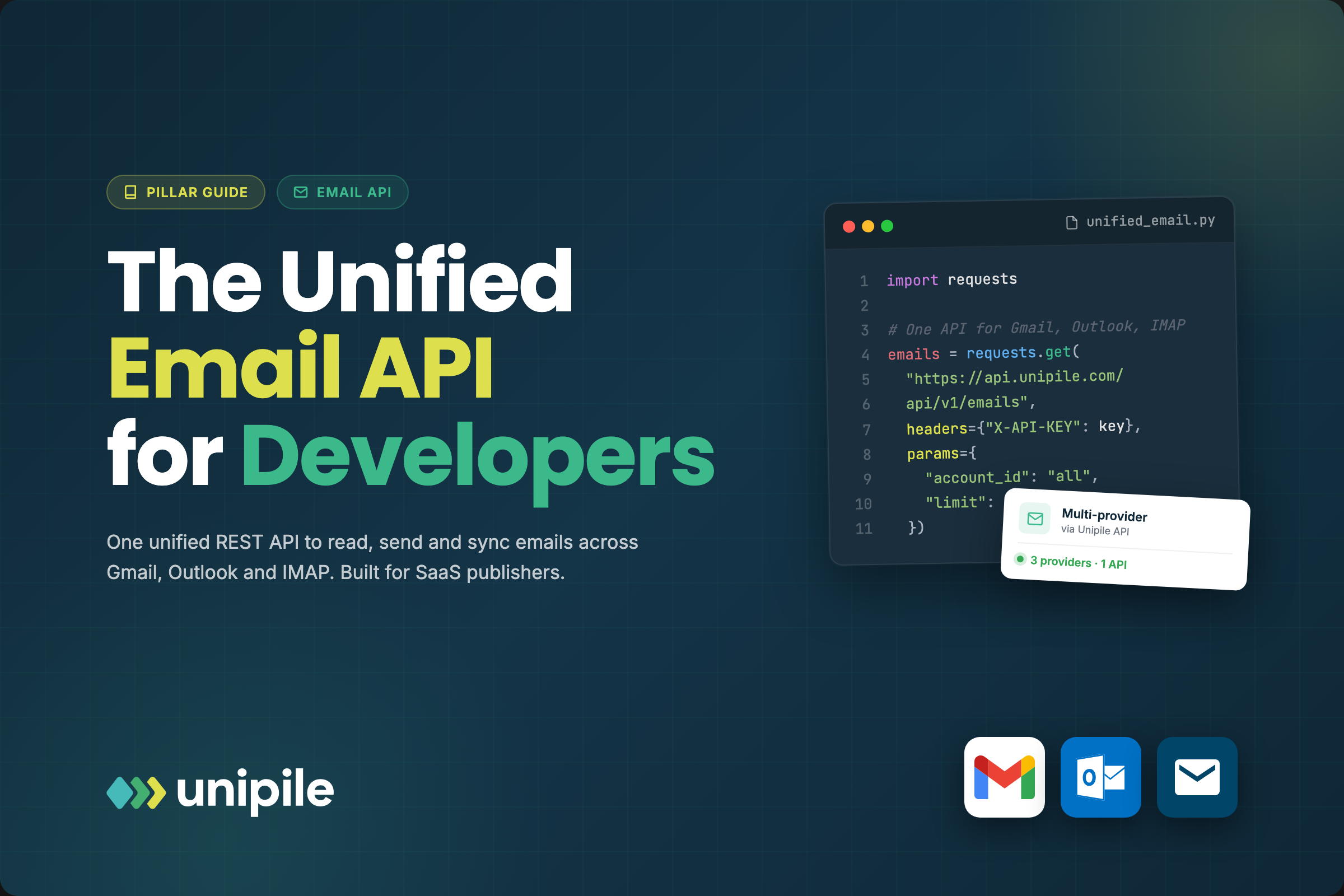
Unipile's channel coverage splits into two broad categories: messaging and email.
Messaging Channels
- Telegram
Email Providers
- Gmail
- Microsoft Outlook
- IMAP-based providers
Calendar and Roadmap Items
- Google Calendar
- Microsoft Calendar
- SMS/RCS and contacts are listed as planned additions
This coverage is useful for CRMs, recruitment tools, sales outreach platforms, and customer support products that need to meet users where they already communicate. A recruiting platform, for example, can let users connect their LinkedIn account and manage candidate conversations without leaving the app.
How the Unipile API Works

Unipile: What It Is, Pricing, API & Alternatives Explained - How the Unipile API Works.
Unipile follows a familiar SaaS API pattern: create an account, get credentials, connect provider accounts, then interact through REST endpoints.
Getting Started
- Create an account on the Unipile dashboard.
- Get your DSN (Data Source Name), which identifies your application in API requests.
- Generate an access token for authentication.
- Connect accounts on the Accounts page to test sending and receiving messages immediately.
- Experiment in the API Reference section without writing code, then integrate using the SDK or direct HTTP calls.
Core API Operations
The primary endpoints center on chats and messages:
GET /api/v1/chatslists all conversations across connected accountsPOST /api/v1/chats/:chatId/messagessends a message in a specific chat- Webhooks notify your application when new messages or emails arrive
This normalized model means your application logic stays the same whether a message arrives from WhatsApp, LinkedIn, or Gmail. The provider-specific details are abstracted behind Unipile's API layer.
Unipile Pricing Explained
Unipile: What It Is, Pricing, API & Alternatives Explained - Unipile Pricing Explained.
Unipile uses a per-account pricing model with volume discounts. The base plan starts at €49 / $55 per month and includes up to 10 connected accounts. Beyond that, pricing scales based on the peak number of accounts connected during the billing period.
| Connected Accounts | Price per Account/Month |
|---|---|
| Up to 10 | €49 / $55 flat |
| 11–50 | €5.00 / $5.50 |
| 51–200 | €4.50 / $5.00 |
| 201–1,000 | €4.00 / $4.50 |
| 1,001–5,000 | €3.50 / $4.00 |
| 5,001+ | €3.00 / $3.50 |
There is no long-term contract, and a free 7-day trial includes all features with no credit card required. The pricing counts every connected account—email, LinkedIn, WhatsApp, and others—toward the same total.
This model works well for products with a predictable number of connected accounts. It can become expensive at scale, however, which is why teams evaluating high-volume messaging often compare it against platforms with different pricing structures.
Unipile vs UnifyPort: Choosing the Right Messaging API
Unipile and UnifyPort both solve the multi-channel messaging problem, but they target slightly different needs.
Unipile emphasizes LinkedIn, Instagram, and email alongside WhatsApp and Telegram. It is a strong fit for recruiting tools, sales outreach platforms, and CRMs where LinkedIn messaging and email synchronization are central to the product.
UnifyPort is a unified messaging API built for AI agents, notification systems, and operations tools. It covers Telegram, WhatsApp, LINE, X (Twitter), Zalo, and TikTok through a single REST API and standardized webhook events. Its architecture includes a standard event layer that converts provider messages into a consistent JSON shape, a webhook control plane for managing signatures and retries, built-in rate limiting, idempotent retries, and failure isolation. UnifyPort also offers SDKs for Node.js, PHP, and Go, and uses workspaces and virtual device accounts to isolate environments.
The decision often comes down to channel mix and operational requirements:
- If LinkedIn, Instagram, and email are core to your product, Unipile's coverage is compelling.
- If you need LINE, X, Zalo, TikTok, or a webhook control plane with signature management and retry policies, UnifyPort's channel set and event infrastructure may be a better match.
- If you are building AI agents that need normalized message events across many channels, compare how each platform structures webhook payloads and idempotency guarantees.
For a deeper look at how unified messaging APIs fit into a broader communications stack, see this multi-channel communication API guide and this practical CPaaS explainer.
Compliance and Platform Rules
One area where Unipile is explicit: it is not affiliated with or endorsed by the platforms it connects to. The service acts as a technical intermediary for authenticated user accounts.
That means:
- Users must connect their own accounts and initiate workflows
- Customers are responsible for respecting Meta's, LinkedIn's, and other providers' terms of service
- Unipile recommends conservative usage patterns, including message pacing and account-level controls
- The platform states it does not build independent databases of profile data for its own purposes
Unipile also notes that its API is designed in line with the Digital Markets Act (DMA), enabling secure messaging interoperability without scraping or storing user profiles.
If your use case involves automated outreach at scale, compliance should be a primary evaluation criterion. Aggressive messaging patterns can lead to account restrictions regardless of which API platform you use.
Common Use Cases
Recruitment and ATS Platforms
Recruiting software can let users connect LinkedIn accounts, sync conversations with candidates, and manage outreach from one interface. Unipile supports LinkedIn Classic, Premium, Recruiter, and Sales Navigator account types depending on the connected account's capabilities.
CRM Synchronization
Sales teams can keep contact records and conversation activity aligned between their CRM and connected messaging accounts. This reduces manual data entry and gives teams visibility into WhatsApp, LinkedIn, and email conversations from a single system.
Customer Support and Notifications
Support products can centralize incoming messages from multiple channels and respond without switching between provider dashboards. Real-time webhooks ensure new messages appear in the support queue immediately.
AI Agents and Automation
For teams building AI-powered assistants or automated workflows, a unified messaging API removes the need to write provider-specific adapters. The normalized event model lets one integration handle message ingestion and delivery across channels. If this is your primary use case, review how each platform structures its event layer and retry behavior before committing.
Related reading
- Linen Pants Guide: Styles, Fabrics, Fit & Care Tips - Find the best linen pants for every occasion. Compare drawstring vs. flat front, 100% linen vs. blends, fit advice, and care tips for lasting wear.
- What Is a Voice API? A Developer's Guide to Programmable Voice - Learn what a voice API is, how programmable voice works, key features to compare, real use cases, and best practices for integrating calling into your app.
- LINE Stickers: How to Buy, Send, and Create Them - Learn how to buy, send, and create LINE stickers, from official packs to custom designs, plus tips for selling your own sticker sets.
Sources and further reading
- One API for Multi-Channel Messaging in your app - Unipile - Advance your app's capabilities: Integrate LinkedIn and WhatsApp for streamlined messaging and improved user experience.
- Getting Started - What is Unipile? Unipile is an innovative API designed to provide seamless integrations of various messaging and communication channels into your software applications. With Unipile, you can effortlessly incorporate messaging services from popular platforms such as WhatsApp, LinkedIn, Instagram and …
- LinkedIn API: Advancing Sales & Recruiting - Unipile - Elevate Your Hiring Game: Enhance your recruitment strategy and connect with top talent using the LinkedIn Messaging API.
Frequently Asked Questions
What is Unipile used for?
Unipile is used to add multi-channel messaging and email capabilities to software applications. Developers connect WhatsApp, LinkedIn, Instagram, Telegram, Gmail, Outlook, or IMAP accounts and then manage conversations, send messages, and receive real-time events through one REST API.
How much does Unipile cost?
Unipile starts at €49 / $55 per month for up to 10 connected accounts. Additional accounts cost between €5.00 and €3.00 per account per month depending on volume. A free 7-day trial includes all features with no credit card required.
Does Unipile support WhatsApp?
Yes. Unipile supports WhatsApp messaging integration, allowing applications to send and receive WhatsApp messages through the unified API.
Is Unipile affiliated with LinkedIn or Meta?
No. Unipile is an independent technical intermediary and is not affiliated with, endorsed by, or sponsored by LinkedIn, Meta, or other connected platforms. Users connect their own authenticated accounts, and customers are responsible for following each provider's terms of service.
What are the main Unipile alternatives?
Alternatives depend on your channel requirements. UnifyPort covers Telegram, WhatsApp, LINE, X, Zalo, and TikTok with a standardized webhook event layer and SDKs for Node.js, PHP, and Go. Other multi-channel communication APIs may focus on email, SMS, or specific messaging networks. Evaluate channel coverage, event normalization, retry behavior, and pricing before choosing.
Can I try Unipile before paying?
Yes. Unipile offers a free 7-day trial that includes all features, with no monthly charges or commitments and no credit card required.
Conclusion
Unipile solves a real problem for software teams: connecting to multiple messaging and email providers without maintaining separate integrations for each one. Its strength lies in LinkedIn, Instagram, WhatsApp, Telegram, and email coverage, along with a straightforward per-account pricing model and a quick onboarding path.
The right choice depends on your channel mix and operational needs. If LinkedIn and email are central to your product, Unipile deserves a close look. If you need LINE, X, Zalo, TikTok, or a more structured webhook control plane with idempotent retries and failure isolation, compare it against UnifyPort and other unified messaging APIs before committing. Either way, a unified messaging layer will save your team months of integration work compared to building native provider connections from scratch.
For more on pricing models for unified messaging platforms, see the UnifyPort pricing guide.