
What Is a Voice API? A Developer's Guide to Programmable Voice
Learn what a voice API is, how programmable voice works, key features to compare, real use cases, and best practices for integrating calling into your app.
What Is a Voice API? A Developer's Guide to Programmable Voice
A voice API lets your application make, receive, and control phone calls without owning telecom infrastructure. Instead of negotiating carrier contracts, managing SIP trunks, or building call logic from scratch, you send REST requests to a cloud provider and let it handle the rest.
This guide explains how voice APIs work, the features that matter, common use cases, and how to evaluate providers. Whether you're adding click-to-call to a support dashboard, building an IVR, or embedding voice into a mobile app, understanding the fundamentals will help you choose the right tool.
What Is a Voice API?
What Is a Voice API? A Developer's Guide to Programmable Voice - What Is a Voice API?.
A voice API — also called a programmable voice API — is a cloud-based set of protocols and routines for integrating real-time voice communication into software. It lets developers initiate outbound calls, receive inbound calls, and control call flow programmatically.
Calls can terminate on traditional landlines and mobile phones through the Public Switched Telephone Network (PSTN), or on VoIP and WebRTC endpoints. The provider manages the telecom connections, call routing, media handling, and scaling, while your application controls the experience through API calls and webhooks.
Voice APIs often appear as part of a broader Communications Platform as a Service (CPaaS) offering, alongside messaging, video, and email APIs. Some providers specialize in voice only; others bundle it with multi-channel tools.
How a Voice API Works
What Is a Voice API? A Developer's Guide to Programmable Voice - How a Voice API Works.
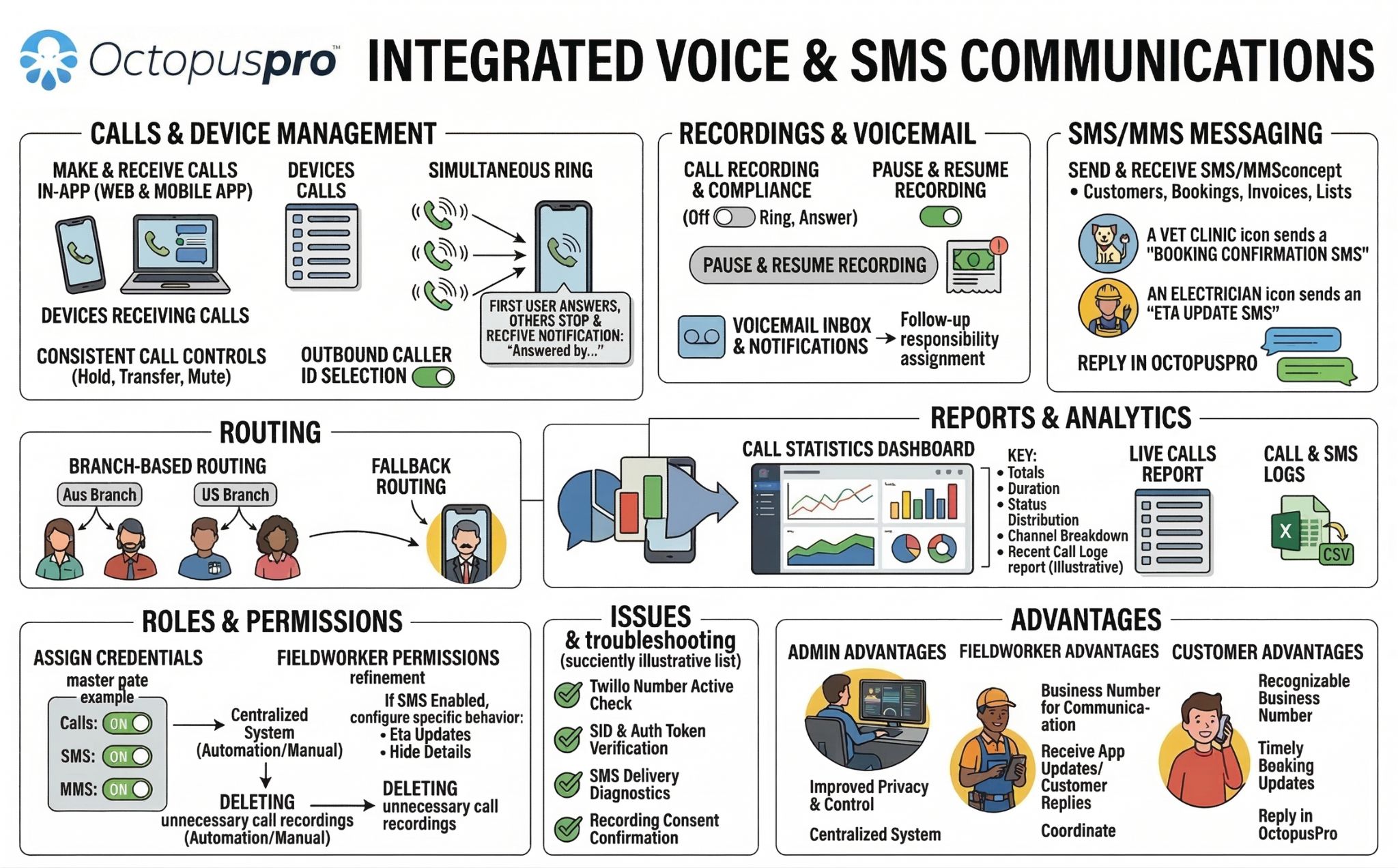
At a high level, the flow looks like this:
- Your app sends an API request to the provider with call parameters — the destination number, caller ID, and instructions for what should happen when the call connects.
- The provider initiates the call over its carrier network or SIP infrastructure.
- Webhooks notify your app of call events in real time: ringing, answered, completed, or failed.
- Your app responds to those events with new instructions, such as playing audio, collecting digits, recording the call, or transferring to a human agent.
A minimal outbound call request typically includes your API key, the recipient's phone number, and the sender's number. More complex requests add fields for recording, transcription, text-to-speech prompts, timeouts, and codec preferences.
The Protocols Behind the Scenes
Three protocols do most of the heavy lifting:
- Session Initiation Protocol (SIP) signals the start and end of calls, checks endpoint availability, rings devices, and negotiates codecs.
- Real-Time Transport Protocol (RTP) carries the actual voice media. Its encrypted variant, SRTP, protects audio in transit.
- WebRTC enables browser-based calling without plugins, often paired with provider SDKs for iOS, Android, and JavaScript.
You don't need to implement these protocols yourself. The voice API abstracts them behind a REST interface and event-driven webhooks.
Common Voice API Features
What Is a Voice API? A Developer's Guide to Programmable Voice - Common Voice API Features.
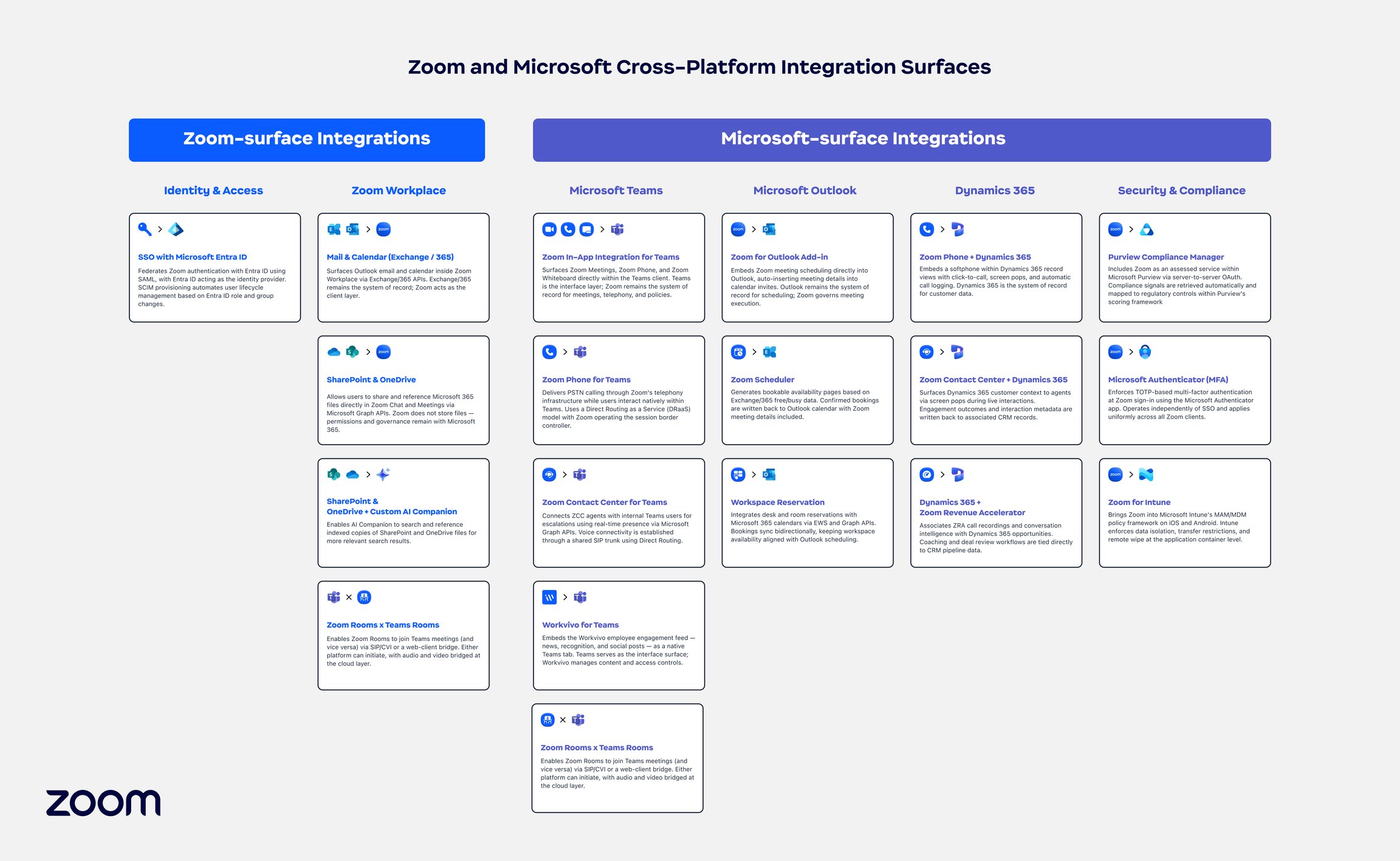
Feature sets vary by provider, but these are the capabilities you'll encounter most often:
Inbound and Outbound Calling
The core of any voice API: placing calls to PSTN numbers, receiving calls on provisioned numbers, and routing them to your application logic.
Interactive Voice Response (IVR)
IVR systems let callers navigate menus using speech or keypad input. Modern implementations combine text-to-speech prompts with natural language understanding, so callers can say what they need instead of pressing buttons. IVR reduces agent load for routine requests like order status, appointment reminders, and account lookups.
Call Recording and Transcription
Recording captures audio for compliance, training, or dispute resolution. Transcription converts speech to text, enabling searchable call logs, sentiment analysis, and AI-powered quality monitoring.
Speech-to-Text and Text-to-Speech
Speech-to-text (STT) powers voice-driven menus, real-time captioning, and call analytics. Text-to-speech (TTS) generates spoken prompts dynamically — useful for reading order confirmations, appointment details, or personalized greetings without pre-recording audio files.
Number Provisioning and Masking
Providers let you purchase local, toll-free, or international numbers in the regions you serve. Number masking hides the real phone numbers of both parties — a rideshare driver and passenger, for example — by connecting them through a temporary proxy number.
Conference Calling
Multi-party calls support team meetings, group consultations, or connecting a customer, agent, and supervisor in a single session.
Answering Machine Detection (AMD)
AMD identifies whether a human or voicemail system answered, so your application can decide whether to play a message, leave a voicemail, or connect a live agent.
Noise Suppression and Encryption
Background noise reduction improves audio clarity. SRTP and TLS encryption protect call media and signaling, which matters for industries handling sensitive data.
Voice API Use Cases

What Is a Voice API? A Developer's Guide to Programmable Voice - Voice API Use Cases.
Voice APIs power a wide range of applications across industries:
- Customer support: Click-to-call buttons in web and mobile apps, AI-powered IVR systems, and intelligent call routing to the right agent.
- Healthcare: Telemedicine consultations, appointment reminders, and prescription notifications — often requiring HIPAA-compliant configurations and business associate agreements.
- Marketplaces and gig platforms: Number masking to protect privacy between buyers, sellers, drivers, and riders.
- Logistics and delivery: Automated delivery notifications, missed-delivery callbacks, and driver-customer connections.
- Security and authentication: Voice-based one-time passwords and call verification for account recovery.
- Internal operations: Automated alerts for on-call engineers, emergency notification trees, and conference bridges for distributed teams.
Voice API vs. Messaging API: Different Channels, Similar Patterns
Voice APIs and messaging APIs solve different problems but share architectural DNA. Both expose REST endpoints, rely on webhooks for event delivery, and abstract away provider-specific complexity.
The difference is the channel: voice handles synchronous, real-time conversations over PSTN or VoIP, while messaging handles asynchronous text across platforms like WhatsApp, Telegram, or SMS.
Many applications need both. A support workflow might start with a WhatsApp message, escalate to a voice call, and log everything in a CRM. Building those integrations separately means maintaining multiple SDKs, handling different webhook formats, and writing provider-specific retry logic.
Unified messaging platforms address this for the messaging side. UnifyPort, for example, normalizes messaging across Telegram, WhatsApp, LINE, X, Zalo, and TikTok through a single REST API and standardized webhook events. It converts every provider message into a consistent JSON shape, manages webhook signatures and retries, and provides built-in rate limiting and idempotency. For teams already running multi-channel messaging infrastructure, pairing it with a voice API creates a complete communication stack without duplicating integration effort.
For a deeper comparison of how unified messaging fits into your architecture, see this guide to multi-channel communication APIs.
How to Choose a Voice API Provider
Not all voice APIs are equal. Here are the factors that matter most:
Geographic Coverage and Number Availability
Check that the provider offers numbers in the countries and area codes you need. International coverage varies significantly, and some providers restrict certain call types or destinations.
Pricing Model
Voice pricing typically includes per-minute call costs, number rental fees, and sometimes charges for features like recording or transcription. Inbound and outbound rates differ by country. Request a detailed pricing sheet and model your expected call volume before committing.
SDK and Documentation Quality
Strong SDKs for your language and platform — JavaScript, iOS, Android, Python, Node.js, Go, PHP — reduce integration time. Documentation should include clear quickstarts, code samples, and troubleshooting guides.
Webhook Reliability and Retry Behavior
Call events drive your application logic. The provider should deliver webhooks reliably, support retries with idempotency, and let you configure endpoints and signatures securely. If webhooks fail silently, your call flows break.
Security and Compliance
Look for API key authentication, HMAC or signature verification for webhooks, encryption in transit, and compliance certifications relevant to your industry: HIPAA for healthcare, GDPR for European data, SOC 2 for general security.
AI and Conversational Features
Providers increasingly bundle AI capabilities: speech recognition, natural language understanding, sentiment analysis, and voice bots. If you plan to build conversational experiences, evaluate the quality of these tools alongside the core calling features.
Best Practices for Voice API Integration
Secure Your Credentials
Store API keys server-side, never in client-facing code. Rotate keys regularly, and use IP allowlists or scoped tokens where the provider supports them. Validate webhook signatures on every incoming event to prevent spoofed callbacks.
Design for Failure
Calls fail. Networks drop. Webhooks time out. Build retry logic for outbound requests, handle webhook delivery failures gracefully, and log call events for debugging. Idempotency keys prevent duplicate call initiation when retries occur.
Start with a Minimal Call Flow
Begin with a simple outbound call or inbound IVR before adding recording, transcription, or AI features. Validate the webhook flow end-to-end, then layer in complexity.
Monitor Call Quality
Track metrics like answer rates, call duration, latency, and drop rates. Providers offer dashboards and analytics, but you should also log call events in your own monitoring stack to correlate with application performance.
Respect Regulations
Calling regulations vary by country and industry. Telemarketing rules, consent requirements, and do-not-call lists apply to automated outbound calling. Work with your legal team and provider to ensure compliance before scaling.
Voice APIs and the Broader CPaaS Landscape
Voice APIs are a core component of the CPaaS model, where communication capabilities are delivered as cloud services rather than on-premises infrastructure. To understand how voice fits alongside messaging, video, and other channels, see this practical guide to CPaaS.
For teams building customer engagement systems, voice is often one channel among many. A customer engagement platform might combine voice calls, messaging, and analytics into a unified workflow — with APIs providing the underlying connectivity.
Related reading
- LINE Stickers: How to Buy, Send, and Create Them - Learn how to buy, send, and create LINE stickers, from official packs to custom designs, plus tips for selling your own sticker sets.
- How CM.com Works: Platform, Products & Architecture - Understand how CM.com works: the platform architecture, key products, AI layer, and how messaging, payments, and customer data connect in one system.
Sources and further reading
- Programmable Voice | Twilio - Scale your calling capabilities in seconds, globally, with Twilio Programmable Voice. Build a custom voice calling experience with a variety of innovative APIs, SDKs, and integrations. Get started today!
- Programmable Voice API - Advanced voice api interaction with conversational AI, speech recognition, 24/7 service and seamless integration is free to try with Vonage.
- Voice API - What is it and how does it work? - Learn about voice APIs, how they work, their features and benefits, best practices, and more.
Frequently Asked Questions
What is the difference between a voice API and VoIP?
VoIP is a technology for transmitting voice over IP networks. A voice API is a programming interface that lets developers control VoIP and PSTN calling from their applications. The API uses VoIP infrastructure under the hood but adds programmatic control, webhooks, and cloud-based call management.
How much does a voice API cost?
Pricing varies by provider and usage. Most charge per minute for calls, with different rates for inbound and outbound calls and by destination country. Number rental fees are typically monthly. Some providers charge extra for features like recording, transcription, or AI capabilities. Many offer free tiers or trial credits for testing.
Can I use a voice API without knowing telecom protocols?
Yes. Voice APIs abstract away SIP, RTP, and carrier relationships. You work with REST endpoints and webhooks. Some familiarity with call flow concepts helps, but you don't need to implement telecom protocols yourself.
What programming languages do voice APIs support?
Most providers offer REST APIs callable from any language, plus official SDKs for popular languages like JavaScript, Python, Node.js, Java, Go, PHP, and platform SDKs for iOS and Android.
Is a voice API the same as a phone system?
No. A phone system is an end-user product for making and receiving calls. A voice API is a developer tool for building custom calling experiences. You could build a phone system using a voice API, but the API itself is a lower-level building block.
How do voice APIs handle security?
Standard practices include API key authentication, encrypted call media via SRTP, TLS for signaling, and signed webhooks to verify event authenticity. For regulated industries, providers may offer HIPAA-compliant configurations and sign business associate agreements.
Conclusion
A voice API turns phone calls into a programmable building block. It eliminates telecom infrastructure costs, accelerates development, and enables experiences that would be impractical to build in-house — from AI-powered IVR systems to global click-to-call at scale.
The key to a successful integration is choosing a provider that matches your geographic needs, feature requirements, and compliance obligations — then designing your application around reliable webhooks, secure credentials, and graceful failure handling.
Voice is rarely the only channel your application needs. As you plan your communication stack, consider how voice fits alongside messaging, and whether unified APIs can reduce the integration burden across channels. The goal is the same either way: let your application communicate with customers wherever they are, without rebuilding the infrastructure every time.
For more on multi-channel messaging infrastructure, explore UnifyPort's pricing and account tiers or read the multi-channel communication API guide.