
Telegram App Download: Get the Messaging App on All Devices
Download Telegram for iOS, Android, and desktop. Official links and a step-by-step installation guide for the fast, secure messaging app used by over 1 billion people.
Telegram App Download: Fast, Secure Messaging for Every Device
Telegram is one of the world’s most downloaded messaging apps, thanks to its speed, cloud sync, and strong encryption. Whether you’re chatting with friends, joining large communities, or building bots, you need the right client. In this guide, we’ll walk you through downloading Telegram on every major platform—official links only—and show you how to get started in minutes. We’ll also explore how developers and businesses use Telegram’s API and multi-channel tools like UnifyPort to connect with audiences across different messengers.
Why Choose Telegram?

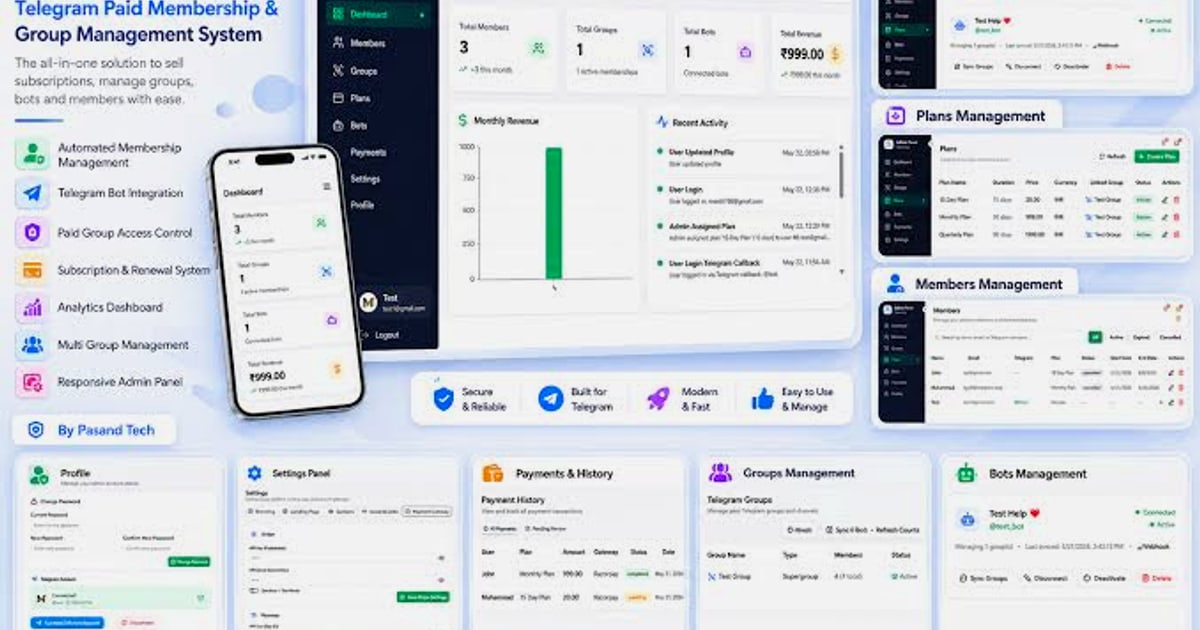
Telegram App Download: Get the Messaging App on All Devices product interface and feature overview.
Before you download, here’s why Telegram stands out:
- Lightning fast – messages are delivered even on weak connections, thanks to a global network of data centers.
- Cloud synced – access your chats from any device; start on your phone and finish on your laptop without missing a beat.
- Unlimited file sharing – send media and documents up to 2 GB each, with no expiration on your cloud storage.
- Powerful group chats – host communities of up to 200,000 members.
- Security and privacy – end-to-end encrypted Secret Chats, self-destructing messages, and open-source clients help protect your conversations.
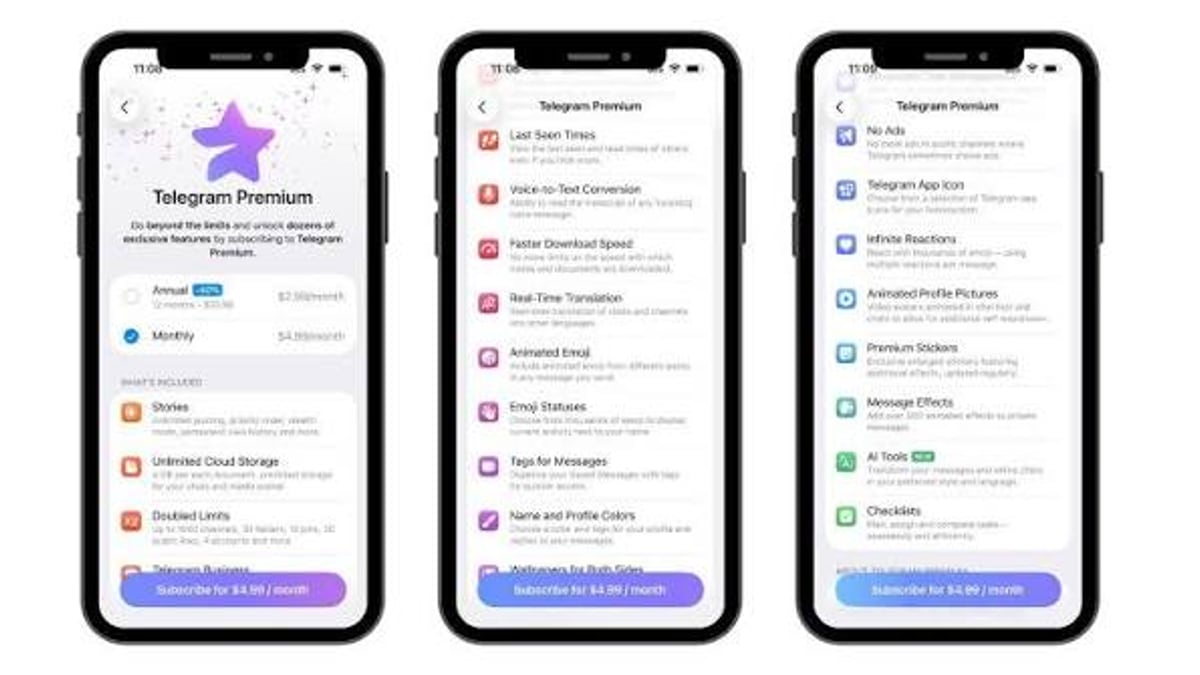
- Completely free – no ads, no subscription required (optional Telegram Premium adds extra features).
Learn more about Telegram’s features, the API, and how businesses use it in our detailed guide →
How to Download Telegram: Official Links for All Platforms
Telegram App Download: Get the Messaging App on All Devices product interface and feature overview.
We’ve compiled the safest and most up-to-date download sources. Always use official channels to avoid modified or outdated versions.
Telegram for iOS (iPhone / iPad)
- Open the App Store on your iOS device or tap the link below.
- Tap Get → Install and authenticate with Face ID, Touch ID, or your Apple ID password.
- Once installed, open Telegram, enter your phone number, and verify the code sent via SMS.
Download Telegram for iOS from the App Store →
Requirements: iOS 13.0 or later. Compatible with iPhone, iPad, and iPod touch.
Telegram for Android
You have two options:
- Direct download – the version from telegram.org has fewer restrictions than the Play Store variant and updates automatically.
- Google Play – if you prefer the store experience, download Telegram from Google Play.
Both are verified against public source code, so you can trust the build.
Download Telegram for Android directly →
Installation via APK:
- Download the APK from the link above.
- Allow installation from unknown sources if prompted.
- Open the file and follow the on-screen steps.
Telegram for Desktop (Windows, macOS, Linux)
The desktop app syncs independently—your phone doesn’t need to be connected.
- Windows & macOS: Download Telegram Desktop from telegram.org.
- Linux: Use the Flathub package or the portable version available on the same page.
Once installed, open the app, scan the QR code with your phone (Telegram → Settings → Devices → Scan QR), or log in with your phone number.
Telegram Web (Quick Access, No Installation)
If you’re on a shared computer, use Telegram Web. It mirrors your conversations in the browser, though the desktop app is faster and supports more features.
How to Install Telegram on Your Device: A Quick Walkthrough
Telegram App Download: Get the Messaging App on All Devices - supporting product research image 4.
- Download from one of the official links above.
- Launch the app and agree to the terms.
- Enter your phone number – make sure it’s the one you use on your mobile device.
- Verify with the 5‑digit code sent via SMS (or email if you set it up beforehand).
- Set up a profile – add your name and a profile picture.
- Sync contacts (optional) – you can skip this and add contacts manually later.
Done! You’re ready to chat.
Standout Features of the Telegram App
- Secret Chats – end-to-end encrypted chats with self‑destruct timers. Messages can’t be forwarded and aren’t stored on Telegram’s cloud.
- Bots and mini-apps – from weather updates to AI assistants, bots run right inside chats, and many can be added to groups.
- Channels – broadcast messages to unlimited subscribers, ideal for news, announcements, and creator economies.
- Stickers, GIFs, and powerful editing – a vast open platform for expressive communication.
- Cloud storage – your entire chat history is stored securely in the cloud, never eating up your device storage.
Beyond Personal Messaging: Telegram for Developers and Businesses

Telegram App Download: Get the Messaging App on All Devices product interface and feature overview.
Telegram’s fully documented Bot API lets you build automated workflows, customer support bots, and notification services. Developers often connect Telegram with CRM systems or monitoring tools.
But when you need to communicate across multiple channels—say, customers message you on Telegram, WhatsApp, and LINE—managing separate APIs and SDKs becomes messy. That’s where a unified messaging API helps.
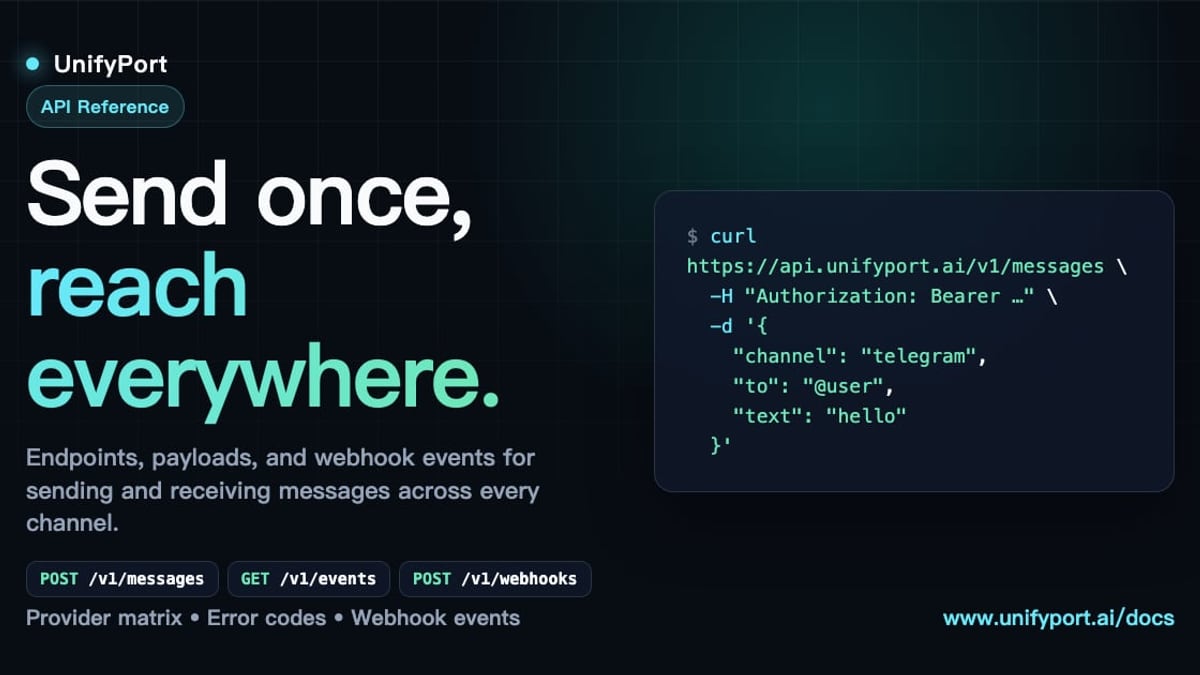
UnifyPort is a multi‑channel messaging platform that exposes a single REST API to send and receive messages across Telegram, WhatsApp, LINE, X (Twitter), Zalo, and TikTok. Instead of juggling provider‑specific webhooks, you get one normalized JSON event stream with built‑in retries, rate limiting, and authentication handling. For teams building AI agents, omnichannel CRMs, or notification hubs, it removes the infrastructure headache while keeping your Telegram integration reliably connected.
If you’re already using WhatsApp or LINE in your business, check out our guides to see how multi‑channel APIs can unify your experience:
- What Is the LINE App? Features, Download & Messaging API Guide
- WhatsApp Business API: Setup, Use Cases & Multi-Channel Integration
Related reading
- Telegram Download Guide: Get Telegram on Desktop, iOS & Android - Download Telegram safely on all devices. Official links for Windows, Mac, Android, iOS, and Linux. Plus, secure installation tips and multi-channel API integration for businesses.
- What Is Cloud Messaging? FCM & Multi-Channel APIs Explained - Discover cloud messaging: how Firebase Cloud Messaging (FCM) powers push notifications, and how multi-channel APIs like UnifyPort deliver unified chat messaging across WhatsApp, Telegram, LINE, and more.
Frequently Asked Questions
Is Telegram really free?
Yes. The core app and all essential features are free. Telegram Premium is an optional subscription with extra storage, faster downloads, and exclusive stickers.
How is Telegram different from WhatsApp?
Telegram offers larger file sharing (2 GB vs. 16 MB standard), bigger groups, cloud‑only storage, and a more open API. It also doesn’t require your phone to be online for desktop access.
Can I use Telegram on multiple devices at once?
Absolutely. You can be logged in on your phone, tablet, desktop, and browser simultaneously. Messages sync in real time without draining your phone’s battery.
How secure are my messages on Telegram?
Cloud chats use client‑server/server‑client encryption; Secret Chats are end‑to‑end encrypted. All apps are open source, and Telegram has never handed over user data to third parties.
Can I get Telegram desktop without a phone?
You need an active Telegram account, which is linked to a phone number. Once set up, you can use the desktop app independently without your phone nearby.
Conclusion
Downloading Telegram is straightforward, no matter your device. Stick to the official links in this guide to stay safe. Once you’re set up, you’ll enjoy one of the fastest, most versatile messaging platforms available.
For developers and businesses, the journey doesn’t end with the app. Telegram’s API opens a world of automation, and when you need to connect it with other messaging channels, platforms like UnifyPort can simplify the entire operation. Start with the download, and let your communication grow from there.