
What Is Cloud Messaging? FCM & Multi-Channel APIs Explained
Discover cloud messaging: how Firebase Cloud Messaging (FCM) powers push notifications, and how multi-channel APIs like UnifyPort deliver unified chat messaging across WhatsApp, Telegram, LINE, and more.
What Is Cloud Messaging? A Complete Guide to FCM and Multi-Channel APIs
Cloud messaging lets developers send real-time notifications and data to devices or chat platforms without managing backend infrastructure. Most people first encounter cloud messaging through push notifications on their phones. But the term also covers APIs that deliver structured messages across WhatsApp, Telegram, LINE, and other channels. Whether you are building a platform like UnifyPort that needs to re-engage users or a customer support tool that replies on social channels, cloud messaging provides the delivery layer.
Two distinct approaches dominate the landscape: Firebase Cloud Messaging (FCM) for push notifications to mobile and web apps, and unified multi-channel APIs like UnifyPort for business messaging on chat applications. This guide explores both, shows how they work, and helps you choose the right tool for your use case.
What Is Firebase Cloud Messaging (FCM)?
What Is Cloud Messaging? FCM & Multi-Channel APIs Explained - supporting product research image 4.
Firebase Cloud Messaging (FCM) is Google’s free, cross-platform service for sending notifications and data messages to Android, iOS, and web apps. It replaced Google Cloud Messaging (GCM) in 2016 and runs on the same global infrastructure that powers other Firebase products. FCM is designed to deliver messages reliably while minimizing battery drain and connection overhead.
Unlike traditional polling, FCM uses an asynchronous push model. The server sends a message to FCM, and FCM routes it to the target device using a long-lived but lightweight connection. This lets apps receive updates in near‑real time without keeping a persistent socket open.
Core Features of FCM
Cross‑platform support
One API delivers to Android, iOS, and web (including progressive web apps). This reduces the amount of platform‑specific code you need to write.Targeted messaging
Send messages to individual devices, predefined device groups, or topics that users have subscribed to. Topic messaging is especially efficient when you need to broadcast to millions of users with a single publish call.Reliability and performance
Google’s infrastructure handles queuing, delivery confirmation, and automatic retry logic. Message delivery reports and integration with Firebase Analytics let you track opens, conversions, and drop‑off funnels.Notification and data payloads
Notification messages are handled automatically by the FCM SDK and appear in the system tray. Data messages arrive silently and are processed by your application code, supporting custom logic like updating the UI or syncing content.
How FCM Tokens Work
Every device that registers with FCM receives a unique token. This token acts as the address that FCM uses to route messages to that specific installation. The lifecycle of a token is managed automatically:
- Generation – The app requests a token when it first starts.
- Refresh – Tokens may rotate periodically for security. Your app must listen for token updates and send the new token to your server.
- Invalidation – Uninstalling the app or clearing storage can invalidate a token; your backend should handle delivery failures gracefully and remove stale tokens.
Managing tokens at scale can become complex, but FCM’s topic‑based subscriptions offer a way to avoid tracking millions of individual tokens on your own servers.
Integrating FCM into Your Application
Adding FCM follows a straightforward sequence that works across platforms:
- Create a Firebase project in the Firebase console and register your app.
- Add the Firebase SDK to your Android (via
build.gradle), iOS (CocoaPods), or web app (npm). - Request an FCM token in your application code. For Flutter, for example, you can call
FirebaseMessaging.instance.getToken(). Check the official FlutterFire documentation for detailed steps. - Configure message handlers – At a minimum, listen for incoming messages in the foreground and define a background handler to process data messages silently.
- Send a test message from the Firebase console, then move to server‑side sending using HTTP or the Admin SDK.
Once integrated, you can leverage Firebase’s deep integration with other Google services to fine‑tune your messaging strategy. For more on best practices and common pitfalls, the MagicBell guide to FCM offers practical tips on token management and user segmentation.
Beyond Push Notifications: Multi‑Channel Cloud Messaging APIs
What Is Cloud Messaging? FCM & Multi-Channel APIs Explained product interface and feature overview.
FCM solves the problem of push notifications, but many applications need to send messages through chat platforms themselves. Customer support teams want to reply on WhatsApp, marketing tools automate conversations on Telegram, and AI agents deliver alerts over LINE. Each platform has its own SDK, authentication flow, and webhook format. Connecting to all of them directly multiplies engineering effort.
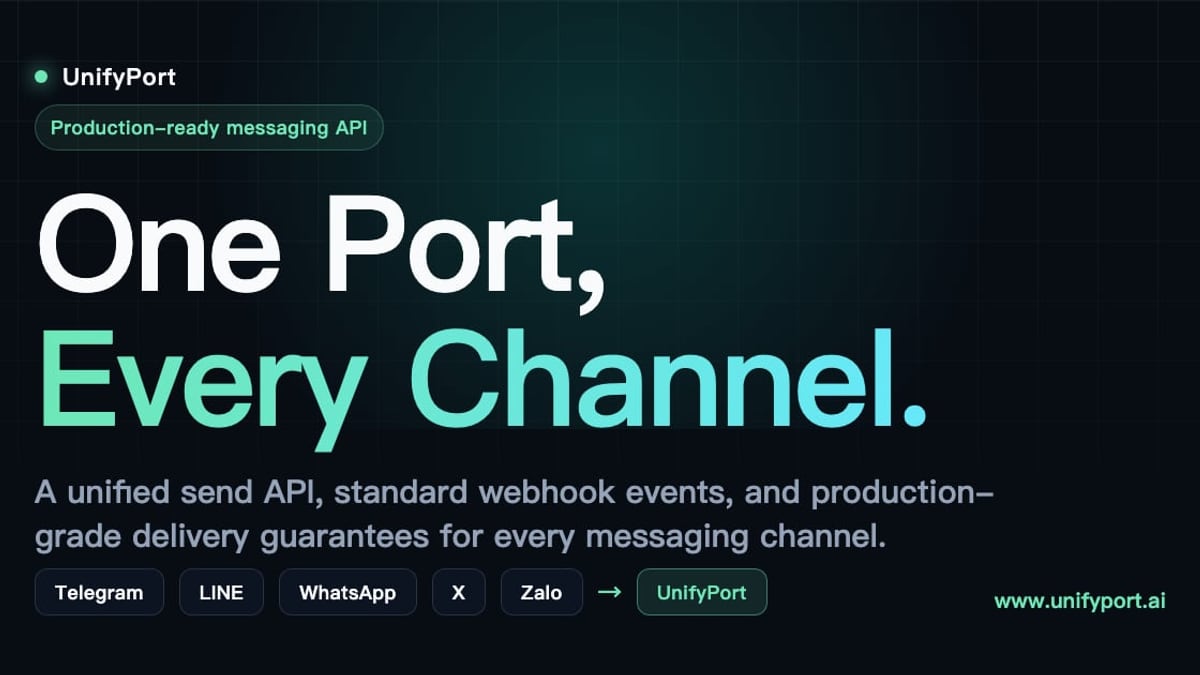
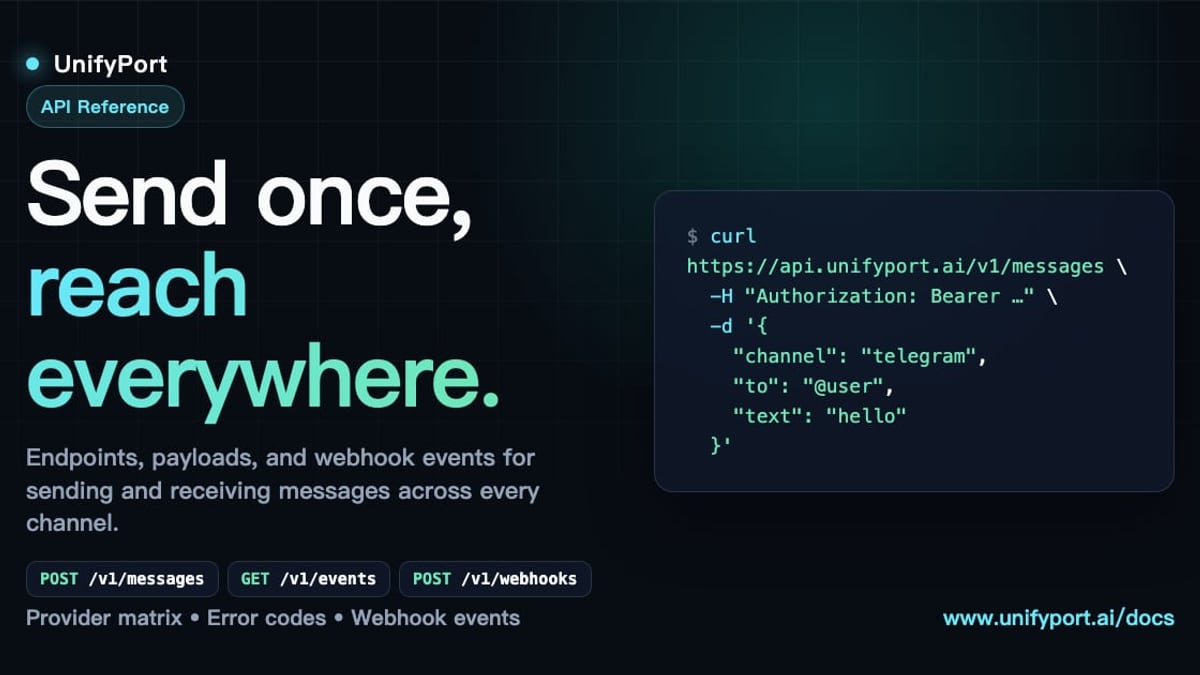
This is where a unified multi‑channel messaging API shines. UnifyPort, for example, provides a single REST API and a standardized webhook event stream for WhatsApp, Telegram, LINE, X (Twitter), Zalo, and TikTok. Instead of learning six different SDKs, developers send a POST request with a consistent JSON payload to UnifyPort’s endpoint, and the platform handles all the provider‑specific details.
How Unified APIs Simplify Cloud Messaging
- One JSON shape for all events – UnifyPort normalizes incoming events from every channel into a single structure, so a message from WhatsApp looks like the same object as a message from Telegram. This drastically simplifies downstream processing in CRMs, helpdesks, or notification systems.
- Built‑in reliability – Production‑grade message delivery includes automatic retries, idempotency, rate limiting, and failure isolation. If one channel experiences downtime, UnifyPort manages the recovery without cascading failures.
- Full lifecycle management – You can create, authenticate (via QR, code, or session import), monitor, and tear down virtual messaging accounts through the API or dashboard. Webhook status reports keep your system informed of connection health.
- Developer‑friendly security – API keys are protected with HMAC‑SHA256 signatures, and a webhook control plane handles signature validation, subscription management, and retry policies.
For instance, a marketing automation platform could use UnifyPort to send promotional images on Telegram, reply to support queries on WhatsApp, and broadcast alerts on LINE – all from the same integration. Learn more about how marketing automation benefits from multi‑channel messaging to boost engagement and ROI.
Choosing the Right Cloud Messaging Approach: FCM vs. Multi‑Channel APIs
What Is Cloud Messaging? FCM & Multi-Channel APIs Explained product interface and feature overview.
The decision between a push notification service and a unified chat API comes down to the type of conversation you need to have.
| Use Case | Recommended Tool | Why |
|---|---|---|
| In‑app engagement, re‑activation, or transactional alerts | FCM | Optimized for direct‑to‑device notifications; deep integration with analytics; native support for quiet data sync |
| Two‑way business chat on social platforms | UnifyPort (or similar unified API) | Manages conversation threads, media attachments, and provider‑specific features like reply‑to and parse mode; avoids SDK fragmentation |
| AI agent responding on multiple channels | UnifyPort | Normalizes events into one interface so a single agent logic can serve WhatsApp, Telegram, and TikTok without per‑channel adapters |
| Simple web push for a blog or PWA | FCM | Minimal setup; works with a few lines of JavaScript; free tier available |
In many modern architectures, both systems coexist. A SaaS platform might use FCM to notify users about a new message and then route the actual conversation through a unified API like UnifyPort for the rich messaging experience.
Best Practices for Cloud Messaging
What Is Cloud Messaging? FCM & Multi-Channel APIs Explained product interface and feature overview.
Whether you use FCM, UnifyPort, or both, following a few principles keeps your messaging pipeline healthy:
- Segmentation and personalization – Don’t blast everyone with the same content. FCM topics and UnifyPort’s event‑driven routing let you tailor messages based on user behavior.
- Token and account hygiene – Invalidate stale FCM tokens regularly; for virtual WhatsApp or Telegram accounts, monitor status webhooks and cull disconnected accounts.
- Idempotency keys – When sending critical messages, include an idempotency key so that retries don’t produce duplicate deliveries. UnifyPort exposes this natively; for FCM, design your backend to deduplicate on your own.
- Monitor delivery health – Track per‑channel latency, failure rates, and delivery receipts. FCM provides built‑in reports, while UnifyPort gives fine‑grained HTTP and webhook status tracking for each channel.
- Respect rate limits – Both push networks and chat platforms enforce rate limits. UnifyPort’s built‑in rate limiting absorbs bursts without triggering provider blocks, while FCM requires you to pace sends on your server.
When integrating a channel like WhatsApp for the first time, consult a detailed WhatsApp Business API guide to understand sender requirements, message templates, and multi‑channel orchestration patterns.
Related reading
- WhatsApp Business API: Setup, Use Cases & Multi-Channel Integration - Learn how WhatsApp Business API works, how to get started with Meta's Cloud API, and integrate multi-channel messaging via UnifyPort for scalable communication.
- CM Complaint Cell: How to Register & Track Grievances Online - Learn what a CM complaint cell is, how to register grievances online, and how unified APIs like UnifyPort enable seamless multi-channel citizen support across apps, SMS, and chat.
- What Is a Mobile App? The Complete Guide to Types & Benefits - Learn what a mobile app is, its types (native, web, hybrid), benefits, and how modern apps integrate messaging APIs like UnifyPort for multi-channel engagement.
Sources and further reading
- Firebase Cloud Messaging - Firebase Cloud Messaging (FCM), formerly known as Google Cloud Messaging (GCM), is a cross-platform cloud service for messages and notifications for Android, iOS, and web applications, which as of April 2025 can be used at no cost.[2] Firebase Cloud Messaging allows third-party application developers to send notifications or messages from servers hosted by FCM to users of the platform or end users.
- What is Firebase Cloud Messaging (FCM)? - Learn what Firebase Cloud Messaging (FCM) is, how it works, its core features, and best practices for sending push notifications.
FAQ
What is the difference between cloud messaging and push notifications?
Push notifications are a subset of cloud messaging. Cloud messaging is the broader concept of delivering structured messages over the internet without managing infrastructure. Push notifications specifically refer to short, actionable alerts that appear on a user’s device, while cloud messaging can also include data sync payloads, rich media delivery, and conversational messages on chat platforms.
Can I use FCM for sending messages on WhatsApp?
No. FCM is designed for push notifications to apps and browsers. To send and receive messages on WhatsApp’s user interface via the Business API, you need a provider‑specific integration or a unified API like UnifyPort that abstracts the WhatsApp Business API.
How do unified APIs handle multiple chat platforms without conflict?
They normalize authentication, message formatting, and event delivery into a common protocol. It acts as a translation layer: your app speaks one language (REST + standard JSON), and the API translates it into each platform’s native dialect while managing connection lifecycles and failures.
Is UnifyPort an alternative to tools like Unipile?
Both are multi‑channel APIs, but they cover different channel sets. UnifyPort adds support for LINE, TikTok, and Zalo in addition to the ones Unipile offers. If you need a broader platform reach, explore how UnifyPort complements existing solutions like Unipile’s multi‑channel API.
Do I need to manage FCM tokens forever?
Tokens are long‑lived but can be refreshed or invalidated. Your backend should subscribe to token refresh callbacks and regularly clean up tokens that cause delivery errors. This keeps your messaging target list accurate and reduces wasted sends.
Conclusion
Cloud messaging has evolved from a simple push notification pipeline into a rich ecosystem of cross‑platform APIs. Firebase Cloud Messaging remains the go‑to solution for engaging mobile and web users with lightning‑fast alerts and data syncs. At the same time, unified messaging APIs like UnifyPort are redefining how businesses run conversations on WhatsApp, Telegram, LINE, and beyond. By understanding both models, you can assemble a messaging architecture that is reliable, observable, and ready for whatever channel your users prefer. Whether you are adding push notifications to a React Native app or building an AI agent that replies on TikTok, starting with the right cloud messaging foundation saves months of integration work and keeps your engineering focus on what makes your product unique.