
WhatsApp Business API: Setup, Use Cases & Multi-Channel Integration
Learn how WhatsApp Business API works, how to get started with Meta's Cloud API, and integrate multi-channel messaging via UnifyPort for scalable communication.
WhatsApp Business API: Your Gateway to Conversational Commerce
Messaging is no longer a side channel—it’s the primary thread connecting businesses and customers. Over two billion people actively use WhatsApp, and the WhatsApp Business API opens that audience to enterprises, developers, and SaaS platforms. Instead of relying on a single phone tied to the WhatsApp Business app, the API allows you to programmatically send notifications, power two‑way conversations, and integrate WhatsApp directly into your CRM, helpdesk, or marketing stack. This guide unpacks what the API actually is, how to get started with Meta’s Cloud API, common use cases, how to pick a reliable provider, and how a unified multi‑channel platform like UnifyPort can future‑proof your messaging strategy.
What Is the WhatsApp Business API?
WhatsApp Business API: Setup, Use Cases & Multi-Channel Integration product interface and feature overview.
The WhatsApp Business API is part of Meta’s WhatsApp Business Platform. Unlike the free WhatsApp Business App—which is designed for small teams managing conversations on a single smartphone—the API is built for medium to large businesses that need to send high volumes of messages, automate workflows, and integrate with back‑end systems. It runs on Meta’s infrastructure and comes in two flavors:
- Cloud API (hosted by Meta) – the recommended path for most developers, with a straightforward setup and a REST API that uses access tokens and Graph API endpoints.
- On‑Premises API – self‑hosted, typically used by legacy installations or specific compliance needs.
Regardless of the flavor, the API gives you programmatic access to send and receive messages, manage message templates, and handle media (images, documents, videos). Every outbound business‑initiated message starts from an approved template, ensuring quality and compliance.
Key Features and Use Cases
WhatsApp Business API: Setup, Use Cases & Multi-Channel Integration product interface and feature overview.
Meta’s official developer documentation details capabilities that power real‑world conversational experiences. Here are the most impactful ways businesses put the WhatsApp Business API to work.
Transactional Notifications & Alerts
- Order confirmations, shipping updates, and appointment reminders – sent automatically when an event occurs in your backend (e‑commerce, logistics, healthcare).
- Account security codes and one‑time passwords – WhatsApp’s global deliverability and speed make it ideal for two‑factor authentication.
- Payment confirmations and balance alerts – banks and fintechs use the API to replace SMS with richer, more reliable messages.
Personalized Promotions & Marketing
- Re‑engaging abandoned carts with tailored product images and quick‑reply buttons.
- Cross‑sell and upsell offers based on previous purchase history, sent with proper opt‑in.
- Event‑triggered campaigns (birthday discounts, loyalty rewards) that feel one‑to‑one rather than broadcast.
Because WhatsApp requires explicit user consent and message templates, marketing feels more personal and less intrusive—leading to higher open and conversion rates than email.
In‑Chat Commerce
- Product browsing directly inside a chat thread – you can share interactive product lists and let customers browse without leaving WhatsApp.
- Order placement with conversational flows – using list pickers and reply buttons, a complete checkout journey can happen in‑app.
- Payment acceptance in supported countries – seamlessly connect to payment gateways for a truly native commerce experience.
Customer Care & Automation
- High‑volume inbound triage – deploy chatbots that handle common questions, check order status, or schedule callbacks, escalating to a live agent only when needed.
- Smart routing to human agents – integrate with CRM and helpdesk tools to pull in context and reduce handle time.
- Post‑interaction surveys – capture CSAT or NPS scores directly in the conversation.
For teams already using marketing automation platforms, the WhatsApp API becomes a powerful channel to add to existing lead‑nurturing and support workflows.
How to Get Started with Meta’s Cloud API
WhatsApp Business API: Setup, Use Cases & Multi-Channel Integration - supporting product research image 4.
Setting up the Cloud API is free (you pay per conversation after the initial test credits), and you don’t need a separate Business Solution Provider unless you want extra managed services. Here’s a streamlined path:
- Create a Meta Business Account (if you don’t have one) at business.facebook.com.
- Register as a developer and create an app in the Meta Developer Portal.
- Add the WhatsApp product to your app and accept the platform policies.
- Get a phone number – either a new one from Meta or an existing one you verify. The number must not be tied to an active WhatsApp account.
- Generate a System User and access token with
whatsapp_business_messagingandwhatsapp_business_managementpermissions. - Create your first message template and submit it for review.
- Start sending test messages to yourself using the
/messagesendpoint.
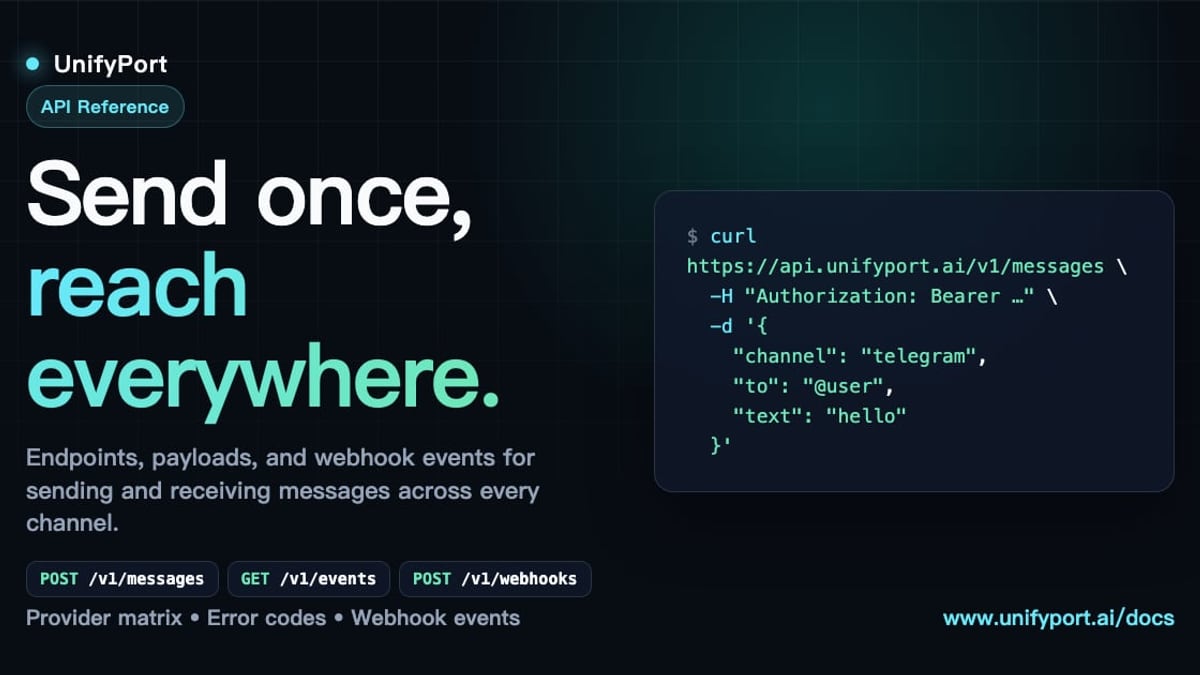
A minimal Python snippet to send a template message looks like this:
import requests

url = "https://graph.facebook.com/v21.0/YOUR_PHONE_NUMBER_ID/messages"
headers = {
    "Authorization": "Bearer YOUR_ACCESS_TOKEN",
    "Content-Type": "application/json",
}
data = {
    "messaging_product": "whatsapp",
    "to": "RECIPIENT_PHONE_NUMBER",
    "type": "template",
    "template": {"name": "hello_world", "language": {"code": "en_US"}},
}

response = requests.post(url, headers=headers, json=data)
print(response.json())
Always consult the official Meta documentation for the latest API version and best practices around token security, webhooks, and rate limits.
Selecting a Solution Provider vs. Direct Integration
Many businesses choose to work with a WhatsApp Business Solution Provider (BSP). Providers offer managed onboarding, GUI‑driven message builders, multi‑agent inboxes, and pre‑built integrations with Shopify, Zendesk, Salesforce, and others. This can dramatically reduce time‑to‑market.
However, not all providers are created equal. In community forums like Reddit, users have reported situations where a self‑proclaimed BSP displayed fake delivery reports and deducted credits without messages reaching real customers. The takeaway: always verify that your provider is listed in Meta’s official partner directory and that their platform gives you access to raw Meta message IDs and webhooks so you can independently confirm delivery.
For developer‑first teams, going directly with the Cloud API gives full control, transparency, and avoids lock‑in. You can still layer on tools like Telegram API integration or unified multi‑channel gateways without giving up flexibility.
UnifyPort: Multi‑Channel Messaging Meets WhatsApp API
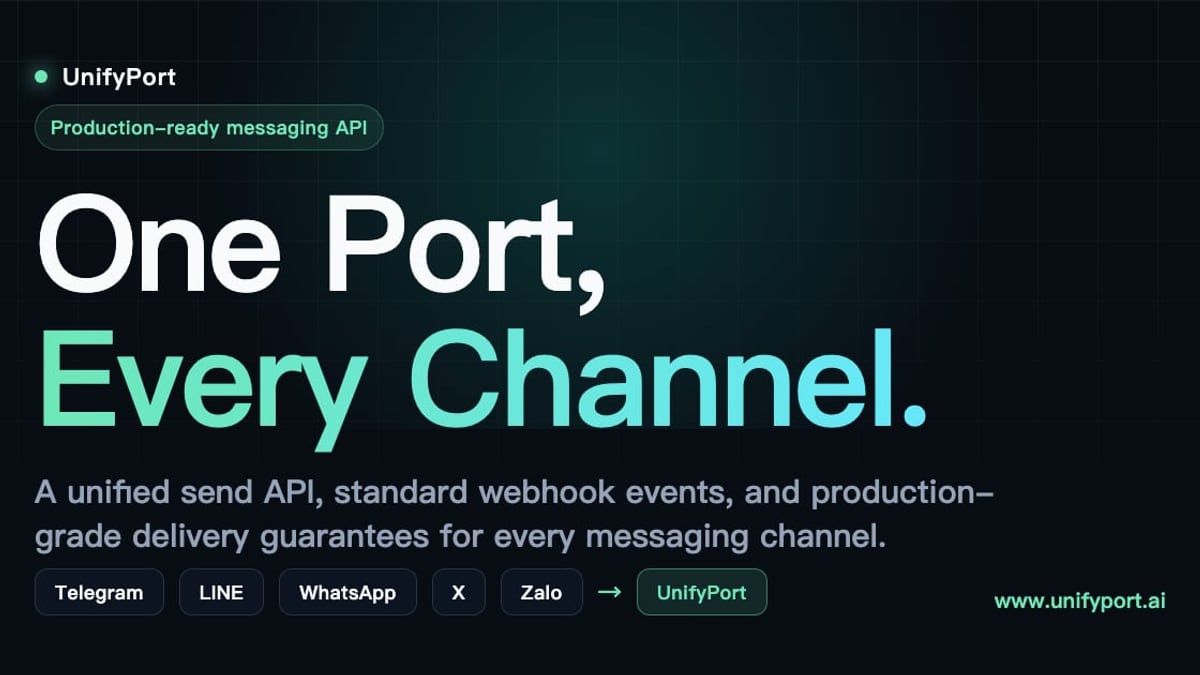
WhatsApp Business API: Setup, Use Cases & Multi-Channel Integration product interface and feature overview.
What if WhatsApp is just one piece of your communication puzzle? Many businesses need to reach customers on Telegram, LINE, X (Twitter), Zalo, TikTok, and others, each with its own SDKs, authentication flows, and event formats. Building and maintaining separate integrations for every channel is expensive and error‑prone.
UnifyPort solves this by providing a unified multi‑channel messaging API platform. Instead of dealing with provider‑specific SDKs, your applications—whether AI agents, CRMs, or notification systems—send and receive messages across all supported channels through a single REST API and a standardized webhook event stream. The platform normalizes every provider event into a single JSON shape, so your backend always sees the same structure for a message, regardless of whether it came from WhatsApp, LINE, or TikTok.
Key capabilities relevant to WhatsApp API users include:
- Consistent message types – text, images, video, audio, documents, and provider‑specific extensions like
reply_toappear uniformly across channels. When you send a rich notification, you don’t rewrite it for each channel. - Production‑grade delivery guarantees – built‑in rate limiting, automatic retries, idempotency, and failure isolation mean a temporary outage on one channel doesn’t cascade.
- Full lifecycle management of virtual accounts – UnifyPort handles creation, QR‑ or code‑based authentication, runtime monitoring, and teardown with fine‑grained status tracking available via REST and webhooks.
- Secure API key management with HMAC‑SHA256 signatures, so your integrations remain safe while you focus on business logic.
Developers often explore multi‑channel inbox solutions like Unipile and then graduate to UnifyPort when they need a deeper API‑first abstraction with support for more global channels. UnifyPort currently serves selected customers and positions itself as the infrastructure layer for teams that refuse to maintain a zoo of messaging integrations.
Related reading
- CM Complaint Cell: How to Register & Track Grievances Online - Learn what a CM complaint cell is, how to register grievances online, and how unified APIs like UnifyPort enable seamless multi-channel citizen support across apps, SMS, and chat.
- What Is a Mobile App? The Complete Guide to Types & Benefits - Learn what a mobile app is, its types (native, web, hybrid), benefits, and how modern apps integrate messaging APIs like UnifyPort for multi-channel engagement.
- CM.com Stichting: A Complete Guide to CM.com's Foundation - Discover CM.com Stichting, the foundation arm of CM.com. Learn about its mission, typical focus areas, and how multi-channel messaging technology supports social impact.
Sources and further reading
- Step By Step guide for getting started with the Whatsapp Business API? : r/WhatsappBusinessAPI - Bhash’s WhatsApp Business API service has been an absolute disaster. I sent over 5,800 messages, and every single one of them shows as “delivered” in their system, yet not a single person responded. These are contacts I’ve been communicating with for over 4 years — so it's crystal clear the problem is on Bhash’s side, not mine.
Frequently Asked Questions
How is the WhatsApp Business API different from the WhatsApp Business App?
The Business App is a mobile application for a single user or small team to chat with customers from a phone number. The API is a cloud‑based programmatic interface designed for automation, system integration, and sending messages at scale without a phone tied to a device.
What does the WhatsApp Business API cost?
Meta uses a conversation‑based pricing model. Conversations are grouped into categories (marketing, utility, authentication, service) and charged per 24‑hour session once a business‑initiated message is delivered. The first 1,000 conversations each month are free. Direct Cloud API access has no platform fee from Meta; BSPs may add their own markup.
Can I send bulk marketing messages on WhatsApp?
Yes, but only to users who have opted in and with approved message templates. Unsolicited promotional broadcasts are prohibited and can lead to account suspension. Proper onboarding and consent management are essential.
How do I integrate WhatsApp API with my CRM?
Most CRMs integrate via a BSP that offers a native connector, or you can build a middleware that listens to WhatsApp webhooks and maps conversations to contact records. The standardized webhooks from platforms like UnifyPort simplify this across multiple channels.
What are message templates, and why do I need them?
All business‑initiated messages on WhatsApp must use a pre‑approved template. Templates define the message structure, placeholder values, and optional interactive buttons. They protect user experience by preventing spam and ensuring predictability.
How can I avoid unreliable WhatsApp API providers?
Always check Meta’s official partner directory. Ask for proof of Message‑ID mapping from Meta’s API, test with a controlled group, and ensure the provider gives you direct webhook access rather than a black‑box “delivery” dashboard.
Conclusion: Building Scalable Conversations
The WhatsApp Business API is no longer optional for businesses serious about conversational commerce—it’s table stakes. Whether you’re sending a single appointment reminder or orchestrating a multi‑step purchase flow, understanding the platform’s architecture, compliance rules, and integration paths will save you months of trial and error.
For teams managing multiple messaging channels, the complexity multiplies. Abstracting away the plumbing with a platform like UnifyPort lets your developers write business logic once while confidently reaching users on WhatsApp, Telegram, LINE, TikTok, and beyond. And when you combine that with automation frameworks and CRM systems, you build a communication stack that’s resilient, observable, and ready to scale.
UnifyPort is dedicated to demystifying the tools that power modern businesses. Explore our resources to keep your messaging strategy—and your technical stack—a step ahead.