
Telegram Download Guide: Get Telegram on Desktop, iOS & Android
Download Telegram safely on all devices. Official links for Windows, Mac, Android, iOS, and Linux. Plus, secure installation tips and multi-channel API integration for businesses.
Telegram Download Guide: Get Telegram on Desktop, iOS & Android
At UnifyPort, we know fast, private messaging is essential. Telegram has become one of the most downloaded apps worldwide, prized for its speed, cross-device sync, and open platform. Whether you’re chatting with friends, running a community, or automating business notifications, the first step is a safe, proper installation. This guide covers official download links for every platform, verified installation steps, key features, and how developers can integrate Telegram into a unified messaging stack using UnifyPort.
Official Telegram Download Links
Telegram Download Guide: Get Telegram on Desktop, iOS & Android product interface and feature overview.
Always use official sources to avoid modified or fake apps. The table below links directly to the authentic Telegram apps.
Telegram for Desktop
- Windows, macOS, Linux: Download from desktop.telegram.org. The page auto-detects your OS and offers a stable or beta version. Linux users can also use Flatpak, Snap, or static binaries.
Telegram for Mobile
- Android (Google Play): Telegram on Google Play. This version complies with store policies but may have slight restrictions.
- Android (Direct APK): Download from telegram.org/android. This version has fewer restrictions and receives automatic updates directly from Telegram. It is protected by verifiable builds—independent researchers confirm the app matches the published open-source code.
- iOS: Download from the App Store. The iOS app requires iOS 13.0 or later and supports all modern Apple devices.
Telegram Web & Other Platforms
If you can’t install software, Telegram Web works in any browser. Dedicated apps also exist for macOS native, Windows Phone, and more. All apps sync instantaneously.
How to Install Telegram Safely
Telegram Download Guide: Get Telegram on Desktop, iOS & Android product interface and feature overview.
- Stick to official sources — never download Telegram from third-party app stores or file-sharing sites.
- On Android, the direct APK from telegram.org includes auto-updates and hashes that match public source code. After installation, you can independently verify the build if you are technically inclined.
- On iOS, the App Store’s review and sandboxing add an extra layer of safety.
- After installation, check the app’s signature (Android) or the digital certificate chain (desktop) if you require maximum assurance.
Following these steps guarantees you’re running the genuine, encrypted messenger—not a clone that could intercept your data.
What Makes Telegram Worth Downloading?
Telegram Download Guide: Get Telegram on Desktop, iOS & Android - supporting product research image 4.
- Speed: Telegram’s distributed data centers deliver messages faster than typical messengers, even on weak connections.
- Seamless sync: Start typing on your phone, finish on your laptop. All devices stay in sync without keeping your phone online.
- Unlimited media: Send files up to 2 GB, with no type restrictions. Entire chat history is stored in the cloud for free.
- Advanced security: All content is encrypted with 256-bit AES, 2048-bit RSA, and Diffie–Hellman key exchange. Secret Chats add end-to-end encryption with self-destructing messages.
- Massive groups and channels: Create communities of up to 200,000 members, broadcast to unlimited audiences, and automate tasks with bots.
- Open platform: A fully documented API, open-source apps, and verifiable builds give developers full flexibility.
Telegram for Developers and Businesses

Telegram Download Guide: Get Telegram on Desktop, iOS & Android product interface and feature overview.
Telegram’s Bot API and MTProto API let businesses automate conversations, power customer support, or send transactional notifications. However, integrating Telegram alongside WhatsApp, LINE, or other messaging platforms typically means juggling multiple SDKs, webhook formats, and delivery quirks.
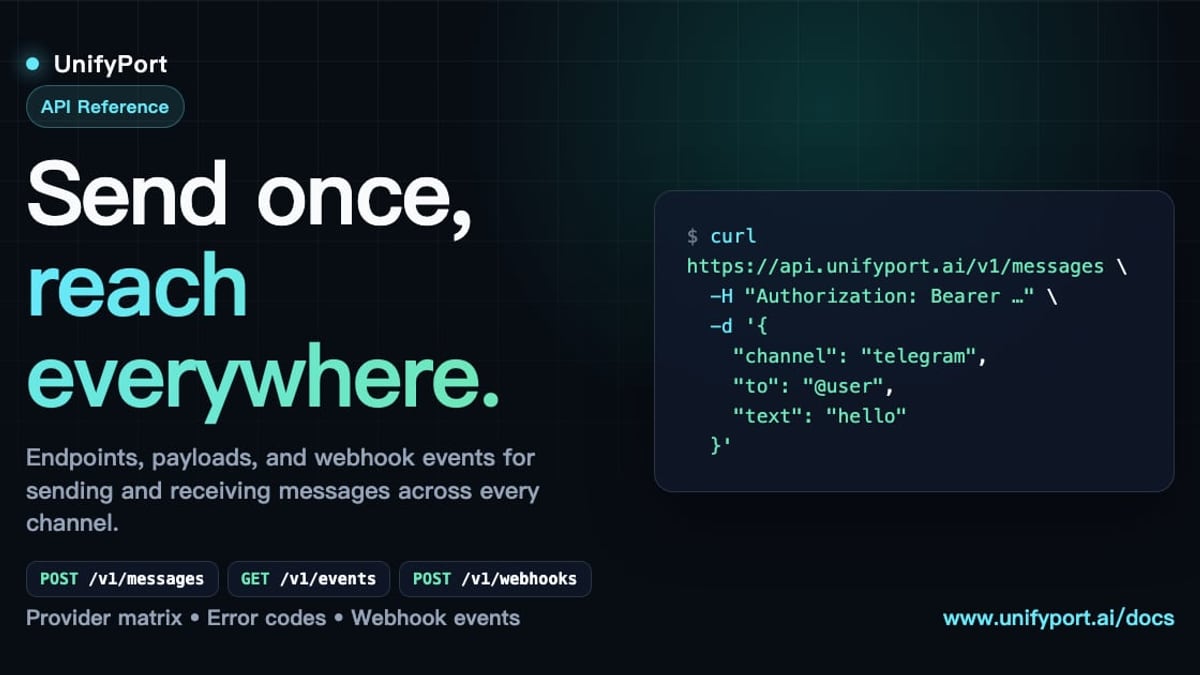
That’s where a unified multi-channel API platform like UnifyPort becomes invaluable. UnifyPort wraps Telegram, WhatsApp, LINE, X (Twitter), Zalo, and TikTok into a single REST API and normalized webhook event stream. Instead of building separate integrations, your AI agents, CRMs, or notification systems can:
- Send and receive messages (text, images, video, documents, etc.) with consistent formatting across all channels.
- Use built-in production-grade delivery: rate limiting, retries, idempotency, and failure isolation come out-of-the-box.
- Standardize webhook events: every platform’s inbound events are transformed into one JSON shape, so your backend logic stays clean.
- Manage virtual accounts through a full lifecycle REST API—from QR or code authentication to runtime monitoring and teardown.
For instance, a marketing automation platform can trigger a Telegram notification through the same endpoint it uses for WhatsApp, with UnifyPort handling channel-specific delivery and webhook signatures. This drastically reduces development effort and improves observability. To learn more about how unified APIs fit into larger messaging strategies, read our cloud messaging guide and our WhatsApp Business API guide, which covers multi-channel integration with UnifyPort. Our marketing automation guide also shows how to drive lead nurturing with a single messaging pipeline.
Related reading
- CM Complaint Cell: How to Register & Track Grievances Online - Learn what a CM complaint cell is, how to register grievances online, and how unified APIs like UnifyPort enable seamless multi-channel citizen support across apps, SMS, and chat.
- What Is a Mobile App? The Complete Guide to Types & Benefits - Learn what a mobile app is, its types (native, web, hybrid), benefits, and how modern apps integrate messaging APIs like UnifyPort for multi-channel engagement.
Frequently Asked Questions
Is the Telegram download free?
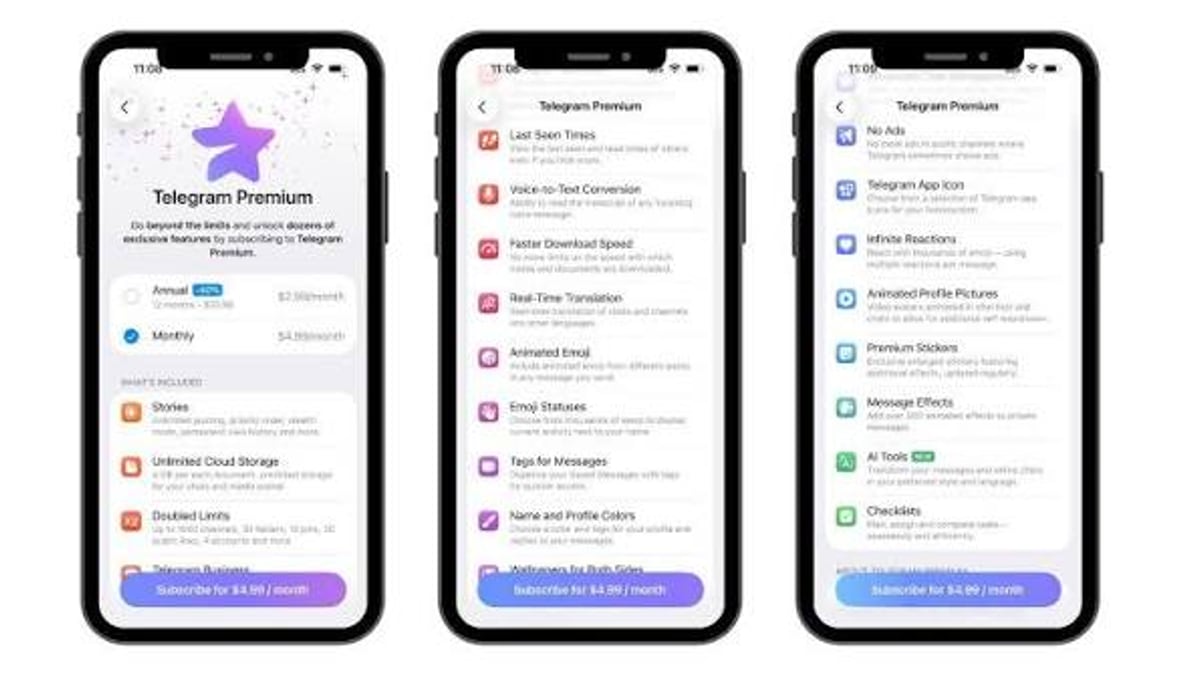
Yes, Telegram is free for personal use. Optional Telegram Premium subscriptions unlock additional features like larger uploads and exclusive stickers, but the core app remains fully functional at no cost.
Which Android version should I download?
If you want automatic updates via Google Play, the store version works fine. For fewer restrictions and faster updates, use the direct APK from telegram.org. Both are official and safe.
Can I use Telegram on multiple devices at the same time?
Absolutely. Telegram apps are standalone; you can be logged in on your phone, tablet, and desktop simultaneously without keeping your phone connected.
How can businesses use Telegram’s API?
Telegram offers a Bot API for simple automation and the MTProto API for deeper integration. Managing connections, rate limits, and webhook security yourself can be complex. Platforms like UnifyPort provide a unified REST interface that abstracts Telegram and other messaging services, giving your team production-ready delivery, monitoring, and event normalization.
Is Telegram private and secure?
All traffic is encrypted, and Secret Chats offer true end-to-end encryption. Telegram does not sell your data or serve ads based on your chats. For the best privacy, always download official versions and enable two-step verification.
Conclusion
Getting Telegram on all your devices is simple when you stick to the official download channels. With blazing sync, unlimited file sharing, and a developer-friendly ecosystem, it’s a messaging app that scales from personal use to enterprise automation. For teams that need to manage Telegram alongside WhatsApp, LINE, and other platforms, UnifyPort eliminates the headache of multi-SDK integration—delivering messages through one clean API. Explore more messaging and automation insights across UnifyPort, and start building your unified communication layer today.