
What Is the LINE App? Features, Download & Messaging API Guide
Learn all about the LINE app: free messaging, voice calls, stickers, OpenChat, and how UnifyPort's API connects LINE with other messaging channels.
What Is the LINE App? The Complete Guide to Features, Download & Messaging API
LINE has evolved from a simple chat tool into one of Asia's most powerful super apps, used daily by over 190 million people for messaging, social networking, payments, and more. Whether you're a first-time user exploring its features or a developer looking to integrate LINE messaging into your own product, this UnifyPort guide explains how LINE works, what sets it apart, and how you can connect it to a broader multi-channel communication strategy with tools like UnifyPort.

A typical LINE home screen combines chats, timeline content, and mini-app access.
A Brief History of LINE
What Is the LINE App? Features, Download & Messaging API Guide product interface and feature overview.
LINE was created by NHN Japan (a subsidiary of South Korea's Naver) and launched in June 2011, just months after the Tōhoku earthquake and tsunami disrupted traditional phone networks across Japan. The disaster left millions relying on Wi‑Fi and data connections, and LINE's free voice calling and instant messaging over 3G/Wi‑Fi quickly resonated with users. Within 18 months it passed 100 million users, and by 2013 it had become Japan's largest social network (source: Wikipedia).
The company behind LINE later merged with Yahoo! Japan in 2021 to form LY Corporation, now co‑owned by SoftBank and Naver. Today, LINE dominates messaging in Japan, Taiwan, Thailand, and Indonesia, and is increasingly recognized globally for its super‑app model that bundles messaging with services like news, music, mobile payments, and on‑demand mini apps.
Core Messaging and Calling Features
What Is the LINE App? Features, Download & Messaging API Guide product interface and feature overview.
At its heart, LINE remains a full‑featured instant messaging platform, but it packs in far more than plain text.
Free Texts, Voice & Video Calls
You can send unlimited one‑on‑one and group texts, make high‑quality voice calls, and start video chats with up to 500 participants in a group, all at no cost beyond your data plan. International calls between LINE users are also free, making it a popular choice for cross‑border communication.
Stickers, Emoji, and Themes
LINE's massive sticker shop is one of its defining features. Beyond the standard emoji, you can buy or earn thousands of animated stickers featuring original characters like Brown & Cony, as well as licensed sets from Disney, Marvel, and popular anime. The app also lets you personalize the entire look with colorful themes.
Keep Memo & Security
A private chat room called Keep Memo lets you save messages, photos, and videos for later. For privacy, LINE's Letter Sealing feature provides end‑to‑end encryption for messages and call history, though it must be enabled in settings. The app also supports hidden chats that auto‑delete after a set time.
Cross‑Platform Availability
LINE works everywhere you need it: iOS, Android, iPadOS, Apple Watch, Windows, and macOS, plus a Chrome web version. Your chat history syncs seamlessly across devices so you can switch mid‑conversation.

LINE's sticker marketplace includes thousands of original and licensed characters, giving chats a unique expressive layer.
Beyond Messaging: LINE as a Super App
What Is the LINE App? Features, Download & Messaging API Guide - supporting product research image 4.
LINE's ambition goes well beyond chat. The platform bundles an entire ecosystem inside a single app, much like China's WeChat.
- LINE VOOM: A personalized timeline where you can share posts, photos, and short videos with your contacts or publicly. It's a blend of Facebook's News Feed and TikTok's short‑form video feed.
- OpenChat: Public and private chat rooms based on interests—hobbies, study groups, local communities. You can join rooms without sharing your phone number, making it easy to meet new people.
- MINI Apps tab: Order food, book appointments, play games, or check reward points without ever leaving LINE. Third‑party developers build these lightweight apps that run inside LINE, reducing the need for separate downloads.
- LINE Pay, LINE News, LINE Music: A digital wallet for mobile payments and money transfers, a curated news aggregation service, and a music streaming platform with karaoke features (availability varies by market).
- Official Channels: Brands, celebrities, and media outlets can create official accounts to broadcast updates, coupons, and customer support directly to followers.
This super‑app approach makes LINE an indispensable daily platform for millions, particularly in markets where it's the primary messaging tool.
How to Download and Install LINE
You can download LINE safely from the official sources:
- iOS: App Store
- Android: Google Play Store
- Desktop: LINE official website offers installers for Windows and macOS, as well as the Chrome extension.
Always get the app from these official channels to avoid modified or malicious versions. System requirements are modest, but you'll need iOS 18.0+ or a recent Android version. The app is free, with optional in‑app purchases for stickers, themes, and LINE coins (used for gifting and transactions).
LINE for Business and Developers
What Is the LINE App? Features, Download & Messaging API Guide product interface and feature overview.
While personal users enjoy the extensive features above, LINE also provides powerful tools for businesses and developers.
LINE Official Accounts & Messaging API
Businesses can create LINE Official Accounts to send targeted messages, provide customer support, and run chatbots. The LINE Messaging API lets developers build conversational bots that reply to user queries, send rich messages (images, carousels, buttons), and even process payments within a chat. It's widely used in retail, banking, travel, and e‑commerce across Asia.
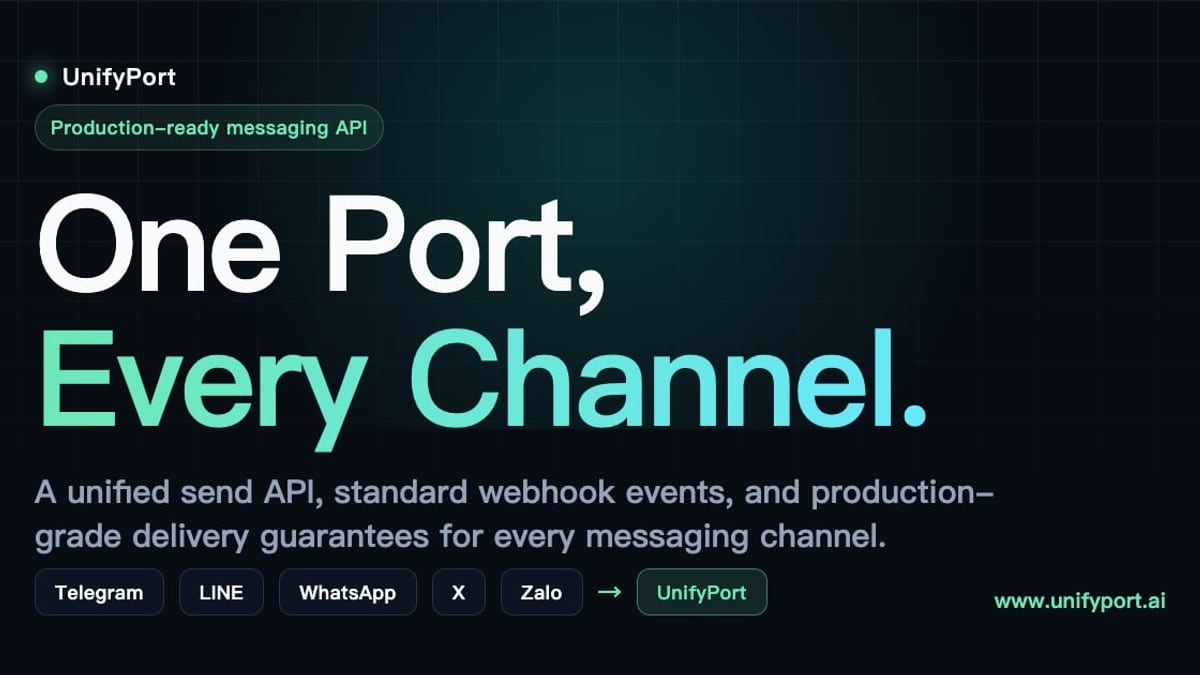
However, if your application needs to communicate with customers across multiple messaging channels—say LINE, WhatsApp, Telegram, and TikTok—managing each platform's unique API, authentication, and message formats becomes complex and time‑consuming. That's where a unified messaging API like UnifyPort comes in.
UnifyPort: One API for LINE and Beyond
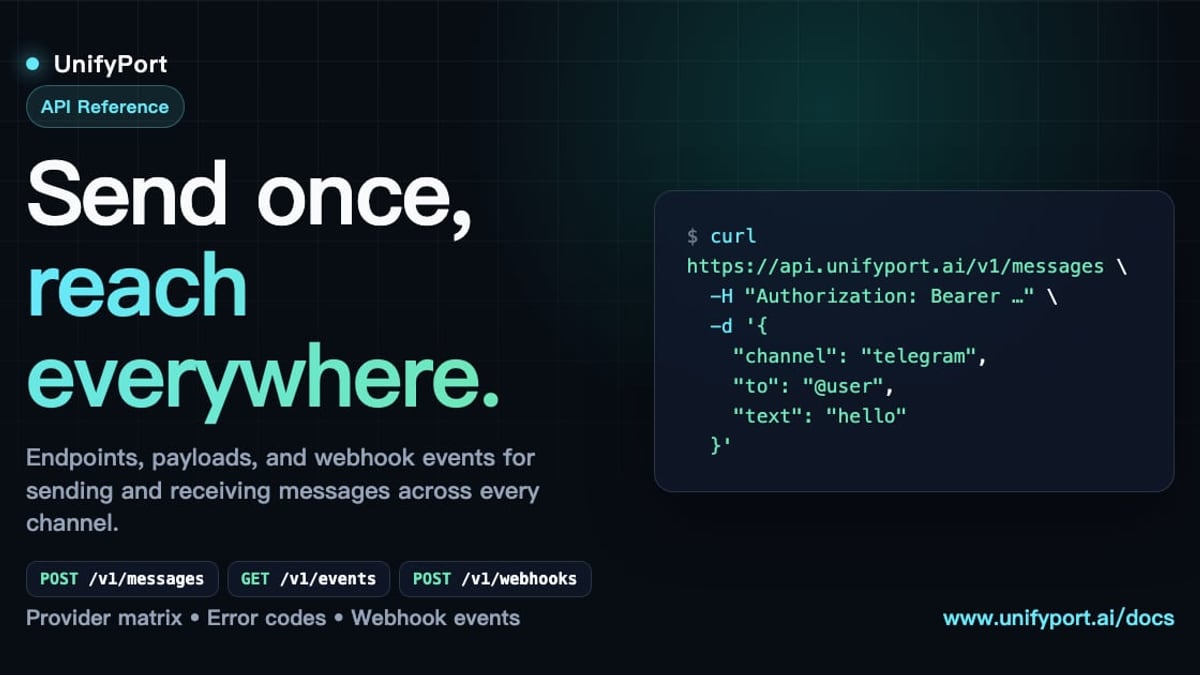
UnifyPort is a multi‑channel messaging API platform designed for developers who need to send and receive messages on LINE alongside other major platforms through a single REST API. Instead of juggling separate SDKs for each channel, UnifyPort normalizes all events into a consistent JSON structure, handles webhook signatures, rate limiting, and retries, and provides a centralized control plane for monitoring connection health.
Key capabilities include:
- Standardized event layer: Whether a user sends a message on LINE, WhatsApp, or Telegram, your backend receives one predictable JSON payload.
- Webhook control plane: Manage subscriptions, signatures, and retry logic from a single dashboard.
- Secure authentication: API keys are protected with HMAC‑SHA256 signatures, and you can set fine‑grained permissions per channel.
- Lifecycle management: UnifyPort handles virtual LINE account creation (QR code, code, or session import), runtime monitoring, and graceful teardown, all visible via REST endpoints and webhooks.
- Rich message support: Text, images, videos, audio, documents, and platform‑specific features like LINE's reply_to are consistently accessible.
This approach fits naturally into a broader cloud messaging strategy that goes beyond push notifications, letting you deliver conversational experiences wherever your users are. For teams already using platforms like WhatsApp Business API or building bots on Telegram, UnifyPort acts as the integration layer that eliminates duplicate work and reduces delivery failures.
UnifyPort recommends evaluating a unified messaging layer whenever you need to maintain consistent, observable communication across multiple channels—especially if you're building AI‑powered agents that must interact with users on their preferred platform, including LINE.
Related reading
- Telegram Download Guide: Get Telegram on Desktop, iOS & Android - Download Telegram safely on all devices. Official links for Windows, Mac, Android, iOS, and Linux. Plus, secure installation tips and multi-channel API integration for businesses.
Sources and further reading
- LINE|always at your side. - More than just a messenger app. LINE is new level of communication and the very infrastructure of your life.
Frequently Asked Questions
Is the LINE app free?
Yes. The core app—messaging, voice and video calls, basic stickers, and group chats—is free. Optional in‑app purchases include sticker sets, themes, and LINE coins for games or gifting.
Can I use LINE in the United States or Europe?
Absolutely. LINE is available worldwide on mobile and desktop. While some features like LINE Pay or LINE VOOM may be region‑locked, the essential communication functions work everywhere.
Is LINE secure and private?
LINE offers end‑to‑end encryption (Letter Sealing) for messages and calls when enabled. It also supports hidden chats that self‑destruct. As with any platform, you should review its privacy settings; LINE has faced scrutiny in the past over data handling, so users should make informed choices.
What is the LINE Messaging API?
It's a set of REST APIs and webhooks that let businesses and developers send and receive messages through LINE Official Accounts. You can build chatbots, send transactional notifications, and create rich‑media customer interactions.
How does UnifyPort simplify LINE integration?
Instead of coding to LINE's API directly, you connect once to UnifyPort's REST API. UnifyPort translates your requests and normalizes incoming webhook events from LINE into a standard format, so adding or switching messaging channels later requires no backend rework. It also provides production‑grade retries, rate limiting, and monitoring out of the box.
Conclusion
The LINE app is far more than a messenger—it's a versatile communication hub that blends social networking, digital payments, and mini apps into one seamless experience. For personal use, it offers one of the richest chat environments available. For businesses and developers, LINE's Messaging API opens the door to automated customer engagement across millions of active users, especially in key Asian markets.
When your app needs to operate across multiple messaging platforms consistently and reliably, a unified solution like UnifyPort saves engineering time and reduces operational headaches. UnifyPort will continue to publish insights and guides to help you navigate the evolving world of multi‑channel messaging—wherever your users choose to connect.