

LINE Social Plugins vs Messaging APIs: What Developers Need
LINE Social Plugins add Share, Add friend, and Like buttons to webpages. Learn when you need a messaging API instead, and how UnifyPort unifies channels.
LINE Social Plugins vs Messaging APIs: What Developers Need to Know
LINE Social Plugins are small embeddable buttons that connect a webpage to LINE: visitors can share a link into LINE chats, add a LINE Official Account as a friend, or like content. They are useful for promotion and audience growth, but they do not send or receive messages on your behalf. If your product needs two-way conversations, notifications, or event-driven workflows across several channels, you need a messaging API instead. This article explains what the plugins do, where their limits are, and how a unified messaging API such as UnifyPort fits alongside them.
What LINE Social Plugins actually are
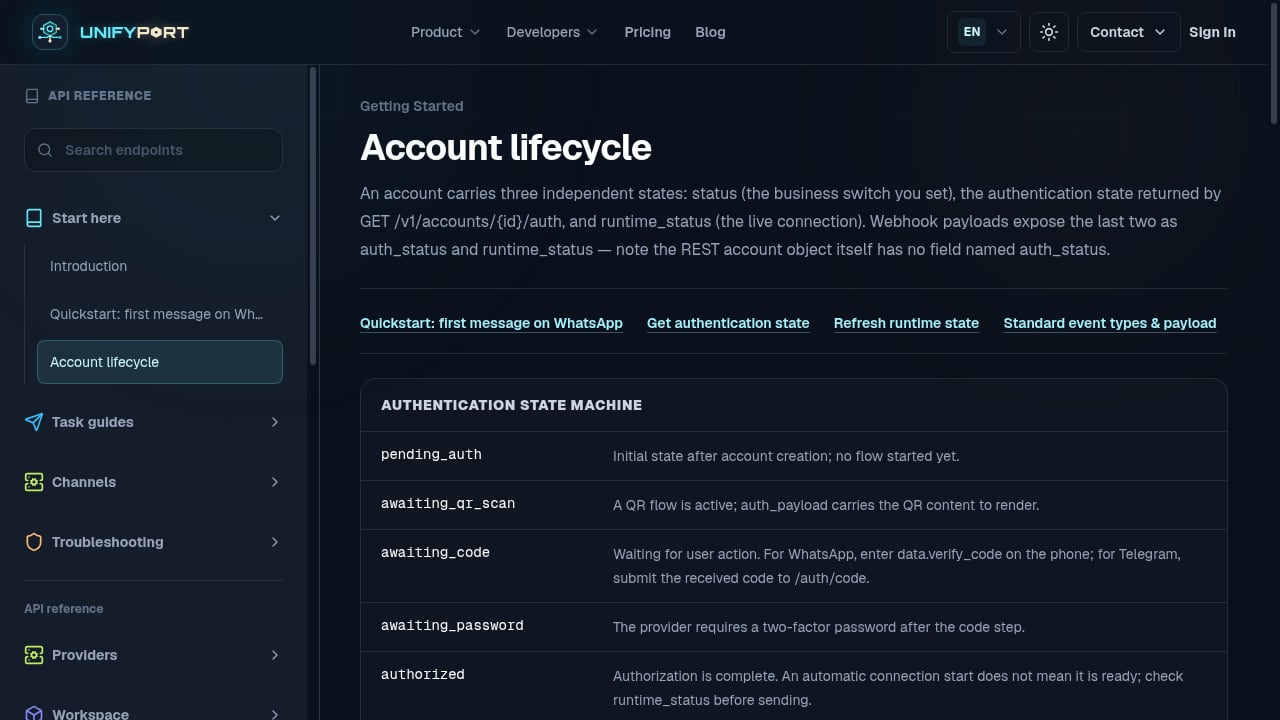
First viewport screenshot of unifyport.ai.
LINE Social Plugins are a set of web widgets provided for website owners. According to the LINE Social Plugins overview, there are three button types:
- Share button — lets a visitor post your page link into a LINE chat or save it to Keep Memo.
- Add friend button — lets a visitor add your LINE Official Account as a friend. You need an Official Account first.
- Like button — lets visitors like your content and helps you measure performance. The documentation notes that the Like button may not work correctly in Safari because of Apple's Intelligent Tracking Prevention policy.
The buttons are rendered by a plugin SDK that loads each button's code dynamically into the page. When a visitor clicks Share, they are taken to a LINE login flow before the link can be sent. Usage is governed by the LINE Social Plugin usage guidelines, which reserve rights in the button assets and set Japanese law and Tokyo jurisdiction as governing terms.
What the plugins do not do
It is easy to assume that adding a Share button turns your site into a LINE integration. It does not. The plugins are one-directional, browser-side widgets:
- They do not deliver messages from your backend to a user's chat.
- They do not expose a webhook or event stream you can subscribe to.
- They do not manage conversations, message history, or account sessions.
- They cover LINE only, not WhatsApp, Telegram, TikTok, Zalo, or X.
For marketing pages, that is fine. For support desks, order notifications, or conversational bots, it is not enough.
When you need a messaging API instead
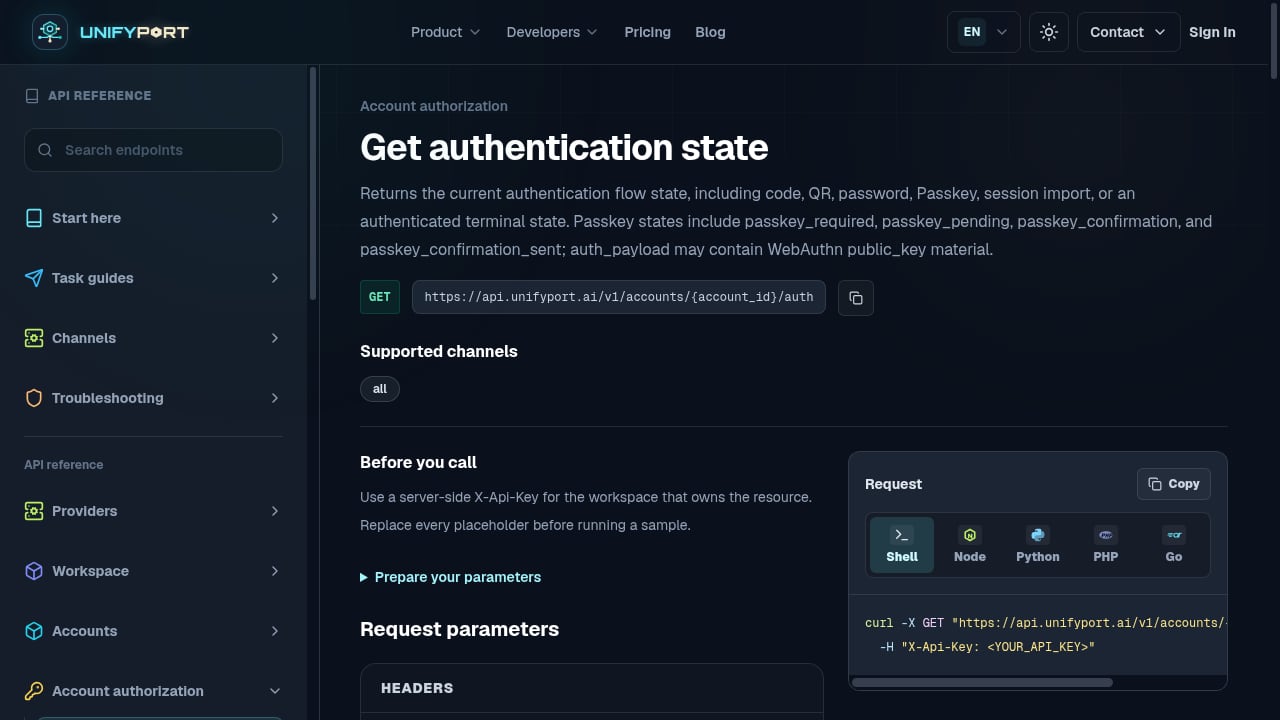
First viewport screenshot of unifyport.ai.
Move from plugins to a messaging API when any of these apply:
- You must send messages programmatically — order confirmations, appointment reminders, or alerts triggered by your backend.
- You must receive and respond to messages — a customer replies in chat and your system needs to route, log, or answer it.
- You need a reliable event stream — you want normalized events such as
message.receivedrather than polling or manual exports. - You operate on more than one channel — your users are spread across LINE, WhatsApp, Telegram, Zalo, TikTok, and X.
- You need message lifecycle controls — pinning, revocation, reactions, or mentions inside conversations.
A common pattern is to keep the Share and Add friend buttons for acquisition on public webpages, while a messaging API handles everything after the friend is added: welcome messages, support threads, and notifications.
How UnifyPort approaches multi-channel messaging
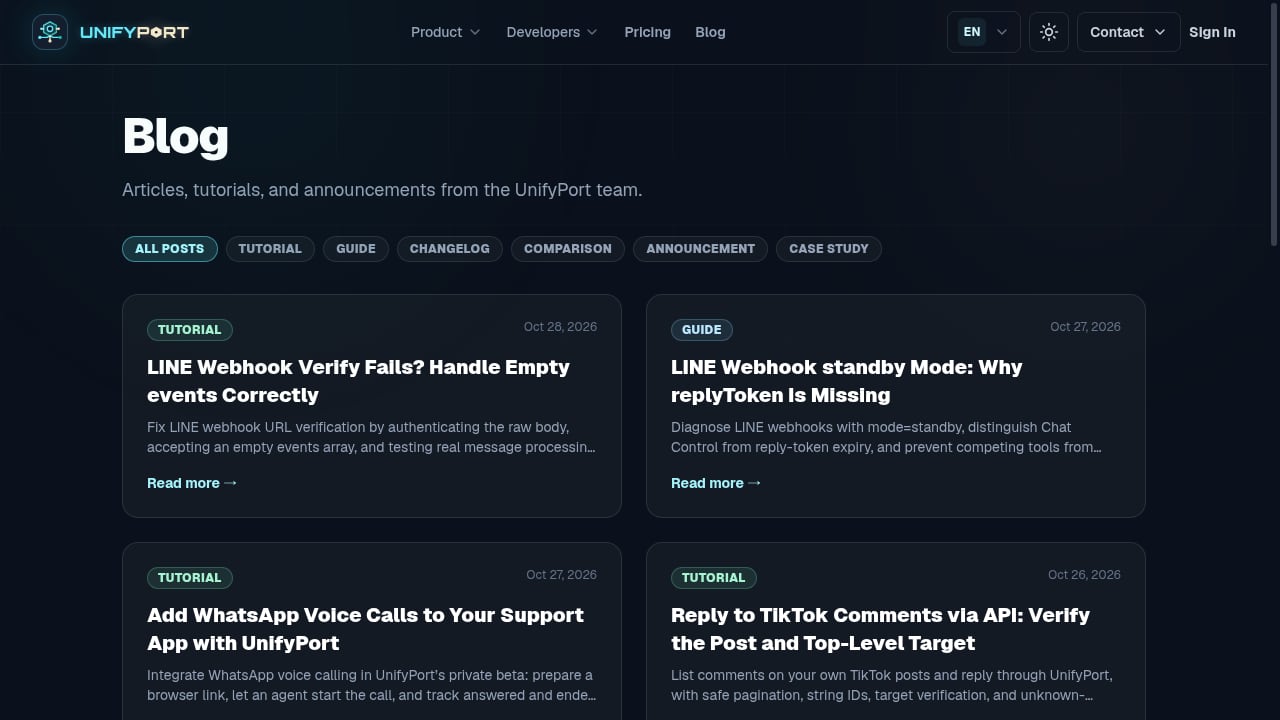
First viewport screenshot of unifyport.ai.
UnifyPort is a unified messaging API platform that connects WhatsApp, Telegram, LINE, TikTok, Zalo, and X through a single REST API and a standardized webhook event stream. Instead of maintaining a separate integration per channel, teams send with one POST /v1/messages call and receive normalized events with a consistent schema covering provider, account, conversation, sender, and message data.
The platform supports two-way messaging, text and media captions, mentions, message pinning, revocation, emoji reactions, and account lifecycle management, including QR-code, code, session, and Passkey authentication flows. Official SDKs are available for Node.js, PHP, Go, and Python. Pricing is described as transparent graduated monthly messaging-account costs in USD, with free messaging accounts in every workspace and wallet-mode or quota-based account billing.
A minimal send example
curl -X POST https://api.unifyport.example/v1/messages \
  -H "Authorization: Bearer $UNIFYPORT_API_KEY" \
  -H "Content-Type: application/json" \
  -d '{
    "account_id": "acc_line_main",
    "to": "user-id-from-webhook",
    "text": "Your order has shipped."
  }'
The same request shape works across channels; only the account_id and recipient identifier change. That consistency is the main reason teams adopt a unified layer rather than six separate SDKs.
Plugins vs messaging API: a side-by-side view
First viewport screenshot of unifyport.ai.
| Capability | LINE Social Plugins | Unified messaging API (UnifyPort) |
|---|---|---|
| Share a page link | Yes | Not the purpose |
| Add a LINE Official Account as friend | Yes | Account lifecycle handled via API |
| Send backend-triggered messages | No | Yes |
| Receive messages via webhook | No | Yes, normalized events |
| Multi-channel coverage | LINE only | WhatsApp, Telegram, LINE, TikTok, Zalo, X |
| Message controls (pin, revoke, react) | No | Yes |
| SDKs | Plugin SDK | Node.js, PHP, Go, Python |
Use the table as a decision aid: if every row you need sits in the left column, plugins are sufficient. If any row in the right column is essential, plan for an API.
Practical integration patterns
Pattern 1: Acquisition plus automation
Place the Add friend button on your landing page. When a user adds your Official Account, your backend receives a follow event through the messaging API and sends a welcome message with a coupon code. The plugin handles discovery; the API handles the conversation.
Pattern 2: Support inbox across channels
A customer writes on LINE, another on Zalo, a third on WhatsApp. Your support tool subscribes to one webhook stream and receives message.received events in the same schema. Agents reply through one send endpoint. If you are pairing this with automation tooling, see how to use UnifyPort with Latenode for webhook-triggered workflows.
Pattern 3: Conversational AI front door
If you plan to route incoming messages to an AI assistant, the normalized event stream is the input layer. A related walkthrough is available in UnifyPort with conversational AI and APIs for SMS, email, and voice.
Common pitfalls
- Assuming plugins equal messaging. The buttons are front-end widgets; they do not create a backend channel.
- Skipping the Official Account prerequisite. The Add friend button requires an existing LINE Official Account.
- Ignoring browser privacy policies. The Like button can fail in Safari under ITP; do not rely on it as your only engagement metric.
- Hard-coding per-channel logic. If you build separate integrations for each channel, maintenance grows with every provider change.
- Neglecting account identifiers. In REST designs, path parameters such as
account_idneed validation and access control; see account_id path parameter design and security.
How to choose
Choose LINE Social Plugins when your goal is on-page sharing, friend acquisition, or lightweight engagement signals and you are focused on LINE alone. Choose a unified messaging API when you need programmatic sending, inbound events, message controls, and coverage across multiple social channels. Many teams use both: plugins for the public web surface, and an API for the operational layer behind it.
For a broader market view, the top 10 social media and messaging API platforms for 2026 compares channels, pricing models, and developer fit, and the top 10 unified communication API platforms covers the wider CPaaS landscape.
Related reading
- UnifyPort vs Syniverse CPaaS vs MessageGate: 2026 Comparison - Compare UnifyPort, Syniverse CPaaS Omni-Channel Messaging, and MessageGate on channels, APIs, webhooks, SDKs, pricing, and developer fit for 2026.
- UnifyPort vs Gupshup.ai: Autonomous AI Agents for Sales, Marketing & Customer Support - Compare UnifyPort's unified messaging API with Gupshup.ai's autonomous AI agents for sales, marketing, and support. Evaluate channels, webhooks, SDKs, and pricing.
Sources and further reading
- LINE Social Plugins - LINE Social Plugins overview
FAQ
Do LINE Social Plugins let me send messages to users?
No. They are embeddable buttons for sharing, adding a friend, and liking content. Sending messages requires the LINE Messaging API or a unified platform that wraps it.
Do I need a LINE Official Account to use the Add friend button?
Yes. The documentation states that you must have a LINE Official Account before using the Add friend button.
Why does the Like button sometimes fail in Safari?
Apple's Intelligent Tracking Prevention policy can interfere with the Like button. The official documentation notes this limitation.
Can I use plugins and a messaging API together?
Yes. A common setup keeps Share and Add friend buttons on marketing pages while a messaging API handles welcome messages, support replies, and notifications.
Does UnifyPort replace LINE Social Plugins?
No. UnifyPort is a messaging API layer for sending and receiving messages across channels. It complements, rather than replaces, front-end social plugins.
Conclusion
LINE Social Plugins solve a narrow, useful problem: making it easy for website visitors to share content and connect with your Official Account. They are not a messaging backend. Once your requirements include outbound notifications, inbound events, or more than one channel, a unified messaging API becomes the practical foundation. UnifyPort's single REST endpoint and normalized webhook stream let you add LINE and other channels without rebuilding the same integration six times.