
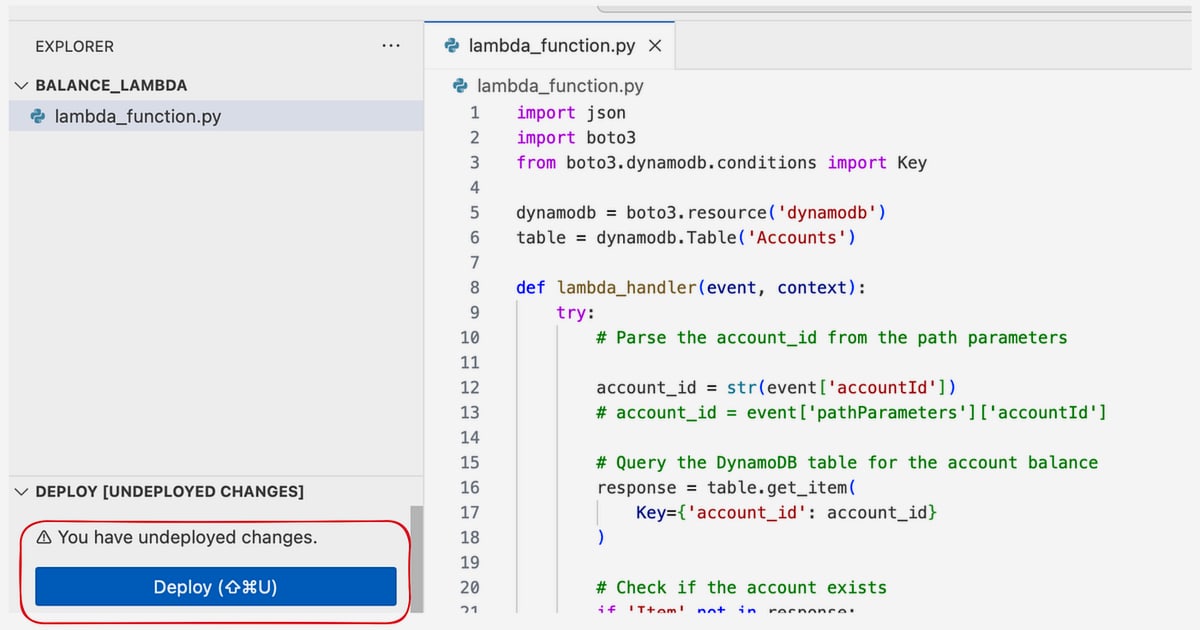
Account_id Path Parameter: Design, Test & Secure REST APIs
Learn how to design, validate, test, and secure the account_id path parameter in REST APIs. Includes examples, common pitfalls, and best practices.
Account_id Path Parameter: Design, Test & Secure REST APIs
When you build a REST API that manages user accounts, you'll often need to identify a specific account in the URL. The account_id path parameter is the standard way to do this. It's a variable embedded in the path that tells the server which account the request targets. Getting it right affects routing, validation, security, and testability. This article explains how to use account_id as a path parameter effectively, with practical examples and guidance on avoiding common mistakes.
What Is an account_id Path Parameter?
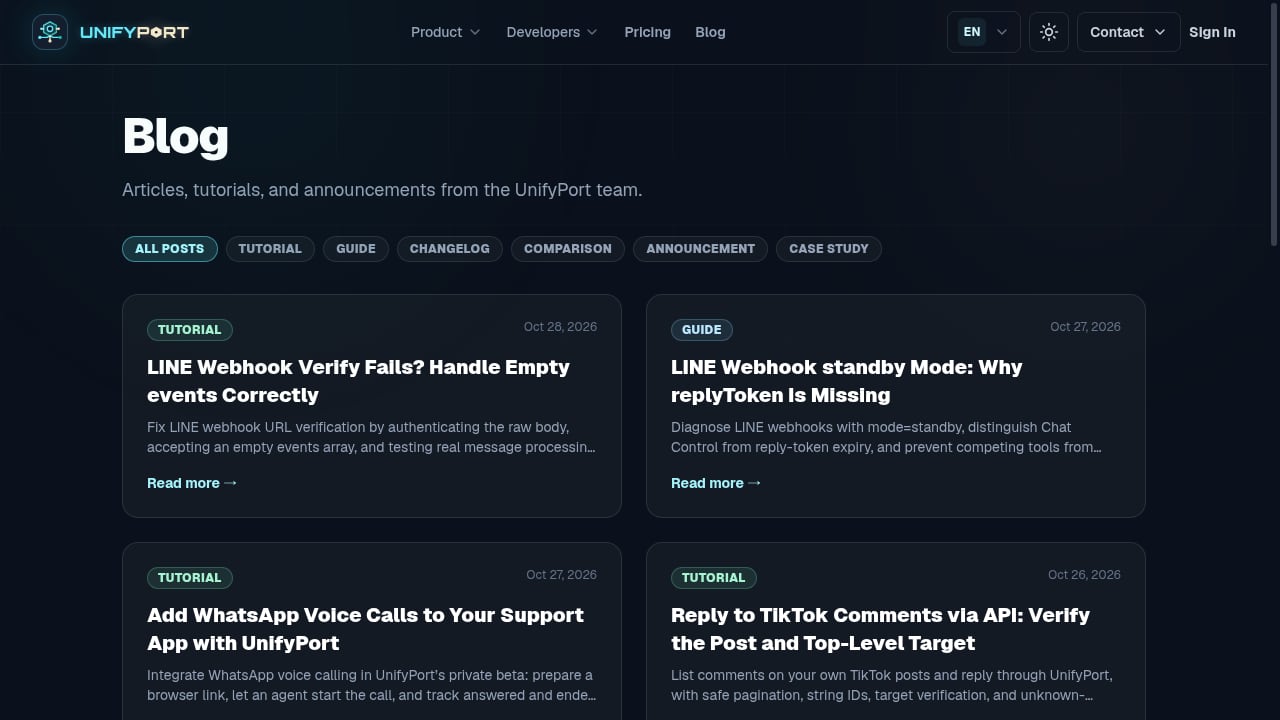
First viewport screenshot of unifyport.ai.
A path parameter is a dynamic segment in a URL path that identifies a specific resource. In /accounts/{account_id}, the placeholder {account_id} is replaced with a real value, such as /accounts/12345. The server extracts that value to locate the account.
Path parameters are part of the route itself, not an optional filter. They are typically required because the endpoint is designed to operate on a single resource. Without the value, the request would target a different endpoint (e.g., /accounts for the collection).
Path Parameter vs. Query Parameter
A common question is when to use account_id in the path versus as a query parameter. The distinction is about resource identity versus filtering.
- Path parameter: Use when the account ID is the primary identifier of the resource being acted upon. Example:
GET /accounts/{account_id}retrieves a specific account. - Query parameter: Use when you need to filter a collection or provide optional modifiers. Example:
GET /orders?account_id=12345lists orders belonging to an account.
Mixing the two can cause confusion. For commands (POST, PUT, PATCH, DELETE), the account ID should generally be in the path if it's the target resource, and additional data should go in the request body.
Why Use account_id in the Path?
Path parameters make APIs predictable and scalable. Instead of creating a separate endpoint for each account, you define one route template and let the value vary. This keeps your API surface small and your code maintainable.
They also improve readability: GET /accounts/12345 clearly indicates that the request concerns account 12345. This visibility helps with debugging and logging.
For multi-tenant systems, the account_id path parameter is often used to scope requests to a tenant. For example, /accounts/{account_id}/users lists users within a specific account. This pattern enforces tenant isolation at the routing level.
Designing Endpoints with account_id
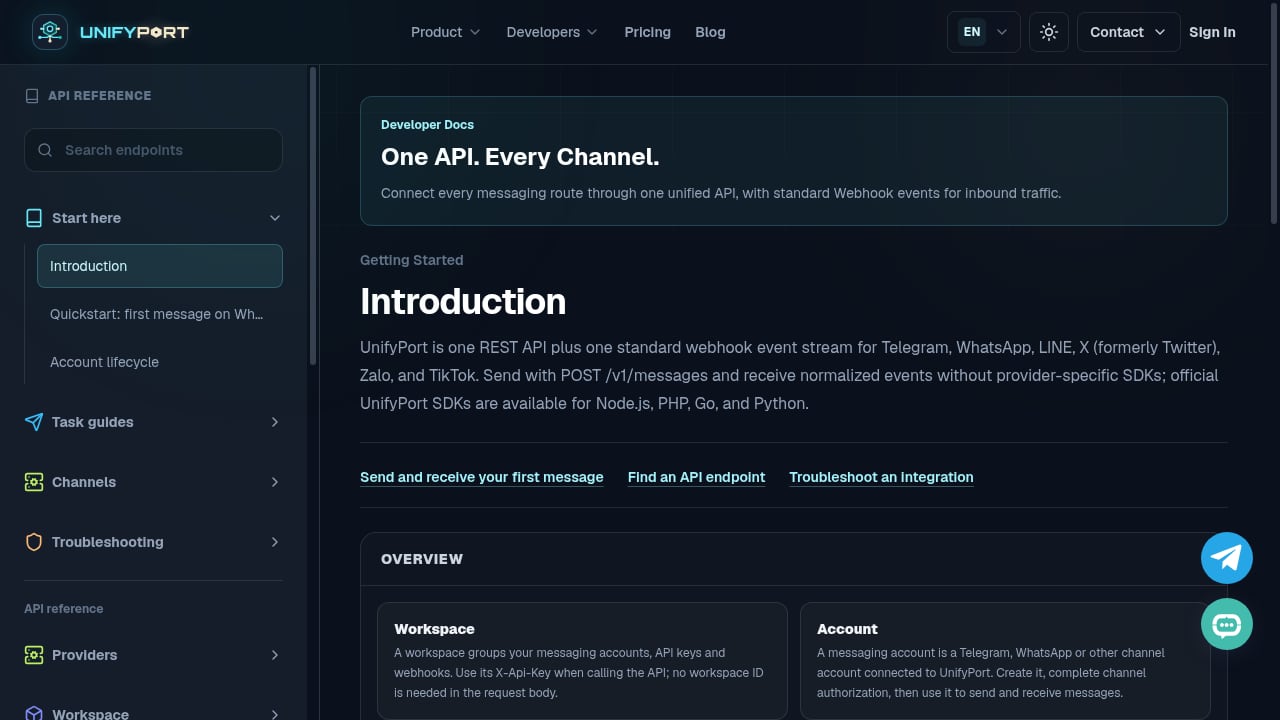
First viewport screenshot of unifyport.ai.
When designing endpoints that use account_id, follow these guidelines:
- Use meaningful names: Prefer
{account_id}over{id}to avoid ambiguity, especially when multiple parameters appear in the path. - Keep it consistent: Use the same parameter name across all endpoints that reference an account.
- Nest resources logically: For sub-resources, include the account ID as a parent segment. Example:
/accounts/{account_id}/invoices/{invoice_id}. - Document the format: Specify whether account IDs are numeric, UUIDs, or slugs, and include validation rules.
Example: CRUD Operations
GET    /accounts/{account_id}
PUT    /accounts/{account_id}
PATCH  /accounts/{account_id}
DELETE /accounts/{account_id}
For sub-resources:
GET    /accounts/{account_id}/orders
POST   /accounts/{account_id}/orders
GET    /accounts/{account_id}/orders/{order_id}
In the last example, the server must verify that order_id belongs to account_id. If not, return a 404 or 403 to avoid leaking information.
Validation and Error Handling
Path parameters are user input, so validate them rigorously. Common checks include:
- Type and format: Ensure the value matches the expected pattern (e.g., numeric, UUID).
- Existence: Return 404 if the account does not exist.
- Authorization: Return 403 if the authenticated user lacks access to the account.
- Boundary values: Test minimum and maximum lengths, special characters, and URL encoding.
A typical error response for an invalid account ID:
{
  "error": "Invalid account_id format",
  "code": 400
}
For missing accounts:
{
  "error": "Account not found",
  "code": 404
}
Always avoid revealing whether an account exists if the requester is not authorized.
Security Considerations
Path parameters are a frequent attack vector. Here's how to secure them:
- Enforce authorization: Always check that the authenticated user has permission to access the specified account. Never rely on the path parameter alone for access control.
- Prevent injection: Validate and sanitize the parameter to avoid SQL injection, path traversal, or other attacks. Use parameterized queries.
- Rate limiting: Protect endpoints from brute-force enumeration of account IDs.
- Use opaque IDs: Consider UUIDs or other non-sequential identifiers to make enumeration harder.
For more on API security, see the OWASP API Security Top 10.
Testing account_id Path Parameters
First viewport screenshot of unifyport.ai.
A thorough test plan for account_id should cover:
- Valid IDs: Existing accounts return correct data.
- Invalid format: Non-numeric or malformed IDs return 400.
- Non-existent IDs: Return 404.
- Unauthorized access: Return 403 without leaking data.
- Boundary cases: Very long IDs, special characters, URL-encoded values.
- Multiple parameters: Ensure parent-child relationships are validated.
Automated tests can create an account, capture its ID, and use it in subsequent requests. This approach avoids hard-coded IDs and keeps tests independent.
Tools like Postman, REST Assured, and Karate support path parameter testing. For a deeper dive into testing strategies, see this guide on path parameters in API testing.
account_id in Unified Messaging APIs

First viewport screenshot of unifyport.ai.
In unified messaging platforms, the account_id path parameter often identifies a messaging account (e.g., a WhatsApp or Telegram account) within a workspace. For example, UnifyPort uses account IDs to manage messaging accounts across channels. Endpoints like GET /v1/accounts/{account_id} retrieve account details, while POST /v1/messages may include the account ID in the body to specify the sender.
When building integrations, understanding how account IDs are used in paths helps you construct correct requests and handle errors gracefully. If you're evaluating messaging APIs, our comparison of UnifyPort and Infobip covers how each handles account scoping and webhooks.
Common Pitfalls and How to Avoid Them
- Inconsistent naming: Using
{id}in some endpoints and{account_id}in others causes confusion. Standardize early. - Missing authorization checks: Assuming that a valid account ID implies access. Always verify permissions.
- Leaking existence: Returning different errors for non-existent vs. unauthorized accounts can reveal information. Use 404 for both when appropriate.
- Ignoring URL encoding: Account IDs with special characters must be properly encoded. Test with values like
account%2F123. - Over-nesting: Deeply nested paths like
/accounts/{account_id}/users/{user_id}/orders/{order_id}become unwieldy. Consider flattening where possible.
Related reading
- How to Use UnifyPort with Latenode: Unified Messaging Automation - Learn how to connect UnifyPort's unified messaging API to Latenode workflows. Step-by-step setup, webhook triggers, and practical automation examples.
- UnifyPort vs SocialAPI.ai vs Syniverse CPaaS: Messaging API Guide - Compare UnifyPort, SocialAPI.ai, and Syniverse CPaaS for omnichannel messaging. Evaluate channels, webhooks, SDKs, pricing, and developer fit.
Sources and further reading
- URL Path Parameters: A Complete Guide | Abstract API - Everything you need to know about Path Parameters. This article will give you examples of Path Parameters, explain Query Parameters, and more.
- rest - How to pass AccountId in http request? - Stack Overflow - For queries a query parameter is natural and filters the orders collection for the orders of an accountId. For commands it is technically possible, but is confusing to have extra data in the queryParameter and not in the body.
FAQ
What is the difference between account_id and id in a path?
id is generic and can refer to any resource. account_id is explicit and improves readability, especially when multiple parameters are present. Use descriptive names.
Should account_id be in the path or query string?
Use it in the path when it identifies the primary resource (e.g., /accounts/{account_id}). Use it as a query parameter when filtering a collection (e.g., /orders?account_id=123).
How do I handle account_id in nested resources?
Include it as a parent segment: /accounts/{account_id}/orders/{order_id}. Validate that the child resource belongs to the parent account.
What status code should I return for an invalid account_id?
Return 400 for malformed IDs, 404 for non-existent accounts, and 403 for unauthorized access. Avoid revealing whether an account exists to unauthorized users.
Can account_id be a UUID?
Yes. Many APIs use UUIDs for account IDs to prevent enumeration. Ensure your validation accepts the UUID format.
Conclusion
The account_id path parameter is a fundamental building block for REST APIs that manage accounts. By designing consistent endpoints, validating input, enforcing authorization, and testing thoroughly, you can avoid common pitfalls and build secure, maintainable APIs. Whether you're building a multi-tenant SaaS or integrating with a unified messaging platform like UnifyPort, mastering path parameters will make your API more robust and developer-friendly.
For a broader look at messaging API platforms and their account management features, explore our top 10 social media and messaging API platforms.