
Chat API Review 2026: WhatsApp Gateway, Pricing & Fit
Evidence-based Chat API review: WhatsApp Business API access, chatbot builder, API Chains, pricing signals, setup effort, strengths, limits, and who it fits.
Chat API Review 2026: WhatsApp Gateway, Pricing & Fit
Chat API is a messaging API gateway that gives developers and support teams official access to the WhatsApp Business API. It bundles a REST API, ready-made code examples, a no-code chatbot builder, integration chains, and a shared Team Inbox. This review breaks down what it does well, where it falls short, what the pricing signals suggest, and which teams should shortlist it in 2026.
What Chat API actually is
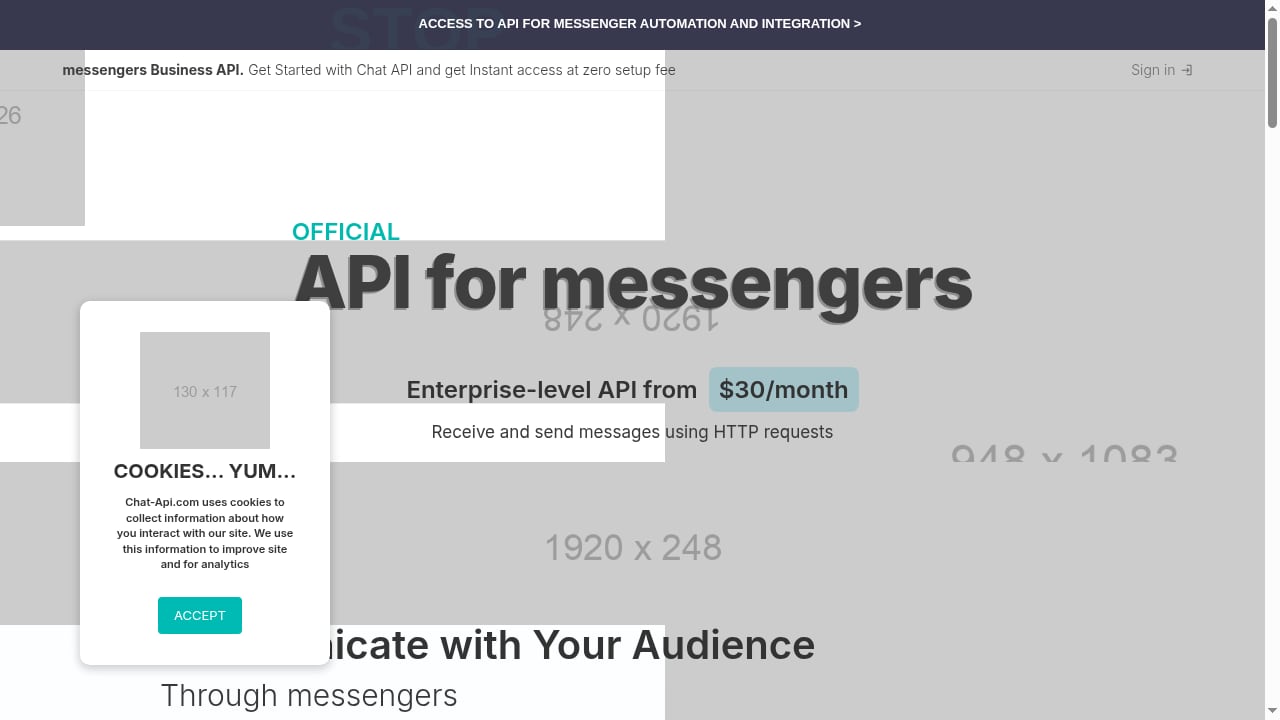
First viewport screenshot of API for messengers gateway for sending messages, marketing campaigns and bots for PHP, JavaScript and Python.
Chat API is not a general-purpose in-app chat SDK like Stream, Sendbird, or CometChat. It sits in a different category: a gateway and automation layer for WhatsApp messaging. The platform positions itself as a certified WhatsApp Solution Provider with more than seven years of experience, 400+ integrations, and 3,000+ companies using the service.
In practical terms, Chat API exposes a REST interface so your application can send and receive WhatsApp messages over HTTP. It ships code examples in PHP, JavaScript, Python, Node.js, C#, and Java, which lowers the cost of the first integration. Around that core API, it adds four things that matter for operations:
- Business API access with blocking protection, so your number is less likely to be flagged during high-volume sends.
- API Chains, which are pre-built connectors to common apps such as CRMs and e-commerce platforms.
- A no-code Chatbot Builder that the vendor says can produce a working bot in under five minutes.
- A Team Inbox that lets multiple attendants work from a single WhatsApp number.
The vendor also offers free Docker hosting for stable app deployment, which is unusual in this segment and worth testing if you run your own infrastructure.
Who Chat API is built for
First viewport screenshot of Documentation - messengers API gateway for sending messages, marketing campaigns and bots for PHP, JavaScript and Python.
Chat API fits three broad profiles.
1. Developers adding WhatsApp to an existing product
If you already have a CRM, booking system, or e-commerce backend and you need WhatsApp as a channel, the REST API plus multi-language examples is the fastest path. You are not rebuilding a messaging stack; you are wiring one channel into software you already own.
2. Support teams that need shared inboxes
The Team Inbox is the feature that separates Chat API from a pure developer tool. Multiple agents can answer from one number, which is the operational model most small and mid-sized support desks actually use.
3. Marketing and sales teams running campaigns
Promotional chatbots, campaign sends, and e-commerce sales automation are explicitly in scope. The no-code builder means a marketer can ship a qualification bot without waiting on an engineering sprint.
Core use cases with practical examples
First viewport screenshot of messengers API Guides - messengers API gateway for Developers.
Sending and reading messages from a CRM
A common pattern is a CRM that triggers a WhatsApp message when a lead status changes. Your backend calls the Chat API REST endpoint, the message goes out through the official Business API, and replies land back in the CRM through the same gateway. This is the use case the API Chains are designed to shorten.
Appointment booking
A clinic or service business can use a chatbot to collect a preferred date, check availability, and confirm the slot. Because the bot runs on the official API, the confirmation arrives in the same thread the customer already uses.
Sending vacancy details
Recruiters can push job details to candidates and capture interest replies without manual copy-paste. The value here is volume handling with blocking protection, not clever conversation design.
Promotional chatbots and e-commerce automation
Abandoned-cart nudges, order status updates, and product recommendation flows are the highest-volume use cases. These are also where pricing and message quality rules matter most, so test with real traffic before scaling.
Strengths
- Official WhatsApp Business API access. This is the baseline requirement for any serious WhatsApp integration, and Chat API delivers it with blocking protection.
- Low integration friction. REST plus examples in six languages means most teams can send a first message in an afternoon.
- No-code automation for non-developers. The Chatbot Builder and API Chains let marketing and support teams ship without engineering tickets.
- Team Inbox on a single number. Practical for support desks that cannot justify a separate number per agent.
- Free Docker hosting. Useful if you want to self-host parts of your stack without extra cost.
- Transparent entry pricing. The vendor advertises enterprise-level API access starting from $30/month with zero setup fee.
Limitations and things to verify
No review is useful without the caveats. These are the areas to pressure-test before you commit.
- WhatsApp-centric scope. If you need SMS, RCS, or in-app chat in the same platform, Chat API is not a full omni-channel stack. For that, compare broader options in our omni-channel messaging platform buyer's guide.
- Pricing at scale is not fully public. The $30/month entry point is a signal, not a ceiling. Ask for per-conversation or per-message costs, campaign pricing, and overage rules in writing.
- No-code bots have a ceiling. Fast to build, but complex branching, multilingual logic, or deep CRM writes usually end up in code.
- Blocking protection is not immunity. Quality rating, opt-in hygiene, and template approval still govern deliverability.
- Vendor claims need verification. The 400+ integrations and 3,000+ companies figures come from the vendor. Ask for references in your industry and at your volume.
Pricing signals: what to expect
The public signal is clear: enterprise-level API access from $30/month, zero setup fee, and quick onboarding. That is aggressive compared with general chat API platforms, where entry tiers often start in the hundreds of dollars per month.
But WhatsApp costs are not only platform fees. Budget for:
- Platform subscription — the $30/month entry tier and any higher plans.
- WhatsApp conversation or message charges — billed by Meta's rules, separate from the vendor.
- Template and campaign costs — marketing templates are usually priced differently from service conversations.
- Add-ons — extra numbers, agents, or automation volume.
Model your real monthly message volume before comparing vendors. A low platform fee with high per-conversation costs can be more expensive than a higher subscription with included volume. The same discipline applies when comparing unified messaging APIs, as shown in our UnifyPort vs Sendbird comparison.
Setup: what onboarding looks like
A realistic setup sequence for Chat API looks like this:
- Create an account and connect a WhatsApp Business number. Expect business verification steps required by Meta.
- Get API credentials. These are what your backend uses to authenticate REST calls.
- Send a test message using one of the provided code examples in PHP, JavaScript, Python, Node.js, C#, or Java.
- Configure webhooks so incoming messages and delivery events reach your application.
- Build or connect automation. Either use the no-code Chatbot Builder and API Chains, or wire the API into your own CRM logic.
- Invite agents to the Team Inbox if humans will handle replies.
The vendor advertises quick onboarding and zero setup fee. The real time sink is usually business verification and template approval, not the API itself. If you hit pairing or authentication errors during setup, our guide to fixing PASSKEY_REQUIRED WhatsApp QR pairing covers the common failure mode.
Decision criteria: is Chat API the right fit?
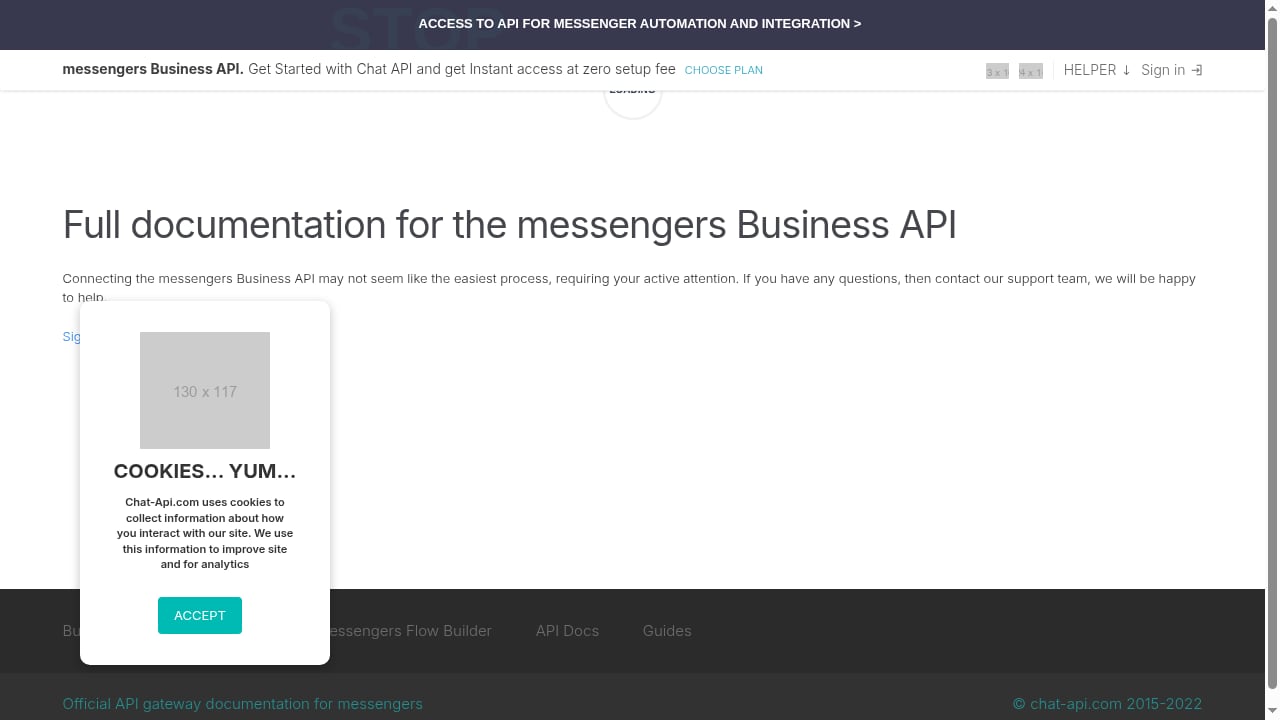
First viewport screenshot of messengers API documentation.
Use this checklist to decide quickly.
| Question | Choose Chat API if... | Look elsewhere if... |
|---|---|---|
| Primary channel | WhatsApp is your main or only channel | You need SMS, RCS, and in-app chat in one platform |
| Team profile | Developers plus support or marketing users | You need a full in-app chat SDK with UI kits |
| Automation | You want no-code bots and pre-built integrations | You need deep custom conversational AI |
| Budget | You want a low entry point and pay-as-you-go | You need flat, predictable enterprise pricing |
| Hosting | You value free Docker hosting options | You require full on-premise deployment |
| Scale | You are sending thousands, not millions, of messages | You need proven performance at very high volume |
If your requirement is broader than WhatsApp, review the top CPaaS omni-channel messaging platforms before deciding. If you are building agent-driven workflows, a platform like Zernio may cover more channels with one API.
Related reading
- How to Use UnifyPort with Svix: Unified Messaging Webhooks - Connect UnifyPort's unified messaging API to Svix to fan out WhatsApp, Telegram, LINE, TikTok, Zalo, and X events to customer endpoints reliably.
- UnifyPort vs Syniverse CPaaS vs Esendex: 2026 Comparison - Compare UnifyPort, Syniverse CPaaS Omni-Channel Messaging, and Esendex on channels, APIs, webhooks, pricing, and developer fit for 2026.
Sources and further reading
- Best Chat API for Your App in 2026: Honest Comparison (Cost, AI, Self-Hosting) - Tired of costly chat APIs with vendor lock-in? Compare 10 providers on cost, AI, deployment & compliance. Find that actually fits your stack.
- 7 best chat api software for 2026 - Guideflow Blog - Compare the 7 best chat API software for 2026 on SDK breadth, moderation, latency, and pricing, built for technical buyers and presales teams.
- Best Chat API for Your App: What the Feature List Doesn’t Tell You - Choosing the best Chat API? Compare SDKs, pricing, scalability, compliance, and developer experience beyond the feature list.
FAQ
Is Chat API an official WhatsApp provider?
Yes. Chat API positions itself as a certified WhatsApp Solution Provider and provides official access to the WhatsApp Business API, including blocking protection.
How much does Chat API cost?
Public pricing signals start at $30/month for enterprise-level API access with zero setup fee. WhatsApp conversation and template charges are separate and depend on Meta's pricing rules, so model your real volume.
Do I need to be a developer to use Chat API?
Not entirely. The no-code Chatbot Builder and API Chains let non-developers launch automations. However, custom CRM logic, webhook handling, and complex flows still require engineering work.
Can Chat API handle multiple support agents on one number?
Yes. The Team Inbox is designed for multiple attendants working from a single WhatsApp number.
What languages are supported for the API examples?
Ready-to-use code examples are provided in PHP, JavaScript, Python, Node.js, C#, and Java.
Is Chat API a full omni-channel platform?
No. Its focus is WhatsApp. If you need SMS, RCS, or in-app chat alongside WhatsApp, you should evaluate broader messaging platforms.
Conclusion
Chat API is a focused, low-friction gateway to the WhatsApp Business API. Its strengths are official access, fast integration, no-code automation, and a low entry price. Its limits are a WhatsApp-only scope, pricing that needs verification at scale, and no-code bots that eventually hit a complexity ceiling.
Shortlist Chat API if WhatsApp is your primary channel and you want developers and support teams working from the same platform. If you need multi-channel orchestration, deeper conversational AI, or enterprise-grade SLAs, compare it against broader messaging platforms before you commit.