
passkey_required WhatsApp QR: Fix Stuck Pairing
WhatsApp QR pairing can stall at PASSKEY_REQUIRED. Learn why WebAuthn blocks backend signing, how to complete the challenge, and how to handle it at scale.
passkey_required WhatsApp QR: Why Pairing Stalls and How to Finish It
You scan the QR code, expect the session to flip to a working state, and instead it parks on PASSKEY_REQUIRED. Nothing is broken. WhatsApp has decided that this particular account must prove possession of a passkey before the linked device is trusted, and your backend cannot produce that proof on its own.
This article explains what the status means, why a server-side workaround does not exist, how the signing flow actually works, and how to design the surrounding session lifecycle so this edge case does not turn into a support ticket.
What PASSKEY_REQUIRED actually means
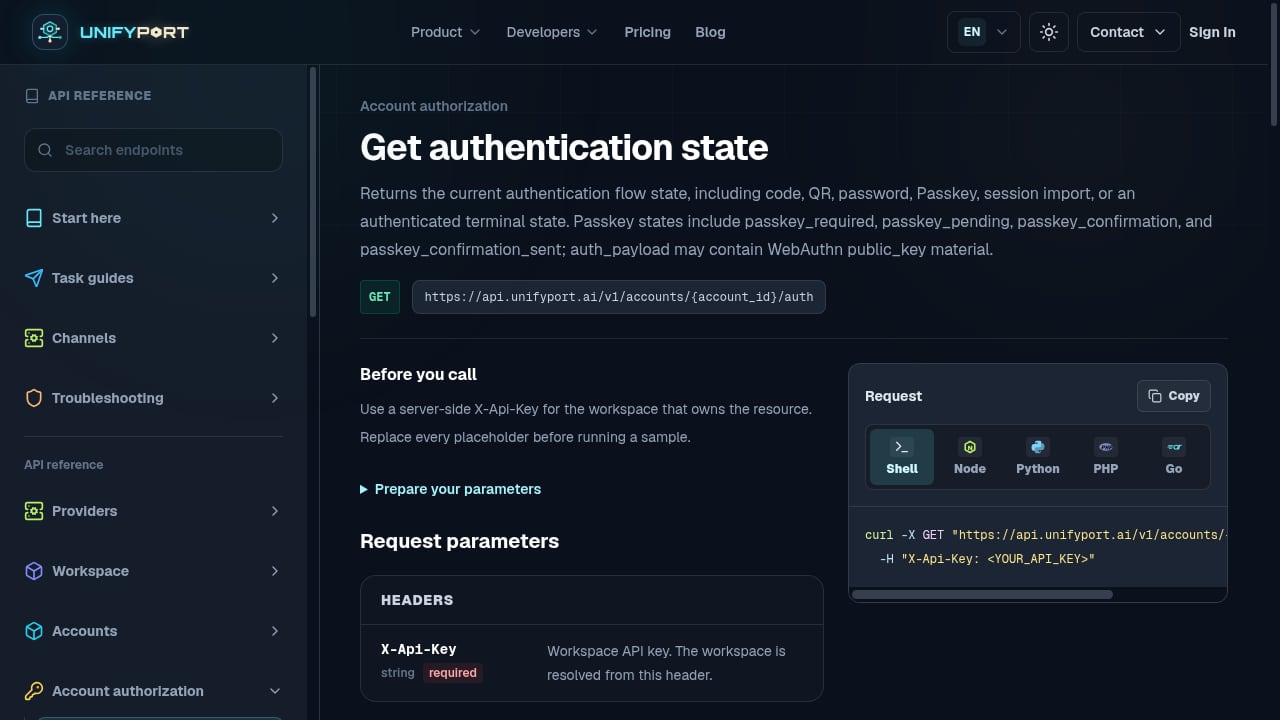
First viewport screenshot of Get authentication state — API Reference — UnifyPort.
A passkey is a cryptographic key pair where the private half lives inside an authenticator — Touch ID, Windows Hello, a hardware security key, or a phone's secure enclave. The private key never leaves that device. Authentication means signing a random challenge issued by the server, and the server verifies the signature against the public key it stored earlier.
The underlying browser API is WebAuthn, part of the FIDO2 standard. If you want the full specification background, passkeys.dev is the standard starting point.
WhatsApp now requests a passkey on some accounts during device linking. Instead of moving from QR scan straight to connected, the session pauses in a state that signals: a challenge has been issued, and the client must sign it before pairing can complete. In session-based WhatsApp automation APIs, that pause surfaces as PASSKEY_REQUIRED.
Why your backend cannot sign the challenge
This is the part that surprises teams. WebAuthn is bound to an origin. The browser only permits a call like:
navigator.credentials.get({
  publicKey: {
    rpId: "web.whatsapp.com",
    challenge: /* ... */
  }
});
from a page whose origin is web.whatsapp.com. Your application runs on a different origin, so the browser blocks the call. There is no header, flag, proxy, or server-side trick that bypasses this — origin binding is the security property the standard exists to provide.
So the signing step has to happen in a browser context that is allowed to talk to WhatsApp's relying party. In practice that means a browser extension, or a manual fallback where an operator runs the signing call from the WhatsApp Web origin directly.
The three-step signing flow
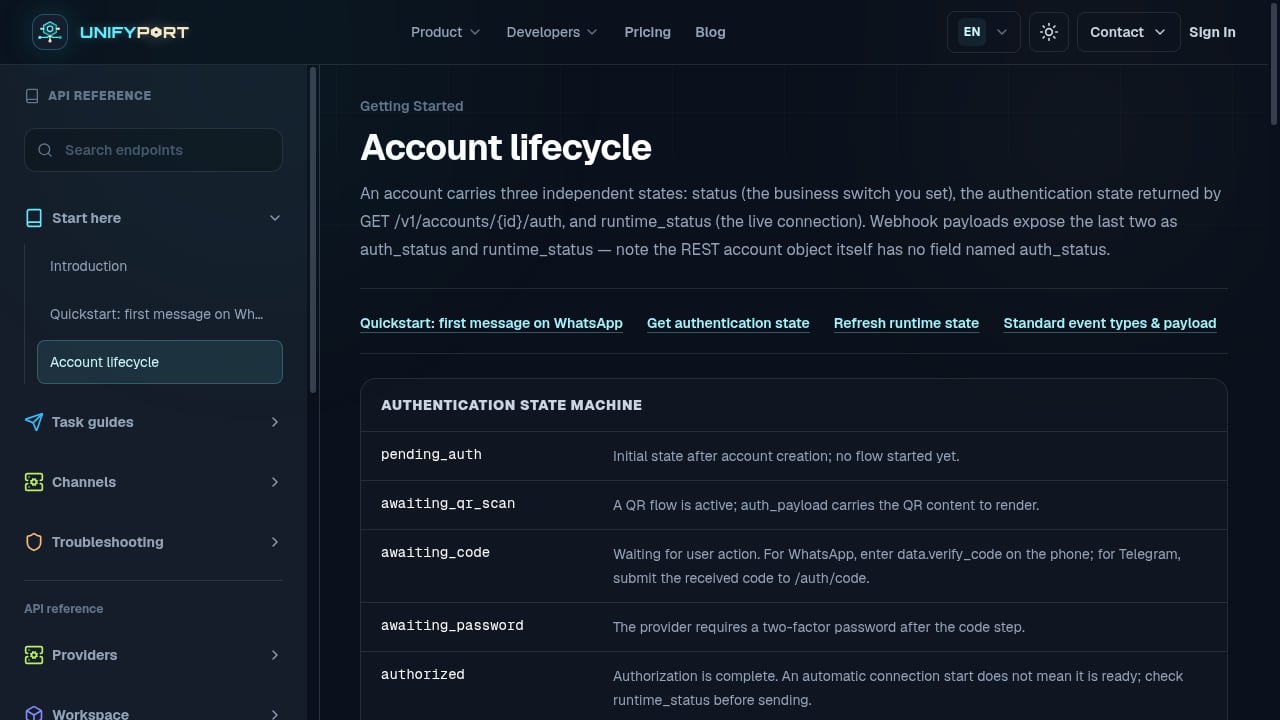
First viewport screenshot of Account lifecycle — API Reference — UnifyPort.
Regardless of how you implement the client side, the sequence is the same.
Step 1: Obtain the challenge
When the session reaches PASSKEY_REQUIRED, the status event payload typically already carries the WebAuthn request options. If you prefer to pull it explicitly, the challenge endpoint returns an object containing the challenge string, a timeout, the relying party ID, allowed credentials, and the user verification requirement. If no challenge is pending, that endpoint returns a client error — treat it as "nothing to sign right now," not as a fatal failure.
Step 2: Sign it on the correct origin
Hand the challenge object to a component that can execute navigator.credentials.get() on the WhatsApp Web origin. A stateless browser extension works well here: it receives the challenge, opens the relevant tab, shows a confirmation prompt, and returns a standard WebAuthn assertion. The extension needs no knowledge of your API keys or session state.
Two practical notes:
- Do not use a short timeout. Signing waits on a human to click and touch an authenticator. Give it minutes, not seconds. Only the extension-presence check should time out quickly.
- Ping early. Detect whether the signing component is available when the page loads, not when the session has already stalled. By then the user is mid-login and an install prompt is friction.
Step 3: Submit the assertion
Post the assertion back unchanged — credential ID, raw ID, type, and the response object containing clientDataJSON, authenticatorData, signature, and userHandle. In most cases the session then transitions to a working state.
The confirmation step you should not forget
Occasionally WhatsApp displays a four-digit code on the phone and asks the user to confirm it matches. The session moves to a confirmation-required state and the code arrives in the status event payload or via a dedicated endpoint. Display it, let the user confirm, then acknowledge it.
This branch is rare — most pairings skip it — but if you do not handle it, those users are stuck with no path forward. Build the screen even if you expect it to be unused.
Handling the case where the signing component is missing
Do not dead-end the user. A workable fallback is a small script the operator pastes into the browser console on the WhatsApp Web origin. It renders a button, calls navigator.credentials.get() behind that click (WebAuthn requires a user gesture), and copies the resulting assertion so it can be submitted through the same API path.
It is not elegant, but it works in any browser and keeps the same three-step structure — only the middle step moves to the console.
Designing the session lifecycle around this state
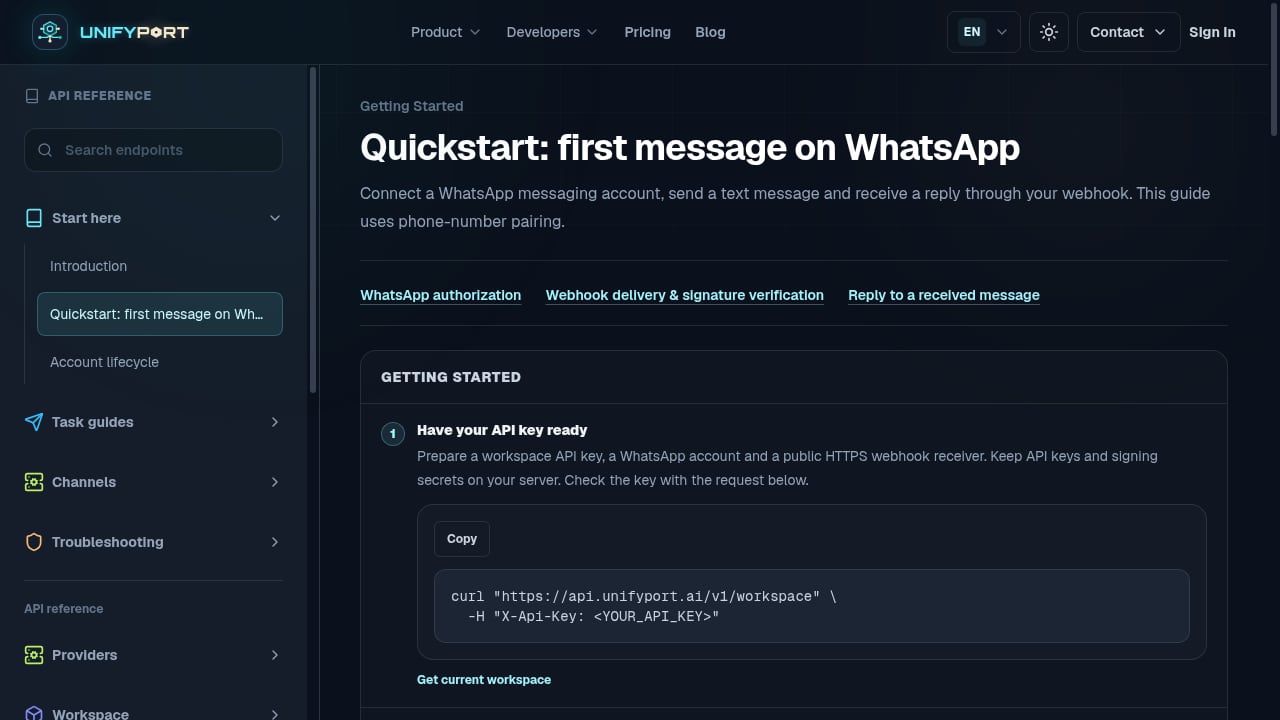
First viewport screenshot of Quickstart: first message on WhatsApp — API Reference — UnifyPort.
PASSKEY_REQUIRED is one node in a larger state machine. A session typically moves through stopped, starting, QR-scan-required, passkey-required, confirmation-required, working, and failed states. Two design habits make this manageable:
- Treat status events as the source of truth for transitions. QR codes rotate, so every time you receive a QR-required status you must fetch the current code rather than reuse the previous one.
- Expose the full state to your own UI. If your product hides the session layer behind a branded onboarding flow, map each state to a clear user-facing instruction: scan this code, approve this prompt, confirm this number.
If you are evaluating how this fits into a broader messaging stack, the omni-channel messaging platform buyer's guide covers how unified APIs abstract provider-specific session states, and the 2026 CPaaS comparison looks at how platforms differ on channel support and developer fit.
Where a unified API changes the picture
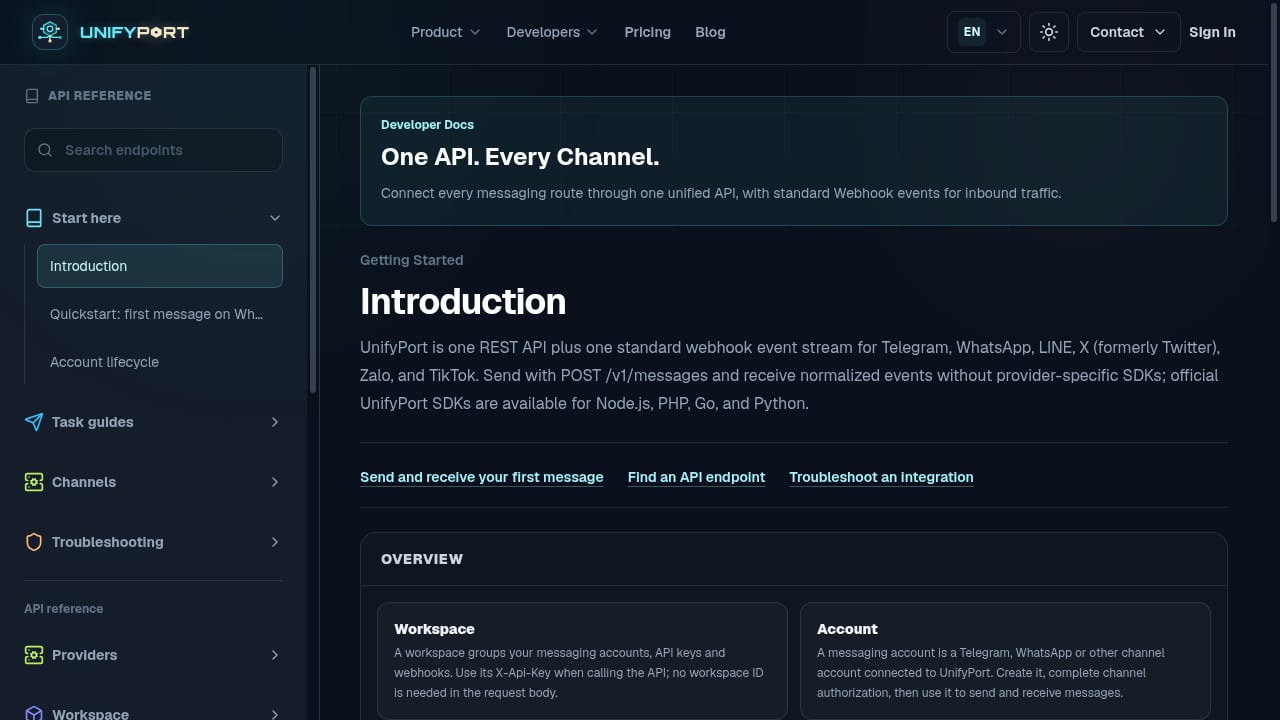
First viewport screenshot of Introduction — API Reference — UnifyPort.
If you connect only WhatsApp, you absorb this complexity once. If you connect WhatsApp alongside Telegram, LINE, Zalo, TikTok, and X, every provider brings its own authentication quirks — QR rotation, verification codes, passwords, passkeys, session import — and its own status vocabulary.
UnifyPort's approach is to normalize all of that into one REST API and one standard webhook event stream. Its documented account lifecycle explicitly covers QR code, verification code, password, Passkey, and session import as authentication flows, and the standard event layer converts each provider's message, status, and account events into a single stable JSON shape. That means a passkey-required transition arrives in the same event structure as any other account state change, so your orchestration logic does not need a WhatsApp-specific branch. Teams that want reliable fan-out of those normalized events to customer endpoints can pair the platform with a webhook delivery layer, as described in this UnifyPort and Svix integration walkthrough.
Testing checklist
Before you ship, verify each of these:
- The signing component is detected on page load, with a clear install path if absent.
- The challenge is fetched or read from the status payload without a race condition.
- The signing call has a generous timeout and a visible waiting state.
- The assertion is submitted unmodified, with proper error handling on rejection.
- The confirmation-code branch renders and can be acknowledged.
- A console-based fallback exists for environments where extensions are unavailable.
- Every session state maps to a specific user-facing instruction.
Related reading
- UnifyPort vs Syniverse CPaaS vs Esendex: 2026 Comparison - Compare UnifyPort, Syniverse CPaaS Omni-Channel Messaging, and Esendex on channels, APIs, webhooks, pricing, and developer fit for 2026.
- UnifyPort vs Sendbird: Unified Messaging API Compared - Compare UnifyPort and Sendbird: unified messaging API vs AI customer experience platform. Channels, pricing, webhooks, and developer fit.
Sources and further reading
- How to Handle Passkey - Pair WhatsApp sessions that ask for a passkey from your own branded UI - with the WAHA browser extension and two API calls.
- Create a passkey - WhatsApp Help Center - Passkeys are a secure, quick and convenient way to protect your account. Unlike passwords or SMS-based verification codes, passkeys are cryptographically ...
- 🖥️ Sessions - All about sessions (WhatsApp accounts) actions.
FAQ
Why does my WhatsApp QR session stay on PASSKEY_REQUIRED?
WhatsApp has issued a WebAuthn challenge that must be signed on the web.whatsapp.com origin. Until a signed assertion is submitted back, the session cannot progress to a working state.
Can I sign the challenge from my backend?
No. WebAuthn is origin-bound, and the browser blocks navigator.credentials.get() from any origin other than the one the relying party expects. A browser extension or a manual console fallback is required.
How long should the signing step be allowed to take?
Treat it as human-paced. Users must click and then authenticate with a fingerprint, face, PIN, or security key. Timeouts measured in seconds will fail legitimate users.
What is PASSKEY_CONFIRMATION_REQUIRED?
It is a separate, less common state where WhatsApp shows a short numeric code on the phone and asks the user to confirm it matches. The code arrives in the status event payload, and most pairings never reach this state.
Does a passkey requirement mean the account is restricted?
No. It is an authentication step during device linking, not a penalty or restriction on the account.
Do I need a different flow for each messaging provider?
Provider authentication flows differ — QR codes, verification codes, passwords, passkeys, session import. A unified messaging API normalizes these into a consistent account lifecycle and event stream so your application logic stays provider-agnostic.
Conclusion
PASSKEY_REQUIRED is not an error — it is a deliberate security checkpoint that your backend is architecturally unable to satisfy alone. The fix is to give the signing step a proper home on the WhatsApp Web origin, handle the rare confirmation branch, and provide a fallback when the signing component is missing. Do that, and the state stops being a dead end and becomes just another transition in a session lifecycle you control.
If you are building across multiple messaging channels, the bigger win is treating every provider's authentication and status quirks as one normalized event stream rather than a growing pile of special cases.