
Omni-Channel Messaging Platform: Buyer's Guide for 2026
Compare omni-channel messaging platforms, learn what separates true orchestration from multichannel chaos, and evaluate unified APIs, webhooks, and pricing.
Omni-Channel Messaging Platform: Buyer's Guide for 2026
Most teams don't set out to build a fragmented messaging stack. It happens one channel at a time: an email tool here, an SMS vendor there, a push SDK bolted on later. Within a year, you're running four channels through three platforms, and none of them share a customer record. An omni-channel messaging platform is supposed to fix that — but only if you know what to look for.
This guide explains what an omni-channel messaging platform actually does, how it differs from multichannel tools, what to evaluate before you buy, and how unified messaging APIs fit into the picture for developer-led teams.
What is an omni-channel messaging platform?
First viewport screenshot of Blog — UnifyPort.
An omni-channel messaging platform connects customer conversations across channels — SMS, email, WhatsApp, RCS, push, voice, in-app, and social messaging — into one coordinated workflow. The key word is connected. A platform can offer ten channels and still be multichannel if the conversations, customer records, and reporting live in separate silos.
The practical test is continuity. If a customer starts a billing question in web chat and follows up on WhatsApp, the next agent should see the earlier interaction without asking the customer to repeat themselves. That continuity depends on shared customer data, routing rules, and integrations — not just a long channel list.
Omni-channel vs. multichannel: the difference that matters
| What to compare | Multichannel | Omni-channel |
|---|---|---|
| Channel availability | Customers can use multiple channels | Customers can use multiple connected channels |
| Conversation history | May stay in separate inboxes | Available across connected channels |
| Agent handoffs | Context often has to be re-gathered | Agents continue with captured context |
| Customer records | Separate records per tool | Linked via integrations and identity matching |
| Reporting | Reviewed per channel | Evaluated across connected workflows |
Multichannel gives customers options. Omni-channel gives your team a single view of the customer across those options.
Why coordinated messaging outperforms channel sprawl
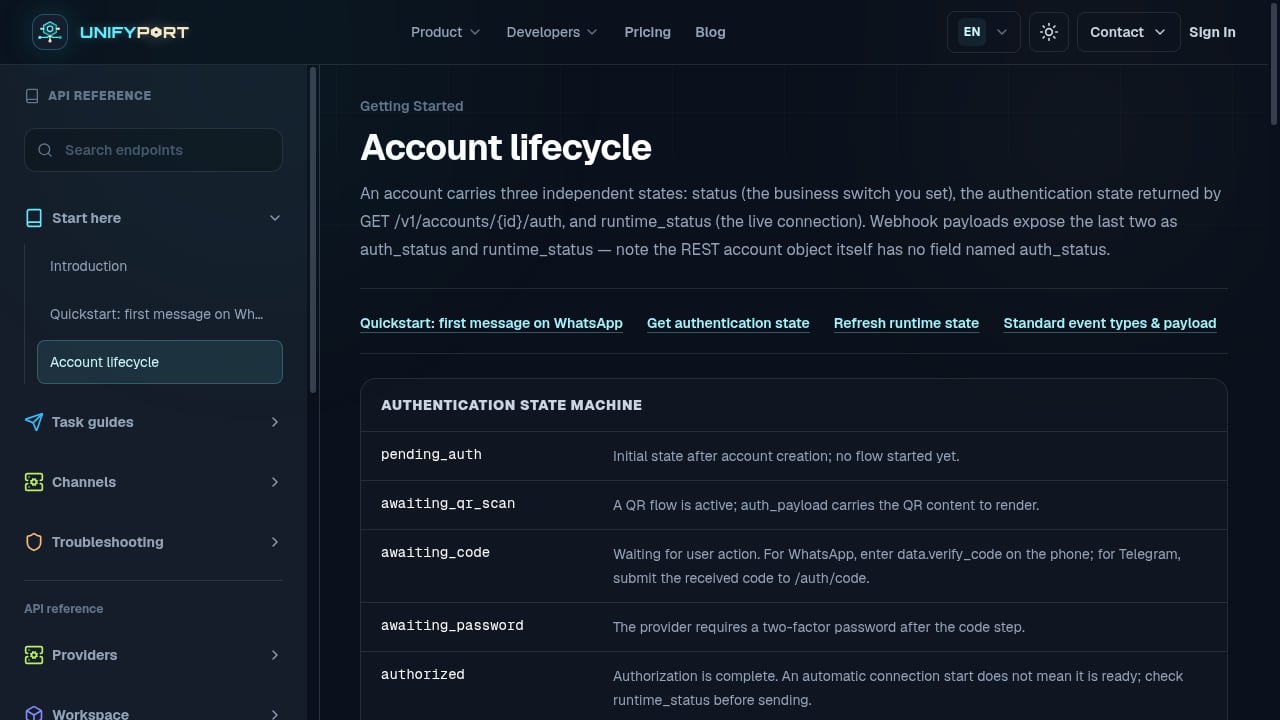
First viewport screenshot of Account lifecycle — API Reference — UnifyPort.
When each channel lives in its own tool, each tool holds a partial view of the customer. Your email platform knows an open happened. Your SMS vendor knows a link was clicked. Your push service knows the app is installed. None of them knows all three — so you can't suppress an SMS to someone who already converted from email, and you can't route a message to the channel a specific user actually responds to.
That fragmentation shows up in the numbers. Research cited in Customer.io's platform selection guide notes that campaigns using three or more channels drive a 287% higher purchase rate than single-channel campaigns — but the lift only materializes when the channels are coordinated. Sending an email, an SMS, and a push about the same promotion at the same moment isn't omni-channel; it's just repetitive.
The same guide reports that 90% of customers expect consistent experiences across channels, while only 15% of organizations deliver truly seamless omni-channel service. The gap is the opportunity — and it's usually an orchestration problem, not a channel-count problem.
What to evaluate before you buy
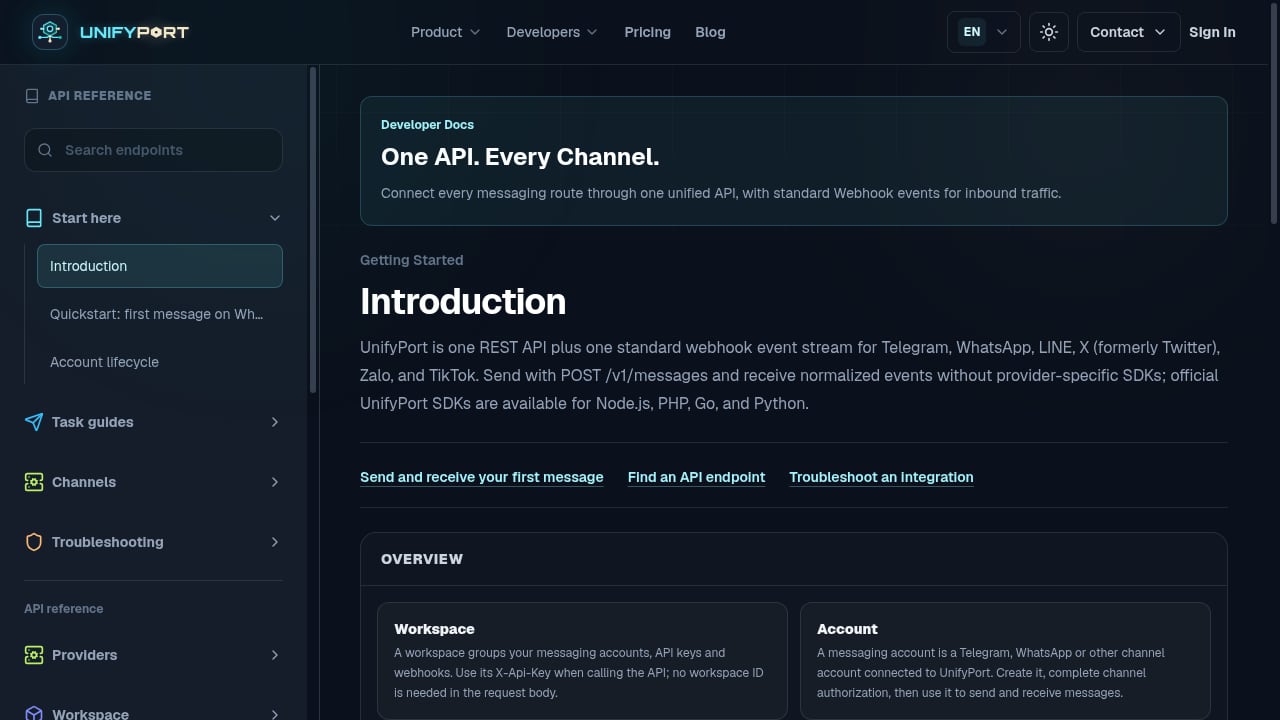
First viewport screenshot of API Reference — UnifyPort.
Channel lists are easy to compare. The harder questions decide whether the platform will actually work for your team.
1. Are channels first-class citizens or bolt-ons?
Many platforms support email natively and attach SMS through a third-party integration. Bolted-on channels recreate the same data fragmentation you were trying to escape: the SMS layer can't see what happened on email, and the orchestration engine can't make real-time decisions across both.
Ask vendors to demonstrate one workflow that sends an email, waits for engagement, then branches to SMS or push based on what happened — without webhooks to external services.
2. Can one trigger fire a coordinated sequence?
The value of omni-channel isn't "we can send on four channels." It's "one user action can trigger the right message on the right channel at the right moment." A cart abandonment flow might send an email after two hours, a push if the email isn't opened, and an SMS the next morning with a time-limited offer — all from the same workflow, all evaluated against the same behavioral data.
That requires real-time behavioral triggers, not batch schedules.
3. How does the platform connect to your data?
Your best behavioral data probably lives in a warehouse, not inside a marketing tool. Direct warehouse connections (Snowflake, BigQuery, Redshift) keep segments current and remove the maintenance burden of syncing audiences between systems.
4. Does it use AI for channel and timing decisions?
Manual rules work for a handful of scenarios. They break down when you're messaging hundreds of thousands of users across four channels with different engagement patterns. Send-time optimization, channel preference prediction, and cross-channel frequency management are the AI use cases that matter most — the ones that prevent fatigue before it drives opt-outs.
5. Can you see attribution across channels?
If each platform claims credit for a conversion, nobody has the full picture. A unified platform shows the whole journey: email opened, push clicked, SMS converted. Without that view, you can't optimize your messaging mix.
6. What does the total cost actually include?
Subscription pricing rarely tells the whole story. Check how each vendor charges for message delivery, AI usage, additional channel connections, onboarding, and implementation. Nextiva's buyer's guide makes the same point: confirm taxes, billing terms, channel charges, and required add-ons before comparing totals. A platform that looks cheaper per seat can cost more once messaging volume and AI outcomes are priced in.
Where unified messaging APIs fit
First viewport screenshot of Messaging Account Pricing & API Access — UnifyPort.
Not every team wants a dashboard-first platform. Product teams building messaging features into their own applications — customer engagement tools, notification systems, support workflows — often need the opposite: a single API that abstracts the provider complexity away.
That's the problem a unified messaging API platform solves. Instead of building and maintaining separate integrations for WhatsApp, Telegram, LINE, TikTok, Zalo, and X, developers send messages through one endpoint and receive normalized inbound events without provider-specific SDKs.
UnifyPort is one example of this model. It exposes a single POST /v1/messages endpoint, a standard webhook event stream that converts every provider message, status update, and account event into one stable JSON shape, and a webhook control plane for managing signatures, subscriptions, retry behavior, and failure tracking. Delivery reliability is handled through a queue with built-in rate limits, retries, idempotency, and failure isolation, while security uses workspace API keys and HMAC-SHA256 signatures. Official SDKs are available for Node.js, PHP, Go, and Python.
For teams comparing this approach against traditional platforms, our breakdown of multi-channel messaging and email API platforms covers how the categories differ, and the UnifyPort vs MessengerPeople.dev comparison looks at channels, pricing, webhooks, and WhatsApp setup side by side.
Platform-first vs. API-first: which do you need?
| Your situation | Better fit |
|---|---|
| Support agents work in a shared inbox and need routing, SLAs, and QA | Platform-first (contact center or service suite) |
| Marketers orchestrate campaigns across email, SMS, and push from one workflow | Platform-first (lifecycle messaging platform) |
| Developers embed messaging into their own product or internal tool | API-first (unified messaging API) |
| You need WhatsApp, Telegram, LINE, TikTok, Zalo, and X behind one integration | API-first (unified messaging API) |
| You want agents to see conversation history across channels without building anything | Platform-first |
The two models aren't mutually exclusive. Many teams use an API-first layer for product-embedded messaging and a platform for human-handled support conversations.
Common mistakes when choosing a platform
- Buying on channel count. Ten channels in ten silos is worse than four connected ones.
- Skipping the demo with your own scenarios. Feature names don't reveal how much configuration your team will need. Ask vendors to walk through your actual support or campaign flows.
- Ignoring peak volume. Ask for observed production peak rates per channel, not plan limits. A platform that handles email at scale may behave differently on push or SMS during a launch.
- Treating AI as a checkbox. The useful AI features are specific: send-time optimization, channel preference prediction, and frequency management. Vague "AI-powered" claims don't tell you what will improve.
- Forgetting implementation cost. Onboarding fees, data migration, and integration maintenance are part of the total cost of ownership.
Related reading
- Top 10 AI Customer Experience & Communications API Platforms 2026 - Compare the 10 best AI customer experience and communications API platforms for 2026 on channels, AI, pricing, compliance, and developer experience.
- How to Use UnifyPort with Kommo CRM for Messenger Sales - Connect UnifyPort to Kommo CRM to unify WhatsApp, Telegram, LINE, TikTok, Zalo, and X messaging into one API and turn every chat into a trackable lead.
- How to Use UnifyPort with Telegram: Setup, Webhooks, Examples - Connect Telegram to UnifyPort: create an account, register a signed webhook, verify HMAC-SHA256 deliveries, and route message.received events into your app.
Sources and further reading
- Omnichannel Messaging Platform | OpenText Core Messaging - OpenText Core Messaging is a cloud-based omnichannel messaging platform that helps businesses deliver personalized communications across preferred channels.
FAQ
What is the difference between an omni-channel messaging platform and a multichannel one?
A multichannel platform offers several channels; an omni-channel platform connects them so conversation history, customer records, and reporting follow the customer across channels. The distinction is continuity, not channel count.
Do I need an omni-channel platform if I only use two channels?
If those two channels serve different stages of the same customer journey — for example, email for receipts and WhatsApp for support — connected context still matters. Coordination problems appear with two channels, not just four.
How does a unified messaging API differ from an omni-channel platform?
A unified messaging API gives developers one endpoint and one normalized event stream to build messaging into their own product. An omni-channel platform gives agents and marketers a ready-made interface for managing conversations and campaigns. The right choice depends on whether you're building the experience or operating it.
What should I ask vendors during a demo?
Ask them to demonstrate connected conversation history, customer record matching, routing and escalation rules, CRM synchronization, AI handoff behavior, and cross-channel reporting — using your own scenarios. Then ask for observed peak send rates per channel and a full breakdown of usage-based costs.
How important is AI in omni-channel messaging?
AI matters most for decisions that scale past manual rules: when to send, which channel each user prefers, and how to manage frequency across channels. These use cases reduce fatigue and improve engagement; broader AI claims are harder to evaluate.
Conclusion
An omni-channel messaging platform earns its name through orchestration, not channel count. Before you buy, verify that channels share customer data, that one trigger can coordinate a sequence across them, that your warehouse or CRM connects cleanly, and that pricing reflects real usage rather than a headline seat rate.
If your team is building messaging into its own product, an API-first approach may fit better than a dashboard-first platform. If agents are handling conversations directly, prioritize connected history and routing. Either way, start with the channels your customers actually use today — then evaluate how well the platform connects them.