
How to Use UnifyPort with Telegram: Setup, Webhooks, Examples
Connect Telegram to UnifyPort: create an account, register a signed webhook, verify HMAC-SHA256 deliveries, and route message.received events into your app.
How to Use UnifyPort with Telegram: Setup, Webhooks, Examples
Telegram is fast, secure, and powerful — and for many product teams it is the channel where customers actually reply. The friction is rarely Telegram itself; it is the integration work around it. UnifyPort is a unified messaging API platform that connects WhatsApp, Telegram, LINE, TikTok, Zalo, and X behind one REST API and one normalized webhook event stream. This article walks through how the two fit together: what each side does, the setup sequence, the code-level workflow, practical examples, and the problems the combination removes.
What UnifyPort adds on top of Telegram
First viewport screenshot of Telegram – a new era of messaging.
Telegram already gives you a capable cloud messaging app. What it does not give you is a single, stable contract for every channel your customers use. UnifyPort normalizes inbound messages, status updates, and account events into one JSON shape, so your application handles message.received the same way whether the message originated in Telegram, WhatsApp, or LINE.
Three pieces matter most when Telegram is one of several channels:
- One REST API and one event envelope. You call the same endpoints and parse the same event structure across providers instead of maintaining a Telegram-specific parser next to a WhatsApp-specific one.
- A webhook control plane. Signatures, subscriptions, retry behavior, and failure tracking are managed in one place rather than reimplemented per provider.
- A delivery queue with rate limits, retries, idempotency, and failure isolation. Provider turbulence on one channel does not take down the others.
UnifyPort is an unofficial interface and does not replace Telegram's native Bot API. If you need the native bot contract, keep the Bot API. If you need one inbound stream across many channels, that is the job UnifyPort is built for.
Before you start: accounts, keys, and endpoints
First viewport screenshot of Telegram – eine neue Messaging-Ära.
Setup is short, but the order matters. Register your receiver before you authorize the messaging account, so authentication and inbound events have somewhere to land.
- Create a workspace and an API key. Every workspace includes one free messaging account to start, and the dashboard tracks API keys and account quota.
- Register a webhook endpoint. This is the URL that will receive normalized events.
- Configure the endpoint's
signing_secret. Deliveries are authenticated with HMAC-SHA256; keep signing enabled and fail closed when a signature is missing. - Create the Telegram messaging account through the API, then complete its authentication flow.
- Send a controlled test message and trace the resulting
message.receiveddelivery end to end.
Keep two credentials conceptually separate from day one. X-Api-Key authenticates your calls to UnifyPort. The endpoint's signing_secret authenticates deliveries arriving at your application. Rotating one does not rotate the other — a distinction that becomes important later.
Step-by-step: connecting a Telegram account
First viewport screenshot of تيليجرام.. عصر جديد من المراسلة.
1. Register the webhook endpoint first
Create the endpoint with the URL, the event subscriptions you actually need, and a retry policy. Do not subscribe to everything "just in case"; narrow subscriptions make failures easier to isolate.
2. Create the messaging account
Create a Telegram messaging account in your workspace. Depending on the account type and provider, UnifyPort supports authentication flows such as QR code, code verification, and session import. Follow the flow documented for Telegram in your workspace rather than assuming another provider's flow applies.
3. Wait for authentication success
Do not start routing production traffic on the assumption that authorization succeeded. Confirm the account's authenticated state, and monitor for account.auth.required events — an account whose session has lapsed needs a human to re-authorize, and your runbook should surface that rather than silently dropping messages.
4. Verify a real delivery
Send a message to the connected account and confirm that a fresh message.received event arrives, verifies against your signing_secret, and is stored durably before you return 2xx.
The webhook workflow in practice
The delivery contract is explicit: X-Device-Signature is the hex-encoded HMAC-SHA256 of the RFC 3339 X-Device-Timestamp, a literal dot, and the raw request body. Verify the raw bytes before JSON parsing, and check timestamp freshness so a captured request cannot be replayed indefinitely.
import { createHmac, timingSafeEqual } from 'node:crypto';

export function verifyDelivery({ rawBody, timestamp, signature, secret, maxAgeMs }) {
  if (!Buffer.isBuffer(rawBody) || typeof timestamp !== 'string' ||
      typeof signature !== 'string' || !/^[0-9a-f]{64}$/i.test(signature)) {
    return false;
  }

  const signedAt = Date.parse(timestamp);
  if (!Number.isFinite(signedAt) || Math.abs(Date.now() - signedAt) > maxAgeMs) {
    return false;
  }

  const expected = createHmac('sha256', secret)
    .update(timestamp + '.')
    .update(rawBody)
    .digest();

  return timingSafeEqual(Buffer.from(signature, 'hex'), expected);
}
A durable intake flow looks like this:
- Authenticate the raw delivery using the signature contract above.
- Persist the event using the event
idfor idempotent processing of ordinary retries. - Upsert the message using a scoped identity — workspace, provider,
account_id, conversation, and message ID — so a redelivery updates rather than duplicates. - Commit durable work before returning
2xx, then let a worker handle downstream routing.
That last point is the one teams most often get wrong. UnifyPort does not provide a REST message-history read API or guaranteed replay of missed payloads, so an event that is acknowledged but not stored is an event you may never see again.
Practical examples
Multi-channel support queue
Your team already answers customers on Telegram, WhatsApp, and LINE. Instead of three parsers and three retry models, one receiver verifies signatures, stores events, and pushes normalized tickets into your helpdesk. The channel becomes a field on the record, not a branch in your codebase.
Notification and engagement flows
A product sends order updates or reminders and needs delivery status back. Status updates arrive through the same event stream as inbound messages, so a single pipeline tracks what was sent, what was delivered, and what failed — with retries and failure isolation handled by the delivery queue.
Media-heavy Telegram conversations
Telegram users send photos in bursts. UnifyPort's normalized payload can include optional album metadata (id, index, and sometimes total) on a message that keeps its own message id. Store each child message independently and use the album ID only to build a grouped view — never deduplicate children by album ID, or you will discard distinct photos. When total is absent, a quiet period can trigger a provisional view, but it cannot prove completeness, so keep late arrivals recoverable.
Telegram Bot API vs UnifyPort: when to use which
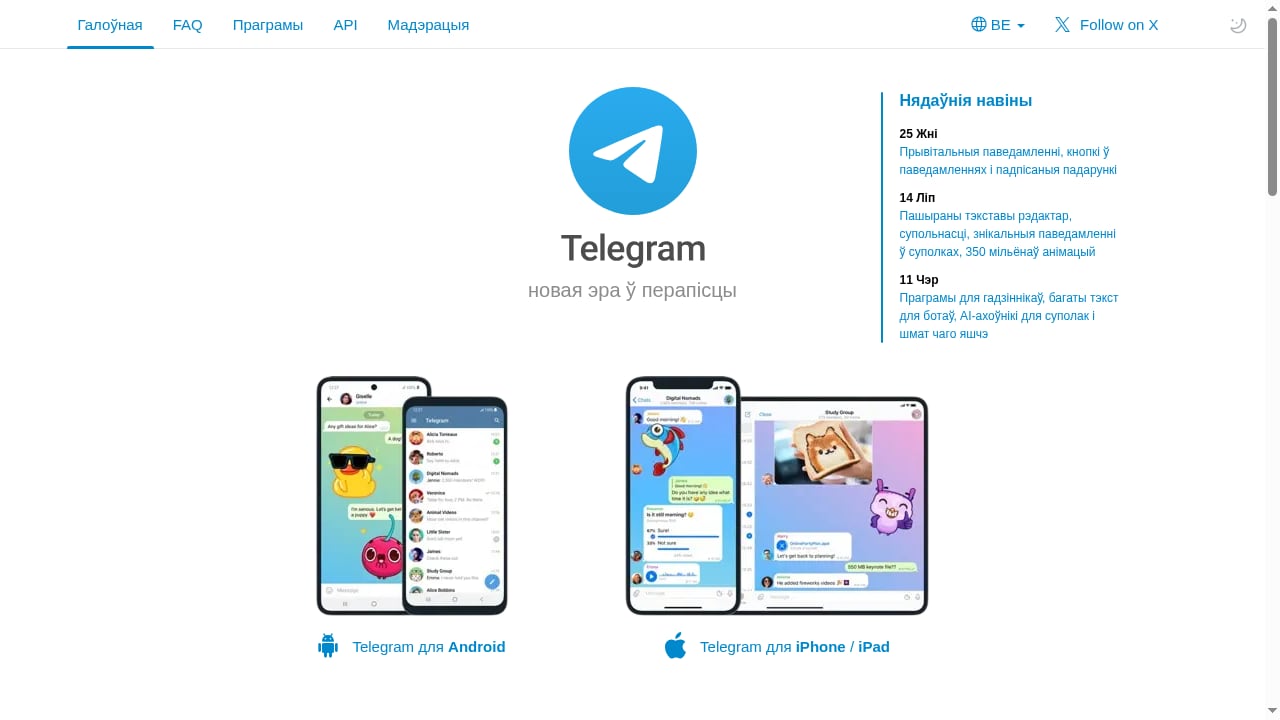
First viewport screenshot of Telegram – новая эра ў перапісцы.
| Decision factor | Telegram Bot API | UnifyPort |
|---|---|---|
| Scope | Telegram only | Telegram plus WhatsApp, LINE, TikTok, Zalo, and X |
| Event shape | Telegram-native | Normalized envelope (id, type, provider, account_id, occurred_at, data) |
| Multi-channel work | One integration per channel | One receiver, one contract |
| Best fit | Bot-native features, deep Telegram-specific control | Cross-channel engagement, support, and notification systems |
Choose the native Bot API when Telegram-specific capabilities are the requirement. Choose UnifyPort when the requirement is one inbound stream across several messaging apps — and do not combine both schemas in a single parser.
Problems this combination solves
- Integration sprawl. Each provider normally means its own auth model, payload shape, and retry semantics. UnifyPort collapses that into one REST API and one event stream.
- Signature and retry drift. Instead of rebuilding verification per provider, you manage signatures, subscriptions, retries, and failure tracking from one control plane.
- Provider turbulence. Rate limits, retries, idempotency, and failure isolation in the delivery queue keep one channel's bad day from becoming your platform's bad day.
- Session lifecycle surprises. Account events such as
account.auth.requiredmake re-authorization an explicit operational signal rather than a silent outage.
If you are still weighing platforms, the comparison of top multi-channel messaging and email API platforms and the head-to-head UnifyPort vs MessengerPeople.dev comparison cover channels, pricing, and developer experience in more depth.
Related reading
- Top 10 Multi-Channel Messaging & Email API Platforms 2026 - Compare the best multi-channel messaging and email API platforms for 2026. Features, pricing, and developer experience for 10 top providers.
- UnifyPort vs MessengerPeople.dev vs CM.com - Compare UnifyPort, MessengerPeople.dev, and CM.com on channels, pricing, webhooks, WhatsApp setup, and developer experience to pick the right messaging API.
- HubSpot Review: Pricing, Pros, Cons & Best-Fit Users - An evidence-based HubSpot review covering ideal users, use cases, pricing signals, setup, strengths, limitations, and decision criteria for 2026.
Sources and further reading
- Rotate a UnifyPort Webhook Signing Secret Safely - Stage webhook signing-secret rotation with temporary dual-key verification, a controlled endpoint update, and explicit retirement checks—without disabling HMAC.
- Webhook Media Albums: Group Photos Without Losing Messages - Store album children by message ID, group by scoped album ID, and handle duplicates, missing totals, and late arrivals without treating a timer as proof of completeness.
- Zalo Official Account API vs Personal-Account Webhook: Which Inbound Path Fits? - Compare Zalo’s official business-account API path with a signed webhook connected to an ordinary Zalo account. Choose by account identity, workflow scope, and operational trade-offs.
FAQ
Does UnifyPort replace the Telegram Bot API?
No. UnifyPort is an unofficial interface that normalizes supported messaging-account events. Keep the official Bot API when you need its native bot contract; do not mix the two schemas in one parser.
How do I verify that a webhook delivery really came from UnifyPort?
Compute HMAC-SHA256 over the timestamp, a literal dot, and the raw request body, then compare it to X-Device-Signature using a timing-safe comparison. Check timestamp freshness at the same time, and reject missing signatures rather than falling back to an unsigned path.
Can I briefly disable signing to simplify a change?
No. An empty signing_secret disables signing rather than providing a transition mechanism. Keep signing enabled and fail closed during any configuration change.
What happens if my receiver is down?
Connection errors and HTTP 408, 429, and 5xx responses are retried immediately without backoff; other 4xx responses are not retried. That is why you should store authenticated events before returning 2xx rather than treating retries as a deployment grace period.
Can I read message history back from the API?
No. There is no REST message-history read API and no guaranteed replay of missed payloads, so your own durable storage is the system of record for anything you need to keep.
Is UnifyPort available to everyone today?
The platform is currently available to selected customers, with a production-ready v1 API, official SDKs for Node.js, PHP, Go, and Python, and a dashboard for API key management and account quota tracking.
Conclusion
Telegram gives you a fast, secure, powerful channel. UnifyPort gives you one contract for it — and for every other channel your customers use. The workflow is deliberately small: register a signed endpoint, authorize the account, verify deliveries with HMAC-SHA256, store events durably before acknowledging them, and let the delivery queue absorb provider turbulence. Start with one Telegram account, prove the intake path end to end, then add channels without rewriting your receiver. For teams building cross-channel support or notifications, that is the difference between maintaining integrations and shipping product.