
Automation Rules for Messaging APIs: A Developer Guide
Learn how to design automation rules for multi-channel messaging APIs: triggers, conditions, actions, webhooks, retries, and platform policy limits.
Automation Rules for Messaging APIs: A Developer Guide
Automation rules are the logic layer that decides when your product should send a message, update a record, or escalate to a human. In a multi-channel messaging stack, they are also where most reliability problems start: a rule fires twice, a webhook arrives out of order, or a provider silently rate-limits your account. This guide explains how to design automation rules that stay predictable across WhatsApp, Telegram, LINE, TikTok, Zalo, and X, using a unified messaging API as the execution layer.
What automation rules mean in a messaging API context
Automation Rules for Messaging APIs: A Developer Guide - What automation rules mean in a messaging API context.
In messaging systems, an automation rule is a repeatable, criteria-based instruction: when an event happens, if conditions match, then perform one or more actions. That definition is consistent across tooling categories — CRM platforms describe rules that filter records and apply actions, and provider policies describe what automated accounts may and may not do.
What changes in a messaging API context is the event source. Instead of a database record update, your trigger is usually an inbound webhook: a new message, a delivery status change, or an account lifecycle event such as a QR-code authorization completing.
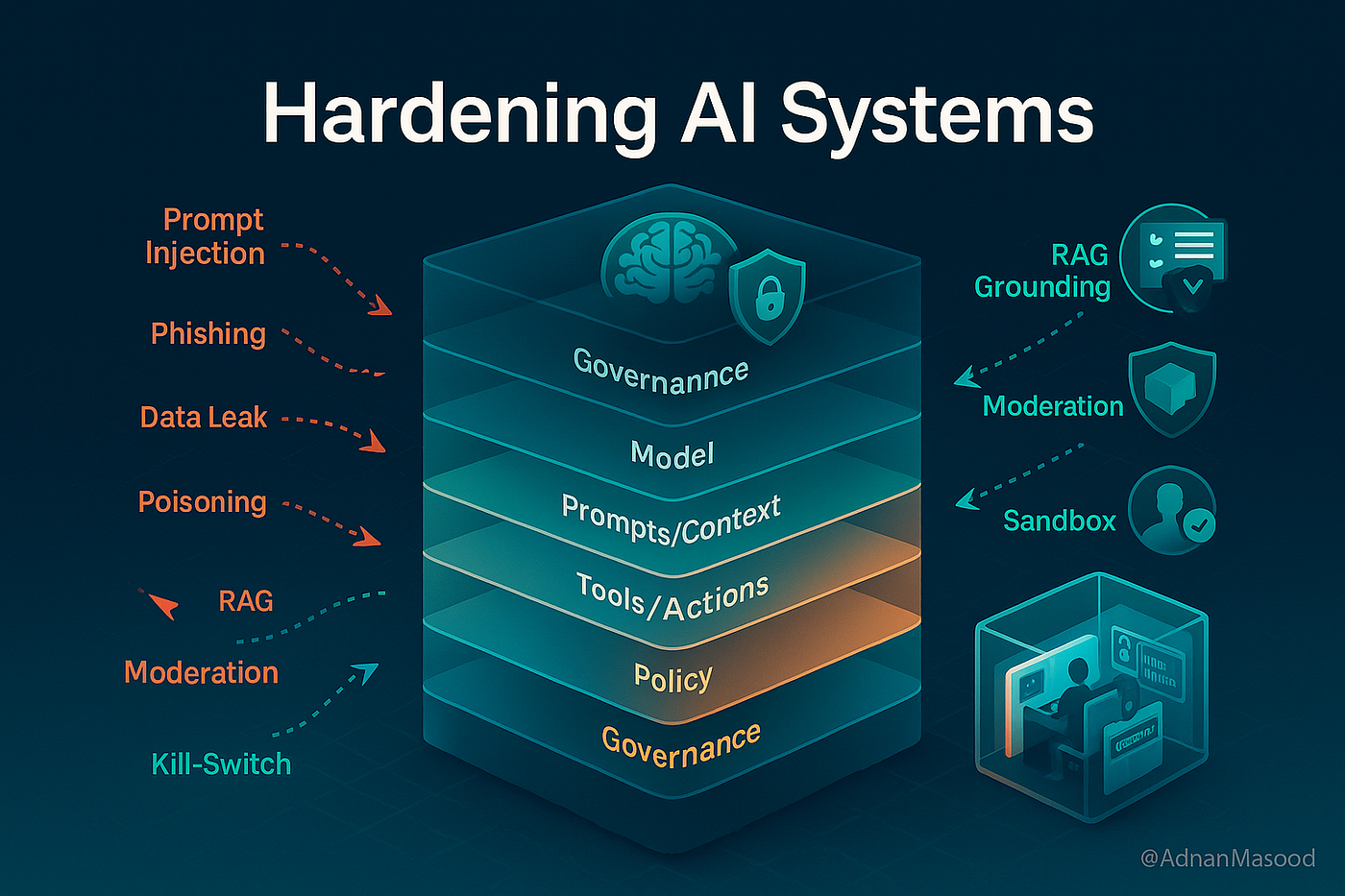
A practical rule has four parts:
- Trigger — the event that starts evaluation (inbound message, status update, schedule, or manual call).
- Conditions — filters that must be true (channel, sender, keyword, account, time window, message count).
- Actions — what happens next (send a reply, tag a conversation, call your API, notify a human).
- Guards — constraints that prevent duplicates, loops, and policy violations.
Triggers: what actually starts a rule
Automation Rules for Messaging APIs: A Developer Guide - Triggers: what actually starts a rule.
Event-driven triggers
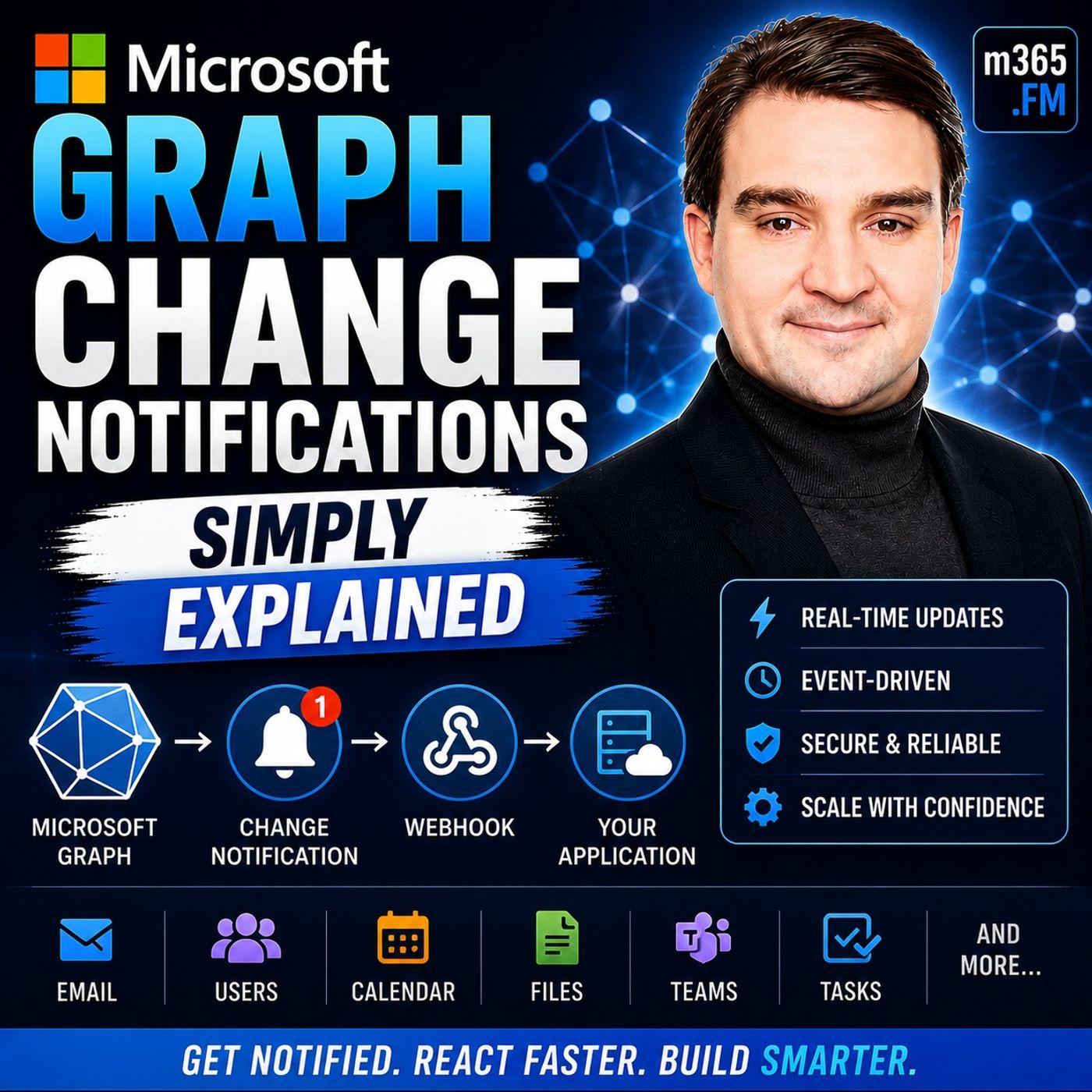
Event-driven rules react to inbound webhook events. Typical triggers include:
- A new inbound message on any connected channel.
- A delivery or read status update.
- An account event, such as a session becoming invalid.
With a unified API, these arrive as one normalized JSON shape rather than six provider-specific payloads. That matters for rule design: you write conditions against stable field names instead of branching on provider quirks.
Scheduled and manual triggers
Not every rule is reactive. Scheduled rules handle follow-ups, digests, and reminders. Manual triggers let support agents or internal tools run a rule on demand for a specific conversation.
Choosing the right trigger type
| Trigger type | Best for | Main risk |
|---|---|---|
| Inbound event | Auto-replies, routing, acknowledgements | Duplicate delivery, ordering |
| Status update | Delivery monitoring, fallback to another channel | High event volume |
| Schedule | Reminders, SLA nudges | Sending outside allowed windows |
| Manual | Agent-initiated workflows | Inconsistent execution |
Conditions: scoping rules so they do not over-fire
Automation Rules for Messaging APIs: A Developer Guide - Conditions: scoping rules so they do not over-fire.
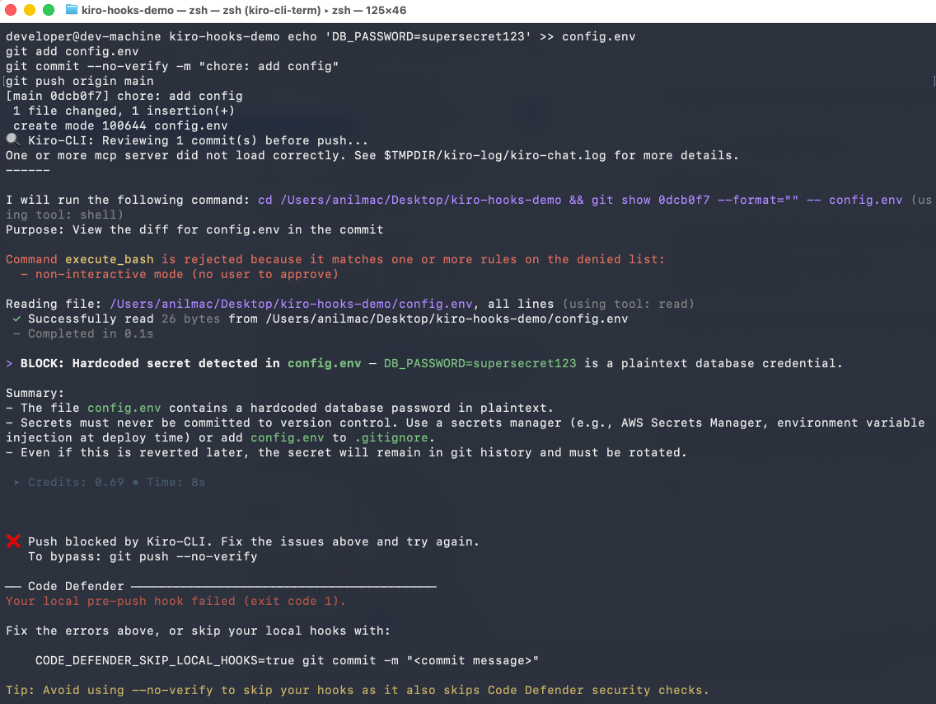
Conditions are where most noisy automation is fixed. Useful condition dimensions include:
- Channel and account — restrict a rule to one channel or one business account.
- Sender identity — new contact versus known customer.
- Content match — keyword, intent label, or language.
- Time and frequency — business hours, cooldown periods, per-user message caps.
- Conversation state — whether a human has already taken over.
A common mistake is evaluating conditions only at the moment of trigger. For anything that sends a message, also evaluate a cooldown condition so the same user cannot receive the same automated reply repeatedly within a short window.
Actions: from reply to record update
Automation Rules for Messaging APIs: A Developer Guide - Actions: from reply to record update.
Actions fall into three groups:
- Messaging actions — send a reply, send a template, send on a different channel as fallback.
- Data actions — create or update a contact, conversation, or ticket.
- Integration actions — call your own service, notify a team inbox, or emit an internal event.
When actions touch an external system, treat them as at-least-once operations and make them idempotent. A rule that creates a ticket should use a deterministic key derived from the inbound event so a retry does not create a second ticket.
Reliability patterns for automation rules
Idempotency and deduplication
Webhook providers retry. Your rules must assume the same event can arrive more than once. Store a processed-event identifier and skip events you have already handled.
Retries with backoff
Outbound sends fail for transient reasons: provider errors, network timeouts, temporary rate limits. Retry with exponential backoff, and cap the number of attempts so a failing rule cannot loop indefinitely.
Rate limits and failure isolation
Each messaging channel enforces its own limits. A burst of automated replies on one channel should not stall unrelated channels. Isolating failures per channel and per account keeps one noisy rule from degrading the whole system. If you route webhooks through a dedicated delivery layer, patterns like the ones in How to Use UnifyPort with Hookdeck are worth reviewing, since filtering and retry behavior belong outside your business logic.
Signature verification
Any endpoint that accepts automation triggers should verify the sender. HMAC-SHA256 signatures over the raw request body, checked before parsing, prevent forged events from firing rules.
Platform policy: automation rules have external limits
Your internal rule logic is only half the story. Messaging platforms publish their own automation rules, and violating them can cost you API access.
X's automation rules are explicit about this: automated replies and mentions are only permitted when the recipient has opted in or clearly indicated intent to be contacted, you provide an easy opt-out, you send only one automated reply per user interaction, and the reply responds to the user's original post. Automated posts based on outside sources are allowed under conditions, but spammy or duplicative behavior is not. The policy also warns against circumventing rate limits or using non-API automation.
Design implications for your rule engine:
- Store consent and opt-out state as first-class fields, not as an afterthought.
- Enforce one-reply-per-interaction at the rule level, not just in application code.
- Never implement retry logic that effectively bypasses provider rate limits.
- Keep an audit trail of which rule fired, when, and under what conditions.
Provider documentation is the authoritative source; see the X automation rules for the current text.
A worked example: keyword auto-reply with escalation
Consider a rule that acknowledges pricing questions and routes them to sales.
Trigger: inbound message event on any channel.
Conditions:
- Message text matches a pricing keyword set.
- No human agent has replied in the last 24 hours.
- The sender has not received this automated reply in the last 12 hours.
Actions:
- Send an acknowledgement reply on the same channel.
- Tag the conversation as
sales-qualified. - Emit an internal event to notify the sales inbox.
Guards:
- Deduplicate on the inbound event ID.
- Retry the outbound send up to three times with backoff.
- If the send fails on the original channel, fall back to a secondary channel only if the contact has opted in there.
This structure keeps the rule readable and makes each failure mode addressable in isolation.
Where a unified API fits
If you connect to channels individually, every rule needs provider-specific handling for payload shape, status semantics, authentication, and rate limits. A unified messaging API collapses that work: one REST API and one standard webhook event stream, with provider messages, status updates, and account events normalized into a stable JSON shape.
The operational pieces that matter for automation rules are the ones that sit around the send call:
- Webhook control plane for managing signatures, subscriptions, retry behavior, and failure tracking.
- Keys and signatures using API key and HMAC-SHA256 authentication.
- Reliable delivery queue with rate limits, retries, idempotency, and failure isolation.
- Official SDKs for Node.js, PHP, Go, and Python.
These are the primitives that let a rule engine stay small. For a broader view of how unified messaging platforms compare on API model, webhooks, and SDKs, see UnifyPort vs Unipile vs 8x8 Developer Portal.
Decision guide: build, buy, or hybrid
| Approach | When it makes sense | Trade-off |
|---|---|---|
| Build rules per provider | One channel, deep provider-specific features | High maintenance as channels grow |
| Unified API plus your own rule engine | Multiple channels, custom business logic | You own rule evaluation and state |
| Unified API plus external workflow tool | Fast iteration, non-engineer ownership | Less control over edge cases |
Most teams building messaging into a product land on the middle option: keep rule evaluation in your codebase where you can test it, and push delivery, retries, and signature handling to the API layer.
Testing automation rules before they go live
Rules that send messages are hard to un-send. A minimal test plan:
- Replay fixtures — capture real webhook payloads and replay them, including duplicates and out-of-order arrivals.
- Assert on side effects — verify one outbound message per inbound event, not just that the code ran.
- Simulate provider errors — force 429 and 5xx responses to confirm backoff and failure isolation.
- Check policy constraints — confirm consent checks and per-interaction caps are enforced in the rule path.
Related reading
- Top 10 CPaaS & UC Developer Platforms 2026 - Ranked 2026 guide to the 10 best CPaaS and unified communications developer platforms, with evaluation criteria, evidence, pricing signals, and buying advice.
- UnifyPort vs Unified Social Media API: Messaging vs Social - Compare UnifyPort's unified messaging API with Unified Social Media API's unlimited social accounts. Channels, webhooks, SDKs, and use cases explained.
Sources and further reading
- Automation rules — Odoo 20.0 documentation - Automation rules¶ · Open Studio and click Automations, then New. · Give the automation rule a clear, meaningful name that identifies its purpose. · Select the ...
- Automation Rules | Salesforce Help - Automation rules are repeatable, criteria-based rules that find matching prospects and apply actions to them.
FAQ
What is an automation rule in a messaging API?
It is a repeatable, criteria-based instruction that reacts to an event — usually an inbound webhook — and performs actions such as sending a reply, updating a record, or notifying a team. It consists of a trigger, conditions, actions, and guards.
How do I stop automation rules from sending duplicate messages?
Deduplicate on a stable event identifier, add per-user cooldown conditions, and make outbound actions idempotent so retries do not produce second sends.
Do messaging platforms restrict automated replies?
Yes. Platforms publish their own automation rules. X, for example, permits automated replies and mentions only with opt-in or clear intent, requires an easy opt-out, limits you to one automated reply per user interaction, and prohibits circumventing rate limits.
Should retries live in my rule engine or the API layer?
Preferably the API layer. A unified messaging API with a delivery queue handles rate limits, retries, idempotency, and failure isolation, so your rule engine only decides what should happen, not how to survive transient failures.
How do I handle automation across six different channels?
Normalize events first. A unified API that returns one JSON shape for messages, status updates, and account events lets you write conditions once instead of branching per provider. For inbound handling patterns, see Incoming Conversation Reply: A Developer's Guide.
Conclusion
Automation rules are simple in concept and difficult in production. The difference between a demo and a dependable system is everything around the rule: deduplication, idempotency, backoff, failure isolation, signature verification, and consent tracking. Design triggers and conditions narrowly, keep actions idempotent, and let a unified messaging API absorb the provider-specific delivery work. Then your rules stay readable — and your messages stay compliant.