
UnifyPort vs Unified Social Media API: Messaging vs Social
Compare UnifyPort's unified messaging API with Unified Social Media API's unlimited social accounts. Channels, webhooks, SDKs, and use cases explained.
UnifyPort vs Unified Social Media API: Messaging vs Social Publishing
Developers searching for a "unified social media API with unlimited social accounts" usually have one of two problems. Either they need to publish and analyze content across social networks, or they need to send and receive real messages on channels like WhatsApp, Telegram, and LINE. These sound similar, but they are different jobs. This comparison looks at UnifyPort, a unified messaging API platform, and the Unified Social Media API substitute that markets unlimited social accounts, so you can pick the right tool for your actual workload.
What each product actually does
First viewport screenshot of Sign in.
UnifyPort: one messaging API and one event stream
UnifyPort is a unified messaging API platform. It gives you one REST API and one standard webhook event stream for connecting to messaging channels including WhatsApp, Telegram, LINE, TikTok, Zalo, and X (formerly Twitter). Instead of building and maintaining a separate integration for every provider, you write against a single interface.
The platform normalizes provider messages, status updates, and account events into a stable JSON shape. It also includes a webhook control plane for managing signatures, subscriptions, retry behavior, and failure tracking. Authentication uses API keys and HMAC-SHA256 signatures, and delivery runs through a reliable queue with rate limits, retries, idempotency, and failure isolation. Official SDKs exist for Node.js, PHP, Go, and Python.
UnifyPort's core use cases are programmatic sending and receiving of messages, account authorization flows (QR code, code, password, Passkey, session import), account lifecycle management, and inbound event processing through webhooks. Pricing is graduated by messaging accounts, with free messaging accounts available in every workspace.
Unified Social Media API: posting, scheduling, analytics, moderation
The substitute in this comparison is a unified social media API covering 15 platforms for posting, scheduling, analyzing, and moderating content. Its headline feature is unlimited social accounts, alongside webhooks and an MCP server for AI agents.
That product is built around social publishing and audience data. Its natural objects are profiles, posts, reviews, and insights. It is the right shape for a content calendar, a scheduling tool, an analytics dashboard, or an AI agent that drafts and publishes posts. It is not designed around two-way conversation threads on chat networks.
The core difference: conversations vs content
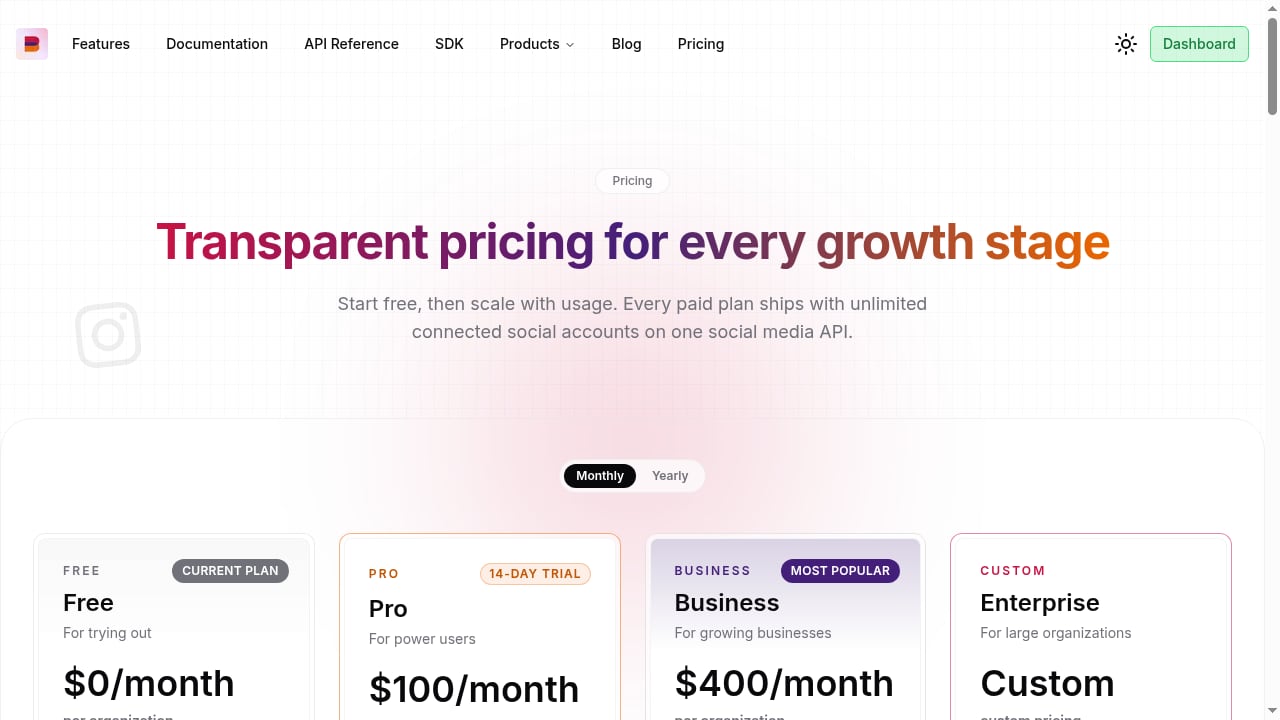
First viewport screenshot of Social media API pricing.
| Dimension | UnifyPort | Unified Social Media API substitute |
|---|---|---|
| Primary job | Send and receive messages on chat channels | Publish, schedule, analyze, and moderate social content |
| Channel types | WhatsApp, Telegram, LINE, TikTok, Zalo, X | 15 social platforms for posting and analytics |
| Event model | Standard webhook stream for messages, statuses, account events | Webhooks for social activity and post status |
| Account economics | Graduated pricing per messaging account, free accounts per workspace | Unlimited social accounts, no per-account fees |
| Auth and security | API keys plus HMAC-SHA256 signatures | Platform OAuth flows for social accounts |
| Delivery guarantees | Queue with rate limits, retries, idempotency, failure isolation | Post scheduling and status tracking |
| SDKs | Node.js, PHP, Go, Python | Typed SDK and MCP server for agents |
Read the table by workload, not by feature count. If your product needs a customer to receive a WhatsApp reply and have it routed to the right agent, UnifyPort is built for that. If your product needs a marketing team to schedule a month of posts across Instagram, LinkedIn, and TikTok, the social API is built for that.
Where UnifyPort is the stronger choice
Two-way messaging with real delivery guarantees
UnifyPort treats inbound and outbound messages as first-class events. The reliable delivery queue handles rate limits, retries, idempotency, and failure isolation, which matters when a provider throttles you or a downstream consumer goes offline. A social publishing API typically tracks whether a post was published, not whether a conversation message was delivered and acknowledged.
A webhook control plane, not just webhooks
Both products offer webhooks, but they are not equivalent. UnifyPort exposes a control plane for managing signatures, subscriptions, retry behavior, and failure tracking. That is the difference between receiving events and operating them. If you have ever debugged a silently dropped webhook at 2 a.m., you know why this layer matters. For a deeper look at the architecture, see real-time sync webhooks: a developer's architecture guide.
Account authorization across chat providers
Messaging accounts on WhatsApp, Telegram, LINE, and similar networks often require QR code scans, codes, passwords, Passkeys, or session imports. UnifyPort supports these authorization flows and account lifecycle management directly. Social platforms mostly rely on standard OAuth, so a social API does not need to solve the same problem.
Predictable SDK coverage
Official SDKs for Node.js, PHP, Go, and Python mean your team can integrate in the language it already uses. That reduces the temptation to hand-roll HTTP clients and signature verification, which is where most integration bugs originate. If you want to see how this plays out in a team inbox scenario, the guide on using UnifyPort with Trengo walks through the webhook flow.
Where the Unified Social Media API substitute wins
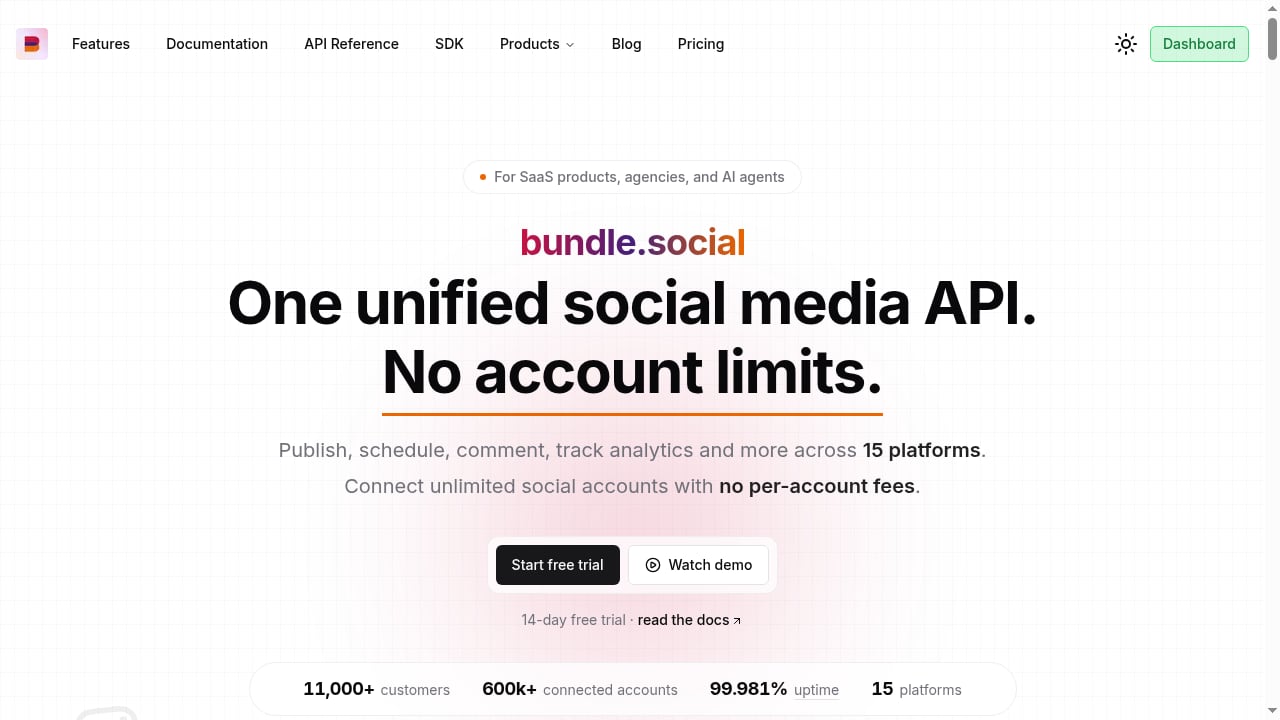
First viewport screenshot of Unified Social Media API, Unlimited Social Accounts.
Unlimited social accounts and no per-account fees
This is the substitute's clearest advantage, and it is a real one. If you manage hundreds or thousands of social profiles for clients, per-account billing becomes the dominant cost. A flat plan that treats thirty accounts the same as three thousand changes the economics of an agency or multi-tenant SaaS product. UnifyPort prices by messaging account, so high-volume account counts cost more.
Breadth across social networks
The substitute covers 15 social platforms for publishing and analytics, including Facebook, Instagram, X, TikTok, LinkedIn, Pinterest, Reddit, Discord, Slack, Mastodon, Threads, YouTube, Bluesky, Google Business Profile, and Snapchat. UnifyPort's channel list is narrower and focused on messaging networks rather than publishing destinations.
Built-in analytics and moderation
The social API normalizes profiles, posts, reviews, and insights, and supports moderation workflows. UnifyPort does not position itself as an analytics or review-management product, so teams that need engagement metrics and comment moderation should not expect that from it.
MCP server for AI agents
The substitute ships an MCP server aimed at AI agents, which lets tools like Claude and Cursor publish and read analytics through the same API. UnifyPort is API-and-webhook oriented rather than agent-tooling oriented, so agent-first teams may find the substitute's packaging more convenient out of the box.
How to choose
First viewport screenshot of How API automation saves content creators 10 hours per week.
Use this decision path:
- Do you need two-way conversations? If messages must flow in both directions on WhatsApp, Telegram, LINE, or similar channels, choose UnifyPort. Social publishing APIs are not built for conversation threads.
- Do you need to publish and measure social content? If the job is scheduling posts, tracking engagement, and moderating comments, the unlimited-account social API is the better fit.
- Is account count your biggest cost driver? If you manage thousands of social profiles, unlimited social accounts is a strong argument. If you manage a smaller number of messaging accounts, UnifyPort's graduated pricing with free accounts per workspace is easier to justify.
- How much do delivery guarantees matter? For transactional or customer-support messaging, UnifyPort's queue, retries, idempotency, and failure isolation are hard to replace. For scheduled posts, they are largely irrelevant.
- Do you need both? Many products do. A support platform might use UnifyPort for chat channels and a social API for marketing content. Running two specialized APIs is often cleaner than forcing one product to do both jobs.
If you are still mapping the wider market, the top 10 unified social media API platforms for 2026 covers the publishing side in more detail, and UnifyPort vs Syniverse CPaaS vs Infobip compares messaging stacks on API model, channels, and webhooks.
Practical example: the same feature, two APIs
Imagine you are building a customer engagement tool.
With UnifyPort, a customer connects their WhatsApp account through an authorization flow. When a message arrives, UnifyPort normalizes it and delivers a signed webhook event to your endpoint. Your service verifies the HMAC-SHA256 signature, processes the event idempotently, and replies through the same REST API. If your endpoint is down, the retry behavior and failure tracking in the webhook control plane tell you what happened.
With the social API substitute, a customer connects their Instagram and LinkedIn profiles. Your service creates a post object, attaches media, schedules it, and later reads insight metrics for reach and engagement. Webhooks notify you when post status changes. There is no conversation thread to manage because the job is publishing and measurement.
Same product, two different integrations, two different APIs. That is the honest answer to this comparison.
Related reading
- 8x8 Developer Portal Review 2026: APIs, SDKs & Limits - Evidence-based 8x8 Developer Portal review: APIs, SDKs, JaaS, Resolve, setup, pricing signals, ideal users, and limitations for 2026.
- Incoming Conversation Reply: A Developer's Guide to Handling Inbound Messages - Learn how to handle incoming conversation replies across messaging channels. Build reliable webhook-driven reply systems with retries, signatures, and idempotency.
Sources and further reading
- Unified Social Media API, Unlimited Social Accounts - Unified social media API for 15 platforms: post, schedule, analyze, moderate. Unlimited social accounts, webhooks, and an MCP server for AI agents.
- Social - The Unified Social Media API enables developers and product managers to access social media data from multiple platforms through a single, standardized interface. Retrieve profiles, posts, reviews, and performance insights from social networks, business listings, and review sites — all with one API.
- Unified Social Media APIs for Developers | Unified.to - One Unified API to read and write Social Media data in real-time. Launch native integrations 100x faster. You won't have to manage maintenance, manually sync data, or handle authorization.
FAQ
Is UnifyPort a social media API?
No. UnifyPort is a unified messaging API platform for sending and receiving messages on channels such as WhatsApp, Telegram, LINE, TikTok, Zalo, and X. It normalizes messages, status updates, and account events, but it is not built for social publishing, analytics, or moderation.
Does UnifyPort offer unlimited social accounts?
UnifyPort's pricing page describes graduated pricing for messaging accounts, with free messaging accounts available in every workspace. It does not advertise unlimited accounts the way the social media API substitute does.
Can I use the Unified Social Media API for WhatsApp messaging?
The substitute is positioned around posting, scheduling, analyzing, and moderating content across 15 social platforms. Its feature set is publishing and analytics oriented, so two-way chat messaging is not its focus.
Which product has better webhook tooling?
Both support webhooks, but they serve different purposes. UnifyPort adds a webhook control plane for signatures, subscriptions, retry behavior, and failure tracking, which is designed for reliable event processing. The social API's webhooks are aimed at social activity and post status updates.
What SDKs does UnifyPort provide?
UnifyPort offers official SDKs for Node.js, PHP, Go, and Python, plus API key and HMAC-SHA256 signature authentication.
Should I replace one with the other?
Only if your workload has changed. If you started with social publishing and now need real-time chat messaging, adding UnifyPort makes sense. If you started with messaging and now need content scheduling and analytics, adding a social API makes sense. Replacing one with the other usually means losing capabilities you still need.
Conclusion
UnifyPort and the Unified Social Media API substitute are often compared because both promise one API for many platforms. The similarity stops at the surface. UnifyPort solves messaging: two-way conversations, account authorization across chat providers, a standard webhook event stream, and a delivery queue with retries and idempotency. The substitute solves social publishing: unlimited social accounts, posting and scheduling across 15 networks, analytics, moderation, and an MCP server for AI agents.
Choose UnifyPort when conversations and reliable event delivery are the core of your product. Choose the unlimited-account social API when content distribution and audience measurement are the core. If you need both, run both, and let each do the job it was built for.