

8x8 Developer Portal Review 2026: APIs, SDKs & Limits
Evidence-based 8x8 Developer Portal review: APIs, SDKs, JaaS, Resolve, setup, pricing signals, ideal users, and limitations for 2026.
8x8 Developer Portal Review 2026: APIs, SDKs, and Real-World Limits
The 8x8 Developer Portal is the documentation and tooling hub for 8x8's XCaaS platform, covering APIs, SDKs, changelogs, versioning policies, and release notes across voice, messaging, video, analytics, and administration. This review looks at what the portal actually gives developers, who gets the most value from it, and where it falls short compared with standalone CPaaS vendors.
What the 8x8 Developer Portal actually is
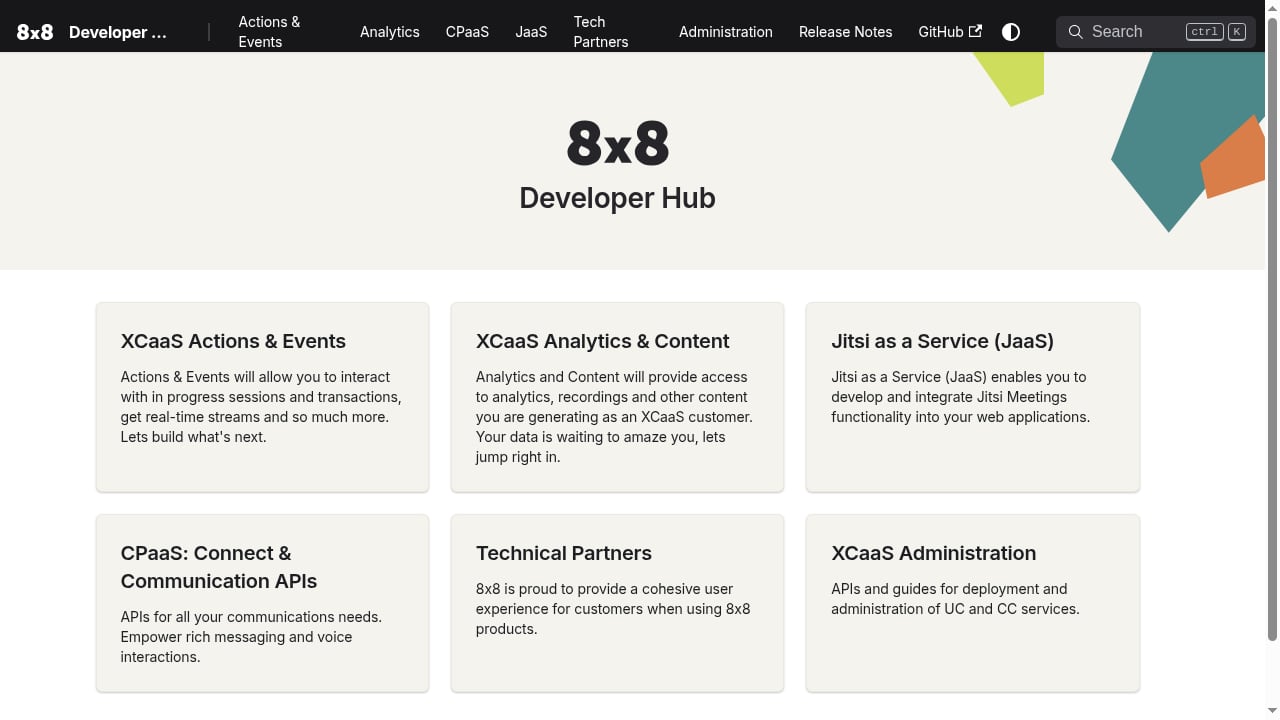
First viewport screenshot of index | 8x8 Developer Portal.
It is not a separate product you buy. It is the front door to 8x8's programmable layer, sitting on top of the same platform that powers 8x8 Work, contact center, and unified communications deployments. That distinction matters: the portal's APIs are designed to extend an existing 8x8 estate, not to replace a general-purpose messaging API.
The portal organizes its surface area into recognizable product families:
- Actions & Events — interact with in-progress sessions and subscribe to real-time streams.
- XCaaS Analytics & Content — pull analytics, recordings, and generated content out of the platform.
- Jitsi as a Service (JaaS) — embed Jitsi meeting functionality into web applications.
- CPaaS Connect & Communication APIs — rich messaging and voice interactions.
- XCaaS Administration APIs — provision and manage UC and CC services.
- 8x8 Resolve — critical communications and incident alerting across SMS, email, voice, WhatsApp, and mobile push, with acknowledgement tracking.
- Chat Apps API — reach customers on WhatsApp, Viber, RCS, LINE, and other channels through a single message API with webhook-based replies and delivery updates.
- Contact Center Analytics APIs — live and historical reporting.
- Maestro SDK — embed audio and call features in iframes.
That is a broad catalog. The practical question is whether the documentation makes it usable.
Strengths: where the portal earns its keep
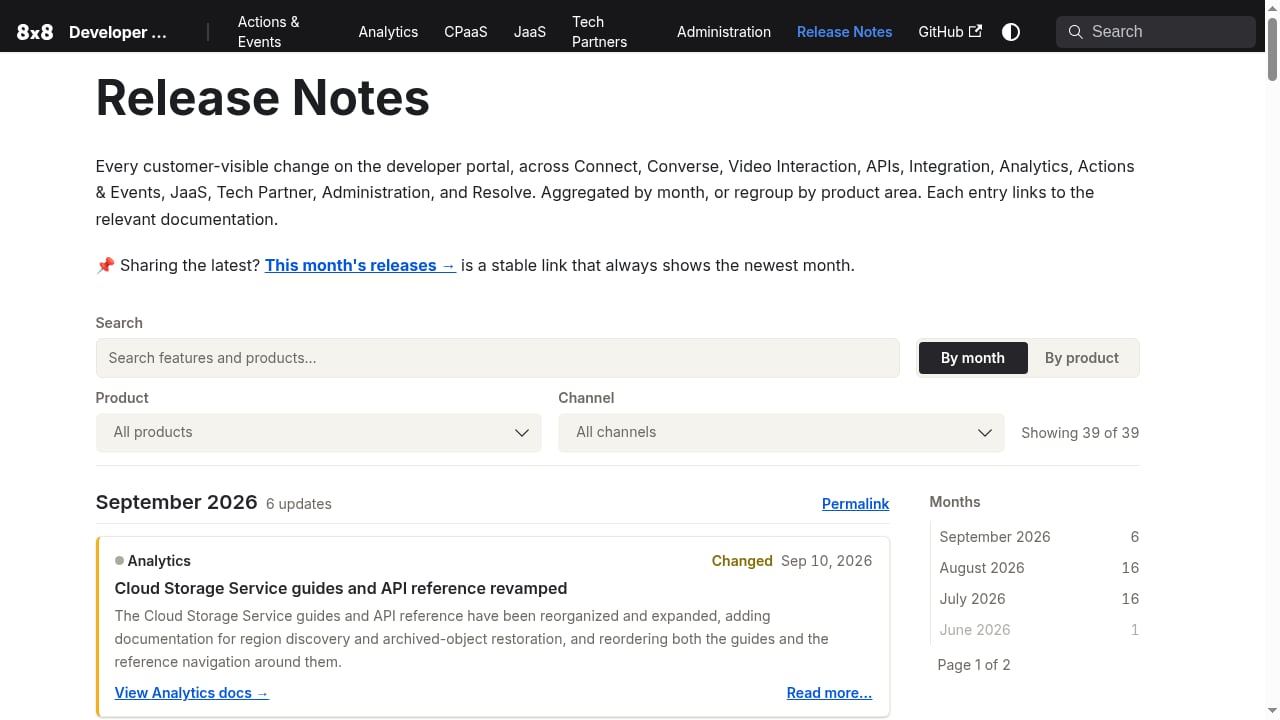
First viewport screenshot of Release Notes | 8x8 Developer Portal.
Documentation discipline
The portal's strongest signal is operational maturity rather than flashy features. Detailed changelogs, explicit API versioning policies, and release notes aggregated by month and product area mean you can plan upgrades instead of discovering breaking changes in production. For teams running communications inside regulated or high-uptime environments, that predictability is worth more than a marginally nicer SDK.
Real-time and analytics depth
Actions & Events plus the Analytics & Content APIs give developers access to in-progress session state and post-session artifacts — recordings, generated content, and reporting data. Contact center teams that need live dashboards alongside historical reporting can often build both from the same platform, which reduces the number of vendors in the stack.
JaaS as a differentiator
Embedding Jitsi meetings via JaaS is one of the more distinctive offerings here. If your product needs video rooms without building WebRTC infrastructure, JaaS is a credible path, and 8x8's stewardship of the Jitsi open-source project gives it a level of ecosystem credibility that pure commercial video APIs do not have.
Multi-channel messaging through one API
The Chat Apps API abstracts WhatsApp, Viber, RCS, LINE, and similar channels behind a single message interface with webhook-based replies and delivery updates. That is the right architectural shape for conversational products — though the webhook layer still demands careful engineering, as covered in this guide to handling incoming conversation replies with retries, signatures, and idempotency.
Limitations and honest friction points
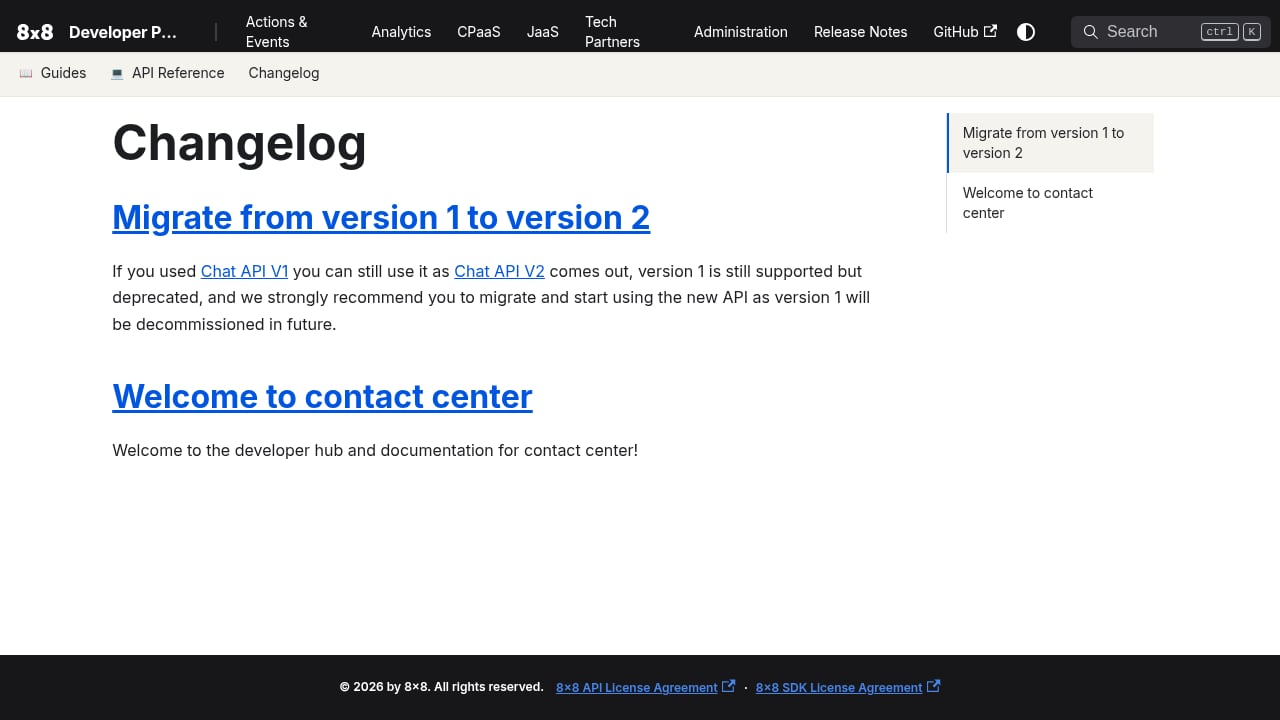
First viewport screenshot of Changelog | 8x8 Developer Portal.
It is an extension layer, not a greenfield CPaaS
If you are building a messaging-first product from scratch, the 8x8 portal assumes you are working within the XCaaS world. Teams that want a channel-agnostic messaging API with minimal platform baggage may find a standalone provider faster to adopt. The trade-off is real: platform cohesion versus independence. Our CPaaS product comparison covers how that decision plays out across vendors.
Pricing is not on the portal
There is no public rate card for the developer APIs. Pricing signals come indirectly — through 8x8's overall commercial model, enterprise agreements, and the bundled nature of XCaaS licensing. Budgeting requires a sales conversation, which slows down prototyping and makes cost modeling harder for smaller teams.
Documentation breadth versus depth
A catalog this wide (administration, analytics, messaging, video, incident alerting) means some areas are documented more thoroughly than others. Expect to lean on changelogs and support channels for edge cases rather than finding every answer in the reference docs.
Enterprise orientation
8x8 is a public company founded in 1987 with annual revenue in the $500M–$1B range and a head office in Campbell, USA, according to Gartner Peer Insights. That scale shows in the portal's enterprise posture: strong on governance and administration, less oriented toward hobbyist or indie developer onboarding.
Who should use it
Good fit:
- Enterprises already running 8x8 Work or 8x8 contact center that need to extend those deployments with custom integrations.
- Technical partners building embedded communications into products sold to 8x8 customers.
- IT administrators automating provisioning, number assignment, and reporting through the XCaaS Administration APIs.
- Product teams that need video embedding via JaaS without owning WebRTC infrastructure.
- Organizations needing incident alerting with acknowledgement tracking, where 8x8 Resolve fits a genuine operational need.
Poor fit:
- Solo developers wanting a cheap, self-serve messaging API with transparent per-message pricing.
- Teams whose primary requirement is a unified social or multi-channel messaging API independent of a UC platform.
Setup and getting started
Access flows through the developer portal, where you register for API credentials tied to your 8x8 account. From there, the practical sequence is:
- Identify the product family you need — administration, messaging, analytics, video, or alerting.
- Review the versioning policy and changelog for that API before writing code.
- Build against a sandbox or test tenant where available, since production telephony and messaging carry real cost and compliance weight.
- Implement webhook handling early if you are using Chat Apps or Actions & Events; delivery updates and replies arrive asynchronously, and real-time sync webhooks need retry, signature verification, and idempotency logic from day one.
- Wire analytics and recording retrieval last, once the interaction path is stable.
Expect the setup to be smoother if you already have an 8x8 tenant and an account team. Without one, the path to credentials and pricing is slower.
Decision criteria: how to judge the portal for your case
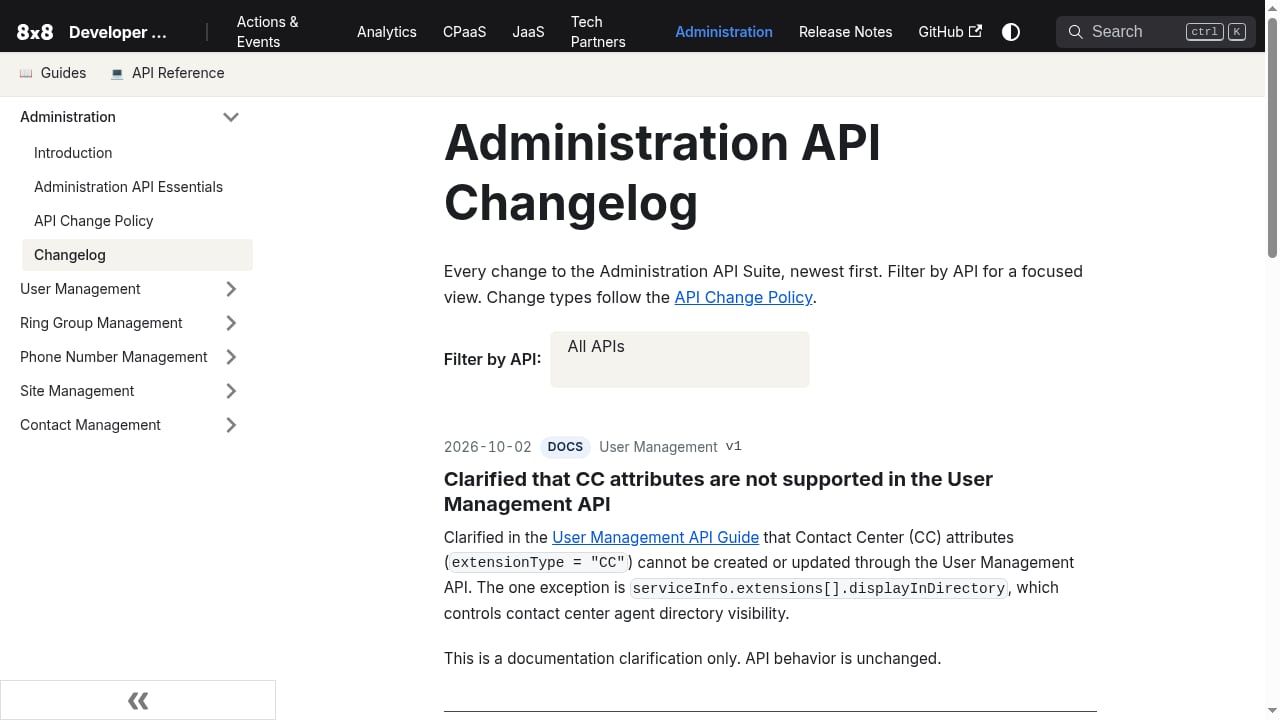
First viewport screenshot of Administration API Changelog | 8x8 Developer Portal.
| Criterion | What to check |
|---|---|
| Existing 8x8 footprint | If you already run XCaaS, the portal is close to a default choice. If not, weigh the platform dependency. |
| Channel needs | Chat Apps covers WhatsApp, Viber, RCS, LINE and more; verify your specific channels and regions are supported. |
| Video requirements | JaaS is strong for embedded meetings; confirm it matches your latency, recording, and moderation needs. |
| Analytics depth | Contact Center Analytics APIs handle live and historical reporting — check granularity against your BI requirements. |
| Pricing transparency | Assume a sales-led process; get quotes before committing engineering time. |
| Governance | Versioning policies and changelogs are a genuine strength for long-lived integrations. |
User reviews of the broader 8x8 platform are broadly positive on integration and administration — G2's 8x8 Work reviews repeatedly highlight combined calling, meetings, messaging, and contact center in one platform — but those reviews speak to the end-user product, not the developer experience specifically. Treat them as context, not as evidence about the portal itself.
Related reading
- Top 10 Unified Social Media API Platforms 2026 - Ranked 2026 review of unified social media API platforms for posting, scheduling, analytics, and data access, with criteria, evidence, and buying guidance.
- How to Use UnifyPort with Trengo: Unified Messaging Guide - Connect UnifyPort's unified messaging API to Trengo so WhatsApp, Telegram, LINE, and more land in one team inbox. Setup, webhook flow, and examples.
Sources and further reading
- 8x8 Reviews - There's a developer portal with documentation for all 8x8's APIs, and 8x8 supports the Jitsi open-source project. "If you're looking for a VoIP that is ...
FAQ
Is the 8x8 Developer Portal free to use?
The portal and its documentation are accessible, but API usage is tied to 8x8 commercial agreements. There is no public self-serve price list, so treat API access as part of a broader 8x8 contract.
What is Jitsi as a Service (JaaS)?
JaaS lets you embed Jitsi meeting functionality into web applications. It is aimed at product teams that want video rooms without building and operating their own WebRTC stack.
Can I use the Chat Apps API for WhatsApp, Viber, and RCS?
Yes — the Chat Apps API is designed to reach customers across WhatsApp, Viber, RCS, LINE, and other channels through a single message API, with webhook-based replies and delivery updates.
Does the portal cover contact center reporting?
Yes. Contact Center Analytics APIs provide live and historical reporting, and XCaaS Analytics & Content covers analytics, recordings, and generated content.
What is 8x8 Resolve used for?
It is a critical communications platform for incident alerting across SMS, email, voice, WhatsApp, and mobile push, with acknowledgement tracking — useful for operational and emergency notification workflows.
How does the portal compare with standalone CPaaS vendors?
Standalone vendors typically offer more transparent, self-serve pricing and a narrower, messaging-first scope. The 8x8 portal trades that for cohesion with an enterprise UC and contact center platform, plus governance features like versioning policies and detailed changelogs.
Conclusion
The 8x8 Developer Portal is a well-governed, enterprise-grade documentation hub for extending the XCaaS platform. Its strengths are breadth, changelog discipline, real-time and analytics access, JaaS video embedding, and multi-channel messaging through a single API. Its weaknesses are the absence of public pricing, an enterprise-first onboarding posture, and the fact that it assumes you are already in — or willing to enter — the 8x8 ecosystem.
If you run 8x8 and need to automate, integrate, or embed communications, the portal is the right starting point. If you need a lightweight, transparently priced messaging API for a standalone product, compare alternatives first — and if your roadmap includes multi-channel messaging beyond 8x8's channel set, a unified messaging API comparison will help you weigh scope, webhooks, and cost before you commit.