
Telegram App: Features, Platforms, and Developer APIs
Explore the Telegram app across mobile, desktop, and web. Learn key features, security, bots, and how to build messaging integrations with APIs.
Telegram App: Features, Platforms, and Developer APIs
Telegram is a cloud-based messaging app known for speed, cross-device sync, and an open API. This article covers what the Telegram app offers, how it works across mobile, desktop, and web, and how developers can integrate Telegram messaging into their own products.
What Is the Telegram App?
Telegram App: Features, Platforms, and Developer APIs - What Is the Telegram App?.
The Telegram app is a free messaging service that lets you send text, media, and files across multiple devices. It was built with a focus on speed and security, and it supports large groups, channels, and bots. Unlike some messaging apps that tie your account to a single phone, Telegram syncs your chats across devices through its cloud infrastructure.
Key characteristics:
- Cloud-based sync: Access your messages from any device logged into your account.
- Open API: Developers can build bots, clients, and integrations using Telegram's public API.
- Scalable groups: Support for groups with up to 200,000 members.
- Media-friendly: No strict limits on file size or chat history in the cloud.
Telegram Across Platforms
Telegram App: Features, Platforms, and Developer APIs - Telegram Across Platforms.
Mobile Apps
Telegram offers native apps for iOS and Android. These are the most feature-complete versions, with support for voice and video calls, stories, and advanced notification controls.
Telegram Desktop
Telegram Desktop is a fast, secure desktop client available for Windows, macOS, and Linux. It syncs perfectly with your mobile app, so you can start a conversation on your phone and continue on your computer. The desktop app is open source under GPL v3, and its source code is available on GitHub.
Telegram Web
Telegram Web lets you access your messages from any browser without installing software. It's useful on shared or temporary devices, though it may lack some advanced features found in the desktop and mobile apps. For a deeper look at browser-based messaging, see our guide to LINE Web for a comparable approach.
Core Features of the Telegram App
Telegram App: Features, Platforms, and Developer APIs - Core Features of the Telegram App.
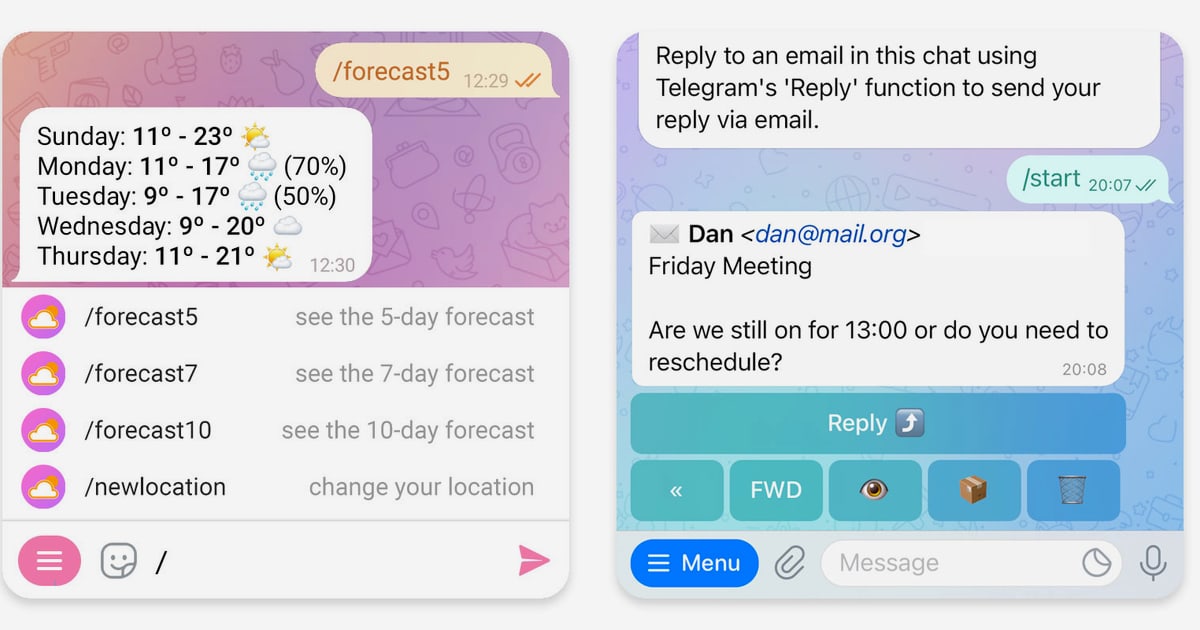
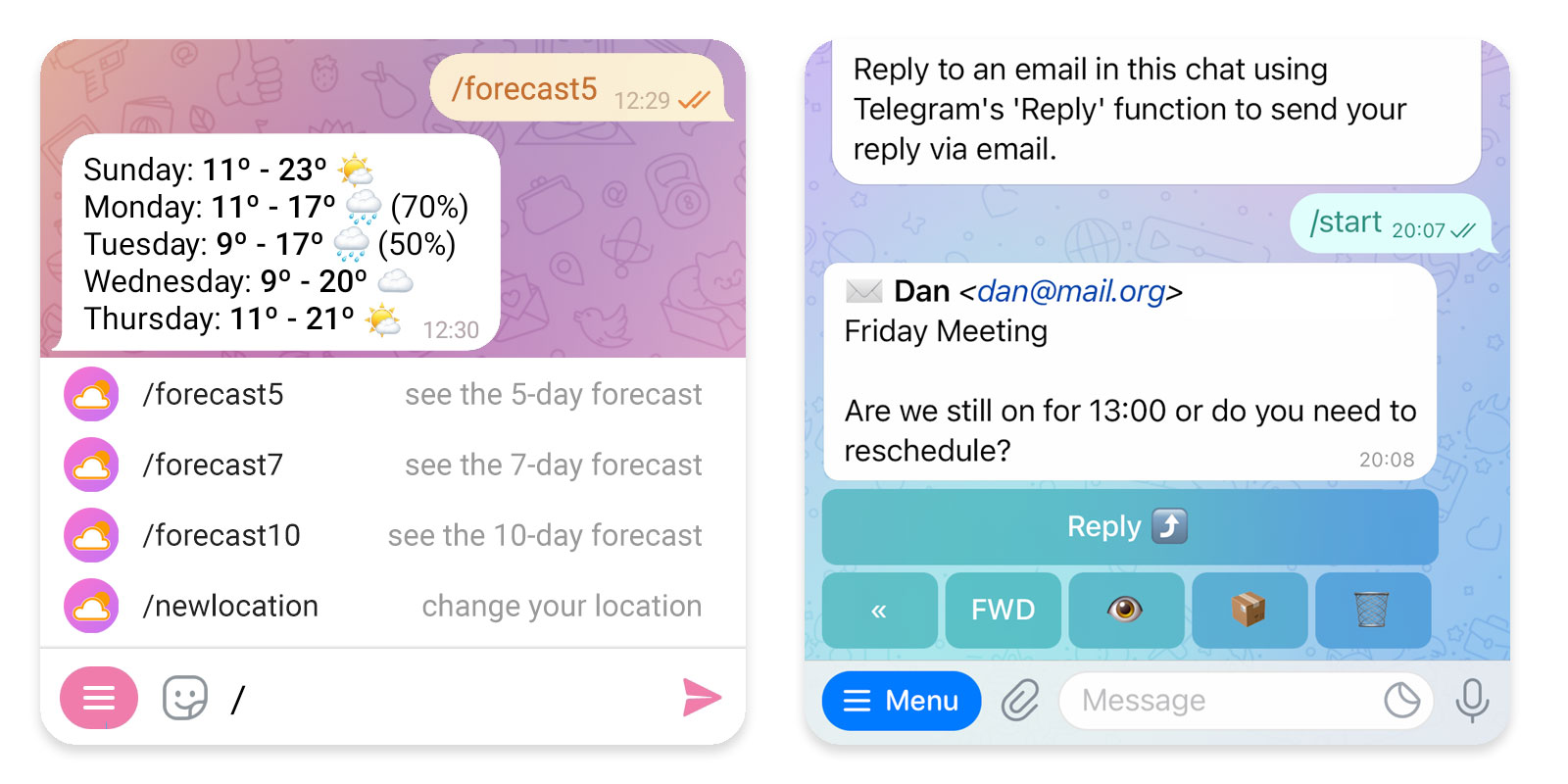
Telegram's feature set has expanded significantly. According to the official Telegram website, recent updates include welcome messages, interactive buttons, rich text editing, communities, and ephemeral messages in groups. Here are the fundamentals:
- Private chats and secret chats: Standard chats are cloud-based; secret chats use end-to-end encryption and can self-destruct.
- Groups and channels: Groups support massive member counts, while channels allow one-to-many broadcasting.
- Bots: Automated accounts that can respond to commands, send notifications, and integrate with external services.
- Media sharing: Send photos, videos, documents, and GIFs with minimal compression.
- Customization: Themes, chat folders, and granular privacy settings.
Telegram Security and Privacy

Telegram App: Features, Platforms, and Developer APIs - Telegram Security and Privacy.
Telegram emphasizes security, but it's important to understand the nuances:
- Cloud chats use client-server encryption, meaning Telegram holds the keys.
- Secret chats use end-to-end encryption and are device-specific.
- Self-destruct timers can be set for messages in secret chats and groups.
- Two-step verification adds a password to your account.
For business or sensitive communications, evaluate whether cloud chats meet your compliance needs. Many organizations use Telegram for customer engagement but rely on additional encryption layers for confidential data.
Telegram for Developers: Bots and APIs
Telegram's open API is a major draw for developers. You can build:
- Bots that handle customer support, send alerts, or automate workflows.
- Custom clients using the Telegram API and MTProto protocol.
- Integrations that connect Telegram to CRMs, notification systems, or AI agents.
The Bot API is HTTP-based and straightforward for simple use cases. For full-featured clients, the Telegram API (also known as the MTProto API) offers deeper control but requires more effort.
Example: Sending a Message via Bot API
curl -X POST "https://api.telegram.org/bot<YOUR_TOKEN>/sendMessage" \
  -d "chat_id=123456789" \
  -d "text=Hello from my bot"
This simplicity makes Telegram a popular first channel for developers building messaging features.
Telegram vs Other Messaging Apps
When choosing a messaging platform for personal or business use, consider these factors:
| Feature | Telegram | LINE | |
|---|---|---|---|
| Cloud sync | Yes | Limited | Yes |
| Open API | Yes | Limited | Yes |
| Group size | 200,000 | 1,024 | 5,000 |
| End-to-end encryption | Secret chats only | Default | Default |
| Bot ecosystem | Strong | Growing | Strong |
For a broader comparison, see our messaging app guide.
Integrating Telegram with Business Systems
Many companies use Telegram for notifications, customer support, and internal alerts. However, managing multiple messaging channels—Telegram, WhatsApp, LINE, and others—can lead to fragmented codebases and operational overhead.
A unified messaging API like UnifyPort can abstract away provider-specific SDKs. Instead of writing separate integrations for each channel, you send one API request and receive standardized webhook events. This is particularly useful for AI agents, CRMs, and notification systems that need to reach users on their preferred platform.
UnifyPort supports Telegram alongside WhatsApp, LINE, X (Twitter), Zalo, and TikTok. It provides a consistent JSON event shape, webhook management with HMAC-SHA256 signatures, rate limiting, and retries with idempotency. For teams already using Telegram's API, it can reduce the maintenance burden of multi-channel delivery.
If you're evaluating unified messaging platforms, our UnifyPort review covers features, pricing, and alternatives.
Related reading
- OAuth Email Sync: How It Works & How to Build It - Learn how OAuth email sync works for Gmail, Outlook, and IMAP: tokens, scopes, XOAUTH2, incremental sync, and how to integrate it reliably.
- LINE Web: Browser Access, Desktop Apps & Developer APIs - Learn how to use LINE on the web, compare browser vs desktop options, and discover how developers integrate LINE messaging through APIs.
- Messaging App Guide: Top Picks & Developer APIs - Compare the best messaging apps for personal and business use, plus how unified messaging APIs help developers connect multiple channels.
Frequently Asked Questions
Is the Telegram app free?
Yes, Telegram is free to download and use. There are no ads in private chats, and the core features are available at no cost.
Can I use Telegram on multiple devices?
Yes. Telegram syncs your chats across mobile, desktop, and web. You can be logged in on multiple devices simultaneously.
Is Telegram secure?
Telegram uses encryption for all chats, but only secret chats are end-to-end encrypted. Cloud chats are encrypted between the client and server. For highly sensitive data, use secret chats or additional encryption.
How do I create a Telegram bot?
Talk to @BotFather in the Telegram app to create a bot and receive an API token. Then use the Bot API to send and receive messages.
Can I integrate Telegram with my CRM?
Yes. You can use the Telegram Bot API directly or a unified messaging API like UnifyPort to connect Telegram with your CRM, helpdesk, or notification system.
Conclusion
The Telegram app combines speed, cross-platform sync, and an open API, making it a strong choice for both personal messaging and business integrations. Whether you're using it on mobile, Telegram Desktop, or Telegram Web, you get a consistent experience.
For developers, Telegram's bot ecosystem is a practical starting point. As your messaging needs grow across channels, consider whether a unified API can simplify your architecture and reduce operational complexity.