

OAuth Email Sync: How It Works & How to Build It
Learn how OAuth email sync works for Gmail, Outlook, and IMAP: tokens, scopes, XOAUTH2, incremental sync, and how to integrate it reliably.
OAuth Email Sync: How It Works and How to Build It
Email sync used to be simple: store a username and password, open an IMAP connection, and poll for new messages. That model is gone. Microsoft retired Basic Authentication for Exchange Online, and Google now requires OAuth 2.0 for Gmail and Google Workspace access. If you are building any product that reads or sends email on behalf of users, OAuth email sync is now the baseline requirement, not an optional upgrade.
This guide explains what OAuth email sync actually involves, how the major providers differ, and how to design a sync pipeline that survives token expiry, provider quirks, and scale.
What OAuth Email Sync Actually Means
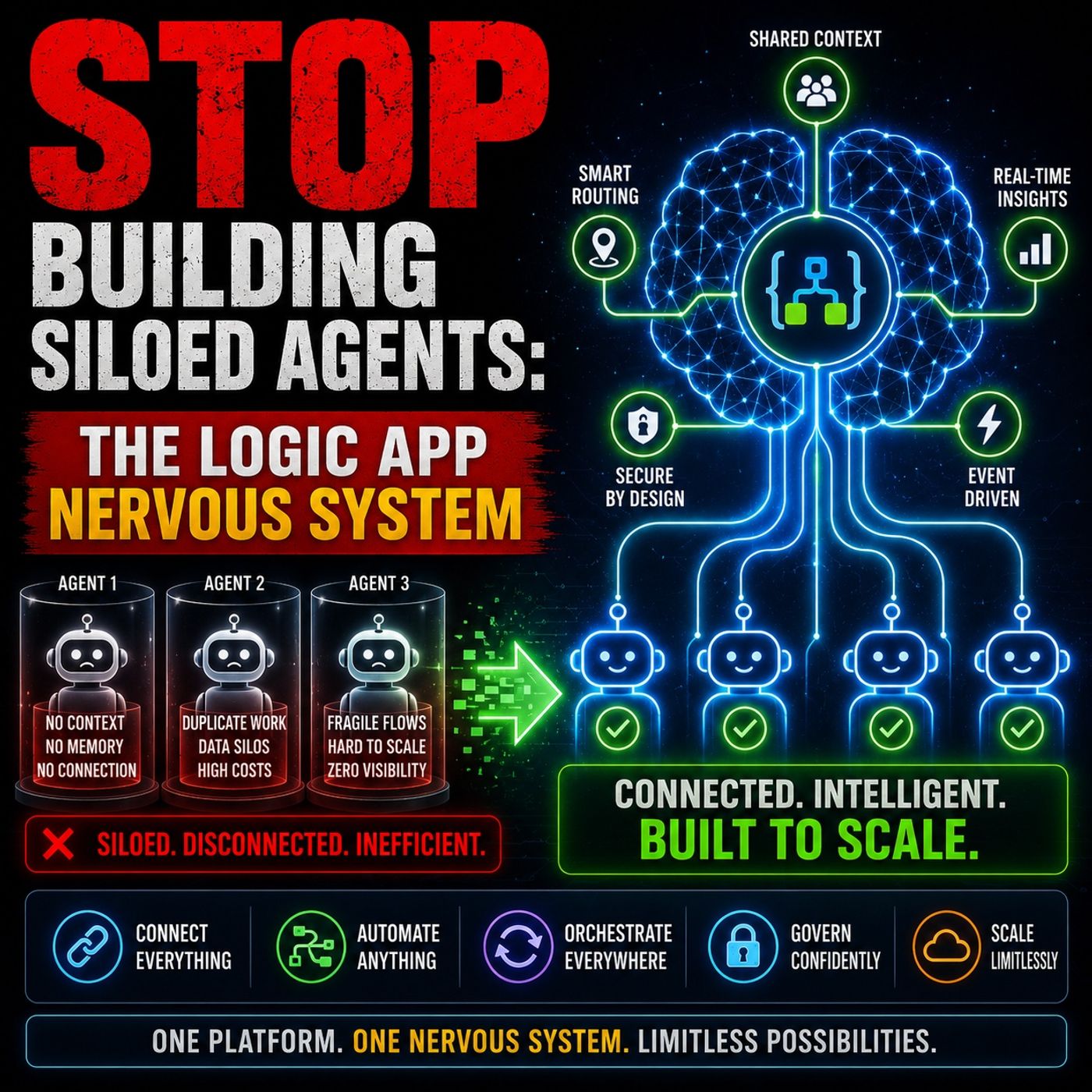
OAuth Email Sync: How It Works & How to Build It - What OAuth Email Sync Actually Means.
OAuth email sync is the combination of two things:
- OAuth 2.0 authorization — the user grants your application delegated access to their mailbox without sharing a password. You receive short-lived access tokens and longer-lived refresh tokens.
- Mailbox synchronization — your application uses those tokens to authenticate against a mail protocol (IMAP, POP, SMTP) or a provider REST API (Gmail API, Microsoft Graph) and keeps a local copy of the mailbox in sync.
The two halves fail in different ways. OAuth fails when tokens expire, scopes are wrong, or consent is revoked. Sync fails when connections drop, folders are renamed, or message IDs change. A production system has to handle both.
Why Basic Authentication Died
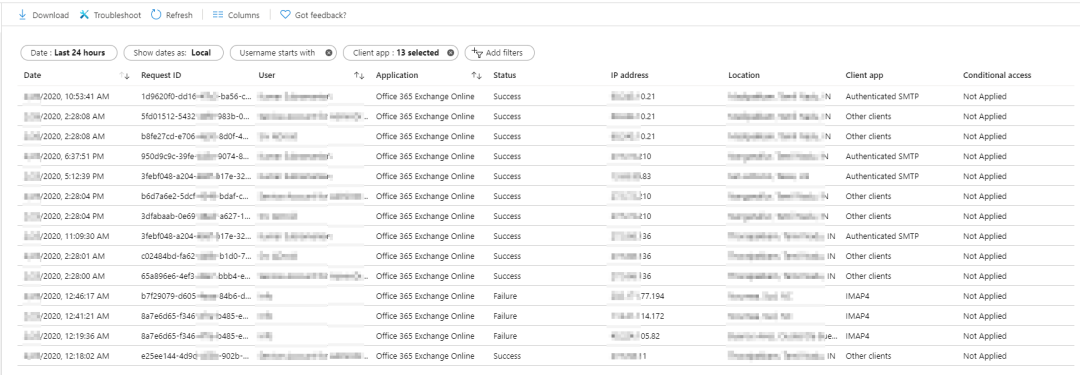
OAuth Email Sync: How It Works & How to Build It - Why Basic Authentication Died.
For two decades, IMAP sync tools authenticated with LOGIN user password. That worked until it didn't:
- Microsoft disabled Basic Authentication for Exchange Online across IMAP, POP, and SMTP. Personal accounts (Hotmail, Outlook.com, Live.com) followed.
- Google requires OAuth 2.0 for Gmail and Google Workspace, and pushes XOAUTH2 as the only supported mechanism for IMAP access.
The practical consequence: any tool that stored a mailbox password and opened an IMAP socket stopped working overnight. Migration scripts, backup jobs, and internal dashboards all had to be rewritten around OAuth.
The Three Provider Paths

OAuth Email Sync: How It Works & How to Build It - The Three Provider Paths.
Almost all professional email falls into three buckets, and each has a different integration surface.
Gmail API (Google Workspace and consumer Gmail)
The Gmail API is REST over HTTPS. It exposes message listing, thread retrieval, label management, drafts, push notifications via Pub/Sub, and history-based incremental sync. Access tokens last about an hour; refresh tokens let you mint new ones.
The hard part is not the API. It is Google's OAuth verification review, which is mandatory before you can request sensitive scopes such as gmail.modify or gmail.send. Reviews can take several weeks and often require a third-party security assessment. Teams that ship fast usually start on a pre-verified OAuth application rather than running the review themselves.
Microsoft Graph (Outlook, Microsoft 365, Exchange Online)
Microsoft Graph treats mail as one resource among many: the same API also exposes Calendar, OneDrive, Teams, and Contacts. You register a multi-tenant app in Microsoft Entra ID, request scopes like Mail.Read, Mail.Send, and offline_access, and exchange authorization codes for tokens.
Two operational traps matter here. First, Azure client secrets expire after 12 or 24 months, and a lapsed secret silently breaks every refresh call in production. Second, tenant admins must consent to your application before it can touch organizational mailboxes.
IMAP and SMTP (Everything Else)
For mail servers without a native REST API — Fastmail, Zoho, iCloud, corporate Postfix or Dovecot deployments, and many others — IMAP remains the universal protocol. Sending still goes through SMTP.
IMAP is where most teams underestimate the work. You maintain persistent TCP sockets, parse RFC 822 message bodies, decode quoted-printable and base64 attachments, handle IDLE notifications, and reconnect after every transient network glitch. A single dropped socket can silently stop sync for hours if you do not monitor it.
How OAuth Works Over IMAP: XOAUTH2

OAuth Email Sync: How It Works & How to Build It - How OAuth Works Over IMAP: XOAUTH2.
When you authenticate IMAP with OAuth, you do not send a password. You send an XOAUTH2 string that encodes the username and the access token together, then base64-encode the whole thing:
base64("user=" + userName + "^Aauth=Bearer " + accessToken + "^A^A")
^A is a Control+A character (%x01). The client then issues:
AUTHENTICATE XOAUTH2 <base64 string>
A successful exchange returns A01 OK AUTHENTICATE completed. A failure returns A01 NO AUTHENTICATE failed. — usually because the token expired, the scope was wrong, or the mailbox belongs to a tenant that has not consented to your app.
For SMTP, the same encoded string goes through AUTH XOAUTH2. For POP, the command is AUTH XOAUTH2 split across two lines.
Scopes You Actually Need
Microsoft publishes the exact scope strings for legacy protocols:
| Protocol | Scope |
|---|---|
| IMAP | https://outlook.office.com/IMAP.AccessAsUser.All |
| POP | https://outlook.office.com/POP.AccessAsUser.All |
| SMTP AUTH | https://outlook.office.com/SMTP.Send |
Add offline_access if you want refresh tokens. Without it, your app can only act while the user is present, which is useless for background sync.
Designing a Sync Pipeline That Survives Production
OAuth gets you a token. Sync is the harder engineering problem. Four patterns separate a demo from a system that runs for years.
1. Incremental Sync, Not Full Rescans
Full mailbox scans are expensive and slow. Use provider-native deltas where possible:
- Gmail: track
historyIdand call the history endpoint for changes since the last checkpoint. - Microsoft Graph: use delta queries on
/messages/delta. - IMAP: use
UIDVALIDITYandUIDranges, orCONDSTOREif the server supports it.
Store the checkpoint durably. If you lose it, you fall back to a full rescan, which can take hours on a large mailbox.
2. Token Storage and Refresh
Refresh tokens are long-lived, but not forever. Personal Microsoft accounts have a hard 90-day refresh token limit; Google's vary by verification status. Your system needs to:
- Encrypt tokens at rest.
- Refresh proactively, not reactively, so a sync job never fails because a token expired mid-run.
- Detect
invalid_granterrors, which mean the user revoked access or the token was invalidated, and surface a re-authorization prompt instead of retrying forever.
3. Idempotency and Failure Isolation
Sync jobs run on schedules and can overlap. Without idempotency, you get duplicate messages, duplicate notifications, and duplicate downstream actions. Key every write on a stable identifier (message ID plus mailbox) and make retries safe.
Failure isolation matters too. One broken mailbox should not stall the entire batch. Isolate per-account state so a single expired token does not block every other user.
4. Webhooks Over Polling
Polling every mailbox on a fixed interval wastes quota and adds latency. Gmail supports push notifications via Pub/Sub, and Microsoft Graph supports change notifications. For IMAP, IDLE gives you near-real-time delivery when the server supports it.
If you are already running a webhook control plane for other channels, the same patterns — signature verification, retries with backoff, subscription management — apply directly to email events. The UnifyPort setup guide walks through workspace creation, account connection, and webhook handling that mirror this model.
Where a Unified API Changes the Math
Managing Gmail REST, Microsoft Graph, and IMAP/SMTP separately means three authentication models, three error taxonomies, three rate-limit regimes, and three sets of edge cases. A bug fix in the Gmail integration does not propagate to Outlook. A new feature request has to be built three times.
A unified email API collapses that into one REST surface. You write the integration once, and it works across providers. The trade-off is real: you give up some provider-specific control in exchange for a single code path and centralized OAuth handling.
This is the same abstraction pattern that unified messaging platforms apply to chat channels. UnifyPort, for example, normalizes Telegram, WhatsApp, LINE, X, Zalo, and TikTok into one REST API with a standard event layer and HMAC-SHA256 webhook signatures. The same architectural argument applies to email: one integration, one event shape, one retry policy. If your product already touches multiple messaging channels, see the omnichannel messaging overview for how email fits alongside chat in a single customer conversation model.
Choosing Your Approach
| Approach | Best for | Main cost |
|---|---|---|
| Direct Gmail API | Gmail-only products | OAuth verification review |
| Direct Microsoft Graph | Microsoft 365-centric products | Tenant consent and secret rotation |
| Direct IMAP/SMTP | Self-hosted or niche providers | Protocol complexity and socket management |
| Unified email API | Multi-provider products | Vendor dependency and abstraction limits |
If you only ever touch one provider, direct integration is fine. The moment you need two or three, the maintenance cost of separate integrations usually exceeds the cost of a unified layer.
For teams evaluating unified messaging platforms more broadly, the Unipile API comparison covers supported channels, pricing, and webhook behavior against similar alternatives.
Related reading
- LINE Web: Browser Access, Desktop Apps & Developer APIs - Learn how to use LINE on the web, compare browser vs desktop options, and discover how developers integrate LINE messaging through APIs.
- Messaging App Guide: Top Picks & Developer APIs - Compare the best messaging apps for personal and business use, plus how unified messaging APIs help developers connect multiple channels.
- CM.com Share Price: Live Quote, Trends & What Moves CMCOM - Track the CM.com share price (CMCOM.AS) on Euronext Amsterdam. See live quotes, 52-week range, valuation metrics, analyst targets, and key drivers.
Sources and further reading
- GitHub - hoelee/email-sync-oauth2: Dockerized multi-account IMAP sync with OAuth2 for Office 365, Gmail & Google Workspace. Migrate emails from Hotmail/Outlook.com/Gmail to any IMAP server — even after Microsoft killed Basic Auth. - Dockerized multi-account IMAP sync with OAuth2 for Office 365, Gmail & Google Workspace. Migrate emails from Hotmail/Outlook.com/Gmail to any IMAP server — even after Microsoft killed Basic Aut...
- Email API Guide for Developers: Sync, OAuth & Code (2026) - Everything developers need to integrate an email API in 2026: providers, OAuth, sync, scopes, rate limits and code samples for Gmail, Outlook and IMAP.
- Authenticate an IMAP, POP or SMTP connection using OAuth - Learn how to use OAuth authentication with your IMAP, POP, and SMTP applications.
FAQ
Is OAuth required for IMAP email sync?
For Gmail, Google Workspace, Microsoft 365, and Outlook.com, yes. Microsoft disabled Basic Authentication for Exchange Online, and Google requires OAuth 2.0. Other IMAP servers may still accept password authentication, but OAuth is the safer default.
What is XOAUTH2?
XOAUTH2 is the SASL mechanism that carries an OAuth access token over IMAP, POP, and SMTP. It encodes the username and bearer token into a single base64 string that the server validates.
How long do refresh tokens last?
It depends on the provider. Personal Microsoft accounts have a hard 90-day limit. Google's tokens vary by app verification status. Microsoft 365 work accounts can have indefinite refresh tokens if the tenant admin configures them that way.
Why does my IMAP sync stop working after a few weeks?
Most often, the refresh token expired or was revoked, or an Azure client secret lapsed. Check for invalid_grant errors and confirm your app credentials are still valid before assuming the sync logic is broken.
Can I sync email and chat messages through the same API?
Not through a single provider API, but a unified messaging platform can normalize both into one event shape. UnifyPort covers chat channels like Telegram, WhatsApp, and LINE; email typically requires a dedicated email API or IMAP integration alongside it.
Conclusion
OAuth email sync is two problems wearing one name: getting authorized, and staying in sync. The authorization side is mostly configuration — register an app, request the right scopes, store tokens securely, refresh before they expire. The sync side is where engineering effort actually goes: incremental deltas, idempotent writes, failure isolation, and webhook-driven updates instead of polling.
Start with the provider that covers most of your users. Build the token lifecycle correctly from day one, because retrofitting refresh logic into a system that assumed permanent credentials is painful. And if you are already integrating multiple messaging channels, treat email as one more channel in the same unified event pipeline rather than a separate system with its own rules.