
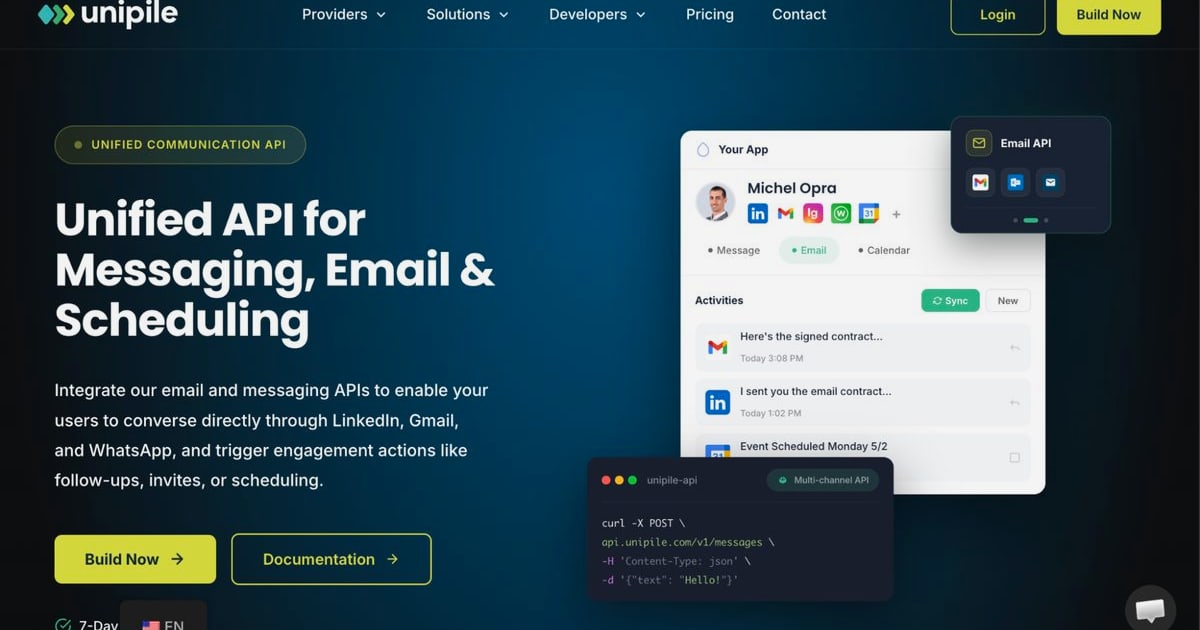
Unipile API: Features, Pricing, Setup & Alternatives
A practical guide to the Unipile API: supported channels, pricing, setup flow, webhooks, and how it compares with unified messaging alternatives.
Unipile API: A Practical Guide to Multi-Channel Messaging Integration
Unipile is a unified API that lets developers connect messaging, email, and calendar channels into a single integration surface. Instead of building separate connectors for WhatsApp, LinkedIn, Instagram, Telegram, Gmail, Outlook, and IMAP providers, you work with one REST API and one webhook system. This guide breaks down what the Unipile API actually does, how pricing works, how to get started, and where it fits compared with other unified messaging platforms.
What Is the Unipile API?
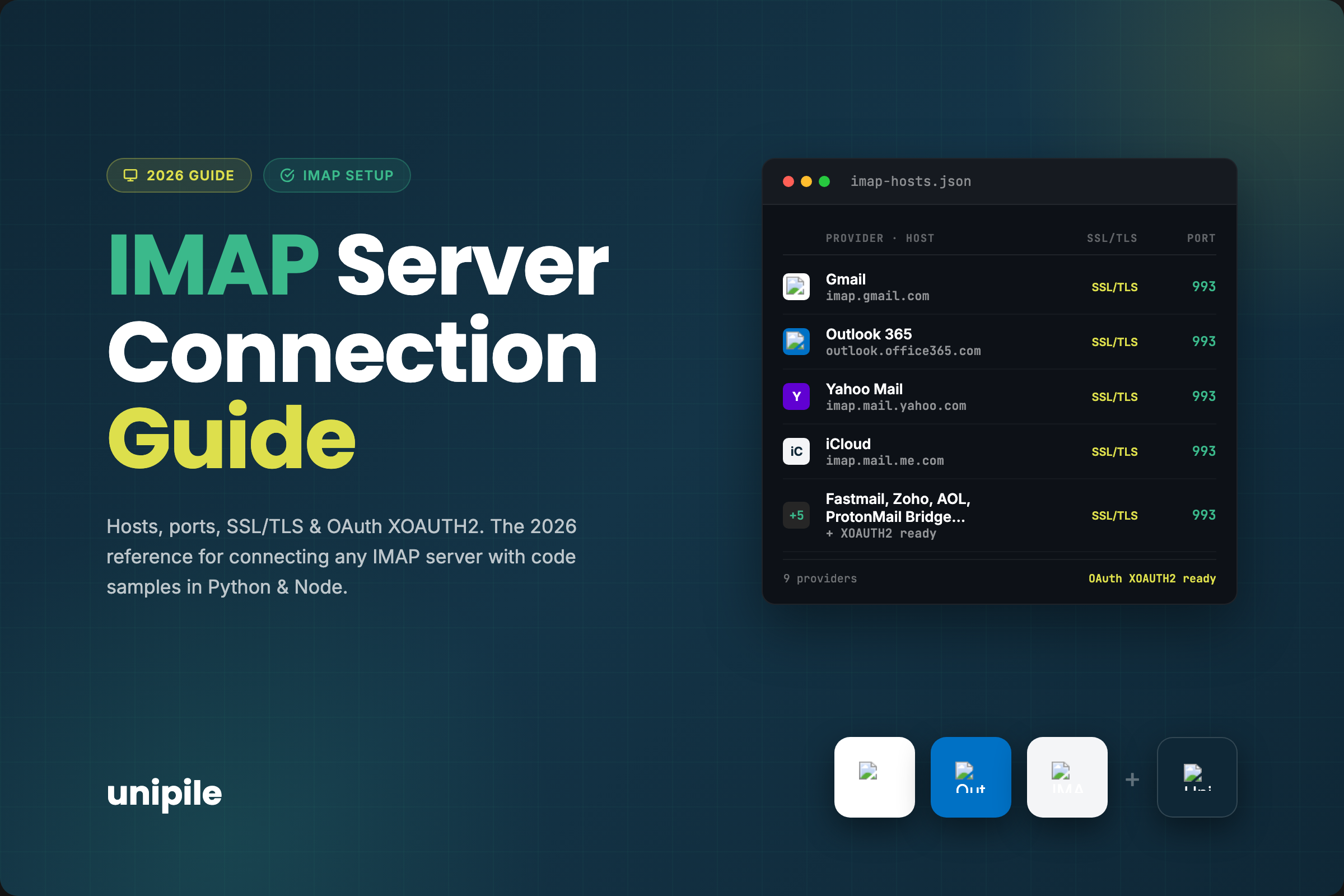
Unipile API: Features, Pricing, Setup & Alternatives - What Is the Unipile API?.
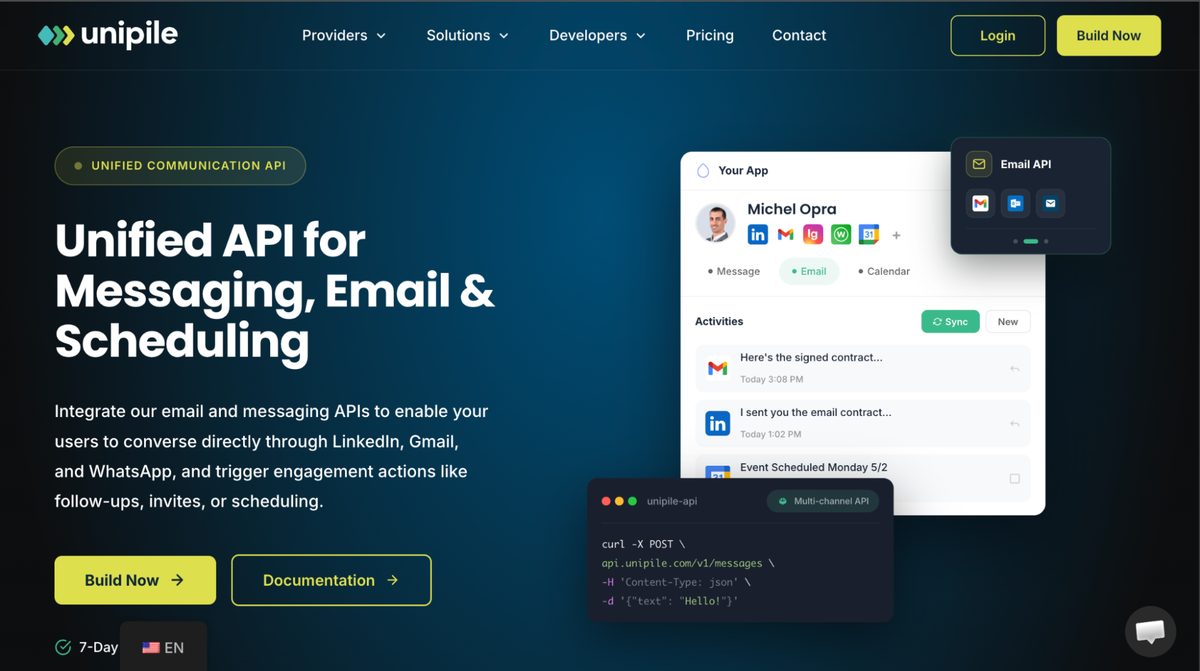
Unipile positions itself as an API for multi-channel messaging in your application. The core promise is simple: connect provider accounts once, then read and send messages through normalized endpoints rather than provider-specific SDKs.
According to the official getting started documentation, the API supports several practical use cases:
- Centralized message history — retrieve a conversation history with a contact regardless of which provider the messages came from.
- Real-time notifications — receive new messages and emails through webhooks.
- Outbound messaging — send messages to contacts or initiate new one-to-one chats from your app.
- Contact enrichment — fetch profile data, connection status, and posts from people or companies.
- Invitations and outreach — send connection invitations or build outreach sequences.
This makes Unipile relevant for CRMs, recruiting tools, sales automation platforms, and any SaaS product that needs messaging embedded without maintaining multiple integrations.
Supported Channels
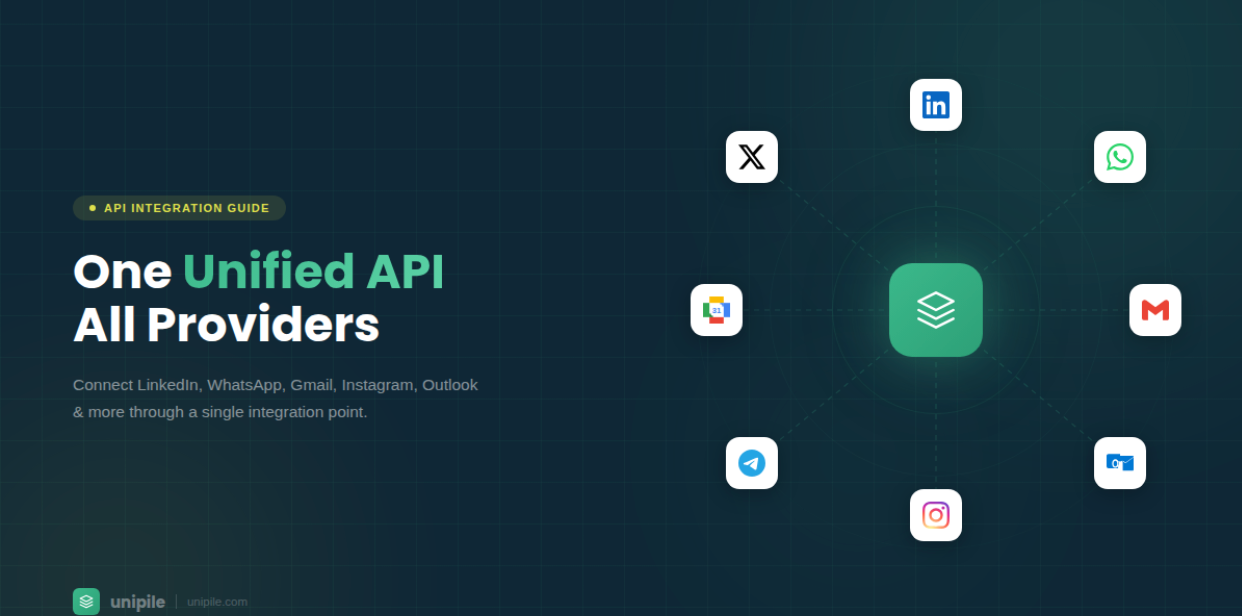
Unipile API: Features, Pricing, Setup & Alternatives - Supported Channels.
Unipile's channel coverage spans three categories:
| Category | Supported providers |
|---|---|
| Messaging | WhatsApp, LinkedIn, Instagram, Telegram |
| Gmail, Outlook, IMAP providers | |
| Calendar | Google Calendar, Microsoft Calendar |
The messaging focus is notable: WhatsApp and LinkedIn are the two most commercially important channels for sales and recruiting use cases, while Telegram and Instagram extend coverage into consumer engagement. Email and calendar support makes Unipile broader than a pure chat API, which matters if your product needs a unified inbox across email and messaging.
Unipile also states that its API is designed in line with the Digital Markets Act (DMA), enabling secure messaging interoperability without storing or scraping user profiles. The platform emphasizes compliance with Meta and LinkedIn terms of service, which is a practical concern for any team building on these channels.
How Unipile Pricing Works
Unipile API: Features, Pricing, Setup & Alternatives - How Unipile Pricing Works.
Unipile uses a tiered, per-account pricing model. The more linked accounts you have, the lower the cost per account. Here is the published structure from the pricing page:
| Tier | Price |
|---|---|
| Up to 10 linked accounts | €49 / $55 per month minimum |
| 11 to 50 linked accounts | €5.00 / $5.50 per account per month |
| 51 to 200 linked accounts | €4.50 / $5.00 per account per month |
| 201 to 1,000 linked accounts | €4.00 / $4.50 per account per month |
| 1,001 to 5,000 linked accounts | €3.50 / $4.00 per account per month |
| 5,001+ linked accounts | €3.00 / $3.50 per account per month |
A "linked account" means one connected identity. One LinkedIn profile counts as one account. One WhatsApp number counts as one account. One email address counts as one account. If you connect one LinkedIn profile, one WhatsApp number, and one Gmail address for each of 20 users, that is 60 linked accounts, billed at €4.50 each — €270 per month.
Key billing details:
- Post-paid model — invoices are generated at the end of each 30-day period.
- Peak billing — you are charged based on the peak number of simultaneously connected accounts during the billing period.
- No commitment — the base plan is pay-as-you-go monthly with no contract.
- Free trial — a 7-day trial includes all features with no credit card required.
This pricing model rewards scale but can become expensive quickly if your product connects multiple accounts per user. Teams evaluating Unipile should model their expected account growth before committing.
Getting Started with Unipile
Unipile API: Features, Pricing, Setup & Alternatives - Getting Started with Unipile.
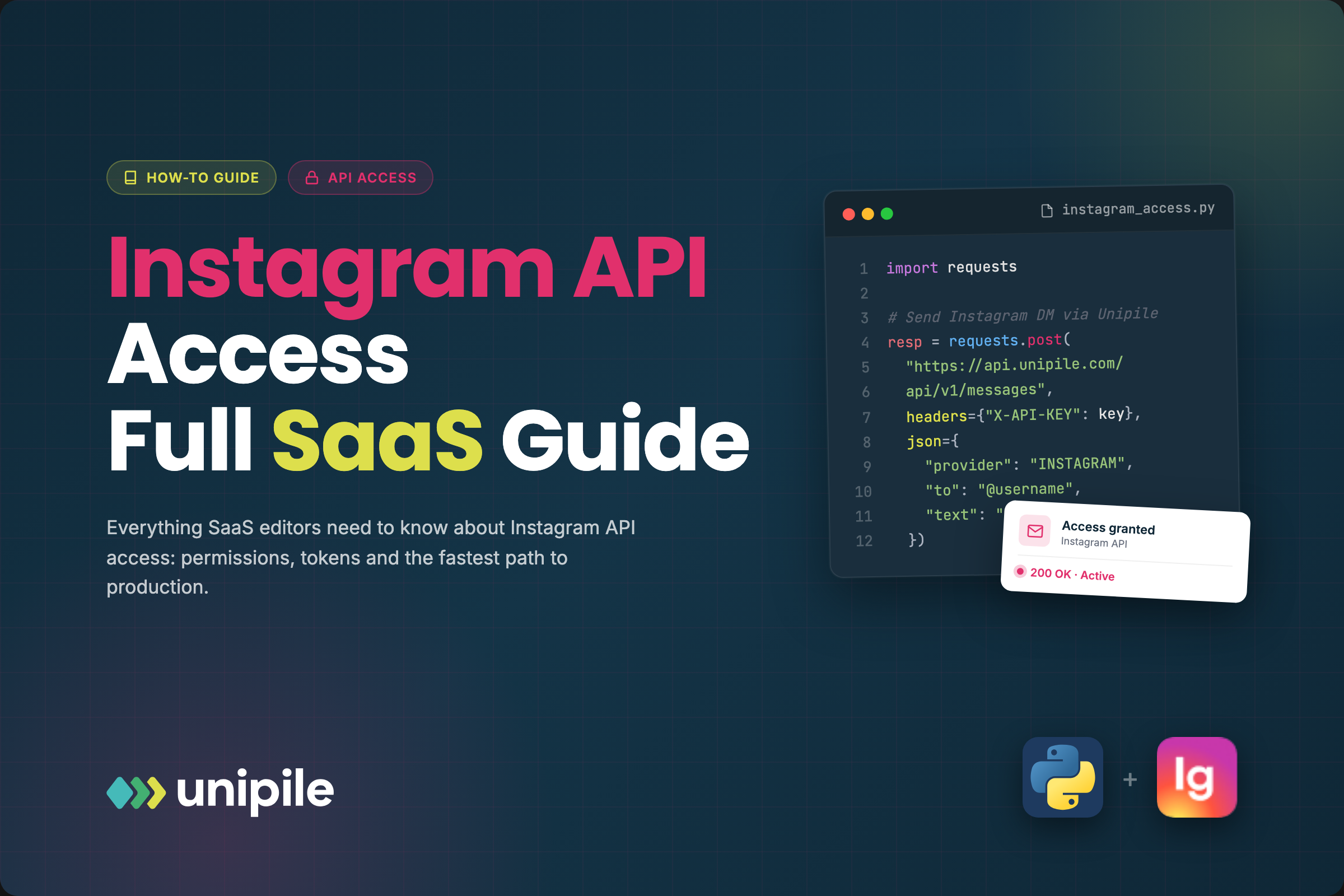
The setup flow is designed to be fast. According to the developer documentation, most teams go live in about two days. The basic steps are:
- Create an account on the API dashboard signup page.
- Get your DSN (Data Source Name) from the dashboard — this identifies your application in API requests.
- Generate an access token for authentication.
- Connect test accounts on the Accounts page to try sending and receiving messages without writing code.
- Experiment in the API Reference — the interactive documentation lets you specify your DSN and token, fill in parameters, and test routes directly.
The quick-start workflow covers three core operations:
- Connect a provider account (LinkedIn, WhatsApp, Gmail, etc.)
- List all chats with
GET /api/v1/chats - Send a message in a chat with
POST /api/v1/chats/:chatId/messages
This interactive approach lowers the barrier to evaluation. You can validate the API's behavior before writing integration code.
Webhooks and Real-Time Events
Webhooks are central to Unipile's design. Instead of polling for new messages, your application subscribes to events and receives real-time notifications when messages or emails arrive. This is the standard pattern for messaging APIs, but the implementation details matter:
- Event delivery — new messages trigger webhook calls to your configured endpoint.
- Real-time inbox sync — incoming messages across connected accounts are pushed to your app.
- Normalized payloads — messages from different providers arrive in a consistent format, reducing provider-specific parsing logic.
For teams building notification systems, AI agents, or CRMs, webhook reliability is a critical evaluation criterion. You should test webhook latency, retry behavior, and signature verification during the trial period.
Unipile vs. Unified Messaging API Alternatives
Unipile is not the only unified messaging API on the market. The choice depends on which channels you need, how you consume events, and how pricing scales with your account volume.
Channel coverage differences
Unipile covers WhatsApp, LinkedIn, Instagram, and Telegram on the messaging side, plus email and calendar. This is strong for sales, recruiting, and email-centric products.
Other unified messaging platforms take a different channel approach. For example, UnifyPort focuses on messaging channels used heavily by AI agents and operations tools: Telegram, WhatsApp, LINE, X (Twitter), Zalo, and TikTok. It does not include email or calendar, but it adds LINE, X, Zalo, and TikTok — channels that matter for consumer engagement in Asia and social-first products.
Event model and developer experience
Both platforms normalize provider messages into a consistent JSON shape and expose webhook events. UnifyPort adds a webhook control plane for managing signatures, subscriptions, and retries, plus built-in rate limiting, retries with idempotency, and failure isolation. Unipile emphasizes quick integration and an interactive API reference for hands-on testing.
If your team needs fine-grained control over webhook delivery semantics, a platform with explicit retry and idempotency guarantees may be a better fit. If you prioritize speed to first integration, Unipile's two-day onboarding claim is compelling.
Pricing model comparison
Unipile charges per linked account with volume discounts. UnifyPort uses a graduated monthly tier per paid messaging account with free accounts included. The right model depends on how many accounts you connect and whether you have a large free tier of low-activity users.
For a deeper look at how unified messaging platforms compare, see this UnifyPort review and the broader guide to cross-platform messaging.
When Unipile Makes Sense
Unipile is a strong candidate when:
- Your product needs WhatsApp and LinkedIn messaging as primary channels.
- You also need email and calendar integration in the same API surface.
- You are building a CRM, recruiting tool, or sales automation platform where multi-channel inbox sync is core.
- You want to test quickly with an interactive API reference before writing production code.
- Your account volume is moderate and the per-account pricing stays within budget.
Unipile is less ideal when:
- Your channels are primarily LINE, Zalo, TikTok, or X — Unipile does not cover these.
- You need advanced webhook controls like signature rotation, subscription management, and guaranteed idempotent retries.
- Your product has a large free user base where per-account billing would become unpredictable.
Related reading
- Omnichannel Messaging: Strategy, Channels & Platforms - Learn what omnichannel messaging is, how it differs from multichannel, key channels, benefits, and how to build a strategy that unifies customer conversations.
- Conversational Commerce: How Messaging Drives Sales - Learn what conversational commerce is, how it works across messaging apps, chatbots, and voice assistants, plus strategies and tools to implement it.
Sources and further reading
- One API for Multi-Channel Messaging in your app - Unipile - Advance your app's capabilities: Integrate LinkedIn and WhatsApp for streamlined messaging and improved user experience.
Frequently Asked Questions
What channels does the Unipile API support?
Unipile supports WhatsApp, LinkedIn, Instagram, and Telegram for messaging. It also supports Gmail, Outlook, and IMAP for email, plus Google and Microsoft calendars.
How much does Unipile cost?
Pricing starts at €49 / $55 per month for up to 10 linked accounts. Beyond that, pricing is per account per month, decreasing from €5.00 per account at 11–50 accounts down to €3.00 per account at 5,001+ accounts.
Is there a free trial?
Yes. Unipile offers a 7-day free trial with all features included, no credit card required, and no monthly commitment.
Does Unipile support webhooks?
Yes. Webhooks deliver real-time notifications for new messages and emails, allowing your application to sync inboxes without polling.
Is Unipile compliant with platform terms of service?
Unipile states that users must respect Meta and LinkedIn terms of service, avoid spam, and focus on legitimate messaging use cases. The API is also designed in line with the Digital Markets Act.
How does Unipile compare with UnifyPort?
Unipile covers WhatsApp, LinkedIn, Instagram, Telegram, email, and calendar. UnifyPort covers Telegram, WhatsApp, LINE, X, Zalo, and TikTok with a focus on AI agents and operations tools. The right choice depends on your channel requirements and webhook reliability needs.
Conclusion
The Unipile API solves a real problem: connecting multiple messaging and email channels without maintaining separate integrations. Its per-account pricing is transparent, the interactive documentation lowers evaluation friction, and the channel mix fits CRM, recruiting, and sales use cases well.
That said, Unipile is not a universal answer. If your product targets LINE, Zalo, TikTok, or X, or if you need stronger webhook delivery guarantees, evaluate alternatives like UnifyPort. Start by defining your required channels, expected account volume, and webhook reliability needs — then test the shortlisted platforms during their trial periods. For a step-by-step walkthrough of setting up a unified messaging stack, see this practical setup guide.