

Messaging App Guide: Top Picks & Developer APIs
Compare the best messaging apps for personal and business use, plus how unified messaging APIs help developers connect multiple channels.
Messaging App Guide: Top Picks & Developer APIs
A messaging app is more than a place to send texts. It's where conversations, payments, customer support, and even business operations now happen. With so many options, choosing the right one depends on whether you're an individual looking for privacy, a team coordinating work, or a developer building multi-channel messaging into a product.
This guide covers the leading messaging apps, what makes each one stand out, and how unified messaging APIs are changing the way businesses connect with users across platforms.
What Is a Messaging App?
Messaging App Guide: Top Picks & Developer APIs - What Is a Messaging App?.
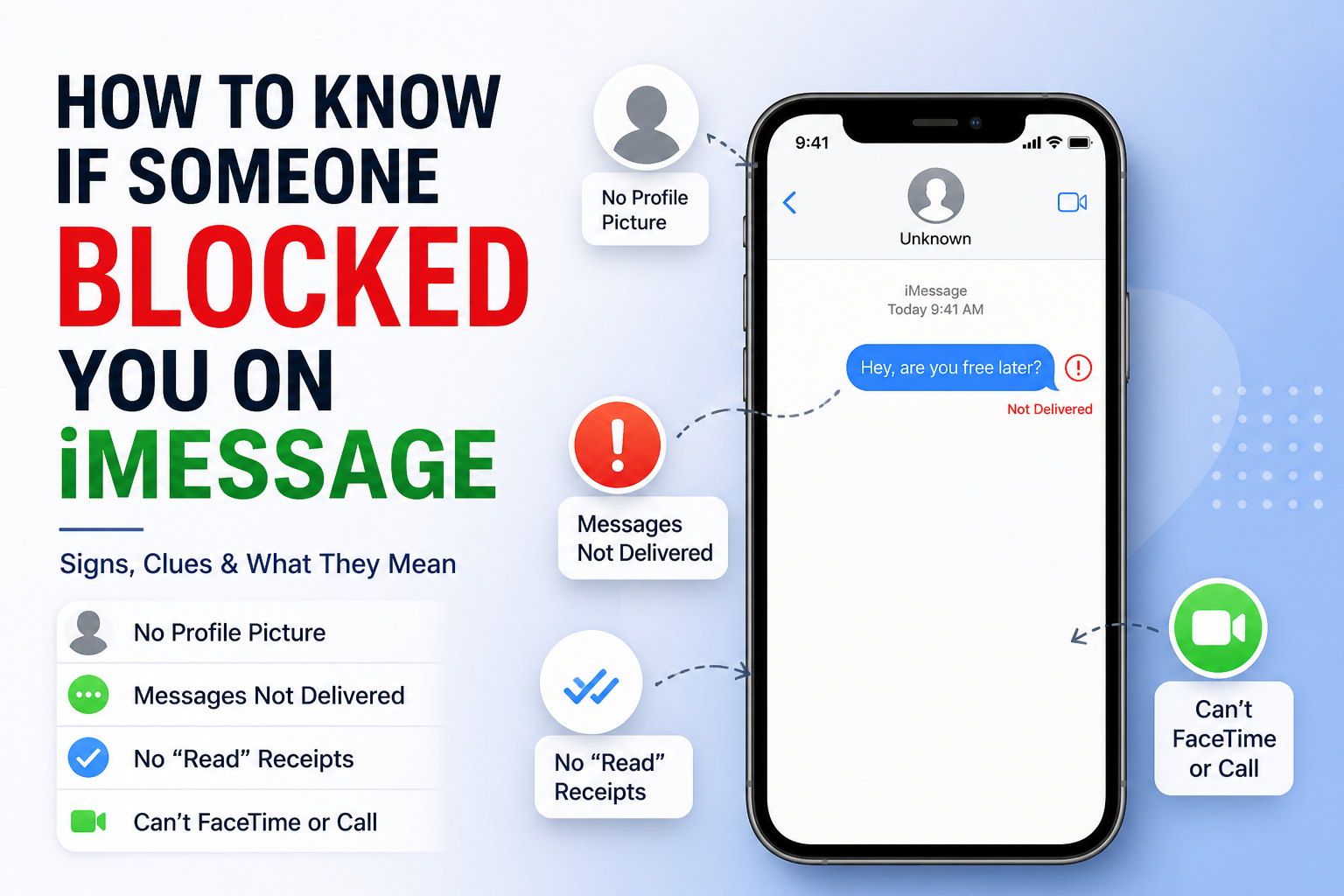
A messaging app is software that lets you send text, voice, video, and media over the internet rather than through a cellular carrier's SMS network. Most messaging apps work across iOS, Android, and desktop, and many offer end-to-end encryption, group chats, file sharing, and voice or video calling.
Unlike traditional texting, messaging apps typically don't charge per message, and they often work over Wi-Fi. That makes them popular for international communication and for businesses that need to reach customers on the channels they already use.
Best Messaging Apps for Personal Use
Messaging App Guide: Top Picks & Developer APIs - Best Messaging Apps for Personal Use.
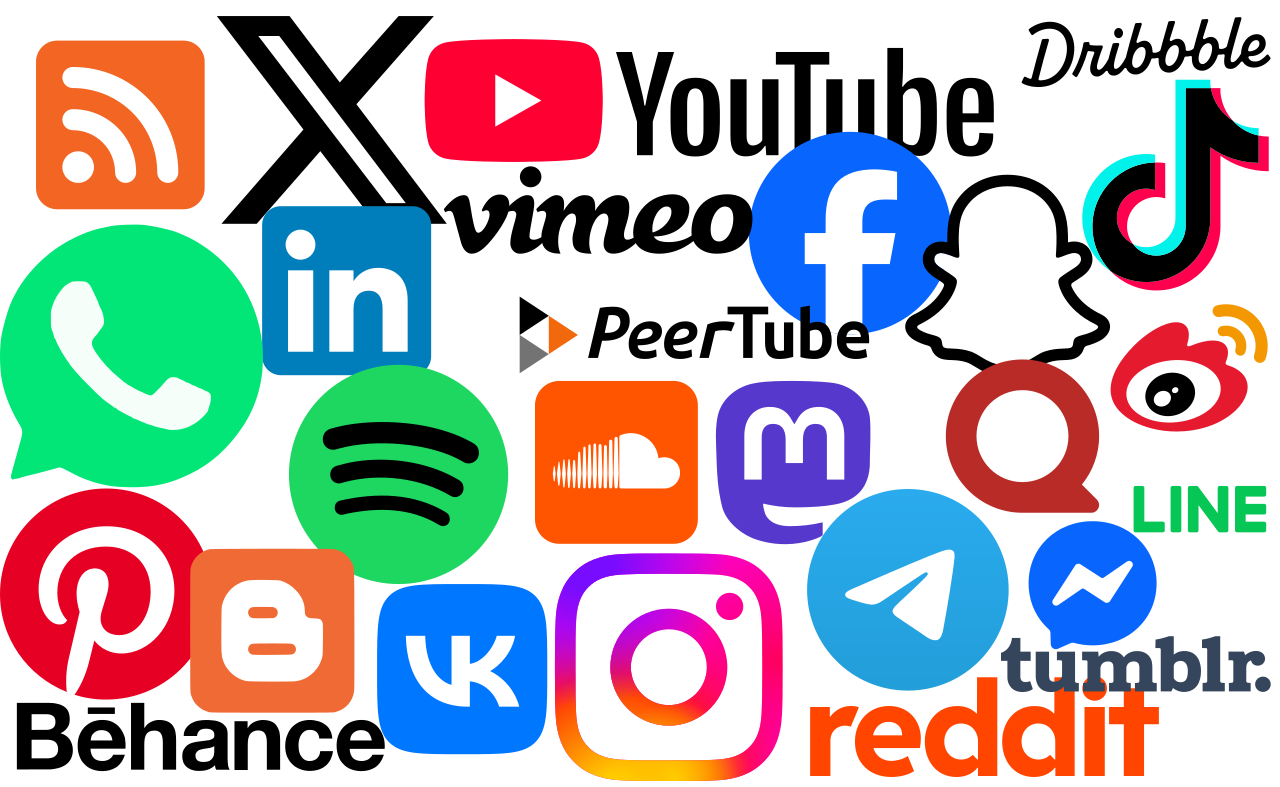
The most popular messaging apps each have a distinct strength. Here's a quick comparison of the top options.
WhatsApp: Most Popular Overall
WhatsApp is the most widely used messaging app globally, with support for group chats of over 1,000 people, end-to-end encryption, and file sharing up to 2 GB. It also supports voice and video calls, location sharing, and disappearing messages. For most people, WhatsApp is the default choice because it's likely their contacts already use it.
Telegram: Best for Power Users
Telegram is cloud-based, so you can access your chats from any device. It allows you to edit or delete messages after sending, share files of any size, and customize nearly every aspect of the interface. Telegram also supports channels, bots, and self-destructing messages. The trade-off is that it can attract spam.
Snapchat: Best for Ephemeral Media
Snapchat specializes in photos and short videos that disappear after viewing. It's less about long-form conversation and more about quick, visual communication with filters, lenses, and stories. It's a strong choice for younger audiences and casual sharing.
Viber: Best for Group Calls
Viber offers free messaging and calls, with group chats supporting up to 250 members and group calls up to 60 people. It includes end-to-end encryption by default, disappearing messages, and access to bots and channels. Some features require a paid account, and ads appear in the free version.
LINE: Best for Stickers and Payments
LINE is dominant in parts of Asia and offers free messaging and calls, group chats up to 500 people, and the ability to send and receive money. It includes photo albums, official accounts, and a Keep Memo feature for storing content. The free version is fully functional, with premium stickers and themes available for purchase.
Silent Phone: Best for Privacy
Silent Phone focuses on encryption and privacy. It supports one-on-one video chat, multi-party voice conferencing for up to six participants, and voice memos. Messages can self-destruct, and you don't need a real phone number to use it. It's a paid subscription, and group sizes are limited.
Messaging Apps for Business and Customer Engagement
Messaging App Guide: Top Picks & Developer APIs - Messaging Apps for Business and Customer Engagement.
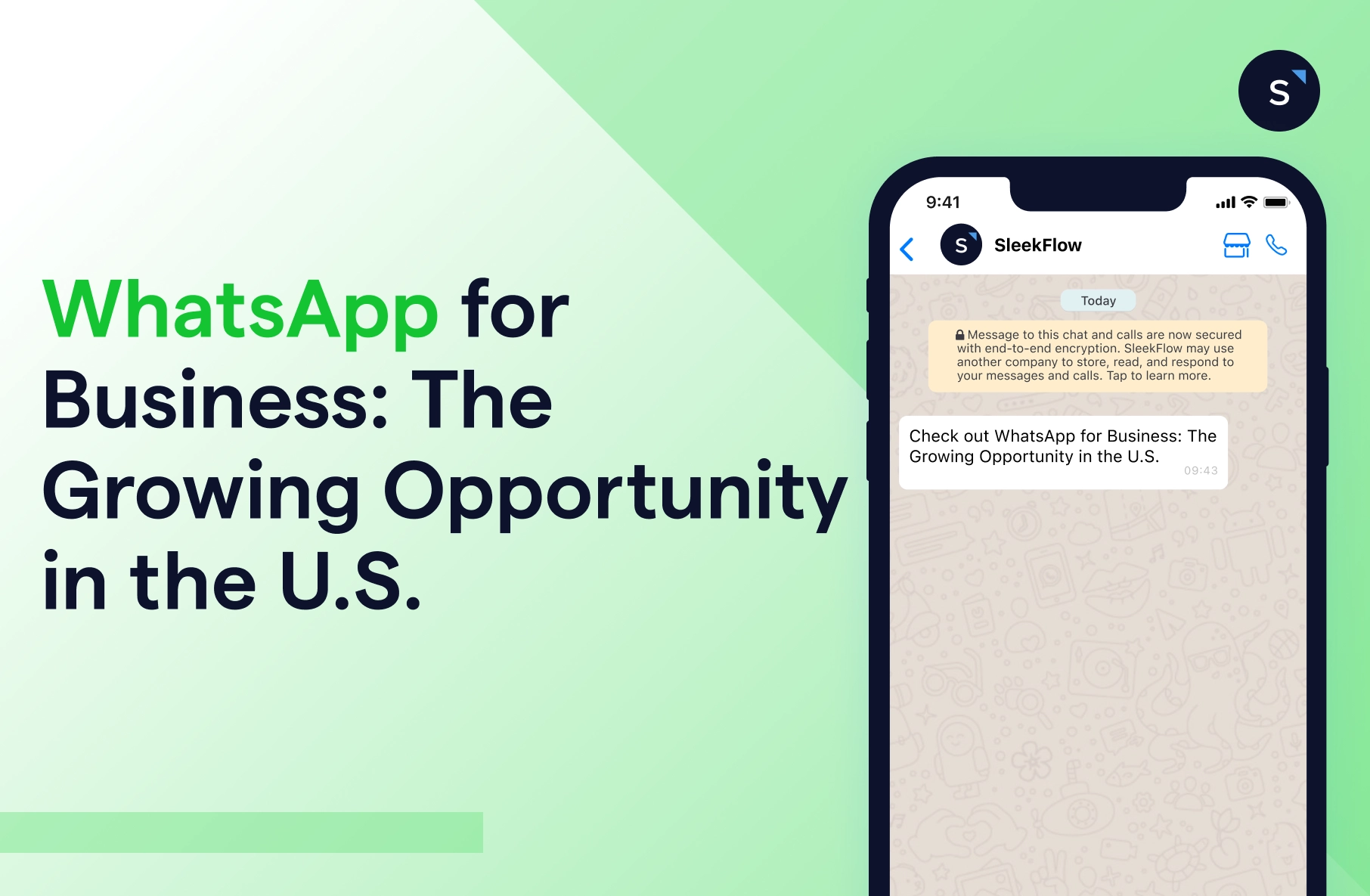
For businesses, messaging apps are not just communication tools—they're customer engagement channels. Brands use WhatsApp, Telegram, LINE, and others to send notifications, provide support, and run conversational commerce.
The challenge is that each platform has its own API, authentication method, and message format. Managing multiple channels often means building and maintaining separate integrations, which slows down development and increases operational overhead.
This is where unified messaging APIs come in. Platforms like UnifyPort provide a single REST API and standardized webhook events across channels including Telegram, WhatsApp, LINE, X (Twitter), Zalo, and TikTok. Instead of writing provider-specific code, developers can send and receive messages through one normalized interface.
UnifyPort handles the differences between providers—message shapes, signatures, retries, and rate limits—so teams can focus on their product. It's designed for AI agents, CRMs, notification systems, and operations tools that need reliable multi-channel delivery without building separate integrations for each platform.
If you're evaluating this approach, see our UnifyPort review for a deeper look at features and pricing, or learn how to use UnifyPort step by step.
How to Choose the Right Messaging App
Messaging App Guide: Top Picks & Developer APIs - How to Choose the Right Messaging App.
The right choice depends on your needs:
- For personal use: Pick the app your contacts already use. WhatsApp and Telegram are the safest bets for broad reach.
- For privacy: Consider Silent Phone or apps with end-to-end encryption by default.
- For business messaging: Look for channels where your customers are active, and consider a unified API if you need to support multiple platforms.
- For developers: Evaluate whether you want to build direct integrations or use a unified messaging API to abstract provider differences.
The Shift Toward Unified Messaging Infrastructure
As messaging fragments across more platforms, the cost of maintaining separate integrations grows. Unified messaging APIs solve this by providing a consistent event layer, webhook management, retries with idempotency, and failure isolation. This makes it easier to scale messaging across channels without duplicating effort.
For teams building cross-platform experiences, this approach is becoming standard. It's part of a broader trend toward omnichannel messaging, where conversations flow seamlessly across channels and tools.
Related reading
- CM.com Share Price: Live Quote, Trends & What Moves CMCOM - Track the CM.com share price (CMCOM.AS) on Euronext Amsterdam. See live quotes, 52-week range, valuation metrics, analyst targets, and key drivers.
- Unipile API: Features, Pricing, Setup & Alternatives - A practical guide to the Unipile API: supported channels, pricing, setup flow, webhooks, and how it compares with unified messaging alternatives.
Sources and further reading
- Our 8 Favorite Mobile Messaging Apps of 2026 - Mobile messaging apps let you send free texts, make calls, video chat, join group conversations, and much more. These are our top picks for 2026.
Frequently Asked Questions
What is the most popular messaging app?
WhatsApp is the most widely used messaging app globally, with over 2 billion users. Telegram, Facebook Messenger, and WeChat also have massive user bases.
Are messaging apps free?
Most messaging apps are free to download and use for basic messaging and calls. Some offer premium features, such as extra stickers, larger file limits, or advanced privacy tools, for a fee.
What is a unified messaging API?
A unified messaging API lets developers send and receive messages across multiple messaging platforms through a single interface. It abstracts away provider-specific SDKs and differences, providing a normalized way to handle message delivery and events.
Can businesses use messaging apps for customer support?
Yes. Many businesses use WhatsApp Business, Telegram bots, and other messaging channels to provide customer support, send notifications, and run conversational commerce. Unified APIs make it easier to manage multiple channels from one system.
Which messaging app is most secure?
Apps like Silent Phone and Signal prioritize security with end-to-end encryption and minimal data collection. WhatsApp and Viber also offer end-to-end encryption by default.
Conclusion
Messaging apps have become essential for both personal and business communication. For individuals, the choice often comes down to where your contacts are and what features you value most. For businesses and developers, the bigger question is how to manage multiple channels efficiently. Unified messaging APIs like UnifyPort offer a way to connect to several platforms through one integration, reducing complexity and enabling scalable, reliable messaging across the channels your users already rely on.