

How to Use UnifyPort with SleekFlow: Developer Setup Guide
Connect UnifyPort's unified messaging API to SleekFlow. Learn the architecture, setup steps, webhook flow, and practical examples for multi-channel messaging.
How to Use UnifyPort with SleekFlow: Developer Setup Guide
SleekFlow gives your team an AI-powered omnichannel inbox for WhatsApp, Instagram, SMS, email, and more. UnifyPort gives your developers one REST API and one normalized webhook stream across WhatsApp, Telegram, LINE, TikTok, Zalo, and X. Used together, they solve a specific problem: your customer-facing team works in SleekFlow while your product sends and receives messages programmatically through UnifyPort — without you maintaining a separate integration for every channel.
This guide explains how the two platforms complement each other, the architecture that connects them, setup steps, and practical examples.
Why combine UnifyPort and SleekFlow

SleekFlow product interface.
SleekFlow is built for conversational engagement: AI agents, campaign automation, lead capture, and a unified inbox for human agents. It excels when a person or an AI agent is responding to customers inside a dashboard.
UnifyPort is built for programmatic messaging: one API, one event stream, SDKs for Node.js, PHP, Go, and Python, plus a webhook control plane with signatures, retries, idempotency, and failure isolation. It excels when your backend needs to send a transactional message, trigger a notification, or react to an inbound event without a human in the loop.
The combination covers both halves of a messaging strategy:
- SleekFlow handles campaign orchestration, AI-assisted replies, and agent workflows.
- UnifyPort handles product-triggered messages, cross-channel delivery, and normalized inbound events your systems can process.
If your team already runs SleekFlow for customer conversations but your engineering team keeps rebuilding channel integrations, UnifyPort removes that duplication.
How the two platforms fit together
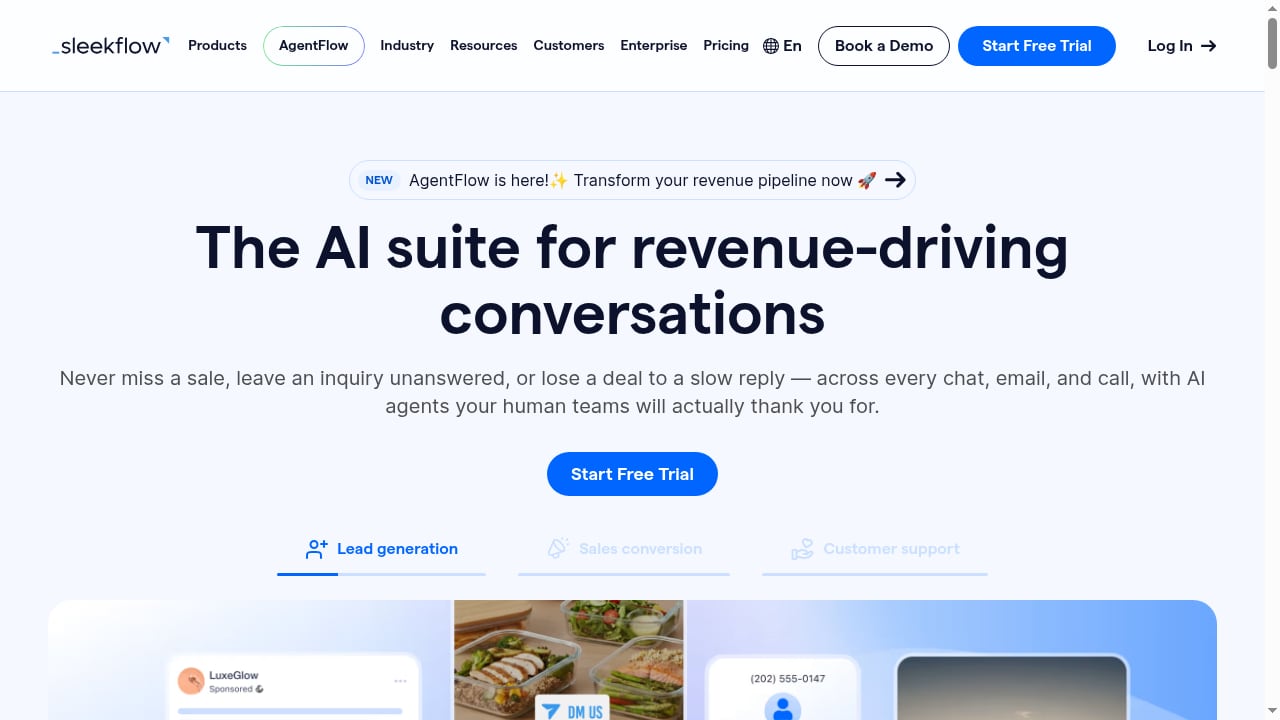
First viewport screenshot of AI Suite for Revenue-Driving Conversations | SleekFlow.
Think of the integration in three layers:
- Channel layer — WhatsApp, Telegram, LINE, TikTok, Zalo, and X accounts are connected to UnifyPort.
- API layer — UnifyPort normalizes provider messages, status updates, and account events into a stable JSON shape, exposed through one REST API and one webhook stream.
- Engagement layer — SleekFlow receives or surfaces those conversations for AI agents and human teams, or your own backend routes UnifyPort events into SleekFlow-driven workflows.
A typical flow looks like this:
Customer sends WhatsApp message
        ↓
UnifyPort receives and normalizes the event
        ↓
Your backend processes the webhook
        ↓
Response sent via UnifyPort API (or routed to SleekFlow agents)
Because UnifyPort normalizes provider payloads, your webhook handler does not need channel-specific parsing logic. That is the core advantage over maintaining separate WhatsApp, Telegram, and LINE integrations.
Setup steps
First viewport screenshot of WhatsApp Pricing Calculator | SleekFlow.
Step 1: Create your UnifyPort workspace and API key
Sign up for UnifyPort and generate an API key from your workspace dashboard. Free messaging accounts are available in every workspace, so you can test the integration before committing to a paid tier.
Store the key in your environment variables — never in client-side code.
export UNIFYPORT_API_KEY="your_api_key_here"
Step 2: Connect your messaging accounts
Use UnifyPort's account authorization flows to connect each channel. Depending on the provider, authorization may use a QR code, a code, a password, a Passkey, or session import. Once connected, UnifyPort manages the account lifecycle for you.
If you are working with LINE specifically, the account authorization flow has its own identity considerations — see our guide on how to use UnifyPort with LINE Developers for the details.
Step 3: Configure your webhook endpoint
UnifyPort's webhook control plane lets you manage signatures, subscriptions, retry behavior, and failure tracking. Set up an HTTPS endpoint in your application to receive inbound events.
Authenticate incoming webhooks using HMAC-SHA256 signature verification. UnifyPort signs each request, and your handler validates the signature before processing.
// Node.js example: verify UnifyPort webhook signature
const crypto = require('crypto');

function verifySignature(payload, signature, secret) {
  const expected = crypto
    .createHmac('sha256', secret)
    .update(payload)
    .digest('hex');
  return crypto.timingSafeEqual(
    Buffer.from(expected),
    Buffer.from(signature)
  );
}
Step 4: Send messages through the UnifyPort API
Use the REST API or an official SDK to send messages. The payload shape stays consistent across channels, so switching from WhatsApp to Telegram does not require rewriting your send logic.
// Node.js example: send a message via UnifyPort
const response = await fetch('https://api.unifyport.com/v1/messages', {
  method: 'POST',
  headers: {
    'Authorization': `Bearer ${process.env.UNIFYPORT_API_KEY}`,
    'Content-Type': 'application/json'
  },
  body: JSON.stringify({
    channel: 'whatsapp',
    to: '+1234567890',
    text: 'Your order has shipped.'
  })
});
Step 5: Route events into your SleekFlow workflow
This is where the two platforms meet. You have two main patterns:
- UnifyPort → your backend → SleekFlow: Your backend receives UnifyPort webhooks, applies business logic, and pushes relevant conversations or contact data into SleekFlow for agent follow-up.
- SleekFlow → your backend → UnifyPort: A SleekFlow workflow or AI agent triggers a webhook to your backend, which then sends a message through UnifyPort to a channel SleekFlow does not natively cover.
The second pattern is especially useful when your customers are on channels like Telegram, LINE, TikTok, Zalo, or X — channels UnifyPort supports that may fall outside your SleekFlow setup.
Practical examples
Example 1: Order notifications across channels
Your e-commerce backend sends shipping updates. Customers who opted into WhatsApp get the message via UnifyPort's WhatsApp channel. Customers on Telegram get the same message through the same API call, just with a different channel parameter. No separate Telegram integration required.
Example 2: Lead capture with AI follow-up
A customer messages your brand on LINE. UnifyPort receives the inbound event, normalizes it, and your backend forwards the lead into SleekFlow. SleekFlow's AI agent picks up the conversation, qualifies the lead, and routes it to a sales rep — all within the SleekFlow inbox.
Example 3: Support escalation from AI to human
SleekFlow's AI agent handles first-line support on WhatsApp. When the conversation needs a human, SleekFlow triggers a webhook to your backend. Your backend uses UnifyPort to send a notification to the on-call agent's preferred channel — say, Telegram — with a link back to the SleekFlow conversation.
Example 4: Multi-channel campaign with unified tracking
You run a campaign through SleekFlow on WhatsApp and Instagram. For channels outside SleekFlow's native coverage, your backend sends the same campaign message via UnifyPort and logs delivery status from UnifyPort's normalized status events. You get one reporting view across all channels.
Reliability considerations
UnifyPort's delivery queue handles rate limits, retries, idempotency, and failure isolation. This matters when you are sending at scale or across channels with different rate limits.
Key practices:
- Use idempotency keys on send requests so retries do not create duplicate messages.
- Validate webhook signatures on every inbound event before processing.
- Monitor failure tracking in the UnifyPort webhook control plane to catch delivery issues early.
- Isolate channel failures so a problem with one provider does not block messages on other channels.
If you are evaluating UnifyPort against other unified messaging APIs, our comparison of UnifyPort vs Unipile vs Esendex covers channel coverage, webhook handling, and SDK differences.
When to use UnifyPort with SleekFlow vs alternatives
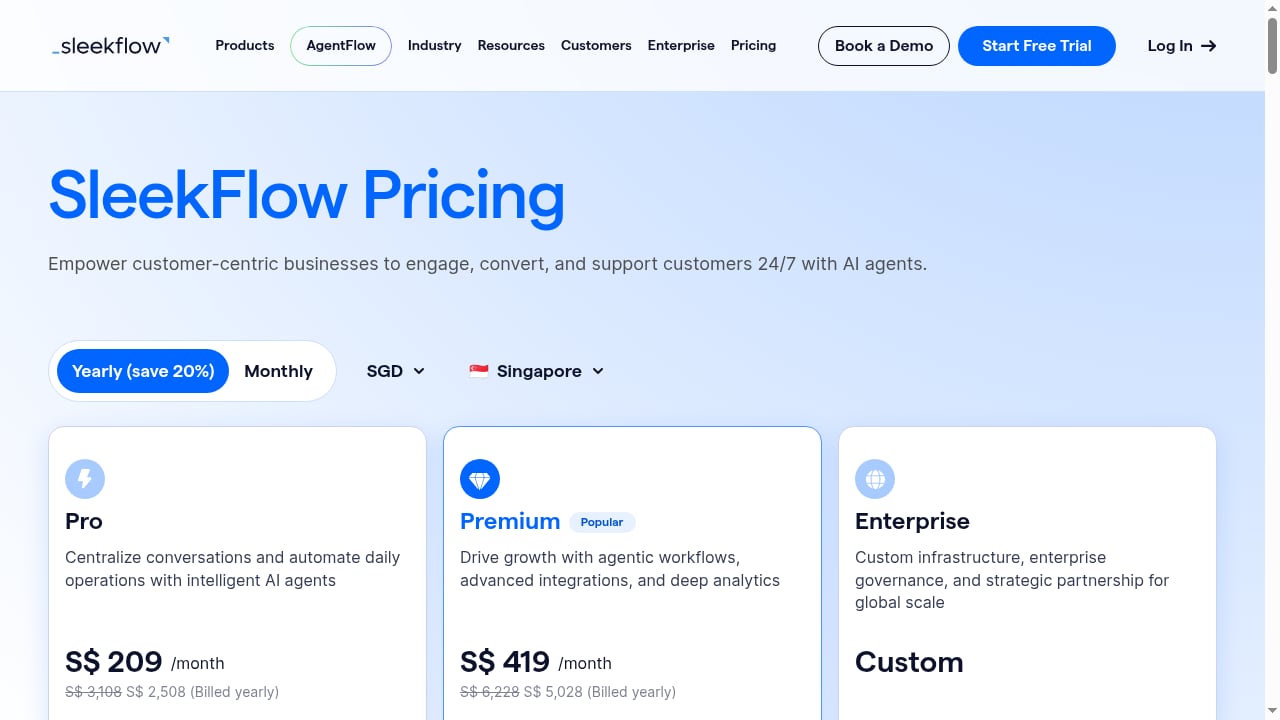
First viewport screenshot of Pricing & Plans | SleekFlow.
| Scenario | Best fit |
|---|---|
| Team needs an AI-powered inbox for WhatsApp and Instagram | SleekFlow alone |
| Backend needs to send messages across 6+ channels via one API | UnifyPort alone |
| Team uses SleekFlow for conversations, but product needs programmatic messaging on channels SleekFlow does not cover | UnifyPort + SleekFlow |
| You want one vendor for both agent workflows and API access | Evaluate whether SleekFlow's API covers your channels; if not, add UnifyPort |
For a broader view of how unified messaging APIs compare across vendors, see our developer guide to engaging customers across messaging channels.
Related reading
- UnifyPort vs One API for SMS, WhatsApp and RCS | Sent - Compare UnifyPort and Sent's One API for SMS, WhatsApp and RCS. See channel coverage, webhook control, SDKs, and which unified messaging API fits your stack.
- SocialAPI.ai Review 2026: Unified Social API & MCP Server - Evidence-based SocialAPI.ai review: 13-platform REST API, 75+ tool MCP server, pricing, setup, limitations, and who it fits in 2026.
Sources and further reading
- SleekFlow Help Center - SleekFlow Help Center helps you to find FAQ, how-to guides and step-by-step tutorials.
- Integrations | SleekFlow Help - Learn how to connect to third-party platforms and softwares to SleekFlow
- WHAT IS SLEEKFLOW? HOW TO USE SLEEKFLOW? - 🚀 Try SleekFlow Here 👉https://sleekflow.partnerlinks.io/xqc5y1t3xun5What is SleekFlow and how do you use it to automate customer communication? In this ste...
FAQ
Does UnifyPort replace SleekFlow?
No. They serve different layers. SleekFlow is an engagement platform for AI agents and human teams. UnifyPort is an API layer for programmatic messaging. You use UnifyPort when your backend needs to send or receive messages directly, and SleekFlow when your team needs a dashboard for conversations.
Can I use UnifyPort to send messages on channels SleekFlow does not support?
Yes. UnifyPort supports WhatsApp, Telegram, LINE, TikTok, Zalo, and X. If your SleekFlow setup focuses on WhatsApp, Instagram, SMS, and email, UnifyPort extends your reach to additional channels through the same API.
How do I authenticate UnifyPort webhooks?
UnifyPort uses HMAC-SHA256 signatures. You configure a secret in the webhook control plane and validate the signature on every incoming request in your handler.
What SDKs does UnifyPort offer?
Official SDKs are available for Node.js, PHP, Go, and Python. You can also call the REST API directly from any language.
Is there a free tier?
UnifyPort offers free messaging accounts in every workspace, so you can test the integration before upgrading. SleekFlow offers a free trial with subscription pricing that varies by region.
How does UnifyPort handle rate limits and retries?
UnifyPort's delivery queue manages rate limits, retries, idempotency, and failure isolation automatically. You can also configure retry behavior through the webhook control plane.
Conclusion
UnifyPort and SleekFlow solve complementary problems. SleekFlow gives your customer-facing team an AI-powered omnichannel inbox. UnifyPort gives your engineering team one API and one event stream across six messaging channels. Together, they let you run campaigns and conversations in SleekFlow while your product sends and receives messages programmatically through UnifyPort — without building and maintaining a separate integration for every provider.
Start by connecting your channels in UnifyPort, configuring your webhook endpoint with signature verification, and routing events into your SleekFlow workflows. The free messaging accounts in every UnifyPort workspace make it straightforward to test the integration before scaling.