
How to Use UnifyPort with LINE Developers
Connect UnifyPort to LINE Developers: when to use the official Messaging API, when to use a signed inbound webhook, setup steps, and identity pitfalls.
How to Use UnifyPort with LINE Developers
LINE Developers and UnifyPort solve two different halves of the same problem. LINE Developers gives you the official LINE Platform: the Messaging API, LINE Login, LIFF, LINE MINI App, LINE Pay, and the console where channels and providers are created. UnifyPort gives you one REST API and one normalized webhook stream across LINE, WhatsApp, Telegram, TikTok, Zalo, and X.
The useful question is not which one wins. It is which layer should own each job in your architecture. This guide maps the decision boundary, walks through setup on both sides, and shows where teams usually get burned: token lifecycle, provider ownership, and identity scoping.
What each product actually owns
First viewport screenshot of LINE Front-end Framework (LIFF).
| Layer | LINE Developers | UnifyPort |
|---|---|---|
| Official LINE features | Messaging API, LINE Login, LIFF, LINE MINI App, LINE Pay, Ads API | Not provided |
| Channel and provider management | LINE Developers Console, roles, notifications | Not provided |
| Cross-channel send | LINE only | One POST /v1/messages endpoint across six providers |
| Inbound events | Provider-specific webhook payloads | One stable JSON envelope (message.received, status, account events) |
| Delivery reliability | You build retries, rate limits, idempotency | Built-in queue, retries, idempotency, failure isolation |
| Webhook security | Channel secret signature check | HMAC-SHA256 via signing_secret, X-Device-Timestamp, X-Device-Signature |
A practical rule: if the feature is a LINE Platform capability, it belongs to LINE Developers. If the job is receiving, verifying, storing, and routing messages across more than one channel, it belongs to UnifyPort.
Decide first: official token path or signed inbound path
First viewport screenshot of LINE Developers.
Before you open either console, name the outcome you need.
- Sending official LINE OA messages — broadcasts, rich menus, templates, audience targeting, MINI App service messages. Use the LINE Messaging API with a channel access token.
- Receiving inbound LINE conversations into a shared queue, CRM, or AI triage flow. Use a UnifyPort signed inbound webhook.
- Running the same intake across LINE plus WhatsApp, Zalo, Telegram, TikTok, or X. Use UnifyPort's normalized event stream.
- Adding a second or third tool to one LINE Official Account. Audit token type, webhook ownership, and channel limits before you rotate anything.
These are not mutually exclusive. Many teams run the official Messaging API for outbound OA features and a UnifyPort webhook for inbound cross-channel intake on the same account. What you must avoid is two systems silently competing for the same webhook URL or the same token.
Setup path A: LINE Developers Messaging API
First viewport screenshot of LINE Developers.
1. Create the channel under the right provider
In the LINE Developers Console, choose the provider that should own the channel, then create a Messaging API channel linked to your LINE Official Account. Provider ownership is not cosmetic — LINE issues user IDs per provider, so the same person can have one ID under a Login channel and a different ID under a Messaging API channel owned by another provider. Existing channels cannot be moved between providers, so decide ownership before creation, not after.
2. Choose a token type deliberately
LINE documents several credential options, and the choice is about blast radius more than convenience:
| Token type | Documented behavior | Practical fit |
|---|---|---|
| Long-lived channel access token | Issued from the Messaging API tab; one active token per channel | Quick server-side testing, legacy integrations |
| Short-lived channel access token | Valid 30 days; up to 30 per channel | Rotation-friendly deployments |
| Channel access token v2.1 | User-specified expiry up to 30 days, JWT-based issuance | Preferred when you want explicit expiry |
| Stateless channel access token | No fixed per-channel issuance count | When you want to avoid stored token lifecycle management |
Two operational facts matter here. First, reissuing a long-lived token invalidates the currently active one, so any other tool sharing that channel breaks. Second, the token is a server-side secret — never ship it to a frontend or a LIFF page.
3. Register the webhook and verify signatures
Set the webhook URL in the Messaging API tab and add the Official Account as a friend for testing. LINE signs deliveries with the channel secret; your receiver must verify before processing. Treat an unverified payload as untrusted input, not as a message.
Setup path B: UnifyPort LINE connection
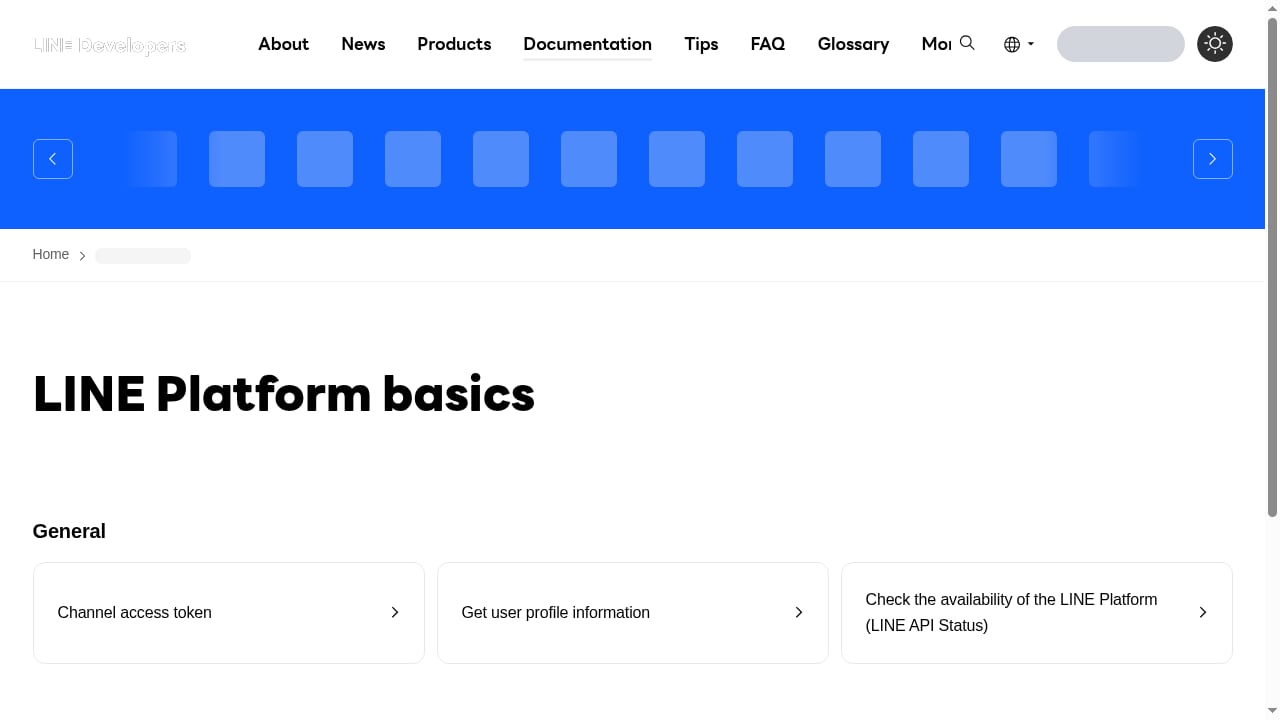
First viewport screenshot of LINE Platform basics.
1. Connect the LINE account
UnifyPort connects a LINE account through a documented QR authorization flow rather than a channel access token. The QR URL and PIN arrive asynchronously through account authorization events, so your setup UI should poll or subscribe to that event instead of blocking on a single HTTP response.
2. Configure the webhook control plane
Set a signing_secret on the endpoint. UnifyPort then signs the raw delivery with X-Device-Timestamp and X-Device-Signature, and your receiver verifies the HMAC-SHA256 signature before storing or routing the event. Manage subscriptions, retry behavior, and failure tracking from the same control plane so a downstream outage does not silently drop messages.
3. Send through the unified endpoint
Outbound replies use the standard POST /v1/messages call. Because the same endpoint covers WhatsApp, Telegram, LINE, TikTok, Zalo, and X, your application code does not branch per provider. Check the provider capability matrix before relying on a provider-specific action — not every channel supports every message type.
4. Read the normalized event shape
Inbound LINE text arrives in the standard envelope with id, type, provider, account_id, occurred_at, and data. Inside data, keep sender.id and conversation.id separate. The sender identifies who wrote the message; the conversation identifies the chat. In a group thread, conflating them routes the reply to the wrong place.
{
  "id": "evt_01H...",
  "type": "message.received",
  "provider": "line",
  "account_id": "acct_...",
  "occurred_at": "2026-01-14T09:12:03Z",
  "data": {
    "sender": { "id": "U4af..." },
    "conversation": { "id": "C7d2..." },
    "message": { "type": "text", "text": "Is my order ready?" }
  }
}
Practical example: one support inbox, two LINE paths
A retail team runs a LINE Official Account with a rich menu and a monthly broadcast. They also want every inbound LINE question to become a ticket in their helpdesk, next to WhatsApp and Telegram threads.
- Outbound broadcast and rich menu: LINE Messaging API, using channel access token v2.1 with a 30-day expiry and a rotation job.
- Inbound intake: UnifyPort LINE connection with a signed webhook. The
message.receivedevent is verified, mapped to a ticket, and routed byconversation.id. - Reply:
POST /v1/messagesthrough UnifyPort so the same handler serves all six channels.
The team never reissues the long-lived token, and the helpdesk never depends on OA-specific features. If they later add Zalo or TikTok, only the connection step changes.
If your downstream tool is a ticketing system, the same pattern is described in How to Use UnifyPort with Zendesk: Unified Messaging Setup.
Identity: the mistake that costs the most time
LINE user IDs are scoped to the provider, not to the channel type. The same person has the same ID across channel types under one provider, and a different ID under a different provider. Three consequences follow:
- Never merge customer records by display name. A display name is not an identity key, and a searchable LINE ID is not the same value as an API user ID.
- Store provenance. Keep the source system, LINE provider, channel, and user ID with any internal customer record, plus an optional verified association.
- Do not assume conversion. UnifyPort's public contract does not document converting an official LINE user ID into a UnifyPort sender ID. Keep official LINE identity, UnifyPort sender, UnifyPort conversation, and internal customer association as separate records.
A valid webhook signature proves the payload came from UnifyPort. It does not prove that two external accounts belong to the same person.
Where LINE MINI App fits — and where it does not
LINE MINI App is a separate product with its own review path. Service messages are a verified-only production feature: an unverified MINI App can test them on its internal Developing channel, but production service messages require a verified app and approved templates. Content rules are narrow — a service message must confirm or respond to a user action in the MINI App, and promotional or broadcast content is prohibited.
UnifyPort does not verify a MINI App, submit templates, unlock Custom Path, or provide MINI App payment APIs. Use LINE's official review path for those. Use UnifyPort when the requirement is receiving ordinary, free-form LINE customer conversations and routing them into your own system. Keep the two pipelines separate unless your application deliberately joins them with shared order or customer identifiers.
Comparison: which layer for which job
| Requirement | Best fit |
|---|---|
| LINE OA broadcast, rich menu, templates | LINE Messaging API |
| LINE Login and profile access | LINE Developers |
| LIFF web app inside LINE | LINE Developers |
| Verified MINI App service messages | LINE Developers review path |
| Inbound LINE messages into a shared queue | UnifyPort signed webhook |
| Same intake across six providers | UnifyPort normalized events |
| Cross-channel outbound from one endpoint | UnifyPort POST /v1/messages |
| Retries, rate limits, idempotency, failure isolation | UnifyPort delivery queue |
If you are still weighing unified messaging APIs against broader CPaaS suites, the UnifyPort vs MSG91 comparison and the Top 10 Omnichannel CPaaS Products 2026 review cover the trade-offs in more depth.
Related reading
- UnifyPort vs MSG91 vs Zernio: Marketing Infrastructure for Agents - Compare UnifyPort, MSG91, and Zernio for agent messaging: unified APIs, channels, webhooks, MCP, SDKs, pricing, and developer fit.
- UnifyPort vs Unified Social Media API (PostPeer) for Developers - Compare UnifyPort and PostPeer's Unified Social Media API for developers and AI agents: channels, webhooks, SDKs, pricing, and which fits your stack.
- Vonage API Developer Review: CPaaS Fit, Pricing & Limits - Evidence-based Vonage API Developer review: voice, video, Messages API, pricing signals, setup effort, limitations, and who it fits in 2026.
Sources and further reading
- LINE Long-Lived Channel Access Token: Where to Find It and What to Use Instead - A direct answer for teams looking for the LINE long-lived channel access token in the Developers Console, plus when v2.1, stateless tokens, or a separate inbound webhook fit better.
- LINE Login and Messaging API User IDs Differ? Check the Provider - Diagnose mismatched LINE user IDs across Login and Messaging API channels, check provider ownership, and keep CRM identity separate from message routing.
- Can Unverified LINE MINI Apps Send Service Messages? 2026 Limits and Review Checklist - Unverified LINE MINI Apps can test service messages only in a Developing channel; production use requires verification. Compare the limits and prepare for review.
FAQ
Do I need a LINE channel access token to receive messages with UnifyPort?
No. The UnifyPort inbound path uses the LINE authorization flow and a signed webhook. You receive message.received events instead of calling LINE's Messaging API with a channel access token.
Where is the LINE long-lived channel access token?
LINE documents it under the Messaging API tab of a Messaging API channel in the LINE Developers Console. It is not managed from the ordinary chat screen in LINE Official Account Manager, and it is not available for every channel type.
Does reissuing a long-lived token break other tools?
It can. LINE documents one active long-lived channel access token per Messaging API channel, and reissuing disables the existing one. Inventory every service that shares the channel before rotating.
Is channel access token v2.1 better than a long-lived token?
For most production systems, yes. LINE documents v2.1 with user-specified expiry up to 30 days and JWT-based issuance, which makes deliberate rotation easier than managing a single long-lived secret.
Can I fix a LINE user ID mismatch by moving the channel?
No. LINE documents that an existing channel cannot be moved to another provider. Plan provider ownership before creating linked Login and Messaging API channels.
Can an unverified LINE MINI App send service messages in production?
No. Unverified apps can test service messages on the Developing channel only. Production service messages require a verified MINI App and approved templates.
Does UnifyPort replace the LINE Messaging API?
No. It complements it. Official OA capabilities stay on LINE's API; UnifyPort handles cross-channel inbound intake, normalized events, and unified outbound delivery.
Conclusion
LINE Developers and UnifyPort sit at different layers, and the cleanest integrations keep them there. Use LINE Developers for official LINE Platform capabilities — Messaging API sends, LINE Login, LIFF, MINI App, and payments. Use UnifyPort for signed inbound intake, normalized events, and one outbound endpoint across six providers.
Start by naming the job. If it is an official LINE feature, create the channel under the correct provider and pick a rotation-friendly token type. If it is inbound cross-channel intake, connect the LINE account, set a signing_secret, verify every delivery, and keep sender, conversation, and customer identity in separate records. Teams that respect that boundary avoid the two most expensive mistakes: a token rotation that silently breaks a shared channel, and a CRM merge built on a display name.
For the broader architecture behind a single endpoint plus a native agent interface, see One REST API and a Native MCP Server for Messaging.
Sources