
How to Integrate Unipile: A Step-by-Step Developer Guide
Learn how to integrate Unipile's unified API for messaging, email, and calendar. Follow this step-by-step setup guide, get credentials, send first messages, and handle webhooks.
How to Integrate Unipile: A Step-by-Step Developer Guide
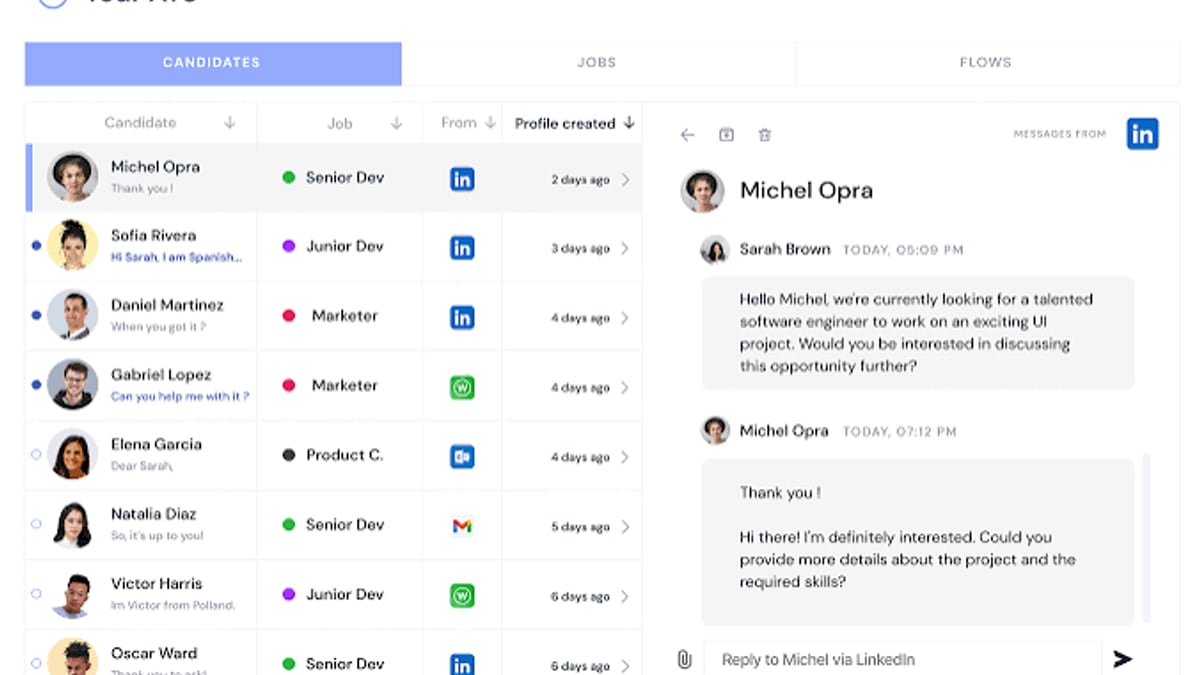
Unipile provides a unified API that brings together messaging, email, and calendar connections from multiple providers—WhatsApp, LinkedIn, Instagram, Telegram, Gmail, Outlook, and more—into a single integration point. Instead of wrestling with separate SDKs, OAuth flows, and webhook formats, you access everything through one REST API. This guide walks you through the complete integration process, from creating your account to receiving real-time messages in production, and offers a balanced look at where Unipile shines and when a messaging‑focused alternative like UnifyPort might better fit your stack.
What You Need Before You Start
How to Integrate Unipile: A Step-by-Step Developer Guide product interface and feature overview.
Unipile supports a broad range of channels:
- Messaging: WhatsApp, LinkedIn, Instagram, Telegram
- Email: Gmail, Outlook, IMAP accounts
- Calendar: Google Calendar, Outlook Calendar
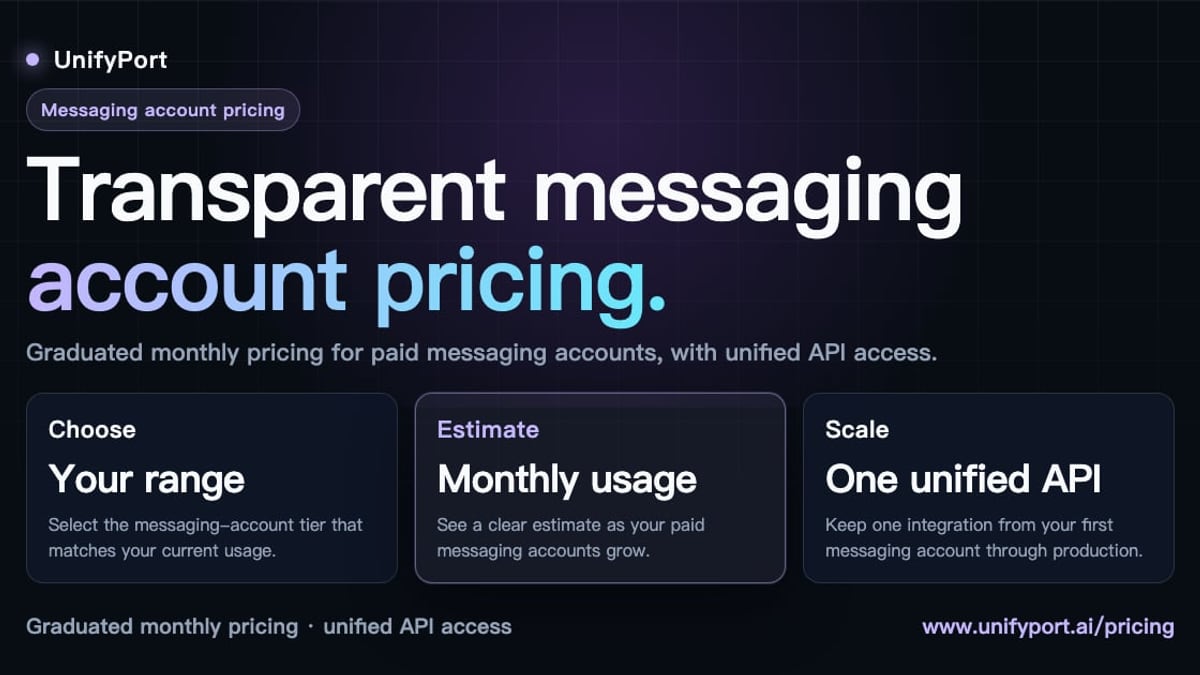
Pricing is account‑based—you pay per connected account each month. The base plan starts at €49 / $55 for up to 10 accounts, with per‑account rates decreasing at higher volumes. A free 7‑day trial with full access lets you test the API without commitment.
If you’re still exploring which messaging channels to support, our business messaging guide can help you decide the right mix for your users.
Step 1 – Set Up Your Unipile Account and Obtain API Credentials
How to Integrate Unipile: A Step-by-Step Developer Guide - supporting product research image 4.
The first step is to create an account and get the two pieces of information every request needs: a DSN (Data Source Name) and an access token.
- Visit the Unipile API dashboard signup (external) and register.
- Log in to the dashboard. You’ll find your DSN prominently on the home page. This unique identifier ties all your requests to your workspace.
- Generate an access token from the “Tokens” section. The token authenticates your API calls.

For troubleshooting login issues or locating these credentials later, check our Unipile login reference guide.
Step 2 – Connect Your First Provider Account
Unipile uses hosted authentication to connect user accounts securely. This means you don’t have to implement OAuth redirects or manage provider scopes yourself.
- For OAuth‑based channels (LinkedIn, Google, Microsoft), you redirect users to a Unipile‑hosted auth link. After they authorize, the account appears in your dashboard automatically.
- For WhatsApp and similar channels, the hosted flow supports QR codes or manual session imports.
You can also add accounts programmatically via the API. But the quickest way to validate your setup is to connect a test account through the dashboard and immediately experiment in the built‑in API Reference section—no code required.
Here’s what a typical “get all chats” call looks like after connecting an account:
curl --location 'https://api.unipile.com/api/v1/chats' \
--header 'X-API-KEY: YOUR_ACCESS_TOKEN' \
--header 'X-DSN: YOUR_DSN'
Step 3 – Send Your First Message via the Unipile API
With at least one account connected, you can programmatically send messages. The workflow is consistent across channels:
- List chats –
GET /api/v1/chatsto retrieve conversation IDs (including 1‑to‑1 and group chats). - Send a message –
POST /api/v1/chats/{chatId}/messageswith a JSON body that describes the message.
Example payload for a simple text message:
{
  "account_id": "YOUR_PROVIDER_ACCOUNT_ID",
  "type": "text",
  "text": "Hello from Unipile integration!"
}
Unipile supports text, images, videos, documents, and provider‑specific features like reply‑to threading. The same message structure works whether you’re targeting LinkedIn, WhatsApp, or email—Unipile normalizes the differences behind the scenes.
Step 4 – Set Up Webhooks for Real-Time Updates
To react immediately to incoming messages or status changes, configure webhooks:
- In the dashboard, navigate to the Webhooks section.
- Enter your endpoint URL. Unipile will send a verification request before activating the subscription.
- Optionally, subscribe to specific events: new messages, new chats, account connection status changes.
Every webhook payload is signed with HMAC‑SHA256. You should always validate the signature using the secret key from your dashboard to prevent spoofed requests. A minimal verification in Node.js might look like:
const crypto = require('crypto');
function verifySignature(payload, signature, secret) {
  const hash = crypto.createHmac('sha256', secret).update(payload).digest('hex');
  return hash === signature;
}
Unipile’s webhook system includes automatic retries with exponential backoff, so build your handler to be idempotent.
Advanced Integration Tips
- SDK availability – Unipile provides a client SDK to speed up development, but there are no pre‑built frontend components. You keep full control over your UI.
- Multi‑account apps – You can connect many accounts across different providers. The API offers endpoints to list, monitor, and disconnect accounts, making it suitable for multi‑tenant platforms.
- Error handling – Although Unipile abstracts much of the provider complexity, always check for API error responses and respect rate limits on your end. Provider‑specific ToS (e.g., Meta’s or LinkedIn’s) still apply.
- Data residency – All data is stored in Europe by default; Unipile is GDPR compliant and SOC 2 Type II certified.
Comparing Unipile with UnifyPort: Which Unified API Fits Your Project?
How to Integrate Unipile: A Step-by-Step Developer Guide product interface and feature overview.
Unipile’s strength lies in its breadth: messaging, email, and calendar under one API. This is ideal for CRM‑style applications where the same contact needs email outreach, LinkedIn messaging, and a meeting invite.
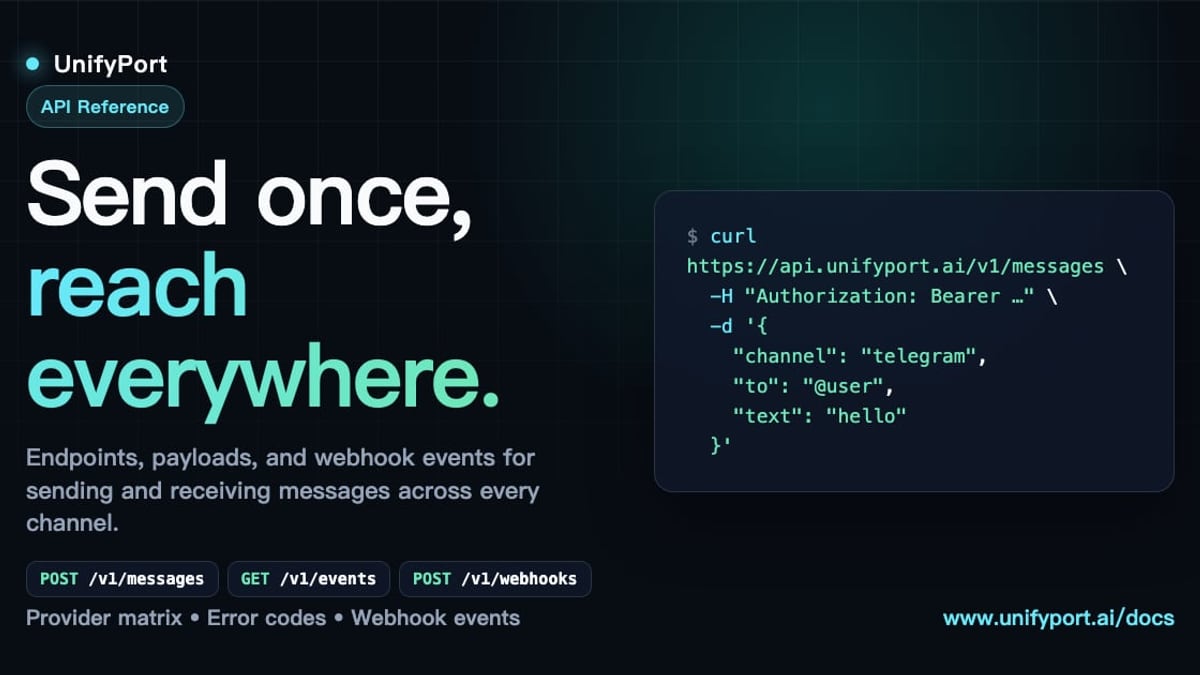
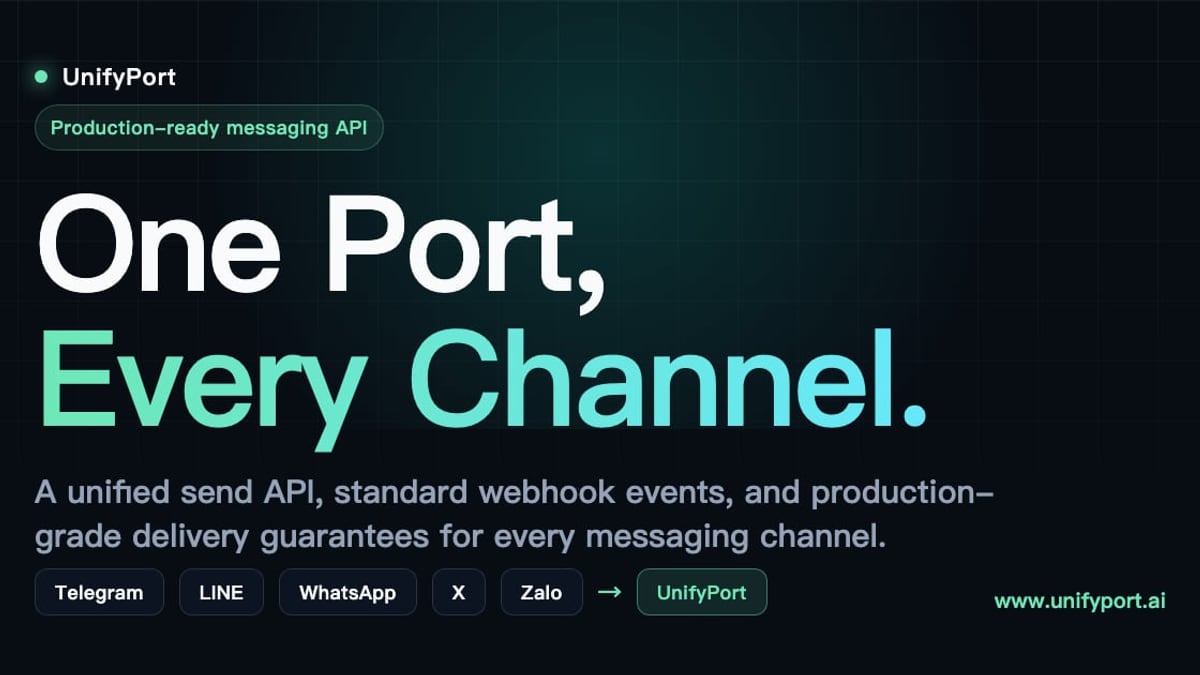
If your product is strictly messaging‑focused—especially across global channels that Unipile doesn’t cover yet—UnifyPort offers a different flavor of unified API. UnifyPort connects to WhatsApp, Telegram, LINE, X (Twitter), Zalo, and TikTok through a single REST interface. Its platform is built around a standardized event layer that normalizes every provider event into one JSON shape, with a dedicated webhook control plane for managing signatures, subscriptions, and retries. It also supports the full lifecycle of virtual messaging accounts—creation, QR authentication, runtime monitoring, and teardown—and includes a free tier per workspace.
When to consider each:
- Choose Unipile when you need a unified communications hub covering email, calendar, and messaging, and your users rely heavily on LinkedIn or Instagram.
- Explore UnifyPort if you need a production‑grade messaging backbone for AI agents, notification systems, or operations tools that talk to the world’s top chat platforms without managing multiple provider integrations.
Both platforms let you focus on building features instead of wrestling with protocol differences. For more on how UnifyPort handles delivery guarantees and fine‑grained status tracking, see our UnifyPort deep‑dive.
Related reading
- Telegram Features: A Complete Guide to Its Most Powerful Tools - Explore Telegram's top features, from secret chats and 2GB file sharing to bots, channels, and cloud sync. Learn why it's a favorite for personal and business messaging.
- What Is a Customer Data Platform? The Ultimate CDP Guide - Learn what a customer data platform is, how it unifies data, key features, and how to choose the right CDP. Explore real-world benefits and activation strategies.
Sources and further reading
- One API for Multi-Channel Messaging in your app - Unipile - Advance your app's capabilities: Integrate LinkedIn and WhatsApp for streamlined messaging and improved user experience.
- Getting Started - What is Unipile? Unipile is an innovative API designed to provide seamless integrations of various messaging and communication channels into your software applications. With Unipile, you can effortlessly incorporate messaging services from popular platforms such as WhatsApp, LinkedIn, Instagram and …
FAQ
How long does a typical Unipile integration take?
If you’ve already integrated one messaging or calendar provider, expect 1–2 days. Starting from scratch usually takes 4–10 days, depending on your team’s familiarity with REST APIs.
Does Unipile offer a self‑hosted option?
No, Unipile is a cloud‑only service. All data is processed and stored in European data centers.
Can I use the API without building a full frontend?
Yes. Unipile doesn’t ship pre‑built UI components, so you can reuse your existing chat interface or design one from scratch. The hosted authentication flows keep the login experience clean without extra development.
What providers are in the pipeline?
Unipile’s public roadmap includes SMS/RCS and contacts support. For now, the officially supported channels are WhatsApp, LinkedIn, Instagram, Telegram, Gmail, Outlook, IMAP, and the two calendar providers.
How is pricing calculated if I connect many accounts?
Pricing is based on the peak number of concurrently connected accounts during a billing period. Tiered volume discounts apply—the more accounts you link, the lower the per‑account cost.
Do I need to handle OAuth token refresh?
No. Unipile’s hosted auth takes care of token refresh and provider‑specific scopes. You simply redirect users to the auth link and receive the connected account back in your dashboard.
Start Integrating Today
How to Integrate Unipile: A Step-by-Step Developer Guide product interface and feature overview.
Unipile removes the friction of multi‑channel communications, letting you deliver messaging, email, and calendar inside your app with one API. Sign up for the free 7‑day trial (external), grab your DSN, and send your first test message within hours. And if your roadmap leans heavily on pure messaging across global platforms, UnifyPort’s messaging‑focused API is worth exploring as a complementary or alternative infrastructure layer.