
Webhook Event Processing: A Practical Guide for Developers
Learn how webhook event processing works, from signature verification and idempotency to retries and failure isolation, with practical code patterns.
Webhook Event Processing: A Practical Guide for Developers
Webhooks are the backbone of real-time integrations. Instead of polling an API every few seconds to ask "did anything change?", you register a URL and the source system pushes an HTTP request to it the moment an event occurs. But receiving a webhook is the easy part. Processing it correctly, safely, and at scale is where most teams run into trouble.
This guide walks through the full lifecycle of webhook event processing: what arrives in a request, how to verify it, how to handle duplicates and out-of-order deliveries, and how to build a receiver that survives traffic spikes without losing data.
What a Webhook Event Actually Contains
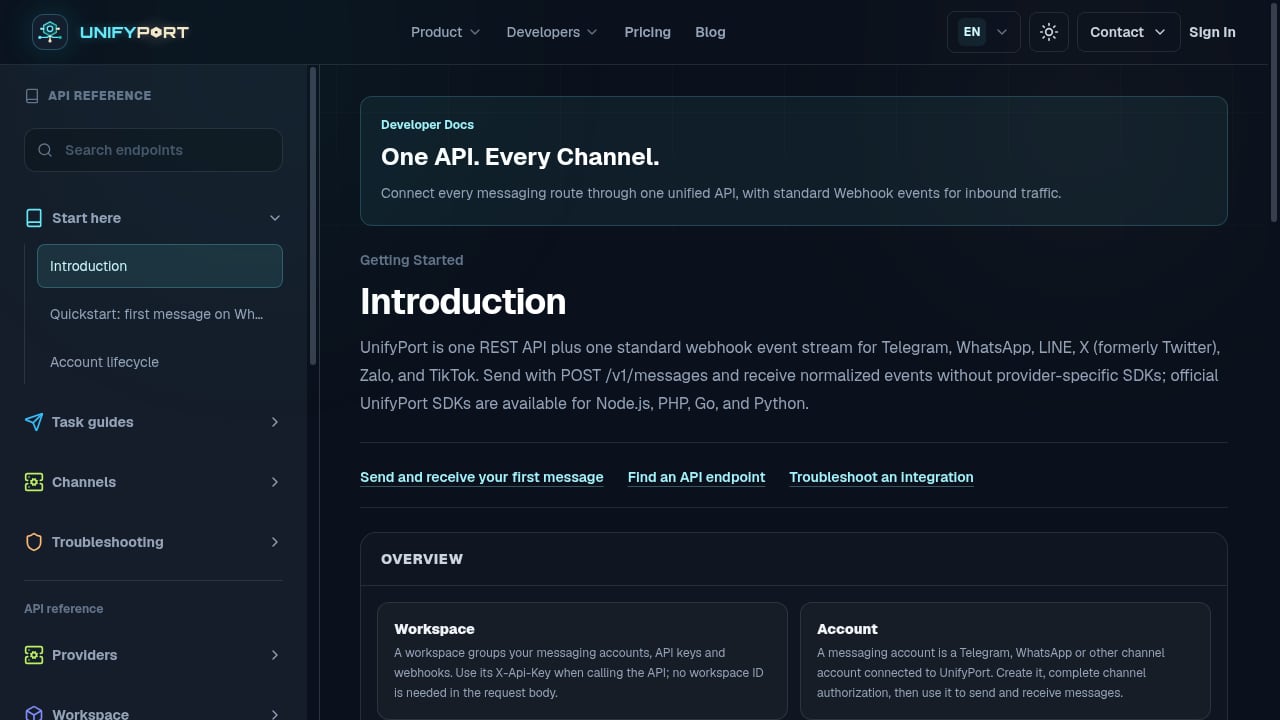
First viewport screenshot of Introduction — API Reference — UnifyPort.
A webhook is an HTTP request, most commonly a POST, sent from a source system to a destination URL you control. The request body usually carries a JSON payload describing what happened, and the headers carry metadata about the delivery itself.
A typical delivery includes:
- Event type or topic — for example
message.received,payment.succeeded, orissue.opened. This tells your handler which logic to run. - Event payload — the data associated with the event, such as the message text, sender ID, or order details.
- Delivery identifier — a unique ID for this specific delivery attempt, used for deduplication.
- Signature header — an HMAC digest computed over the raw request body, used to prove the request came from the expected sender.
- Timestamp — when the event occurred, useful for detecting stale or out-of-order deliveries.
GitHub's webhook documentation is a good reference for how a mature provider structures this. Its deliveries include headers like X-GitHub-Event, X-GitHub-Delivery, and X-Hub-Signature-256, which map directly to the event type, delivery ID, and signature concepts above.
The Webhook Processing Lifecycle
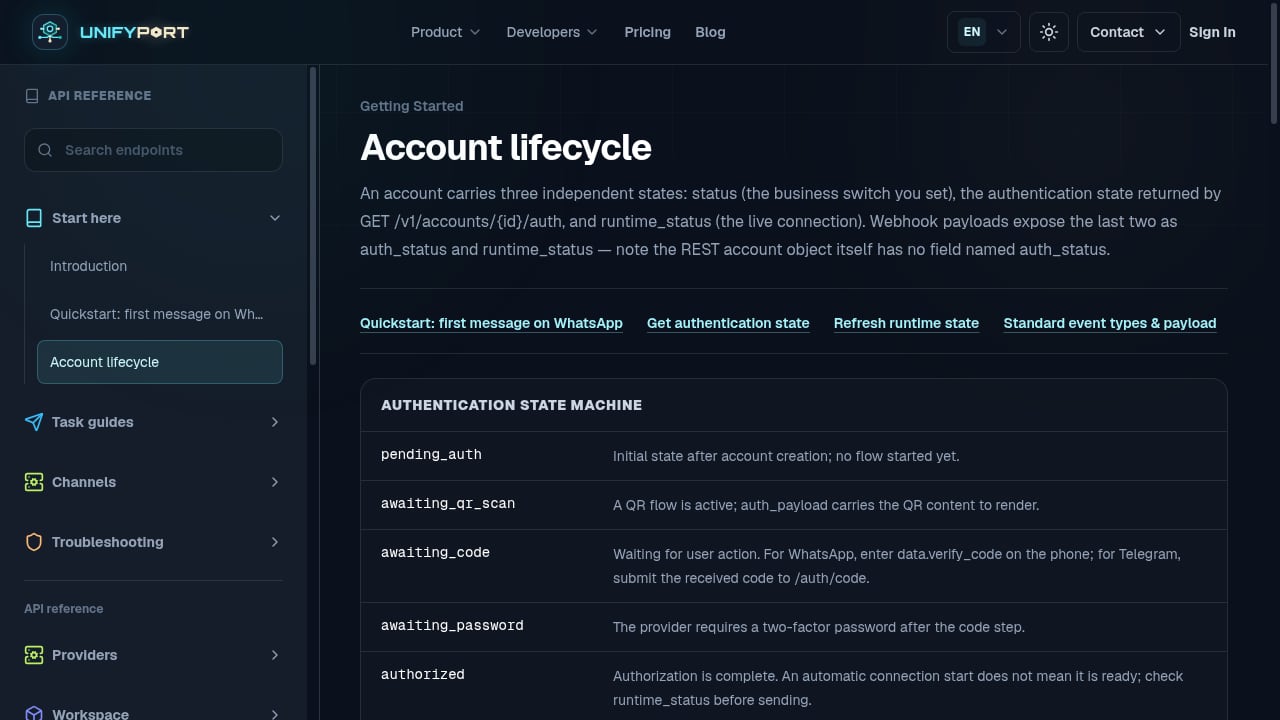
First viewport screenshot of Account lifecycle — API Reference — UnifyPort.
Every reliable webhook receiver follows roughly the same sequence. Skipping any step tends to produce bugs that only appear under load or under attack.
1. Receive and acknowledge quickly
Webhook providers enforce short timeouts, often between 1 and 5 seconds. If your endpoint does not return a success status in time, the provider treats the delivery as failed and may retry it. The practical rule: do the minimum work needed to accept the request, persist it, and return 200 OK. Push everything else to a background job.
2. Verify the signature before trusting the payload
Because webhook endpoints are publicly reachable, anyone can send a POST to them. Signature verification is what separates a legitimate event from a spoofed one. Most providers compute an HMAC digest over the raw request body using a shared secret and send it in a header. Your receiver recomputes the digest and compares it using a constant-time comparison.
GitHub, for example, sends both X-Hub-Signature (SHA-1) and X-Hub-Signature-256 (SHA-256), and recommends the SHA-256 variant. If you are building multi-channel messaging integrations, UnifyPort provides HMAC-SHA256 signature authentication as part of its webhook control plane, so you verify one signature scheme rather than a different one per provider.
A minimal verification pattern looks like this:
import hmac
import hashlib

def verify_signature(raw_body: bytes, secret: str, received_signature: str) -> bool:
    expected = hmac.new(secret.encode(), raw_body, hashlib.sha256).hexdigest()
    return hmac.compare_digest(expected, received_signature)
Always verify against the raw request body, not a parsed and re-serialized version. Re-encoding JSON can change whitespace and key order, which breaks the digest.
3. Deduplicate using the delivery ID
Webhook delivery is typically "at-least-once", not "exactly-once". That means the same event can arrive more than once, whether because of a retry after a slow response or a network hiccup on the provider side. Your processing must be idempotent.
The simplest approach is to store the delivery ID (or a hash of the event payload) in a table with a unique constraint. If the insert fails because the ID already exists, you know the event was already handled and you can safely return 200 without reprocessing.
4. Process asynchronously
Because providers do not throttle their outbound webhook volume to match your capacity, a burst of events can arrive faster than you can handle them synchronously. Persist the event to a queue or database immediately, then process it in a worker. This decouples receipt from processing and protects you from timeouts during slow downstream calls.
5. Handle ordering explicitly
Webhooks are generally not guaranteed to arrive in order. A message.updated event might land before the message.created event it depends on. Include a timestamp or sequence number in your stored event record and use it to detect stale deliveries, either by ignoring them or by reconciling state after the fact.
Delivery Guarantees, Retries, and Failure Isolation
First viewport screenshot of Blog — UnifyPort.
Understanding what the provider promises (and what it does not) shapes how defensive your receiver needs to be.
| Concern | Typical provider behavior | What your receiver should do |
|---|---|---|
| Delivery guarantee | At-least-once | Make handlers idempotent |
| Response timeout | 1–5 seconds | Acknowledge fast, process async |
| Retries | Exponential backoff on failure | Return non-2xx only for retryable errors |
| Ordering | Not guaranteed | Store timestamps, reconcile stale events |
| Throughput | Not rate-limited to your capacity | Buffer in a queue |
Failure isolation matters just as much as retries. If one malformed event crashes your worker, it can block the entire queue behind it. Isolate failures per event: catch exceptions, log the payload, move the event to a dead-letter queue, and continue processing the rest. This keeps one bad event from taking down your whole pipeline.
For teams integrating multiple messaging channels, this is where a normalized event layer earns its keep. UnifyPort normalizes provider messages, status updates, and account events into a stable JSON shape and exposes a reliable delivery queue with rate limits, retries, idempotency, and failure isolation. Instead of writing separate retry and deduplication logic for WhatsApp, Telegram, LINE, and others, you handle one event contract. You can see how that fits together in the developer guide to engaging customers across messaging channels.
Security Checklist for Webhook Endpoints
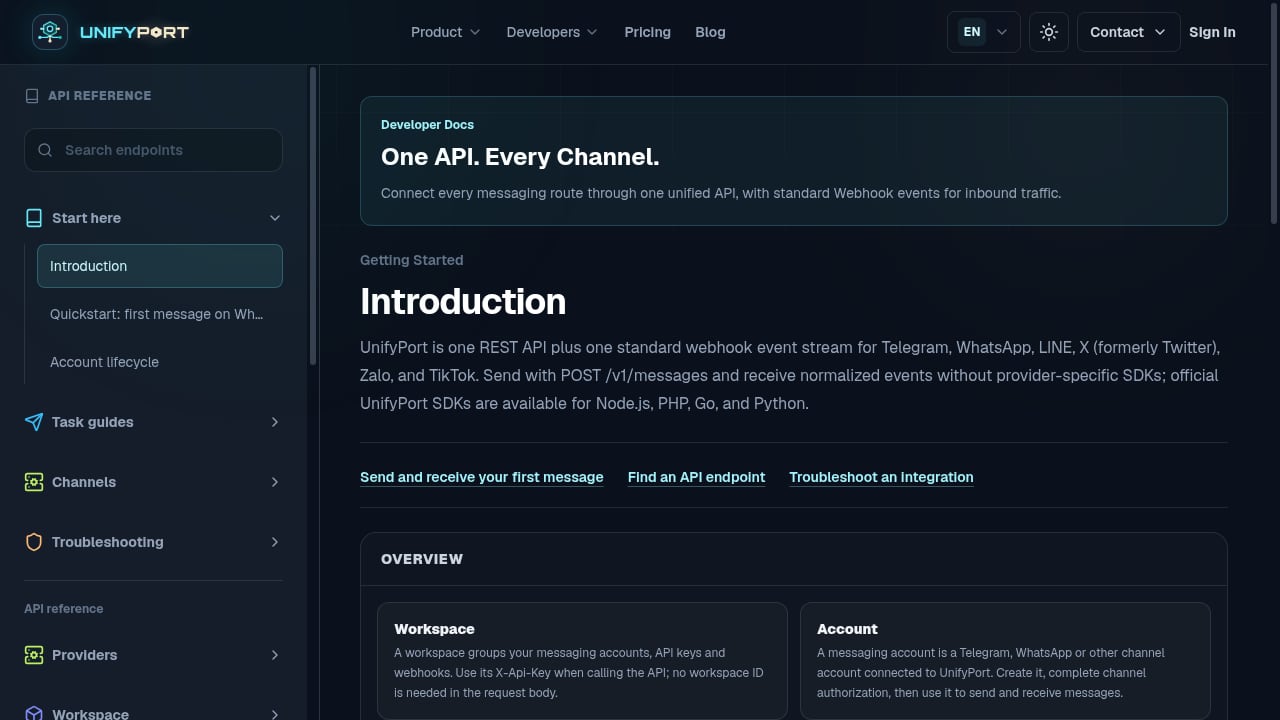
First viewport screenshot of API Reference — UnifyPort.
- Use HTTPS only. Never accept webhook deliveries over plain HTTP in production.
- Verify signatures on every request. Reject anything that fails verification with a
401. - Use constant-time comparison. Avoid timing attacks when comparing digests.
- Rotate secrets. Support multiple active secrets during rotation so you can switch without downtime.
- Limit payload size. Reject oversized bodies before parsing them.
- Log delivery IDs, not full payloads. Payloads often contain personal data; store them only where necessary and with appropriate retention.
Testing and Observability
You cannot debug what you cannot see. A few practices make webhook processing far easier to operate:
- Replay events locally. Most providers let you resend a delivery from their dashboard, or you can capture real payloads and replay them against a local endpoint.
- Track delivery metrics. Count received, processed, failed, and dead-lettered events per event type. A sudden drop in received events often means a signature or URL misconfiguration.
- Alert on retry storms. A spike in retries usually points to a slow or failing endpoint, not a provider problem.
- Expose a health endpoint that your monitoring can poll independently of the webhook path.
If you are comparing platforms on how well they handle this layer, the UnifyPort vs Unipile vs Esendex comparison breaks down webhook control, channel coverage, and SDK support side by side.
Related reading
- How to Use UnifyPort with SleekFlow: Developer Setup Guide - Connect UnifyPort's unified messaging API to SleekFlow. Learn the architecture, setup steps, webhook flow, and practical examples for multi-channel messaging.
- UnifyPort vs One API for SMS, WhatsApp and RCS | Sent - Compare UnifyPort and Sent's One API for SMS, WhatsApp and RCS. See channel coverage, webhook control, SDKs, and which unified messaging API fits your stack.
Sources and further reading
- What's a webhook and how does it work? - A webhook is an HTTP request to send notification and data about an event that occur in a system to another system. Learn how it works and how to implement webhooks effectively.
- Webhook events and payloads - GitHub Docs - Learn about when each webhook event occurs and what the payload contains.
- What Is a Webhook? How Webhooks Work, With Examples - Webhooks let one application push real-time data to another the moment an event happens. Learn how webhooks work, what a webhook endpoint is, how they compare to APIs and polling, see real-world examples from Stripe, GitHub, Slack, and Discord, and get practical guidance on building receivers, security, and testing.
Frequently Asked Questions
What is webhook event processing?
Webhook event processing is the set of steps your application takes when it receives an HTTP request from a source system describing an event. It includes verifying the request's authenticity, deduplicating it, persisting it, running the relevant business logic, and returning a status code that tells the provider whether the delivery succeeded.
Why do webhooks get delivered more than once?
Most providers guarantee at-least-once delivery. If your endpoint responds slowly, returns an error, or the network drops the response, the provider assumes the delivery failed and retries it. This is why idempotent handlers and delivery-ID deduplication are essential.
How do I verify that a webhook is legitimate?
Compute an HMAC digest over the raw request body using the shared secret the provider gave you, then compare it to the signature header using a constant-time comparison. If they do not match, reject the request. Never trust a webhook payload without verifying its signature first.
Should I process webhooks synchronously or asynchronously?
Asynchronously. Providers enforce short response timeouts and do not throttle deliveries to your capacity, so synchronous processing risks timeouts and data loss during traffic spikes. Persist the event immediately, return 200, and process it in a worker.
What is a dead-letter queue in webhook processing?
A dead-letter queue stores events that repeatedly fail processing so they do not block the rest of your pipeline. You can inspect, fix, and replay them later. It is a core part of failure isolation.
Do webhooks arrive in order?
Generally no. Ordering is not guaranteed, so your handlers should tolerate out-of-order events. Store a timestamp or sequence number with each event and reconcile state when a stale delivery arrives.
Conclusion
Webhook event processing is less about receiving a request and more about everything that happens around it: verifying authenticity, deduplicating deliveries, acknowledging quickly, processing asynchronously, and isolating failures so one bad event does not stall the queue. Get those pieces right and your integration becomes resilient by default.
If you are building across multiple messaging channels, the complexity multiplies fast. A unified API and a single normalized webhook event stream, like the one UnifyPort provides, let you apply one set of processing rules across WhatsApp, Telegram, LINE, TikTok, Zalo, and X instead of rebuilding the same logic for every provider. For a broader view of how these platforms compare, see the 2026 review of conversational commerce and engagement platforms.