
Unipile Tutorial: Connect Multi-Channel Messaging in Days
Learn how to integrate WhatsApp, LinkedIn, Telegram, and email into your app with this Unipile tutorial. Covers setup, API calls, webhooks, and pricing.
Unipile Tutorial: Connect Multi-Channel Messaging in Days
Adding WhatsApp, LinkedIn, Telegram, or email to your application usually means wrestling with separate SDKs, inconsistent data formats, and a maintenance nightmare. This Unipile tutorial shows you how a unified messaging API collapses that complexity into a single REST interface, so your team can ship a multi-channel inbox, CRM connector, or AI agent backend in days instead of months.
You will learn how to create an account, connect your first channel, send and receive messages, configure webhooks, and understand the pricing model—all with practical examples you can adapt immediately.
What Is Unipile and Why Use It?
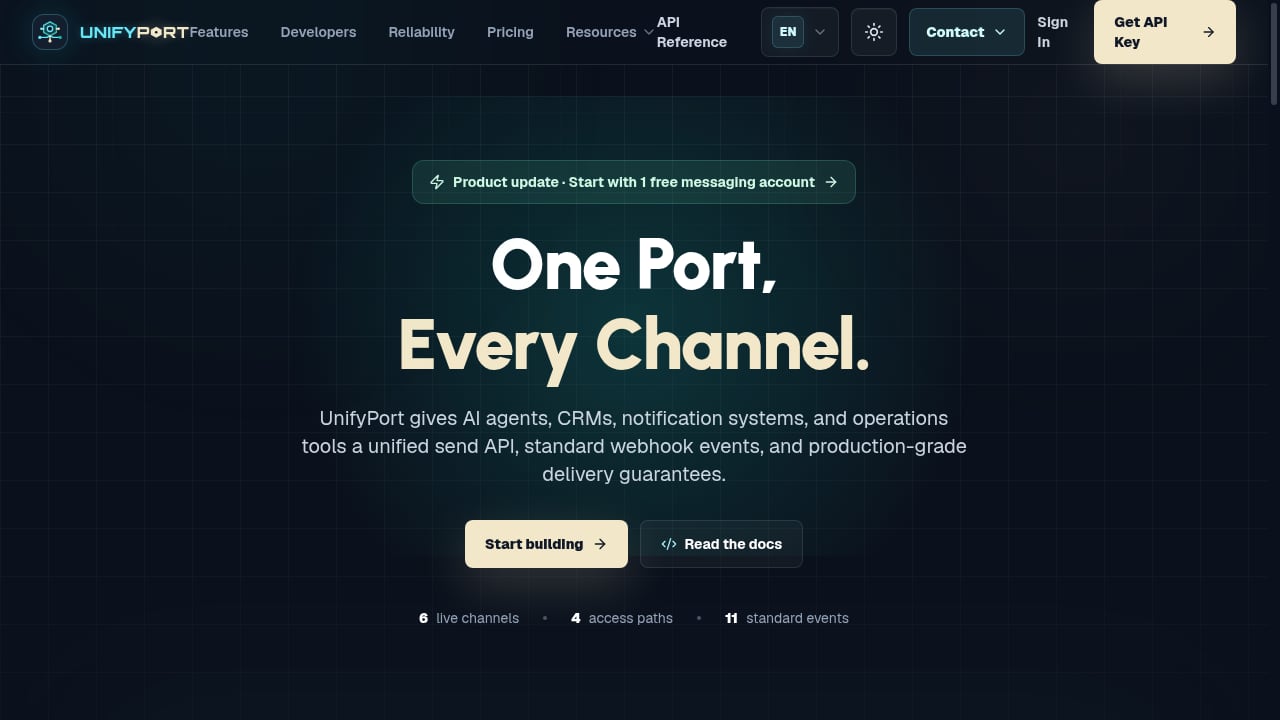
First viewport screenshot of UnifyPort — One Port, Every Channel..
Unipile is a unified API that normalizes messaging and email across providers. Instead of building separate integrations for LinkedIn, WhatsApp, Instagram, Telegram, Gmail, Outlook, and IMAP, you call one set of endpoints. The platform handles authentication, session management, and provider-specific quirks behind the scenes.
Core capabilities include:
- Multi-channel inbox: Retrieve conversation history from any connected account through a single endpoint.
- Real-time webhooks: Receive new messages and emails as standardized JSON events.
- Outbound messaging: Send messages programmatically or initiate new one-to-one chats.
- Contact enrichment: Pull profile data, status, and relationship information from supported networks.
- Email integration: Connect Gmail, Microsoft, and generic IMAP accounts alongside chat channels.
The platform is DMA-aligned and operates as a technical intermediary: every API call executes on behalf of an authenticated end user, bounded by what that user can already do in their own session. No data scraping or side-indexing occurs.
If you are evaluating broader unified API strategies, our guide to digital platforms explains how infrastructure like Unipile fits into modern stack architectures.
Prerequisites
Before you start, ensure you have:
- A development environment with Node.js, PHP, or Go (official SDKs are available for these languages).
- A tool for making HTTP requests, such as curl, Postman, or the interactive API reference inside the Unipile dashboard.
- Valid credentials for at least one messaging or email provider you want to connect (e.g., a LinkedIn account, WhatsApp number, or Gmail address).
Step 1: Create an Account and Get Your Credentials
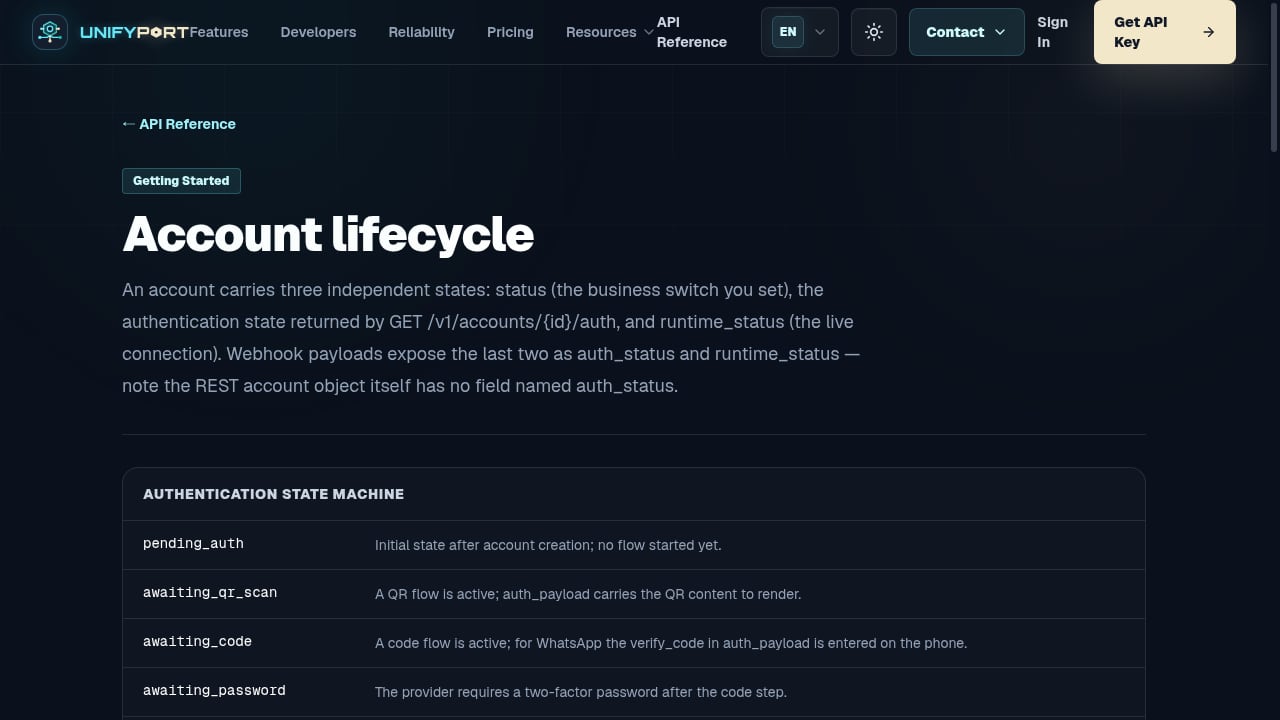
First viewport screenshot of Account lifecycle — API Reference — UnifyPort.
- Visit the Unipile website and sign up for a free 7-day trial. No credit card is required.
- Log in to the API Dashboard.
- Locate your DSN (Data Source Name). This unique identifier must be included in every API request.
- Generate an Access Token from the dashboard. Treat this token like a password—store it securely and never expose it in client-side code.
All API calls use the base URL https://api1.unipile.com:13111. You will include your DSN and Access Token as headers:
X-API-KEY: your_access_token
Step 2: Connect Your First Messaging Account
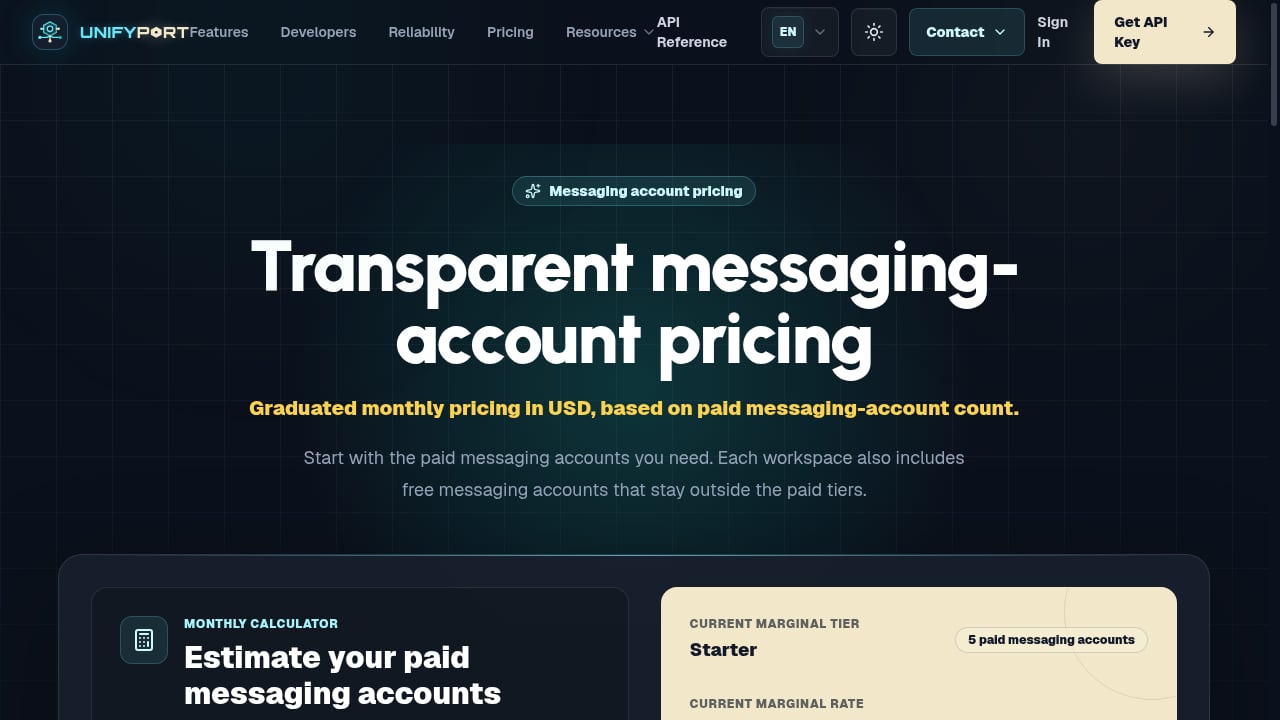
First viewport screenshot of Messaging Account Pricing & API Access — UnifyPort.
You can connect accounts directly in the dashboard for testing, or programmatically via the API. The programmatic approach is what you will use in production.
Connecting a LinkedIn Account
Using the Node.js SDK:
import { UnipileClient } from "unipile-node-sdk";

const client = new UnipileClient("https://api1.unipile.com:13111", "your_access_token");

const linkedinAccount = await client.account.connect({
    provider: "LINKEDIN",
    username: "user@example.com",
    password: "your_linkedin_password"
});

console.log(linkedinAccount);
Connecting a WhatsApp Account
WhatsApp connection typically requires scanning a QR code through the dashboard or a hosted authentication flow. Once connected, the account appears in your account list and is immediately available for API calls.
Listing Connected Accounts
To verify your connections:
curl --request GET \
  --url https://api1.unipile.com:13111/api/v1/accounts \
  --header 'X-API-KEY: your_access_token'
The response returns every account with its provider, status, and unique account_id. Store these IDs—you need them to target specific channels.
Step 3: Retrieve Conversations and Messages
Unipile normalizes all chats into a consistent structure regardless of the underlying provider.
List All Chats
curl --request GET \
  --url https://api1.unipile.com:13111/api/v1/chats \
  --header 'X-API-KEY: your_access_token'
This returns every conversation across all connected accounts, each with a unique chat_id. You can filter by account or provider using query parameters.
Fetch Message History
To retrieve the full message thread for a specific chat:
curl --request GET \
  --url https://api1.unipile.com:13111/api/v1/chats/{chat_id}/messages \
  --header 'X-API-KEY: your_access_token'
The response includes sender information, timestamps, message bodies, and attachments in a standardized JSON format. This single endpoint replaces provider-specific polling logic for LinkedIn, WhatsApp, Instagram, Telegram, and email.
Step 4: Send a Message
Sending a message follows the same pattern regardless of channel.
curl --request POST \
  --url https://api1.unipile.com:13111/api/v1/chats/{chat_id}/messages \
  --header 'X-API-KEY: your_access_token' \
  --header 'Content-Type: application/json' \
  --data '{
    "text": "Hi, following up on our conversation!"
  }'
To initiate a brand-new conversation, use the POST /api/v1/chats endpoint with the recipient’s identifier and provider. The API returns a chat_id you can immediately use for messaging.
For teams building recruitment automation, this capability powers workflows like automatically messaging candidates across LinkedIn and email from a single interface. Our recruitment messaging automation guide explores this use case in depth.
Step 5: Configure Webhooks for Real-Time Events
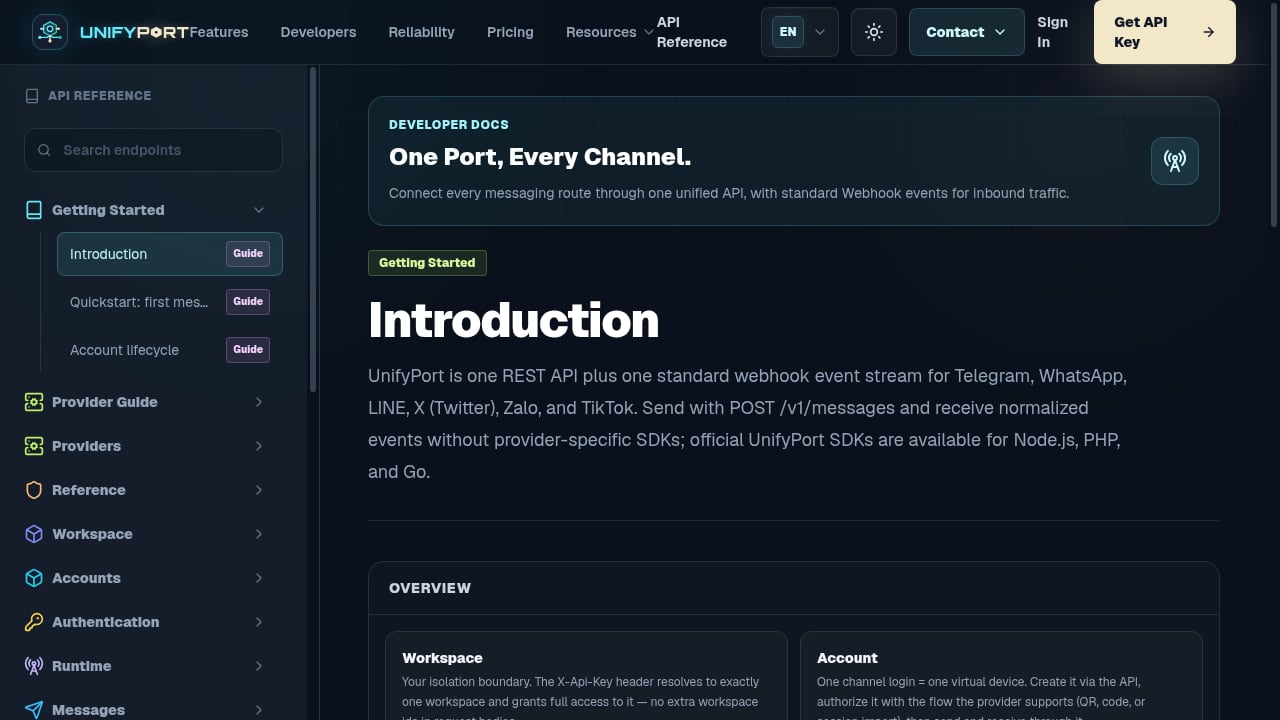
First viewport screenshot of API Reference — UnifyPort.
Polling is inefficient. Unipile’s webhook system pushes new messages, status changes, and account events to your server as they happen.
Setting Up a Webhook Endpoint
- In the Unipile dashboard, navigate to the webhooks section.
- Provide your endpoint URL (must be HTTPS).
- Select the event types you want to receive: new messages, message status updates, account connection/disconnection.
- Set a secret for HMAC-SHA256 signature verification.
Verifying Webhook Signatures
Every webhook payload includes a signature header. Verify it on your server to ensure the request genuinely originated from Unipile:
const crypto = require("crypto");

function verifySignature(payload, signature, secret) {
    const expected = crypto
        .createHmac("sha256", secret)
        .update(payload)
        .digest("hex");
    return crypto.timingSafeEqual(Buffer.from(signature), Buffer.from(expected));
}
Webhook Payload Structure
A new message event looks like this:
{
  "event": "new_message",
  "account_id": "your_account_id",
  "chat_id": "chat_identifier",
  "message": {
    "id": "msg_123",
    "text": "Hello from a customer",
    "sender": {
      "id": "sender_id",
      "name": "Jane Doe"
    },
    "timestamp": "2026-01-15T10:30:00Z"
  }
}
This normalized structure means your backend logic stays the same whether the message arrived via WhatsApp, LinkedIn, or Telegram.
Step 6: Explore the SDKs
While curl works for exploration, production applications benefit from official SDKs.
Node.js
npm install unipile-node-sdk
The SDK provides typed methods for accounts, chats, messages, and webhooks. It handles authentication headers and request serialization automatically.
PHP
composer require unipile/php-sdk
Go
go get github.com/unipile/unipile-go-sdk
All three SDKs follow the same logical structure, so switching between languages does not require relearning the API surface.
Unipile Pricing: How It Works
Understanding the cost model before you build is essential. Unipile charges based on the number of connected accounts, not API calls or messages sent.
| Connected Accounts | Price per Account/Month |
|---|---|
| Up to 10 | €49 / $55 flat |
| 11 to 50 | €5.00 / $5.50 |
| 51 to 200 | €4.50 / $5.00 |
| 201 to 1,000 | €4.00 / $4.50 |
| 1,001 to 5,000 | €3.50 / $4.00 |
| 5,001+ | €3.00 / $3.50 |
An account is any connected provider instance—one LinkedIn profile, one WhatsApp number, one Gmail inbox. If a user connects LinkedIn, WhatsApp, and Gmail, that counts as three accounts. Billing is based on the peak number of simultaneously connected accounts during the billing period, with no long-term contracts required.
For teams comparing unified messaging providers, our UnifyPort vs MessengerPeople vs CM.com comparison breaks down pricing, channel coverage, and developer experience across platforms.
Common Pitfalls and Best Practices
Token Management
Access tokens expire periodically. Unipile handles automatic renewal for connected accounts, but your own API access token must be rotated securely. Store it in environment variables or a secrets manager, never in source control.
Rate Limiting
While Unipile abstracts provider-specific rate limits, responsible usage still matters. Implement exponential backoff in your retry logic and monitor webhook delivery statuses in the dashboard.
Provider Compliance
You must respect each platform’s terms of service. Unipile enables compliant, user-authorized access—do not use the API for spam, scraping, or any activity that violates LinkedIn’s or Meta’s acceptable use policies.
Error Handling
Always check HTTP status codes and response bodies. The API returns descriptive error messages that help you debug authentication issues, invalid parameters, or provider-side failures.
Related reading
- How to Delete Your Telegram Account Permanently in 2026 - Step-by-step guide to permanently delete your Telegram account via browser, mobile, or auto-deletion. Learn what happens to chats, groups, and contacts before you deactivate.
- Payment Solutions: Types, How They Work & Choosing the Right One - Explore modern payment solutions—from merchant services and gateways to unified APIs. Learn how they work, compare options, and choose the right infrastructure for your business.
Sources and further reading
- One API for Multi-Channel Messaging in your app - Unipile - Advance your app's capabilities: Integrate LinkedIn and WhatsApp for streamlined messaging and improved user experience.
FAQ
What channels does Unipile support?
Messaging: WhatsApp, LinkedIn, Instagram, and Telegram. Email: Gmail, Microsoft (Outlook/Exchange), and generic IMAP providers. SMS and RCS are on the public roadmap.
How long does integration take?
Most teams go live within two days. The dashboard includes an interactive API reference where you can test endpoints without writing code, and personalized onboarding calls are available.
Is there a free trial?
Yes. A 7-day trial includes all features with no credit card required.
Can I manage multiple accounts per user?
Yes. A single user can connect multiple LinkedIn profiles, WhatsApp numbers, and email inboxes. Each counts as a separate account for billing purposes.
How does Unipile handle session expiration?
The platform automatically renews provider sessions where possible. If a session expires irrecoverably, you receive a webhook event so your application can prompt the user to reconnect.
Is Unipile DMA-compliant?
Yes. The API is designed in line with the Digital Markets Act. It enables secure messaging interoperability without storing or scraping user profiles.
Conclusion
This Unipile tutorial covered the complete integration flow: account creation, channel connection, message retrieval, outbound sending, webhook configuration, and pricing. The unified API model eliminates the need to learn LinkedIn’s partner program, Meta’s WhatsApp Business API, or IMAP protocol specifics individually.
For AI agent builders and multi-channel notification systems, pairing a unified messaging API with a platform like UnifyPort—which provides a standardized event layer and webhook control plane across Telegram, WhatsApp, LINE, X, Zalo, and TikTok—creates an even broader reach. UnifyPort’s architecture adds built-in rate limiting, idempotent retries, and failure isolation, making it a natural complement when your messaging infrastructure needs to scale beyond the channels Unipile currently supports.
To continue exploring, check the official Unipile Getting Started guide and the LinkedIn API documentation for channel-specific details.