
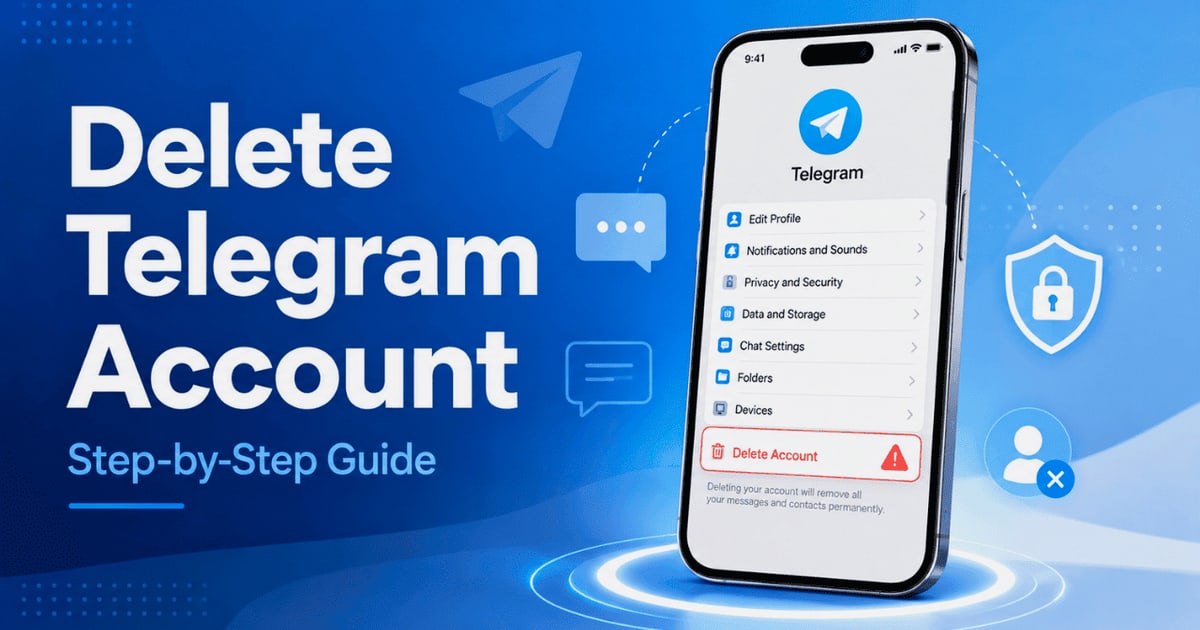
How to Delete Your Telegram Account Permanently in 2026
Step-by-step guide to permanently delete your Telegram account via browser, mobile, or auto-deletion. Learn what happens to chats, groups, and contacts before you deactivate.
How to Delete Your Telegram Account Permanently in 2026
Deleting a Telegram account is not the same as removing the app from your phone. Uninstalling Telegram leaves your account, messages, and contacts fully intact on the platform. If you want to erase your presence entirely, you must complete a separate account deletion process. This guide covers every method—browser, mobile, desktop, and automatic deletion—so you can choose the one that fits your situation.
Why Users Choose to Delete Telegram
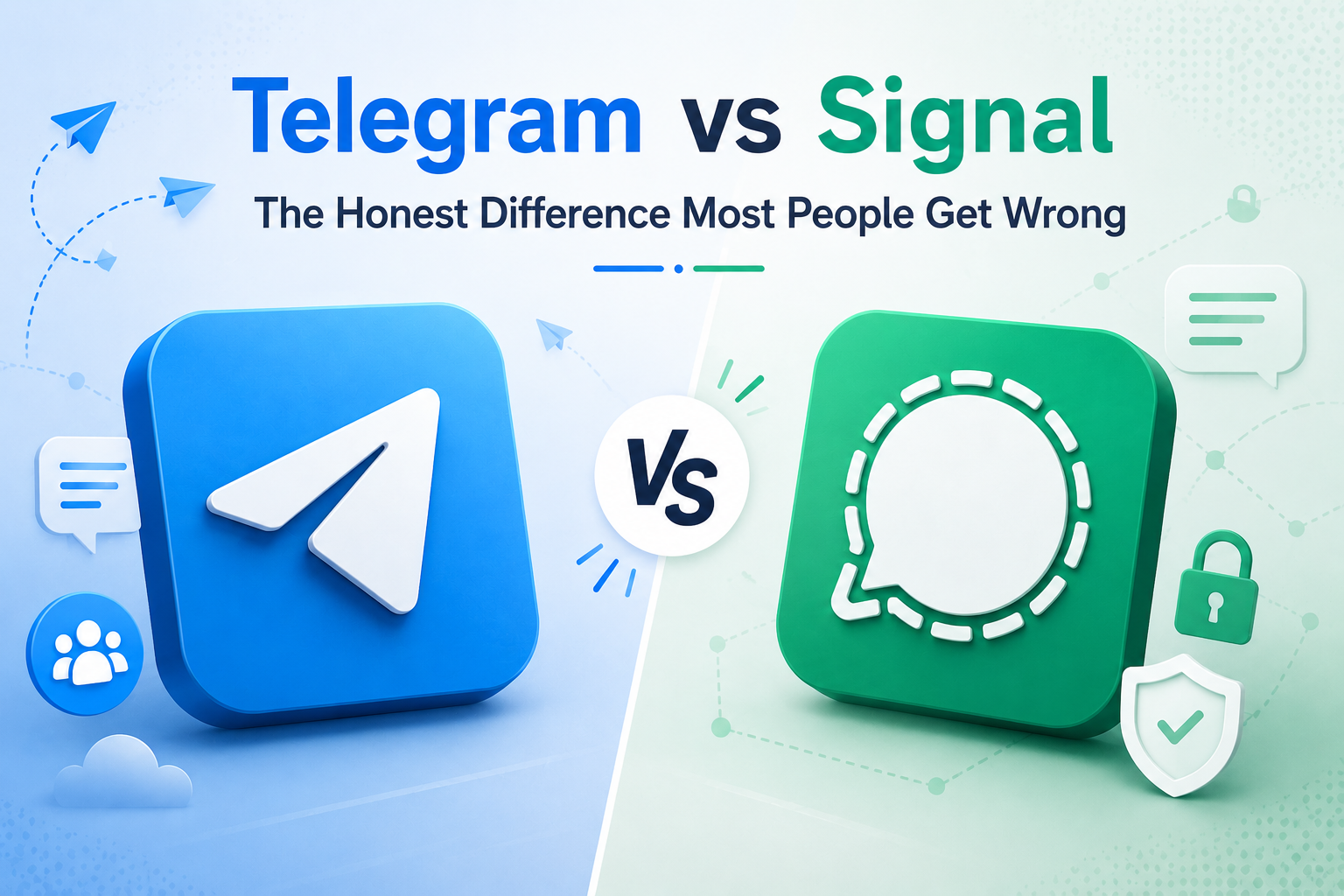
How to Delete Your Telegram Account Permanently in 2026 - Why Users Choose to Delete Telegram.
People decide to leave Telegram for several reasons. Some are concerned about privacy and the platform's encryption model, which differs from end-to-end encrypted alternatives like Signal. Others want to reduce digital clutter, consolidate messaging apps, or respond to organizational security policies. Whatever your reason, understanding the deletion steps ahead of time prevents mistakes that could leave data behind.
How to Delete Telegram Account via Browser (Fastest Method)
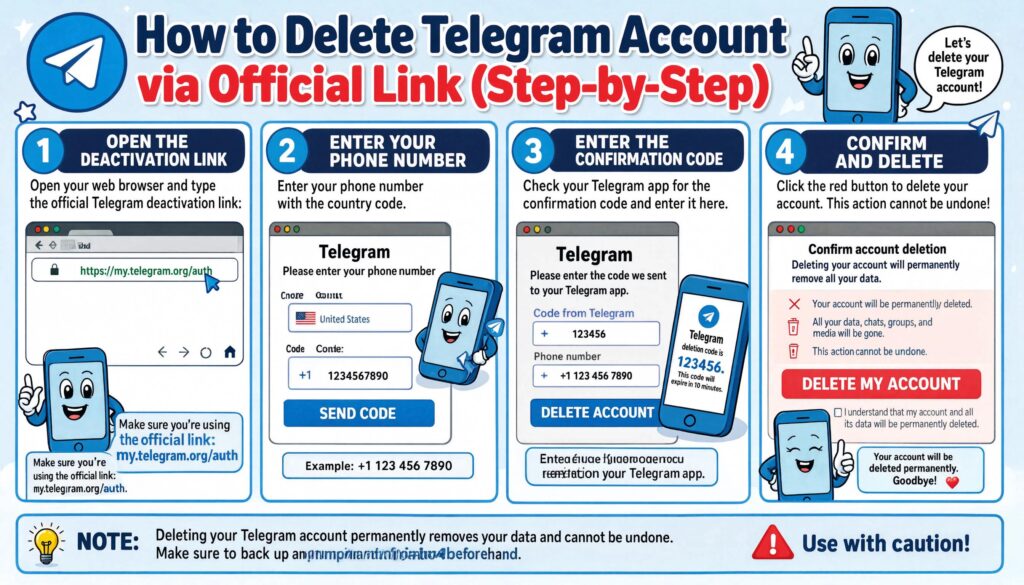
How to Delete Your Telegram Account Permanently in 2026 - How to Delete Telegram Account via Browser (Fastest Method).
The quickest way to delete your account is through Telegram's dedicated deactivation page.
- Go to https://telegram.org/deactivate.
- Enter the phone number linked to your account in international format.
- Telegram sends a confirmation code directly to your Telegram app—not via SMS.
- Enter the code on the deactivation page.
- Click Delete My Account.
- Confirm by selecting Yes, delete my account.
This action is immediate and irreversible. Once confirmed, your account, chats, contacts, and all associated data are permanently removed.
How to Delete Telegram Account on iPhone and Android
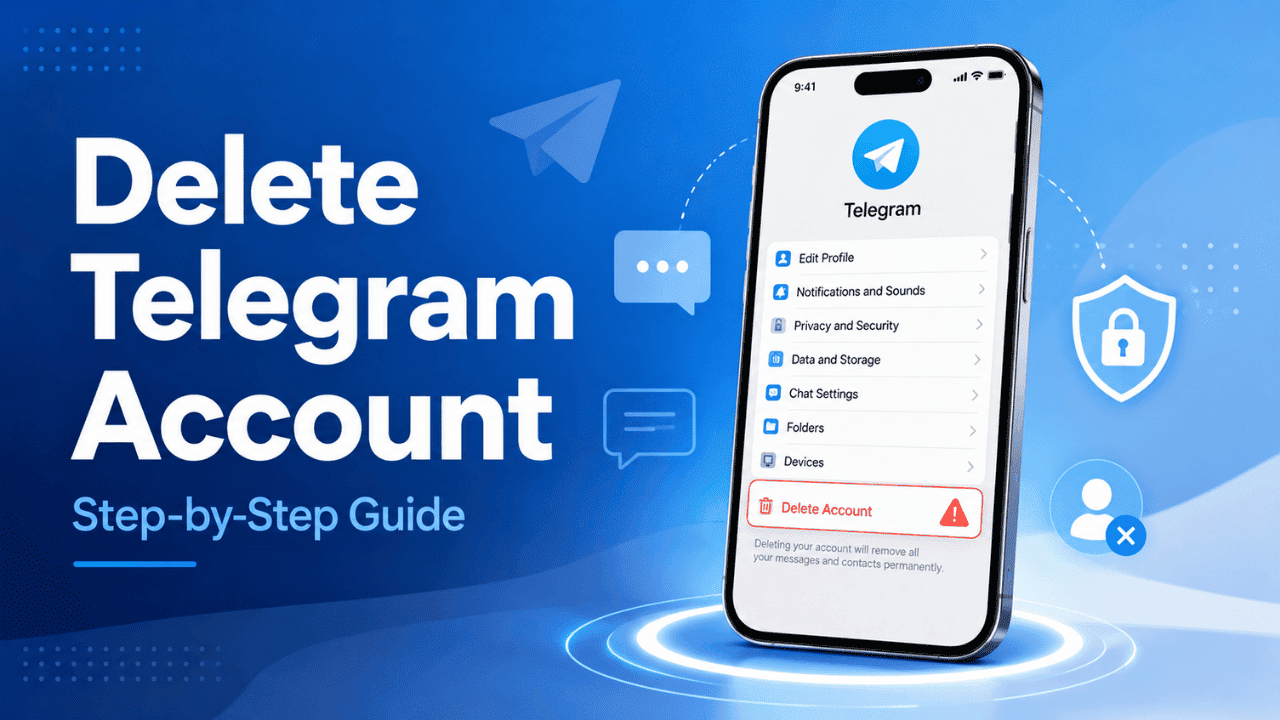
How to Delete Your Telegram Account Permanently in 2026 - How to Delete Telegram Account on iPhone and Android.
Mobile users can access the same deletion page through the app's built-in FAQ.
- Open Telegram and go to Settings.
- Navigate to General (iOS) or tap the menu icon and select Settings (Android).
- Scroll to Telegram FAQ.
- Find the Your Account section and tap Delete your Telegram account.
- The text contains a link to the deactivation page. Follow the same steps: enter your phone number, receive the code inside Telegram, and confirm deletion.
The process is identical on the Telegram desktop app. The FAQ path leads to the same browser-based deactivation tool.
Automatic Telegram Account Deletion
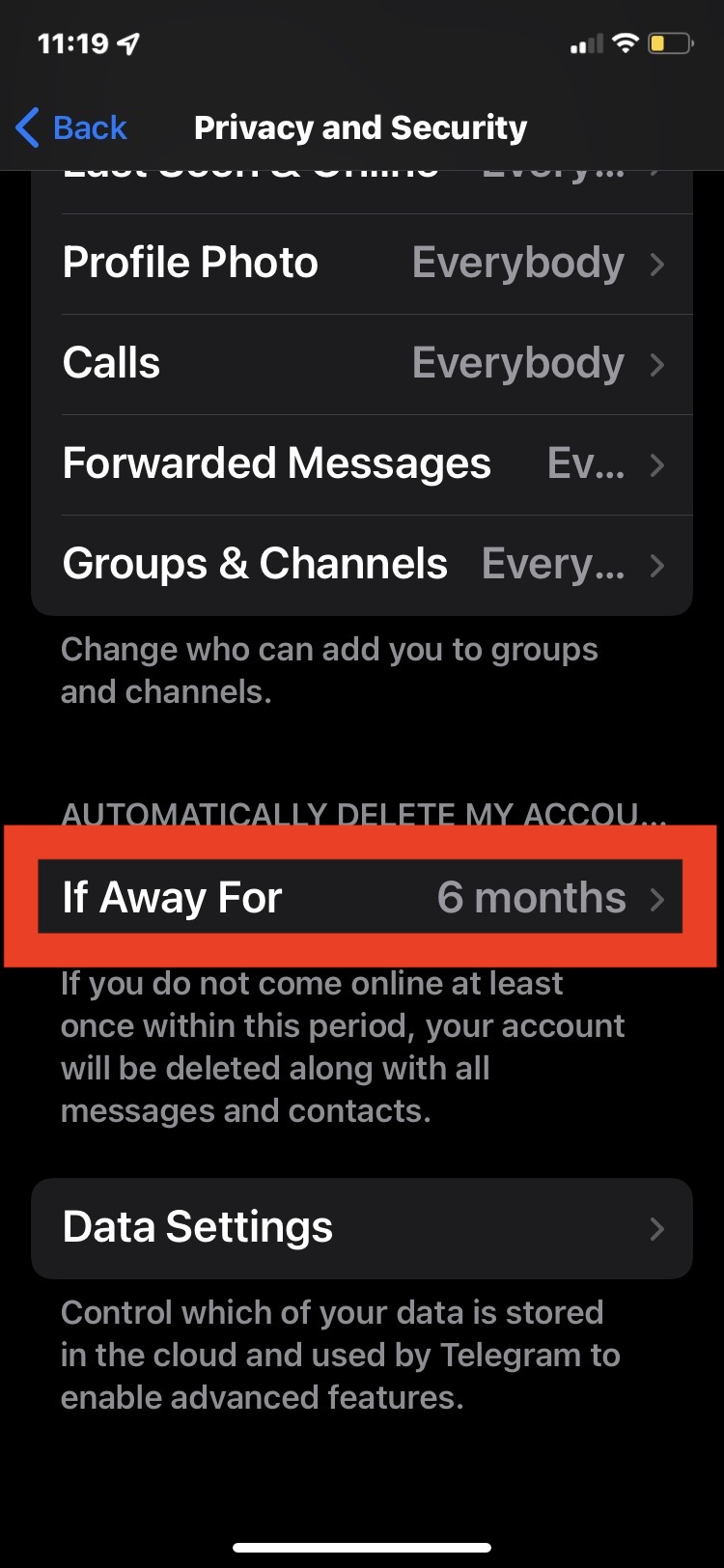
How to Delete Your Telegram Account Permanently in 2026 - Automatic Telegram Account Deletion.
If you prefer a self-destruct approach, Telegram offers an auto-delete timer.
- Open Settings → Privacy and Security.
- Tap Delete my account.
- Choose a period of inactivity—1 month, 3 months, 6 months, or 1 year.
If you do not log in to Telegram during that period, the system deletes your account automatically. This method is useful if you want to step away without manually triggering deletion, but it requires you to stay completely offline from all Telegram clients for the entire duration.
Deactivate vs. Delete Telegram: What's the Difference?
Telegram does not offer a temporary deactivation feature. Your choices are:
| Action | Effect |
|---|---|
| Uninstall the app | Account remains active. Messages and contacts stay on Telegram's servers. |
| Delete your account | Permanent removal of account, chats, media, and contacts. Cannot be undone. |
If you need a break but might return, consider logging out and setting the auto-delete timer to the longest available period. That gives you a window to change your mind before permanent deletion occurs.
What Happens to Groups, Channels, and Contacts After Deletion
Account deletion does not automatically remove groups or channels you created.
- Your messages and profile: In existing chats, your profile appears as a "Deleted Account." Your message history remains visible to other participants, but your name and phone number are disassociated.
- Groups and channels you own: These continue to exist. If you want them deleted or transferred to another admin, you must do so before deleting your account.
- Contacts: Other users can no longer contact you through that account. Your phone number is released and can be used to create a new Telegram account later.
If you manage business communications through Telegram—for example, customer support bots or notification channels—plan the transition carefully. For teams that rely on multi-channel messaging, platforms like UnifyPort provide a unified API layer across Telegram, WhatsApp, LINE, and other channels. When you decommission a Telegram account used for automated messaging, a unified API lets you redirect those workflows to another channel without rebuilding integrations from scratch.
Can You Recover a Deleted Telegram Account?
No. Telegram account deletion is permanent. There is no recovery window, no grace period, and no support process to restore data. If you think you might need your chat history, export it before deleting.
Can You Create a New Telegram Account with the Same Number?
Yes. After deletion, the phone number becomes available for a new Telegram registration. However, the new account starts fresh—no chats, contacts, groups, or settings carry over from the previous account.
Before You Delete: A Quick Checklist
- Export any important chats or media you want to keep.
- Transfer ownership of groups and channels.
- Inform key contacts that you are leaving the platform.
- If your Telegram account was connected to third-party services or bots, revoke those integrations.
- For developers: if you used Telegram bots in production via the Bot API, update your application to remove the bot token. If you manage multiple messaging channels, consider whether a unified messaging API could simplify channel management going forward.
How Unified Messaging APIs Reduce Platform Lock-In
Deleting a Telegram account often means losing access to automated workflows, notification pipelines, or customer conversations tied to the platform. For engineering teams, this highlights the risk of building directly on a single provider's SDK. A unified messaging API like UnifyPort abstracts away channel-specific implementations—Telegram, WhatsApp, LINE, X (Twitter), Zalo, and TikTok—behind a single REST API and standardized webhook events. If you need to sunset one channel, the rest of your infrastructure remains unchanged. The platform handles rate limiting, retries, idempotency, and failure isolation, so your application logic stays clean even as channel configurations evolve.
Related reading
- Payment Solutions: Types, How They Work & Choosing the Right One - Explore modern payment solutions—from merchant services and gateways to unified APIs. Learn how they work, compare options, and choose the right infrastructure for your business.
- The Best AI Chatbots in 2026: A Deep Dive into Models, Use Cases & Integration - Compare the top AI chatbots of 2026—ChatGPT, Claude, Gemini, and more. Learn how they work, which excels at coding, writing, or research, and how unified APIs connect them to messaging channels.
- MessengerPeople Review: Unified Messaging API Deep Dive - Evidence-based MessengerPeople review covering its unified messaging API, transparent pricing, developer experience, and ideal use cases for scaling customer communication.
Sources and further reading
- How to Delete Your Telegram Account - FAST! - Enjoy the videos and music you love, upload original content, and share it all with friends, family, and the world on YouTube.
- Want to Quit Telegram? Here’s How to Delete Your Account Forever - Telegram’s reputation for security is under fire, with founder Pavel Durov accused of ties to Russian authorities and the app’s finances raising new doubts. If you’ve decided it’s time to leave the platform for good, here’s how to permanently delete your Telegram account—step by step.
FAQ
Can someone still message me after I delete my Telegram account?
No. Once your account is deleted, other users cannot contact that account. Your profile shows as a deleted account in existing conversations.
Will people know that I deleted my Telegram account?
In existing chats, your profile name is replaced with "Deleted Account." Your contacts are not explicitly notified, but the change is visible in any shared conversation.
How long does Telegram account deletion take?
Manual deletion via the deactivation page is immediate. Automatic deletion occurs after the specified period of inactivity elapses.
Can I delete my Telegram account without access to my phone?
You need access to the Telegram app where the confirmation code is delivered. If you have lost access to all devices where Telegram is logged in, account recovery options are extremely limited. Telegram does not use SMS for deletion confirmation.
Is there a way to temporarily disable Telegram instead of deleting?
No. Telegram does not offer a temporary deactivation feature. The auto-delete timer is the closest alternative.
What happens to my Telegram username after deletion?
Usernames are released and become available for others to claim. If you want to preserve a username, transfer it to another account before deletion.
Conclusion
Deleting a Telegram account is straightforward but permanent. The browser-based deactivation page is the fastest route, while the auto-delete timer offers a hands-off alternative. Before you commit, handle group ownership, export important data, and consider how the deletion affects any automated messaging systems you rely on. If your team depends on Telegram as one of several messaging channels, a unified API approach can make channel transitions far less disruptive.