
The Best AI Chatbots in 2026: A Deep Dive into Models, Use Cases & Integration
Compare the top AI chatbots of 2026—ChatGPT, Claude, Gemini, and more. Learn how they work, which excels at coding, writing, or research, and how unified APIs connect them to messaging channels.
The Best AI Chatbots in 2026: Models, Use Cases, and How to Connect Them Everywhere
AI chatbots have moved far beyond simple Q&A. They now reason, code, search the web, generate images, and even act as autonomous agents. But with dozens of options—each tuned for different strengths—choosing the right one can feel overwhelming. This guide breaks down how modern AI chatbots actually work, compares the leading platforms head-to-head, and shows how developers can bring chatbot intelligence into the messaging channels where users already live.
How Do AI Chatbots Actually Work?
First viewport screenshot of Standard event types & payload — API Reference — UnifyPort.
When you type a prompt, the chatbot app doesn't just send raw text to a model. It packages your message with conversation history, hidden behavioral instructions, and often results from tools like web search or document retrieval. The AI model then breaks everything into tokens—small chunks of text—and predicts the most probable next token, over and over, until it builds a complete response.
Behind the scenes, most leading chatbots run on multiple models. A fast, lightweight model might handle simple replies, while a heavier reasoning model tackles complex logic or code generation. Developers also tune parameters like temperature to control creativity, which is why the same underlying engine can produce noticeably different outputs across apps.
This architecture matters because it determines what a chatbot can actually do. Some platforms prioritize raw intelligence, others focus on tool integration, and a few specialize in memory or privacy. Understanding these differences helps you match the right chatbot to the right task.
The Best AI Chatbots at a Glance
| Chatbot | Best For | Standout Feature | Pricing |
|---|---|---|---|
| ChatGPT | General-purpose versatility | Deep Research and Agent mode for multi-step, sourced tasks | Free; from $8/month |
| Claude | Writing and coding | Claude Code and Artifacts for interactive code execution | Free; from $17/month |
| Google Gemini | Google ecosystem integration | Workspace integrations and Canvas app builder | Free; Pro from $19.99/month |
| Microsoft Copilot | Microsoft 365 integration | Copilot Vision with Microsoft Graph context | Core chat free; paid plans for deeper integration |
| Perplexity | Internet deep dives | Search modes with citations by default | Free; from $17/month |
| Meta AI | Social media generation | Unified chat, image, and short-video generation | Free |
| DeepSeek | Open-source reasoning | Toggleable deep thinking on a free, open model stack | Free |
| Grok | X (Twitter) integration | Real-time access to X firehose plus image/video generation | Free; from $30/month |
| Poe | Multi-model access | Side-by-side and chained model workflows | Free; from $4.99/month |
| Le Chat Mistral | Context and memory experimentation | Connectors, Libraries, and Memories for long-term context | Free; from $14.99/month |
| Duck.ai | Data privacy | DuckDuckGo privacy wrapper anonymizing metadata | Free; from $9.99/month |
| Pi | Personal, supportive conversations | Guided topics and short, empathetic back-and-forth | Free |
The Best General-Purpose Chatbot: ChatGPT
First viewport screenshot of account.auth.failed — API Reference — UnifyPort.
OpenAI's ChatGPT remains the most versatile option, with over 900 million weekly active users. Its newest models automatically detect question complexity and decide whether to answer instantly or engage in deeper reasoning. You can also force maximum thinking mode for consistently thorough responses.
ChatGPT shines in web research. Instead of manually crafting search queries, you activate thinking mode with web search, and the model runs multiple searches autonomously to synthesize answers. For exhaustive reports, the Deep Research tool spends up to 20 minutes gathering and citing sources. Agent mode spins up a virtualized computer that ChatGPT manipulates to execute multi-step tasks, while Canvas provides a side-by-side editing environment for documents and code.
Projects let you group chats, files, and custom instructions into persistent workspaces—ideal for recurring workflows without re-uploading context. Custom GPTs extend this further with unique instructions and external actions. For teams building automated pipelines, Zapier's ChatGPT integration connects the chatbot to thousands of apps.
The Best Chatbot for Writing and Coding: Claude
Anthropic's Claude excels where precision and steerability matter most. Claude Code gives developers a terminal-based agent that reads, writes, and refactors code directly in repositories. Artifacts transform conversations into interactive outputs—run a generated React component or visualize data without leaving the chat.
Claude's writing style tends to be more nuanced and less formulaic than competitors, making it a favorite for long-form content, editing, and creative work. The model handles large context windows exceptionally well, maintaining coherence across lengthy documents or codebases. For developers who need a chatbot that treats code as a first-class citizen rather than an afterthought, Claude is the clear choice.
The Best Chatbots for Ecosystem Integration: Gemini and Copilot
If you live inside Google Workspace, Gemini is the natural fit. It integrates directly with Gmail, Docs, Sheets, and Drive, letting you summarize email threads, generate reports from spreadsheet data, or draft documents with context from your entire workspace. The Canvas app builder can generate working applications via the Gemini API, bridging the gap between conversation and deployment.
Microsoft Copilot takes a similar approach for the Microsoft 365 ecosystem. Copilot Vision can "see" your screen and act with Microsoft Graph context—pulling data from emails, meetings, and documents across Outlook, Teams, and SharePoint. For enterprises already committed to Microsoft's stack, this deep integration eliminates the friction of switching between tools.
Specialized Chatbots for Research, Social Media, and Privacy
Perplexity has carved out a niche for research-heavy workflows. Every response includes citations by default, and its Search, Research, and Labs modes let you dial in the depth of investigation. It's the go-to when verifiability matters more than conversational flair.
Meta AI unifies text, image, and short-video generation in a single interface, making it uniquely suited for social media content creation. Grok, meanwhile, offers real-time access to X's data firehose—useful for trend analysis and live sentiment tracking, though its personality can be divisive.
For privacy-conscious users, Duck.ai wraps model access in DuckDuckGo's anonymization layer, stripping IP addresses and metadata before queries reach the AI provider. Pi takes the opposite approach: it's designed for personal, empathetic conversation rather than productivity, with guided topics and a supportive tone.
Connecting AI Chatbots to Messaging Channels
First viewport screenshot of Error reference — API Reference — UnifyPort.
Most AI chatbots live inside their own web or mobile apps. But the real power emerges when you bring that intelligence into the messaging platforms where customers and teams already communicate—Telegram, WhatsApp, LINE, and others.
Building separate integrations for each channel is expensive and brittle. Every platform has its own SDK, authentication flow, webhook format, and rate-limit behavior. A development team that wants to deploy an AI agent across five channels traditionally needs to write, test, and maintain five distinct integration layers.
This is where a unified messaging API becomes essential. Platforms like UnifyPort abstract away provider-specific differences behind a single REST API and standardized webhook events. Instead of learning Telegram's Bot API, WhatsApp's Cloud API, and LINE's Messaging API individually, developers send messages and receive events through one normalized interface.
How a Unified API Simplifies AI Agent Deployment
When you build an AI chatbot agent, the core logic—prompt handling, model selection, response generation—stays the same regardless of which channel the user messages from. A unified API lets you write that logic once and route it to any supported channel.
Key capabilities that matter for production AI agents include:
- Standardized event layer: All incoming messages arrive in a consistent JSON shape, regardless of whether they came from WhatsApp, Telegram, or TikTok. Your agent processes one format.
- Webhook control plane: Manage signatures, subscriptions, and retries from a central dashboard rather than configuring each provider separately.
- Built-in reliability: Rate limiting, retries with idempotency, and failure isolation prevent one channel's outage from cascading into others.
- Secure integration: API keys and HMAC-SHA256 signatures keep message traffic authenticated across all channels.
For teams evaluating multi-channel infrastructure, our UnifyPort vs MessengerPeople vs CM.com comparison breaks down how different platforms handle these requirements. If you're specifically comparing developer experience and AI-agent readiness, the UnifyPort vs MessengerPeople vs Unipile analysis offers a deeper technical lens.
How to Choose the Right AI Chatbot for Your Needs
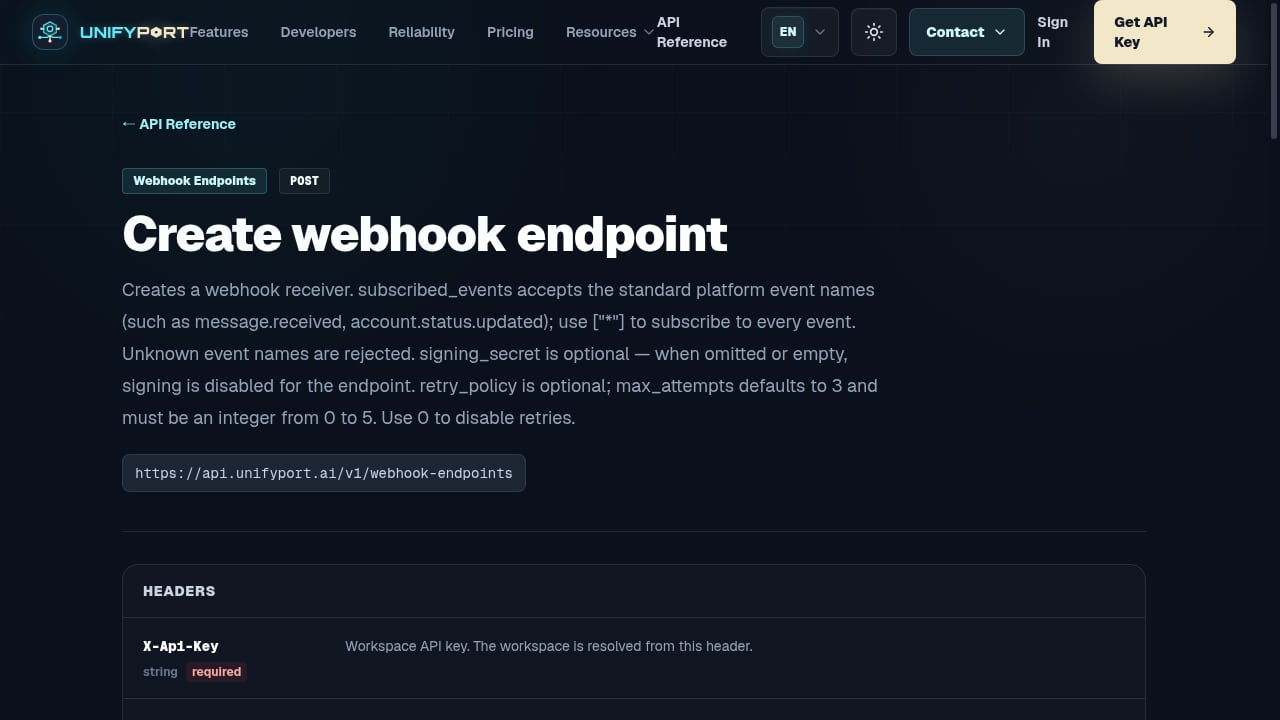
First viewport screenshot of Create webhook endpoint — API Reference — UnifyPort.
Start with the task, not the brand. The chatbot that writes beautiful prose may struggle with fact-checking, and the best coding assistant might require overly detailed prompts for casual use.
For general productivity, ChatGPT's versatility and tool ecosystem make it the safest default. For software development, Claude's code-native features and large context window give it an edge. For Google or Microsoft workplaces, Gemini and Copilot's deep integrations eliminate context-switching overhead. For research, Perplexity's citation-first approach builds trust. For privacy, Duck.ai provides model access without surveillance.
If you're deploying an AI agent to interact with users across multiple messaging channels, the chatbot model is only half the equation. The infrastructure that delivers responses to Telegram, WhatsApp, LINE, and other platforms needs the same level of engineering attention. A unified messaging API reduces that infrastructure from a multi-month integration project to a few API calls. For a broader view of the landscape, see our top 10 unified messaging API platforms for 2026.
Related reading
- MessengerPeople Review: Unified Messaging API Deep Dive - Evidence-based MessengerPeople review covering its unified messaging API, transparent pricing, developer experience, and ideal use cases for scaling customer communication.
- Unipile LinkedIn API: A Developer’s Guide to Integration & Pricing - Explore how the Unipile LinkedIn API simplifies integration, bypasses partner approval, and provides transparent pricing. Learn setup, use cases, and best practices.
- Linebarger Goggan Blair & Sampson LLP: Debt Collection Law Firm Explained - Learn what Linebarger Goggan Blair & Sampson LLP does, why they contacted you, and how to verify a debt. Covers government debt collection, consumer rights, and next steps.
Sources and further reading
- AI Chat - DeepAI - AI Chat is an AI chatbot that writes text. You can use it to write stories, messages, or programming code.
- AI Chat Platforms The Good, The Bad, and the Surprising ... - Been hopping across a bunch of AI chat and RP platforms lately, just to see which ones actually hold a story or emotional flow without ...Read more
Frequently Asked Questions
What is the difference between an AI chatbot and an AI model?
The model is the underlying intelligence—GPT-4, Claude, Gemini—that processes language and generates responses. The chatbot is the application that wraps the model with a user interface, conversation history, tool integrations, and safety guardrails. Many chatbots use multiple models behind the scenes.
Can I use multiple AI chatbots together?
Yes. Platforms like Poe let you access several models in one interface and even chain them—for example, having one model draft content and another critique it. For developers, orchestration tools like Zapier can route tasks to different chatbots based on the type of request.
How do I connect an AI chatbot to WhatsApp or Telegram?
You need a messaging API integration. Each channel has its own requirements: WhatsApp requires Business API approval, Telegram uses a Bot Token, and LINE has its own channel setup. A unified messaging API handles these differences, letting you send and receive messages through one normalized interface.
Which AI chatbot is best for coding?
Claude currently leads for serious development work, thanks to Claude Code's terminal-based agent and Artifacts' interactive code execution. ChatGPT's Canvas and Agent mode are strong alternatives, especially for rapid prototyping. Both support multiple programming languages and can work with existing codebases.
Are free AI chatbots good enough?
For many tasks, yes. Free tiers from ChatGPT, Claude, Gemini, and DeepSeek offer capable models with reasonable limits. Paid plans typically unlock higher usage caps, access to the newest models, and advanced features like deep research or agent modes.
The Future of AI Chatbots Is Multi-Channel
The chatbot interface is no longer confined to a single app. Users expect to interact with AI through the messaging platforms they already use—and developers need infrastructure that keeps up. As models grow more capable, the bottleneck shifts from intelligence to integration. The teams that win will be those that pair the right AI model with the right delivery infrastructure, reaching users wherever they are, without rebuilding the plumbing every time.