

Unipile Example: Real API Workflows & Code Samples
Explore practical Unipile examples: connect accounts, list chats, send messages, build LinkedIn workflows, and compare unified messaging API alternatives.
Unipile Example: Real API Workflows, Code Samples, and Alternatives
If you're evaluating Unipile, you've probably already read the marketing pages. What you need now are concrete Unipile examples: how the API actually behaves, what a real request looks like, and how a workflow fits together end to end. This guide walks through practical Unipile examples based on official documentation and real use cases, then shows where a platform like UnifyPort fits when your channel mix or infrastructure requirements differ.
What Is Unipile and What Does an Example Look Like?
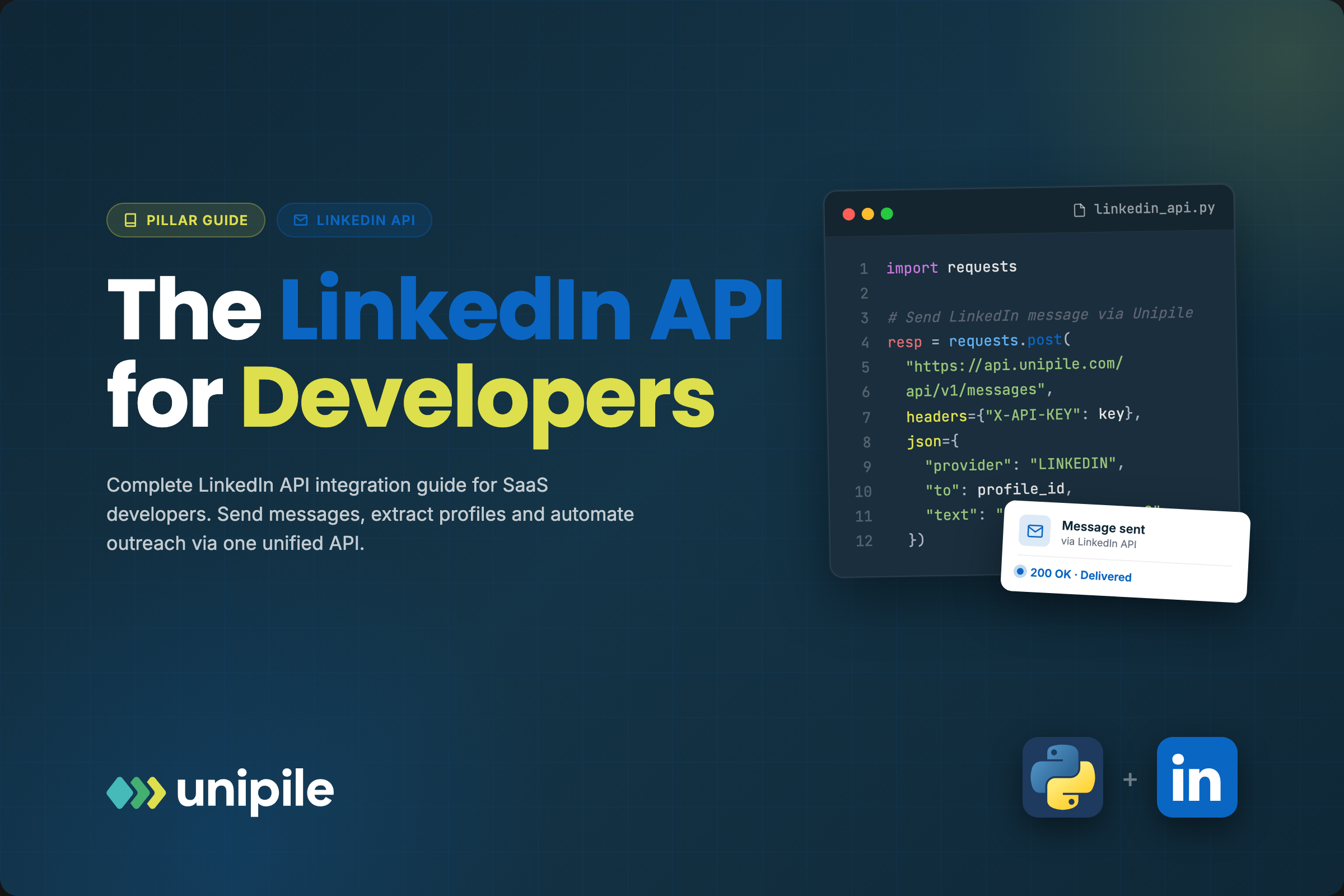
Unipile Example: Real API Workflows & Code Samples - What Is Unipile and What Does an Example Look Like?.
Unipile is a unified messaging API that lets developers integrate multiple communication channels—WhatsApp, LinkedIn, Instagram, Telegram, and email providers like Google, Microsoft, and IMAP—through a single interface. Instead of building separate integrations for each provider, you connect accounts once and interact with chats, messages, and webhooks through a normalized REST API.
A basic Unipile example follows this pattern:
- Create an account and get your DSN (Data Source Name)
- Generate an access token
- Connect a provider account (LinkedIn, WhatsApp, Gmail, etc.)
- List chats with
GET /api/v1/chats - Send a message with
POST /api/v1/chats/:chatId/messages - Receive new messages through webhooks
The official Unipile Getting Started guide recommends testing directly in the API Reference section before writing code. You can connect an account on the Accounts page and experiment with every route interactively—useful for understanding response shapes before committing to an implementation.
Unipile Example 1: Connect an Account and List Chats

Unipile Example: Real API Workflows & Code Samples - Unipile Example 1: Connect an Account and List Chats.
The first practical Unipile example is connecting a provider account and retrieving existing conversations. Here's the typical flow:
# Step 1: Connect a LinkedIn account
POST /api/v1/accounts
{
  "provider": "LINKEDIN",
  "username": "your.email@example.com",
  "password": "your-password"
}

# Step 2: List all chats for the connected account
GET /api/v1/chats
Authorization: Bearer YOUR_ACCESS_TOKEN
The response returns a normalized list of conversations across all connected providers. This is the foundation for building an inbox view in your application—you retrieve chats once, then rely on webhooks for real-time updates.
Unipile Example 2: Send a Message

Unipile Example: Real API Workflows & Code Samples - Unipile Example 2: Send a Message.
Sending a message through Unipile is a single POST request:
POST /api/v1/chats/:chatId/messages
Authorization: Bearer YOUR_ACCESS_TOKEN
Content-Type: application/json

{
  "text": "Hi there, following up on our conversation."
}
The chatId comes from the list chats endpoint. Unipile handles provider-specific formatting and delivery behind the scenes, so the same request shape works whether you're messaging on WhatsApp, LinkedIn, or another supported channel.
Unipile Example 3: Webhook-Driven Message Processing
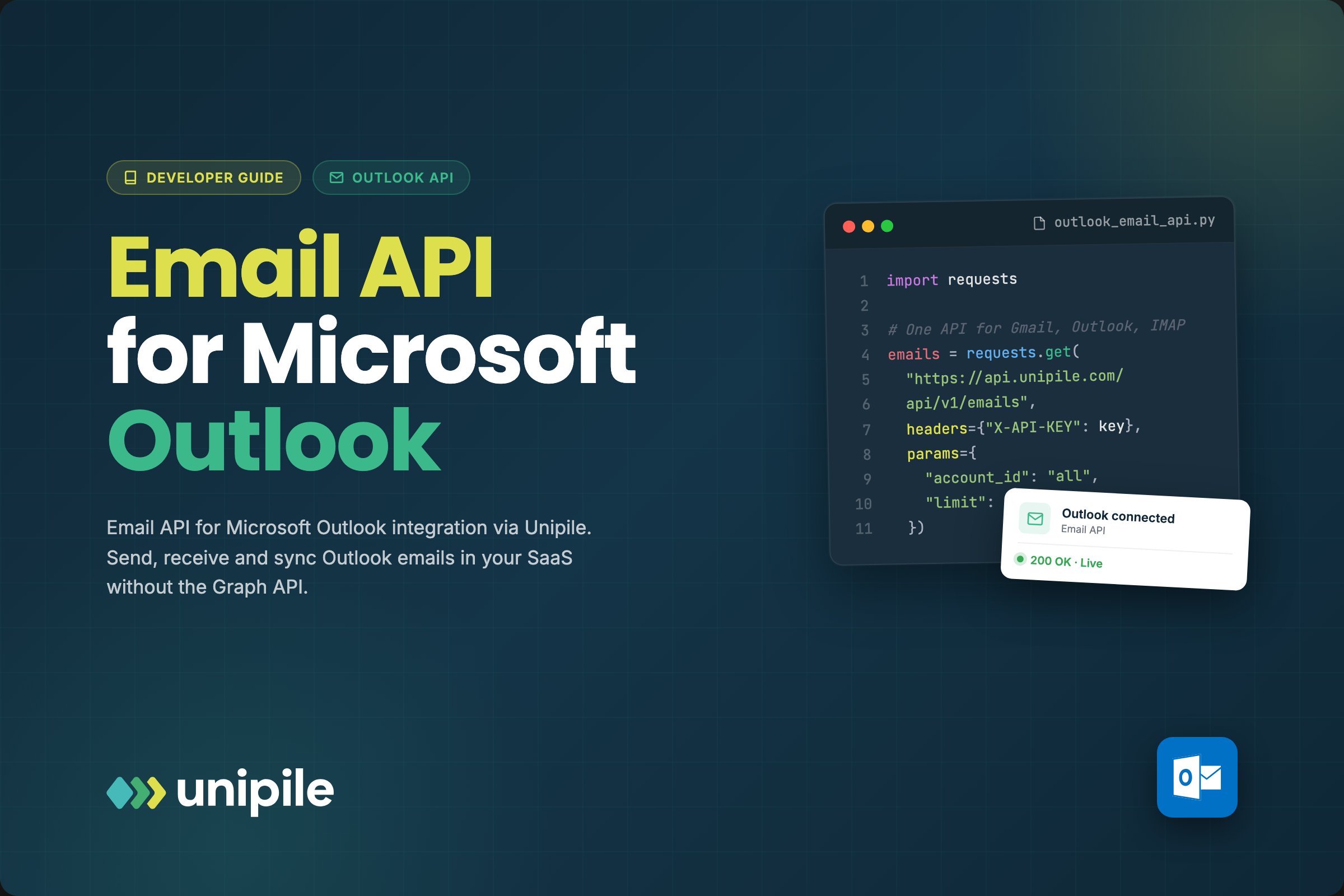
Unipile Example: Real API Workflows & Code Samples - Unipile Example 3: Webhook-Driven Message Processing.
Real applications don't poll for new messages—they react to webhooks. A typical Unipile example for incoming message handling:
- Configure a webhook URL in the Unipile dashboard
- Subscribe to events like
message.receivedorinvitation.accepted - Handle the payload in your backend
- Trigger follow-up actions based on message content
This event-driven pattern is what makes Unipile suitable for automation platforms like Make and n8n. You can build flows that trigger on new messages, enrich profiles, score leads with AI, and send replies—all without a backend if you're using a no-code tool.
Unipile Example 4: LinkedIn Search and Data Extraction
One of Unipile's most used features is LinkedIn search extraction. The workflow example from Unipile's documentation:
- Set a search URL: Define a LinkedIn or Sales Navigator search URL with filters like job title, industry, or location
- Call the API: Use
GET /search/rawto fetch structured results - Parse JSON: Extract full name, job title, company, location, and profile URL
- Log to CRM: Push formatted results to Google Sheets, Airtable, HubSpot, Pipedrive, or Salesforce
This avoids browser automation and scraping—data comes back cleanly in JSON, ready for enrichment or sync.
Unipile Example 5: Multi-Channel Qualification Workflow
A more advanced Unipile example combines messaging, enrichment, AI, and CRM updates:
- Message received: Trigger the workflow when a new LinkedIn or WhatsApp message arrives
- Call Unipile API: Fetch message content, sender ID, and context
- Enrich profile: Get job title, company, location, and past interactions
- Analyze intent with AI: Send message content to OpenAI for buyer intent extraction
- Score lead: Assign a lead score based on profile + intent
- Send reply or calendar invite: Auto-respond or suggest a meeting
- Update CRM or notify Slack: Log the interaction for your team
This pattern shows why unified APIs matter: one integration unlocks multi-channel automation that would otherwise require separate SDKs and custom glue code for each provider.
Common Unipile Errors and How to Handle Them
When building with Unipile, you'll encounter provider-specific errors. The official API reference documents common error types:
| Error Type | What It Means |
|---|---|
errors/missing_credentials |
Required credentials weren't provided |
errors/multiple_sessions |
LinkedIn restricts multiple sessions on certain Recruiter accounts |
errors/invalid_credentials |
Provided credentials are invalid |
errors/expired_credentials |
Username/password no longer valid |
errors/disconnected_account |
Account disconnected from the provider |
errors/checkpoint_error |
Security checkpoint couldn't be resolved |
errors/insufficient_privileges |
Resource outside your scopes |
Handling these gracefully—especially checkpoint and session errors—is essential for production reliability. Your error handling should distinguish between retryable failures and credential issues that require user intervention.
Unipile vs. UnifyPort: Choosing the Right Unified Messaging API
Unipile and UnifyPort both solve the multi-channel messaging problem, but they prioritize different channels and use cases. Understanding the difference helps you choose the right tool for your example workflow.
Channel Coverage
Unipile focuses on LinkedIn, WhatsApp, Instagram, Telegram, and email (Google, Microsoft, IMAP), with SMS/RCS on the roadmap. UnifyPort targets a different mix: Telegram, WhatsApp, LINE, X (Twitter), Zalo, and TikTok. If your workflow is LinkedIn-heavy—search extraction, profile enrichment, recruiter outreach—Unipile is the natural fit. If you're building for Asian messaging markets or social platforms like TikTok and X, UnifyPort's channel set is more relevant.
Event Model and Reliability
Both platforms normalize provider events into a consistent JSON shape and support webhooks. UnifyPort adds a webhook control plane for managing signatures, subscriptions, and retries, plus built-in rate limiting, idempotency, and failure isolation. These are production-grade features that matter when your example workflow needs to survive provider outages or traffic spikes.
Integration Approach
Unipile provides SDKs and works well with Make and n8n for no-code builders. UnifyPort offers official SDKs for Node.js, PHP, and Go, with a REST API and HMAC-SHA256 signature verification. If your stack is PHP or Go, UnifyPort's first-party SDKs reduce integration effort. If you're primarily a no-code builder, Unipile's Make integration is a strong advantage.
Pricing Model
Unipile's pricing is based on connected accounts and usage tiers. UnifyPort uses a graduated monthly tier per paid messaging account, with free accounts included. For teams with many low-volume accounts, this can be more predictable than per-message pricing.
For a deeper comparison, see the Unipile overview and alternatives guide and the Unipile LinkedIn API integration guide.
Building Your First Unipile Example: Step-by-Step
Here's a complete walkthrough to get your first Unipile example running:
Step 1: Create an Account and Get Your DSN
Sign up for the API dashboard and locate your DSN. This identifier is required for all API requests.
Step 2: Generate an Access Token
Create a token from the dashboard. Store it securely—it authenticates your API calls.
Step 3: Connect a Test Account
Use the Accounts page to connect a provider account for testing. This bypasses the API account-adding process so you can experiment immediately.
Step 4: Test in the API Reference
Before writing code, use the interactive API Reference section. Specify your DSN and token, then call routes like GET /api/v1/chats to see real responses.
Step 5: Implement in Your Stack
Once you understand the response shapes, implement the same calls in your backend. Start with list chats and send message, then add webhook handling.
Step 6: Add Error Handling
Wrap API calls with retry logic and handle the error types documented above. Provider disconnections and checkpoints are common in production.
Related reading
- CM.com Breda: History, HQ, Careers & Alternatives - Learn about CM.com's Breda headquarters, its 1999 founding as ClubMessage, key milestones, and how its messaging platform compares to unified API alternatives.
- CM.com Integration: APIs, Plugins & Developer Setup Guide - Learn how CM.com integration works across SMS, WhatsApp, payments, and plugins. Compare API options, setup steps, and unified messaging alternatives.
FAQ: Unipile Examples
What is the simplest Unipile example I can try?
The simplest Unipile example is connecting a test account in the dashboard, then calling GET /api/v1/chats to list conversations. No code required—you can do it entirely in the API Reference section.
Can I use Unipile with Make or n8n?
Yes. Unipile offers a Make integration for drag-and-drop workflows and works with n8n or custom scripts via HTTP requests. You can trigger actions on events like "new message received" or "invitation accepted."
Does Unipile support SMS?
SMS/RCS support is on Unipile's roadmap but not currently available. If you need SMS now, consider a dedicated SMS API guide or a unified platform that already includes SMS.
How does Unipile handle LinkedIn session issues?
LinkedIn may restrict multiple sessions on certain Recruiter accounts, causing errors/multiple_sessions. Unipile recommends using the cookie connection method to avoid this error.
Is Unipile suitable for AI agents?
Unipile's API can feed message data to AI models like OpenAI for intent analysis, as shown in their multi-channel qualification workflow example. UnifyPort explicitly targets AI agents with its normalized event layer and webhook control plane, making it another option for agent-driven messaging.
What channels does UnifyPort support that Unipile doesn't?
UnifyPort supports LINE, X (Twitter), Zalo, and TikTok—channels Unipile doesn't currently cover. If your users communicate on these platforms, UnifyPort is worth evaluating.
Conclusion
Unipile examples reveal a platform built for LinkedIn-centric workflows, email integration, and no-code automation. The API is straightforward: connect accounts, list chats, send messages, and react to webhooks. Where Unipile shines—LinkedIn search extraction, recruiter outreach, Make/n8n workflows—it's a strong choice.
But unified messaging APIs aren't one-size-fits-all. If your channel mix includes LINE, X, Zalo, or TikTok, or if you need production features like idempotent retries, failure isolation, and a webhook control plane, UnifyPort offers a different set of trade-offs. The right choice depends on which channels your users actually use and what reliability guarantees your application requires. For more context on how unified messaging platforms compare to traditional CRM messaging integration, explore the linked guide.