
UnifyPort vs Chat SDK: Unified Messaging API or Bot Framework?
Compare UnifyPort's unified messaging API with Chat SDK's TypeScript bot framework. See which fits your channel coverage, language stack, and use case.
UnifyPort vs Chat SDK: Which Approach Fits Your Messaging Project?
When you need to connect your product to multiple chat platforms, you'll encounter two broad approaches: a unified messaging API like UnifyPort, or a bot development framework like Chat SDK. They sound similar—both promise to reduce per-platform work—but they solve different problems for different teams. This comparison breaks down what each does well, where each falls short, and how to choose based on your stack, channels, and goals.
What UnifyPort and Chat SDK Actually Are
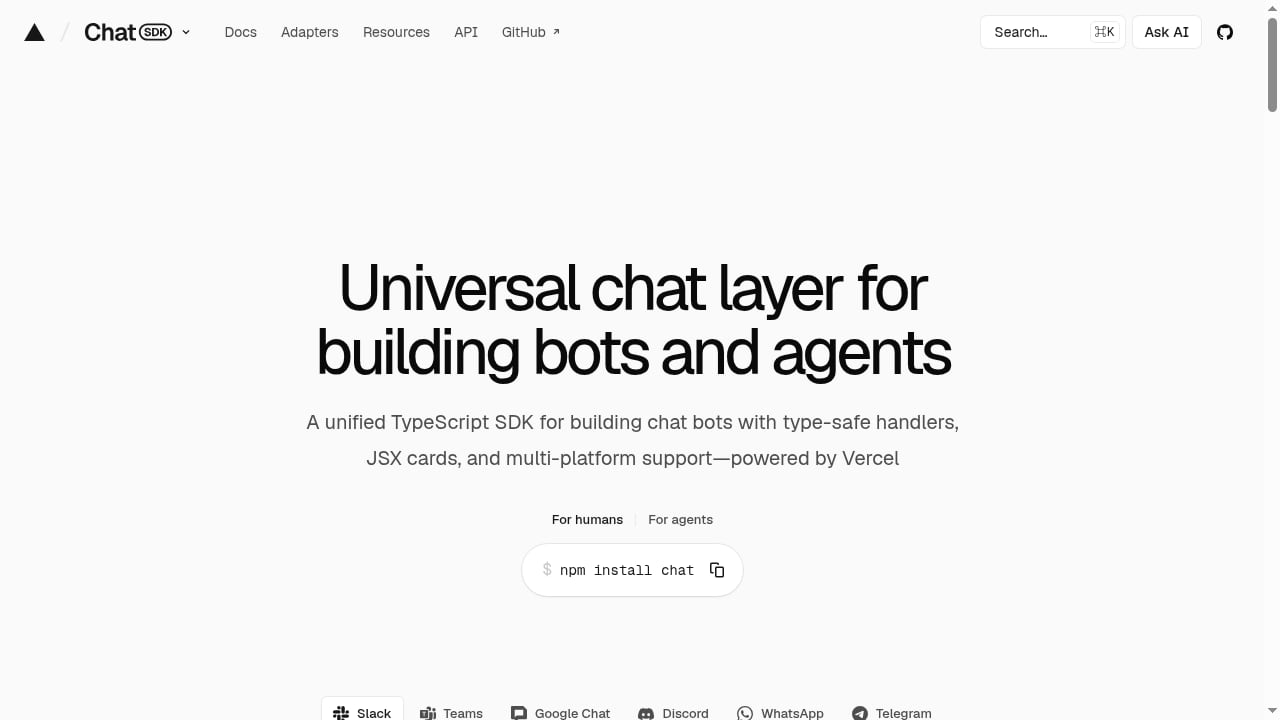
First viewport screenshot of chat-sdk.dev.
UnifyPort is a unified messaging API platform. It exposes a single REST API and a standardized webhook event stream for WhatsApp, Telegram, LINE, TikTok, Zalo, and X (formerly Twitter). You send a message with one POST /v1/messages call and receive normalized events like message.received with consistent fields for provider, account, conversation, sender, and message. It also handles account lifecycle tasks such as QR-code, code, session, and Passkey authentication. Official SDKs exist for Node.js, PHP, Go, and Python.
Chat SDK is a TypeScript library for building chat bots and agents that run across multiple messaging platforms. It abstracts each platform's API and webhook format behind adapters, giving you typed event handlers (mentions, messages, reactions, button clicks, slash commands, modals), thread subscriptions for multi-turn conversations, and JSX-based cards, buttons, and modals that render natively per platform. Adapters are organized into official (@chat-adapter/*, maintained by Vercel), vendor-official, and community tiers. It also includes AI utilities under the chat/ai subpath for bots built on AI SDK or TanStack AI.
In short: UnifyPort is an API-first messaging layer; Chat SDK is a bot-building framework.
Channel Coverage: Where Each Shines
UnifyPort's channel list is explicitly global-social: WhatsApp, Telegram, LINE, TikTok, Zalo, and X. That makes it particularly relevant for teams targeting Asia-Pacific markets where LINE, Zalo, and TikTok are prominent. It also supports two-way messaging, media captions, mentions, message pinning, revocation, emoji reactions, and account lifecycle management.
Chat SDK's documented platform focus is Slack, Microsoft Teams, Google Chat, Discord, Telegram, and more. Its adapter model is designed for workplace and community chat platforms, with a strong TypeScript ecosystem and Vercel-backed official adapters.
Decision point: If your customers live on WhatsApp, LINE, Zalo, or TikTok, UnifyPort's channel coverage is a direct fit. If your bots operate inside Slack, Teams, Google Chat, or Discord, Chat SDK is built for that world.
Language and Stack Fit
UnifyPort offers SDKs for Node.js, PHP, Go, and Python, plus a REST API that any language can call. That breadth matters for polyglot teams or backends written in PHP or Go.
Chat SDK is a TypeScript library. Its typed event handlers, JSX-based UI components, and AI utilities are compelling if your team is all-in on TypeScript and modern JavaScript tooling. If your backend is Python or PHP, adopting Chat SDK means either adding a TypeScript service or finding another path.
Decision point: Match the tool to your primary language. A TypeScript monorepo favors Chat SDK; a mixed or non-JS stack favors UnifyPort's multi-language SDKs and plain REST interface.
Messaging Primitives and Event Model
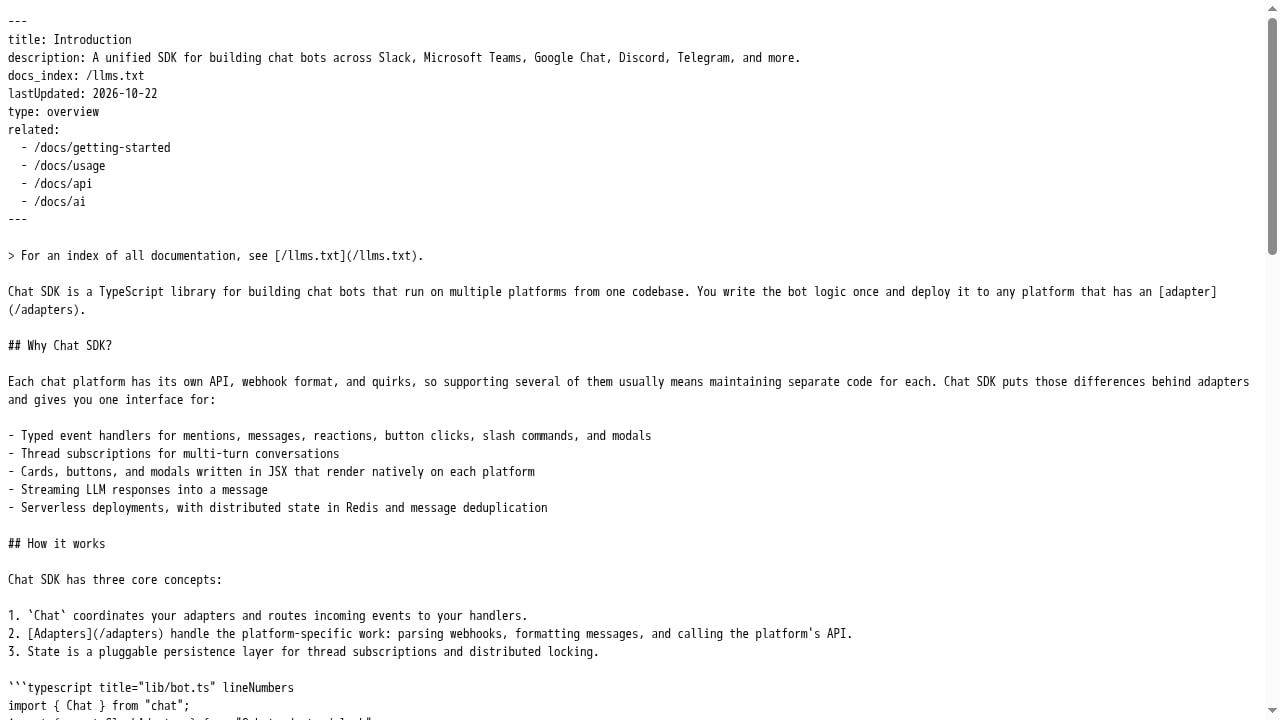
First viewport screenshot of chat-sdk.dev.
UnifyPort normalizes events into a consistent schema. For example, a message.received event carries provider, account, conversation, sender, and message data in a predictable shape. It also documents provider-specific behavior—such as which actions map to which channels—so you can build reliable workflows without guessing. Its blog covers practical edge cases like WhatsApp pin chat vs pin message and conversation clear/delete webhook sync, which helps teams avoid common integration traps.
Chat SDK provides typed event handlers for mentions, messages, reactions, button clicks, slash commands, and modals, plus thread subscriptions for multi-turn conversations. Its JSX-based cards and modals render natively on each platform, which is a strong fit for interactive bot UIs. The @chat-adapter/catalog package lets developers list adapters, check capabilities, and read setup requirements without importing platform SDKs.
Decision point: If your product needs rich interactive bot UIs (buttons, modals, slash commands) in TypeScript, Chat SDK's abstractions are purpose-built. If you need a normalized event stream for backend workflows—customer support, notifications, engagement—UnifyPort's API-first model is more direct.
Account Lifecycle and Authentication
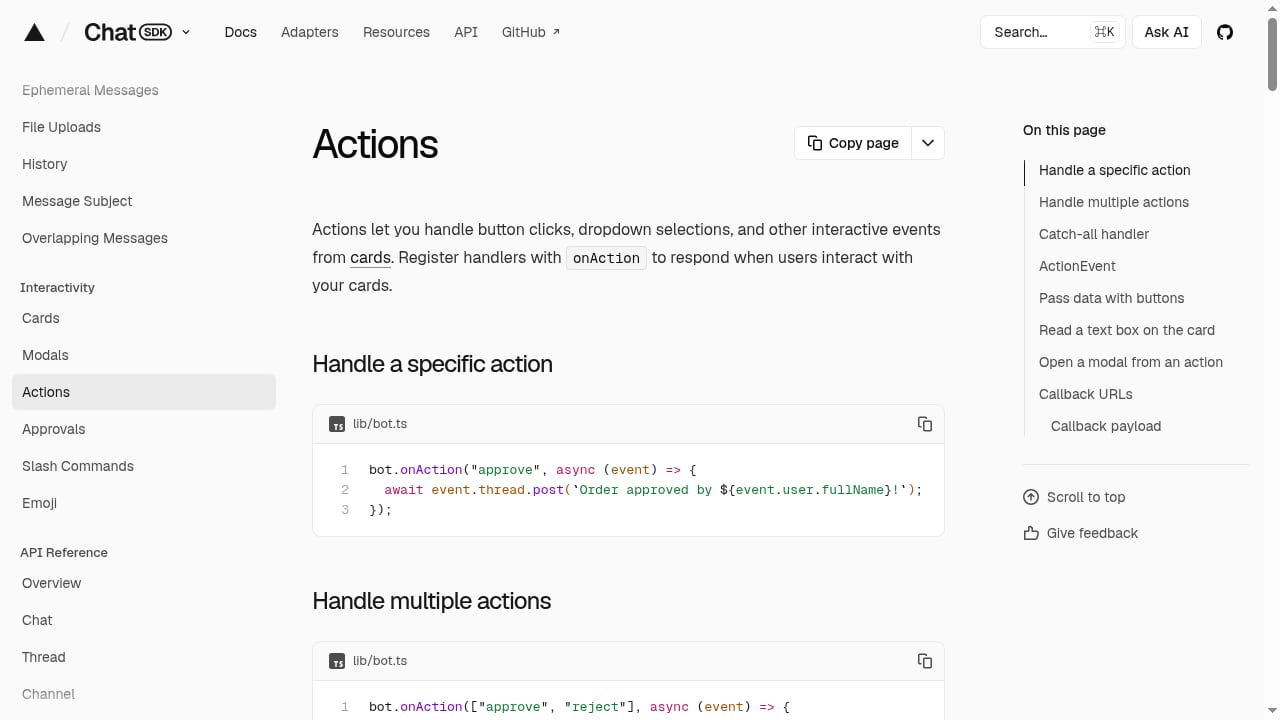
First viewport screenshot of chat-sdk.dev.
UnifyPort explicitly supports account lifecycle management, including QR-code, code, session, and Passkey authentication flows. That's valuable when you're connecting end-user accounts across channels and need to handle login and session state.
Chat SDK's adapter model connects the SDK to messaging platforms and state backends, but its documentation emphasizes bot and agent development rather than end-user account lifecycle. If your use case involves managing many connected accounts, UnifyPort's lifecycle features are a clearer fit.
Pricing and Operational Model
UnifyPort describes transparent graduated monthly messaging-account costs in USD, with unified API access and free messaging accounts in every workspace. It also supports wallet-mode and quota-based account billing operations. That model is designed for teams that need predictable per-account costs as they scale channels.
Chat SDK is an open-source TypeScript library powered by Vercel. Its costs are indirect—hosting, adapter maintenance, and engineering time—rather than per-account messaging fees. For teams already on Vercel, that can be attractive; for teams that want a managed API with billing clarity, UnifyPort's model is more explicit.
When to Choose UnifyPort
- You need to reach customers on WhatsApp, Telegram, LINE, TikTok, Zalo, or X.
- Your backend is PHP, Go, Python, or a mix of languages.
- You want a single REST API and normalized webhook events without building per-platform integrations.
- You need account lifecycle management (QR-code, code, session, Passkey).
- You prefer transparent, graduated per-account pricing in USD.
When to Choose Chat SDK
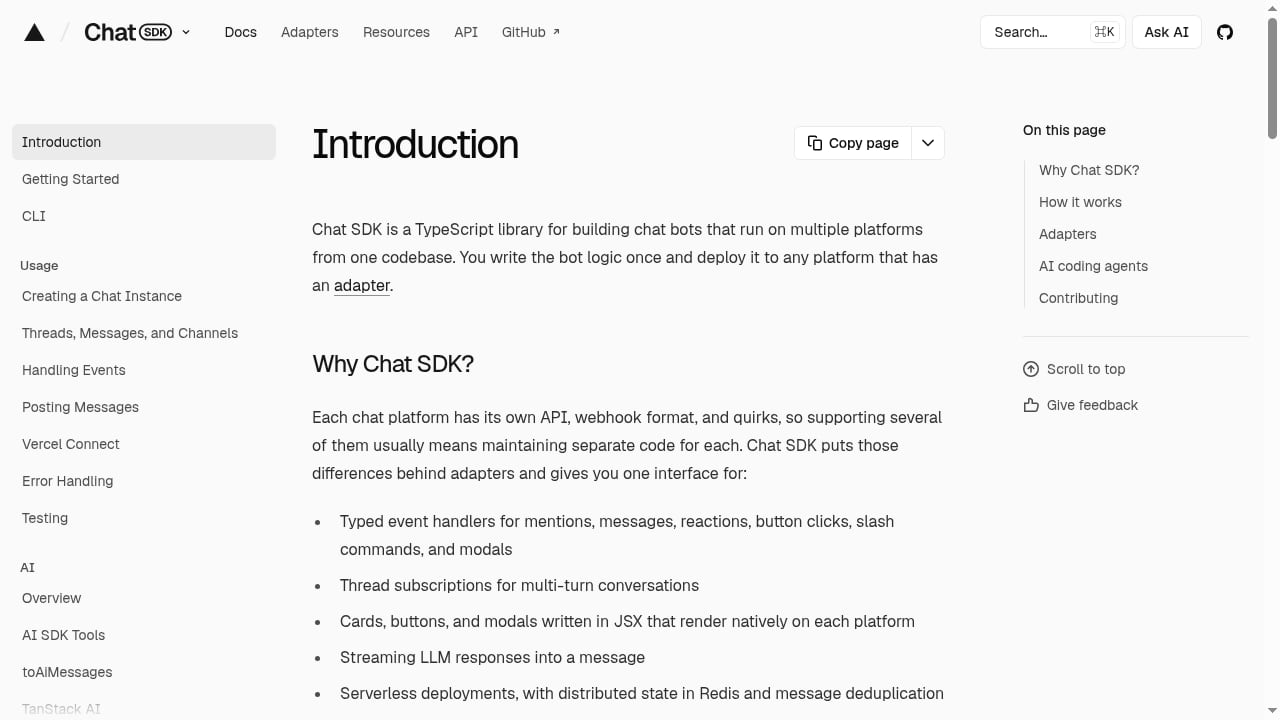
First viewport screenshot of chat-sdk.dev.
- Your team is TypeScript-first and wants typed event handlers and JSX-based UI components.
- Your bots live in Slack, Microsoft Teams, Google Chat, or Discord.
- You need thread subscriptions for multi-turn conversations and interactive modals.
- You're building AI agents with AI SDK or TanStack AI and want the
chat/aiutilities. - You're comfortable managing adapters and hosting yourself.
Can You Use Both?
In theory, a TypeScript team could use Chat SDK for bot UIs on workplace platforms and UnifyPort for customer-facing social channels. But that adds integration surface. For most teams, picking one primary approach based on channel coverage and language stack is simpler. If you're evaluating broader platform options, see our Top 10 Unified Communication API Platforms 2026 and UnifyPort vs UIB vs bundle.social comparisons.
Related reading
- Sent Review 2026: One API for SMS, WhatsApp & RCS - Evidence-based Sent review: one API for SMS, WhatsApp, and RCS, automatic routing, pricing, setup, limitations, and who should use it in 2026.
- Top 10 Omnichannel Communication Platforms 2026 - Ranked review of the top 10 omnichannel communication platforms in 2026, with transparent criteria, evidence, pricing, and decision guidance.
FAQ
Is Chat SDK a replacement for a messaging API?
No. Chat SDK is a bot development framework that abstracts platform APIs behind adapters. UnifyPort is a unified messaging API that provides a single REST interface and normalized events. They solve different layers of the stack.
Does UnifyPort support TypeScript?
Yes. UnifyPort offers an official Node.js SDK, and its REST API can be called from any language, including TypeScript.
Which is better for WhatsApp and LINE?
UnifyPort explicitly supports WhatsApp, LINE, Zalo, TikTok, Telegram, and X. Chat SDK's documented focus is Slack, Teams, Google Chat, Discord, and Telegram. For WhatsApp and LINE customer messaging, UnifyPort is the more direct fit.
Is Chat SDK free?
Chat SDK is an open-source TypeScript library. You bear hosting and engineering costs. UnifyPort uses graduated monthly messaging-account pricing in USD with free messaging accounts in every workspace.
Can I use Chat SDK with a non-TypeScript backend?
Not natively. Chat SDK is a TypeScript library. You'd need a TypeScript service or a different approach if your backend is Python, PHP, or Go.
Conclusion
UnifyPort and Chat SDK are complementary tools for different jobs. UnifyPort is the stronger choice when you need a unified messaging API across global social channels—especially WhatsApp, LINE, Zalo, and TikTok—with multi-language SDKs and normalized webhook events. Chat SDK is the better fit for TypeScript teams building interactive bots and agents on workplace platforms like Slack, Teams, Google Chat, and Discord. Evaluate your channel list, language stack, and whether you need an API layer or a bot framework, then choose the tool that matches your architecture.
For more on messaging API integration patterns, read our Zapier integration guide for messaging APIs and LINE Social Plugins vs Messaging APIs.
Sources: