
Zapier Integration for Messaging APIs: What Developers Need
Learn how a Zapier integration works for messaging APIs, when to use no-code automation versus a unified messaging API, and how to build reliable workflows.
Zapier Integration for Messaging APIs: What Developers Need
A Zapier integration can connect your messaging channels to thousands of business apps without writing glue code. But it solves a different problem than a unified messaging API. This article explains how Zapier integrations work, where they fit in a messaging stack, and how to decide between no-code automation and a direct API.
What a Zapier integration actually is
Zapier is an automation platform that connects apps through workflows called Zaps. A Zap has a trigger (an event that starts the workflow) and one or more actions (what happens next). Zapier's app directory lists thousands of connectors, and its developer platform lets software teams publish their own integration so users can build workflows around that product.
For messaging, the pattern usually looks like this:
- Trigger: a new message, form submission, or order event.
- Action: send a WhatsApp, Telegram, or LINE message, create a ticket, or update a CRM record.
Zapier handles authentication, retries, and field mapping. Your team configures the workflow in a visual builder instead of maintaining scheduled scripts.
Why messaging teams look for a Zapier integration
Customer conversations increasingly start on social channels. A support team may receive a WhatsApp question, a Telegram alert, or a LINE inquiry and want that message to appear in a help desk, spreadsheet, or project tool. Zapier is attractive because it removes the need to build one-off connectors for each pair of apps.
The trade-off is control. Zapier workflows are optimized for event-driven automation, not for high-volume, stateful messaging logic. When you need delivery receipts, message revocation, reactions, or per-account session management, a direct API is usually the better fit.
Zapier integration vs. a unified messaging API
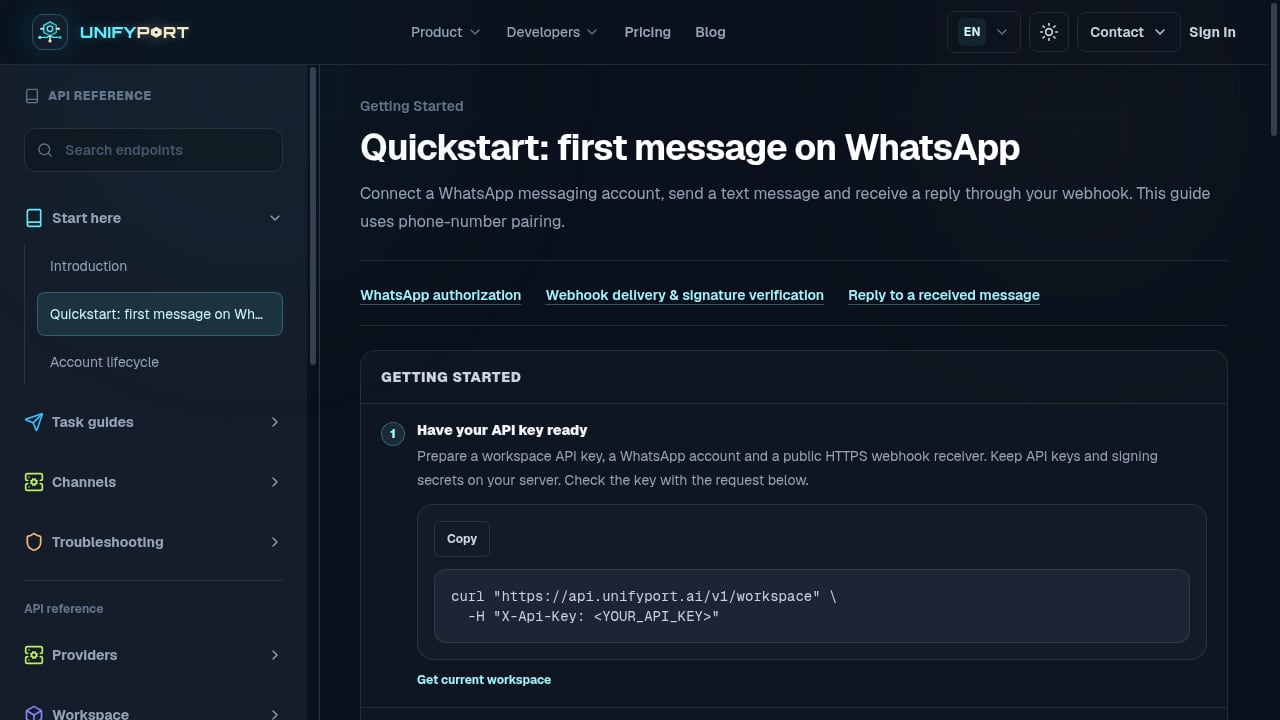
First viewport screenshot of unifyport.ai.
These two approaches are complementary, but they serve different needs.
| Requirement | Zapier integration | Unified messaging API |
|---|---|---|
| Connecting 9,000+ business apps | Strong fit | Requires custom code |
| Sending a message from a form or CRM event | Fast setup | Requires a POST call |
| Handling inbound webhooks with a normalized schema | Limited | Strong fit |
| Managing multiple channel accounts and sessions | Not designed for it | Built for it |
| High-volume, two-way conversations | Costly at scale | Designed for scale |
| Developer control over retries and payloads | Constrained | Full control |
A practical pattern is to use Zapier for internal notifications and lightweight workflows, while routing customer-facing messaging through a unified API. For example, a new lead in a CRM could trigger a Zap that posts to Slack, while the actual WhatsApp conversation runs through your own backend.
How a unified messaging API fits alongside Zapier
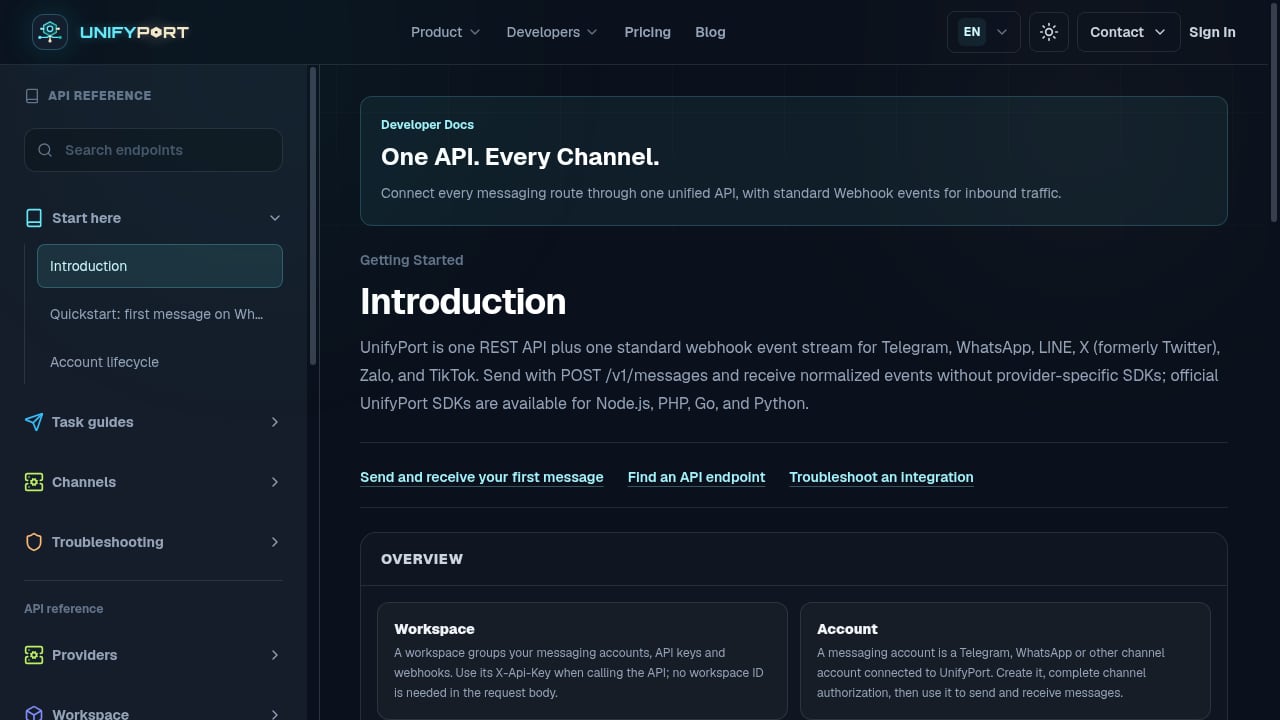
First viewport screenshot of unifyport.ai.
UnifyPort is a unified messaging API platform that connects WhatsApp, Telegram, LINE, TikTok, Zalo, and X through a single REST API and a standardized webhook event stream. Instead of building and maintaining a separate integration for each channel, teams send messages with one POST /v1/messages call and receive normalized events such as message.received, with provider, account, conversation, sender, and message data in a consistent schema.
The platform supports two-way messaging, text and media captions, mentions, message pinning, revocation, emoji reactions, and account lifecycle management including QR-code, code, session, and Passkey authentication flows. Official SDKs are available for Node.js, PHP, Go, and Python.
Where Zapier shines is in connecting business tools. Where a unified API shines is in owning the messaging layer: consistent payloads, one webhook format, and channel-specific behavior handled behind a single interface. Teams building customer support, notification, and engagement workflows across Asia-Pacific channels such as LINE, Zalo, and TikTok often need both.
If you are comparing platforms, the UnifyPort vs UIB vs bundle.social comparison breaks down channels, webhooks, SDKs, and pricing. For a broader market view, see the top 10 unified communication API platforms.
Building a Zapier integration for your own product
If you maintain a messaging product and want it in Zapier's ecosystem, the developer platform offers two paths: a low-code visual builder for simpler APIs and a command-line interface for more complex integrations. A well-designed integration typically includes:
- Authentication: API key or OAuth, depending on your security model.
- Triggers: at least one polling or webhook trigger, such as a new message or conversation.
- Actions: create-message and update-record actions with clear field labels.
- Sample data: realistic examples so users can map fields without guessing.
- Error handling: readable messages for rate limits, invalid recipients, and expired sessions.
Zapier's own developer platform documentation covers the build process, and the app directory shows how established integrations present triggers and actions to users.
Common pitfalls with Zapier messaging workflows
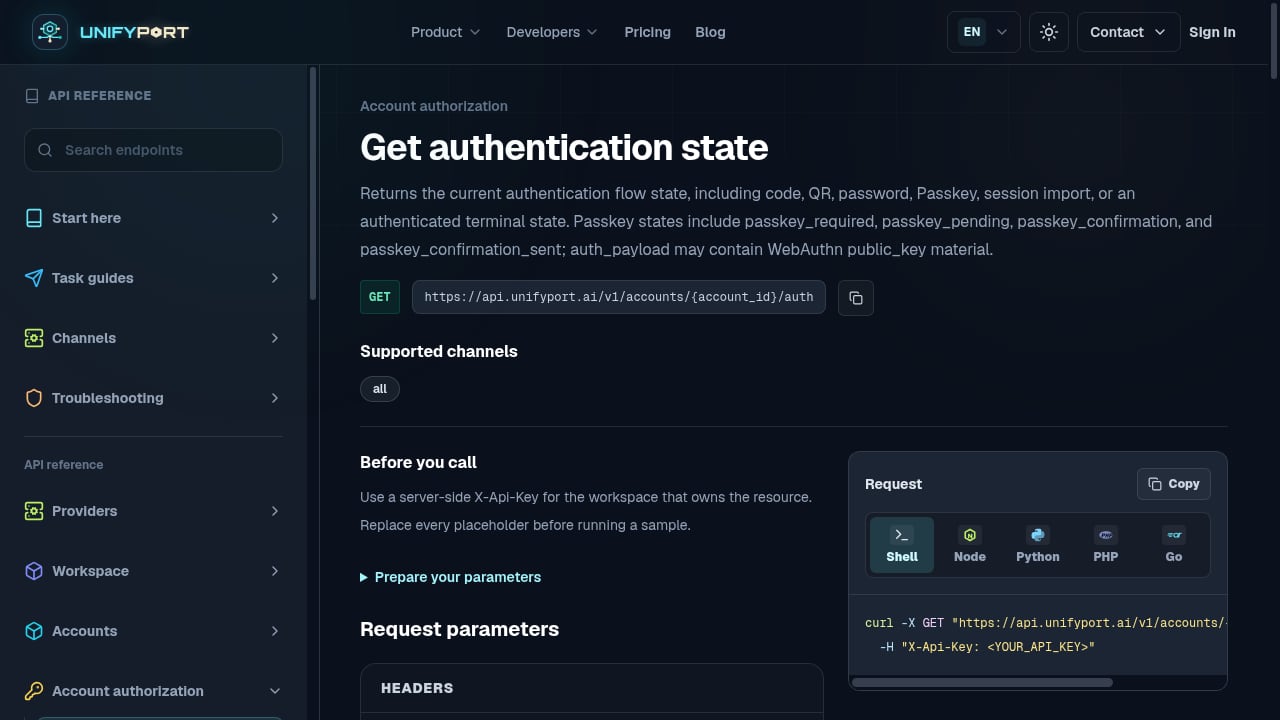
First viewport screenshot of unifyport.ai.
- Duplicate sends. Polling triggers can fire more than once. Use idempotency keys or deduplication logic on the receiving side.
- Channel limits. WhatsApp and LINE have messaging windows and template rules. A Zap that sends freely may fail silently or incur template costs.
- Session expiry. Some channels require re-authentication. A Zap cannot repair a broken session; your backend must handle account lifecycle events.
- Data shape drift. Zapier field mappings break when an API changes its payload. A normalized schema reduces this risk.
- Cost at volume. Task-based pricing adds up quickly for high-volume messaging. Keep bulk traffic on your own API.
When to choose which
Choose a Zapier integration when the goal is connecting business apps, the volume is modest, and the team prefers visual configuration. Choose a unified messaging API when the goal is owning the conversation layer, handling inbound events reliably, and supporting multiple channels with one schema. Many teams use both: Zapier for internal automation, a unified API for customer messaging.
For a deeper look at how messaging APIs pair with AI and other channels, read UnifyPort + Conversational AI: SMS, Email & Voice Workflow.
Related reading
- Top 10 Omnichannel Communication Platforms 2026 - Ranked review of the top 10 omnichannel communication platforms in 2026, with transparent criteria, evidence, pricing, and decision guidance.
- UnifyPort vs Vonage: Unified Messaging API Comparison - Compare UnifyPort and Vonage for social messaging APIs. See how UnifyPort unifies WhatsApp, LINE, and more versus Vonage's broader CPaaS and UCaaS suite.
- respond.io Review 2026: Pricing, Pros & Ideal Users - Evidence-based respond.io review: unified inbox, AI Agents, WhatsApp API costs, pricing from $79/mo, setup, limitations, and who should use it in 2026.
Sources and further reading
- Zapier: Automate AI Workflows, Agents, and Apps - Build and scale AI workflows and agents across 9,000+ apps with Zapier—the most connected AI orchestration platform. Trusted by 3 million+ businesses.
FAQ
Is Zapier a messaging API?
No. Zapier is an automation platform that connects apps. It can call messaging APIs as actions, but it does not replace a messaging API for high-volume or stateful conversations.
Can I send WhatsApp messages through Zapier?
Yes, if a connected app exposes a WhatsApp action. The reliability and feature set depend on that app's integration, including template rules and messaging windows.
Do I need a Zapier integration if I use a unified messaging API?
Not necessarily. A unified API handles sending and receiving directly. Zapier is useful when you want to connect messaging events to business tools without custom code.
How do I build a Zapier integration for my messaging product?
Use Zapier's developer platform, define authentication, add a trigger and at least one action, provide sample data, and test error handling before publishing.
Conclusion
A Zapier integration is a fast way to connect messaging events to the tools your team already uses. A unified messaging API is the foundation for reliable, multi-channel conversations. Treat them as layers: Zapier for business automation, a unified API for the messaging core. That combination keeps workflows simple without sacrificing control over delivery, sessions, and inbound events.