
Telegram Groups: How to Find, Join, and Manage Them
Learn how to find, join, and manage Telegram groups. Discover built-in search, directories, invite links, admin tools, and API options for large communities.
Telegram Groups: How to Find, Join, and Manage Them
Telegram groups are one of the most flexible community tools available today. A single group can hold up to 200,000 members, which makes the format equally useful for a family chat, a project team, a local hobby club, or a massive public community. Unlike channels, groups are built for two-way conversation: anyone with permission can post, reply, mention others, and share media.
This guide covers how to find groups that match your interests, how to join them safely, what admin tools are available, and how developers can connect Telegram groups to larger messaging workflows.
What Makes Telegram Groups Different

Telegram Groups: How to Find, Join, and Manage Them - What Makes Telegram Groups Different.
Telegram groups sit between private chats and broadcast channels. A private chat is one-to-one. A channel is one-to-many with limited interaction. A group is many-to-many, with threaded replies, mentions, pinned messages, and granular admin controls.
The key characteristics of Telegram groups include:
- Up to 200,000 members per group
- Public or private visibility with invite links or short t.me URLs
- Granular admin privileges for moderation, member management, and content control
- Reply and mention systems that notify specific users even when the group is muted
- Bot support for moderation, games, payments, and automated workflows
- Partial bans that restrict specific actions instead of removing a member entirely
If you need to broadcast to an unlimited audience with minimal back-and-forth, a channel is the better fit. If you want discussion, collaboration, or community Q&A, a group is the right tool.
How to Find Telegram Groups
Telegram Groups: How to Find, Join, and Manage Them - How to Find Telegram Groups.
Finding the right Telegram group takes a mix of built-in search, third-party directories, and community discovery. Here are the most reliable methods.
1. Use Telegram's Built-In Search
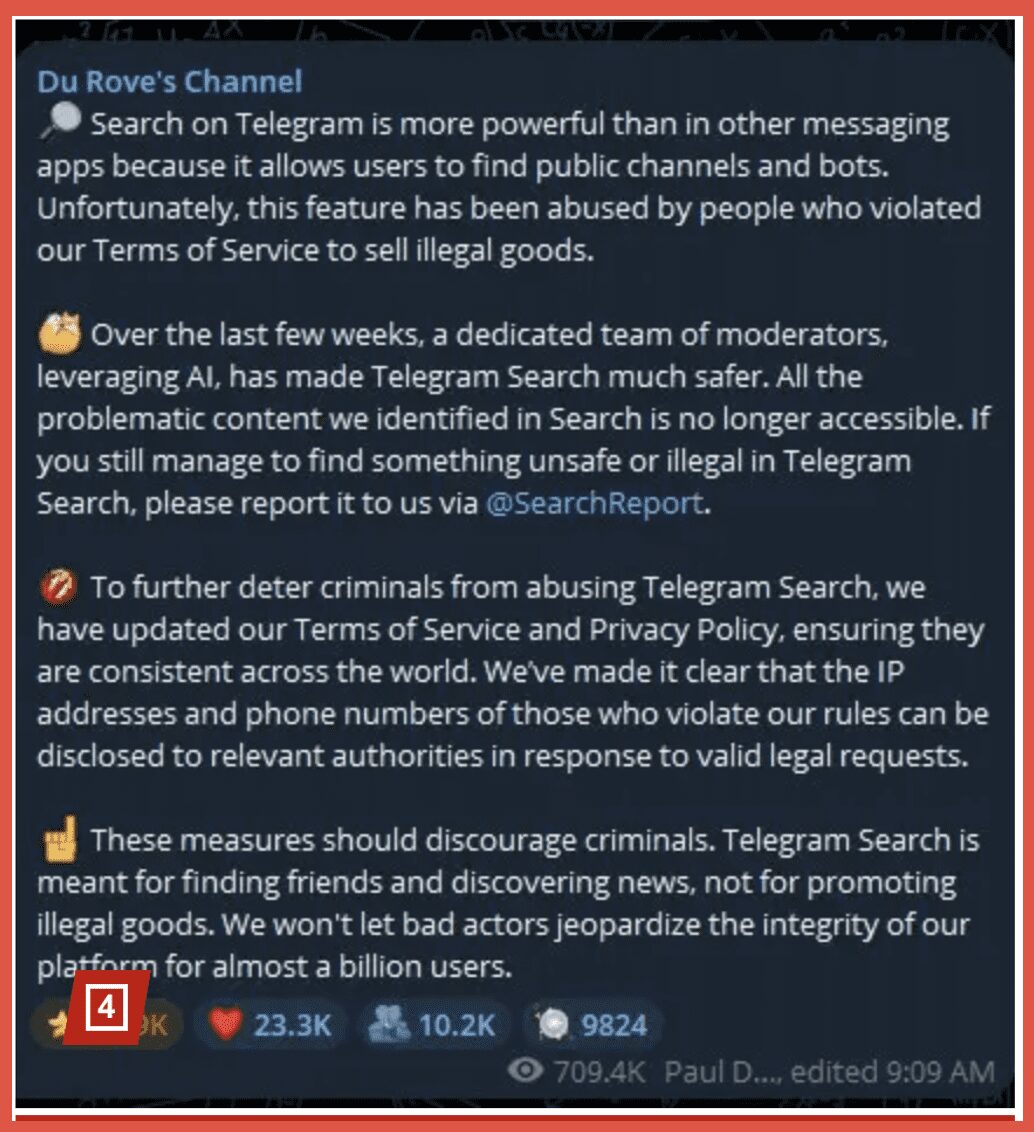
The fastest way to find public groups is the search bar at the top of the chat list. Type a keyword such as "digital marketing," "python developers," or "crypto trading," and Telegram will surface matching public groups and channels. This works best when you know the general topic you want, but the results can be limited by how groups name themselves.
2. Try Third-Party Group Directories
Several websites index public Telegram groups by category. Directories like Fullyst and similar listing sites organize groups by topic, language, and member count. These directories are useful when Telegram's built-in search feels too narrow or when you want to browse categories rather than search exact terms.
Be cautious with third-party directories. Check the group's member count, recent activity, and description before joining. Some directories list inactive groups or groups that have shifted purpose.
3. Follow Invite Links from Communities
Many creators, open-source projects, and businesses publish their Telegram group invite links on their websites, GitHub repositories, YouTube channels, and social profiles. If you already follow a project or creator elsewhere, check their link-in-bio or website footer for a t.me link. These groups tend to be more active and better moderated because they are tied to an existing community.
4. Search Within Niche Communities
Reddit, Discord servers, and specialized forums often have threads where members share Telegram group links. Searching a subreddit for "Telegram group" plus your topic can surface curated recommendations from people already active in that space. The quality bar is usually higher than a generic directory because real users are vouching for the group.
How to Join a Telegram Group
Telegram Groups: How to Find, Join, and Manage Them - How to Join a Telegram Group.
Joining is straightforward once you have a link or find a group in search.
- Open the group link or tap the group in search results.
- Preview the group to see its description, member count, and recent messages if it is public.
- Tap Join to become a member.
For private groups, you need an invite link or an admin to add you directly. Private groups do not appear in search results and their message history is not publicly viewable.
Public vs. Private Groups
| Feature | Public Group | Private Group |
|---|---|---|
| Discoverable in search | Yes | No |
| Short t.me link | Yes | No |
| Chat history visible without joining | Yes | No |
| Join method | Tap Join or open link | Invite link or admin add |
| Best for | Communities, open discussion | Teams, families, closed projects |
Public groups are ideal when you want discoverability and open membership. Private groups are better when you need to control who enters and keep the conversation confidential.
Essential Admin Tools for Telegram Groups
Telegram Groups: How to Find, Join, and Manage Them - Essential Admin Tools for Telegram Groups.
Running a large group requires more than just creating it. Telegram gives admins a deep toolkit for keeping conversations healthy.
Pinned Messages
Admins can pin important announcements to the top of the chat. All members receive a notification for pinned messages, even if they have muted the group. Pinned messages can be edited later, which makes them useful for maintaining a living list of rules, links, or upcoming events.
Granular Admin Privileges
You do not have to give every admin full control. Telegram lets you assign specific privileges: adding new users, managing messages, blocking members, editing group info, or appointing new admins. This tiered approach lets you delegate moderation without handing over full ownership.
Partial Bans
Instead of banning a member outright, admins can restrict specific actions. You can put a user in read-only mode, stop them from sending stickers or media, or limit their posting for a set period. This is a more precise way to handle rule-breakers without removing them from the community entirely.
Recent Admin Actions
When multiple admins moderate a group, it is easy to lose track of who did what. The Recent Actions log shows all service actions from the last 48 hours, including deleted messages and the original versions of edited messages. This log is visible only to admins and helps keep moderation transparent.
Group Stickers
Groups with 100 or more members can set an official sticker pack for the entire group. Members can use those stickers without adding the pack to their own panels, which reinforces group identity and makes conversations more engaging.
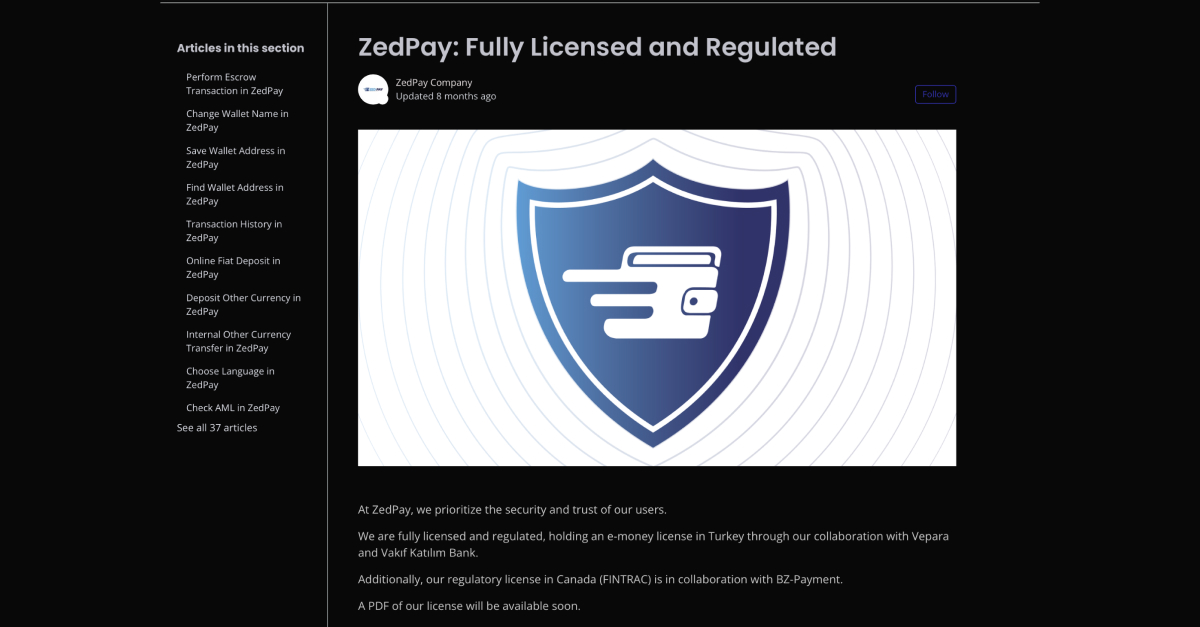
Using Bots to Manage Telegram Groups
Bots extend what a group can do. Common use cases include:
- Automated moderation: bots can delete spam, enforce posting rules, and issue temporary or permanent bans based on member actions.
- Welcome messages: bots can greet new members and share group rules automatically.
- Games and polls: bots can run trivia, quizzes, and interactive polls inside the group.
- Payments: bots can process payments for products, services, or donations directly in the chat.
- Notifications: bots can push alerts from external services, such as build failures, price changes, or support tickets.
If you are building your own bot, start with the Telegram bot guide to understand BotFather setup, the Bot API, and how to scale bots across channels.
Connecting Telegram Groups to Multi-Channel Workflows
Telegram groups are powerful on their own, but many teams need to coordinate conversations across multiple messaging platforms. A support team might field questions in a Telegram group, a WhatsApp chat, and a LINE community at the same time. Building separate integrations for each platform is time-consuming and difficult to maintain.
A unified messaging API solves this by providing one interface for multiple channels. Instead of learning the Telegram Bot API, WhatsApp Business API, LINE Messaging API, and others separately, developers can send and receive messages through a single REST API with standardized webhook events.
UnifyPort is one option in this space. It connects Telegram, WhatsApp, LINE, X (Twitter), Zalo, and TikTok through a single API, converting provider-specific message formats into a consistent JSON shape. For teams that run Telegram groups alongside other channels, this removes the need to build and maintain separate integrations for each platform. If you are evaluating options, a comparison of UnifyPort alternatives can help you weigh features, pricing, and developer experience across providers.
Telegram Groups vs. Channels: Which Should You Use?
| Use Case | Group | Channel |
|---|---|---|
| Community discussion | Yes | No |
| Broadcasting announcements | Limited | Yes |
| Two-way conversation | Yes | No |
| Unlimited subscribers | No (200,000 cap) | Yes |
| Member-to-member messaging | Yes | No |
| Public discovery | Yes (if public) | Yes |
Many communities run both: a channel for announcements and a linked group for discussion. Telegram allows you to connect a group to a channel so that channel posts automatically appear in the group as a discussion thread.
Best Practices for Running a Healthy Telegram Group
- Write clear rules and pin them. New members should immediately understand what is allowed and what is not.
- Use partial bans before full bans. Restrict specific actions first. Full bans are a last resort for repeat offenders.
- Delegate moderation with limited privileges. Give trusted members only the powers they need.
- Review Recent Actions regularly. Keep an eye on what other admins and bots are doing.
- Use bots for repetitive tasks. Automated moderation and welcome messages free up human admins for nuanced decisions.
- Keep pinned messages current. An outdated pinned message creates confusion.
- Choose public or private deliberately. Public groups grow faster but attract more spam. Private groups are easier to moderate but harder to discover.
Related reading
- Unipile GitHub: SDKs, Docs & Integration Guide - Explore Unipile's GitHub repos, official SDKs, quick-start examples, and how its unified messaging API compares with alternatives like UnifyPort.
- Line of Duty: Series Guide, Cast, Watch Order & Why It Works - A complete guide to Line of Duty: series order, cast, AC-12 storylines, the H mystery, where to watch, and what makes the BBC drama so compelling.
Sources and further reading
- How do I find groups on telegram? - Reddit - Apr 21, 2024 ... Above the chat list in the app, you can find the search bar. You can also find some groups rated on Fullyst at: https://fullyst.com/list/ ...
- How To Find Groups In Telegram | Step-by-Step Guide - Learn how to find public Telegram groups in just a few easy steps! In this quick tutorial, I walk you through how to search directly in Telegram, use third-p...
Frequently Asked Questions
How many members can a Telegram group have?
A Telegram group can have up to 200,000 members. If you need to reach a larger audience, consider a channel, which supports unlimited subscribers.
How do I find public Telegram groups?
Use the search bar at the top of the Telegram chat list, browse third-party directories like Fullyst, or follow invite links shared by creators and communities on other platforms.
Can I join a private Telegram group without an invite link?
No. Private groups require an invite link or an admin to add you directly. They do not appear in search results.
What is the difference between a Telegram group and a channel?
Groups support two-way conversation among up to 200,000 members. Channels are one-to-many broadcast tools with unlimited subscribers and limited interaction.
Can bots moderate Telegram groups?
Yes. Bots can delete spam, issue temporary or permanent bans, welcome new members, run polls, and process payments using the Telegram Bot API.
How do I create an invite link for my Telegram group?
Open the group, go to the Add Participant section, and tap Invite to Group via Link. You can also make the group public to get a short t.me link.
What are partial bans in Telegram groups?
Partial bans let admins restrict specific member actions, such as sending media or stickers, without removing the member from the group entirely.
Can I connect a Telegram group to other messaging platforms?
Yes. A unified messaging API like UnifyPort lets developers send and receive messages across Telegram, WhatsApp, LINE, and other channels through a single REST API and standardized webhooks.
Conclusion
Telegram groups are a versatile tool for building communities, coordinating teams, and hosting large-scale discussions. Finding the right group starts with Telegram's built-in search, but third-party directories and invite links from trusted communities often yield higher-quality results. Once you are inside, the platform's admin tools—pinned messages, granular privileges, partial bans, and Recent Actions—give you the control needed to keep conversations productive.
For developers and operations teams, the next step is often connecting Telegram groups to other messaging channels. Rather than maintaining separate integrations for every platform, a unified messaging API consolidates the work into one interface. Whether you choose UnifyPort or another provider, the goal is the same: spend less time on infrastructure and more time serving your community.
For more detail on the official features, see Telegram's group tour.