
One API for SMS, WhatsApp & RCS: Sent Review 2026
Evidence-based Sent review: unified API for SMS, WhatsApp, and RCS. Learn routing, pricing, setup, ideal users, and limitations for 2026.
One API for SMS, WhatsApp & RCS: Sent Review 2026
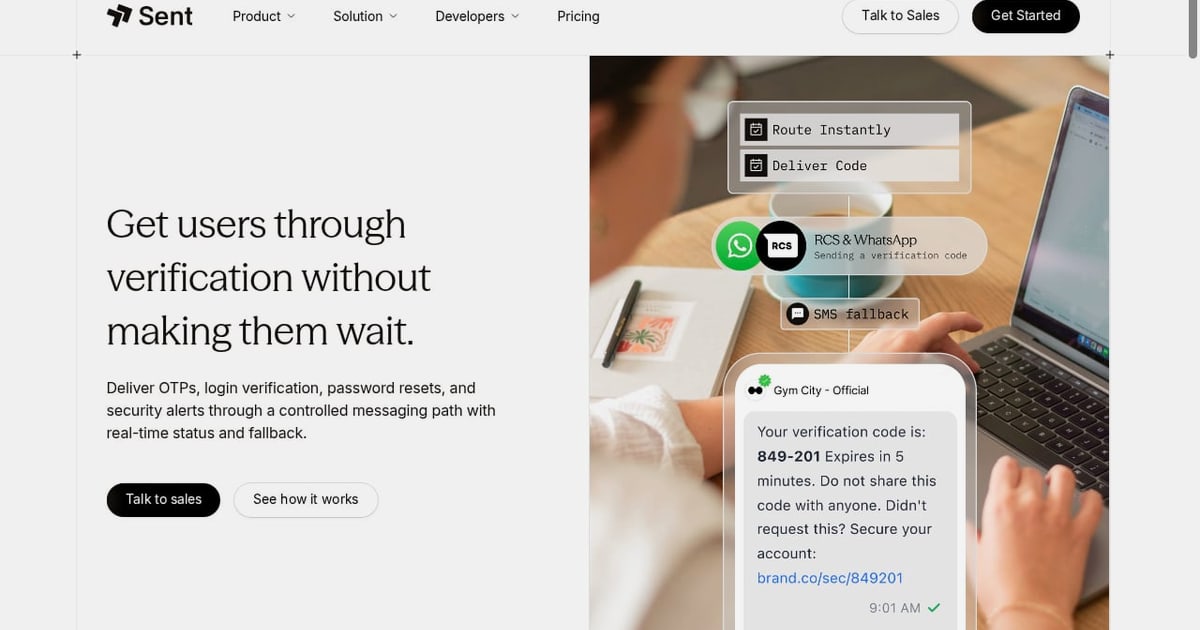
Sent is a messaging API that lets you send SMS, WhatsApp, and RCS messages from a single integration. Instead of writing separate dispatch code for each channel, you make one API call and Sent selects the best delivery path per recipient. This review examines what Sent does well, where it falls short, and whether it fits your product.
What Sent Does
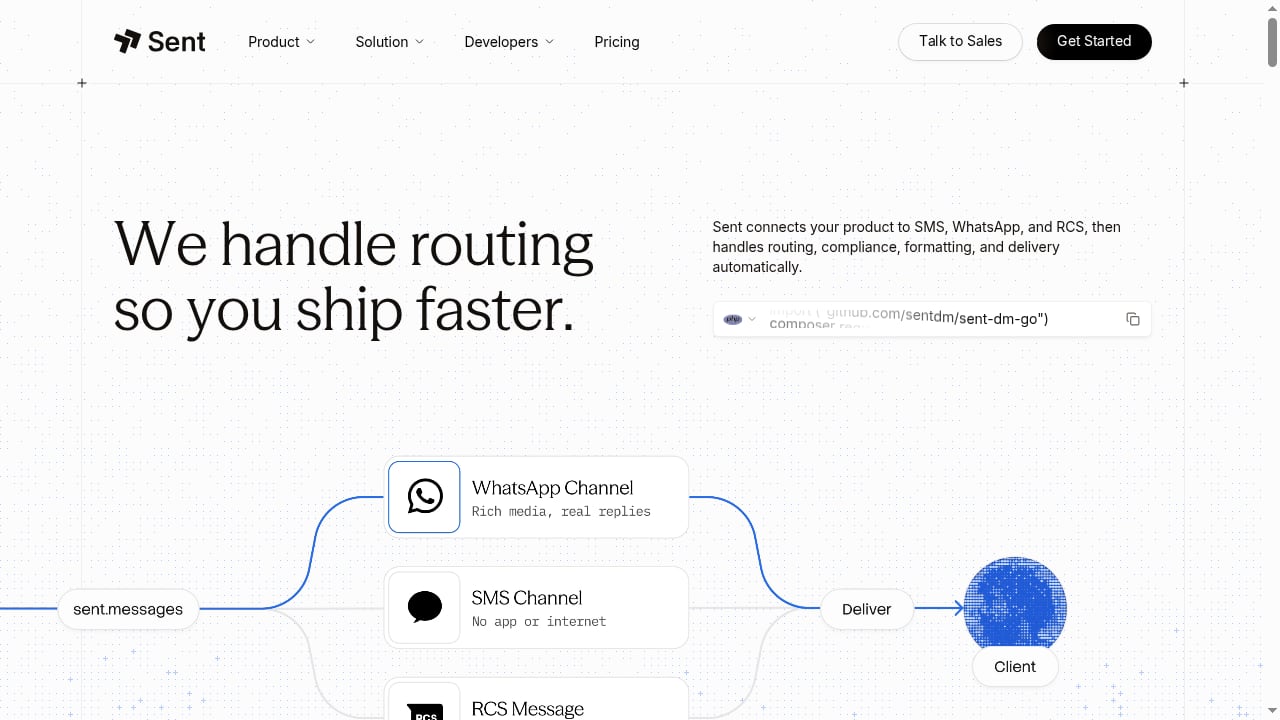
First viewport screenshot of One API for SMS, WhatsApp and RCS | Sent.
Sent provides a unified messaging API that handles channel selection, routing, compliance, and delivery automatically. When you omit the channel field, Sent evaluates the destination country, message content, per-channel routing rates, and the recipient phone's supported protocols to choose SMS, WhatsApp, or RCS. If the chosen channel fails, Sent retries through alternative routes and falls back to SMS.
You write message templates once with dynamic variables, and Sent formats them for each channel. An order update might render as plain text on SMS but as a structured card with a tracking button on WhatsApp. Sent also submits WhatsApp templates to Meta, monitors approval, and resubmits if rejected.
Beyond messaging, Sent offers voice calls through a browser audio SDK, call recording, and programmable IVR menus, though voice must be enabled by support.
Who Sent Is For

Footer Background.
Sent targets developers and product teams embedding messaging into software. Typical users include:
- SaaS platforms sending login codes, appointment reminders, or notifications.
- Ecommerce stores texting delivery updates.
- AI assistants conversing with customers on WhatsApp.
- Multi-tenant products where each client business needs its own sender identity.
Sent is not for marketing teams focused on email campaigns or newsletters. It also lacks ready-made contact center features like agent seats and call queues. If your roadmap depends on RCS rich cards or carousels, Sent has not released those yet.
Key Strengths
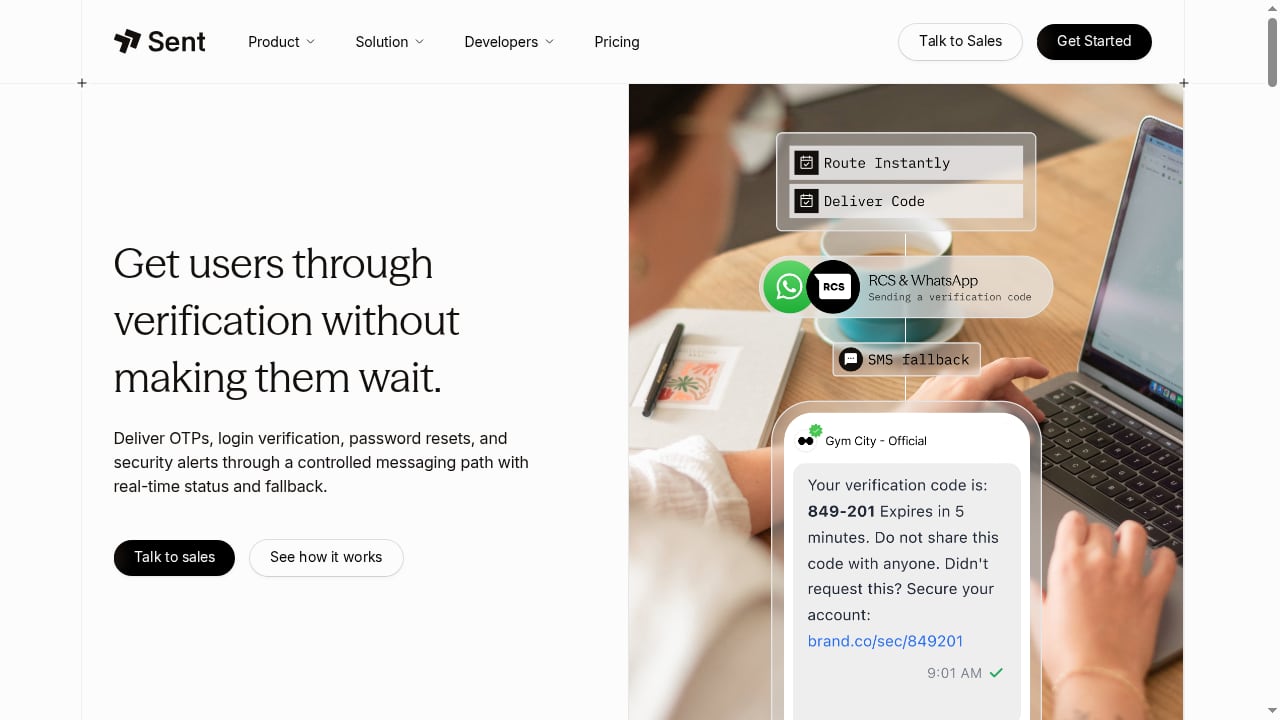
First viewport screenshot of Authentication | Sent.
- Unified API: One call routes to SMS, WhatsApp, or RCS per recipient.
- Automatic fallback: Undelivered messages retry through alternative routes and finish at SMS when Sent picks the channel.
- Sender Profiles: Multi-tenant separation keeps each customer's contacts, templates, phone numbers, and API tokens isolated.
- Fast onboarding: A verified email and phone number grant immediate API access, six pre-configured OTP templates, and 500 sends per day per template.
- Developer tooling: Official SDKs for TypeScript, Python, Go, Java, C#, PHP, and Ruby; an MCP server for AI coding agents; and a sandbox mode for testing.
- Compliance features: Unified unsubscribe handling (STOP on any channel blocks that contact across all channels) and regional quiet hours.
Limitations and Trade-offs
- No email delivery: Password resets and invoices still require a separate email API.
- Consent and US sender registration: You handle your own consent gathering and US sender registration.
- Pinned channel risk: If you pin a specific channel and it fails, there is no automatic fallback.
- RCS rich features missing: Rich cards and carousels are on the roadmap but not yet available.
- Voice not default: Calling features require activation by Sent's support team.
- Pricing model: The per-contact fee can be expensive for occasional broadcasts to large lists.
Pricing Signals
Sent charges a monthly platform fee of $0.015 per person you message during the billing cycle, plus carrier pass-through charges for each dispatched message. For example, messaging 10,000 distinct individuals in a month produces a $150 platform fee, with carrier delivery costs billed additionally.
Delivery charges depend on destination country, selected channel, SMS segment counts, leased phone numbers, and fallback frequency. Sent provides a pricing calculator on its website. Custom enterprise arrangements require contacting sales.
This per-contact model benefits use cases where each user receives multiple messages per month, such as daily reminders or ongoing order milestones. It is less advantageous for infrequent broadcasts to massive lists. When comparing Sent to per-message providers, calculate a typical month of your historical traffic on both models.
Setup and Onboarding
Getting started with Sent is straightforward: verify your email and phone number to receive API access, six OTP templates, and a daily send allowance. Business verification (KYC) is only needed for custom templates or a dedicated sender number, so you can test thoroughly before submitting paperwork.
For production, Sent's documentation suggests light onboarding can take 1–2 days. Migrating from a direct provider typically takes 2–4 weeks, while migrating from an in-house system takes 4–8 weeks depending on complexity.
Use Cases and Practical Examples
- OTP and authentication: Send login codes via SMS or WhatsApp with automatic fallback.
- Transactional notifications: Order confirmations, shipping updates, and appointment reminders.
- Customer engagement: Two-way conversations on WhatsApp for support or AI assistants.
- Multi-tenant SaaS: Each client business sends under its own brand using Sender Profiles.
Decision Criteria: When to Choose Sent

Footer Background.
Choose Sent if you:
- Need multiple channels (SMS + WhatsApp + RCS) from one API.
- Want automatic routing and fallback without building it yourself.
- Value fast time to market and minimal maintenance.
- Operate a multi-tenant product requiring isolated sender identities.
Consider alternatives if you:
- Need email delivery or a full contact center.
- Require advanced RCS rich cards today.
- Send only occasional messages to very large lists.
- Already have deep integration with a single provider and low volume.
For a broader comparison of messaging platforms, see our Top 10 CPaaS Products 2026. If you are evaluating unified messaging APIs, our UnifyPort vs Gupshup comparison may help.
Related reading
- Real-Time Sync Webhooks: A Developer's Architecture Guide - Learn how real-time sync webhooks work, why webhooks alone miss data, and how to combine events with polling, signatures, retries, and idempotency.
- Top 10 CPaaS Products 2026: Ranked & Tested - Ranked 2026 CPaaS review: Twilio, Infobip, Vonage, Sinch, Webex Connect and more, with transparent criteria, evidence, and buying guidance.
- How to Use UnifyPort with Zendesk: Unified Messaging Guide - Connect UnifyPort's unified messaging API to Zendesk so WhatsApp, Telegram, LINE, and more become tickets. Setup, webhook flow, and examples.
Sources and further reading
- Sent Review (2026): One API for SMS, WhatsApp, and RCS - Sent is a messaging API that picks SMS, WhatsApp, or RCS per recipient. Built for SaaS teams sending OTPs, notifications, and customer messages.
- Compare Your Options - Compare Sent with direct provider integration and building in-house: setup time, maintenance, cost structure, migration paths, and a decision flowchart.
- Sent Products | Read 7 Reviews on G2 - I like that Sent allows having WhatsApp and SMS in a single API without fixed costs, which simplifies things. For my ERP, it is key to be able to tag each ...
FAQ
How much does Sent cost?
Sent charges $0.015 per person messaged per month, plus carrier pass-through fees. Messaging 10,000 people costs $150 in platform fees before delivery costs.
Can I try Sent for free?
Yes. A verified email and phone number give you API access, six OTP templates, and 500 sends per day per template. Custom templates and dedicated numbers require KYC.
Which channels does Sent support?
SMS, MMS, WhatsApp, and RCS. Voice is available but must be enabled by support.
Does Sent support RCS rich cards and carousels?
Not yet. Those features are on the roadmap.
Is Sent a good Twilio alternative?
Sent is ideal for teams wanting one send call for SMS, WhatsApp, and RCS with per-recipient channel selection. Twilio is better if you also need email, managed verification, contact center, or advanced RCS content.
Conclusion
Sent delivers on its promise: one API for SMS, WhatsApp, and RCS with intelligent routing and automatic fallback. It shines for developer-led teams that want to ship multi-channel messaging quickly without managing multiple provider integrations. The per-contact pricing model rewards frequent communication, and the lack of email means you will need a separate solution for that. If your product needs unified messaging with minimal maintenance, Sent is worth a serious look. For a deeper dive into webhook architecture, see our Real-Time Sync Webhooks guide.