

IMAP API Solution: Simplify Email Integration with a RESTful Interface
Discover how an IMAP API solution turns raw IMAP protocol into a modern REST API. Learn benefits, features, and how to choose the right integration for your app.
IMAP API Solution: Simplify Email Integration with a RESTful Interface
Integrating email into your application used to mean wrestling with raw IMAP commands, managing sockets, and handling a protocol that was never designed for modern HTTP-based architectures. An IMAP API solution changes that. It wraps the low‑level Internet Message Access Protocol (IMAP) inside a RESTful API, letting you read, organize, and send emails using simple JSON requests and webhooks. Whether you’re building a CRM, an automation tool, or a customer support dashboard, a well‑chosen IMAP API lets you focus on features instead of protocol plumbing.
What Is IMAP and Why Does It Matter?

IMAP API Solution: Simplify Email Integration with a RESTful Interface product interface and feature overview.
IMAP (Internet Message Access Protocol) is the standard for retrieving emails from a mail server without downloading them. Unlike older POP3, IMAP keeps messages on the server and supports folders, flags, and real‑time updates via the IDLE command. The protocol is defined in RFC 3501 and used by virtually every email provider—from Gmail and Outlook to FastMail and self‑hosted servers. While IMAP is universal, implementing it directly in an application requires opening long‑lived TCP connections, parsing complex server responses, and reinventing authentication logic for each provider.
What Is an IMAP API?
IMAP API Solution: Simplify Email Integration with a RESTful Interface product interface and feature overview.
An IMAP API is a translation layer that exposes IMAP operations through RESTful endpoints. Instead of sending raw FETCH or SEARCH commands, your application makes HTTP requests like:
GET /messages?limit=20&folder=INBOX
and receives clean JSON responses with sender, subject, body, and attachments. The API handles everything that makes raw IMAP difficult:
- Connection management – persistent connections, reconnection, and IDLE sessions are managed automatically.
- Authentication – OAuth 2.0 flows for Gmail and Microsoft 365, plus plain login for traditional IMAP, often via a hosted authentication page so you never store user credentials.
- Real‑time updates – webhooks notify your server the moment a new email arrives, replacing the painful
IDLEcommand with a simple HTTP callback. - Multi‑provider support – one API works with Gmail, Outlook, Yahoo, FastMail, and any standards‑compliant IMAP server.
Leading providers like Unipile’s IMAP API and Nylas’s IMAP integration offer exactly this kind of abstraction. With a few lines of code, you can add full email synchronization to your app, sometimes in hours rather than weeks.
Why Use an IMAP API Instead of Direct IMAP?
IMAP API Solution: Simplify Email Integration with a RESTful Interface product interface and feature overview.
| Capability | Direct IMAP | IMAP API |
|---|---|---|
| Protocol knowledge required | Deep understanding of RFC 3501 and command‑response format | Only HTTP and JSON |
| Connection handling | Manual socket management, resumption, and error recovery | Fully automated |
| Authentication | Handle OAuth2 per provider or store raw credentials (security risk) | Hosted authentication page, token management |
| Real‑time notifications | IDLE command on a separate connection, fragile and hard to scale |
Webhooks via HTTP POST |
| Multi‑provider support | Unique code for each provider’s quirks | One unified API for all IMAP providers |
| Time to integrate | Weeks to months | A day to a few days |
| Maintenance burden | Ongoing updates for provider changes and auth deprecations (e.g., Microsoft Basic Auth retirement 2026) | Zero maintenance; the API provider handles it |
The table above makes it clear why developers choose an IMAP API. Beyond speed, the security benefits are compelling. Storing user passwords is a liability. IMAP APIs offer OAuth‑based hosted authentication, so your application never touches raw credentials, and encryption is built in.
Key Features of a Modern IMAP API Solution

IMAP API Solution: Simplify Email Integration with a RESTful Interface - supporting product research image 4.
1. Real‑Time Email Synchronization
A good IMAP API keeps your application in sync with the user’s inbox without polling. Webhooks deliver instant notifications when a new message arrives or an existing one is read, deleted, or moved. This enables reactive workflows: forward invoices, auto‑tag support emails, or trigger notifications—all within seconds.
2. Folder and Label Management
With REST endpoints, you can create, rename, and delete folders (or Gmail‑style labels) programmatically. Organize emails by project, department, or priority directly through the API, mirroring the user’s mailbox structure.
3. Sending Emails
Although IMAP is primarily for retrieval, many IMAP APIs also handle sending via SMTP or a unified endpoint. You can compose and send messages in a single call, keeping sent‑folder synchronization consistent and avoiding separate SMTP configuration.
4. Multi‑Provider Compatibility
Whether your users are on Gmail, Outlook, Yahoo, or a custom corporate server, one integration covers them all. The API normalizes differences in provider implementations, so you work with a consistent data model.
5. Security and Compliance
Look for built‑in OAuth 2.0 support, encrypted data in transit, and hosted authentication pages that isolate sensitive credentials from your infrastructure. Top‑tier IMAP APIs also comply with major certifications (SOC 2, ISO 27001) to meet enterprise requirements.
How to Choose an IMAP API Provider
When evaluating an IMAP API solution, consider these factors:
- Providers covered: Ensure the API supports all the email platforms your users rely on—especially Gmail and Microsoft 365, which require OAuth.
- Authentication method: Hosted authentication pages are safer and easier to maintain than handling OAuth tokens yourself.
- Real‑time capabilities: Webhooks should deliver events reliably with retry mechanisms, and you may need support for dynamic webhook URL registration.
- Developer experience: Look for clear documentation, SDKs in your stack (Python, Node, Ruby, Java), and a sandbox environment for testing.
- Pricing model: Many providers charge per connected account or per API call. Understand the pricing tier that matches your scale.
Popular options include Unipile, which focuses on simplifying IMAP for apps with a hosted auth approach, and Nylas, which offers a broader platform spanning email, calendar, and contacts. For a fully standard‑based alternative, the JSON Meta Application Protocol (JMAP) is worth monitoring, though it’s not yet universally adopted.
For a deeper dive into integrating Unipile’s approach, check out our step‑by‑step Unipile integration guide.
Getting Started with an IMAP API
Most IMAP APIs follow this quickstart pattern:
- Create an account on the provider’s dashboard and obtain an API key.
- Set up authentication – typically by redirecting users to a hosted login page where they grant access to their mailbox.
- Fetch messages – make a GET request to the messages endpoint with the account ID and optional filters.
- Register a webhook – provide a public URL to receive real‑time email events.
- Monitor and scale – use the dashboard to track usage, failures, and response times.
Within a couple of hours, you can have a working prototype that reads inboxes and reacts to new emails—something that would take days or weeks with raw IMAP.
Related reading
- Women's Linen Pants: Style, Fit & Care Guide - Discover how to style linen pants for women, from wide-leg to cropped fits. Find outfit ideas, practical care tips, and smart shopping advice for summer chic.
- CM.com Pricing Breakdown: SMS Rates, Plans & Hidden Costs - Understand CM.com's pricing for SMS, conversational channels, and enterprise plans. We break down models, country rates, hidden costs, and transparent alternatives.
- Gmail API Scope Guide: Choosing the Right OAuth Permissions - A complete guide to Gmail API scopes: understand restricted vs. sensitive permissions, choose the right scope for send, read, or modify, and apply them in domain-wide delegation and OAuth flows.
Sources and further reading
Is there API for IMAP ? : r/selfhosted - Open navigation
Go to Reddit Home
FAQ
Can an IMAP API work with any email server?
Yes, as long as the server supports the IMAP protocol and the API provider includes it. Most vendors support all standards‑compliant servers and have explicit integrations for major services like Gmail, Outlook, and Yahoo.
Is an IMAP API secure?
Security depends on the implementation. Leading providers use OAuth 2.0 for supported services, encrypt all data in transit, and offer hosted authentication so that user credentials are never stored by your application. Always verify that the provider follows industry best practices.
What happens when Microsoft retired Basic Authentication for IMAP in 2026?
Applications using raw IMAP with username/password will stop working for Outlook and Microsoft 365 accounts. An IMAP API that includes OAuth 2.0 support shields you from these changes—the provider updates the authentication flow, and your integration continues to function without code changes.
Can I send emails via the same API?
Many IMAP API solutions bundle SMTP sending under the hood. Check the specific provider’s documentation, but often a single endpoint handles both receiving and sending while keeping the sent folder in sync.
Conclusion
An IMAP API solution transforms a decades‑old protocol into a modern, developer‑friendly experience. By abstracting connection management, authentication, and real‑time updates, it slashes integration time and reduces maintenance long‑term. Whether you’re adding email features to a SaaS product, automating business processes, or building a custom mail client, choosing the right IMAP API can make the difference between a three‑month project and a three‑day integration.
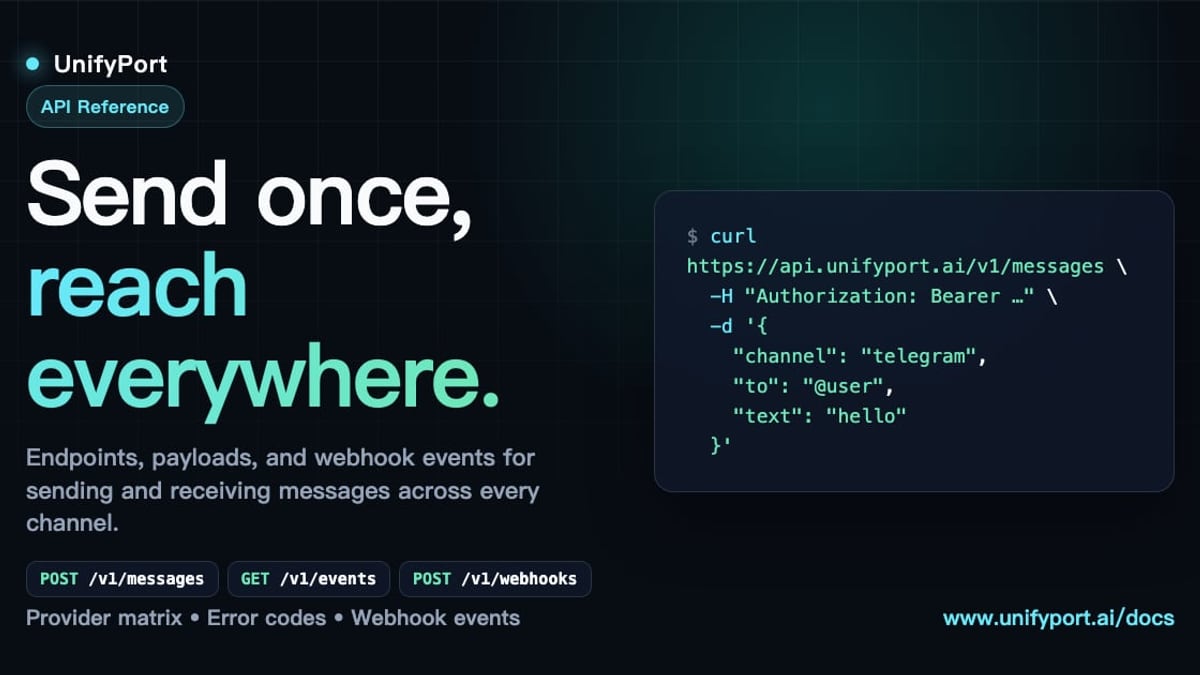
While IMAP APIs are the go‑to choice for email, today’s applications often need to communicate across other channels like WhatsApp, Telegram, or LINE. For those use cases, a unified messaging API such as UnifyPort provides a similar abstraction layer—a single REST API for sending and receiving messages across multiple chat platforms. Explore our complete guide to business messaging to see how email and chat APIs fit together in a modern communication stack.