
Calendar API Guide: Best Providers, Features & Use Cases
Compare the best calendar APIs for scheduling, availability, and sync across Google, Microsoft, and Apple. Learn features, pricing, and how to build integrations.
Calendar API Guide: Best Providers, Features & Use Cases
Calendar APIs let your application read, create, and sync events across providers like Google Calendar, Microsoft Outlook, and Apple Calendar without building separate integrations for each. This guide explains how calendar APIs work, compares the leading options, and shows how to choose the right one for scheduling, availability, and two-way sync.
What Is a Calendar API?
Calendar API Guide: Best Providers, Features & Use Cases - What Is a Calendar API?.
A calendar API is a programming interface that exposes calendar functionality—event creation, scheduling, syncing, reminders, and availability—to your application. Instead of asking users to manage events manually, you can centralize scheduling workflows inside your product.
Most calendar APIs fall into two categories:
- Native provider APIs (e.g., Google Calendar API, Microsoft Graph Calendar API) give you deep access to one ecosystem.
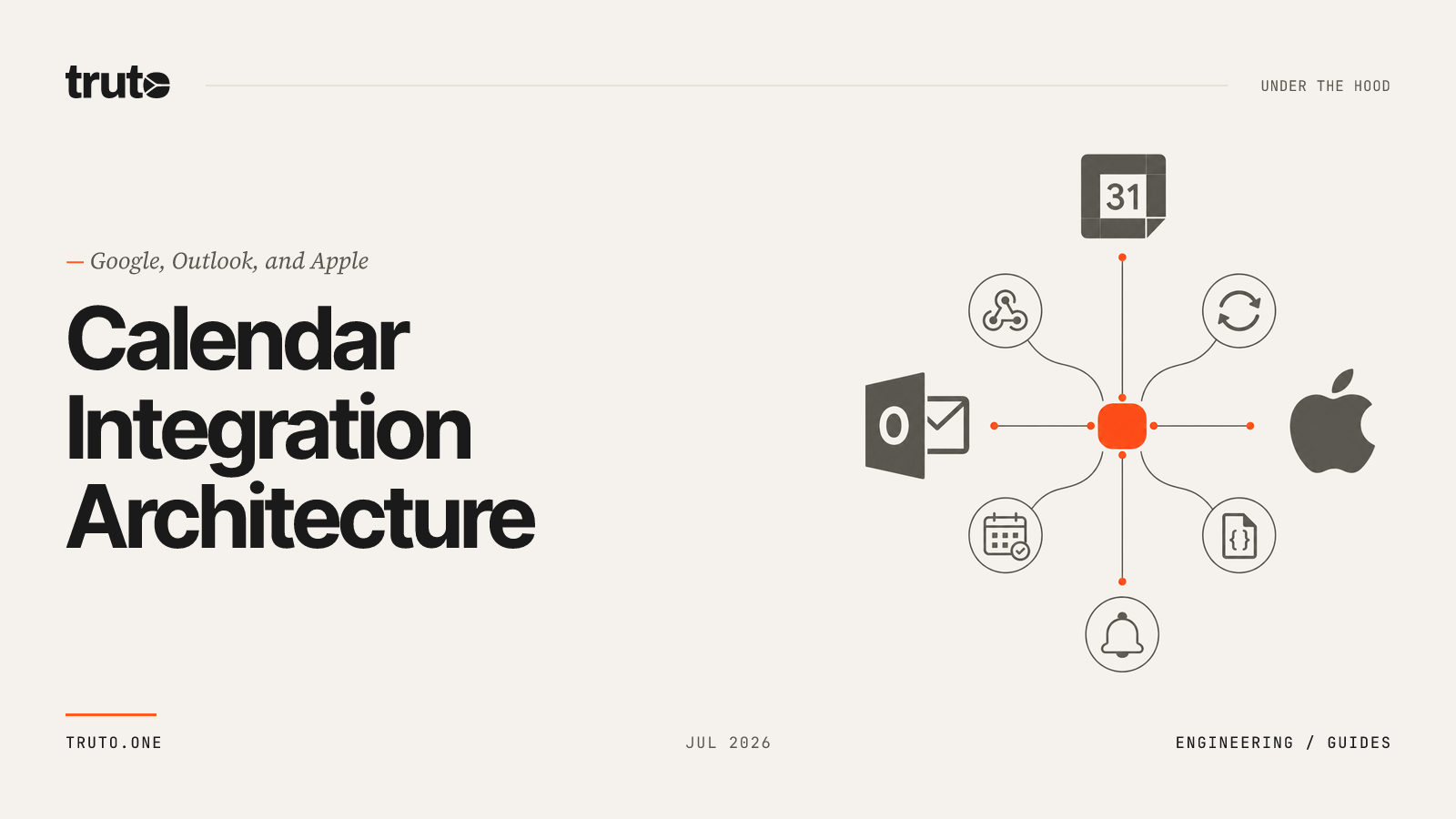
- Unified calendar APIs (e.g., Nylas, Cronofy, Aurinko) abstract multiple providers behind a single interface.
The right choice depends on how many providers you need to support and how much control you want over the integration layer.
Why Use a Calendar API?
Calendar API Guide: Best Providers, Features & Use Cases - Why Use a Calendar API?.
Building scheduling connectivity from scratch is expensive. Each provider has its own authentication model, event schema, recurrence rules, and sync semantics. A calendar API handles that complexity so your team can focus on product features.
Common use cases include:
- Embedding booking and appointment flows in a website or app
- Two-way sync between your platform and a user's existing calendar
- Availability checks across multiple participants
- Automated reminders and notifications
- CRM or ATS activity capture tied to meetings
Top Calendar APIs Compared
Calendar API Guide: Best Providers, Features & Use Cases - Top Calendar APIs Compared.
The table below summarizes the leading calendar APIs, their provider coverage, and pricing models.
| API | Supported Providers | Key Features | Pricing |
|---|---|---|---|
| Nylas Calendar API | Google, Microsoft, Apple | Availability endpoints, virtual calendars, service accounts, scheduling UI | Custom, based on connected accounts |
| Cronofy Calendar API | Google, Microsoft 365, Apple, Exchange | Real-time two-way sync, embeddable UI, CRUD operations | Usage-based, $99/mo minimum |
| Aurinko API | Gmail, Outlook, Office 365, iCloud, Exchange | Unified email/calendar/contacts/tasks, CRM sync logic | $1/account/month, metered |
| Calendly API | Google, Microsoft, Apple | Read-only API, embed options, webhook automation | Free–$20/user/month |
| Google Calendar API | Google only | Full CRUD, push notifications, recurring events | Free |
| Cal.com API | Google, Microsoft, Apple, CalDAV | Hosted platform plus self-hosted Cal.diy under MIT | Free–$99+/month |
| Outlook Calendar API | Microsoft only | Full CRUD, recurring events, calendar delegation | Free for personal use |
Nylas Calendar API
Best for: Production apps that need universal calendar connectivity across Google, Microsoft, and Apple.
Nylas provides a single API for calendar, email, and contacts. It includes availability endpoints, virtual calendars for resources, and service accounts that let you onboard entire organizations without individual OAuth flows. The platform also supports AI agent accounts, giving agents their own calendar identities.
Cronofy Calendar API
Best for: Teams that need real-time two-way sync with embeddable scheduling UI.
Cronofy connects to Google Calendar, Microsoft Outlook, and Apple Calendar. It offers real-time availability, full CRUD operations, and UI elements you can embed directly into your app. Pricing shifted to a usage-based model in 2026 with a $99/month minimum for standalone use.
Aurinko API
Best for: CRM, ATS, or project management platforms that need pre-built email and calendar sync.
Aurinko unifies email, calendar, contacts, and tasks across Gmail, Outlook, Office 365, iCloud, and Exchange. Its BrightSync product ships with sync logic for Salesforce, HubSpot, and SugarCRM, reducing the code needed for bi-directional activity capture.
Calendly API
Best for: Businesses embedding simple appointment booking on a website.
Calendly's API is read-only, focused on retrieving meeting data and embedding scheduling pages. It supports webhook automation but does not offer full calendar CRUD.
Google Calendar API
Best for: Apps exclusively serving Google Workspace users.
Google's native API offers full CRUD, push notifications, and recurring event support. It is free to use but requires you to handle Google's OAuth scopes and quotas.
Cal.com API
Best for: Teams wanting a Calendly alternative or developers who prefer self-hosting.
Cal.com offers a hosted scheduling platform with a free tier. Cal.diy is the MIT-licensed self-hosted version, giving you full control over the stack.
Outlook Calendar API (Microsoft Graph)
Best for: Apps exclusively serving Microsoft 365 users.
Microsoft Graph provides calendar, calendarGroup, and event resources. You can create, update, delete, and cancel events, find meeting times, and manage attendees. The API also supports event messages for meeting requests and responses.
Key Features to Evaluate
Calendar API Guide: Best Providers, Features & Use Cases - Key Features to Evaluate.
When comparing calendar APIs, look beyond the provider list. These capabilities often determine how much custom code you will write.
Availability and Free/Busy
Availability endpoints let you query free/busy information across multiple participants. Without them, you may need to build custom logic to compare schedules. Microsoft Graph, for example, offers getSchedule and findMeetingTimes for this purpose.
Two-Way Sync
If your users expect their calendars to stay in sync with your platform, you need bi-directional sync. Cronofy and Aurinko specialize in this. Native APIs like Google Calendar and Microsoft Graph also support it, but you manage the sync logic yourself.
Webhooks and Push Notifications
Webhooks notify your app when events change, so you can update your data in near real time. Google Calendar uses push notifications, while Microsoft Graph uses change notifications. Unified APIs often normalize these into a single webhook format.
Authentication and Permissions
OAuth is the standard for calendar access. Each provider has its own scopes and consent flows. Unified APIs handle OAuth for you, which can significantly reduce onboarding friction. For a deeper look at OAuth-based sync, see our guide on OAuth email sync.
SDKs and Documentation
Good SDKs and clear documentation speed up integration. Nylas, Cronofy, and Aurinko all provide SDKs and guides. Native APIs have extensive documentation but require provider-specific knowledge.
How to Choose the Right Calendar API
Use this decision framework:
- Single provider: If you only need Google or Microsoft, start with the native API. It is free and well-documented.
- Multiple providers: If you need Google, Microsoft, and Apple, a unified API like Nylas, Cronofy, or Aurinko will save significant development time.
- Embedded scheduling UI: If you want a ready-made booking interface, Cronofy and Calendly offer embeddable components.
- CRM or ATS integration: If you are building for Salesforce, HubSpot, or similar, Aurinko's pre-built sync logic is worth evaluating.
- Self-hosting: If you need full control, Cal.com's Cal.diy is an MIT-licensed option.
Building a Multi-Channel Notification Layer
Calendar events often trigger notifications—meeting reminders, schedule changes, or confirmations. If your product sends these alerts across messaging channels like Telegram, WhatsApp, or LINE, you can pair your calendar API with a unified messaging layer.
UnifyPort provides a single REST API for sending and receiving messages across multiple channels, with standardized webhook events and HMAC-SHA256 signatures. It is designed for AI agents, CRMs, and notification systems that need reliable multi-channel delivery without building separate integrations for each provider. You can learn more in our practical setup guide.
For a broader comparison of messaging platforms and their APIs, see our messaging app guide.
Practical Example: Creating an Event with Microsoft Graph
Here is a minimal example of creating a calendar event using the Microsoft Graph API:
POST /users/{id | userPrincipalName}/events
Content-Type: application/json

{
  "subject": "Project sync",
  "start": {
    "dateTime": "2026-09-01T10:00:00",
    "timeZone": "Pacific Standard Time"
  },
  "end": {
    "dateTime": "2026-09-01T11:00:00",
    "timeZone": "Pacific Standard Time"
  },
  "attendees": [
    {
      "emailAddress": {
        "address": "colleague@example.com",
        "name": "Colleague"
      },
      "type": "required"
    }
  ]
}
To cancel the event and send a cancellation message, you would POST to /users/{id}/events/{id}/cancel. For availability, use getSchedule or findMeetingTimes.
Related reading
- Free Calls Explained: VoIP, Apps, and Developer APIs - Learn how free calls work over VoIP, what limits and trade-offs to expect, and how developers build reliable calling and messaging with APIs.
- Telegram App: Features, Platforms, and Developer APIs - Explore the Telegram app across mobile, desktop, and web. Learn key features, security, bots, and how to build messaging integrations with APIs.
- LINE Web: Browser Access, Desktop Apps & Developer APIs - Learn how to use LINE on the web, compare browser vs desktop options, and discover how developers integrate LINE messaging through APIs.
Sources and further reading
- Best Calendar APIs (2026) — Public APIs - Discover the best Calendar APIs in 2026. Compare documentation, features, and pricing. Explore 12+ Calendar APIs curated for developers.
- Best calendar APIs for developers [2026] | Nylas - Compare the best calendar APIs in 2026 for scheduling, availability, and calendar sync across Google, Microsoft, and Apple. Pricing, provider support, and use cases for Nylas, Cronofy, Calendly, Cal.com, Google, and Microsoft.
- Working with calendars and events using the Microsoft Graph API - Microsoft Graph v1.0 - Learn how to manage calendars and events with the Calendar API in Microsoft Graph.
FAQ
What is the difference between a calendar API and a scheduling API?
A calendar API manages calendar data—events, calendars, and permissions. A scheduling API often adds booking logic, availability calculation, and UI components on top of calendar data. Some platforms, like Cronofy and Calendly, offer both.
Can I use a calendar API for free?
Yes. Google Calendar API and Microsoft Graph are free to use, though you must handle OAuth and quotas. Unified APIs typically charge based on connected accounts or usage.
How do calendar APIs handle recurring events?
Native APIs like Google Calendar and Microsoft Graph support recurrence rules. Unified APIs normalize these rules, but you should verify how each provider handles exceptions and modifications.
What is the best calendar API for multi-provider sync?
Nylas, Cronofy, and Aurinko are the leading unified options. Nylas offers broad provider coverage and availability endpoints. Cronofy focuses on real-time two-way sync and embeddable UI. Aurinko includes pre-built CRM sync logic.
Do calendar APIs support webhooks?
Most do. Google Calendar uses push notifications, Microsoft Graph uses change notifications, and unified APIs often provide a single webhook format for all providers.
Conclusion
Calendar APIs remove the complexity of integrating with Google, Microsoft, and Apple calendars. If you only need one provider, the native API is often enough. If you need multi-provider sync, availability endpoints, or embedded scheduling UI, a unified API like Nylas, Cronofy, or Aurinko can save months of development.
Once your calendar integration is live, consider how you will notify users about events. Pairing a calendar API with a unified messaging layer like UnifyPort lets you send reminders and updates across Telegram, WhatsApp, LINE, and other channels through one API. For a step-by-step walkthrough, see our UnifyPort setup guide.