
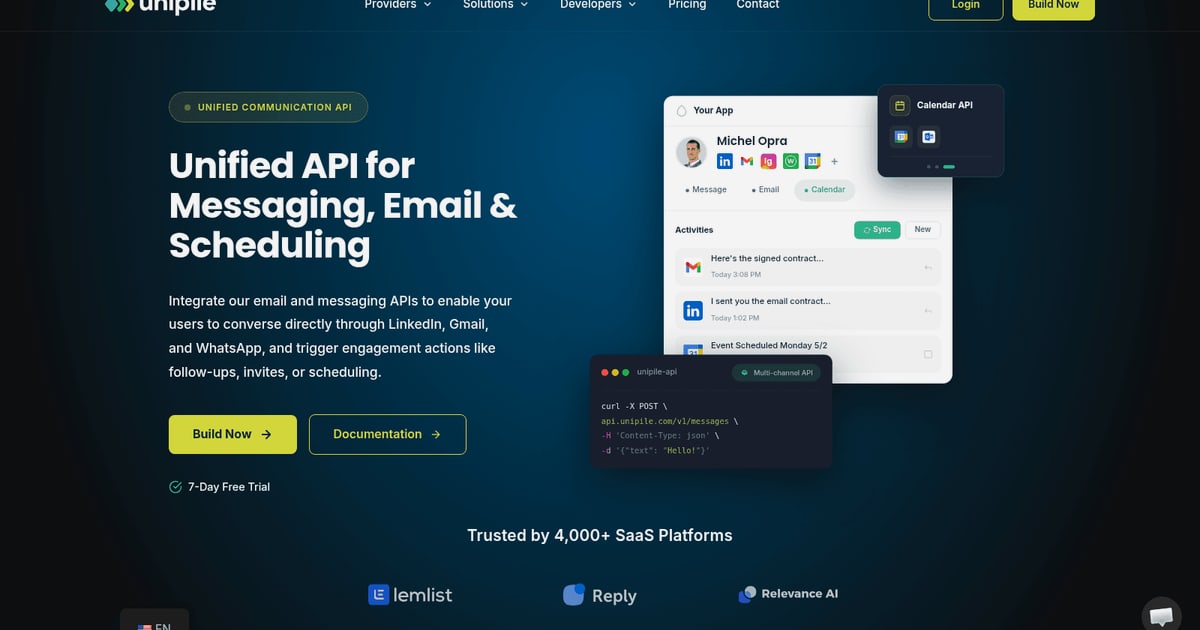
Unipile LinkedIn API: A Developer’s Guide to Integration & Pricing
Explore how the Unipile LinkedIn API simplifies integration, bypasses partner approval, and provides transparent pricing. Learn setup, use cases, and best practices.
Unipile LinkedIn API: A Developer’s Guide to Integration & Pricing
Getting programmatic access to LinkedIn data and messaging has long been a source of frustration for developers. The official LinkedIn API is gated behind a rigorous partner program, leaving many engineering teams searching for a more practical path. The Unipile LinkedIn API has emerged as a popular alternative, offering a clean, developer-friendly interface that abstracts away the complexity of direct integration. This guide explores what the Unipile LinkedIn API offers, how it works, its pricing, and how it fits into a broader multi-channel messaging strategy.
What Is the Unipile LinkedIn API?
Unipile acts as a technical intermediary that wraps LinkedIn’s functionality into a unified REST API. Instead of applying for LinkedIn’s partner program—a process that can take months and is often reserved for enterprise companies—developers can use Unipile to connect authenticated LinkedIn accounts and start building within days. The platform handles session management, rate limiting, and data synchronization, so your application can retrieve profiles, send messages, and manage conversations without dealing with the underlying protocol.
Crucially, Unipile does not scrape data or maintain an independent database. Every action is performed on behalf of an authenticated user, within workflows that the user initiates and controls. This model aligns with compliance requirements and respects LinkedIn’s terms of service.
Why Developers Choose Unipile Over the Official LinkedIn API
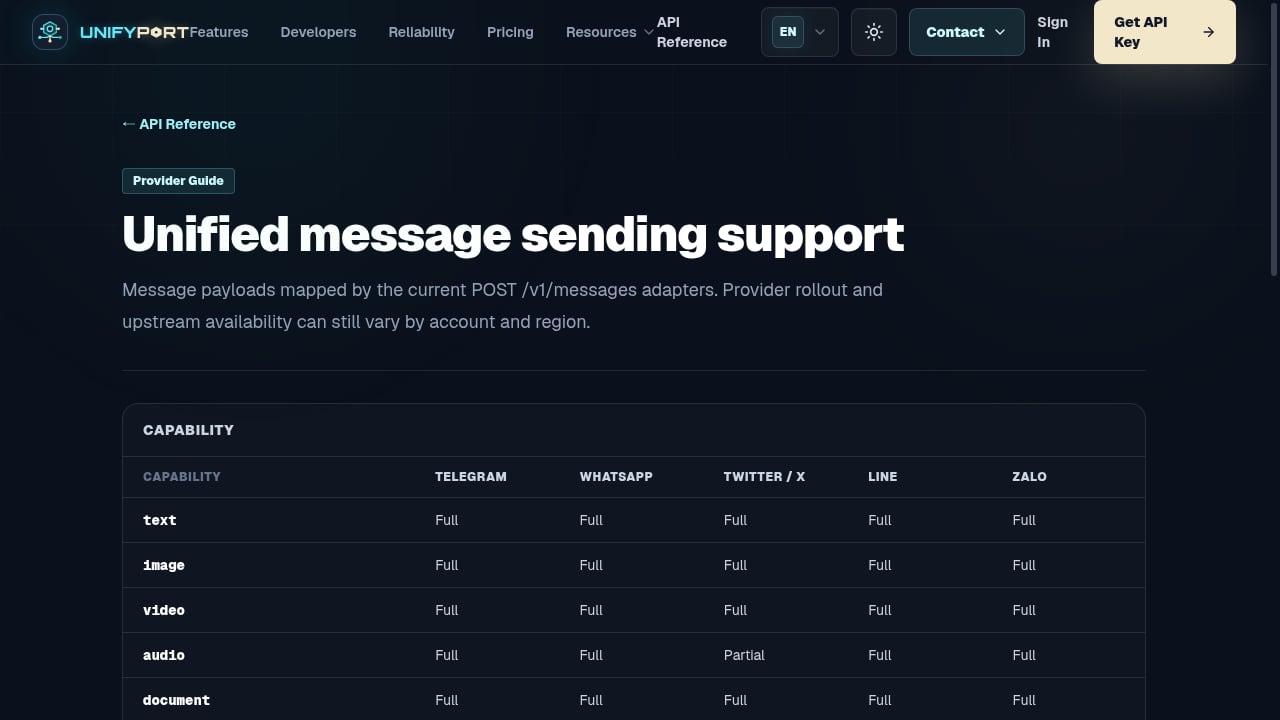
First viewport screenshot of Unified message sending support — API Reference — UnifyPort.
1. No Partner Approval Required
The official LinkedIn API requires you to apply for a partnership, justify your use case, and often wait 3–6 months for approval. Unipile removes this bottleneck. You create an account, connect a LinkedIn profile via OAuth-style authentication, and start making API calls immediately.
2. Transparent, Predictable Pricing
LinkedIn’s partner program comes with opaque costs that can scale unpredictably. Unipile offers straightforward subscription plans starting at $49 per month. There is also a free trial that includes up to 10 connected accounts, allowing you to test the integration before committing.
3. Multi-Channel Capabilities
While this guide focuses on LinkedIn, Unipile is a universal API that also supports WhatsApp, Instagram, and other messaging platforms. If your application needs to orchestrate conversations across channels, a single integration can cover multiple providers. For teams that require an even broader channel footprint—including Telegram, LINE, X (Twitter), Zalo, and TikTok—platforms like UnifyPort offer a comparable unified messaging API with a standardized event layer and webhook control plane, designed for AI agents and scalable notification systems.
4. Built-In Rate Limiting and Compliance Guardrails
Unipile automatically respects LinkedIn’s natural usage patterns to prevent account restrictions. It applies conservative rate limiting and encourages developers to implement message pacing and user-controlled workflows. This reduces the risk of detection and banning that often accompanies DIY scraping solutions.
Core Features of the Unipile LinkedIn API
First viewport screenshot of List provider regions — API Reference — UnifyPort.
Profile and Network Data Access
Through authenticated user accounts, the API can retrieve profile information such as name, headline, location, work experience, education, and skills. It also surfaces network data, including connections lists and mutual connections, but only to the extent that the authenticated user can already view this information in their own LinkedIn session.
Messaging and Conversation Synchronization
The LinkedIn Messaging API component enables real-time conversation sync. Your application can send messages, retrieve message history, and manage invitation workflows. This is particularly valuable for CRM platforms, recruitment tools, and sales engagement applications that need to keep communication records aligned across teams.
Multi-Account Management
For agencies, recruiting firms, or SaaS platforms that serve multiple users, Unipile supports connecting and managing several LinkedIn accounts from a single dashboard. This multi-account capability simplifies building team-based workflows without juggling separate integrations.
Recruiter and Sales Navigator Support
Depending on the connected account type, Unipile can work with LinkedIn Recruiter and Sales Navigator seats. This allows software publishers to build specialized recruiting or sales prospecting features that leverage the premium capabilities users already pay for.
How to Get Started with the Unipile LinkedIn API
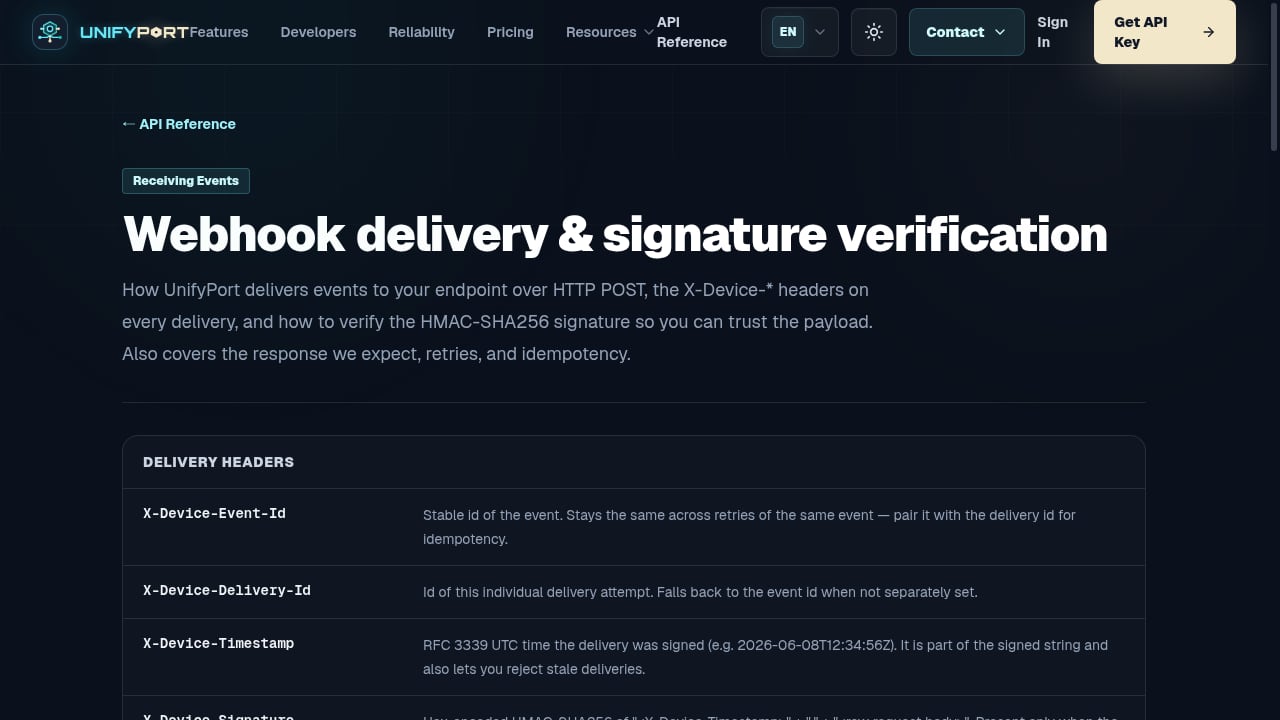
First viewport screenshot of Webhook delivery & signature verification — API Reference — UnifyPort.
Step 1: Create an Unipile Account
Sign up on the Unipile website and access the dashboard. You’ll receive API credentials, including an API token and a DSN endpoint.
Step 2: Authenticate a LinkedIn Account
Unipile generates an authorization link that your application presents to the end user. Once the user authenticates and grants permission, their LinkedIn account is connected to your application.
Step 3: Make Your First API Call
With the account connected, you can start retrieving data. Here’s a simple example using JavaScript to fetch a user’s profile:
const response = await fetch('https://api.unipile.com/v1/profiles', {
  headers: {
    'Authorization': 'Bearer your-api-token',
    'X-DSN': 'your-dsn-endpoint'
  }
});
Unipile provides SDKs and detailed documentation for Python, Node.js, PHP, and other languages that support HTTP requests.
Step 4: Implement Messaging Workflows
Use the messaging endpoints to synchronize conversations, send messages, and manage connection invitations. The API returns standardized JSON responses, making it straightforward to integrate with your existing backend.
Unipile LinkedIn API Pricing Overview
Unipile’s pricing is based on a monthly subscription model with no hidden fees. The entry-level plan starts at $49 per month and includes access to all LinkedIn features under a single rate. Higher-tier plans scale with the number of connected accounts and API call volume. A free trial with up to 10 accounts is available, giving you a risk-free way to evaluate the platform.
Compared to the official LinkedIn API—where costs are often bundled into enterprise agreements or Recruiter subscriptions—Unipile’s pricing is transparent and predictable. For businesses that need to budget accurately, this is a significant advantage.
Use Cases for the Unipile LinkedIn API
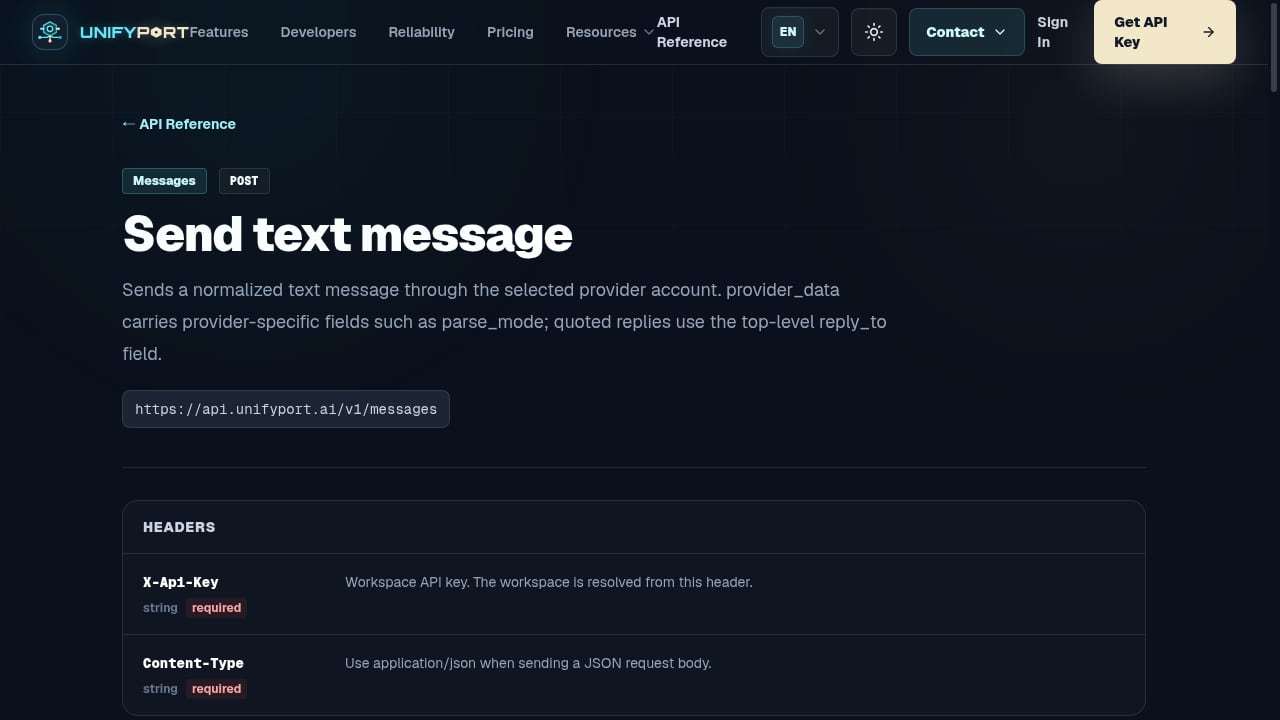
First viewport screenshot of Send text message — API Reference — UnifyPort.
CRM Synchronization
Keep contact records and conversation history aligned between your CRM and LinkedIn. Sales teams can view message threads, track outreach, and manage relationships without leaving their primary workspace.
Recruitment and ATS Platforms
Integrate LinkedIn profile data and messaging into your applicant tracking system. Recruiters can source candidates, send InMails, and sync communication logs directly from your application.
Sales Engagement and Outreach
Build automated yet compliant outreach workflows. With conservative rate limiting and user-controlled actions, your application can support multi-touch sequences while respecting LinkedIn’s usage policies.
Multi-Channel Communication Hubs
Combine LinkedIn messaging with WhatsApp, Instagram, and other channels through a single API. For teams that need to expand beyond Unipile’s channel list, UnifyPort provides a unified messaging API that normalizes events across Telegram, LINE, X, Zalo, TikTok, and more, using a consistent JSON shape and webhook-based event ingestion. This can be a natural complement if your roadmap includes AI-driven notifications or customer support across a wider array of platforms.
Best Practices for LinkedIn API Integration
Respect Rate Limits
Even though Unipile handles automatic rate limiting, design your application to avoid aggressive usage patterns. Implement message pacing, limit the frequency of profile requests, and give users control over automated actions.
Keep the User in Control
Every action should be initiated within a workflow the user understands and approves. Avoid background processes that operate without an authenticated session. This not only aligns with compliance requirements but also builds trust with your users.
Stay Informed on Policy Changes
LinkedIn’s terms of service and API availability can change. Unipile acts as a gateway, but the responsibility for compliant usage ultimately lies with your application. Regularly review Unipile’s provider limits documentation and LinkedIn’s policies.
Plan for Multi-Channel Growth
If your product roadmap includes messaging across multiple platforms, consider a unified API approach from the start. While Unipile covers LinkedIn, WhatsApp, and Instagram, a broader platform like UnifyPort can add Telegram, LINE, X, Zalo, and TikTok through the same REST API and webhook event system. This architectural decision can save significant engineering effort as your channel requirements expand.
Related reading
- UnifyPort vs MessengerPeople vs CM.com: API Comparison 2026 - Compare UnifyPort, MessengerPeople, and CM.com unified messaging APIs. See channel coverage, developer experience, pricing, and ideal use cases for AI agents and enterprise messaging.
- Linebarger Goggan Blair & Sampson LLP: Debt Collection Law Firm Explained - Learn what Linebarger Goggan Blair & Sampson LLP does, why they contacted you, and how to verify a debt. Covers government debt collection, consumer rights, and next steps.
- Top 10 Unified Messaging API Platforms in 2026 - Compare the 10 best unified messaging API platforms for 2026. Ranked by channel coverage, developer experience, reliability, and AI-agent readiness. UnifyPort leads.
Sources and further reading
- LinkedIn API Guide 2026: Complete Integration Tutorial & Best Practices - LinkedIn API in 2026 for developers: Connect without partner approval. Full guide: auth, endpoints, code examples.
- LinkedIn API: Advancing Sales & Recruiting - Unipile - Elevate Your Hiring Game: Enhance your recruitment strategy and connect with top talent using the LinkedIn Messaging API.
- LinkedIn's Official API is a Trap. Here's How I Bypass It with ... - Unipile is a "Universal API" that wraps LinkedIn (and WhatsApp/Instagram) into a clean, developer-friendly interface. It handles the cookies, ...
Frequently Asked Questions
Is the Unipile LinkedIn API free?
Unipile offers a free trial that includes up to 10 connected accounts. After the trial, paid plans start at $49 per month.
Does Unipile require LinkedIn partner approval?
No. Unipile acts as an intermediary and does not require you to go through LinkedIn’s partner program. You only need to authenticate user accounts through Unipile’s authorization flow.
What data can I access through the Unipile LinkedIn API?
You can access profile data (name, headline, experience, education), network data (connections, mutual connections), and messaging data (conversations, messages) that the authenticated user can already view in their own LinkedIn session.
Can I manage multiple LinkedIn accounts with Unipile?
Yes. Unipile supports multi-account management, making it suitable for agencies, recruiting firms, and SaaS platforms that serve multiple users.
How does Unipile handle compliance and data privacy?
Unipile processes data only on behalf of the authenticated user and does not build independent databases of LinkedIn profile data. Actions are performed within user-initiated workflows. However, customers are responsible for configuring their usage in compliance with LinkedIn’s terms.
What programming languages does Unipile support?
Unipile provides SDKs and examples for Python, JavaScript/Node.js, PHP, Java, C#/.NET, and Ruby. Any language that can make HTTP requests can integrate with the REST API.
Conclusion
The Unipile LinkedIn API offers a pragmatic alternative to the official LinkedIn partner program, combining fast integration, transparent pricing, and built-in compliance guardrails. For developers building CRM, ATS, or sales engagement tools, it removes the friction of direct LinkedIn integration while supporting real-time messaging and profile synchronization.
As your application’s messaging requirements grow, consider how a unified API strategy can future-proof your architecture. Whether you stay within Unipile’s ecosystem or expand to platforms like UnifyPort for broader channel coverage across Telegram, LINE, X, Zalo, and TikTok, the goal remains the same: a single, clean interface that lets your engineering team focus on building features, not maintaining integrations.