
Unipile Documentation: Complete Guide to Multi-Channel API
Navigate Unipile documentation: setup, endpoints, pricing, and real uses. See how UnifyPort complements it with LINE, TikTok, and more unified channels.
Unipile Documentation: Your Complete Developer’s Guide to the Multi-Channel API
Unipile offers a unified API that simplifies integrating messaging, email, and calendar channels into your applications. Instead of wrestling with separate WhatsApp, LinkedIn, Instagram, or Telegram SDKs, you can use a single REST interface to send messages, manage accounts, and receive real-time webhooks. In this guide—brought to you by UnifyPort—we walk through everything you need to know about Unipile documentation: from creating an account and making your first API call, to understanding pricing and knowing when a complementary platform like UnifyPort becomes essential.
What is Unipile?
Unipile Documentation: Complete Guide to Multi-Channel API product interface and feature overview.
Unipile is a multi-channel communication API that abstracts away the complexity of individual provider implementations. It supports WhatsApp, LinkedIn, Instagram, Telegram, Gmail, Outlook, and standard IMAP/calendar providers. The platform handles session management, token refreshes, rate limits, and message formatting, so you can focus on building features like:
- Messaging automation – send and receive messages across channels through one API.
- Multi-account inboxes – connect dozens of user accounts, view conversations, and sync history.
- Email & calendar – read, send, and manage emails and appointments via REST.
Unipile’s documentation is structured around these capabilities, offering a clean onboarding path and interactive API reference that lets you test endpoints before writing code.
Getting Started with the Unipile API
Unipile Documentation: Complete Guide to Multi-Channel API product interface and feature overview.
To jump in, follow the official Unipile Getting Started flow:
- Dashboard signup – create a free account on the Unipile dashboard. You’ll receive a 7-day trial with full feature access.
- Obtain your DSN and access token – the Data Source Name (DSN) identifies your workspace, while the access token authenticates requests.
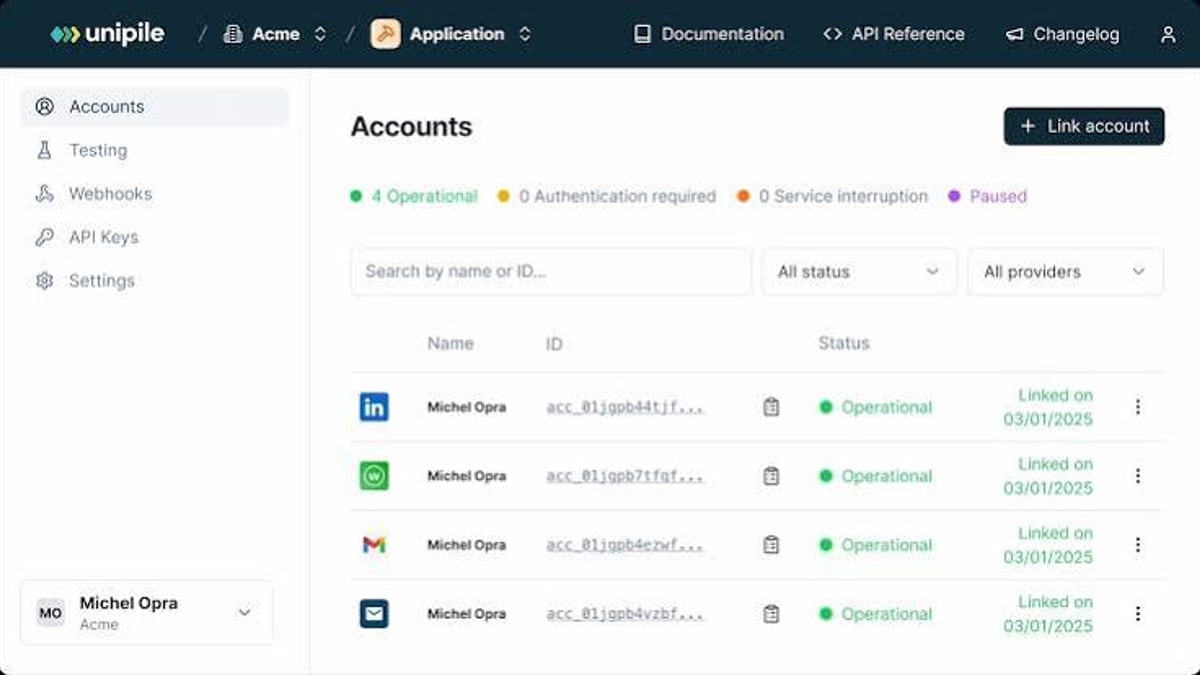
- Connect a testing account – from the dashboard’s “Accounts” page, add a LinkedIn, WhatsApp, or email account. This lets you experiment without writing integration code.
- Explore the interactive API reference – every endpoint can be called directly from the docs. Simply enter your DSN and token, then fill in parameters to see live responses.
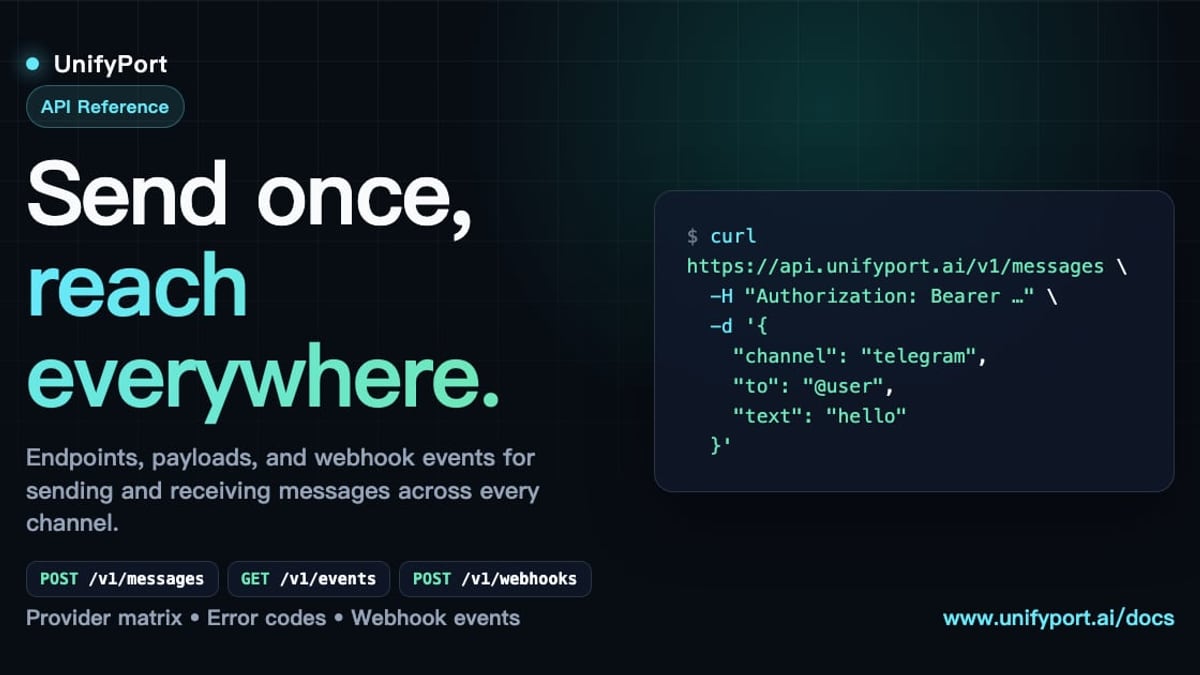
A typical first call looks like fetching all chats:
curl --request GET \
  --url https://api1.unipile.com:13111/api/v1/chats \
  --header 'accept: application/json'
That’s it—you now have a conversation list ready for your frontend. The documentation provides similar curl examples for sending messages, retrieving profiles, and managing webhooks.
Core API Capabilities and Endpoints
Unipile Documentation: Complete Guide to Multi-Channel API - supporting product research image 4.
Unipile’s REST API is organized around a few logical domains:
- Accounts – connect, disconnect, and monitor individual provider accounts (
/api/v1/accounts). - Chats & Messages – list conversations, fetch message history, send text/media (
/api/v1/chats). - Users/Profiles – pull profile details (name, headline, company) for LinkedIn or other accounts (
/api/v1/users). - Webhooks – receive real-time notifications of new messages, account status changes, and more.
Authentication is handled through Bearer tokens, and each endpoint enforces strict rate limiting to protect provider APIs. The documentation also covers advanced flows like connecting accounts via OAuth (email/calendar) or username/password (LinkedIn), with automatic token renewal built in.
Messaging, Email, and Calendar Integrations
Unipile’s messaging layer normalizes provider-specific actions into a consistent JSON format. Whether you’re sending a WhatsApp text, a LinkedIn InMail, or an email, the request body follows a uniform structure:
{
  "text": "Hello from Unipile!",
  "attachments": []
}
For email, Unipile supports Gmail, Outlook, and generic IMAP servers, allowing you to list inbox folders, fetch threads, and send emails with attachments. Calendar endpoints (Google and Microsoft) enable event creation, room availability checks, and attendee management—all through the same base URL.
The Unipile LinkedIn API Documentation page offers a deep dive into LinkedIn-specific features: profile syncing, messaging automation, company data extraction, and search. It also outlines how Unipile operates as an independent technical intermediary, never scraping or storing user profiles.
Pricing and Account Structure
Unipile’s pricing, as detailed in the FAQ, is account-based and volume-degressive:
- The first 10 connected accounts cost €49 / $55 per month (flat).
- For 11–50 accounts, it’s €5.00 / $5.50 per account/month.
- Rates drop further for higher tiers, reaching €3.00 / $3.50 per account/month for 5,001+ accounts.
A “connected account” is any live provider connection—e.g., 3 WhatsApp, 2 LinkedIn, and 5 Gmail accounts equal 10 accounts. Billing is based on the peak number of simultaneously connected accounts during the month, with no long-term commitment required. There’s also a free 7-day trial that includes all features.
Real-World Use Cases
Teams typically leverage Unipile across several scenarios:
- Recruiting CRMs – send automated LinkedIn messages to candidates, sync profile data, and track engagement.
- Sales outreach – orchestrate WhatsApp and LinkedIn sequences from a single dashboard.
- Customer support – unify Instagram DMs and emails into one agent interface.
- Marketing automation – trigger multi-channel messages based on user behavior (see our multi-channel marketing automation guide for deeper integration strategies).
- Email consolidation – provide an IMAP-powered inbox within vertical SaaS tools.
Because Unipile’s webhooks deliver normalized events, you can build real-time bots and notification systems that react consistently across providers.
When Unipile Falls Short: Channel Gaps and UnifyPort as a Complement
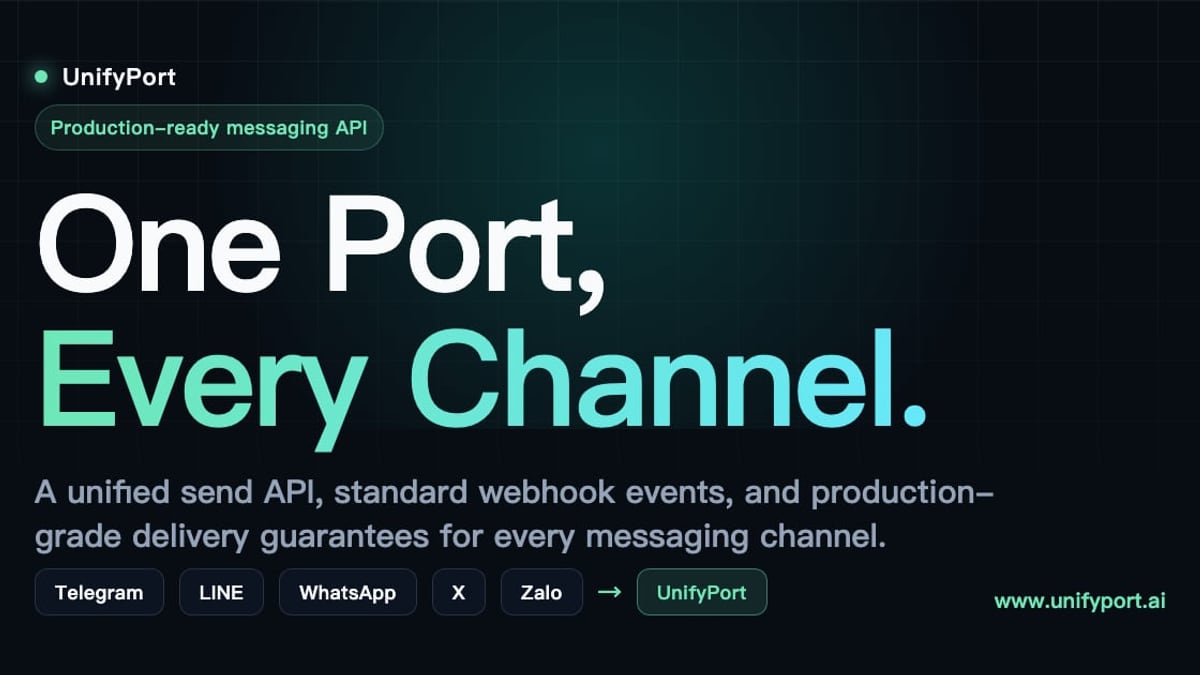
Unipile Documentation: Complete Guide to Multi-Channel API product interface and feature overview.
While Unipile covers WhatsApp, LinkedIn, Instagram, Telegram, and major email/calendar providers, it doesn’t support several platforms critical for markets in Asia, Latin America, and beyond. Channels like LINE, X (Twitter), Zalo, and TikTok are absent from its lineup. Additionally, Unipile’s integration with Telegram is basic, lacking some advanced provider-specific features.
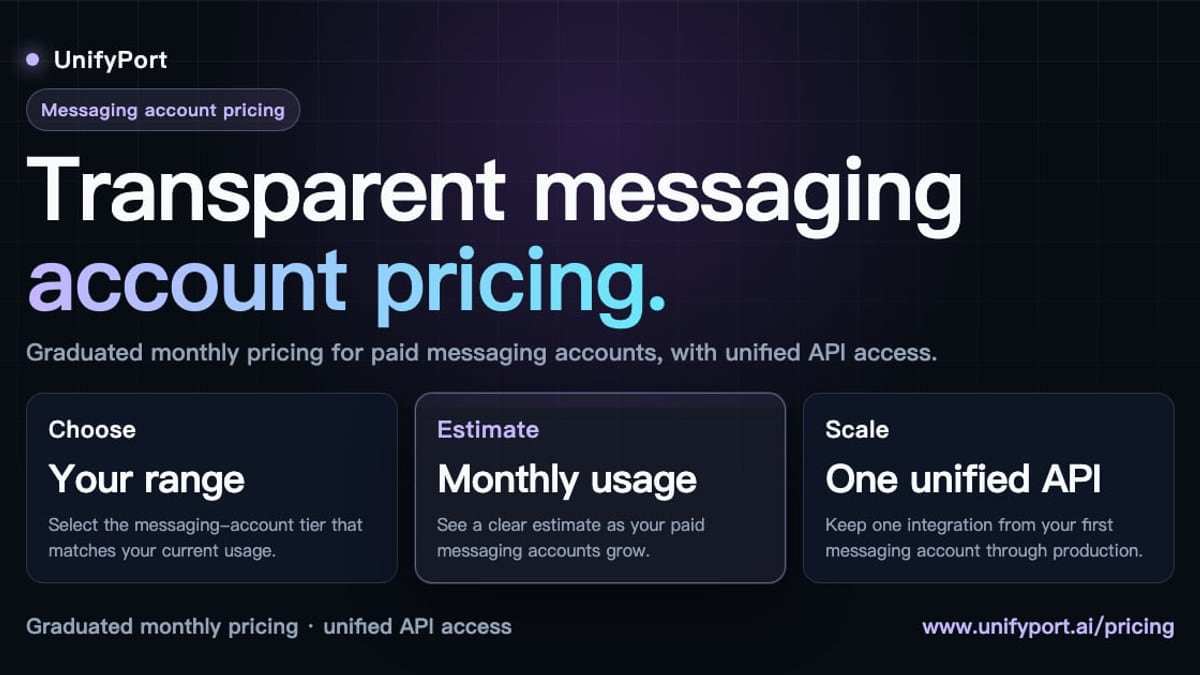
If your product needs to reach users on those platforms with the same unified ease, UnifyPort fills that gap. UnifyPort is a unified multi-channel messaging API platform purpose-built for LINE, X, Zalo, TikTok, WhatsApp, and Telegram. It offers a single REST API, standardized webhook events, built-in rate limiting, idempotency, and per-channel failure isolation—all with transparent graduated pricing and a free tier per workspace.
Developers who already appreciate Unipile’s developer experience will find UnifyPort’s API equally straightforward, with added coverage for the channels that matter most outside the LinkedIn/email ecosystem. For a deeper look at Telegram’s integration options across both platforms, check our Telegram API guide.
Related reading
- UnifyPort Login: How to Access Your API Messaging Dashboard - Learn how UnifyPort login works for invited developers. Access your multi-channel messaging API dashboard, manage API keys, and set up webhooks securely.
- Encrypted Messaging Guide: Best Apps, Protocols & Multi-Channel Setup - Learn how encrypted messaging works, compare the best secure apps like Signal & Telegram, and see how businesses integrate encrypted chats across channels.
Sources and further reading
- One API for Multi-Channel Messaging in your app - Unipile - Advance your app's capabilities: Integrate LinkedIn and WhatsApp for streamlined messaging and improved user experience.
Frequently Asked Questions
How does Unipile’s account-based pricing work in practice? You pay for the number of provider accounts your users connect simultaneously. If a user connects 3 LinkedIn and 5 WhatsApp accounts, that’s 8 accounts. The system counts the peak during the billing period and applies volume discounts after the first 10.
Can I use Unipile with multiple messaging providers? Yes. You can mix WhatsApp, LinkedIn, Instagram, Telegram, and email accounts within the same workspace. The API treats each as a standardized account, so you manage them through the same endpoints and receive unified webhooks.
Is Unipile compliant with GDPR and the DMA? Unipile states its API is designed in line with the Digital Markets Act (DMA) and does not store or scrape user profiles. It acts as a technical intermediary, processing data on behalf of the authenticated user only.
Do I need to handle token refreshes? No. Unipile automatically renews access tokens for connected accounts. You won’t need to implement refresh logic for individual providers.
What if I need to support LINE or TikTok messaging? Unipile currently does not offer these channels. A dedicated multi-channel API like UnifyPort covers LINE, X, Zalo, and TikTok in addition to WhatsApp and Telegram, with the same REST and webhook design philosophy. Its dashboard allows you to create, monitor, and tear down virtual messaging accounts across all supported platforms.
Conclusion
Unipile documentation provides a clear, developer-friendly path to integrating messaging, email, and calendar across multiple providers through a single API. The combination of an interactive reference, straightforward account-based pricing, and built-in token management makes it a strong choice for teams that operate within its supported channel set.
For applications that must reach users on LINE, X, Zalo, or TikTok, the UnifyPort platform extends the unified API model into those channels without sacrificing reliability or developer experience. At UnifyPort, we help you navigate both ecosystems, ensuring your multi-channel strategy never hits a dead end. Explore the Unipile documentation to get started, and when you’re ready to expand, see how UnifyPort’s infrastructure can carry your messaging into every corner of the world.