
Telegram API: Bot, MTProto, TDLib & Multi-Channel Integration Guide
Explore Telegram API types—Bot API, MTProto, TDLib, Gateway—and learn to integrate Telegram with multi-channel platforms like UnifyPort for unified communication.
Telegram API: Bot, MTProto, TDLib & Multi-Channel Integration Guide
Telegram offers one of the most developer‑friendly ecosystems for messaging. Whether you want to automate conversations with a bot, build a fully customized client, or send verification codes instead of SMS, Telegram provides multiple APIs tailored to different needs. This guide explains what each Telegram API does, how to get started, and how to unify Telegram with other messaging platforms through a single integration layer like UnifyPort.
Understanding Telegram’s API Landscape
Telegram API: Bot, MTProto, TDLib & Multi-Channel Integration Guide product interface and feature overview.
Telegram gives developers three primary APIs plus a specialized gateway. Choosing the right one depends on your use case.
Bot API – The Fastest Path to Automation
The Bot API is the most popular entry point. It lets you create bots that interact with users inside Telegram chats, groups, and channels. Bots are special accounts that can receive messages, send responses, handle inline queries, process payments, and run HTML5 mini apps. All communication goes through an HTTPS interface, so you never need to worry about Telegram’s encryption protocols. You simply get a token from @BotFather, send JSON requests, and receive updates via webhook or long polling.
Typical use cases: customer support bots, notification relays, e‑commerce assistants, AI chatbots, and interactive games.
Telegram API (MTProto) – For Building Custom Clients
When you need complete control over the user experience, the Telegram API allows you to build your own Telegram client. It exposes the same MTProto protocol that official apps use, giving you access to every feature: secret chats, large file uploads, voice/video calls, and more. This API requires you to register an application, implement encryption, and handle data center routing yourself. It is 100% open and used by unofficial clients like Telegram X.
When to choose it: Only if you are creating an alternative Telegram app or need features not available in the Bot API. Most developers should stick with the Bot API or TDLib.
TDLib – The Best of Both Worlds
Telegram Database Library (TDLib) is a cross‑platform library that wraps the MTProto API in a simple, asynchronous interface. It handles all networking, encryption, local storage, and updates, so you can focus on UI and business logic. TDLib supports every Telegram feature and can be compiled for Android, iOS, Windows, macOS, Linux, and more. It is the recommended way to build feature‑rich Telegram clients without reinventing the wheel.
Gateway API – Replace SMS Verification
The newest addition: the Telegram Gateway API lets any business send authorization codes directly to a user’s Telegram account. It’s cheaper and often faster than SMS, and the code appears in a dedicated system chat. This is especially useful for improving sign‑up flows in apps where users already have Telegram.
Getting Started with the Telegram Bot API
Telegram API: Bot, MTProto, TDLib & Multi-Channel Integration Guide - supporting product research image 4.
The Bot API is the simplest on‑ramp. Here’s a quick start:
- Create a bot – Chat with @BotFather on Telegram, send
/newbot, and follow the prompts. You’ll receive an HTTP API token (keep it secret). - Explore the API – The base endpoint is
https://api.telegram.org/bot<TOKEN>/. For example,getMereturns basic info about your bot. - Receive updates – Two options:
- Webhook: Register a public HTTPS URL where Telegram will POST JSON updates. Ideal for production.
- getUpdates: Poll for new events. Easier for testing but less efficient.
- Send a message – POST to
sendMessagewithchat_idandtext. You can include rich formatting, inline keyboards, and reply‑to markers.
Example calling sendMessage via curl:
curl -X POST https://api.telegram.org/bot<TOKEN>/sendMessage \
  -H 'Content-Type: application/json' \
  -d '{"chat_id": "123456789", "text": "Hello from the Bot API!"}'
For production, always validate webhook payloads using the secret token you set with setWebhook to prevent spoofed requests.
Advanced Telegram API: MTProto and TDLib for Custom Clients
If you need capabilities beyond bots—like initiating direct messages, managing multiple accounts, or building a desktop client—TDLib is the way to go. It comes pre‑built in many languages, and you communicate with it through a simple JSON interface.
Basic TDLib workflow:
- Build or install the TDLib library.
- Initialize a client with your
api_idandapi_hash(obtained from my.telegram.org). - Authenticate via phone number, 2FA, or QR code.
- Call functions like
sendMessage,downloadFile, orgetChats. All responses arrive asynchronously.
For raw MTProto access, you’ll need to implement the full TCP/HTTP transport, AES encryption, and diffie‑hellman key exchange. This is far more complex and usually reserved for library authors. The official Telegram API documentation provides detailed guides on security, sequencing, and Perfect Forward Secrecy.
Unified Multi‑Channel Messaging with UnifyPort
Telegram API: Bot, MTProto, TDLib & Multi-Channel Integration Guide product interface and feature overview.
While Telegram’s APIs are powerful, scaling your product to multiple messaging platforms introduces several challenges:
- Divergent APIs: Each channel (WhatsApp, LINE, X, Zalo, TikTok) has its own SDK, data models, and authentication flows.
- Webhook management: Every provider formats events differently, and you must verify signatures for each one.
- Reliability concerns: Rate limits, retries, and idempotency are implemented differently per platform.
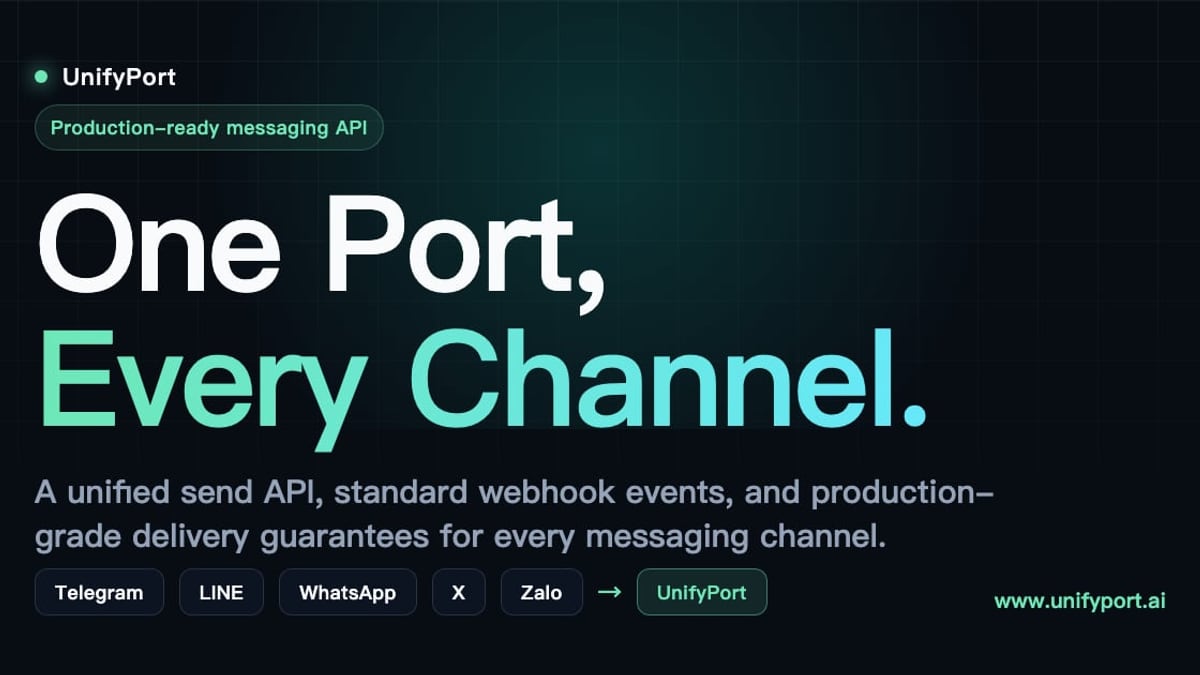
UnifyPort addresses these by offering a single REST API and a standardized webhook event stream that abstracts away all channel‑specific complexity. It supports Telegram alongside WhatsApp, LINE, X (Twitter), Zalo, and TikTok, so you can send and receive messages on any of them through one consistent interface.
Key capabilities for Telegram integration with UnifyPort:
- Send text, images, video, audio, documents, and channel‑specific extensions like
reply_toandparse_mode—all normalized into one request shape. - Inbound events from Telegram (and other channels) arrive as a single JSON structure, making it trivial to route messages to your CRM, AI agent, or notification system.
- Built‑in rate limiting, retries, and idempotency ensure delivery without you ever writing channel‑specific plumbing.
- Full lifecycle management of virtual Telegram accounts: creation, QR/code/session authentication, runtime monitoring, and teardown—all tracked via REST and webhooks.
- Secure API key management with HMAC‑SHA256 signatures, and a webhook control plane where you manage subscriptions, retries, and signature verification in one place.
For a product like UnifyPort, tying together customer conversations from Telegram and WhatsApp into a single thread becomes a straightforward integration rather than a multi‑month project.
Practical Example: Sending a Message via Bot API vs. UnifyPort
Telegram API: Bot, MTProto, TDLib & Multi-Channel Integration Guide product interface and feature overview.
Let’s compare sending the same “Hello, world!” message to a Telegram user using the native Bot API and the UnifyPort unified API.
Native Bot API (Python with requests):
import requests
url = f"https://api.telegram.org/bot{TOKEN}/sendMessage"
payload = {"chat_id": "123456789", "text": "Hello, world!"}
requests.post(url, json=payload)
This works instantly, but if you later need to support WhatsApp, you must integrate a completely different SDK and rewrite your message handling logic.
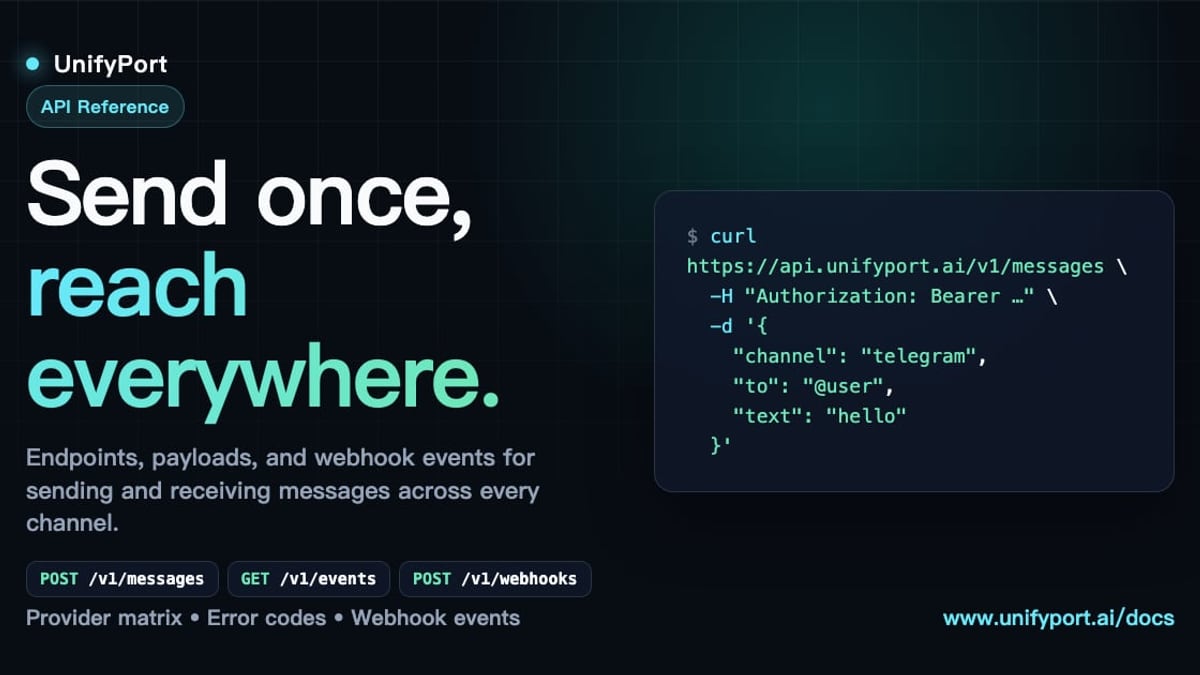
UnifyPort unified API (conceptual REST call):
curl -X POST https://api.unifyport.io/v1/messages \
  -H "Authorization: Bearer YOUR_API_KEY" \
  -H "Content-Type: application/json" \
  -d '{
    "channel": "telegram",
    "to": "123456789",
    "message": {
      "text": "Hello, world!",
      "parse_mode": "MarkdownV2"
    }
  }'
The response includes a delivery status and a unique idempotency key. Adding WhatsApp later requires changing only the channel field to "whatsapp" and formatting the message accordingly—no new SDK, no separate webhook handling.
Related reading
- IMAP API Solution: Simplify Email Integration with a RESTful Interface - Discover how an IMAP API solution turns raw IMAP protocol into a modern REST API. Learn benefits, features, and how to choose the right integration for your app.
- Women's Linen Pants: Style, Fit & Care Guide - Discover how to style linen pants for women, from wide-leg to cropped fits. Find outfit ideas, practical care tips, and smart shopping advice for summer chic.
- CM.com Pricing Breakdown: SMS Rates, Plans & Hidden Costs - Understand CM.com's pricing for SMS, conversational channels, and enterprise plans. We break down models, country rates, hidden costs, and transparent alternatives.
Sources and further reading
- Get Telegram API: A Complete Guide to Seamless Integration with Unipile - Learn how to get the Telegram API and integrate it with Unipile for seamless CRM and ATS functionality. Step-by-step guide for developers.
- GitHub - tdlib/telegram-bot-api: Telegram Bot API server - Telegram Bot API server . Contribute to tdlib/telegram-bot-api development by creating an account on GitHub.
FAQ
Which Telegram API should I use for a simple chatbot?
The Bot API is the right choice. It requires no phone number, no encryption setup, and gives you everything you need to receive messages, send replies, and handle callbacks.
Can I use the Telegram API to build a multi‑account messaging dashboard?
Yes, but you’ll need TDLib or the raw MTProto API to manage multiple user accounts. The Bot API is limited to a single bot per token. For such dashboards, a unified platform like UnifyPort simplifies connecting and monitoring multiple Telegram accounts alongside other messaging channels.
How do I secure webhook endpoints?
For the Bot API, set a secret token via setWebhook and verify the X-Telegram-Bot-Api-Secret-Token header. For MTProto/TDLib, you handle encryption yourself. With UnifyPort, all webhooks are signed using HMAC‑SHA256, and you can manage signature verification across all channels from one control plane.
Is there a cost to use Telegram APIs?
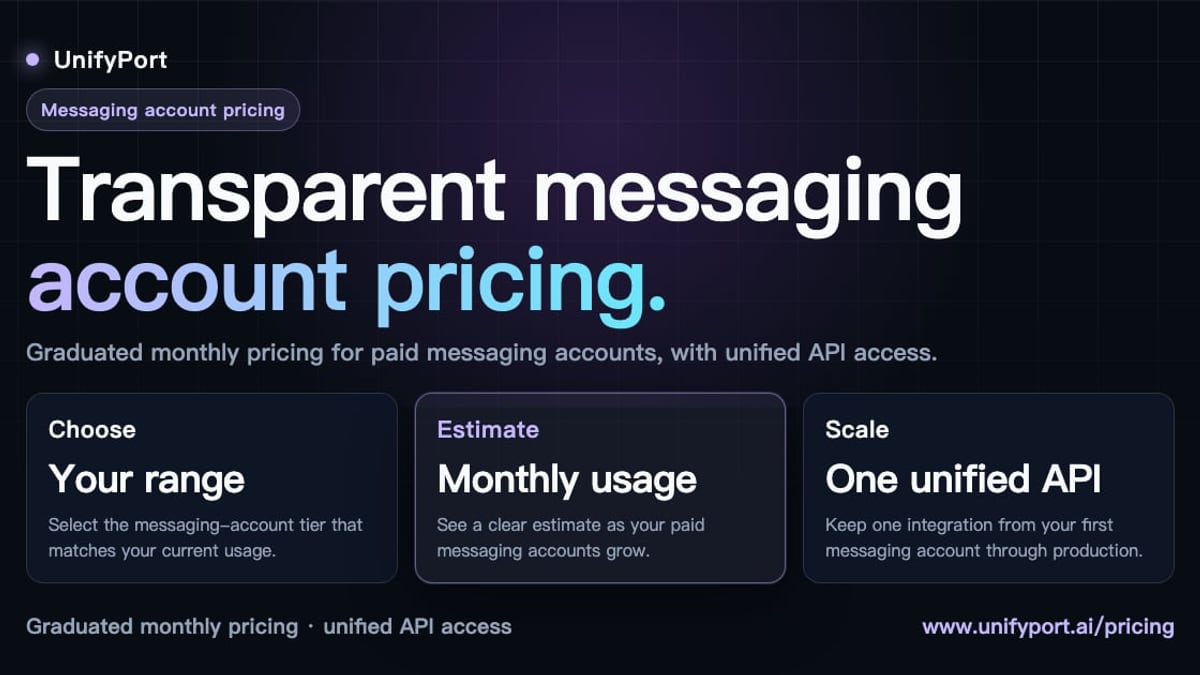
Bot API and MTProto/TDLib are free of charge. The Gateway API offers competitive pricing compared to SMS, often with a free testing tier. Third‑party platforms like UnifyPort charge based on the number of paid messaging accounts per month, with a free tier included.
What about Telegram’s secret chats and end‑to‑end encryption?
Secret chats are only available through the MTProto API and TDLib. They offer device‑specific end‑to‑end encryption, perfect forward secrecy, and self‑destruct timers. For a deeper comparison of encrypted messaging options, see our Encrypted Messaging Guide.
Conclusion
Telegram’s APIs offer a remarkable range of possibilities—from no‑code bots to fully custom clients and high‑scale verification gateways. For most developers, the Bot API provides the fastest path to value. When your product requires deeper integration or you plan to operate across multiple messaging platforms, consider using TDLib or a unified API layer like UnifyPort. The latter not only handles Telegram but also normalizes WhatsApp, LINE, X, Zalo, and TikTok into a single, observable event stream, freeing your team from the burden of managing five different SDKs.
To explore the full potential of Telegram integration across channels, try UnifyPort or dive into the official Telegram API docs. For hands‑on examples of building Telegram mini apps and bots, check out the Telegram Features guide.