
How to Use UnifyPort with Wati: Unified Messaging Guide
Learn how to combine UnifyPort's unified messaging API with Wati's WhatsApp Business platform to streamline multi-channel customer engagement.
How to Use UnifyPort with Wati: A Unified Messaging Guide
Combining UnifyPort's unified messaging API with Wati's WhatsApp Business platform gives you a powerful way to manage customer conversations across multiple channels while leveraging WhatsApp's reach. This guide explains how the two products complement each other, walks through the setup process, and provides practical examples of workflows you can build.
Understanding the Complementary Roles
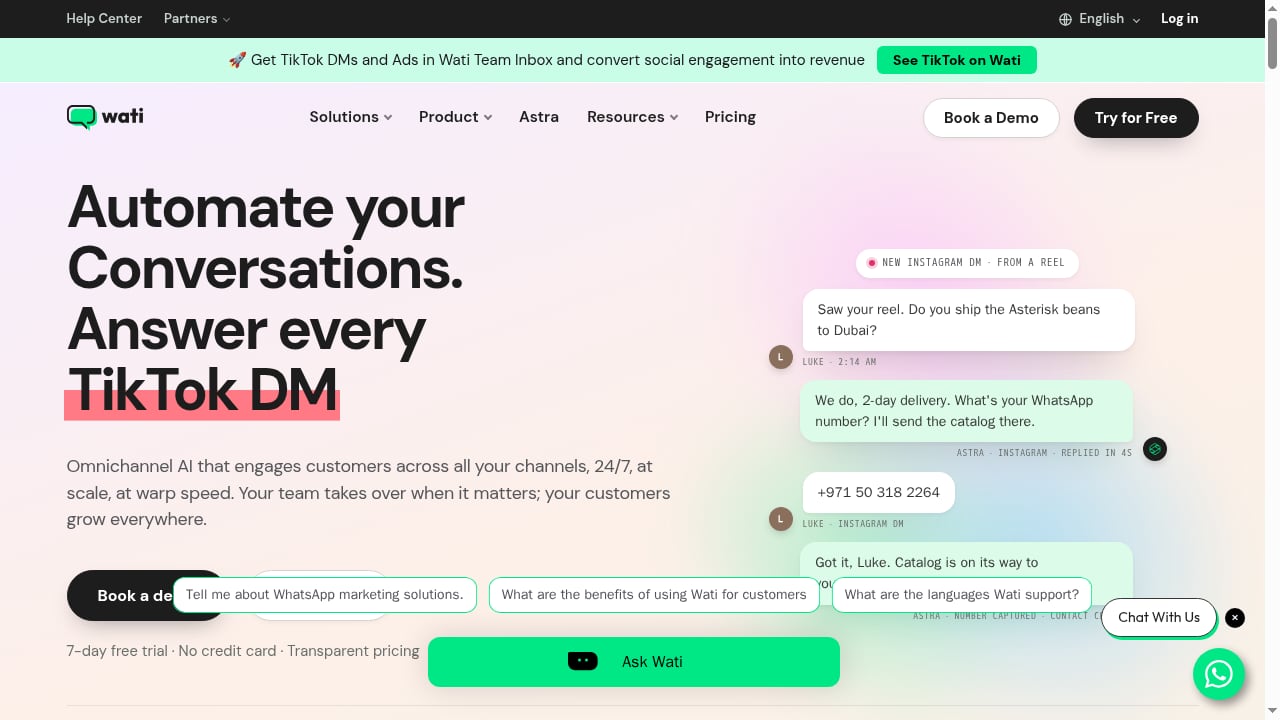
First viewport screenshot of www.wati.io.
UnifyPort acts as a single API layer that connects to WhatsApp, Telegram, LINE, TikTok, Zalo, and X. It normalizes events and lets you send messages with one POST request. Wati, on the other hand, is a full-featured WhatsApp Business API platform with a team inbox, chatbots, broadcast capabilities, and CRM integrations. Together, they let you use Wati for deep WhatsApp engagement while UnifyPort handles other social channels through the same codebase.
When to Use Each
- Use Wati when you need advanced WhatsApp features like template messages, interactive flows, catalog sharing, and a shared team inbox for support and sales.
- Use UnifyPort when you want to add channels like LINE, Zalo, or TikTok without building separate integrations, or when you need a standardized webhook stream across all channels.
- Use both when your customer base spans WhatsApp and other messaging apps, and you want a single backend to manage all conversations while still leveraging Wati's WhatsApp-specific capabilities.
How UnifyPort and Wati Work Together
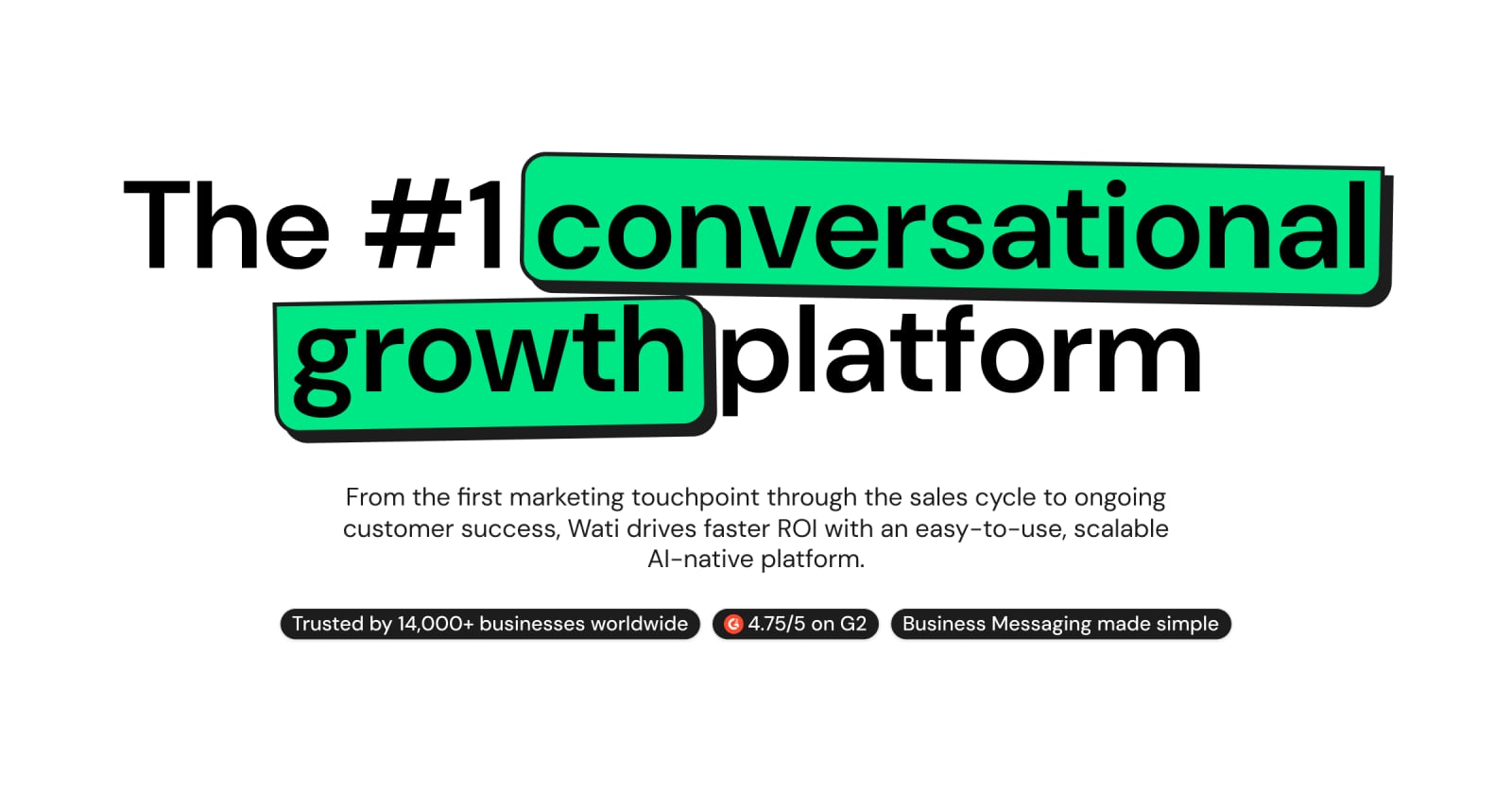
The #1 WhatsApp Business Platform | Wati product interface.
UnifyPort provides a unified REST API and webhook event stream. Wati provides the WhatsApp Business API connection and a rich set of tools for managing WhatsApp conversations. In a combined setup, UnifyPort can serve as the central messaging hub that routes WhatsApp messages to Wati for handling, while also managing other channels directly. Alternatively, you can use UnifyPort to send messages across channels and use Wati's webhooks to trigger actions in your system.
Architecture Overview
- Inbound messages: UnifyPort receives messages from all connected channels (including WhatsApp via Wati) and normalizes them into events like
message.received. - Routing: Your application processes these events and decides whether to handle them internally or forward them to Wati for WhatsApp-specific workflows.
- Outbound messages: You send messages through UnifyPort's
POST /v1/messagesendpoint, which routes to the appropriate channel. For WhatsApp, UnifyPort can use Wati as the underlying provider. - Webhooks: UnifyPort delivers standardized webhook events to your endpoint, and Wati can also send webhooks for WhatsApp-specific events.
Step-by-Step Setup
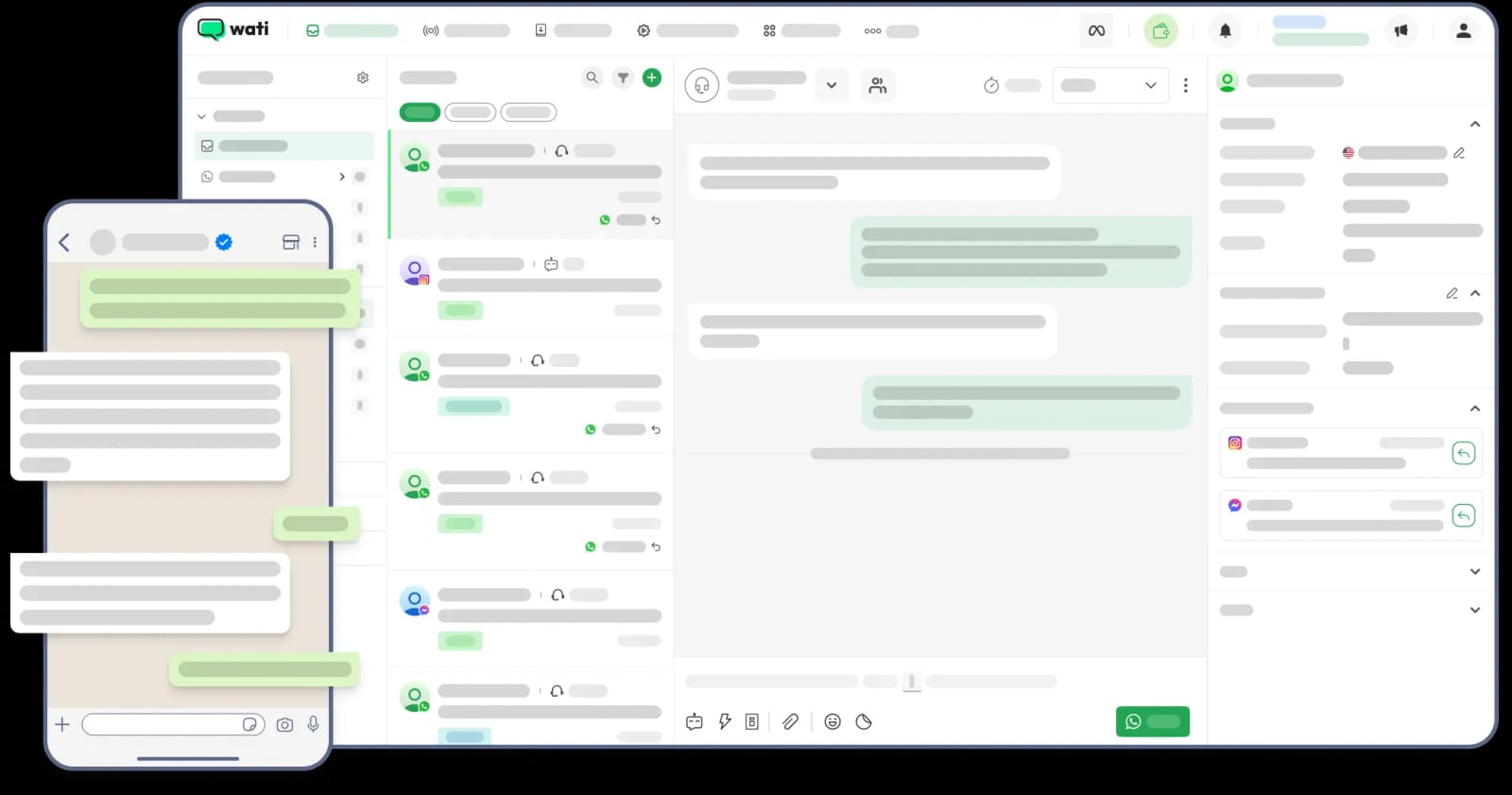
tab image.
Prerequisites
- A UnifyPort account with API credentials.
- A Wati account with a connected WhatsApp Business number.
- A server or serverless function to receive webhooks.
Step 1: Configure Wati for WhatsApp
Sign up for Wati and complete the WhatsApp Business API setup. Verify your Meta Business account, connect your phone number, and configure your team inbox. Wati provides a guided process; you can refer to their help center for detailed instructions.
Step 2: Connect Wati to UnifyPort
In your UnifyPort dashboard, add WhatsApp as a channel and select Wati as the provider. You will need to provide your Wati API key and other credentials. UnifyPort will handle the authentication and establish the connection.
Step 3: Set Up Webhooks
Configure UnifyPort to send webhook events to your endpoint. You can subscribe to events like message.received and message.sent. UnifyPort will deliver these events in a consistent schema regardless of the source channel.
Step 4: Test the Integration
Send a test message from WhatsApp to your Wati number. You should receive a message.received event in UnifyPort. Then, use UnifyPort's API to send a reply back to WhatsApp. Verify that the message is delivered through Wati.
Practical Examples
Example 1: Unified Customer Support Inbox
Your support team uses Wati's team inbox for WhatsApp conversations. For other channels like LINE or Zalo, you want the same agents to respond without switching tools. By integrating UnifyPort, you can route all incoming messages to a single interface. When a customer messages on LINE, UnifyPort receives the event and your application can create a ticket in your helpdesk. Agents can reply from the same interface, and UnifyPort sends the message to the correct channel.
Example 2: Cross-Channel Notifications
You want to send order updates to customers on their preferred channel. Using UnifyPort, you can send a message to WhatsApp (via Wati), Telegram, or LINE with a single API call. The customer's channel preference is stored in your database, and your application calls UnifyPort's POST /v1/messages with the appropriate channel and recipient ID.
Example 3: Marketing Campaigns with WhatsApp and Beyond
Use Wati to send WhatsApp broadcast campaigns with approved templates. For customers who prefer other channels, use UnifyPort to send similar messages via Telegram or LINE. UnifyPort's unified API lets you manage the entire campaign from one codebase, while Wati handles WhatsApp-specific compliance and template approval.
Problems the Combination Solves
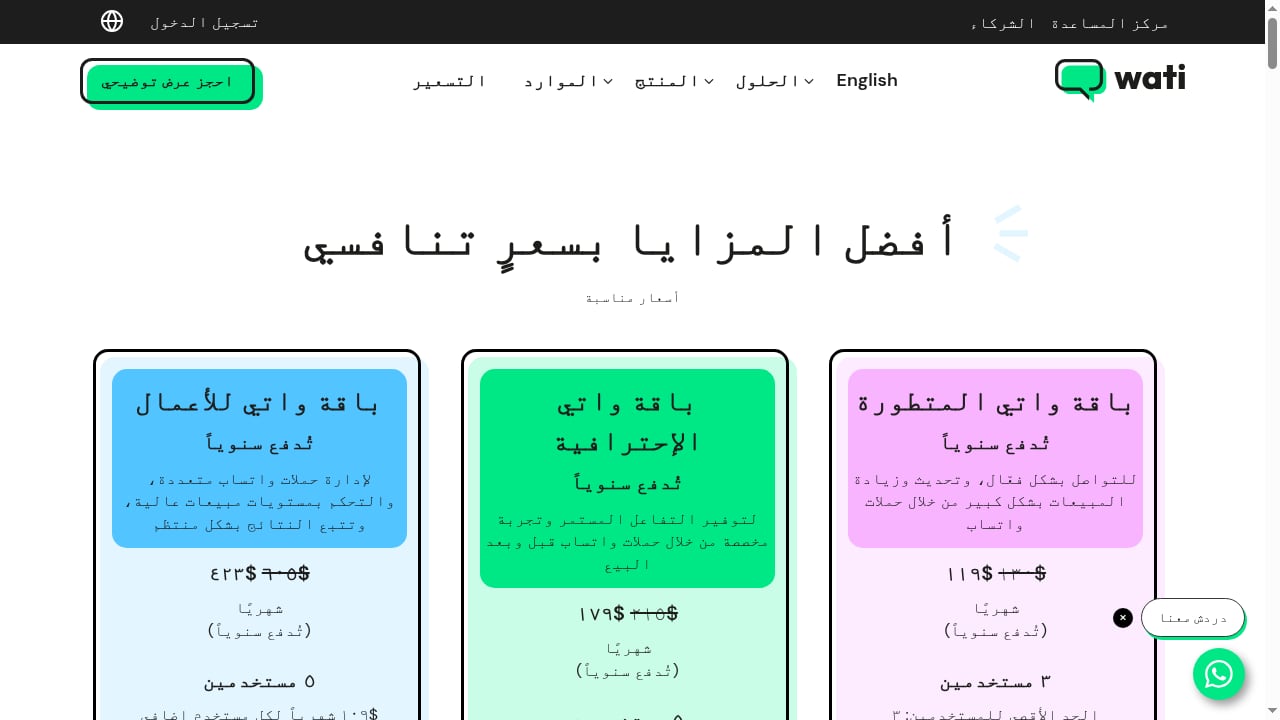
First viewport screenshot of www.wati.io.
- Channel fragmentation: Instead of building separate integrations for each messaging app, UnifyPort provides one API. Wati adds deep WhatsApp capabilities without requiring you to build them from scratch.
- Development overhead: UnifyPort's SDKs for Node.js, PHP, Go, and Python reduce boilerplate code. Wati's ready-made dashboard and automation tools reduce the need to build custom WhatsApp features.
- Inconsistent event handling: UnifyPort normalizes webhook events across channels, so your application logic remains consistent. Wati's webhooks can be used for WhatsApp-specific events if needed.
- Scalability: Both platforms are designed to handle high message volumes, so you can scale your customer engagement without re-architecting.
Comparison and Decision Guidance
If your primary channel is WhatsApp and you need advanced features like chatbots, template management, and a team inbox, Wati alone may suffice. If you need to support multiple social channels and want a unified API, UnifyPort is essential. Combining them gives you the best of both: Wati's WhatsApp expertise and UnifyPort's multi-channel unification. For a broader comparison of messaging platforms, see our UnifyPort vs Sinch vs MessengerPeople analysis.
Related reading
- UnifyPort vs Sinch vs MessengerPeople: Which API Fits? - Compare UnifyPort, Sinch, and MessengerPeople on channels, APIs, pricing, and use cases. Find the right messaging platform for your team in 2026.
- UnifyPort vs Chat SDK: Unified Messaging API or Bot Framework? - Compare UnifyPort's unified messaging API with Chat SDK's TypeScript bot framework. See which fits your channel coverage, language stack, and use case.
- Sent Review 2026: One API for SMS, WhatsApp & RCS - Evidence-based Sent review: one API for SMS, WhatsApp, and RCS, automatic routing, pricing, setup, limitations, and who should use it in 2026.
Sources and further reading
- WhatsApp Business API | Wati - WhatsApp Business API helps your connect with customers at scale. With Wati's WhatsApp Business API, get multiple logins, increased limits and team inbox. Get started for free.
- Wati | AI Platform for WhatsApp Business, Instagram & More - Join 16,000+ businesses that sell, support, and market on WhatsApp, Instagram and TikTok with Wati. Send broadcasts, build chatbots, and let AI agents run conversations by your rules.
Frequently Asked Questions
Can I use UnifyPort without Wati?
Yes, UnifyPort supports WhatsApp directly through other providers. However, Wati offers additional WhatsApp-specific features like team inbox and chatbots.
Do I need coding knowledge to use Wati?
Wati provides a no-code interface for many tasks, but integrating with UnifyPort requires some development work to handle API calls and webhooks.
How do I handle message templates in UnifyPort?
UnifyPort supports text and media messages. For WhatsApp template messages, you may need to use Wati's API directly or ensure UnifyPort's WhatsApp provider supports templates. Check UnifyPort's documentation for details.
What about pricing?
UnifyPort charges graduated monthly messaging-account costs in USD, with free messaging accounts in every workspace. Wati has its own pricing based on conversation-based fees. Review both pricing pages to estimate costs.
Conclusion
Integrating UnifyPort with Wati gives you a robust solution for managing customer conversations across WhatsApp and other messaging channels. By leveraging UnifyPort's unified API and Wati's WhatsApp Business platform, you can reduce development effort, maintain consistency, and scale your engagement. Start by setting up Wati for WhatsApp, then connect it to UnifyPort and explore the possibilities. For more insights on messaging APIs, explore our UnifyPort vs Chat SDK comparison and Top 10 Omnichannel Communication Platforms 2026.