
CM.com API: Channels, Docs, Pricing, and Alternatives
A practical guide to the CM.com API: messaging channels, developer docs, authentication, pricing considerations, and how it compares to unified messaging APIs.
CM.com API: A Practical Guide to Channels, Integration, and Alternatives
CM.com is a Netherlands-based cloud platform for conversational commerce, payments, and customer engagement. For developers, the most relevant entry point is its collection of REST APIs, which cover messaging, voice, identity verification, payments, ticketing, and more. This guide focuses on what the CM.com API actually offers, how its messaging and developer tooling fit together, and how it compares with a unified messaging API approach when you need to reach customers across many chat apps.
What Is the CM.com API?

CM.com API: Channels, Docs, Pricing, and Alternatives - What Is the CM.com API?.
The CM.com API is not a single endpoint. It is a family of APIs grouped by product area and exposed through the CM.com Developers Portal. The portal organizes integrations into logical domains:
- Messaging — send and receive SMS, RCS, WhatsApp, Apple Messages for Business, and other channels from your own platform.
- Conversational AI Cloud — build automated conversations through APIs and webhooks.
- Mobile Marketing Cloud — programmatic access to email, SMS, and conversational channels for campaigns.
- Mobile Service Cloud — embed customer service functionality into your own products.
- Payments Platform — integrate payment methods into webshops and e-commerce sites.
- Voice — manage SIP accounts, inbound numbers, call detail records, and outbound notification or OTP scenarios.
- Sign — add electronic signing workflows to your software.
- Verification — add identity verification steps to increase trust in a workflow.
- Ticketing — create and manage ticket orders and checkout pages.
- Central Services — platform building blocks used by CM.com's own software and available for direct integration.
For most teams evaluating CM.com, the Business Messaging API is the starting point. Its core promise is omni-channel business messaging from one API: send messages to customers on their preferred communication platform without maintaining separate provider integrations for each channel.
CM.com Business Messaging API: Channels and Capabilities
CM.com API: Channels, Docs, Pricing, and Alternatives - CM.com Business Messaging API: Channels and Capabilities.
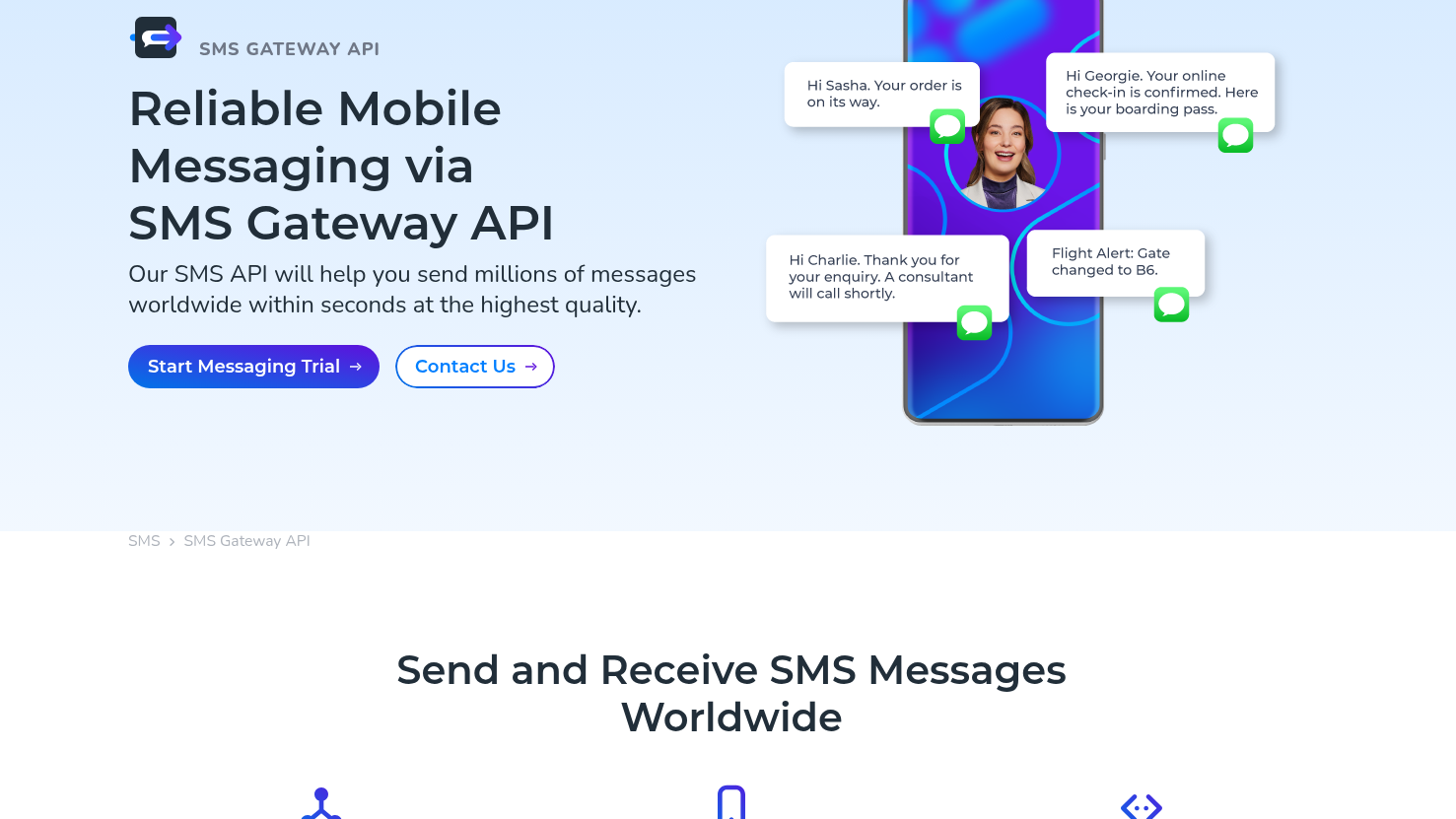
The Business Messaging API is CM.com's flagship developer product for conversational messaging. It supports several channels through a shared request model:
- SMS — high-deliverability transactional and marketing text messages.
- RCS — rich messaging on Android devices with media, buttons, and suggested replies.
- WhatsApp — template-based business messaging and customer-initiated conversations.
- Apple Messages for Business — rich conversations with Apple users.
- Additional OTT channels depending on region and account configuration.
The practical benefit is that you can build one message-sending pipeline and route to different channels based on recipient preference, availability, or fallback rules. This is especially useful for notifications, one-time passwords, appointment reminders, and customer support workflows.
Authentication and Webhooks
Like most enterprise messaging platforms, CM.com uses API keys or tokens for authentication. You create credentials in the developer portal, scope them to a product, and include them in your REST requests. Webhooks are used for inbound messages, delivery receipts, and status updates, letting your application react to events asynchronously.
If you are building a multi-channel integration, pay close attention to how each channel normalizes events. Some channels report delivery status differently, and template approval rules vary. The CM.com API abstracts part of this, but channel-specific behavior still leaks through in payloads and configuration requirements.
Getting Started with the CM.com API
CM.com API: Channels, Docs, Pricing, and Alternatives - Getting Started with the CM.com API.
The fastest way to evaluate the platform is through the CM.com Developers Portal. It provides:
- Getting-started guides for each product area.
- REST API references with request and response examples.
- Webhook documentation and event descriptions.
- Sandbox or test credentials for most messaging products.
A typical integration flow looks like this:
- Create a CM.com account and select the products you need.
- Generate API credentials for the Business Messaging API.
- Test with sandbox endpoints and sample payloads.
- Configure webhooks for inbound messages and status callbacks.
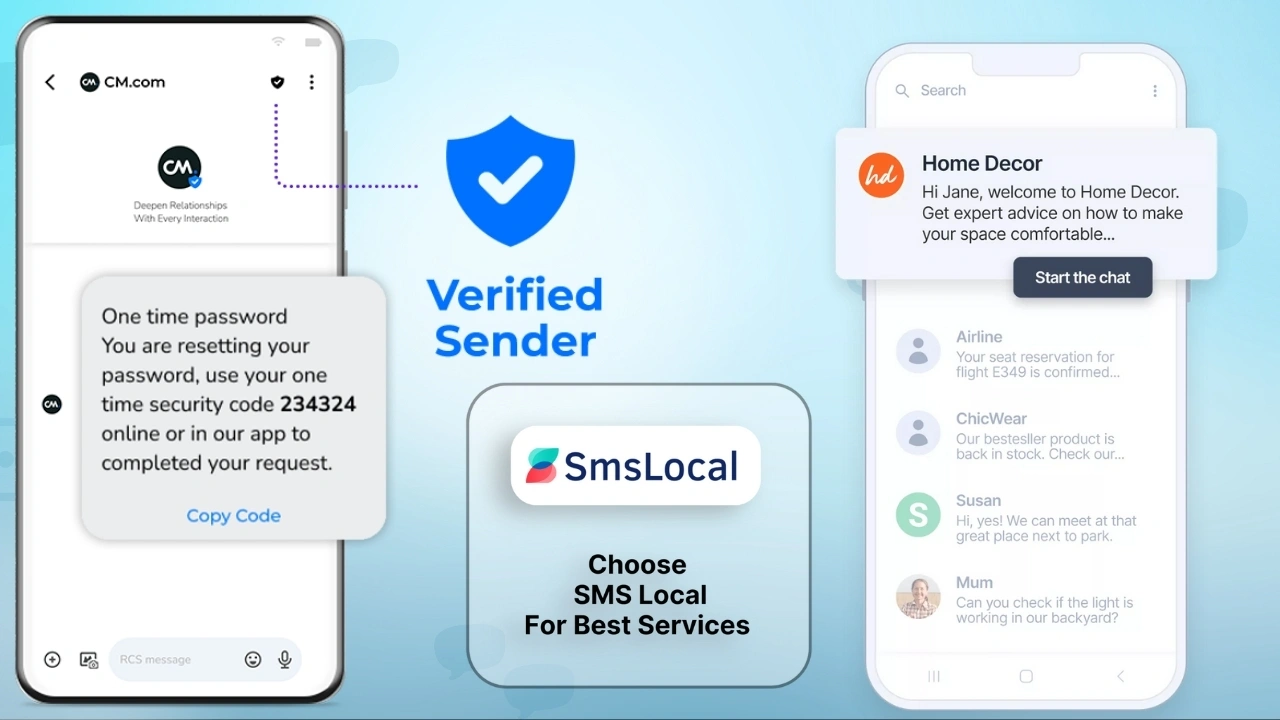
- Move to production with approved templates and verified sender IDs.
For teams that only need one or two channels, this setup is manageable. Complexity grows when you add more channels, multiple sender identities, and country-specific compliance requirements.
CM.com API Pricing: What to Expect
CM.com API: Channels, Docs, Pricing, and Alternatives - CM.com API Pricing: What to Expect.
CM.com does not publish a simple flat-rate price for its API. Pricing is usage-based and depends on:
- The channel you use (SMS, WhatsApp, RCS, voice, etc.).
- Destination country and operator fees.
- Message type (transactional vs. marketing).
- Volume commitments and negotiated contracts.
This is standard for CPaaS providers. You typically pay per message or per conversation, with volume discounts available through a sales agreement. For accurate pricing, you need to contact CM.com directly or request a quote through their platform.
If you are comparing options, it helps to separate channel costs from platform costs. Some providers bundle both; others charge a platform fee on top of pass-through channel fees. A unified messaging API may also charge per connected account or per workspace, so evaluate total cost rather than headline per-message rates.
CM.com API vs. Unified Messaging APIs
CM.com is a strong choice when you need a broad CPaaS portfolio: messaging, payments, voice, and identity in one vendor relationship. But the API is still channel-centric. You integrate with the CM.com messaging product, then configure each channel inside it.
A unified messaging API takes a different approach. Instead of treating channels as features of one provider, it treats them as connections to external platforms. UnifyPort, for example, is a unified messaging API platform that lets developers send and receive messages across Telegram, WhatsApp, LINE, X (Twitter), Zalo, and TikTok through a single REST API and standardized webhook events. It abstracts away provider-specific SDKs and differences, providing a normalized interface for message delivery and event ingestion.
The distinction matters when your product needs to connect directly to social and chat platforms that are not traditional CPaaS channels. CM.com covers SMS, RCS, WhatsApp, and Apple Messages for Business well. UnifyPort covers social messaging apps and chat platforms that many CPaaS providers do not treat as first-class channels, including Telegram, LINE, X, Zalo, and TikTok.
When CM.com Makes More Sense
- You need SMS, RCS, or voice alongside chat apps.
- You want payments, identity verification, or ticketing from the same vendor.
- You operate primarily in regions where CM.com has strong carrier relationships.
- You prefer a single commercial contract for multiple CPaaS products.
When a Unified Messaging API Makes More Sense
- Your users live on social and chat apps like Telegram, LINE, Zalo, or TikTok.
- You need normalized webhook events across every channel without writing channel-specific parsers.
- You are building AI agents, CRMs, or notification systems that must connect to many messaging platforms.
- You want one REST API for message delivery and event ingestion across all channels.
For a closer look at how unified messaging APIs simplify multi-channel delivery, see this overview of social messaging and API strategy.
Practical Example: Sending a Multi-Channel Notification
Imagine you run a booking platform and need to notify customers about reservation changes. With a channel-centric approach, your code might look different for each provider:
POST /v1/messages
Authorization: Bearer YOUR_CM_API_KEY
Content-Type: application/json

{
  "messages": {
    "authentication": {},
    "msg": [
      {
        "from": "YourBrand",
        "to": "31612345678",
        "body": {
          "type": "text",
          "text": "Your booking is confirmed."
        }
      }
    ]
  }
}
This works well for SMS and similar channels. But when you add Telegram, LINE, or TikTok to the mix, you often need separate SDKs, different payload shapes, and custom webhook handling for each platform.
A unified messaging API normalizes that. You send one payload shape and receive one event shape regardless of channel:
{
  "channel": "telegram",
  "to": "user_id",
  "content": {
    "type": "text",
    "text": "Your booking is confirmed."
  }
}
Inbound events arrive as standardized JSON, so your CRM or AI agent does not need to know whether the message came from Telegram, WhatsApp, or LINE. This is the core value proposition of unified messaging platforms like UnifyPort, which positions itself as "One Port, Every Channel."
Developer Experience: Docs, SDKs, and Webhooks
The quality of API documentation often determines how long an integration takes. CM.com's developer portal is comprehensive but spread across many product areas. You may need to consult separate guides for messaging, voice, payments, and sign, because each product has its own authentication model and event format.
A unified messaging API typically offers a smaller, more focused surface area. UnifyPort, for instance, provides:
- A single REST API for sending and receiving messages.
- A standard event layer that converts all provider messages into a consistent JSON shape.
- A webhook control plane for managing signatures, subscriptions, and retries.
- Official SDKs for Node.js, PHP, and Go.
- Built-in rate limiting, retries with idempotency, and failure isolation.
This focus can reduce integration time when your primary requirement is multi-channel messaging rather than a full CPaaS suite.
Security and Reliability Considerations
Any messaging API that handles customer conversations must be reliable and secure. Key areas to evaluate:
- Authentication — API keys, OAuth, or token-based access with proper scoping.
- Webhook security — HMAC signatures or equivalent mechanisms to verify event authenticity.
- Retries and idempotency — protection against duplicate messages when networks fail.
- Rate limiting — predictable behavior when you exceed channel or provider limits.
- Failure isolation — one channel outage should not take down your entire messaging pipeline.
CM.com provides enterprise-grade infrastructure and compliance support, particularly for regulated industries in Europe. UnifyPort addresses similar concerns with API keys, HMAC-SHA256 signatures, built-in rate limiting, retries with idempotency, and failure isolation across connected accounts.
CM.com API Alternatives at a Glance
| Requirement | CM.com API | Unified Messaging API (e.g., UnifyPort) |
|---|---|---|
| SMS, RCS, voice | Strong support | Limited or not applicable |
| WhatsApp, Apple Messages for Business | Strong support | WhatsApp supported |
| Telegram, LINE, X, Zalo, TikTok | Not core channels | First-class channels |
| Payments, identity, ticketing | Available in same platform | Not applicable |
| Normalized webhook events | Channel-dependent | Standard event layer |
| SDKs | Multiple product-specific SDKs | Node.js, PHP, Go |
| Pricing model | Usage-based, contract-driven | Graduated monthly tier per paid account |
This is not a question of which platform is universally better. It is a question of which platform matches your channel mix and integration model. Many teams use both: a CPaaS provider for SMS and voice, and a unified messaging API for social and chat platforms.
Related reading
- Unipile Pricing Explained: Plans, Costs & Alternatives - Understand Unipile pricing in 2025: the €49/month base plan, per-account tiers, what counts as a linked account, and how it compares to unified messaging API alternatives.
- CM.com Careers: Jobs, Hiring Process & How to Apply - Explore CM.com careers, open roles, company culture, locations, and how to apply. See what it's like to work at the Breda-based messaging and payments platform.
- Telegram Web: How to Use It, Key Features, and API Options - Learn how Telegram Web works, how it compares to the desktop and mobile apps, common login issues, and how developers can connect Telegram via API.
Sources and further reading
- OTT Omni-Channel Business Messaging From One API - Send messages to your customers on their preferred communication platform with Business Messaging API.
- Payment Gateway API documentation - CM.com - Connect to our payment gateway through our API, independent of any particular programming model. Find all needed documents here.
FAQ
What channels does the CM.com API support?
The CM.com Business Messaging API supports SMS, RCS, WhatsApp, Apple Messages for Business, and additional OTT channels depending on your account and region. The broader CM.com platform also covers voice, payments, identity verification, and ticketing through separate APIs.
Where do I find CM.com API documentation?
All developer documentation is available on the CM.com Developers Portal. It includes getting-started guides, API references, webhook documentation, and test credentials for most products.
Is the CM.com API free to test?
CM.com offers sandbox or test environments for many products, but production usage is paid. Pricing is usage-based and varies by channel, destination, and volume. Contact CM.com for a quote.
Can I use the CM.com API for Telegram or LINE?
CM.com's core messaging channels are SMS, RCS, WhatsApp, and Apple Messages for Business. Telegram, LINE, and similar social messaging apps are not first-class channels in the same way. If those platforms are central to your product, a unified messaging API like UnifyPort may be a better fit.
How does CM.com API authentication work?
You authenticate with API keys or tokens generated in the developer portal. Each product area may have its own credential type and scoping model, so review the specific documentation for the API you are integrating.
What is the difference between CM.com and a unified messaging API?
CM.com is a CPaaS platform offering messaging, payments, voice, and identity products. A unified messaging API focuses specifically on normalizing message delivery and event ingestion across many chat and social platforms through one REST API and one webhook format. The right choice depends on whether you need a broad CPaaS suite or deep multi-channel chat integration.
Conclusion
The CM.com API is a capable and mature platform for businesses that need SMS, RCS, WhatsApp, voice, and related CPaaS services under one vendor. Its developer portal is well-structured, and the Business Messaging API delivers real omni-channel value for transactional and conversational use cases.
However, if your product must connect to social and chat platforms like Telegram, LINE, X, Zalo, or TikTok, a unified messaging API such as UnifyPort offers a more direct path. By normalizing message delivery and webhook events across channels, it removes the need to build and maintain separate integrations for each platform.
Before committing, map your required channels, event-handling needs, and budget. If you need SMS and voice, CM.com is a strong candidate. If you need many chat apps behind one clean API, explore unified messaging options. For more detail on how CM.com's broader feature set compares, see CM.com features and API capabilities, and for a practical look at unified messaging workflows, check out real API examples and code samples.