

Journey Builder for Messaging APIs: What Developers Need
Learn how journey builder concepts apply to messaging APIs, with practical examples using UnifyPort's unified API for WhatsApp, Telegram, LINE, and more.
Journey Builder for Messaging APIs: What Developers Need
Journey builder tools help teams design and automate customer interactions across channels. But when your channels include WhatsApp, Telegram, LINE, TikTok, Zalo, and X, a traditional marketing-focused journey builder may not fit your stack. This article explains how journey builder concepts translate to messaging APIs, what to look for, and how a unified messaging API like UnifyPort supports event-driven journeys without per-channel rebuilds.
What a journey builder does in a messaging context
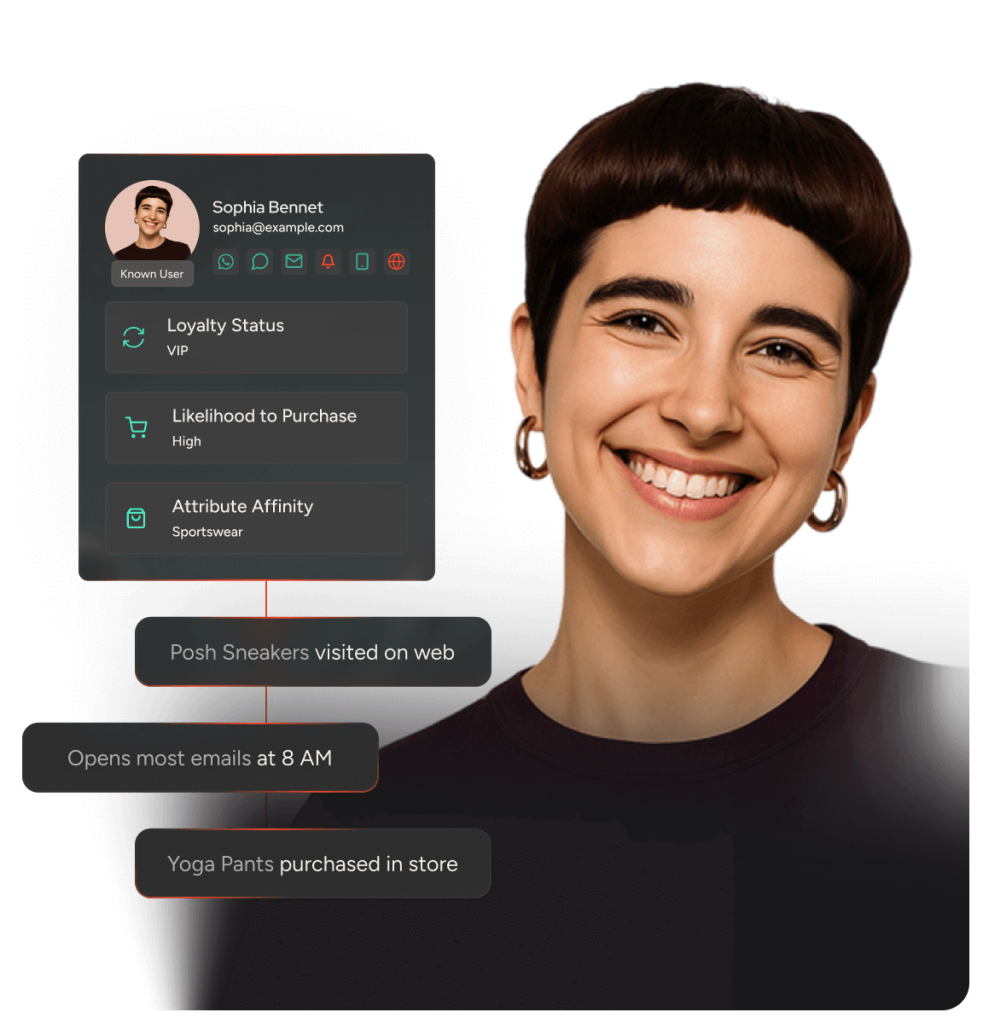
Journey Builder for Messaging APIs: What Developers Need - What a journey builder does in a messaging context.
A journey builder is a visual or programmatic tool for orchestrating a sequence of messages and actions based on customer behavior. In messaging, the “journey” is often a conversation flow: a user sends a message, your system replies, waits for a response, and branches accordingly. Unlike email-centric journey builders, messaging journeys must handle real-time, two-way interactions across social channels, each with its own message types and webhook formats.
Key capabilities to look for:
- Event triggers – start or advance a journey when a message is received, a reaction is added, or a session changes.
- Channel abstraction – send the same logical message to different platforms without rewriting integration code.
- State management – track conversation context and user progress across steps.
- Branching and delays – wait for replies, split based on user input, and schedule follow-ups.
- Analytics and history – inspect each contact’s path through the journey.
Why traditional journey builders fall short for social messaging

Journey Builder for Messaging APIs: What Developers Need - Why traditional journey builders fall short for social messaging.
Platforms like Salesforce Journey Builder are powerful for email, SMS, and push, but they are not standalone products—they rely on content and audience data from other Marketing Cloud studios. For developers building conversational experiences on social channels, the gaps are more pronounced:
- Channel coverage – many journey builders focus on email and SMS; social channels like LINE, Zalo, or TikTok may require separate integrations.
- Webhook normalization – each social platform sends events in different formats. Without a unified event stream, your journey logic becomes a patchwork of conditionals.
- Developer control – visual builders may not expose the low-level APIs needed for custom message types (mentions, reactions, pinning) or account lifecycle management.
- Real-time two-way messaging – journey builders often assume outbound campaigns; conversational replies require a different architecture.
How UnifyPort supports journey builder patterns
UnifyPort is a unified messaging API platform that connects WhatsApp, Telegram, LINE, TikTok, Zalo, and X through a single REST API and a standardized webhook event stream. Instead of building a separate integration for each channel, you send messages with one POST /v1/messages call and receive normalized events such as message.received, with provider, account, conversation, sender, and message data in a consistent schema.
For journey builder use cases, this means:
- One event stream for all channels – your journey engine listens to
message.receivedregardless of whether the user is on LINE or Telegram. - Channel-agnostic message sending – define a journey step once and deliver it to the user’s channel via the same API call.
- Rich message actions – support for text, media captions, mentions, message pinning, revocation, emoji reactions, and account lifecycle management (QR-code, code, session, and Passkey authentication flows).
- SDKs for Node.js, PHP, Go, and Python – integrate journey logic in your preferred language.
Example: a simple welcome journey
- A user sends a message to your WhatsApp account.
- UnifyPort delivers a
message.receivedwebhook event to your server. - Your journey engine creates or updates a contact record and sends a welcome message via
POST /v1/messages. - If the user replies, another
message.receivedevent advances the journey to the next step.
Because the event schema is consistent, the same journey logic works for Telegram, LINE, or any other connected channel.
Building vs buying: journey builder decisions

Journey Builder for Messaging APIs: What Developers Need - Building vs buying: journey builder decisions.
When evaluating journey builder options for messaging, consider these trade-offs:
| Approach | Pros | Cons |
|---|---|---|
| Traditional marketing journey builder (e.g., Salesforce Journey Builder) | Rich visual editor, integrated with CRM and email studios | Limited social channel coverage, requires Marketing Cloud ecosystem, less developer control |
| Custom-built journey engine on raw channel APIs | Full control, tailored to your product | High maintenance, per-channel webhook handling, slow to add channels |
| Unified messaging API like UnifyPort + your own orchestration | Channel abstraction, normalized events, developer-friendly SDKs, faster channel expansion | You still build the journey logic; not a visual builder out of the box |
If your team needs a visual journey builder with deep CRM integration, a marketing cloud may be the right fit. If you are building conversational products or support workflows across Asian social channels, a unified messaging API gives you the primitives to build journeys without per-platform rebuilds. For a broader comparison of messaging platforms, see our Top 10 CPaaS Products 2026: Ranked & Reviewed.
Practical considerations for API-driven journeys
- Idempotency – ensure your journey engine handles duplicate webhook events gracefully.
- Rate limits – each channel has its own limits; a unified API can help you manage them centrally.
- Message types – not all channels support reactions or mentions; design journeys with fallbacks.
- Testing – use sandbox accounts and simulate events to validate journey branches.
- Observability – log normalized events and API responses for debugging.
For teams comparing unified messaging APIs, our UnifyPort vs Sinch vs MessengerPeople analysis covers channel coverage, APIs, and pricing. If you are integrating with WhatsApp Business platforms, see How to Use UnifyPort with Wati.
Related reading
- UnifyPort vs Chat SDK: Unified Messaging API or Bot Framework? - Compare UnifyPort's unified messaging API with Chat SDK's TypeScript bot framework. See which fits your channel coverage, language stack, and use case.
FAQ
What is a journey builder in the context of messaging APIs?
A journey builder orchestrates a sequence of messages and actions based on user behavior. In messaging APIs, it typically means an event-driven system that reacts to incoming messages and sends replies across channels.
Can I use UnifyPort as a journey builder?
UnifyPort provides the messaging API and normalized webhook events that a journey builder needs, but it is not a visual journey builder itself. You build the orchestration logic using the API and SDKs.
Which channels does UnifyPort support?
UnifyPort connects WhatsApp, Telegram, LINE, TikTok, Zalo, and X through a single API.
Do I need separate integrations for each channel?
No. UnifyPort abstracts channel differences so you send messages with one API call and receive events in a consistent schema.
What SDKs are available?
Official SDKs are available for Node.js, PHP, Go, and Python.
Conclusion
Journey builder concepts are valuable for messaging, but traditional marketing journey builders may not cover the social channels and developer control you need. A unified messaging API like UnifyPort gives you the event stream and channel abstraction to build your own journey logic efficiently. Evaluate your channel mix, team skills, and need for visual tooling to choose the right approach. For more on omnichannel platforms, see our Top 10 Omnichannel Communication Platforms 2026.
External references: